

Featured items
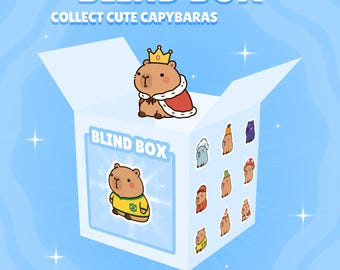
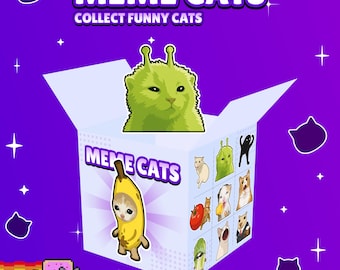
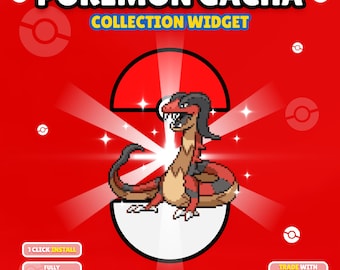
All items
Announcement
Last updated on 30 Jul, 2026
Reviews
5.0
(16)
Average item review
We calculate this number using a recency-weighted average of all ratings, with a rating's value decreasing by half each year to best reflect the current experience.
Loading
-

Tadashi on 10 Sept, 2026
5 out of 5 starsI loved it, it's perfect and I wanted to buy more but they only have 3 in the store, hopefully I'll see more soon
-
Inês on 01 Sept, 2026
5 out of 5 starsthe cutest addition to my stream, so entertaining and interactive :)))
-

Hannahbal on 27 Aug, 2026
5 out of 5 starsIt was so much easier than I expected! And the responded so quickly to the one issue I had!
-
nicholas on 22 Aug, 2026
5 out of 5 starsreally enjoying it, done really well. I do wish the inventory was more condense and a bit more clean

Euclides responded on 22 Aug, 2026
Thank you for the review, Nicholas! I'm glad you liked the widget. About the inventory, you can adjust it in the settings to make it more condensed and clean if that's what you prefer: In Inventory Scene Settings: Try setting Inventory Size to 1200,800. This will make it more compact, and you can adjust it to your liking. Or you can use this other setup, which will make it even more compact: Inventory Size: 1800,800 Item Amount by Row: 30 If you want to configure the inventory preview that appears when opening a box, you can change the settings under Batch Scene Settings. I recommend these settings to make it more clean and compact: Batch Size: 1800,200 Batch Rows: 2 Batch Item Scale: 2
-

-

-






About CapybaraWidgets
Sales
160
On Etsy since 2026
Shop policies
Last updated on
Accepted payment methods
Accepts Etsy Gift Cards and Etsy Credits
Returns & exchanges
See item details for return and exchange eligibility.