
All items

Reviews
5.0
(173)
Average item review
We calculate this number using a recency-weighted average of all ratings, with a rating's value decreasing by half each year to best reflect the current experience.
Loading
-

-

-

Jennifer on 04 Jan, 2024
5 out of 5 starsSuch a cute background for my mockups. I love it, thank you so much!
-

-

-

-

-

-




Shop policies
Last updated on 22 Mar, 2018
Digital downloads
Instant downloads
Your files will be available to download once payment is confirmed. Here's how.
Payment options
Secure options
Accepts Etsy Gift Cards and Etsy Credits
Etsy keeps your payment information secure. Etsy shops never receive your credit card information.
Returns & exchanges
See item details for return and exchange eligibility.
Cancellations
Cancellations: not accepted
Please contact the seller if you have any problems with your order.
More information
Last updated on
17 Dec, 2025
Frequently asked questions
How do I download my files?
Once your payment is complete you will be able to download your files (you can find them in the purchases/reviews section of your account), and you will also receive an email from Etsy with a download link.
PLEASE NOTE:
For "Zipped" files, please double left click on zipped folder, then click "Extract All." Next, browse and select your "Destination" folder. Once selected, click "Extract." File will now appear in the folder you selected.
*If you experience difficulty, please message me directly. Or you're most welcome to visit Etsy's Downloading Tips Article via the weblink below:
https://help.etsy.com/hc/en-gb/articles/115013328108?segment=shopping
What files will I receive? How do I use them?
You'll receive one or more of the following files, depending on your order:
Printable Art:
JPEG Files in the sizes noted in the listing.
Mockups:
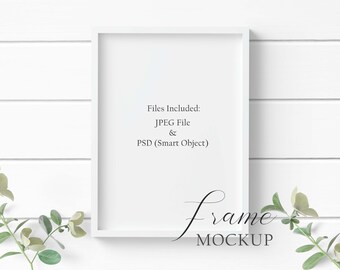
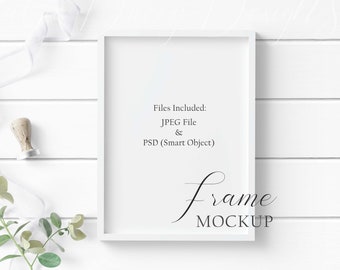
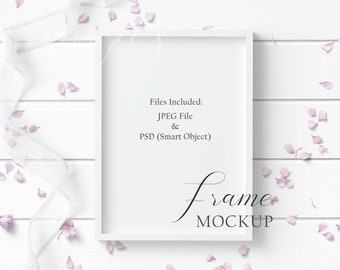
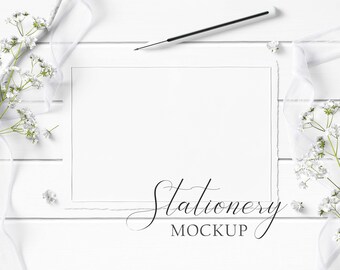
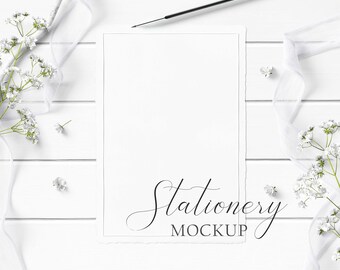
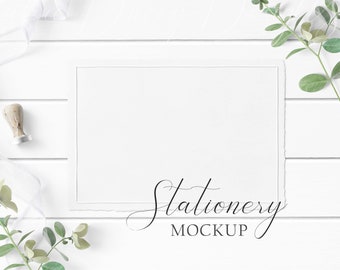
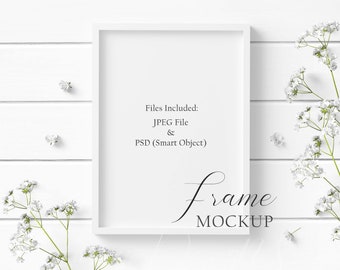
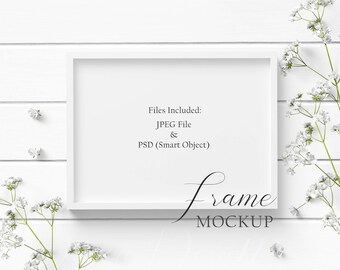
JPEG file (flat image) to enter your text or overlay your photo/print on top of image. Resize your photo/print, if needed, and you’re done!
PSD mockup file with one Smart Object (ie. 5x7 frame)
In Photoshop, double left click Smart Object layer titled “Your Design Here” then drag and place your design in this layer. Transform as needed. Press "Enter." Press "Control & S" to save changes. Close window and your design will appear in original file. To see shadows & effects, please ensure layer is set to “Multiply” blending mode.
Do you accept custom orders?
Absolutely! I'd be more than happy to customize any printable art listing. Please contact me before purchase. Depending on the request, additional fees may apply.
Can I edit the mockup?
Please note the mockup is not a scene creator; it is a fixed scene. Objects cannot be moved/removed, nor any change in colours.