








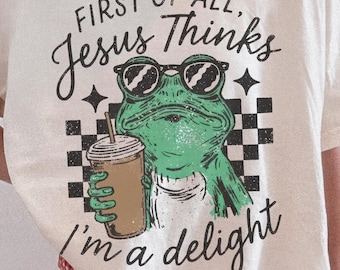


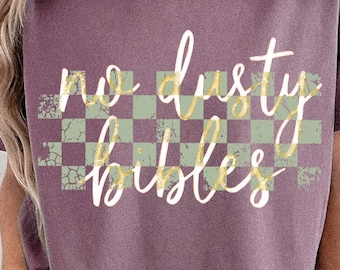
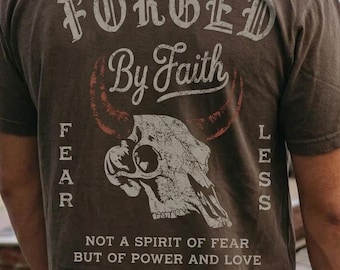


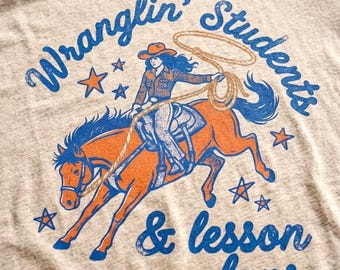
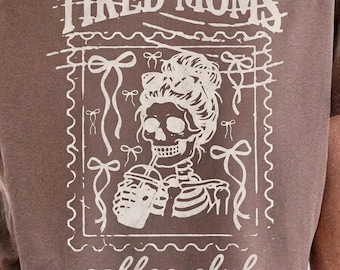

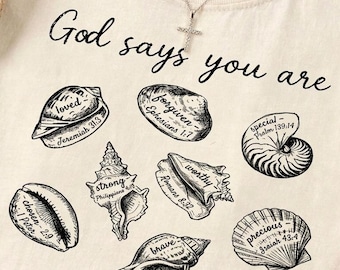
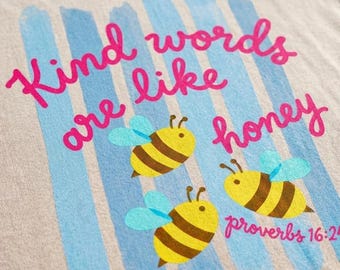

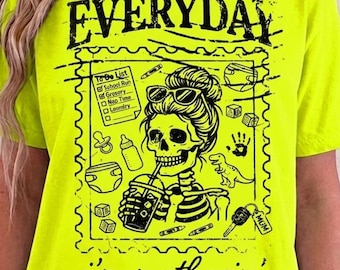


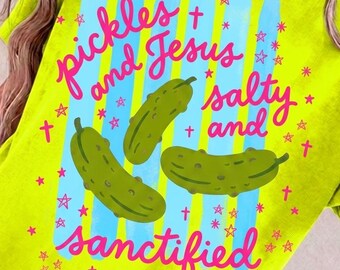






Christian SVG & PNG Files | Family Quote Designs | Faith Sublimation & Cricut Cut Files
Featured items
All items
Announcement
Last updated on 17 Sept, 2025
Reviews
5.0
(949)
Average item review
We calculate this number using a recency-weighted average of all ratings, with a rating's value decreasing by half each year to best reflect the current experience.
Loading
-

-

-

-

Daniel on 03 Apr, 2026
5 out of 5 starsGreat PNG file. Straight to printing from download

Gina responded on 05 May, 2026
Thank you so much for your kind review Daniel! I’m so glad the file worked perfectly for you and was ready to print right away—that’s exactly what I aim for. I truly appreciate your support and hope it brings you lots of success with your shirts! 💛
-

-
-
-

Etsy buyer on 23 Mar, 2026
5 out of 5 starsI bought this to make a shirt for a friend and she lives it!
-
Aimee on 22 Mar, 2026
5 out of 5 starsExcellent quality! Printed perfectly and had an extra file that I can’t wait to print✝️
-

About SvgCraftFiles
Sales
16,187
On Etsy since 2016
Shop about video description
Shop members
-

Gina
Owner, Designer
Hi, I’m Gina, the artist and creator behind SVGcraftfiles. I’ve always loved combining my faith, family values, and creativity into artwork that inspires and uplifts. In this shop, I design Christian SVGs, inspirational PNGs, and family-themed
Shop policies
Last updated on 23 Apr, 2016
Digital downloads
Instant downloads
Your files will be available to download once payment is confirmed. Here's how.
Made-to-order downloads
I’ll create your items after purchase and you’ll receive an email when the files are ready to download. The time I need to complete these items can vary. Contact me if you have questions.
Payment options
Secure options
Accepts Etsy Gift Cards and Etsy Credits
Etsy keeps your payment information secure. Etsy shops never receive your credit card information.
Returns & exchanges
See item details for return and exchange eligibility.
Cancellations
Cancellations: not accepted
Please contact the seller if you have any problems with your order.
Privacy policy
More information
Last updated on
17 Dec, 2025
Frequently asked questions
Can I use these files to make products for sale?
Yes for the following:
- Personal, physical items that you keep for yourself give as a gift.
- Personal project that does not earn you money. For example, you can use files from my shop to create a logo for your own business or use the files to decorate your website as long as the files themselves are not for sale.
- Small business use for 200 items or less per file. Please contact me if you wish to use my files to sell more than 200 products per design file.
You MAY NOT use my files for:
- Print-on-demand or fulfillment websites like Printful, Zazzle, Red Bubble, etc
- Selling in ANY digital format without making a physical object.
- Sharing with anyone.
- Anything where you claiming that you created my art.
Will these files work for my Silhouette?
PNG files sold are for printing only and are specified in each listing if it can be print or cut. All cut files sold are compatible with all cutting machines including Silhouette. DXF files are for the free version of Silhouette Studio and .SVG files for the paid, designer edition version.
How do I open .DXF and .SVG files in Silhouette Studio?
In Silhouette Studio you can retrieve files two ways.
1. Open Silhouette Studio and then go to File--Open then locate the folder where you saved and unzipped the files. Then simply double click the .DXF or .SVG file to open the file.
OR
2. Open Silhouette Studio and go to File--Import--Import To Library. Then locate the folder where you saved and unzipped the files and double click the .DXF or .SVG file to place the designs in "My Library". Then in the "My Own Designs" section, double click the design you want to open and it will appear on your cutting mat.
How do I unzip my files?
On a Mac, double-click the zipped folder to access all the files. On a PC, double click or right-click the zipped folder to access the files. You can also drag the .zip file to your desktop and then you can either double or right-click the file to access the files.
Will these files work for my Cricut?
Yes, please see details below regarding Cricut Expression machines:
With Cricut Expression machines 1 or 2, you will need to purchase and download the software "Sure Cuts A Lot" -versions 1 or 2 only- in order to use the .SVG files successfully.
IMPORTANT: Please do not purchase any files before you have checked to see if the version you downloaded will work with your Expression. Please visit: http://craftedge.com/support/faq/faq_surecutsalot.html
to research about compatibility with your machine.
Explore Air, Explore, & Explore 1 Cricut machines, use Cricut Design Space which my .SVG files are fully compatible with.
How do I open .SVG files in Cricut Design Space?
In Cricut Design Space, go to File--New--Upload Image. Then click on the "Upload Image" button and then click "Browse". Then locate the folder where you saved and unzipped the files and double click the .SVG file and then click "Save". Now select the design that you want to cut and select "Insert Images" to load the image on your mat.
Help! The .SVG file looks like a black square in my Silhouette Studio "Designer Edition". What do I do?
Right-click the black square, and select "un group". This should fix the issue if you had the program set to "merge".
Do I need to check for registered trademarks before selling items with your artwork?
I check all of my sayings/phrases for trademarks to make sure I am not infringing on any IP. However, please note that new trademarks are filed every day so you need to still check for yourself to see if the phrase has been newly registered before you purchase the file from me to use for selling items. My favorite site to check trademarks is trademarks411.com