







Always be happy... or at least keep a smile!
Polecane produkty
Wszystkie produkty
Ogłoszenie
Data ostatniej aktualizacji 5 wrz 2026
Opinie
5.0
(379)
Średnia opinia o produkcie
Przy obliczaniu tej wartości wykorzystujemy średnią ocenę z wszystkich ocen, biorąc pod uwagę to, kiedy zamieszczono opinię – co roku wartość oceny zmniejsza się o połowę, tak aby jak najlepiej oddać aktualne doświadczenia zakupowe.
Ładowanie
-

Sean w dniu 8 wrz 2026
5 na 5 gwiazdekGreat way to get organized, really happy with this purchase
Ładowanie -
-
-
-

Blanca w dniu 1 lip 2026
5 na 5 gwiazdekExtremely useful. It's fun using it and having different printing forms of it.
Ładowanie -

-

Jessica w dniu 1 mar 2026
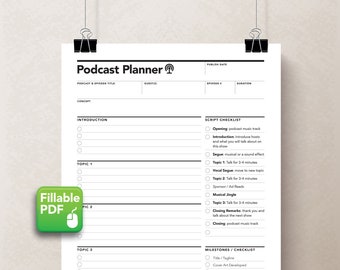
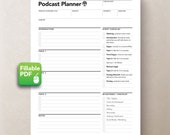
5 na 5 gwiazdekI was looking for something to teach students about podcast & production planning that they could modify as required, & I didn't have time to build one from scratch. This is exactly what I needed.
Ładowanie -
Kupujący z Etsy w dniu 21 lut 2026
5 na 5 gwiazdekSwift download and just what I was looking for. Thanks‼️
Ładowanie -

-

Christian w dniu 5 sty 2026
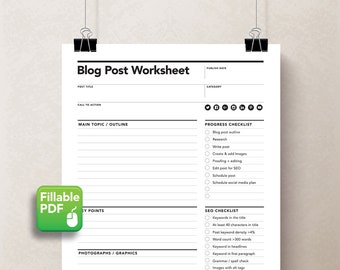
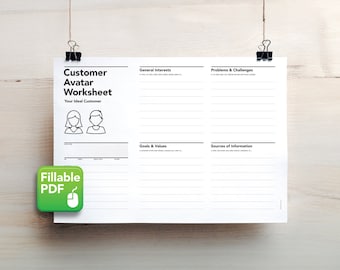
5 na 5 gwiazdekI'm helping a small business owner rebrand and elevate their marketing efforts. This worksheet has been a great way for us to discuss key things that need to be defined before getting into anything visual or social media driven.
Ładowanie


Regulamin sklepu
Data ostatniej aktualizacji 27 wrz 2018
Produkty cyfrowe do pobrania
Pliki do natychmiastowego pobrania
Pliki będą dostępne do pobrania po potwierdzeniu płatności. Procedura.
Opcje płatności
Bezpieczne opcje
Akceptuje karty podarunkowe Etsy i bony Etsy
Etsy zapewnia bezpieczeństwo Twoich informacji o płatnościach. Sklepy Etsy nigdy nie otrzymują danych Twojej karty kredytowej.
Zwroty i wymiany produktów
Sprawdź szczegóły produktu, aby dowiedzieć się, czy kwalifikuje się on do zwrotu lub wymiany.
Anulowania
Anulowania: niezaakceptowane
Skontaktuj się ze sprzedawcą w razie problemów z zamówieniem.
Polityka prywatności
Więcej informacji
Data ostatniej aktualizacji
17 gru 2025
Często zadawane pytania
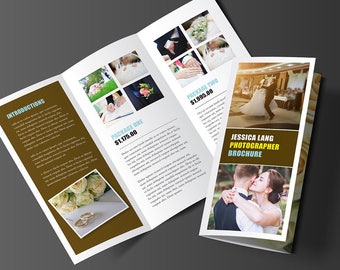
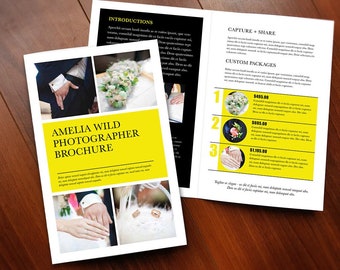
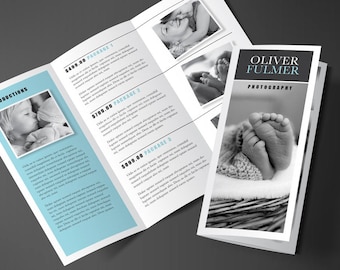
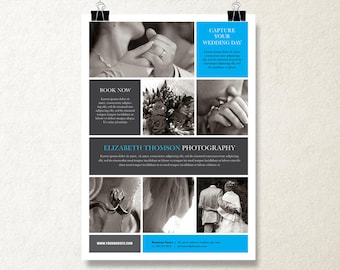
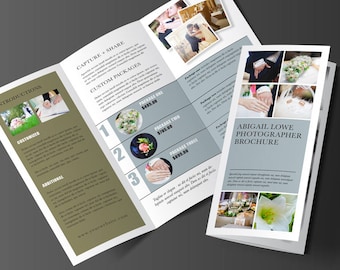
Can I change the colours on the brochure templates?
Yes, it is a simple click to change the colour to whatever you want with the colour palette within your Microsoft Word program.
Can I change the typeface / font on the brochures?
Yes, it is a simple click to change the font to whatever you want within your Microsoft Word program. All the fonts in the template are compatible to MAC and PC, but feel free to change them to whatever you have installed on your machine!
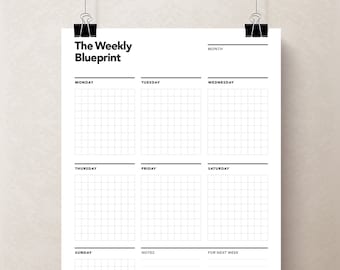
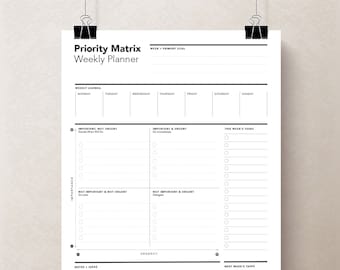
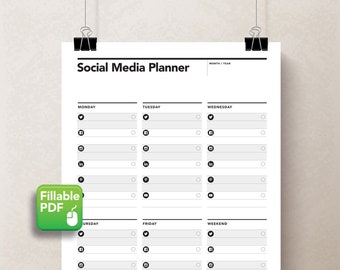
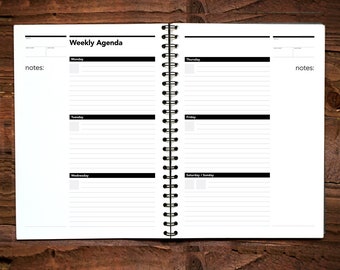
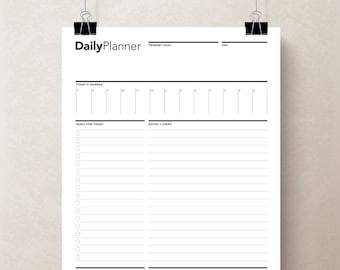
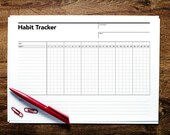
Can I change the headings on the planners? (ie. days of the week, etc...)
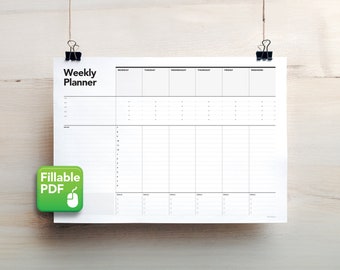
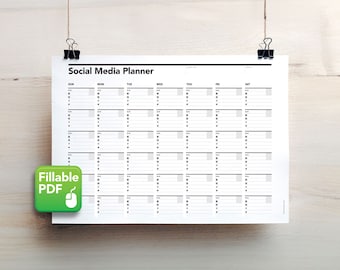
No, these are locked within the PDF document. If you want me to change or remove some of the headings, feel free to send me a convo :)
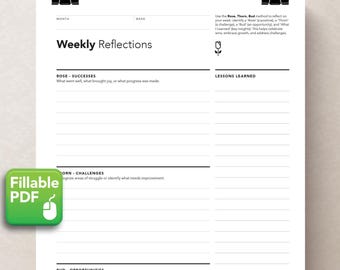
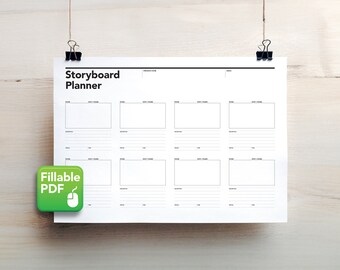
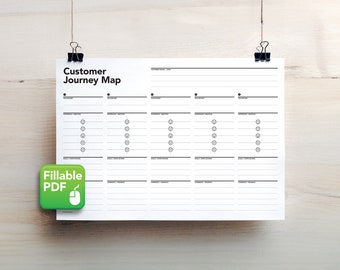
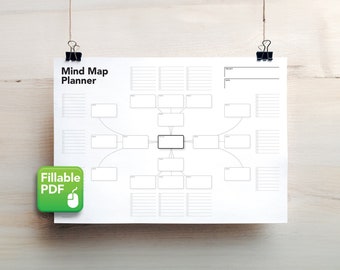
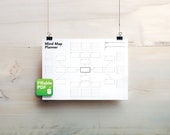
What file formats are your planners?
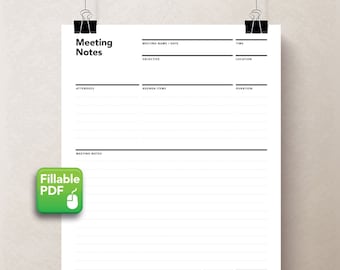
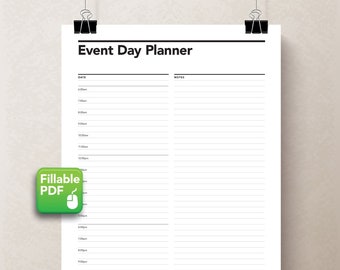
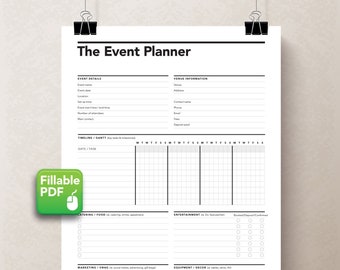
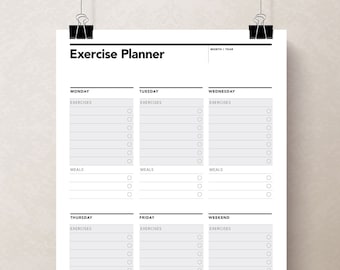
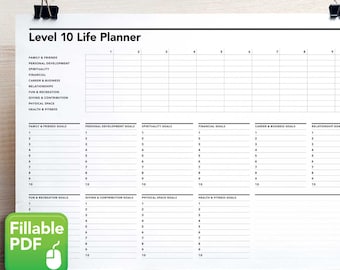
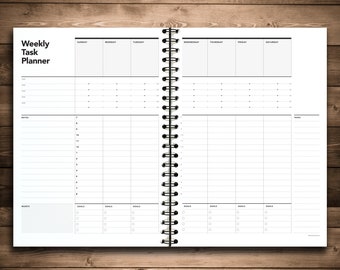
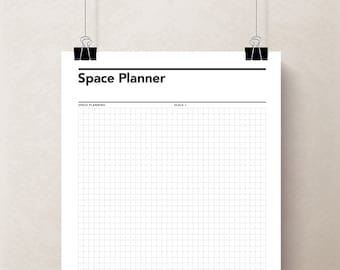
PDF (Portable Document Format). These are meant for you to easily print and use with your writing instrument :) However, some planners have an enhanced feature of being able to add tasks on your computer. Look for the "Fillable PDF" icon.
How do I insert images in the picture boxes in your brochure templates?
I have a video that illustrate this. https://rumbledesignstore.com/how-to-use/
Alternatively there are many youtube videos showing you how to do this:)
What file formats are your brochures and resumes?
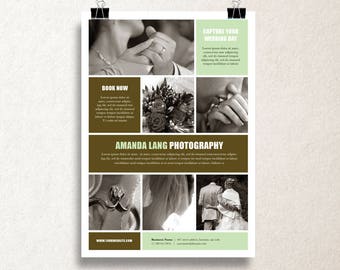
Most of the brochures and resumes are built with Microsoft Word. If you have this program, you can edit and use them! We do carry a few Photoshop templates as well, look for the "PS" icon.
Are the photos included with your templates?
No, these are for demonstration purposes only. Of course you would use your own images to market yourself ;)