

Artigos em destaque
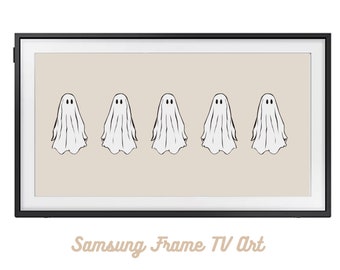
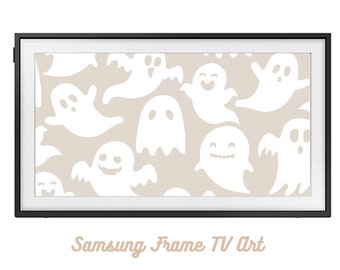
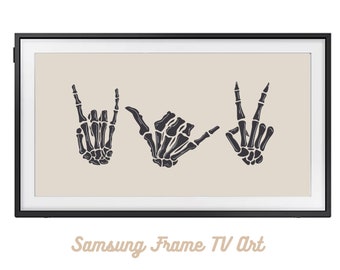
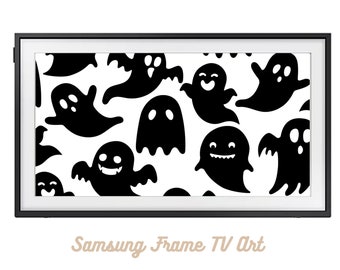
Todos os artigos


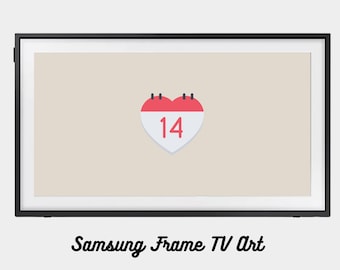


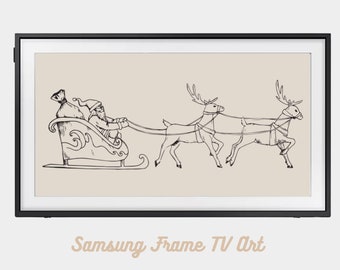









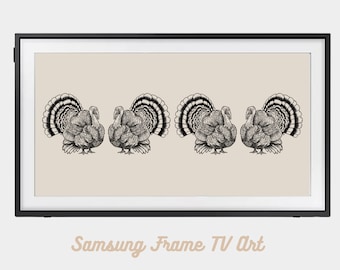
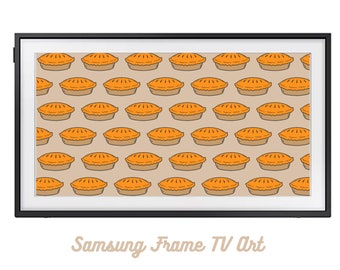
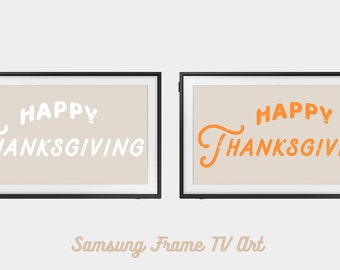








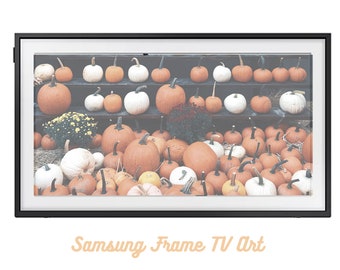


Anúncio
Última atualização em 09 de set. de 2022

Avaliações
5.0
(7)
Avaliação média do artigo
Este número é calculado a partir de uma média de todas as avaliações ponderada por atualidade, em que o valor de uma avaliação diminui pela metade a cada ano para melhor refletir a experiência atual.
A carregar








Sobre DigitalFrameArt
Vendas
62
Na Etsy desde 2018
Políticas da loja
Última atualização em 09 de set. de 2022
Transferências digitais
Transferências imediatas
Os seus ficheiros estarão disponíveis para transferência assim que o pagamento for confirmado. Saiba como aqui.
Opções de pagamento
Opções seguras
Aceita cartões oferta Etsy e créditos Etsy
A Etsy mantém as suas informações de pagamento seguras. As lojas Etsy nunca recebem as informações do seu cartão de crédito.
Devoluções e trocas
Veja detalhes do artigo para elegibilidade de devoluções e trocas
Cancelamentos
Cancelamentos: não se aceitam
Contacte o vendedor se tiver algum problema com a sua encomenda.