
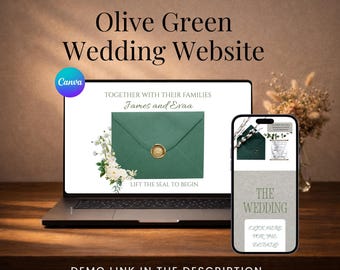
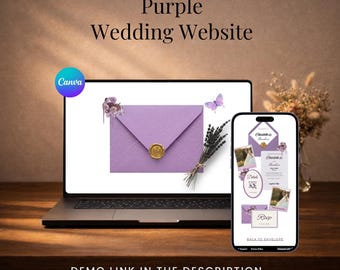
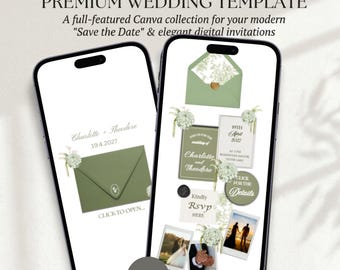
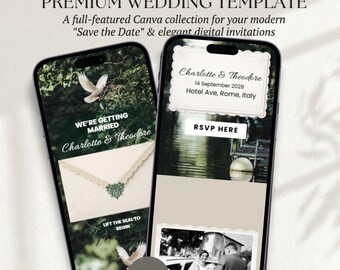
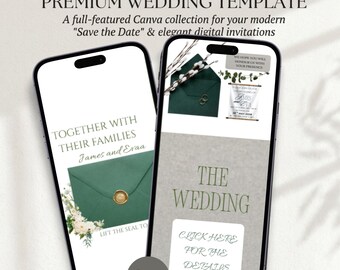
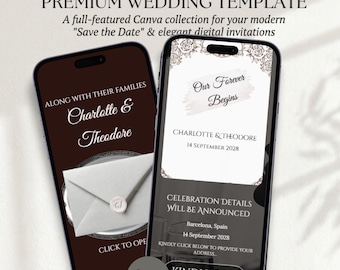
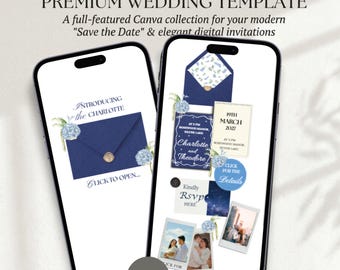
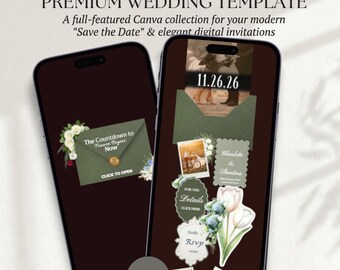
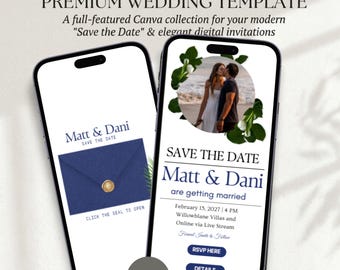

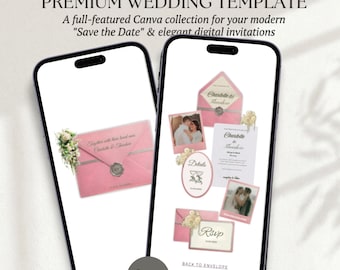
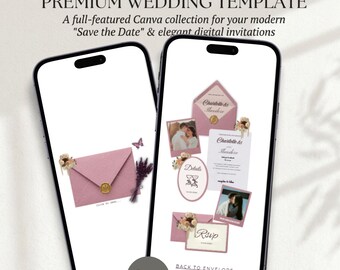
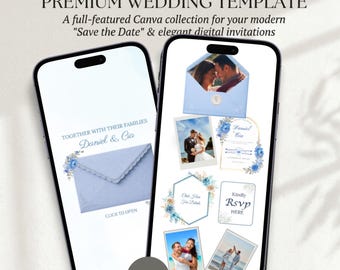
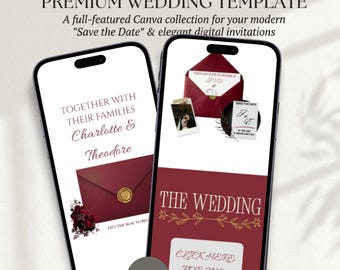
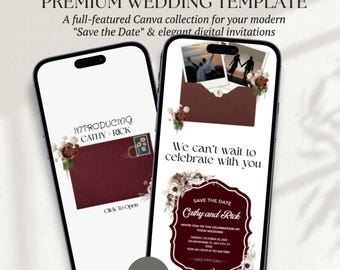
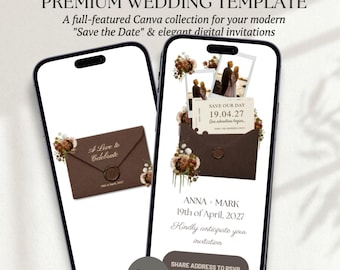
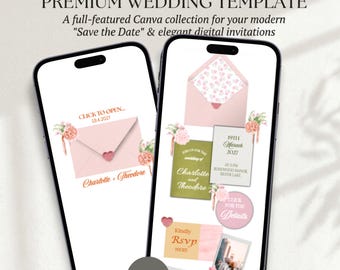
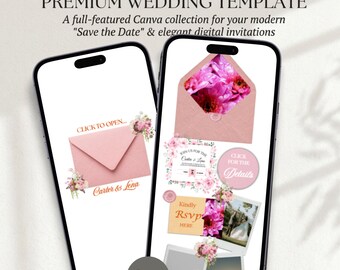
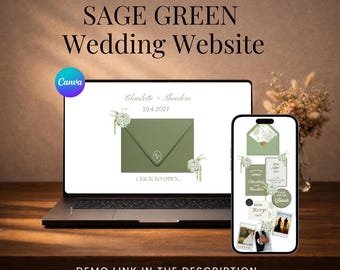
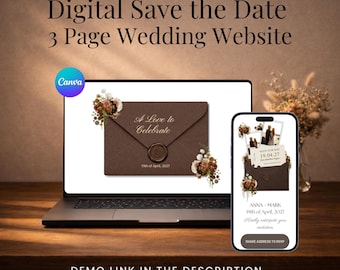
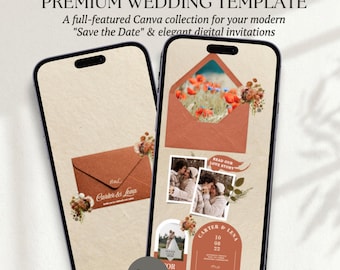
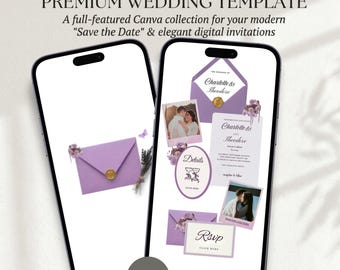
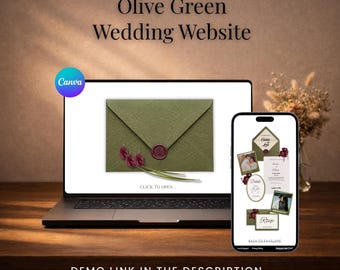
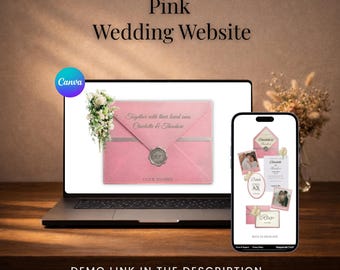
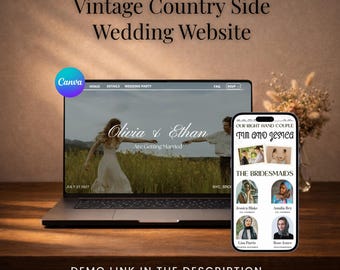
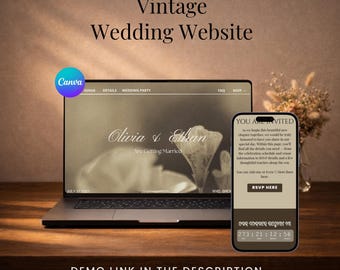
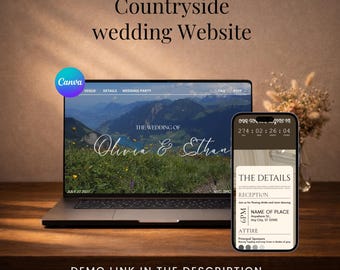
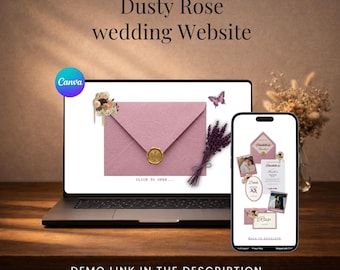
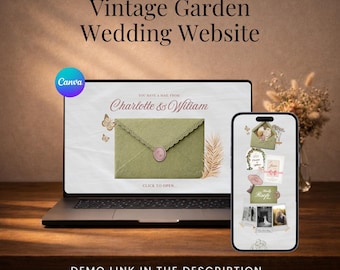
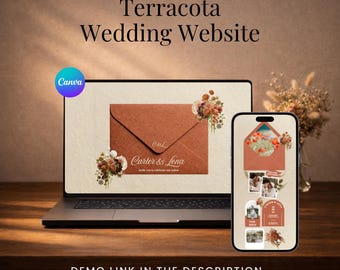
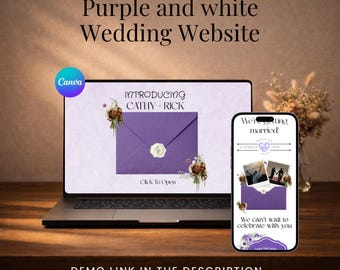

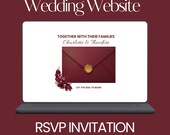
Modern, Editable Canva Wedding Website Templates Made Simple
すべての商品
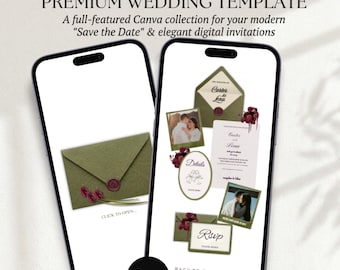
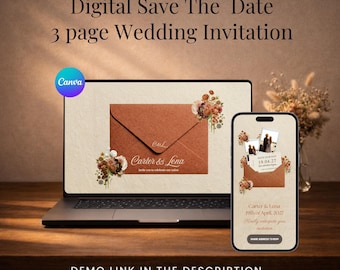
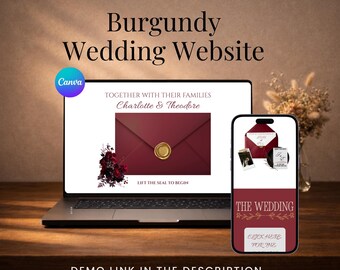
オリーブグリーンとバーガンディの花柄ウェディングウェブサイトテンプレート(出欠確認機能付き)|編集可能なCanvaウェディング招待状|エレガントなデジタルウェディングサイト
¥461
ダウンロード商品
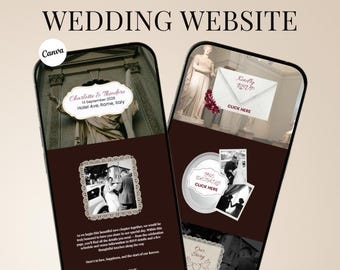
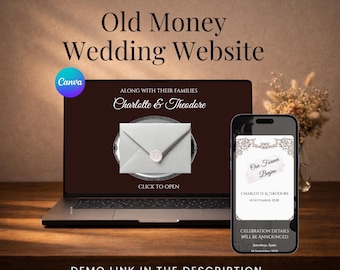
Canva ウェディングウェブサイトテンプレート(編集可能なバーガンディカラー) | セーブ・ザ・デート招待状サイトテンプレート | オールドマネーウェディングウェブサイト
¥461
ダウンロード商品
お知らせ
最終更新日: 2026年 02月 2日
レビュー
5.0
(3)
商品のレビュー平均
すべての評価について、最新レビュー重視の平均評価基準を採用して、この数字を計算しています。最新の体験を反映するため、評価の価値は毎年半減する仕組みとなっています。
読み込み中
-

-

anthony さんのレビュー(2026年 02月 28日)
星 5 個のうち 5 個This wedding website template exceeded my expectations! The design is elegant and professional, and editing in Canva was super easy. Everything worked smoothly, including the RSVP section. It saved us so much time and looks amazing. Highly recommend this seller!
読み込み中
Shujahat さんの返信(2026年 02月 28日)
Thank you so much for your kind words! It truly means a lot to me. I’m so happy to hear that the wedding website template exceeded your expectations and that you found it easy to edit in Canva. Wishing you a beautiful wedding and all the happiness in this new chapter of your life. Thank you again for your trust and recommendation!
読み込み中
OptimateDigitalStore について
セールス
27
Etsy ショップ創設年: 2026
-
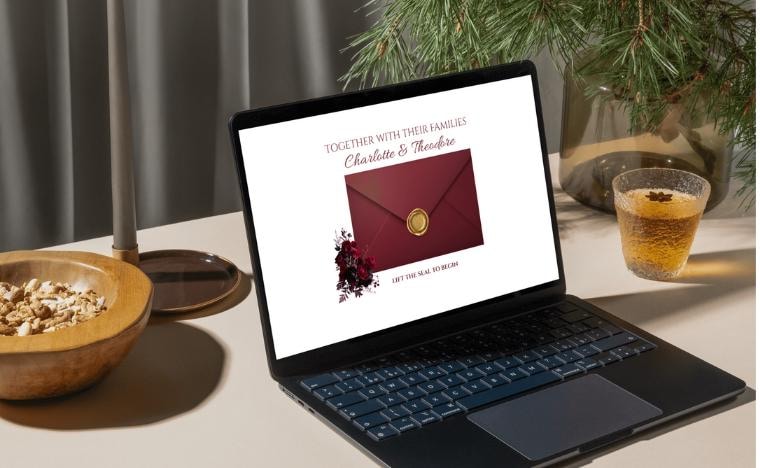 Editable Canva Wedding Website Template! Modern digital wedding websites with online RSVP, fully customizable in Canva.
 -
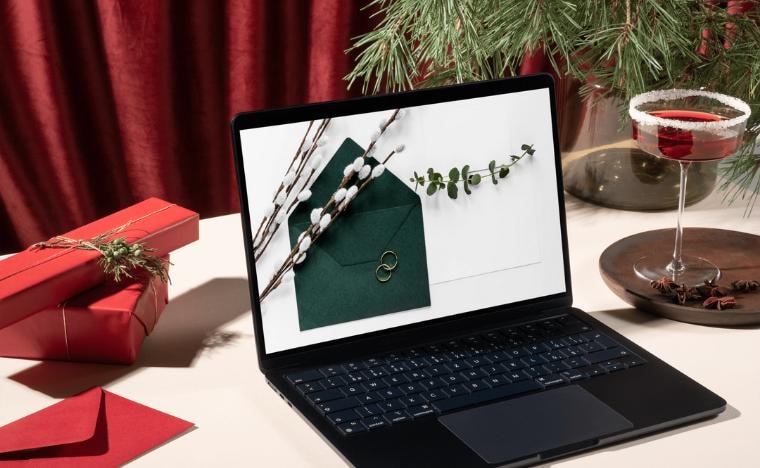 Digital Wedding Invitation Website! Paperless wedding website templates made for easy sharing and guest responses.
 -
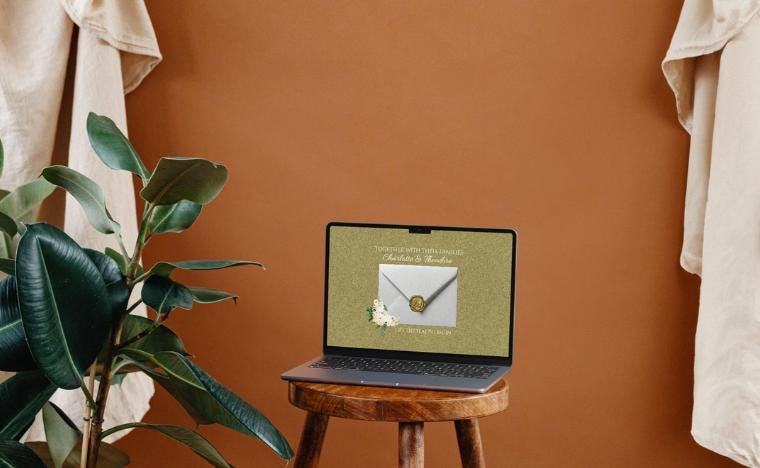 Canva Wedding Websites for Brides & Grooms! Update dates, text, photos, and colors effortlessly using Canva.
ショップメンバー
-

Shujahat
オーナー, デザイナー
A creative, modern bride designing wedding products with intention. Each piece is inspired by my own planning journey and crafted with care, attention to detail, and a deep understanding of what couples need during this special season.
ショップポリシー
最終更新日: 2026年 02月 2日
ダウンロード商品
即時ダウンロード可能商品
お支払い確認後、ファイルがダウンロードできるようになります。 ダウンロード方法はこちらから。
支払い方法
セキュアオプション
Etsy ギフトカードと Etsy ポイントがご利用可能です
Etsy はあなたのお支払い情報を安全に管理します。Etsy ショップがあなたのクレジットカード情報を受け取ることはありません。
返品&交換
返品&交換の可否は商品詳細をご確認ください。
キャンセル
キャンセル:不可
ご注文に関し、何か問題がございましたらセラーにお問い合わせください。
プライバシーポリシー
その他の情報
最終更新日:
2026年 02月 2日
よくある質問
Will guests need a Canva account to view my Wedding website?
No. Guests can view your wedding website using the shareable link without creating a Canva account.
How long does it take to receive my Wedding Invitation Website template?
Your files are available instantly after checkout. You’ll receive a downloadable PDF containing your Canva template link.
Do I need Canva Pro to use these templates?
No — everything works smoothly with a free Canva account.
How do I access my wedding website template after purchase?
Your files are available instantly after checkout. You’ll receive a downloadable PDF containing your Canva template link.
How do I share my wedding website with guests?
Once your edits are complete, click “Publish Website” in Canva to generate a shareable link. You can send this link to your guests via text, email, WhatsApp, or include it on your printed or digital invitations.