













Let's have fun with paper cutting, printing, crafting and folding!
おすすめ商品
すべての商品
お知らせ
最終更新日: 2018年 05月 24日
レビュー
5.0
(1235)
商品のレビュー平均
過去 12 ヶ月の評価の平均からこの数字を計算します。
読み込み中
-

-

-
Karen さんのレビュー(2026年 01月 3日)
星 5 個のうち 5 個Interesting designs for earrings. Look forward to making these for friends.
読み込み中 -
-
-

-

-
-
Etsy のお客さま さんのレビュー(2025年 08月 24日)
星 5 個のうち 5 個Beautiful files! And so many great colors! Love how there are coordinating sets with different patterns, but the same colors, which makes it easier to mix and match. Also, very easy to shrink the files to whatever size you need.
読み込み中 -
Etsy のお客さま さんのレビュー(2025年 08月 21日)
星 5 個のうち 5 個Beautiful files! And so many great colors! Love how there are coordinating sets with different patterns, but the same colors, which makes it easier to mix and match. Also, very easy to shrink the files to whatever size you need.
読み込み中
PerfectCutSVGfiles について
セールス
23,794
Etsy ショップ創設年: 2017
-
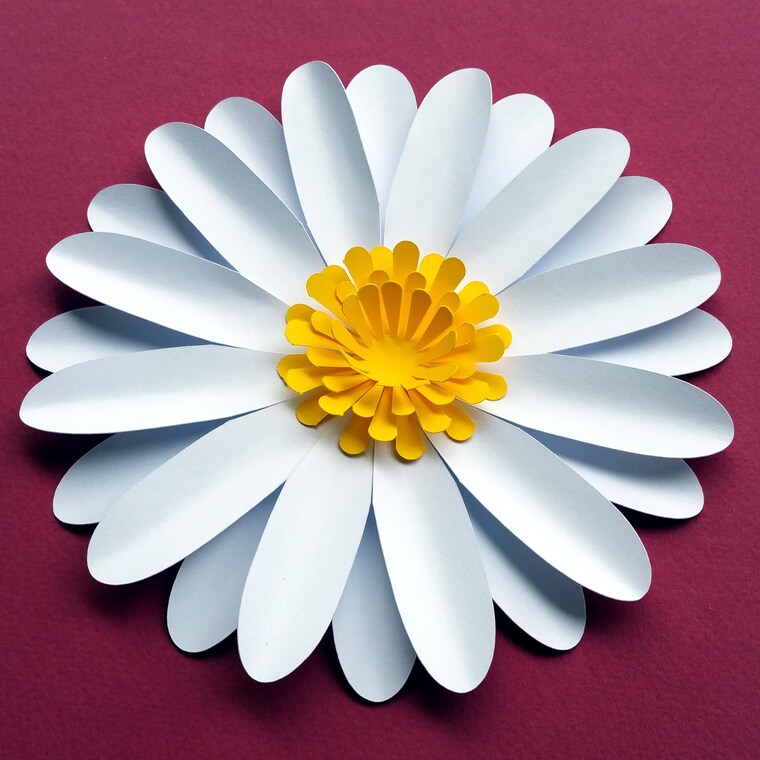 Do you like paper flowers? This daisy is very easy to make! Try my paper flower and paper leaves templates!
 -
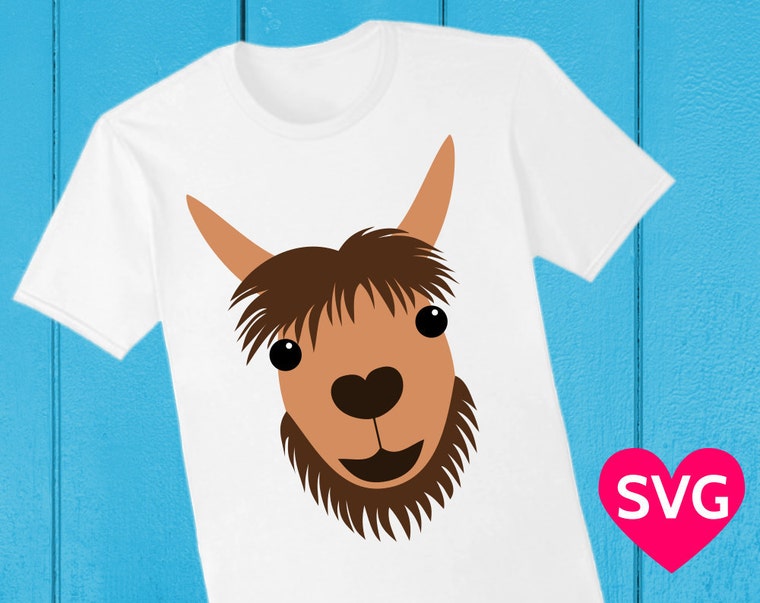 SVG files are great to cut, but you can also print them on tshirts, coffee mugs, phone cases etc. to make cool gifts!
 -
 This heart shaped box is very easy to make, with or without a Cricut or Silhouette paper cutting machine.
 -
 Here comes the Love Truck, loaded with hearts. <3
 -
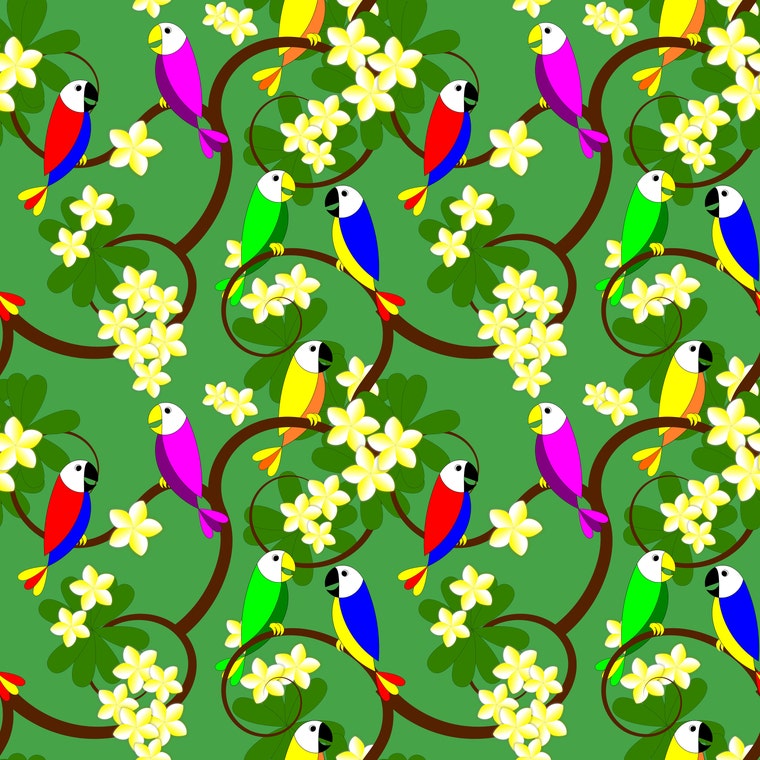 Tropical digital paper with parrots and Plumeria tree.
ショップメンバー
-

Stéphane Gigandet
オーナー
Hi! I'm Stéphane! Thanks for coming by! I create a lot of things like patterns, illustrations, coloring pages, and I'm also an origami artist! Check out my YouTube channel "Origami Plus" for fun and easy original origami models that I design!
ショップポリシー
最終更新日: 2018年 05月 16日
ダウンロード商品
即時ダウンロード可能商品
お支払い確認後、ファイルがダウンロードできるようになります。 ダウンロード方法はこちらから。
支払い方法
セキュアオプション
Etsy ギフトカードと Etsy ポイントがご利用可能です
Etsy はあなたのお支払い情報を安全に管理します。Etsy ショップがあなたのクレジットカード情報を受け取ることはありません。
返品&交換
返品&交換の可否は商品詳細をご確認ください。
キャンセル
キャンセル:不可
ご注文に関し、何か問題がございましたらセラーにお問い合わせください。
プライバシーポリシー
その他の情報
最終更新日:
2025年 12月 17日
よくある質問
What will I get?
Once you order, as soon as Etsy processes your payment (usually within minutes), Etsy will send you a link to download a ZIP compressed file that contains all the SVG, DXF, PDF, EPS, PNG and Silhouette Studio files listed in the listing description.
How do I uncompress the ZIP compressed file?
On most recent computers, Mac and Windows, you just need to double click on the ZIP file to open it. You can then move the files to another folder, or just uncompress all the files. You can also right click and then select "Extract all".
How do I upload the SVG designs to Cricut Design Space to cut them with my Cricut machine?
1. First download and uncompress the ZIP file. The ZIP file contains files in different file formats (SVG, DXF, PDF, EPS, PNG and .studio3).
2. Launch Cricut Design Space in your browser and create a new project.
3. Click on "Upload" and then on "Upload Image" and "Browse".
4. Select the SVG file you want (depending on your computer and browser settings, SVG files might show as type "Google Chrome HTML document" or similar).
5. In the Upload page, your uploaded SVG designs will be in the "Recently upload images" section, select the designs by clicking on them. You can select multiple designs with Ctrl + click.
8. Click on "Insert Image" to put the designs in your project.
How do I use the SVG designs with Silhouette Studio free edition to cu them with my Silhouette machine?
You need to use the provide .studio3 files or the DXF files because the free version of Silhouette Studio does not support.
In Silhouette Studio, just click on "Open" and then select the .studio3 or DXF file you want.
How can I change the colors of the SVG designs before printing?
With the provided SVG files, you can use a SVG editor to change the colors of the different layers. I recommend the free Inkscape software for Windows and Mac. You can select each layer, and choose the color. Then click on "Export" to save a PNG file with the design with your custom colors.
I made a cool shirt, card, poster, sign, cup or other item with one of your SVG files, would you like to see it?
Absolutely! It's always a great pleasure to see what you do with my SVG designs. They take a lot of time, care and love to make, but it's an awesome feeling to see them being used to make cool things! The easiest way to send me pictures of what you have done is to use the Etsy reviews, as you can easily attach a picture to your review. You can also send them to me by Etsy conversation or on Facebook. Thank you so much!