
ProfitDrawer

Bangkok, Tajlandia

2
transakcje sprzedaży
Nie ma jeszcze ocen
1 miesiąc
na Etsy
Nie ma jeszcze ocen
2
transakcje sprzedaży
1 miesiąc
na Etsy
2
transakcje sprzedaży
Nie ma jeszcze ocen
1 miesiąc
na Etsy
Nie ma jeszcze ocen
2
transakcje sprzedaży
1 miesiąc
na Etsy

Etsy automatycznie tłumaczy większość tekstu na stronie na Twój preferowany język.

Pokaż w języku oryginalnym


Polecane produkty

Wszystkie produkty

Etsy automatycznie tłumaczy większość tekstu na stronie na Twój preferowany język.

Pokaż w języku oryginalnym

Ogłoszenie

Data ostatniej aktualizacji 13 paź 2026
Muhammad Sajjad

Skontaktuj się z właścicielem sklepu

Muhammad Sajjad

Informacje o sklepie ProfitDrawer

Bookkeeping Spreadsheets for Every Trade

Transakcje 2
Na Etsy od 2026

Bookkeeping Spreadsheets for Every Trade

Opis filmu o sklepie

Bookkeeping spreadsheets built for your exact trade

Regulamin sklepu

Data ostatniej aktualizacji 1 wrz 2026

Produkty cyfrowe do pobrania

Pliki do natychmiastowego pobrania
Pliki będą dostępne do pobrania po potwierdzeniu płatności. Procedura.

Opcje płatności

Bezpieczne opcje
Paypal Visa Mastercard Apple Pay Karta podarunkowa
Akceptuje karty podarunkowe Etsy i bony Etsy
Etsy zapewnia bezpieczeństwo Twoich informacji o płatnościach. Sklepy Etsy nigdy nie otrzymują danych Twojej karty kredytowej.

Zwroty i wymiany produktów

Sprawdź szczegóły produktu, aby dowiedzieć się, czy kwalifikuje się on do zwrotu lub wymiany.

Anulowania

Anulowania: niezaakceptowane

Skontaktuj się ze sprzedawcą w razie problemów z zamówieniem.

Polityka prywatności

Więcej informacji

Data ostatniej aktualizacji 16 paź 2026
How do I download my files?

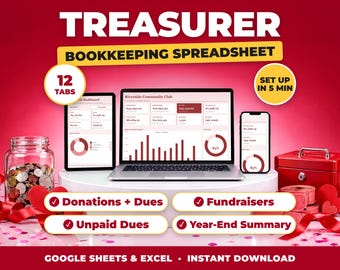
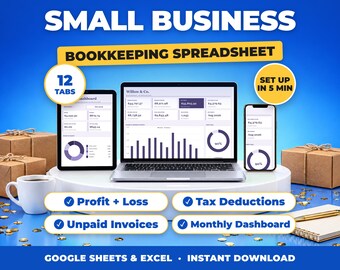
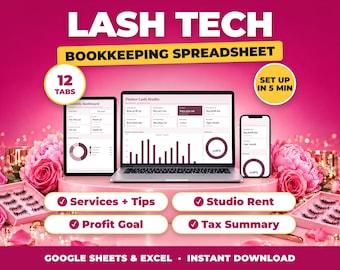
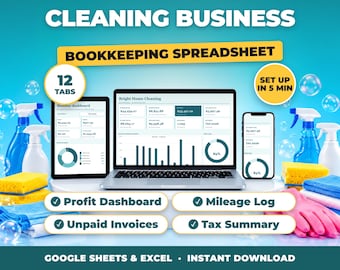
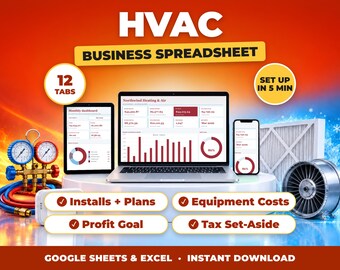
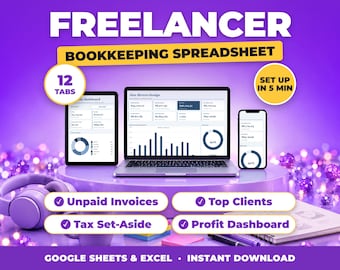
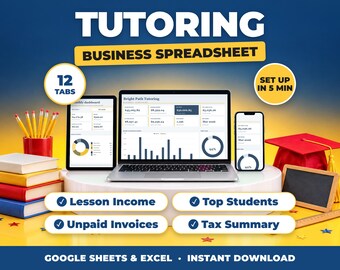
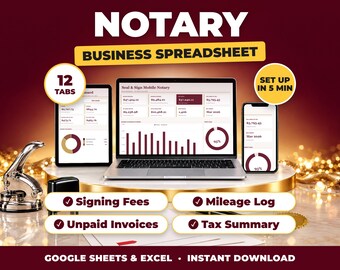
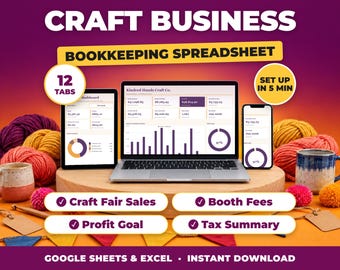
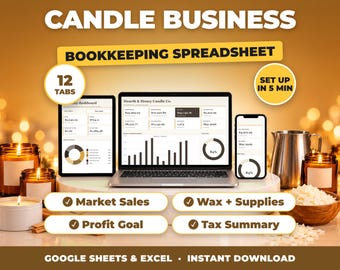
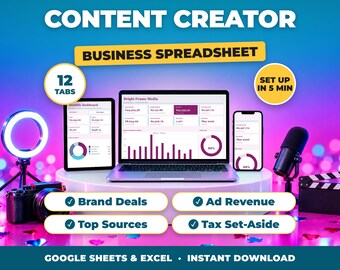
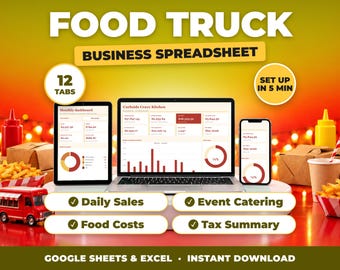
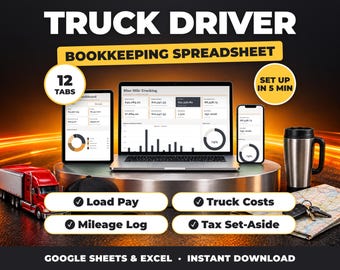
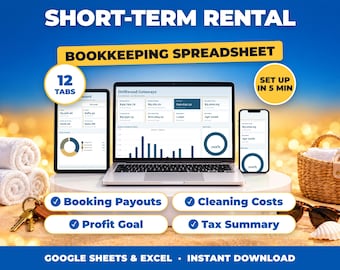
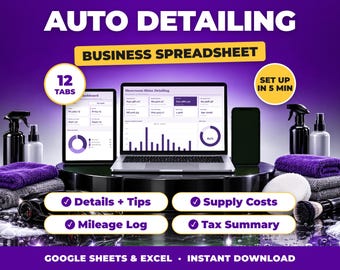
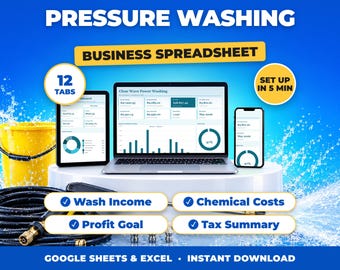
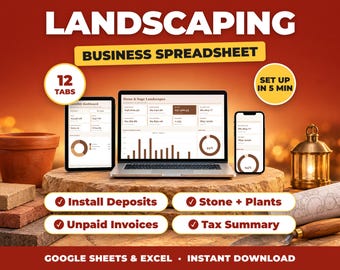
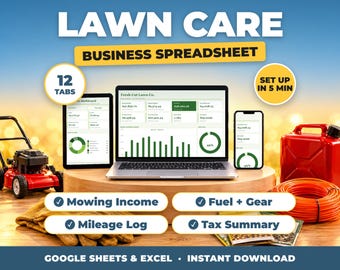
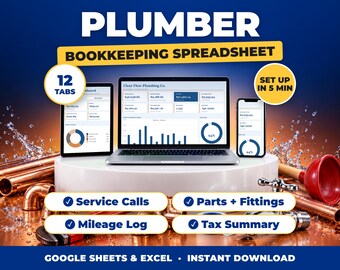
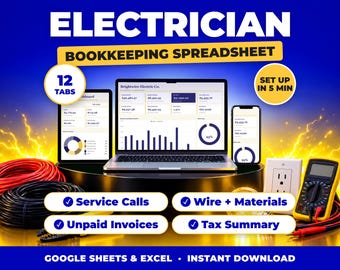
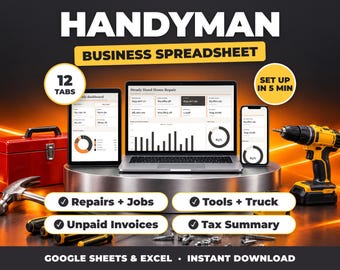
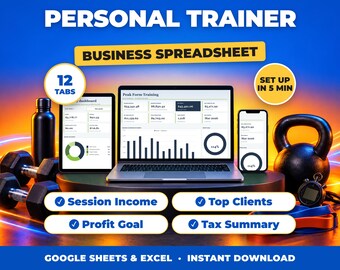
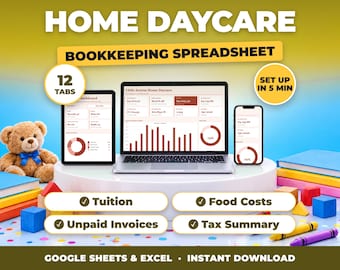
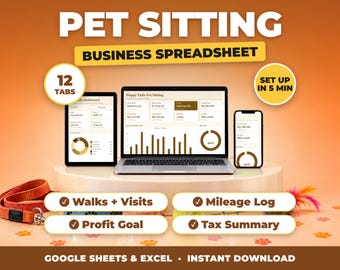
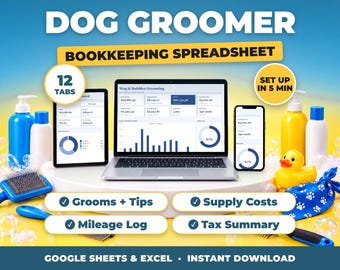
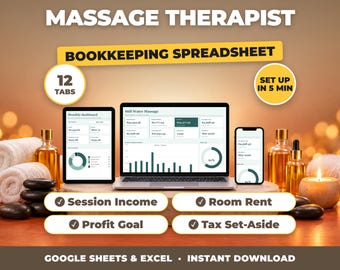
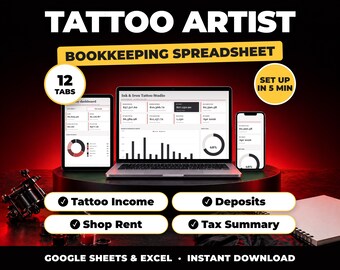
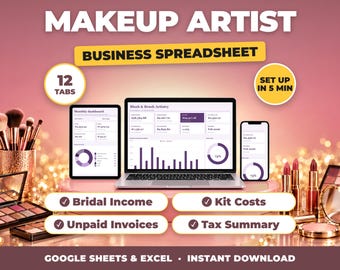
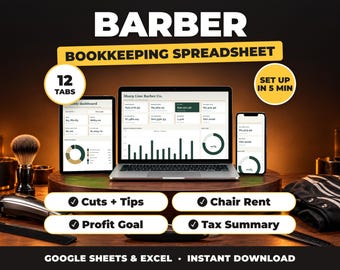
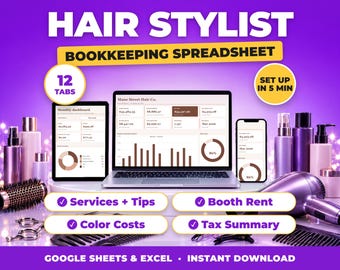
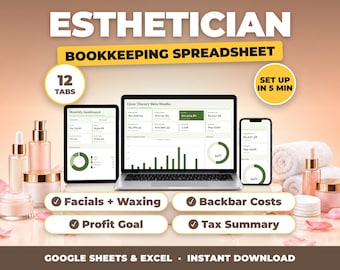
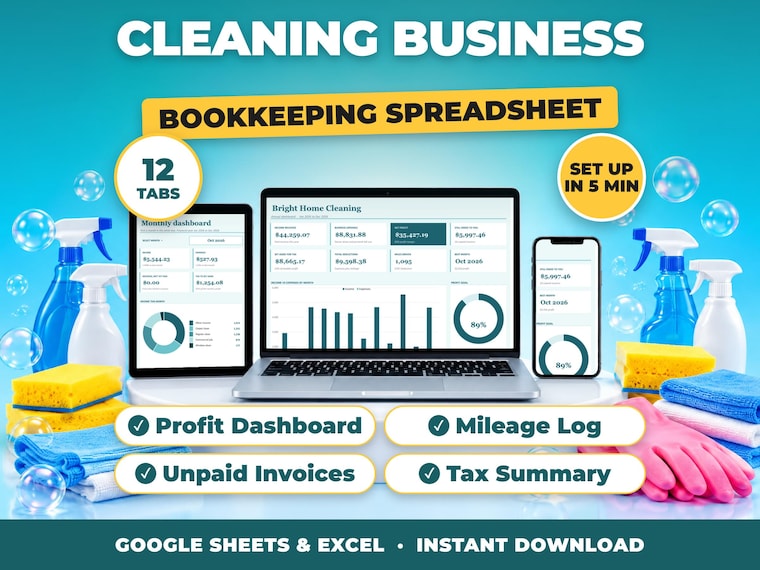
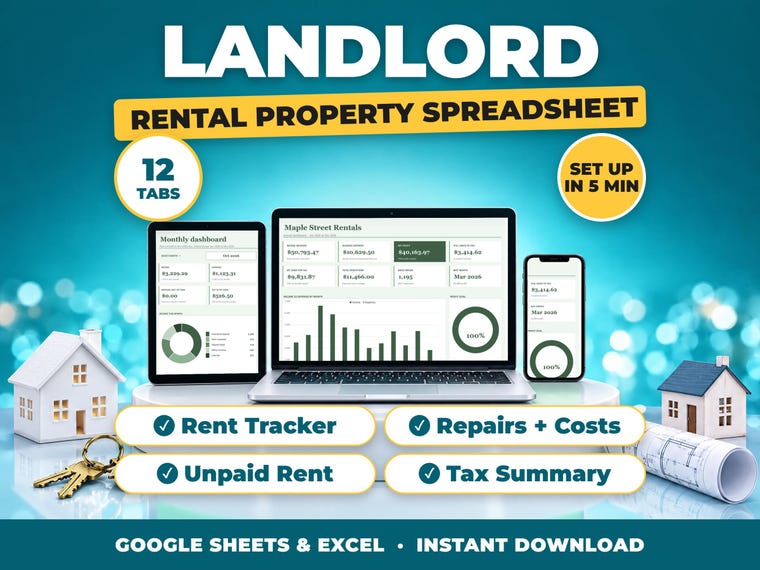
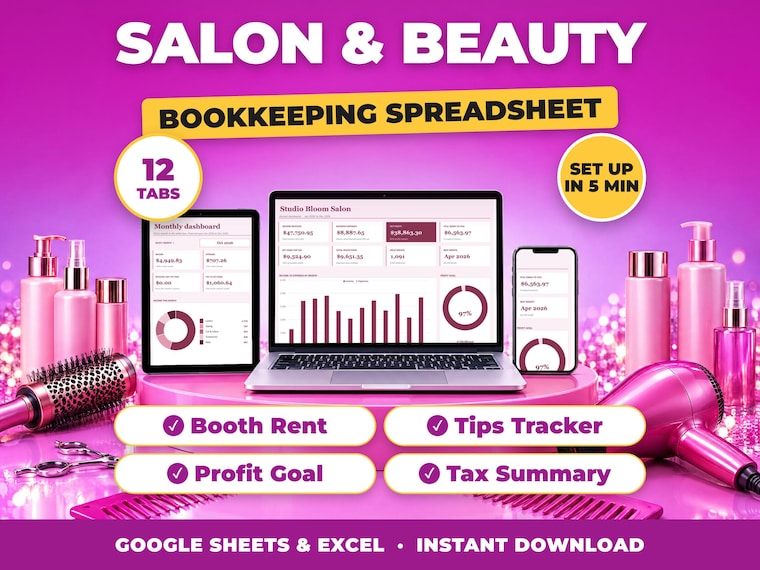
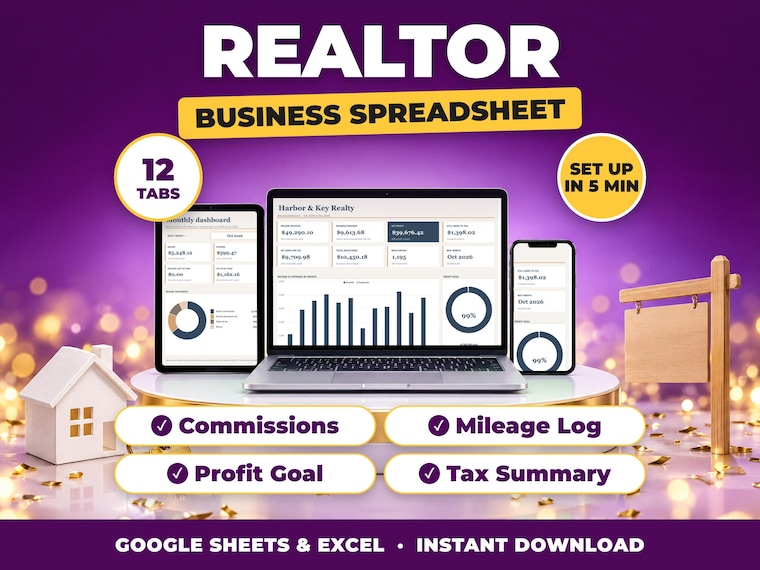
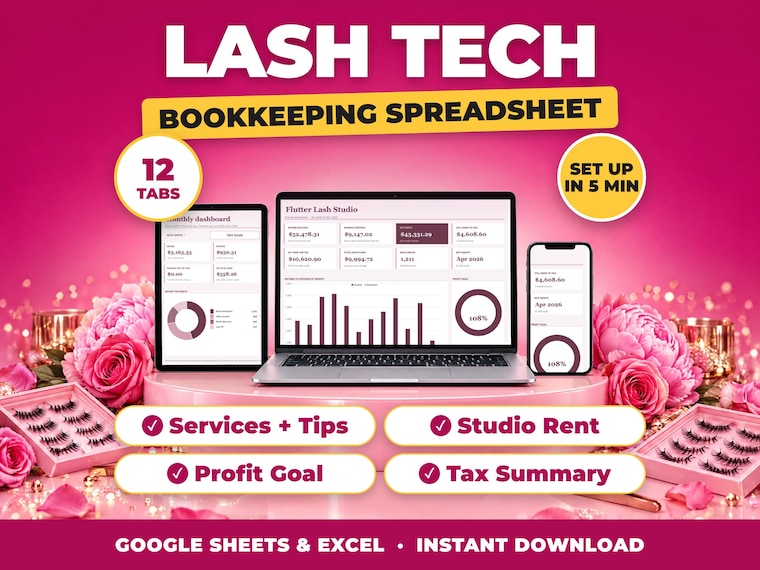
Right after payment, go to You > Purchases and reviews and click Download Files. The link is in your confirmation email too. You get the 12-tab .xlsx workbook, a Google Sheets setup guide and a read-me-first guide.

Does it work in Google Sheets?

Yes. You import the .xlsx file into your own Google Drive in a few clicks (the Google Sheets setup guide shows how). It also works offline in Microsoft Excel.

Do I need to be good with spreadsheets?

No. You type in your income and expenses, and every total, chart and dashboard updates by itself. The first tab has seven plain setup steps, so there is no video to watch.

Can I use my own currency and financial year?

Yes. Set your currency symbol and the month your financial year starts on the Settings tab, and every tab follows it.

Can I change the categories?

Yes. Your trade's income and expense categories are already filled in on the Settings tab, and you can rename them to match how your business works.

Is there a subscription?

No. You pay once and the file is yours to keep and use every year.

Is this tax advice?

No. The tax summary organises your numbers and suggests an amount to set aside. Your accountant or tax office has the final word.

What if something does not work?

Message me. I reply within 24 hours and will fix it or help you set it up.