
iOSThunder

Melbourne, Australia

4,6 tys.
transakcje sprzedaży
Przy obliczaniu tej wartości wykorzystujemy średnią ocenę z wszystkich ocen, biorąc pod uwagę to, kiedy zamieszczono opinię – co roku wartość oceny zmniejsza się o połowę, tak aby jak najlepiej oddać aktualne doświadczenia zakupowe. 4.7 (653)
5 lat
na Etsy
Przy obliczaniu tej wartości wykorzystujemy średnią ocenę z wszystkich ocen, biorąc pod uwagę to, kiedy zamieszczono opinię – co roku wartość oceny zmniejsza się o połowę, tak aby jak najlepiej oddać aktualne doświadczenia zakupowe. 4.7 (653)
4,6 tys.
transakcje sprzedaży
5 lat
na Etsy
4,6 tys.
transakcje sprzedaży
Przy obliczaniu tej wartości wykorzystujemy średnią ocenę z wszystkich ocen, biorąc pod uwagę to, kiedy zamieszczono opinię – co roku wartość oceny zmniejsza się o połowę, tak aby jak najlepiej oddać aktualne doświadczenia zakupowe. 4.7 (653)
5 lat
na Etsy
Przy obliczaniu tej wartości wykorzystujemy średnią ocenę z wszystkich ocen, biorąc pod uwagę to, kiedy zamieszczono opinię – co roku wartość oceny zmniejsza się o połowę, tak aby jak najlepiej oddać aktualne doświadczenia zakupowe. 4.7 (653)
4,6 tys.
transakcje sprzedaży
5 lat
na Etsy
4574 transakcje sprzedaży

Etsy automatycznie tłumaczy większość tekstu na stronie na Twój preferowany język.

Pokaż w języku oryginalnym


Polecane produkty

Wszystkie produkty

Etsy automatycznie tłumaczy większość tekstu na stronie na Twój preferowany język.

Pokaż w języku oryginalnym

Ogłoszenie

Data ostatniej aktualizacji 13 lut 2021
Stevo

Skontaktuj się z właścicielem sklepu

Stevo

Opinie

4.7 (653)
Średnia opinia o produkcie
Przy obliczaniu tej wartości wykorzystujemy średnią ocenę z wszystkich ocen, biorąc pod uwagę to, kiedy zamieszczono opinię – co roku wartość oceny zmniejsza się o połowę, tak aby jak najlepiej oddać aktualne doświadczenia zakupowe.
Ładowanie

Informacje o sklepie iOSThunder

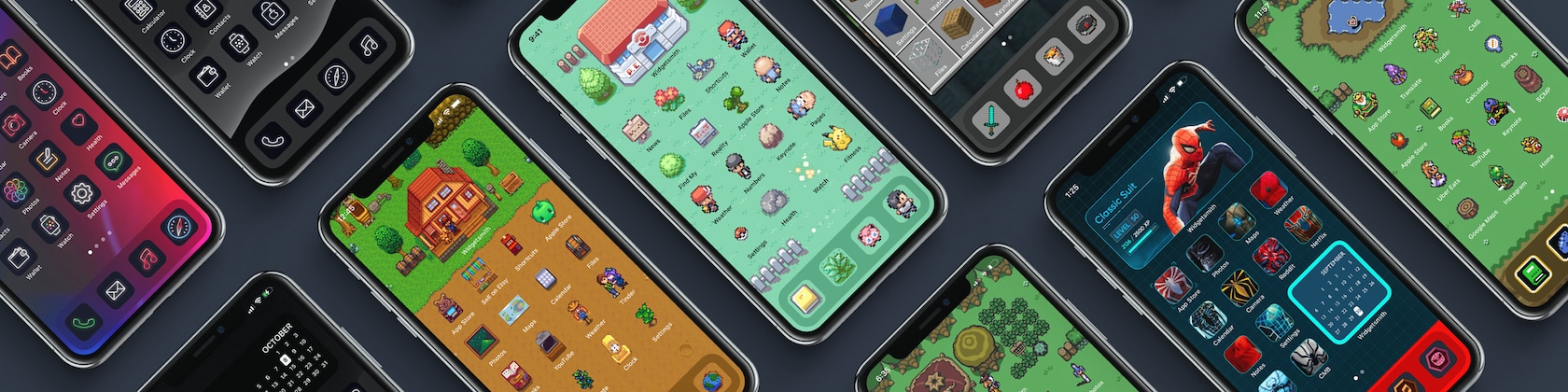
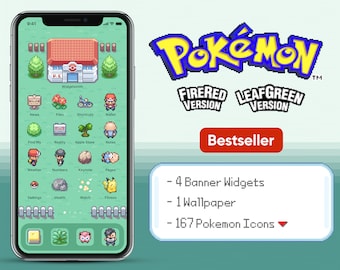
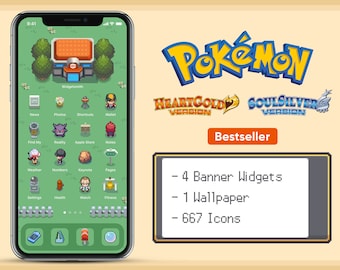
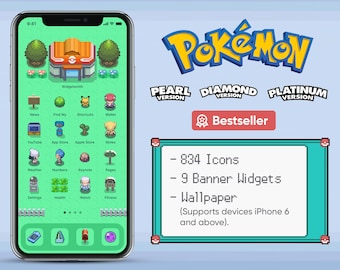
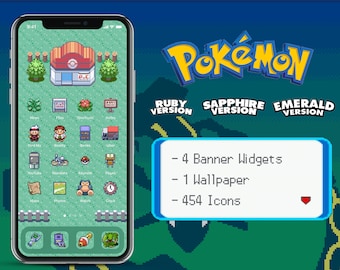
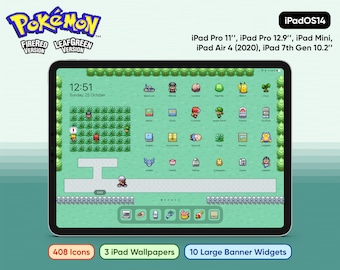
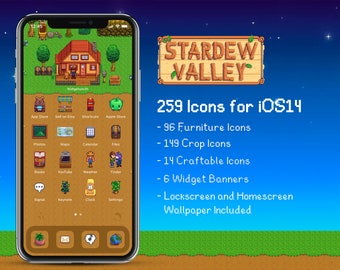
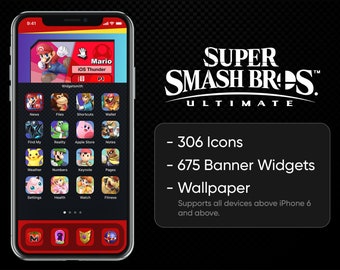
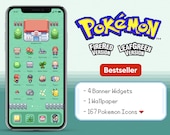
Custom iOS14 & iPadOS 14 Homescreen Game Theme Design

Transakcje 4 574
Na Etsy od 2020

Custom iOS14 & iPadOS 14 Homescreen Game Theme Design

1 Game Theme Pack every week!

Regulamin sklepu

Data ostatniej aktualizacji

Akceptowane metody płatności

Paypal Visa Mastercard Apple Pay Karta podarunkowa
Akceptuje karty podarunkowe Etsy i bony Etsy

Zwroty i wymiany produktów

Sprawdź szczegóły produktu, aby dowiedzieć się, czy kwalifikuje się on do zwrotu lub wymiany.

Więcej informacji

Data ostatniej aktualizacji 17 gru 2025
What software did you use?

So you can try and make one yourself? Not telling you.

What if there’s an icon I need?

If there are icons you didn’t see in the pack message me with your order number and I will try my best to create it for you!

Do you have discount codes?

Use DOUBLE to get 15% off an order of 2 or more.
Use TRIPLE to get 20% off an order of 3 or more.
Use QUADRUPLE to get 25% off an order of 4 or more.

How do I download my icons?

After purchasing from my Etsy store, you will receive an email with the available links to download the digital files. You can download the files directly on your device by saving them to the Files app. Alternatively, you can download the files on your computer and airdrop them to your device.

Tutorial for iPadOS 14: https://youtu.be/O8FkgIgfitQ

How do I customize my icons?

Download Iconboard from the app store.

Tutorial for iPadOS 14: https://youtu.be/O8FkgIgfitQ

How do I customize the widget banner like yours?

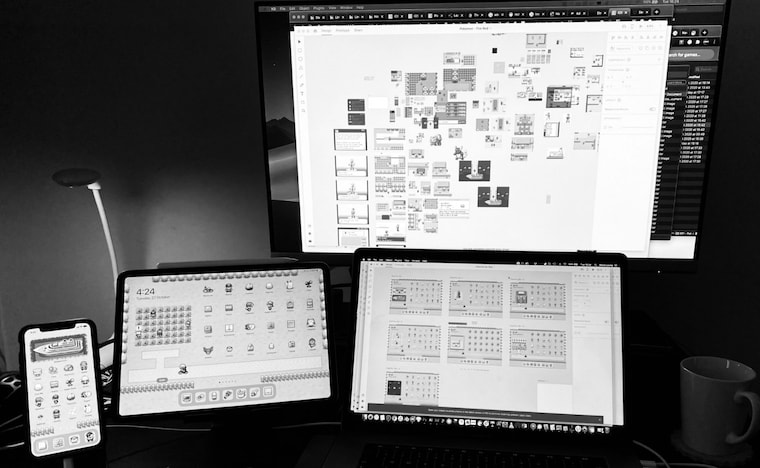
I recommend downloading Widgetsmith from the App Store. Within the app, you then choose a medium-sized widget, give it a name, choose photo style, then select the widget banner image from the Theme Pack you've purchased.

Then you go into Edit Mode, hit the plus sign in the top left corner to add a widget, scroll all the way to the bottom, select Widgetsmith, then select the medium-sized version.

Tutorial for iPadOS 14: https://youtu.be/O8FkgIgfitQ

How do you make your Widgets scroll like the one in your video?

It's called iOS14 Smart Stacks. When you go into edit mode, you are able to put another same sized widget on top of another to create a stack. In this case, I stacked multiple medium-sized Widgetsmiths each with its own image.

Here's a tutorial from CNET which you can follow: https://www.cnet.com/how-to/ios-14-smart-stack-is-a-must-for-any-iphone-user-apple-how-to/

Tutorial for iPadOS 14: https://youtu.be/O8FkgIgfitQ

Can I request for a refund?

The short answer is no. It is a digital product, you can never return it, even if you don't like it anymore.

If you bought the wrong one and have already downloaded the files. The answer is still no.

If I refund you, how do I know you didn't delete the Digital File? It's like saying here's the theme for free.

Can you make this iOS14 or iPadOS 14 Theme?

Submit your idea request at https://iosthunder.upvoty.com/

There are many other themes in the pipeline. I will prioritize making your theme idea if other people are also upvoting your idea :)

It takes 3 to 5 days to make each theme.

Will this work on Android as well?

Yes. But I am unfamiliar with the process of installing for Android since I do not own an Android device. You will have to research by yourself. After all, the pack mostly contains images.

You just need to figure out how to turn those images into widgets and app icons.