

Tabellen für die Abgabetermine, die niemand verpassen möchte
Spreadsheets for the deadlines nobody wants to miss
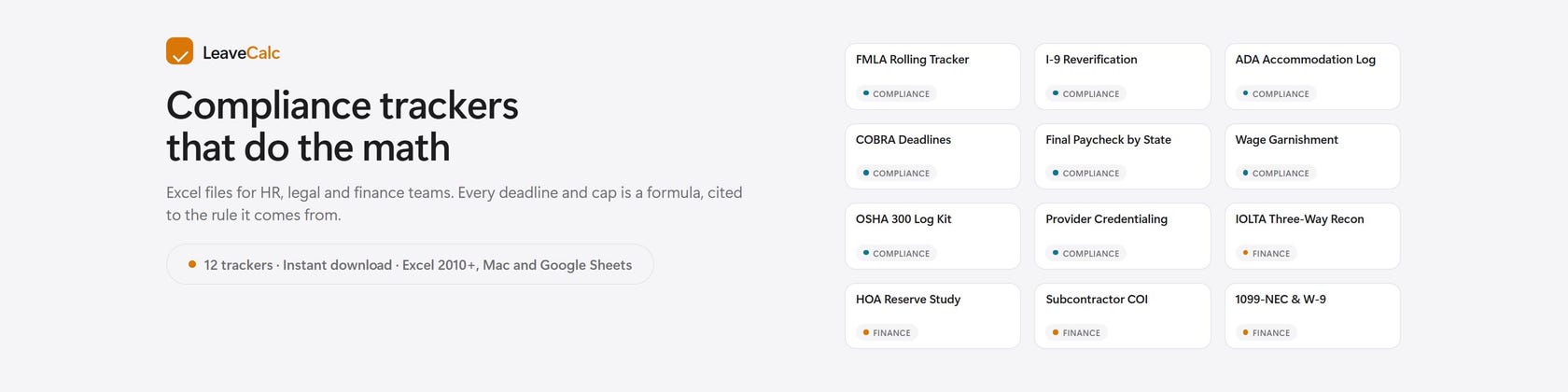
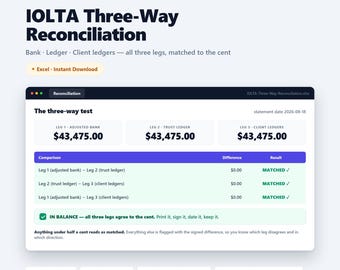
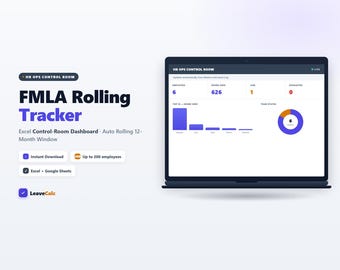
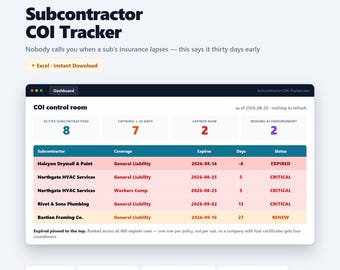
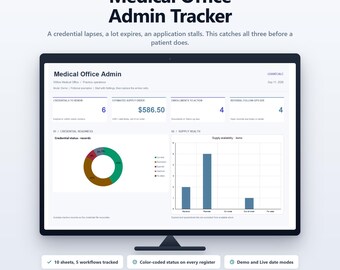
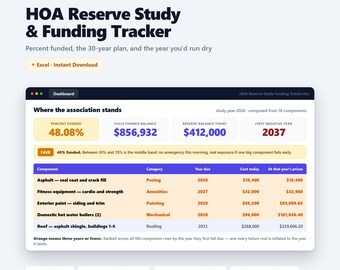
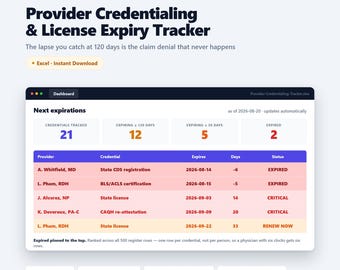
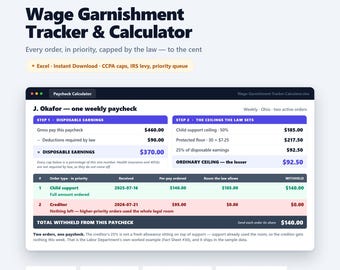
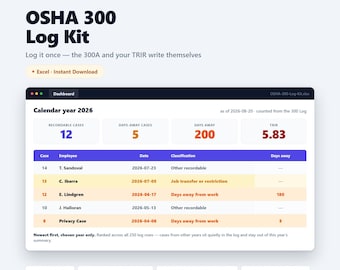
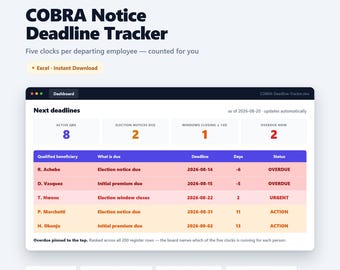
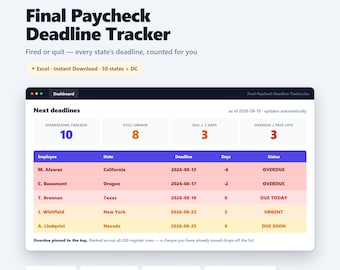
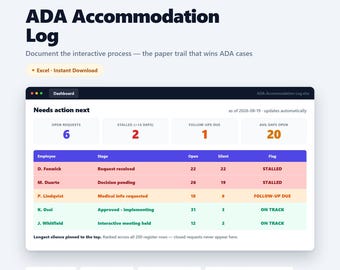
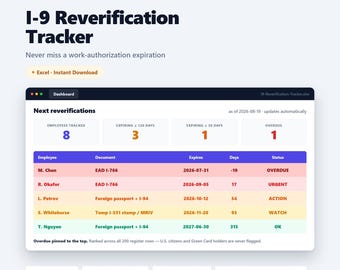
Ich erstelle Excel-Tabellen für die Compliance-Aufgaben, die kleine HR-, Rechts- und Finanzteams manuell erledigen: FMLA-Zeiträume, I-9-Überprüfungstermine, COBRA-Wahlfristen, endgültige Gehaltszahlungstermine nach Bundesstaat, Lohnpfändungsobergrenzen, OSHA-300-Protokolle, IOLTA-Dreiwegeabstimmung und einiges mehr.
Jedes Projekt begann auf die gleiche Weise. Jemand erklärte mir die Regel, ich las die Verordnung und erstellte daraus Formeln mit der entsprechenden Quellenangabe. Die Datei führt die Berechnungen durch und zeigt den Rechenweg an. Wenn also ein Prüfer oder Anwalt fragt, woher eine Zahl stammt, findet sich die Antwort in der nächsten Spalte.
Sie erhalten eine normale .xlsx-Datei. Keine Makros, keine Add-Ins, kein Benutzerkonto. Sie lässt sich in Excel 2010 oder neuer, in Numbers und in Google Tabellen öffnen. Die Tabellen sind geschützt, sodass versehentliche Eingaben keine Formeln beschädigen können. Die Beispielzeilen zeigen Ihnen, wie eine ausgefüllte Datei aussieht, bevor Sie auch nur einen Namen eingeben.
Falls sich eine Datei nicht öffnen lässt oder die Regelung in Ihrem Bundesland anders lautet, schreiben Sie mir. Ich antworte innerhalb eines Tages und kümmere mich lieber um die Behebung des Problems, als darüber zu diskutieren.
Denys, Prokop Studio, Manitoba, Kanada. Kostenlose Online-Rechner unter leavecalc.com.
I build Excel trackers for the compliance jobs that small HR, legal and finance teams do by hand: FMLA rolling windows, I-9 reverification dates, COBRA election clocks, final paycheck deadlines by state, wage garnishment caps, OSHA 300 logs, IOLTA three-way reconciliation and a few more.
Each one started the same way. Someone described the rule to me, I read the regulation, and I turned it into formulas that carry the citation with them. The file does the arithmetic and shows its work, so when an auditor or a lawyer asks where a number came from, the answer is in the next column.
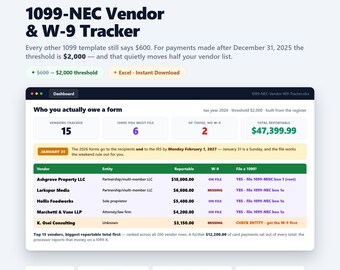
What you get is a normal .xlsx. No macros, no add-ins, no account. It opens in Excel 2010 or newer, in Numbers and in Google Sheets. Sheets are protected so a stray keystroke cannot break a formula, and the demo rows show you what a filled file looks like before you type a single name.
If a file does not open, or a rule in your state reads differently, message me. I answer within a day and I would rather fix the file than argue about it.
Denys, Prokop Studio, Manitoba, Canada. Free online calculators at leavecalc.com.