


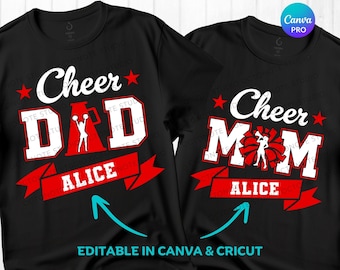
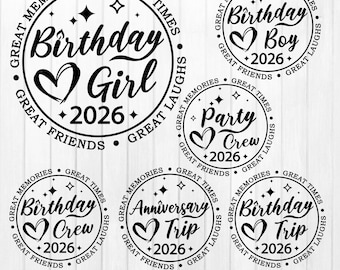
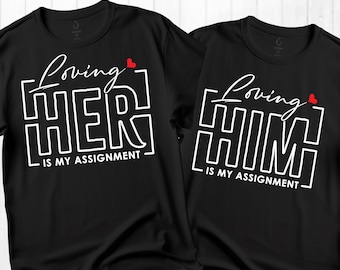
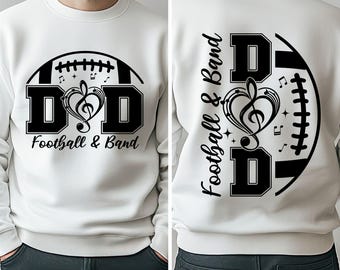






High quality digital designs crafted with love for your creative projects.
Featured items
All items
Announcement
Last updated on 22 Feb, 2025
Reviews
4.7
(209)
Average item review
We calculate this number using a recency-weighted average of all ratings, with a rating's value decreasing by half each year to best reflect the current experience.
Loading
-

David on 25 Aug, 2026
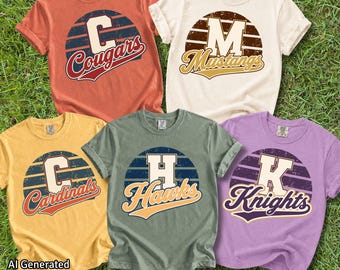
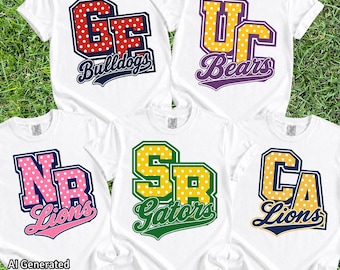
5 out of 5 starsso stinking cute! turned my local team colors into the cutest design. Thanks!

OctoNoteStudio responded on 25 Aug, 2026
Thank you so much for your wonderful review! 🥹💗 I’m so happy you loved how the design turned out in your local team colors. Your kind words truly made my day and mean so much to my small shop. Thank you for your support! ✨
-

Adriann on 16 Aug, 2026
5 out of 5 starsLove the prints, great customer service!
OctoNoteStudio responded on 16 Aug, 2026
Thank you so much for your wonderful 5-star review! I’m so happy you love the prints and had a great experience. Your support truly means a lot to me! 😊💛
-

Christine on 13 Apr, 2026
5 out of 5 starsYes the item matches my expectations
OctoNoteStudio responded on 13 Apr, 2026
Thank you so much for your 5-star review! I’m glad it met your expectations 😊 I truly appreciate your support! 💖
-
Kelly on 27 Aug, 2026
5 out of 5 starsAfter finding a design I liked, I messaged the seller about a couple of changes I would like to make. They messaged me back quickly, were able to make the exact changes I asked for, and had the final design to me within minutes after approval. Great customer service! Thank you!
OctoNoteStudio responded on 27 Aug, 2026
Thank you so much for your kind words! It truly means a lot to me. I’m so happy I could make the changes exactly as you wanted and that you’re happy with the final design. It was a pleasure working with you. Thank you again for your support! ❤️
-
Etsy buyer on 26 Aug, 2026
5 out of 5 starsNice image used for metal signs.
OctoNoteStudio responded on 27 Aug, 2026
Thank you so much for the 5-star review! I’m so glad the design worked well for your metal sign. I truly appreciate your support! ❤️
-
Janice on 21 Aug, 2026
5 out of 5 starsMet my expectations and quality was good
OctoNoteStudio responded on 21 Aug, 2026
I’m so glad the eclipse designs met your expectations and that you were happy with the quality. Thank you so much for your kind review and for supporting my small business! 😊
-

Jan on 20 Aug, 2026
5 out of 5 starsSo cute, I'm going to make this into a sticker.
OctoNoteStudio responded on 20 Aug, 2026
Thank you so much for your purchase and for leaving such a lovely review! I’m so happy you love the design—it’s going to look adorable as a sticker! 😊
-

Gina on 11 Aug, 2026
5 out of 5 starsWould recommend and buy from this shop again.
OctoNoteStudio responded on 11 Aug, 2026
Thank you so much for your kind review! I truly appreciate your support and would be happy to welcome you back anytime.😊
-
-

Christie on 01 Aug, 2026
5 out of 5 starsOne of my favorite designs this year!
OctoNoteStudio responded on 01 Aug, 2026
Thank you so much! I’m thrilled that this is one of your favorite designs this year. Your support truly means a lot! 😊
About OctoNoteStudio
Sales
4,039
On Etsy since 2023
Shop members
-

Octonote Studio
Owner
Shop policies
Last updated on 02 Feb, 2026
Digital downloads
Instant downloads
Your files will be available to download once payment is confirmed. Here's how.
Made-to-order downloads
I’ll create your items after purchase and you’ll receive an email when the files are ready to download. The time I need to complete these items can vary. Contact me if you have questions.
Payment options
Secure options
Accepts Etsy Gift Cards and Etsy Credits
Etsy keeps your payment information secure. Etsy shops never receive your credit card information.
Returns & exchanges
See item details for return and exchange eligibility.
Cancellations
Cancellations: not accepted
Please contact the seller if you have any problems with your order.
More information
Last updated on
02 Jun, 2026
Frequently asked questions
How do I unzip the ZIP files?
On a Windows PC:
• Right-click on the ZIP file.
• Select "Extract All."
• Choose the folder where you'd like to save the files.
• Click "OK."
• Your files are now ready to use.
On a Mac:
• Simply double-click the ZIP file to extract its contents.
On an iPhone or iPad:
• Open the "Files" app and locate your ZIP file.
• Tap the ZIP file.
• The contents will be extracted into a new folder. To rename the folder, press and hold, then select "Rename."
• Tap to open the folder.
On an Android device:
• Open the "Files by Google" app.
• Tap "Browse" at the bottom.
• Navigate to the ZIP file you want to open. Tap the file.
• When the pop-up appears, tap "Extract."
• You will see a preview of the extracted files.
• Tap "Done."
What can I do with these digital designs?
What can I do with these digital designs?
You may use these files for personal and commercial use to create physical products such as T-shirts, mugs, tote bags, sweatshirts, and print-on-demand items.
✅ Allowed:
• Personal projects
• Commercial use on physical products
• Cutting machines, sublimation, DTF, DTG, and similar methods
• POD use, as long as the original files are not shared or accessible
❌ Not Allowed:
• Sell, share, transfer, or distribute the digital files
• Resell as SVG, PNG, EPS, DXF, clipart, bundles, or digital downloads
• Create digital printables for resale
• Claim the design as your own, even if modified.
Are the original fonts included in the purchase?
No, the fonts used in the design are not included with your download.
Many of the fonts I use are customized or modified specifically for the design, so I cannot provide the exact font name.
Do you do custom designs?
The original fonts used in the design are not included in the download, unless otherwise specified on the listing cover as "Font Included."
Many of the fonts I use have been customized to give the design a unique style, so I am unable to provide the exact font names.
How do I download the files from a PDF file?
For some products, the file sizes are too large to be uploaded directly to the platform. Don’t worry — simply download the PDF file, then click the "Click here" link inside the PDF to access your download.
I cannot find the SVG file in the unzipped folder. Where is it?
All of our designs include SVG files unless otherwise stated.
If you cannot locate the SVG file, your computer may have renamed it to an HTML file and is displaying it with a web browser icon (such as Chrome, Firefox, or Edge).
The file is still an SVG and will function correctly.
To use it in Cricut Design Space, upload the HTML file within the Cricut Design Space app, select the uploaded file, and add it to your canvas.
When are you available to help?
If you ever need any help, please don't hesitate to send me a message — I’ll do my best to reply as soon as possible. As a mom with family commitments, there might be a slight delay at times, but rest assured, you will receive a response from me within 24 hours.
My usual working hours are from 8:00 AM to 8:00 PM (Thailand Time, UTC/GMT +7:00).