

Artículos destacados
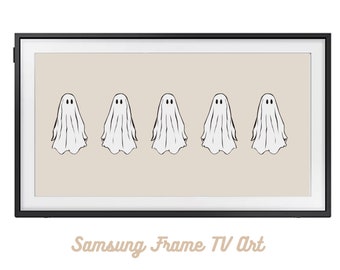
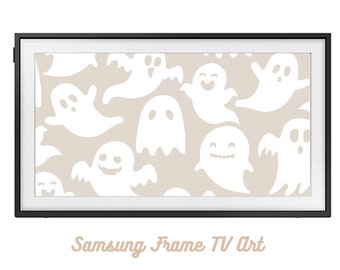
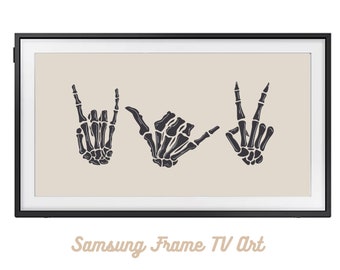
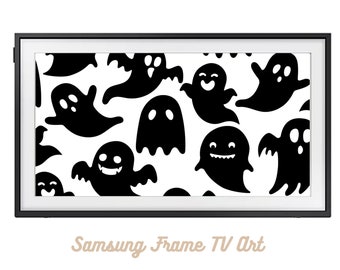
Todos los artículos













Mensaje de la tienda
Última actualización: 9 sept 2022

Reseñas
5.0
(7)
Media de las reseñas de artículos
Para calcular este número, usamos un promedio de las valoraciones ponderado por fecha más reciente. Con el fin de reflejar la experiencia más actual, cada año de antigüedad reduce a la mitad el valor de la valoración.
Cargando








Presentación DigitalFrameArt
Ventas
62
En Etsy desde 2018
Políticas de la tienda
Última actualización: 9 sept 2022
Descargas digitales
Artículos digitales de descarga instantánea
Los archivos estarán disponibles para descargar una vez que se confirme el pago. Sigue estas instrucciones.
Opciones de pago
Opciones seguras
Acepta saldo y tarjetas regalo de Etsy
Etsy mantiene protegida tu información de pago. Las tiendas de Etsy nunca reciben los datos de tu tarjeta de crédito.
Cambios y devoluciones
Consulta los detalles del artículo para ver la política de cambios y devoluciones.
Cancelaciones
Cancelaciones: no se aceptan
Ponte en contacto con el vendedor si tienes algún problema con tu pedido.