







Price:AU$9.64
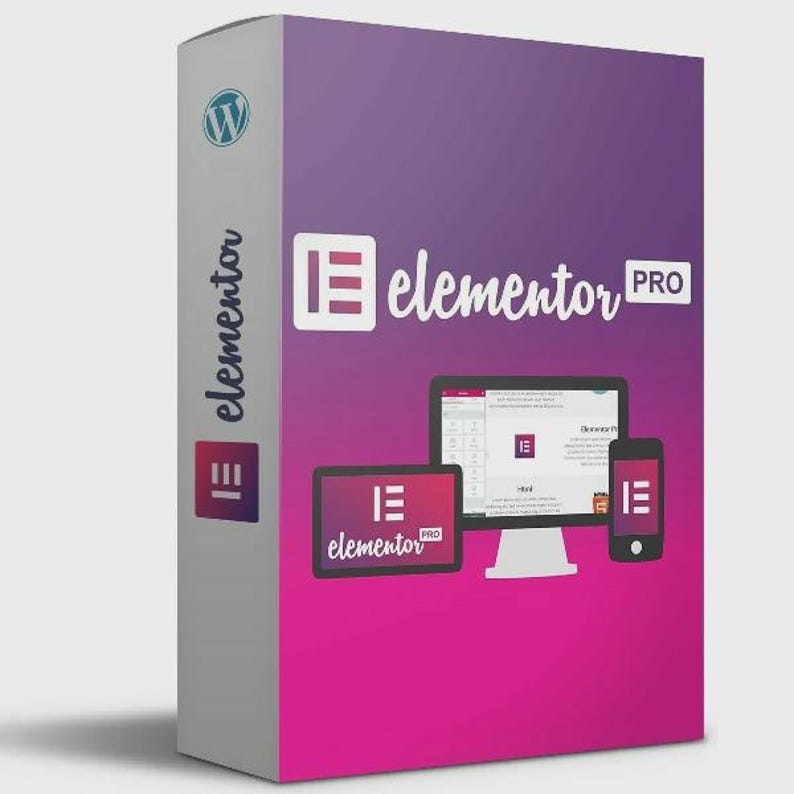
Download Elementor Pro v3+ – Most Advanced WordPress Builder Plugin with Lifetime Access | MyDigitalShub
You can only make an offer when buying a single item.
Highlights
Take your WordPress website to the next level with Elementor Pro v3+, the industry’s most powerful drag-and-drop website builder. Whether you're a developer, designer, or total beginner, Elementor Pro gives you full creative control to build pixel-perfect websites—without writing a single line of code.
With lifetime access through MyDigitalShub, you get all premium features, future updates, and templates—no recurring fees or limitations. Elementor Pro seamlessly integrates with any WordPress theme, giving you tools to create responsive pages, dynamic content, WooCommerce shops, custom headers, footers, pop-ups, and much more.
Built for performance and flexibility, this version (v3+) is optimized for speed, security, and compatibility with the latest WordPress updates. Whether you're building landing pages, portfolios, blogs, or entire business websites, Elementor Pro is your all-in-one design toolkit.
🔥 Key Features of Elementor Pro v3+:
✅ Drag-and-drop live editor
✅ 90+ advanced widgets (Forms, Sliders, Pricing Tables, etc.)
✅ Global styling system
✅ Full theme builder (Header, Footer, 404, Single Post, Archive)
✅ WooCommerce builder for online stores
✅ Motion effects, animations, and parallax
✅ Pop-up builder for lead generation
✅ Dynamic content & integration with ACF, Toolset, Pods
✅ Responsive editing for mobile/tablet
✅ Fast loading and SEO-friendly
✅ Regular updates & support (with Lifetime Access)
🛠️ How to Add and Activate Elementor Pro in WordPress – Step-by-Step Guide
Follow these steps to install and activate both Elementor (Free) and Elementor Pro properly:
🔹 Step 1: Install Elementor Free (Required)
Log in to your WordPress admin dashboard.
Go to Plugins > Add New.
In the search bar, type Elementor.
Click Install Now next to the Elementor Website Builder plugin.
Once installed, click Activate.
🔹 Step 2: Upload Elementor Pro Plugin
You should receive a .zip file of Elementor Pro v3+ from MyDigitalShub after purchase.
In your WordPress dashboard, go to Plugins > Add New.
Click on the Upload Plugin button at the top.
Click Choose File, select the elementor-pro-v3.32.2.zip file, then click Install Now.
After installation, click Activate Plugin.
🔹 Step 3: Connect Your Elementor Account (Optional if using shared license or nulled)
Normally, you'd need to connect your Elementor Pro license key by:
Going to Elementor > License in the dashboard.
Clicking Connect & Activate.
If you're using a version with lifetime access from MyDigitalShub, it may already be pre-activated or not require license activation. Follow their provided instructions.
🔹 Step 4: Verify Installation
Go to Elementor > Settings and check that both the Free and Pro versions are active.
You should now see Pro widgets and templates available when editing any page or post with Elementor.
🔹 Step 5: Start Building!
Go to Pages > Add New, click Edit with Elementor, and start designing your custom layouts using all the Pro features.
📌 Final Tips:
Backup your site before adding any third-party or premium plugins.
Make sure your WordPress, PHP, and theme versions are compatible with Elementor Pro.
Use a child theme if you're customizing theme templates with Elementor Pro’s Theme Builder.
Instant Download
Your files will be available to download once payment is confirmed. Here's how.
Instant download items don’t accept returns, exchanges or cancellations. Please contact the seller about any problems with your order.
Etsy Purchase Protection
Shop confidently on Etsy knowing if something goes wrong with an order, we've got your back for all eligible purchases —
see programme terms

Be the first to review this item

More from this shop
Visit shop-
Digital download
WP Eventin Pro: WordPress Event & Ticket Booking Plugin (Digital Download)
AU$9.64
-

Digital download
Download Bit Flows Pro 1.6.1 – Advanced Workflow Automation Plugin Lifetime Access | MyDigitalsHub Official
AU$9.64
-

Digital download
Lifetime UiCore Pro v2.2.6 – WordPress Theme & Website Builder Addon | MyDigitalShub
AU$27.34
-

Digital download
Directorist Business Directory Plugin Bundle – WordPress (Digital Download)
AU$41.81
-
Digital download
Elementor Pro GPL License | WordPress Page Builder | Unlimited websites | Instant Delivery / Instant delivery
Sale Price AU$9.08
Original Price AU$15.14
-
Digital download
Elementor Pro Plugin - WordPress Drag-and-Drop Page Builder
AU$6.43
-
Digital download
Elementor Pro GPL | WordPress Page Builder | Lifetime Use | Unlimited Websites | Instant Delivery
Sale Price AU$2.65
Original Price AU$4.83
-

Digital download
Elementor Pro Plugin: Use PRO Features on Wordpress
Sale Price AU$42.23
Original Price AU$56.31
-
Digital download
Elementor Pro GPL | WordPress Page Builder Plugin | Regular Updates | Unlimited Website
AU$5.16
-
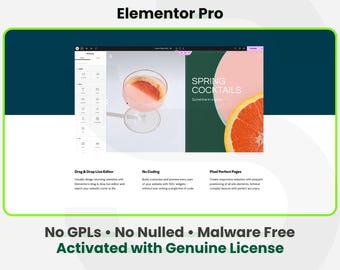
Digital download
Elementor Pro Addons - 1 Site 1 Year | Auto Updates | Fast & Secure WordPress Plugin Installation Service
Sale Price AU$21.98
Original Price AU$29.31


