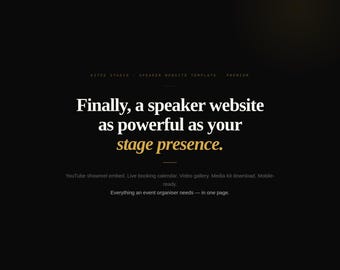
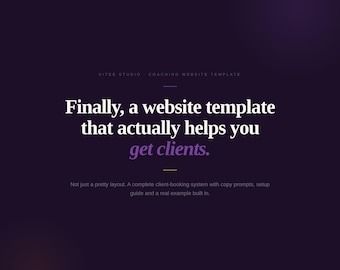
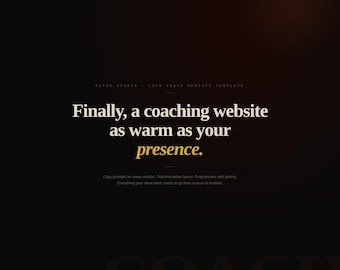


I built KiTee Studio because I kept watching brilliant coaches, speakers and freelancers and all sorts of talented people lose clients to people half as good, simply because their website looked like it was built in 2014, or they didn't have one at all!
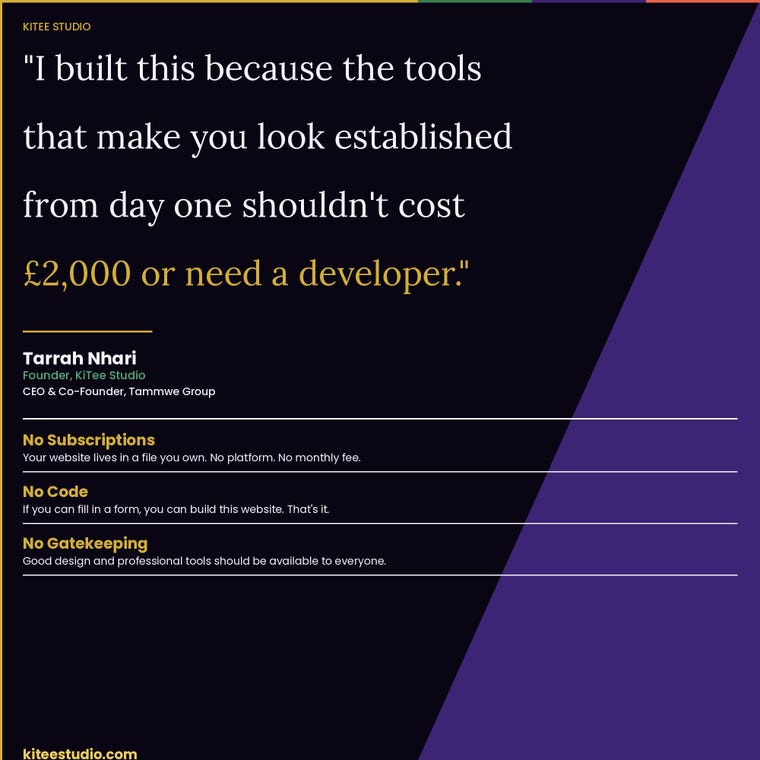
The tools that make you look established from day one shouldn't cost £2,000 or require a technical brain. And they definitely shouldn't require a monthly subscription to a platform you don't own!
So I built something different.
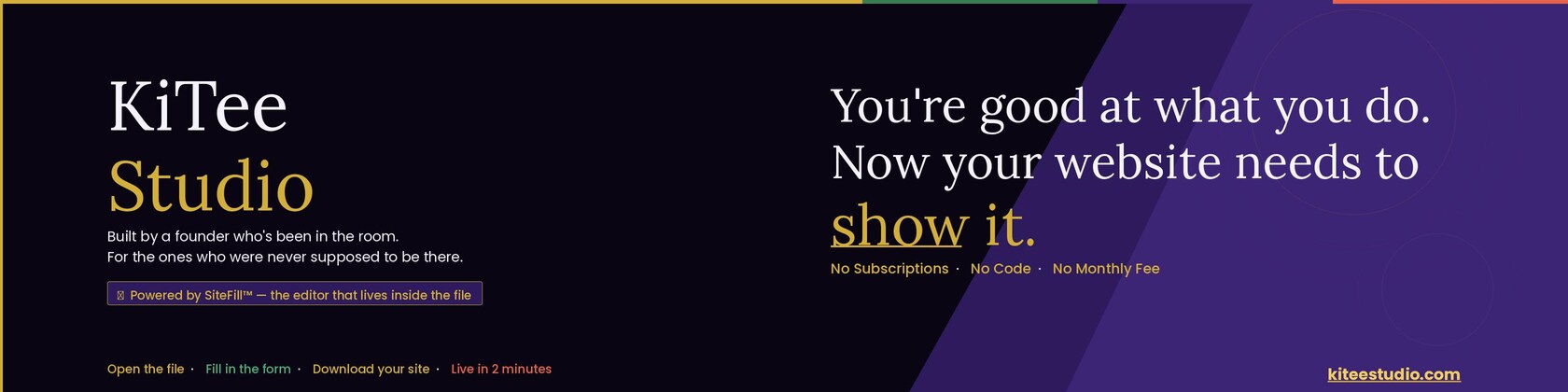
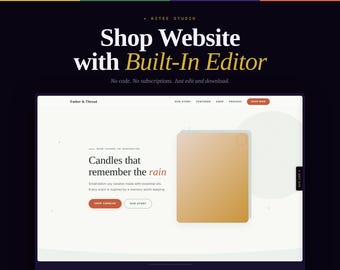
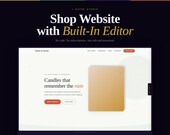
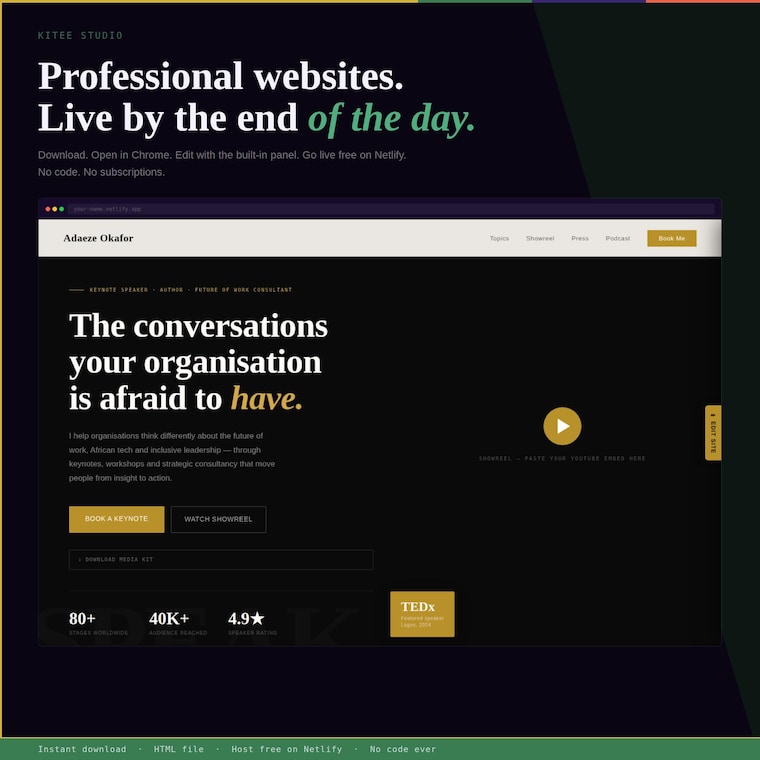
Every website template in this shop has a visual editor built inside the HTML file (yes, this is a REAL, full-functioning website). Not a link to Canva, or a Squarespace theme.
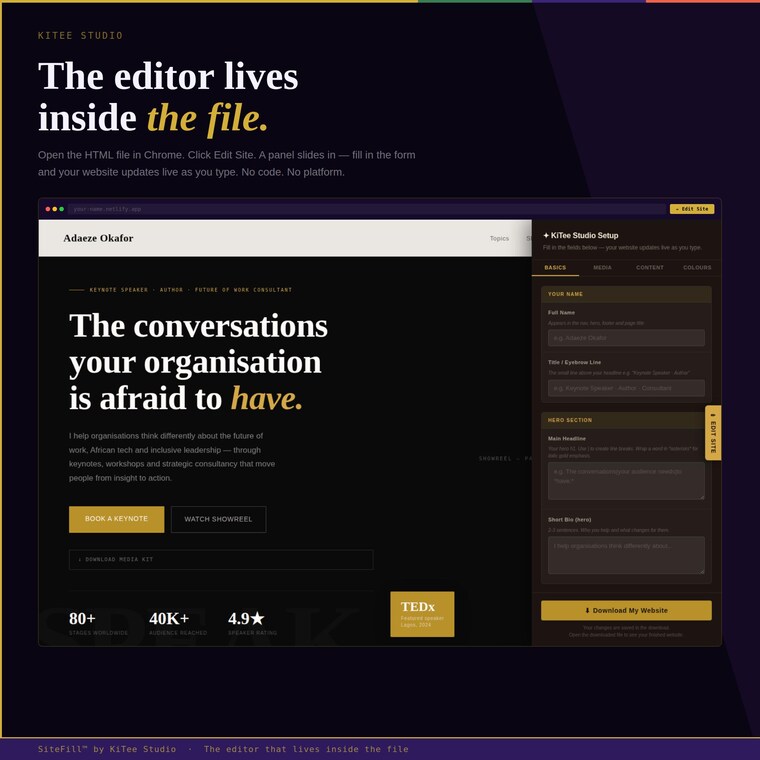
A panel that opens inside the file itself. You fill in the form. Your website updates in real time. You click Download. You drag it to Netlify.com/drop — free. You're live.
No account. No platform. No monthly fee. No code. Ever.
What you'll find here:
→ Website templates — with the editor built in
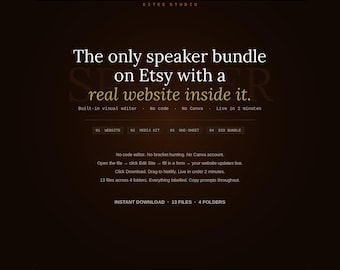
→ Speaker documents — media kit, one-sheet, bio bundle — editable Word, PDF and HTML
→ Copy prompts in everything — so you're never staring at a blank field
I'm Tarrah, a founder. I've spent a decade working inside agencies, platforms and startups across the UK and globally. I know what it costs — financially and emotionally — when the tools you need aren't built for you.
These are.
Instant download. Works on any computer. Questions answered within 24 hours.
すべての商品
お知らせ
レビュー
-

Isabella さんのレビュー(2026年 05月 4日)
星 5 個のうち 5 個I was genuinely impressed with how smooth the whole process was. I expected something more technical—like dealing with code or embedding HTML—but it turned out to be completely straightforward. The editable template made it really easy to apply my branding, and in roughly an hour I had everything ready to go live. It’s very user-friendly, highly customizable, and doesn’t require any advanced skills. A great option for anyone who wants a polished result without the usual complexity. Definitely worth it!
読み込み中 -
Isabella さんのレビュー(2026年 05月 4日)
星 5 個のうち 5 個I have to say, this exceeded my expectations by a lot! I thought I would need to tweak some code or paste HTML somewhere, but none of that was necessary. As soon as I downloaded the editable template, I was able to integrate my entire brand identity with ease — in about 1 hour, my website was ready to be published! The template is fully customizable, easy to edit, and extremely intuitive, with no need for advanced technical knowledge. I highly recommend it to anyone looking for a practical solution without compromising on quality!
読み込み中
KiTeeStudio について
ショップポリシー
ダウンロード商品
支払い方法
返品&交換
キャンセル
キャンセル:不可
ご注文に関し、何か問題がございましたらセラーにお問い合わせください。
プライバシーポリシー
その他の情報
よくある質問
Custom and personalised orders
Yes. Send me a message!
Do I need to know how to code?
No. And I mean that properly — not "just edit the brackets in Notepad."
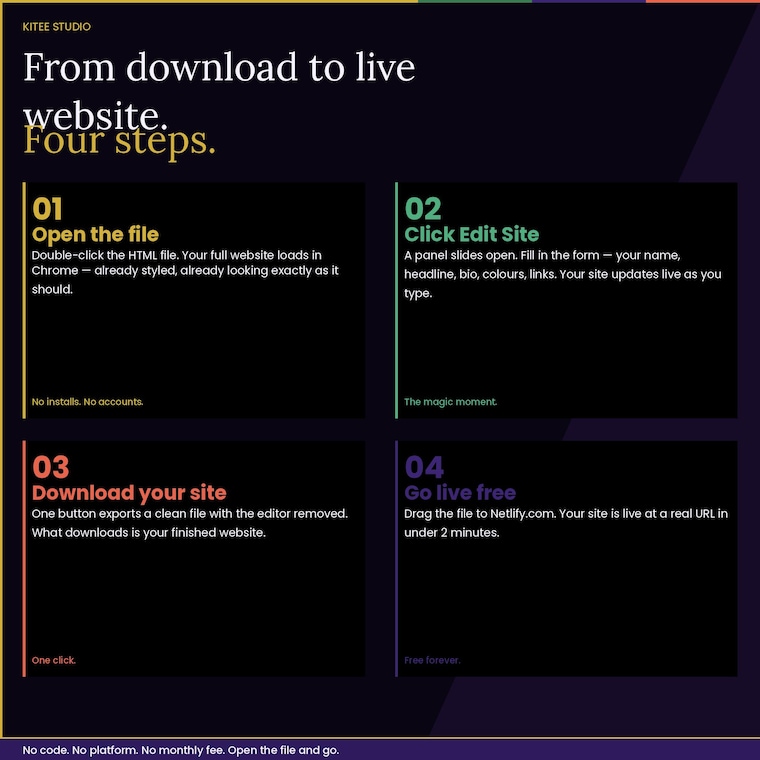
Every website template in this shop has a visual editor built inside the file. Open the HTML file in Chrome or any browser, click the Edit Site button, and a panel opens. Fill in the form — your name, headline, bio, programme names, colours, Calendly link. Your website updates live as you type.
When you're done, click Download My Website. One clean file. Editor removed. Ready to publish.
No code. No text editor. No bracket hunting. If you can fill in a form, you can customise this website.
How do I put my website online?
Once you've downloaded your finished website file, go to Netlify.com/drop — it's free. Drag and drop your HTML file onto the Netlify dashboard. Your site is live at a real URL in under 2 minutes.
You can connect your own custom domain at any time. Full step-by-step hosting instructions are included in the setup guide inside your download.
No monthly fee. No platform subscription. Your website lives in a single file you own completely.
Can I use this for client work or commercial projects?
KiTee Studio templates are licensed for personal and commercial use — meaning you can use them for your own business. You may not resell, redistribute or repackage the templates themselves, including as part of a template shop or resource library. One purchase = one business.
What if something isn't working or a file is missing?
Message me directly through Etsy, and I'll respond within 24 hours (usually much faster). If there's a genuine issue with your download - broken link, missing file, something that doesn't work as described - I'll fix it immediately. No hoops.
Are these Canva templates?
No. These are HTML files — fully functional websites you can host anywhere.
Canva website templates give you a design inside Canva's platform. You need a Canva subscription to edit them, and if you want to publish them as a real website, you need Canva Pro. Your site lives on Canva's servers, not yours.
KiTee Studio templates are different. The file is yours. The editor is built inside it. You edit locally in any browser, download the finished file, and host it wherever you like — including free on Netlify. No ongoing fees. No platform dependency. No one else's branding on your site.
Document templates (media kit, one-sheet, bio bundle) come as DEMO PDFs and editable Word/Google Doc files.
What is the Edit Site panel and how does it work?
The Edit Site panel is a visual editor built inside every KiTee Studio website template. It doesn't exist anywhere else — it's not a platform, it's not an app, it's not a link to something external. It lives inside the HTML file.
Here's how it works:
2. Open the HTML file in Chrome (double-click it)
3. Your full website loads in your browser — already styled, already looking exactly as it should
4. Click the Edit Site button in the corner
5. A panel slides in from the right. Fill in your name, headline, bio, programme details, colours, links — everything
6. Your website updates in real time as you type
7. Click Download My Website — one button exports a clean file with the editor removed
8.