

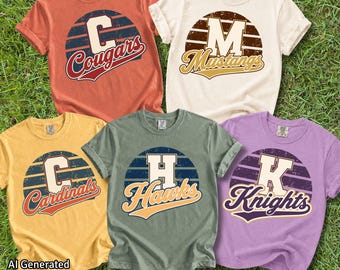
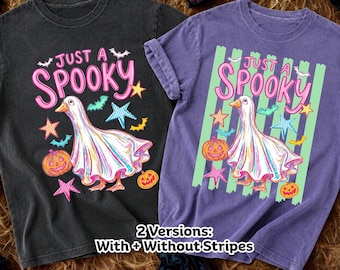
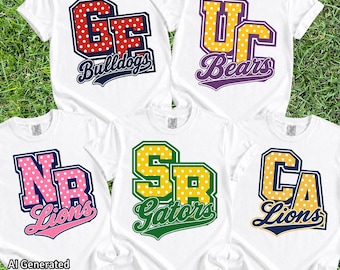

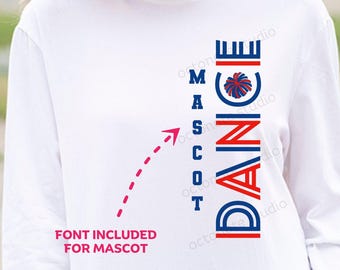
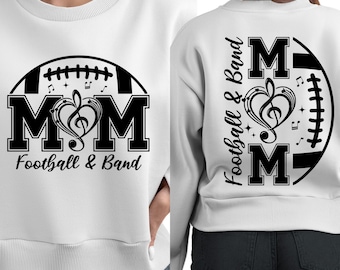

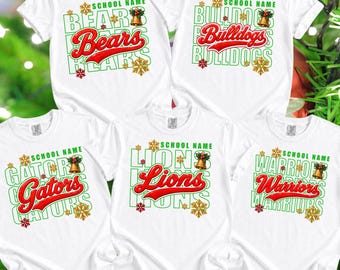






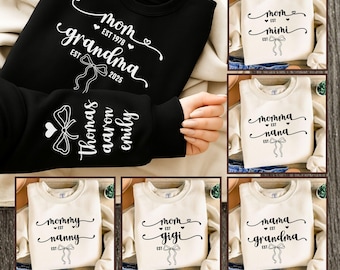


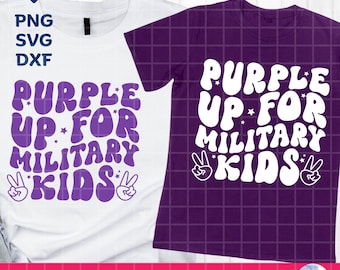

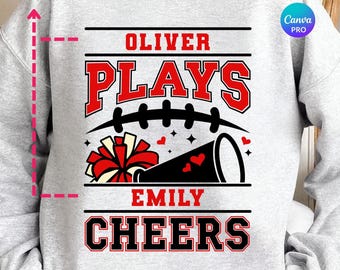

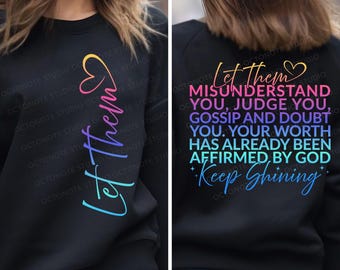

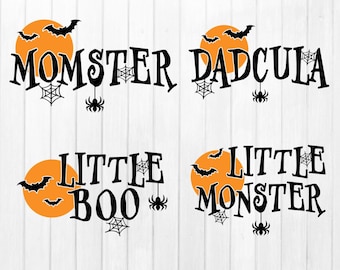
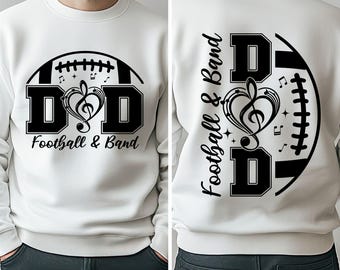
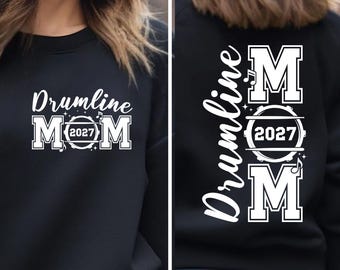
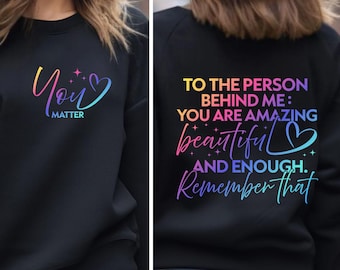


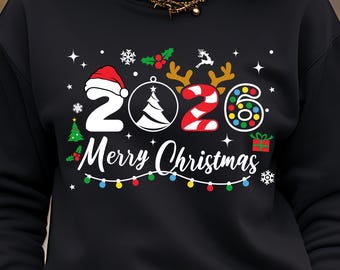









High quality digital designs crafted with love for your creative projects.
おすすめ商品
すべての商品
お知らせ
最終更新日: 2025年 02月 22日
レビュー
4.7
(209)
商品のレビュー平均
すべての評価について、最新レビュー重視の平均評価基準を採用して、この数字を計算しています。最新の体験を反映するため、評価の価値は毎年半減する仕組みとなっています。
読み込み中
-

David さんのレビュー(2026年 08月 25日)
星 5 個のうち 5 個so stinking cute! turned my local team colors into the cutest design. Thanks!
読み込み中
OctoNoteStudio さんの返信(2026年 08月 25日)
Thank you so much for your wonderful review! 🥹💗 I’m so happy you loved how the design turned out in your local team colors. Your kind words truly made my day and mean so much to my small shop. Thank you for your support! ✨
読み込み中 -

Adriann さんのレビュー(2026年 08月 16日)
星 5 個のうち 5 個Love the prints, great customer service!
読み込み中
OctoNoteStudio さんの返信(2026年 08月 16日)
Thank you so much for your wonderful 5-star review! I’m so happy you love the prints and had a great experience. Your support truly means a lot to me! 😊💛
読み込み中 -

Christine さんのレビュー(2026年 04月 13日)
星 5 個のうち 5 個Yes the item matches my expectations
読み込み中
OctoNoteStudio さんの返信(2026年 04月 13日)
Thank you so much for your 5-star review! I’m glad it met your expectations 😊 I truly appreciate your support! 💖
読み込み中 -
Kelly さんのレビュー(2026年 08月 27日)
星 5 個のうち 5 個After finding a design I liked, I messaged the seller about a couple of changes I would like to make. They messaged me back quickly, were able to make the exact changes I asked for, and had the final design to me within minutes after approval. Great customer service! Thank you!
読み込み中
OctoNoteStudio さんの返信(2026年 08月 27日)
Thank you so much for your kind words! It truly means a lot to me. I’m so happy I could make the changes exactly as you wanted and that you’re happy with the final design. It was a pleasure working with you. Thank you again for your support! ❤️
読み込み中 -
Etsy のお客さま さんのレビュー(2026年 08月 26日)
星 5 個のうち 5 個Nice image used for metal signs.
読み込み中
OctoNoteStudio さんの返信(2026年 08月 27日)
Thank you so much for the 5-star review! I’m so glad the design worked well for your metal sign. I truly appreciate your support! ❤️
読み込み中 -
Janice さんのレビュー(2026年 08月 21日)
星 5 個のうち 5 個Met my expectations and quality was good
読み込み中
OctoNoteStudio さんの返信(2026年 08月 21日)
I’m so glad the eclipse designs met your expectations and that you were happy with the quality. Thank you so much for your kind review and for supporting my small business! 😊
読み込み中 -

Jan さんのレビュー(2026年 08月 20日)
星 5 個のうち 5 個So cute, I'm going to make this into a sticker.
読み込み中
OctoNoteStudio さんの返信(2026年 08月 20日)
Thank you so much for your purchase and for leaving such a lovely review! I’m so happy you love the design—it’s going to look adorable as a sticker! 😊
読み込み中 -
Peggy さんのレビュー(2026年 08月 18日)
星 5 個のうち 5 個Alles bestens ist zu empfehlen
読み込み中
OctoNoteStudio さんの返信(2026年 08月 20日)
Thank you so much! I’m so happy to hear that you’re pleased with everything. I truly appreciate your kind review and recommendation! 😊
読み込み中 -

Gina さんのレビュー(2026年 08月 11日)
星 5 個のうち 5 個Would recommend and buy from this shop again.
読み込み中
OctoNoteStudio さんの返信(2026年 08月 11日)
Thank you so much for your kind review! I truly appreciate your support and would be happy to welcome you back anytime.😊
読み込み中 -
OctoNoteStudio について
セールス
4,042
Etsy ショップ創設年: 2023
ショップメンバー
-

Octonote Studio
オーナー
ショップポリシー
最終更新日: 2026年 02月 2日
ダウンロード商品
即時ダウンロード可能商品
お支払い確認後、ファイルがダウンロードできるようになります。 ダウンロード方法はこちらから。
カスタムダウンロード商品
ご購入後、商品を製作します。ファイルのダウンロード準備が出来次第、メールが届きます。これらの商品の完了に必要な時間は変わることがあります。ご質問はお問い合わせください。
支払い方法
セキュアオプション
Etsy ギフトカードと Etsy ポイントがご利用可能です
Etsy はあなたのお支払い情報を安全に管理します。Etsy ショップがあなたのクレジットカード情報を受け取ることはありません。
返品&交換
返品&交換の可否は商品詳細をご確認ください。
キャンセル
キャンセル:不可
ご注文に関し、何か問題がございましたらセラーにお問い合わせください。
その他の情報
最終更新日:
2026年 06月 2日
よくある質問
How do I unzip the ZIP files?
On a Windows PC:
• Right-click on the ZIP file.
• Select "Extract All."
• Choose the folder where you'd like to save the files.
• Click "OK."
• Your files are now ready to use.
On a Mac:
• Simply double-click the ZIP file to extract its contents.
On an iPhone or iPad:
• Open the "Files" app and locate your ZIP file.
• Tap the ZIP file.
• The contents will be extracted into a new folder. To rename the folder, press and hold, then select "Rename."
• Tap to open the folder.
On an Android device:
• Open the "Files by Google" app.
• Tap "Browse" at the bottom.
• Navigate to the ZIP file you want to open. Tap the file.
• When the pop-up appears, tap "Extract."
• You will see a preview of the extracted files.
• Tap "Done."
What can I do with these digital designs?
What can I do with these digital designs?
You may use these files for personal and commercial use to create physical products such as T-shirts, mugs, tote bags, sweatshirts, and print-on-demand items.
✅ Allowed:
• Personal projects
• Commercial use on physical products
• Cutting machines, sublimation, DTF, DTG, and similar methods
• POD use, as long as the original files are not shared or accessible
❌ Not Allowed:
• Sell, share, transfer, or distribute the digital files
• Resell as SVG, PNG, EPS, DXF, clipart, bundles, or digital downloads
• Create digital printables for resale
• Claim the design as your own, even if modified.
Are the original fonts included in the purchase?
No, the fonts used in the design are not included with your download.
Many of the fonts I use are customized or modified specifically for the design, so I cannot provide the exact font name.
Do you do custom designs?
The original fonts used in the design are not included in the download, unless otherwise specified on the listing cover as "Font Included."
Many of the fonts I use have been customized to give the design a unique style, so I am unable to provide the exact font names.
How do I download the files from a PDF file?
For some products, the file sizes are too large to be uploaded directly to the platform. Don’t worry — simply download the PDF file, then click the "Click here" link inside the PDF to access your download.
I cannot find the SVG file in the unzipped folder. Where is it?
All of our designs include SVG files unless otherwise stated.
If you cannot locate the SVG file, your computer may have renamed it to an HTML file and is displaying it with a web browser icon (such as Chrome, Firefox, or Edge).
The file is still an SVG and will function correctly.
To use it in Cricut Design Space, upload the HTML file within the Cricut Design Space app, select the uploaded file, and add it to your canvas.
When are you available to help?
If you ever need any help, please don't hesitate to send me a message — I’ll do my best to reply as soon as possible. As a mom with family commitments, there might be a slight delay at times, but rest assured, you will receive a response from me within 24 hours.
My usual working hours are from 8:00 AM to 8:00 PM (Thailand Time, UTC/GMT +7:00).