
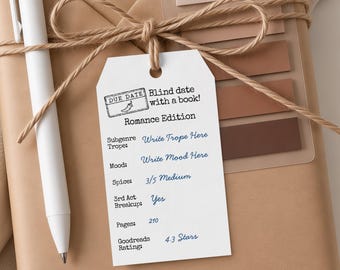


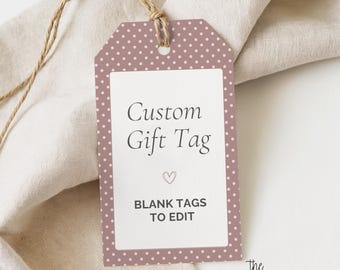

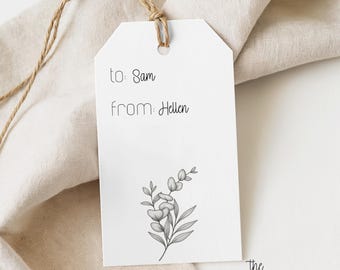
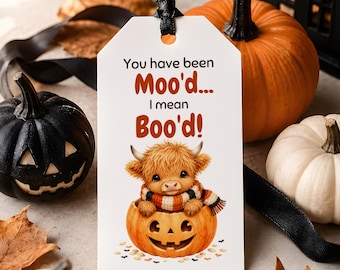

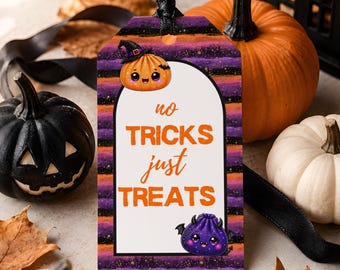

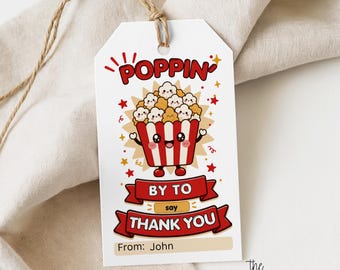
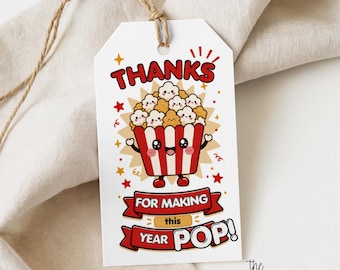

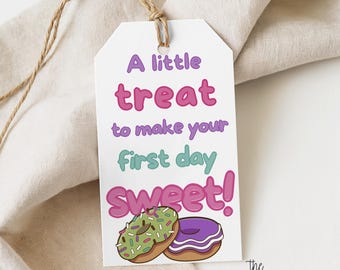
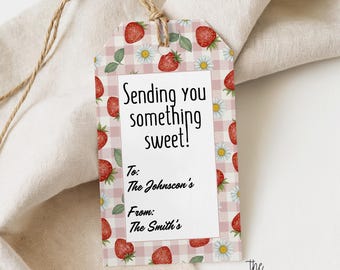

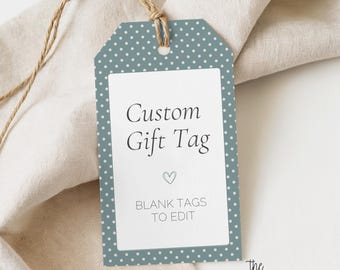

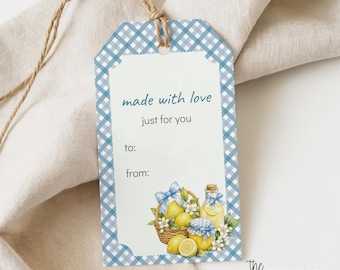

Beautiful printable gift tags. Download, customize, print.
About PrintableEditShopTag
Sales
6
On Etsy since 2026
Production partners
-
They help me with mockup designs and/or create parts of the images.
Dallas, TX
Mockup or parts of the image design
-
Claude AI
Dallas, TX
Claude AI
-
creativefabrica
Amsterdam, The Netherlands
creativefabrica.com | paid membership
-
Printing Manufacture
Dallas, TX
Printing Manufacture
-
printify
Wilmington, DE
Print and Ship for me
Shop policies
Last updated on
Accepted payment methods
Accepts Etsy Gift Cards and Etsy Credits
Returns & exchanges
See item details for return and exchange eligibility.
More information
Last updated on
29 Jun, 2026
Frequently asked questions
How do I get my files after purchase?
You'll receive an email from Etsy with a download link immediately after purchase. You can also access your files anytime from your Etsy account under Purchases. Check your spam folder if you don't see the email.
What files will I receive?
Your download includes: an editable Canva template link, a print-ready PDF (single tag and 6-up sheet), a PNG file (for home printing or cutting machines), Avery 22802 and Avery 80514 compatible files, and a how-to instructions PDF. All files are available immediately after purchase.
How do I add my own text?
It depends on which file you use. In Canva: click the template link, select "Use template," and click the to/from fields to type your names. In the PDF or PNG: these are print-ready as-is — write names by hand after printing, or use a pen or stamp. On Avery sheets: upload the Avery file at avery.com/print and use their editor to add text before printing. With Cricut or Silhouette: import the PNG into Design Space or Silhouette Studio to cut — text is written by hand after cutting.
What do I do with the PNG file?
The PNG is a high-resolution image ready to print exactly as-is — no software needed. Open it on your computer and print on white cardstock, or upload it to a print shop. It also works with Cricut and Silhouette cutting machines for perfectly shaped tags.
What do I do with the PDF file?
The PDF includes a single tag and a 6-up sheet sized for 8.5" x 11" paper. Open in any PDF viewer, select "Actual Size" (not fit to page), and print on white cardstock. Cut out each tag, punch a hole at the top, and add twine or ribbon.
I'm having trouble with Canva. Can you help?
For Canva-specific questions visit help.canva.com. If you're having trouble accessing your template link please contact us at support@theprintableedit.com and we'll get it sorted right away.
I'm having trouble with my Avery template. Can you help?
For questions about printing on Avery sheets visit avery.com/help. They have great support for template setup and alignment issues.
Custom and personalized orders
Check your spam or junk folder first. You can also find your files anytime in your Etsy account under Purchases. If you still can't find them email us at support@theprintableedit.com and we'll get it sorted immediately.
What is your refund policy?
Due to the digital nature of this product all sales are final. If you're experiencing an issue with your files please reach out to support@theprintableedit.com and we'll do everything we can to help.