
お知らせ
最終更新日: 2024年 01月 4日

レビュー
4.9
(5266)
商品のレビュー平均
すべての評価について、最新レビュー重視の平均評価基準を採用して、この数字を計算しています。最新の体験を反映するため、評価の価値は毎年半減する仕組みとなっています。
読み込み中
-

Mary さんのレビュー(2026年 09月 10日)
星 5 個のうち 5 個All the brushes came out perfect as mentioned in the shop.
読み込み中 -

Lisa さんのレビュー(2026年 08月 12日)
星 5 個のうち 5 個This is a nice pack of oil and acrylic brushes. I tried to use them for a painting. I like what I saw.
読み込み中 -

Maria さんのレビュー(2026年 08月 11日)
星 5 個のうち 5 個Excellent brush set thanks - looking forward to playing with these
読み込み中 -

Kim さんのレビュー(2026年 08月 6日)
星 5 個のうち 5 個Not used yet, but tested already and so pleased with the options. User friendly … highly recommend
読み込み中 -

-

-

-
Mary さんのレビュー(2026年 09月 10日)
星 5 個のうち 5 個All the brushes came out perfect as mentioned in the shop.
読み込み中 -


ProcreateBundle について
セールス
41,473
Etsy ショップ創設年: 2021

ショップポリシー
最終更新日: 2021年 04月 22日
ダウンロード商品
即時ダウンロード可能商品
お支払い確認後、ファイルがダウンロードできるようになります。 ダウンロード方法はこちらから。
支払い方法
セキュアオプション
Etsy ギフトカードと Etsy ポイントがご利用可能です
Etsy はあなたのお支払い情報を安全に管理します。Etsy ショップがあなたのクレジットカード情報を受け取ることはありません。
返品&交換
返品&交換の可否は商品詳細をご確認ください。
キャンセル
キャンセル:不可
ご注文に関し、何か問題がございましたらセラーにお問い合わせください。
その他の情報
最終更新日:
2025年 12月 17日
よくある質問
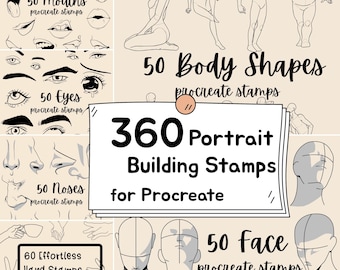
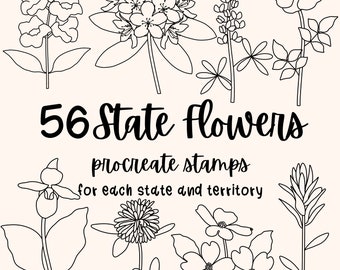
Why do some stamps look light in color? How to solve this?
I made some stamps lighter on purpose to preserve their textures (eg watercolor). A quick way to work around that is to duplicate your layers and everything will look darker instantly. You can duplicate a layer as many times as needed!
Why do I get a txt file instead of brush sets in my download?
My files are usually bigger than 20 MB, which is the largest size allowed by etsy to upload as a digital download. I have to insert a download link in the txt file for you to access it.
Simply copy and paste the link you receive to Safari browser and download the files from there.
Where do I find my downloads? It’s not in my email or receipt.
You can always access your downloads by clicking your round profile image on Etsy, then click purchases and reviews, then click the right order to find the button “download files”. If the button is greyed out, it means Etsy is still processing your order and you’ll be able to download the moment they are done confirming your payment.
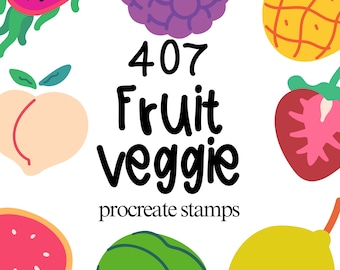
How do I make the stamps colorful?
Procreate stamps are by default monochrome. To achieve a colorful look, I always add a new layer on top, set it to clipping mask, and brush in my own colors.
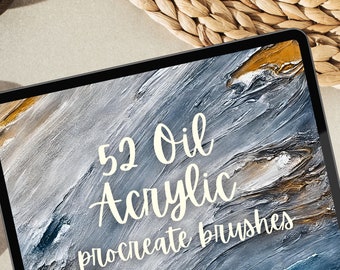
How to achieve a 3D look with oil and acrylic brushes?
I always use multiple brushes to do the trick. I first lay down a background and then stack more textured brush strokes on top to build up the look. I also tweak the highlight and shadow to create some "depth" in the painting to mimic the "3D look". I have some youtube videos that show the process, perhaps they can be of some help: https://www.youtube.com/channel/UCtDUC7YpYuHf4mhW1hJ7r0A
What am I allowed to do with your files purchased?
All products from my shop are free for commercial use. However, you cannot sell them as procreate products. Also, please make sure you add your own creative value when using my stamps. That means no image should be a stand alone image in your final work (physical or digital), you need to at least add a background (a soild background doesnt work here due to lack of creative value, but a textured background such as watercolor is ok), a quote/words or another element next to it.