
iOSThunder

メルボルン, オーストラリア

4.6 千
件の販売数
すべての評価について、最新レビュー重視の平均評価基準を採用して、この数字を計算しています。最新の体験を反映するため、評価の価値は毎年半減する仕組みとなっています。 4.7 (653)
5 年
Etsy 上
すべての評価について、最新レビュー重視の平均評価基準を採用して、この数字を計算しています。最新の体験を反映するため、評価の価値は毎年半減する仕組みとなっています。 4.7 (653)
4.6 千
件の販売数
5 年
Etsy 上
4.6 千
件の販売数
すべての評価について、最新レビュー重視の平均評価基準を採用して、この数字を計算しています。最新の体験を反映するため、評価の価値は毎年半減する仕組みとなっています。 4.7 (653)
5 年
Etsy 上
すべての評価について、最新レビュー重視の平均評価基準を採用して、この数字を計算しています。最新の体験を反映するため、評価の価値は毎年半減する仕組みとなっています。 4.7 (653)
4.6 千
件の販売数
5 年
Etsy 上
販売数: 4574

Etsy はサイト上のほとんどのテキストをあなたの設定言語に自動的に翻訳しています。

元の言語で表示する


おすすめ商品

すべての商品

Etsy はサイト上のほとんどのテキストをあなたの設定言語に自動的に翻訳しています。

元の言語で表示する

お知らせ

最終更新日: 2021年 02月 13日
Stevo

ショップオーナーに連絡

Stevo

レビュー

4.7 (653)
商品のレビュー平均
すべての評価について、最新レビュー重視の平均評価基準を採用して、この数字を計算しています。最新の体験を反映するため、評価の価値は毎年半減する仕組みとなっています。
読み込み中

iOSThunder について

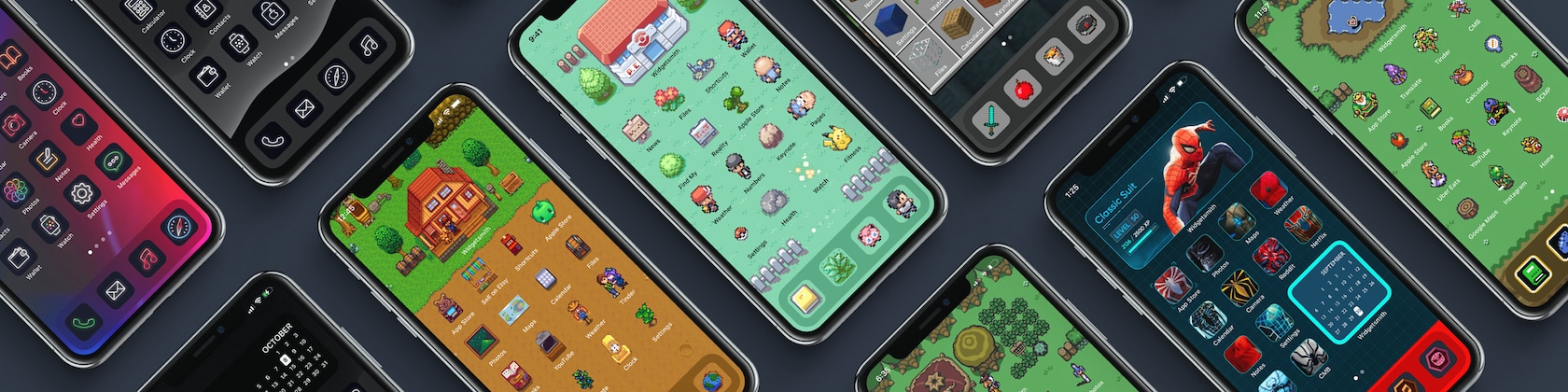
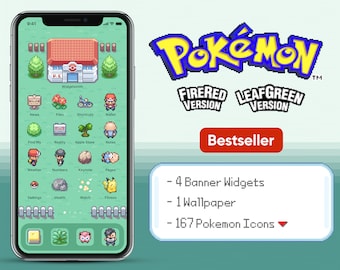
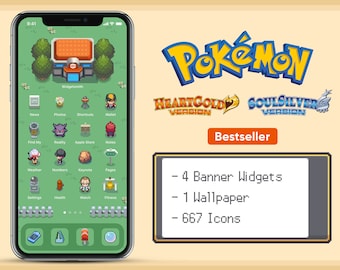
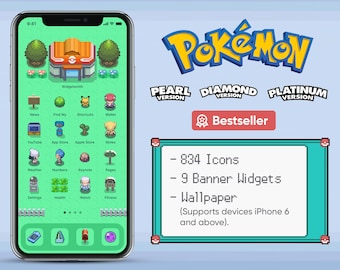
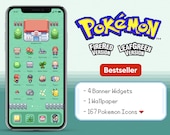
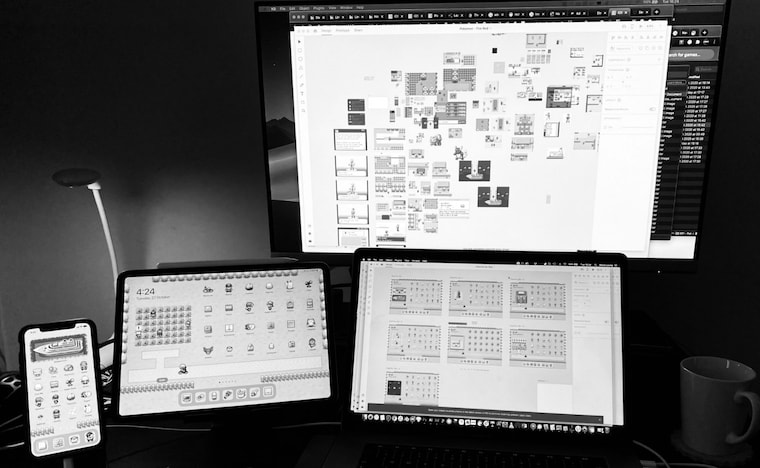
Custom iOS14 & iPadOS 14 Homescreen Game Theme Design

セールス 4,574
Etsy ショップ創設年: 2020

Custom iOS14 & iPadOS 14 Homescreen Game Theme Design

1 Game Theme Pack every week!

ショップポリシー

最終更新日:

利用可能な支払い方法

Paypal Visa Mastercard Apple Pay ギフトカード
Etsy ギフトカードと Etsy ポイントがご利用可能です

返品&交換

返品&交換の可否は商品詳細をご確認ください。

その他の情報

最終更新日: 2025年 12月 17日
What software did you use?

So you can try and make one yourself? Not telling you.

What if there’s an icon I need?

If there are icons you didn’t see in the pack message me with your order number and I will try my best to create it for you!

Do you have discount codes?

Use DOUBLE to get 15% off an order of 2 or more.
Use TRIPLE to get 20% off an order of 3 or more.
Use QUADRUPLE to get 25% off an order of 4 or more.

How do I download my icons?

After purchasing from my Etsy store, you will receive an email with the available links to download the digital files. You can download the files directly on your device by saving them to the Files app. Alternatively, you can download the files on your computer and airdrop them to your device.

Tutorial for iPadOS 14: https://youtu.be/O8FkgIgfitQ

How do I customize my icons?

Download Iconboard from the app store.

Tutorial for iPadOS 14: https://youtu.be/O8FkgIgfitQ

How do I customize the widget banner like yours?

I recommend downloading Widgetsmith from the App Store. Within the app, you then choose a medium-sized widget, give it a name, choose photo style, then select the widget banner image from the Theme Pack you've purchased.

Then you go into Edit Mode, hit the plus sign in the top left corner to add a widget, scroll all the way to the bottom, select Widgetsmith, then select the medium-sized version.

Tutorial for iPadOS 14: https://youtu.be/O8FkgIgfitQ

How do you make your Widgets scroll like the one in your video?

It's called iOS14 Smart Stacks. When you go into edit mode, you are able to put another same sized widget on top of another to create a stack. In this case, I stacked multiple medium-sized Widgetsmiths each with its own image.

Here's a tutorial from CNET which you can follow: https://www.cnet.com/how-to/ios-14-smart-stack-is-a-must-for-any-iphone-user-apple-how-to/

Tutorial for iPadOS 14: https://youtu.be/O8FkgIgfitQ

Can I request for a refund?

The short answer is no. It is a digital product, you can never return it, even if you don't like it anymore.

If you bought the wrong one and have already downloaded the files. The answer is still no.

If I refund you, how do I know you didn't delete the Digital File? It's like saying here's the theme for free.

Can you make this iOS14 or iPadOS 14 Theme?

Submit your idea request at https://iosthunder.upvoty.com/

There are many other themes in the pipeline. I will prioritize making your theme idea if other people are also upvoting your idea :)

It takes 3 to 5 days to make each theme.

Will this work on Android as well?

Yes. But I am unfamiliar with the process of installing for Android since I do not own an Android device. You will have to research by yourself. After all, the pack mostly contains images.

You just need to figure out how to turn those images into widgets and app icons.