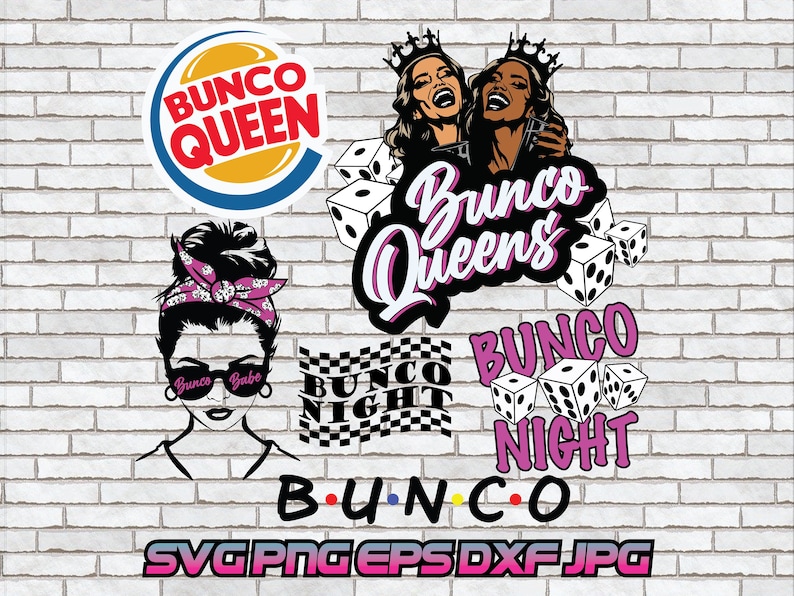
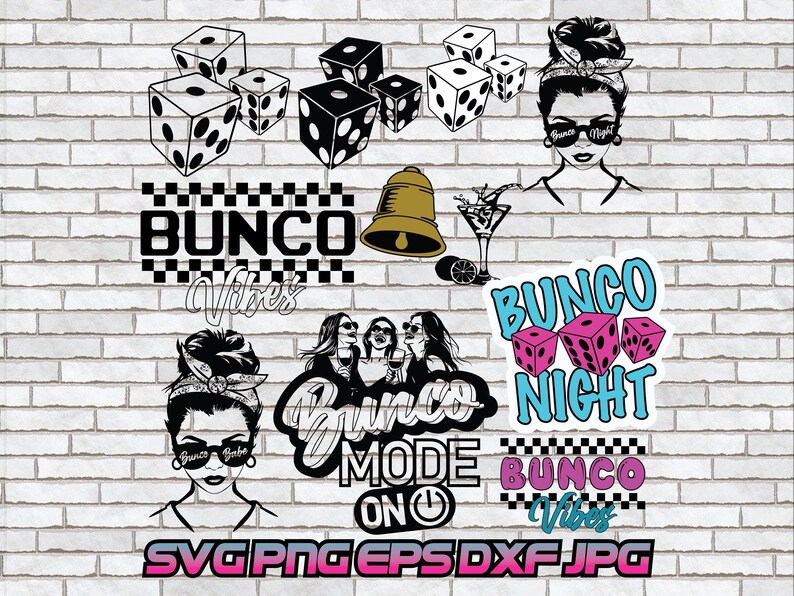
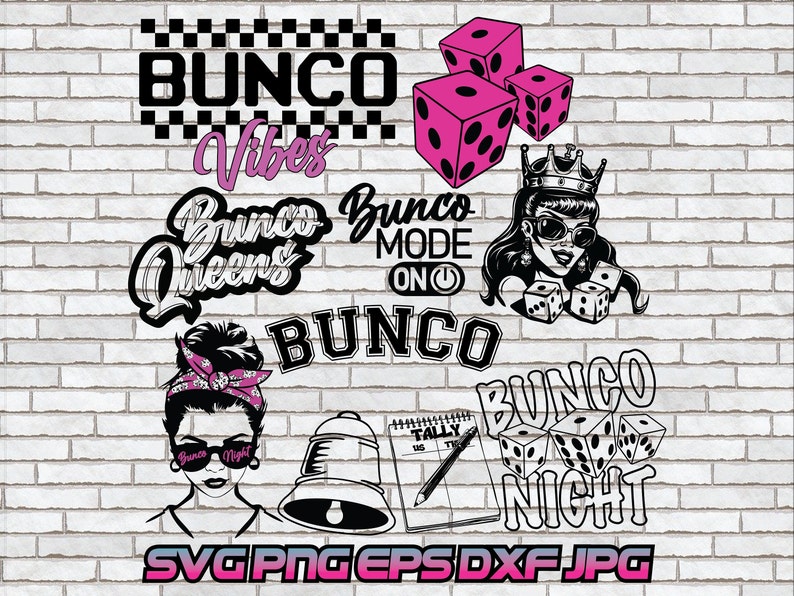
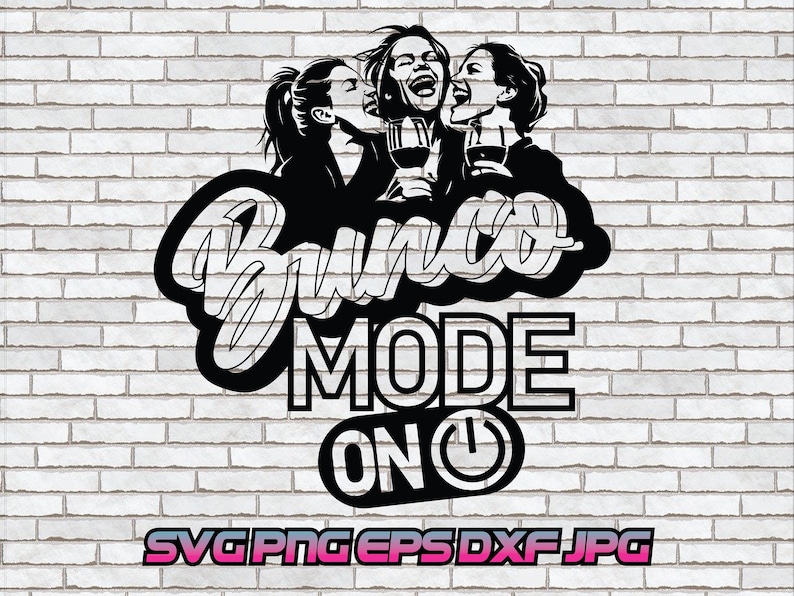





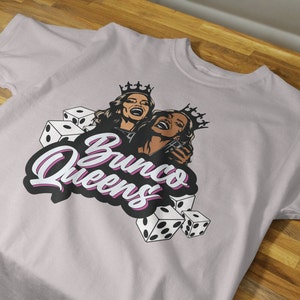
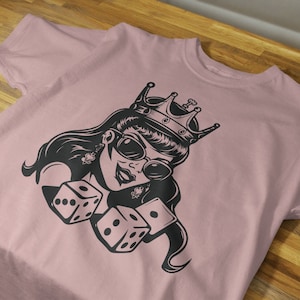
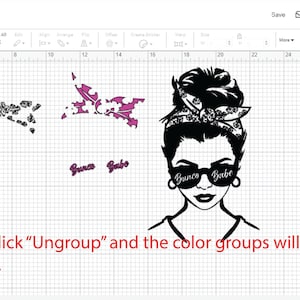
Bunco svg, Bunco png, Bunco Queen, Digital Download, Roll Dice, Game Night, Ladies, Girls, Checkered, Shirt Design, Party Decor, Messy Bun
Puntos destacables del artículo
Descripción del vendedor
Bunco svg, Bunco png, Bunco Queen, Digital Download, Roll Dice, Game Night, Ladies, Girls, Checkered, Shirt Design, Party Decor, Messy Bun
INSTANT DOWNLOAD
This is a digital product. NO physical items.
Once payment is completed, Etsy will email confirmation of your purchase with a link to download. Digital files cannot be accessed through the Etsy app and must be downloaded through a web browser.
A Pdf file containing the link to the Google drive page can also be accessed in your Etsy account > purchases > view receipt > Download Button
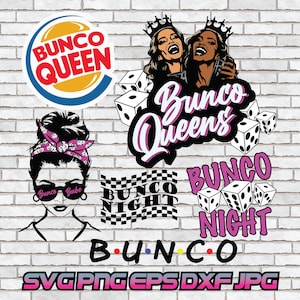
Watermark and brick background shown in thumbnail photo will NOT be attached to your purchase.
You will receive 1 pdf file with a link to Google Drive. Please download the zip file and extract your designs. I've included an image preview page within the zip file. Within the zip file:
(28) SVG files can be scaled to any size without losing quality. This makes SVG files ideal for creating high-resolution graphics that can be used on a variety of projects. SVG files are vector files that can be used for a variety of crafting projects, such as cutting, printing, and embroidery. They are often used for creating custom designs, such as logos, patterns, and illustrations.
(28) EPS files, or Encapsulated PostScript files, are a type of vector file that can be used to store images, text, and designs. They are often used in the printing industry because they can be scaled to any size without losing quality. EPS files are supported by a wide variety of software programs, including Adobe Illustrator, Inkscape, Corel Draw, and QuarkXPress.
(28) PNG files with transparent backgrounds are a great option for use in a variety of software programs, including Photoshop, Illustrator, Inkscape, and Corel Draw.
(28) JPG files do not support transparency. This means that the background of a JPG file will always be opaque, or solid.
(28) DXF file is a Drawing Exchange Format file that can be opened in Silhouette Studio. It is a vector file format, which means that it is made up of lines and curves, rather than pixels. This makes it a great format for cutting projects, as the lines will be sharp and precise.
• Scrapbooking: You can use the files to create custom scrapbook pages, cards, and other embellishments. There are many different ways to use digital downloads for scrapbooking. You can use them to create custom backgrounds, borders, and embellishments. You can also use them to create custom templates for your pages.
• Cut machines: You can use the files to cut out shapes, letters, and other designs on a variety of materials, such as paper, vinyl, and fabric. There are many different cut machines that you can use with digital downloads. Some popular options include the Cricut, the Silhouette Cameo, and the Brother ScanNCut.
• Vinyl decals and stickers: You can use the files to create custom vinyl decals and stickers for your home, car, or other belongings. This is a great way to add your own personal touch to your surroundings. You can use the files to create decals with your favorite quotes, images, or designs.
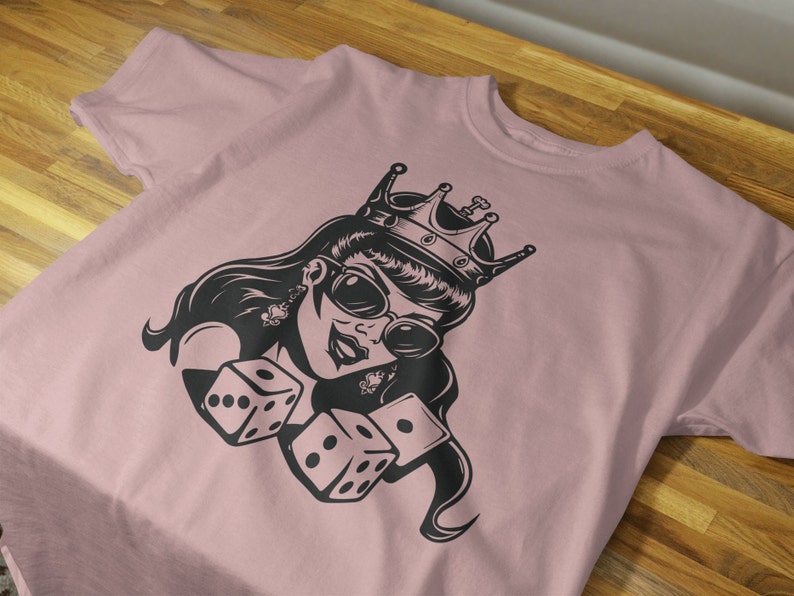
• Clothes printing: You can use the files to create custom printed designs on t-shirts, hoodies, and other clothing items. This is a great way to show off your personality or support your favorite causes. You can use the files to create designs with your own text, images, or designs.
• Printable decorations: You can use the files to create printable decorations for your home, party, or other event.
• Cards and invitation design: You can use the files to create custom cards and invitations for any occasion. This is a great way to make your cards and invitations stand out from the crowd. You can use the files to create designs with your own text, images, or designs.
• Iron-on transfer: You can use the files to create custom iron-on transfers for clothing, bags, and other items. This is a great way to add some personal touches to your belongings. You can use the files to create designs with your own text, images, or designs.
• Engraving: You can use the files to create custom engraved designs on wood, metal, and other materials. This is a great way to add some lasting memories to your belongings. You can use the files to create designs with your own text, images, or designs.
You can always access your downloads in the purchase history section.
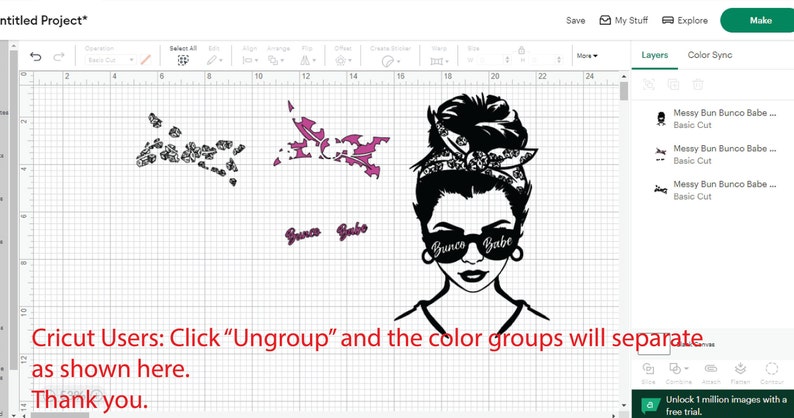
Cricut Users: To maintain a quality image, the PNG will open large in Design Space. Please drag the bottom right corner or design to size as you’d like.
To unzip a ZIP file on Windows, you can right-click on the ZIP file and select "Extract All." This will open a window where you can choose the location to unzip the files. You can also unzip a ZIP file by double-clicking on it. This will open the ZIP file in a new window, and you can then drag the files out of the ZIP file and into a new location.
To unzip a ZIP file on Mac, you can double-click on the ZIP file. This will open the ZIP file in the Archive Utility tool. The Archive Utility tool will unzip the files in the same folder that the ZIP file is in. You can then click on the icons of the extracted files to access them.
Allowed:
• You can use the file to create physical products for sale, such as clothing, vinyl stickers, or home decor.
• You can sell the physical products you create with the file.
Not allowed:
• You cannot sell the file itself.
• You cannot use the file to create digital products, such as "clip art" or digital scrapbooking kits.
Please feel free to message me if you have any issues with a purchase.
Thank you for visiting!
Precio:MX$74.82
Solo puedes hacer una oferta por compras de un único artículo
Entrega
Descarga inmediata
Los archivos estarán disponibles para descargar una vez que se confirme el pago. Sigue estas instrucciones.
No se admiten cambios, devoluciones ni cancelaciones de los artículos de descarga inmediata. Ponte en contacto con el vendedor si tienes algún problema con tu pedido.
Reseñas de este artículo

Buenos diseños aquí en este archivo.

Funcionó para lo que lo necesitaba.
Alta calidad y muy fácil de descargar.
Descripción del vendedor
Especificaciones
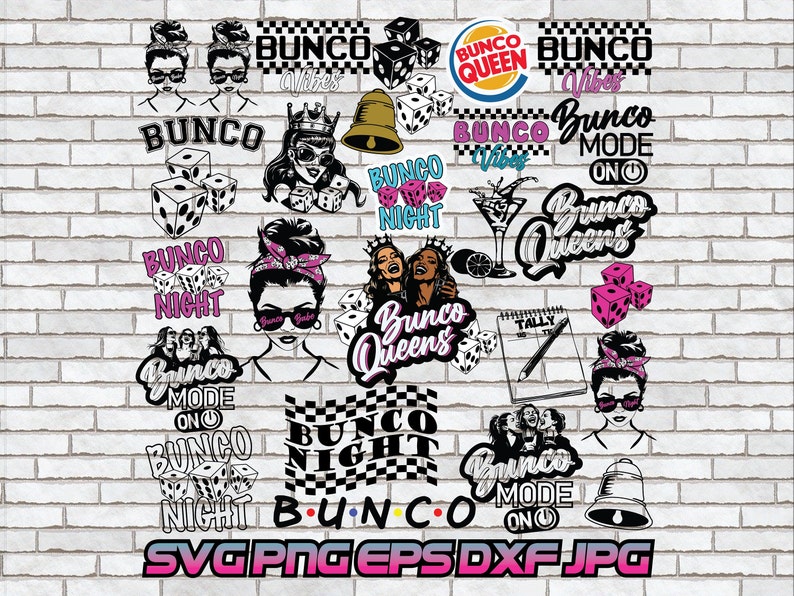
Bunco svg, Bunco png, Bunco Queen, Digital Download, Roll Dice, Game Night, Ladies, Girls, Checkered, Shirt Design, Party Decor, Messy Bun
INSTANT DOWNLOAD
This is a digital product. NO physical items.
Once payment is completed, Etsy will email confirmation of your purchase with a link to download. Digital files cannot be accessed through the Etsy app and must be downloaded through a web browser.
A Pdf file containing the link to the Google drive page can also be accessed in your Etsy account > purchases > view receipt > Download Button
Watermark and brick background shown in thumbnail photo will NOT be attached to your purchase.
You will receive 1 pdf file with a link to Google Drive. Please download the zip file and extract your designs. I've included an image preview page within the zip file. Within the zip file:
(28) SVG files can be scaled to any size without losing quality. This makes SVG files ideal for creating high-resolution graphics that can be used on a variety of projects. SVG files are vector files that can be used for a variety of crafting projects, such as cutting, printing, and embroidery. They are often used for creating custom designs, such as logos, patterns, and illustrations.
(28) EPS files, or Encapsulated PostScript files, are a type of vector file that can be used to store images, text, and designs. They are often used in the printing industry because they can be scaled to any size without losing quality. EPS files are supported by a wide variety of software programs, including Adobe Illustrator, Inkscape, Corel Draw, and QuarkXPress.
(28) PNG files with transparent backgrounds are a great option for use in a variety of software programs, including Photoshop, Illustrator, Inkscape, and Corel Draw.
(28) JPG files do not support transparency. This means that the background of a JPG file will always be opaque, or solid.
(28) DXF file is a Drawing Exchange Format file that can be opened in Silhouette Studio. It is a vector file format, which means that it is made up of lines and curves, rather than pixels. This makes it a great format for cutting projects, as the lines will be sharp and precise.
• Scrapbooking: You can use the files to create custom scrapbook pages, cards, and other embellishments. There are many different ways to use digital downloads for scrapbooking. You can use them to create custom backgrounds, borders, and embellishments. You can also use them to create custom templates for your pages.
• Cut machines: You can use the files to cut out shapes, letters, and other designs on a variety of materials, such as paper, vinyl, and fabric. There are many different cut machines that you can use with digital downloads. Some popular options include the Cricut, the Silhouette Cameo, and the Brother ScanNCut.
• Vinyl decals and stickers: You can use the files to create custom vinyl decals and stickers for your home, car, or other belongings. This is a great way to add your own personal touch to your surroundings. You can use the files to create decals with your favorite quotes, images, or designs.
• Clothes printing: You can use the files to create custom printed designs on t-shirts, hoodies, and other clothing items. This is a great way to show off your personality or support your favorite causes. You can use the files to create designs with your own text, images, or designs.
• Printable decorations: You can use the files to create printable decorations for your home, party, or other event.
• Cards and invitation design: You can use the files to create custom cards and invitations for any occasion. This is a great way to make your cards and invitations stand out from the crowd. You can use the files to create designs with your own text, images, or designs.
• Iron-on transfer: You can use the files to create custom iron-on transfers for clothing, bags, and other items. This is a great way to add some personal touches to your belongings. You can use the files to create designs with your own text, images, or designs.
• Engraving: You can use the files to create custom engraved designs on wood, metal, and other materials. This is a great way to add some lasting memories to your belongings. You can use the files to create designs with your own text, images, or designs.
You can always access your downloads in the purchase history section.
Cricut Users: To maintain a quality image, the PNG will open large in Design Space. Please drag the bottom right corner or design to size as you’d like.
To unzip a ZIP file on Windows, you can right-click on the ZIP file and select "Extract All." This will open a window where you can choose the location to unzip the files. You can also unzip a ZIP file by double-clicking on it. This will open the ZIP file in a new window, and you can then drag the files out of the ZIP file and into a new location.
To unzip a ZIP file on Mac, you can double-click on the ZIP file. This will open the ZIP file in the Archive Utility tool. The Archive Utility tool will unzip the files in the same folder that the ZIP file is in. You can then click on the icons of the extracted files to access them.
Allowed:
• You can use the file to create physical products for sale, such as clothing, vinyl stickers, or home decor.
• You can sell the physical products you create with the file.
Not allowed:
• You cannot sell the file itself.
• You cannot use the file to create digital products, such as "clip art" or digital scrapbooking kits.
Please feel free to message me if you have any issues with a purchase.
Thank you for visiting!
-
Diseñado por
-
UsoMateriales para artesanía
-
Tipo de artículoDescarga digital
-
Tipos de archivos digitales1 PDF
-
IdiomaEl texto de esta descarga podría estar en otro idioma
Si surge un problema con un pedido que reúne los requisitos, te cubrimos las espaldas. Ver las condiciones del programa
Conoce al vendedor

Normalmente tarda unas horas en responder
Buenas reseñas La valoración media de las reseñas es 4,8 o más alta.
Más artículos de esta tienda
-

Descarga digital
Bunco SVG, BuncoPrintables, Regalos Bunco, Noche de juegos SVG, Noche de chicas, Premios Bunco, Noche de chicas Svg, Noche de chicas, Bunco SVG,
MX$74.82
-

Descarga digital
Paquete Bunco SVG, imprimibles Bunco, Bunco SVG, Bunco PNG, Bunco, dados Bunco, regalos Bunco, noche Bunco
MX$74.82
-

Descarga digital
Bunco Night SVG, Bunco Game Vector, Download File, Cricut Silhouette Design for Shirt Decor Holiday Ladies Night PNG Casino Night, Prints
MX$74.82
-
Descarga digital
Bunco svg, Bunco png, Digital Download, Sublimation, Bunco Night, Girls Ladies Cricut Silhouette Shirt Design Template Vector Clipart
MX$74.82
-
Descarga digital
Bunco svg, 3 Bunco Dice png, Digital Download, Bunco Night Design, Bunco Girls Night, Game Night Printable dxf jpg eps
MX$74.82
-
Descarga digital
Bunco svg, Bunco png, Digital Download, Bunco Night, Digital Download, Sublimation, Girls Night, Game Printable dxf jpg eps Template Vector
MX$74.82
-

Descarga digital
Paquete de archivos SVG de Bunco, imágenes prediseñadas de dados (archivos digitales)
MX$113.41
-

Descarga digital
Bunco #2 SVG, Bunco night, Dice gam svg, Bunco Queen svg, Clipart, Archivos de corte para Silhouette, Archivos para Cricut, Vector, dxf, png, Diseño
MX$67.96
-

Descarga digital
Archivo Svg de dados, Svg de Bunco, monograma de Bunco, Svg de pieza de amor de Bunco, clip art de casino, latido de Bunco, silueta de Bunco, dxf, eps, jpg, png, svg
Precio en oferta MX$83.44
Precio original MX$111.06
-
Descarga digital
Bunco Queen SVG PNG: Diseño de juego Bunco, archivos Cricut (Descarga digital)
Precio en oferta MX$90.69
Precio original MX$113.41
-

Descarga digital
Regalo para la noche de juegos de Bunco Ladies, regalo para el anfitrión de Bunco, camisa de la suerte de Bunco, reina de Bunco,
MX$72.67
-

Descarga digital
Bunco Queen - Bunco / Bunko SVG y archivos de corte para artesanos
MX$113.60
-
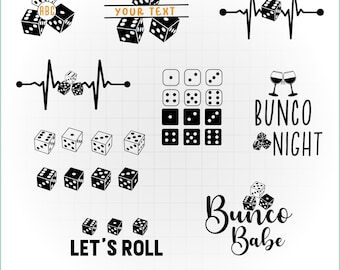
Descarga digital
Paquete SVG de Bunco: Gráficos de dados para la noche de juegos, frases de fiesta (archivos de corte)
MX$67.96
-
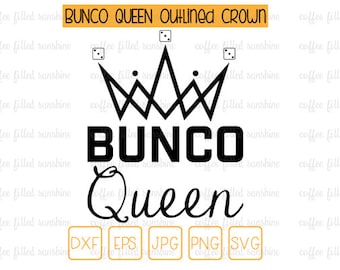
Descarga digital
REINA BUNCO con corona delineada, archivo de corte, DADOS Svg, Dados Bunco, Archivo de corte de Reina Bunco, Clipart Bunco, Descarga instantánea, dxf eps jpg png svg
MX$82.85
-
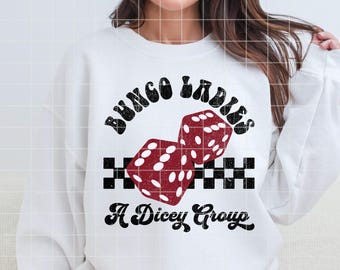
Descarga digital
Bunco PNG File Digital Download Distressed Bunco Printable PNG Retro Bunco Dice PNG, Bunco Ladies Shirt Design For Game Night, A Dicey Group
Precio en oferta MX$72.47
Precio original MX$90.69
-
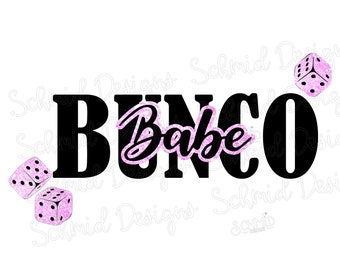
Descarga digital
Bunco Babe PNG, Bunco para sublimación, diseño de bunco babe
MX$85.20
-
Descarga digital
Bunco, regalo de Bunco, Bunco chica SVG, noche de Bunco, Bunco SVG, Bunco DXF, camiseta de adulto, hoja de puntuación de Bunco, SVG de adulto, noche de chicas SVG
MX$70.51
-
Descarga digital
Bunco Babe teñido anudado "Que la diversión fluya", Bunco Babe jpg, Bunco para sublimación, Cricut, Silhouette, transferencias, png, SVG
MX$79.52
Descargo de responsabilidad: Etsy no asume responsabilidad alguna en cuanto a la precisión, el etiquetado o el contenido de los anuncios y los productos de los vendedores. Los artículos eléctricos o electrónicos pueden representar un peligro de incendio o electrocución. Es posible que los artículos vintage, hechos a mano, remanufacturados, eléctricos o electrónicos modificados no cumplan con las normas de seguridad en vigor y no funcionen de una forma segura. Inspecciona el artículo meticulosamente antes de usarlo y envíale un mensaje al vendedor si tienes dudas sobre el producto. No uses artículos vintage electrónicos o eléctricos si no se puede verificar que funcionan de forma segura. Para reducir el peligro de incendio, nunca dejes artículos vintage electrónicos o eléctricos enchufados sin supervisión. Consulta las condiciones de uso para obtener más información.
A los compradores con gustos similares les han gustado estos artículos
-
Camiseta divertida de bingo, regalo de bingo, camiseta del equipo de bingo, regalo para amantes del bingo, camiseta de jugador de bingo, camiseta "Me encanta el bingo", camiseta de bingo de la suerte, camiseta de juego de bingo
Precio en oferta MX$267.36
Precio original MX$381.94
-
Camiseta divertida de bingo con pedrería Oooh 69, tarjetas y marcadores
Precio en oferta MX$493.39
Precio original MX$548.23
-

Mi camiseta de bingo de la suerte, camiseta para amantes del bingo, camisetas para grupos de bingo, camiseta para jugadores de bingo, regalos de bingo, juego de bingo, regalos para mamá, regalos para la abuela
MX$626.58
-
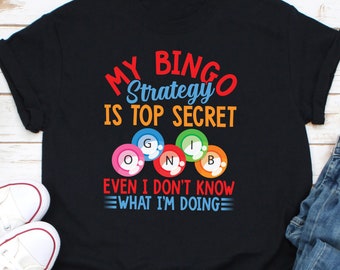
Mi estrategia de bingo es ultrasecreta, incluso yo no sé lo que estoy haciendo camisa, camisa de bingo, me encanta la camisa de bingo, camisa de juego de bingo, camisa del equipo de bingo
MX$293.21
-

Camiseta de bingo, camiseta de manga corta unisex, ¿Qué número llamaron?, Bingo Babe, camiseta de grupo de bingo, camiseta divertida de bingo
MX$489.47
-
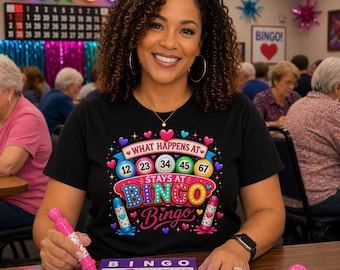
Camiseta "¿Qué pasa en el bingo?" / Camiseta con estampado de cartón de bingo a color
MX$411.13
-

Camiseta Bingo Time Bitches, camisetas para amantes de los juegos de bingo, camiseta divertida para jugadores de bingo, camiseta vintage de bingo, regalo para amantes de los juegos de bingo, me encanta el bingo
Precio en oferta MX$176.08
Precio original MX$352.17
-
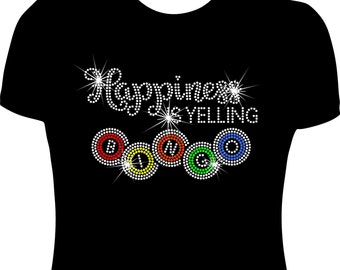
Camiseta con diamantes de imitación "Bingo de la Felicidad"
MX$528.84
-
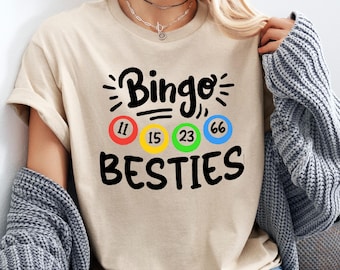
Camiseta "Bingo Besties": Números de bingo personalizados, regalo unisex
Precio en oferta MX$160.42
Precio original MX$267.36
-

Camisetas divertidas de bingo, camisetas de equipo de bingo, regalo para jugadores de bingo, camisetas de equipo de bingo, camisetas de bingo para hombres, mujeres y niños
Precio en oferta MX$215.26
Precio original MX$391.34
-

Camiseta de bingo divertida para jugadores, regalo para amantes del bingo, ropa de bingo de la suerte, camiseta de noche de bingo, perfecta para personas mayores, equipo para entusiastas del bingo
Precio en oferta MX$272.26
Precio original MX$388.99
-
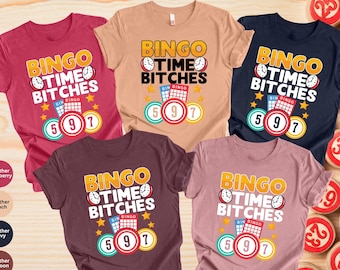
Camiseta divertida para la hora del bingo: Regalo para los amantes del bingo
Precio en oferta MX$194.89
Precio original MX$389.78


