








20+ views in the last 24 hours
Price:146.49 NOK
Vintage Photobooth Photo Strip Save the Date Magnet: DIY Canva Template Digital Download
Star Seller
Star Sellers have an outstanding track record for providing a great customer experience—they consistently earned 5-star reviews, shipped orders on time, and replied quickly to any messages they received.
You can only make an offer when buying a single item
Star Seller. This seller consistently earned 5-star reviews, shipped on time, and replied quickly to any messages they received.
Highlights
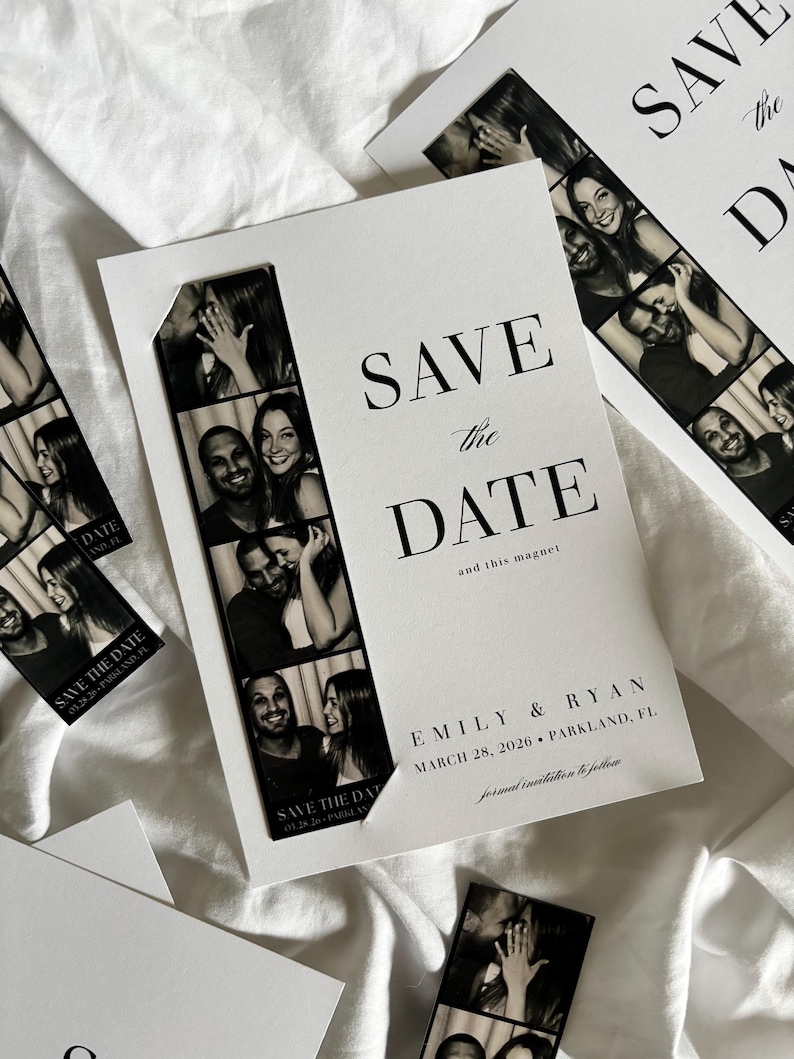
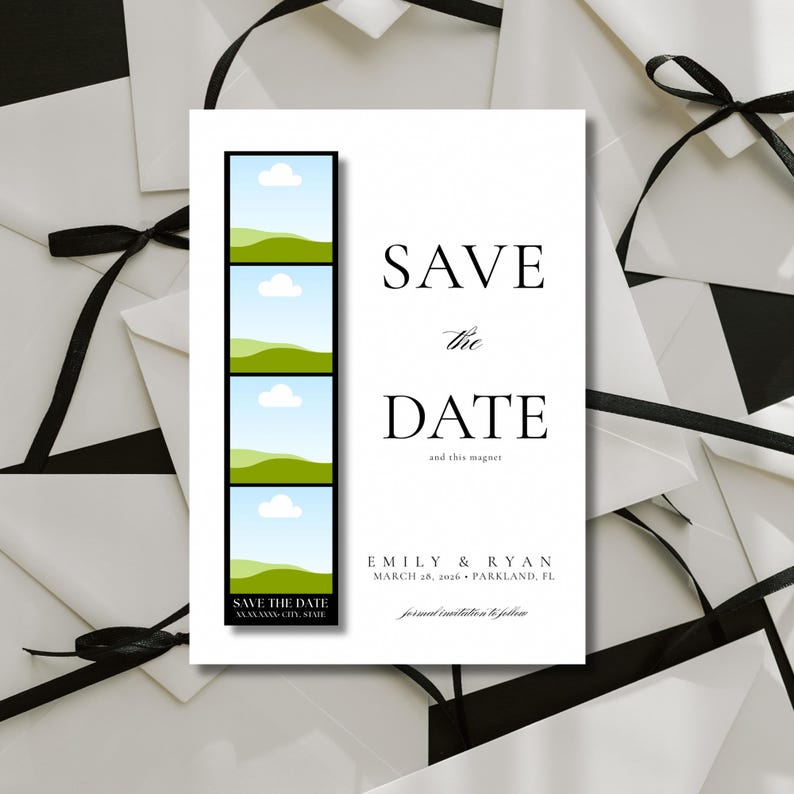
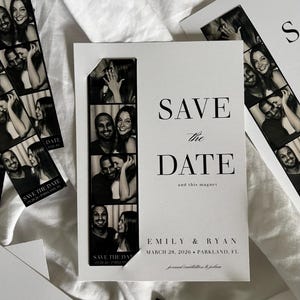
Vintage Photo Strip Save the Date | Canva Template | DIY Printable
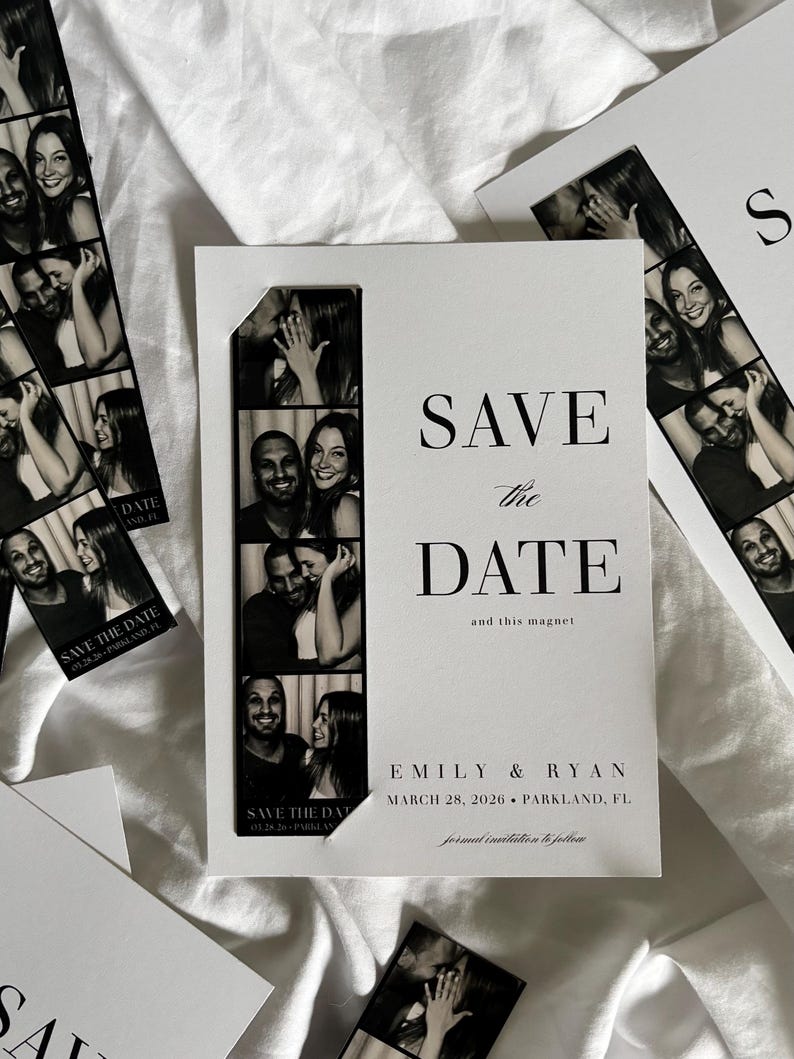
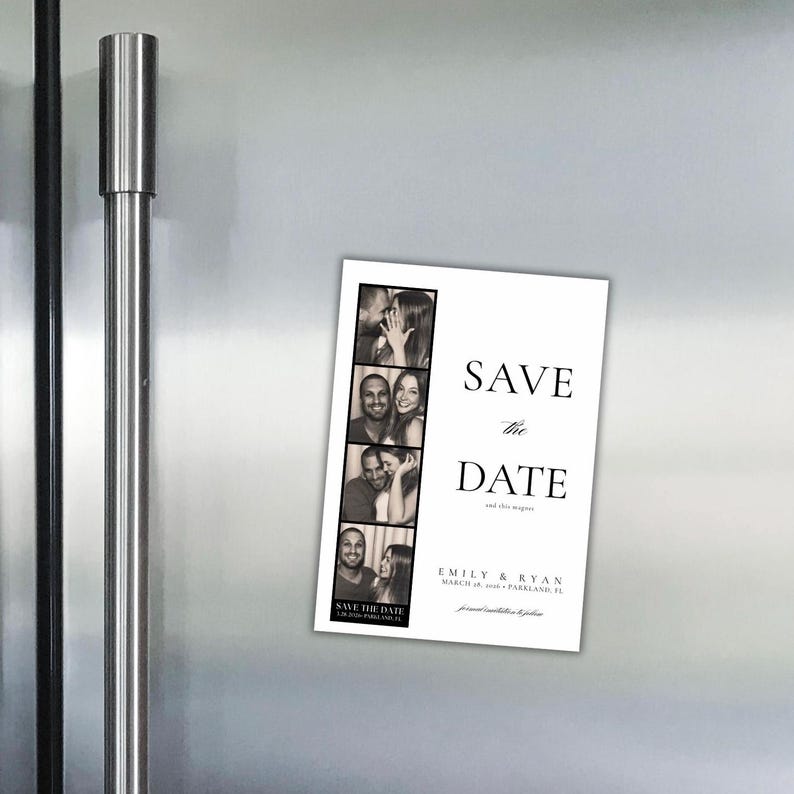
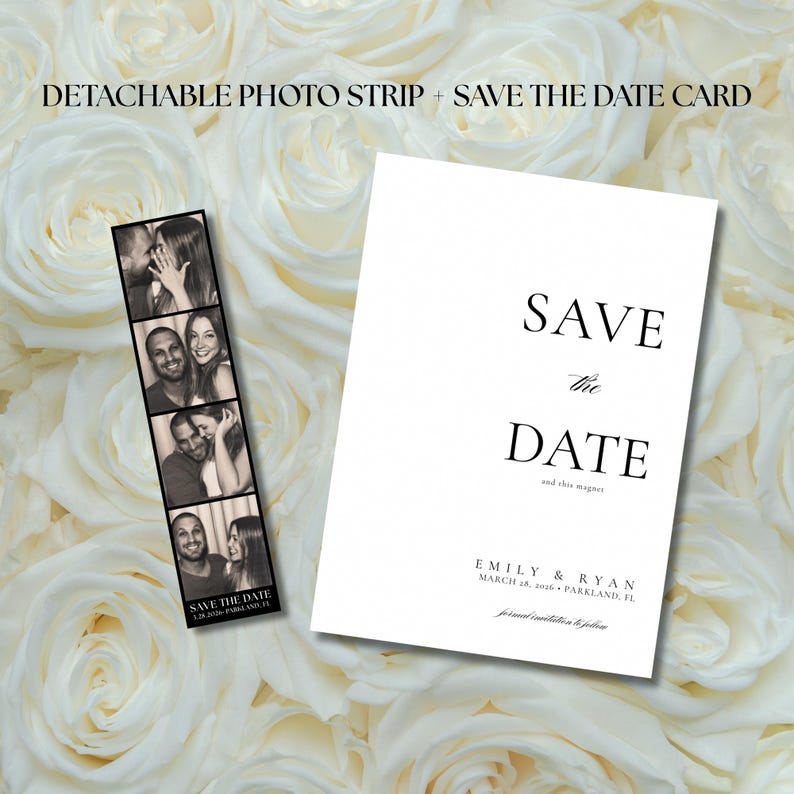
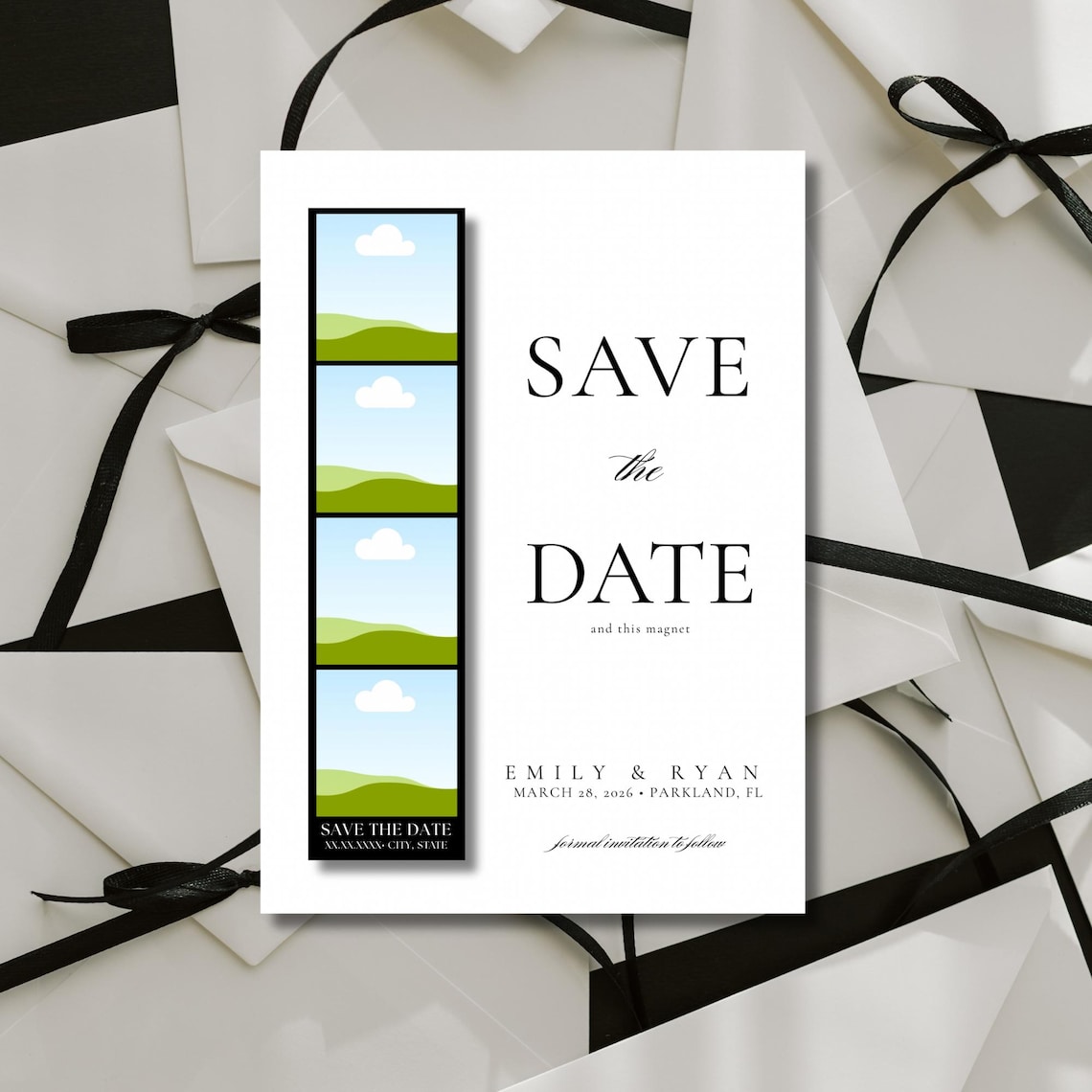
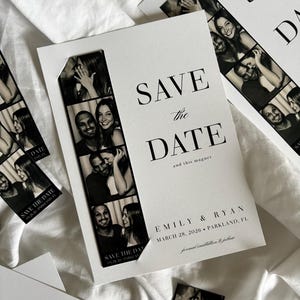
Announce your big day with a timeless and charming twist—this Save the Date card features a detachable vintage-style photo strip your guests can display as a magnet keepsake! Inspired by old photo booths, this design is perfect for couples who love a mix of classic, elegant, and a little nostalgic.
WHAT'S INCLUDED (2 ITEMS)
• 1 Editable Save the Date Card Template (Canva): designed to be 5x7in.
• 1 Editable Detachable Photo Strip Template (Canva)
(Both are instant downloads and can be customized in your browser-no software needed!): designed to be 1.5x6in
PLEASE NOTE
This is a digital product. No physical items will be mailed. You’ll receive two separate templates, designed to be printed individually.
PRINTING TWO PHOTOSTRIPS ON ONE 4x6 PAGE
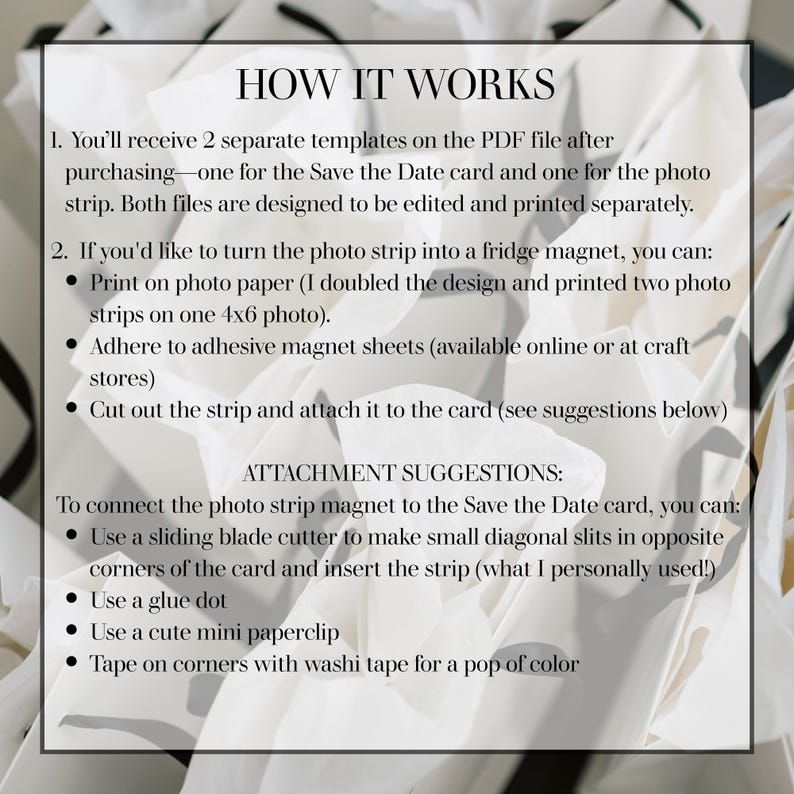
I recommend printing 2 photostrips per page on a 4x6 size photo. Here’s how to do that:
After you’ve uploaded your photos and customized your photo strip:
1. Open your photo strip design in Canva.
In the top right corner, click “Share” → “Download” and save it as a PNG or JPEG.
2. Go back to your Canva homepage and click “Create a design” → “Custom size.”
3. Set it to 4 inches wide and 6 inches tall, then click Create new design.
4. On the left side, go to Uploads and upload the photo strip you just downloaded.
5. Drag it onto the new 4x6 canvas and size it so it fits nicely on one side.
6. Then copy and paste (or drag it in again) to add a second one next to it, side by side. You could also change the background color of the 4x6 design to match your photostrip background color for easy printing and trimming the sides. In my case, I changed the background color to black and left some space on either side of the photo strips so that I could trim the sides off to my liking.
7. Once it looks good, download your new 4x6 file — that’s the one you’ll upload to Walgreens, CVS, or anywhere you print photos. Or you could order prints directly from Canva.
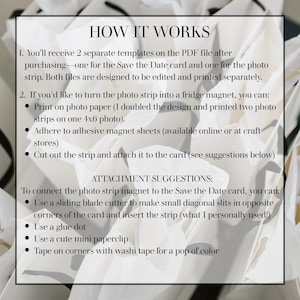
TURN THE PHOTO STRIP INTO A MAGNET
• Print the photo strip on cardstock or photo paper
• Attach to adhesive magnet sheets (available at most craft stores or online)
• Cut out and include with your Save the Date card
PRINTING YOUR 5x7 SAVE THE DATE CARD
1. Print through Canva:
• Open your finished design in Canva.
• Click “Print with Canva.”
• Choose your paper and quantity, and place your order.
2. Print through Zola:
• Download your design from Canva as a PNG or PDF.
• Upload it to Zola under Save the Dates/Invites “Upload Your Own Design” and order your prints.
3. Print through any print shop:
• Download your file as a 5x7 PNG or PDF and upload it to any printer such as VistaPrint, FedEx Office, Staples, Walgreens, or a local print shop.
4. Print at home:
Download as a PDF for print, print on 5x7 cardstock and ensure your printer settings are compatible with this size paper.
HOW TO ATTACH PHOTOSTRIP TO CARD
• Use a sliding blade cutter to make two small slits in the corners and insert the strip
• Or try a glue dot, mini paperclip, or light adhesive
All methods keep your mailing lightweight and can help avoid extra postage costs
***I am happy to assist and answer any questions you may have!
Instant Download
Your files will be available to download once payment is confirmed. Here's how.
Instant download items don’t accept returns, exchanges or cancellations. Please contact the seller about any problems with your order.
Etsy Purchase Protection
Shop confidently on Etsy knowing if something goes wrong with an order, we've got your back for all eligible purchases —
see program terms

Reviews for this item
What buyers say, summarized by AI: Easy to use Looks great Love it Helpful seller Easy to edit Clear instructions

So cute! Very user-friendly and nice
This was a perfect vision for our Save the Dates; we're so happy with this look and style.
helpful and just what i was looking for
Looks exactly like in the picture, super easy to use :).
Photos from reviews

Speedy replies Has a history of replying to messages quickly.
Rave reviews Average review rating is 4.8 or higher.
More from this shop
Visit shop-
Digital download
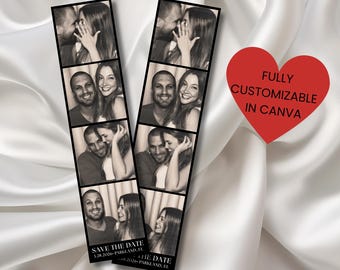
Vintage Photo Booth Save the Date Magnet: Editable Template (Digital Download, Canva Template 4x6)
85.45 NOK
-
Digital download
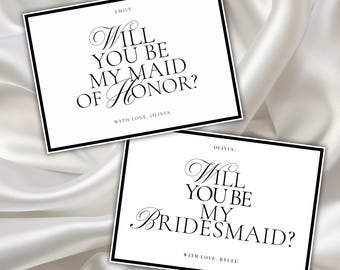
Bridesmaid Proposal Card Template: Elegant Minimalist Design (Digital Download, 5x7 inch Canva Template)
76.96 NOK
-
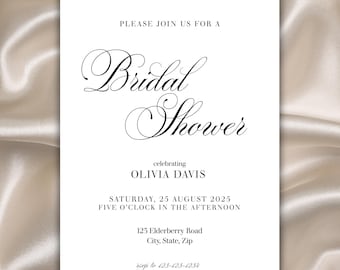
Digital download
Elegant Bridal Shower Invitation: Minimalist Design (Digital Download, 5x7 inches)
100.10 NOK
-
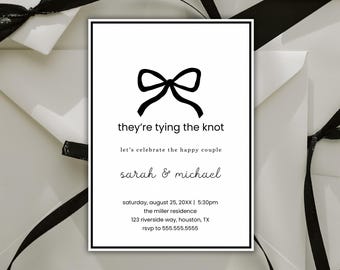
Digital download
Black and White Bow Engagement Party Invitation: Minimalist Canva Template (Digital Download
103.81 NOK
-

Digital download
Modern Minimal Save the Date Template, Save The Date With Photo, Photo Strip Save the Date, Photo Booth CANVA Editable Template
Sale Price 63.37 NOK
Original Price 105.67 NOK
-
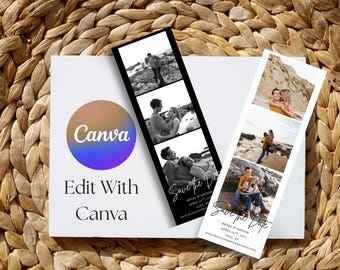
Digital download
Photo Strip Save the Date: Polaroid Wedding Magnet (Instant Download)
48.74 NOK
-
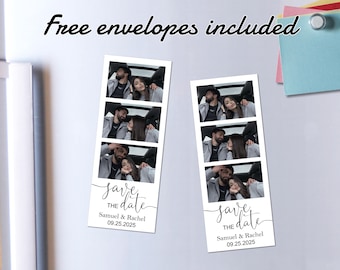
Custom Photo Wedding Strip Magnets/Save the Date Photo Booth Strip Invitation/Personalized Save our Date Fridge Magnets/Wedding Announcement
Sale Price 5.66 NOK
Original Price 14.26 NOK
-
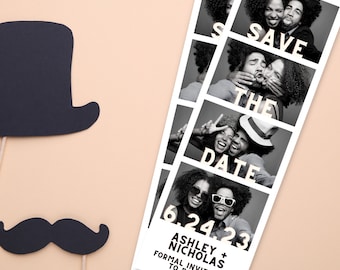
Digital download
Photo Booth Strip Save The Date Editable Customizable Canva Template Unique Wedding Save The Date 2x6" Photo Strip
121.98 NOK
-

Custom Photo Booth Strip Fridge Magnets, Save the Date Photo Strip Magnets Wedding Favors, Photo Booth Invitation Cards, Photo Wedding Gifts
Sale Price 3.91 NOK
Original Price 9.77 NOK
-
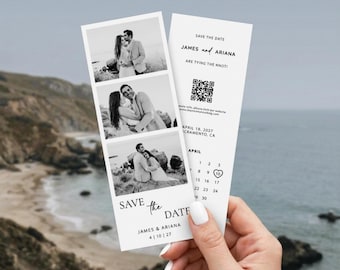
Digital download
Photo Strip Save The Date Template, Photo Booth Save The Date Polaroid, Unique Save The Date Magnet, Photo Strip Wedding Invitation Portrait
121.89 NOK
-
Digital download
SAVE THE DATE Photo Strip- fully customizable- instant download
97.66 NOK
-

Digital download
Photo Strip Design Wedding Save-the-Date | Editable Canva Template | Printable Wedding Stationery Collection
85.45 NOK
-

Digital download
Vintage Photo Strip Save The Date
73.25 NOK
-
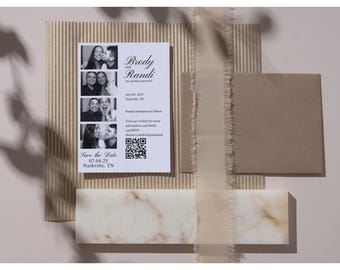
Digital download
Vintage Photo Strip Save the Date | Wedding Digital Template | Customizable & Printable
97.66 NOK
-
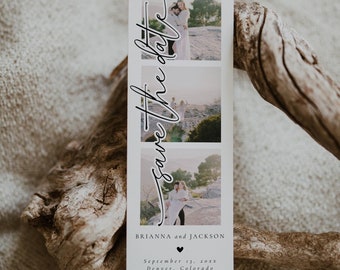
Digital download
Photo Strip Save the Date, Photo Booth Save the Date, Photo Strip Canva Save the Date Template, Photo Strip Save The Date Canva | Olivia
Sale Price 65.82 NOK
Original Price 109.77 NOK
-

Digital download
Photo Booth Save the Date, Photo Strip Wedding Save the Date, Bookmark (Instant Download, Canva Template)
Sale Price 67.09 NOK
Original Price 122.08 NOK
Shoppers with similar taste loved these
-
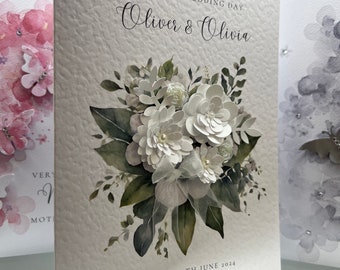
Son & Daughter In Law, Daughter and Son In Law Wedding Card, Personalised Wedding Card, Son Wedding Card, Daughter Wedding Card
145.59 NOK
-
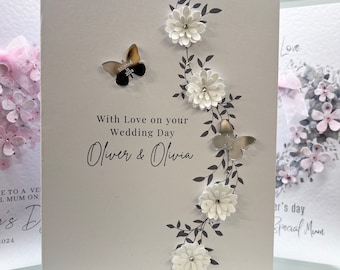
Personalised Wedding Card, Wedding Card, Bride & Groom Card, Wooden Heart Wedding Card, Luxury Keepsake Card, Daughter, Son Wedding Card
118.46 NOK
-
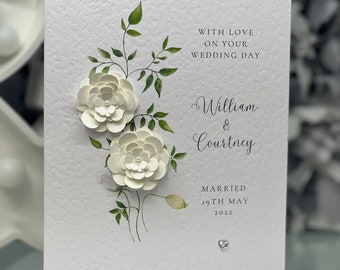
Personalised Wedding Card, Luxury Wedding Card, Special Wedding Card, 3D Wedding Card, Keepsake Wedding Card, 3D Paper Flowers And Pearls
125.74 NOK
-
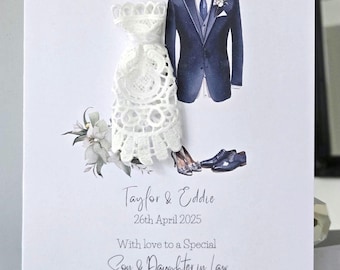
Son and daughter in law personalised wedding day card, wedding dress and suit card, bride and groom card, wedding card, mr and mrs card
115.81 NOK
-
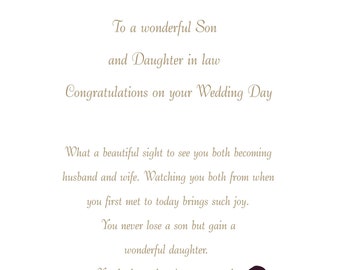
Son & Daughter in Law Wedding Card
52.94 NOK
-
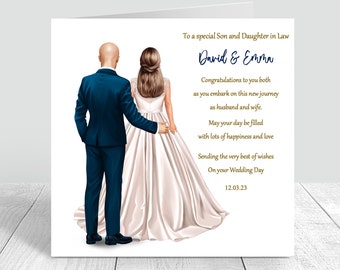
Personalised Son & Daughter in Law Wedding Card Congratulations Happy Wedding Day Newly Weds gift, Bride and Groom Handmade wedding card 709
39.05 NOK
-
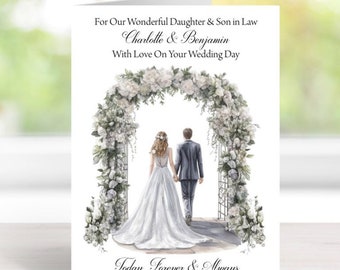
Wedding Card With Envelope - Handmade and Personalised - A5 Size (210mm x 148mm) - (025) See Description PP
65.52 NOK
-
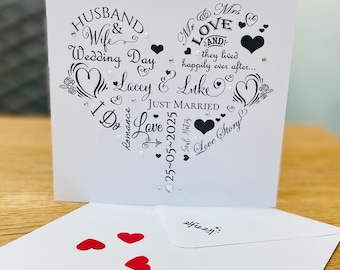
Personalised Wedding Day Card - Wedding Gift Money Wallet Wedding Card Luxury Card Wedding Keepsake Free delivery - Same Day Dispatch
59.56 NOK
-
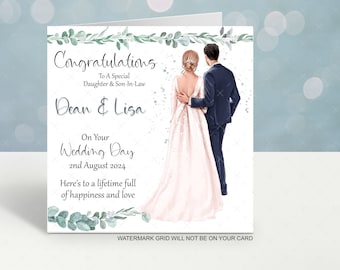
Personalised Wedding Card for Daughter Son-in-Law | Custom Name Date (6x6 Inch)
43.94 NOK
-
Personalised Floral Wedding Card
Sale Price 37.59 NOK
Original Price 40.37 NOK
-
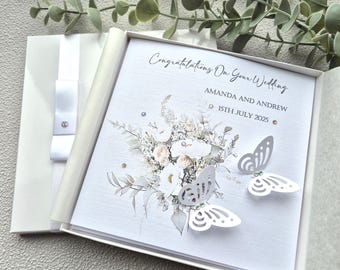
Luxury Handmade Personalised Wedding Congratulations Card with Box or Envelope parents grandparents friends son daughter in law grandson
72.80 NOK
-
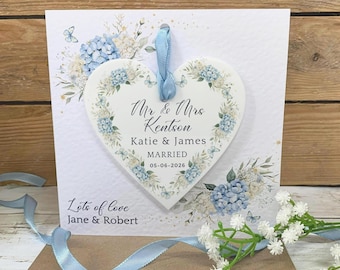
Personalised Mr & Mrs Wedding Card With Keepsake Gift, Newlywed Gift, Couples Gift, Acrylic Blue Floral Design Heart,
143.61 NOK
 Bridesmaid gifts
 Groomsmen gifts
 Wedding gifts
 Engagement gifts


