


11 views in de afgelopen 24 uur
NuPrijs:€ 21,80
Oorspronkelijke prijs: € 31,16
30% korting
Sale eindigt over 1 dag
Burgundy, Pink & Green Save the Date Website: Canva Digital Invitation Template (Instant Download)
Topverkoper
Topverkopers hebben een uitstekende staat van dienst wat betreft geweldige klantervaringen: ze krijgen consequent 5-sterrenbeoordelingen, verzenden op tijd en reageren snel op ontvangen berichten.
Je kunt alleen een bod doen als je een enkel item koopt
Topverkoper. Deze verkoper kreeg consequent recensies met 5 sterren, verzond tijdig en reageerde rap op ontvangen berichten.
Koop ze samen en krijg 40% korting
 Deze listing
Burgundy, Pink & Green Save the Date Website: Canva Digital Invitation Template (Instant Download)
Aanbiedingsprijs € 18,69
Oorspronkelijke prijs € 31,16
Digitale download
Oorspronkelijke waarde: € 68,67
Nieuw totaal: € 41,19
Hoogtepunten
Hi! I'm Rosie – I'm a professional Graphic Designer of 10+ years / 2026 Bride offering whimsical, luxurious yet affordable digital & print designs!
🔗 View the Demo (on Desktop/Mobile):
https://rosiecreativestudio.my.canva.site/burgundy-bloom-demo
💌 Your Beautifully Matched Stationery:
(Bundle & Save - Buy 2, Save 40% or Buy 3+, Save 50%)
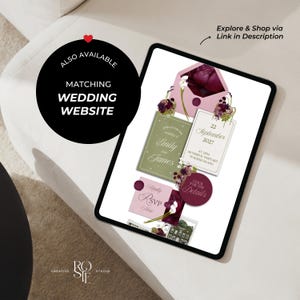
→ Shop the Wedding Website: https://www.etsy.com/nl/listing/4362791526/pink-burgundy-green-floral-wedding
→ Shop the Printable Invitations:
—
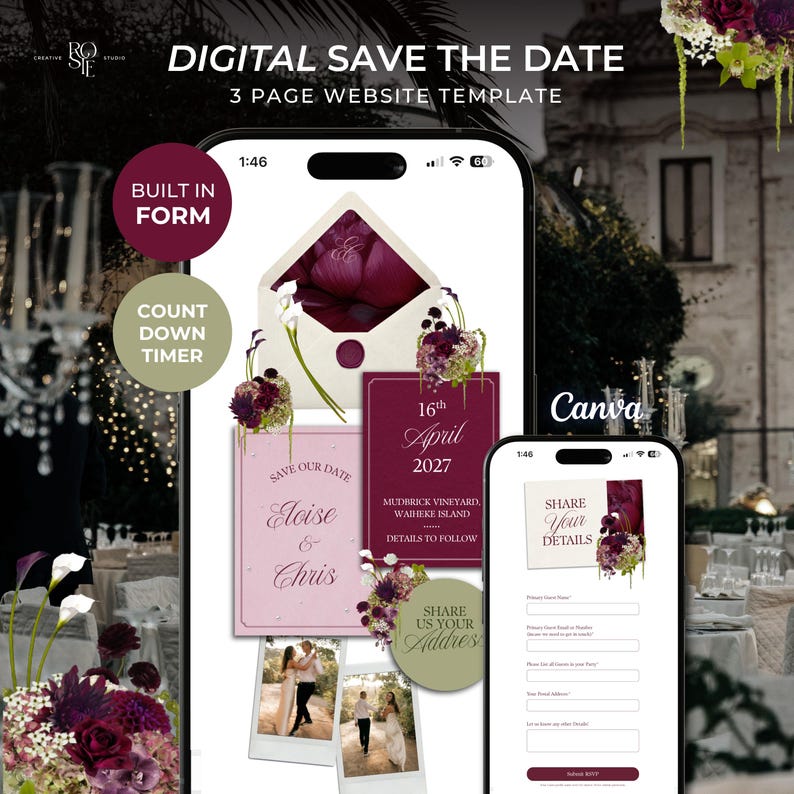
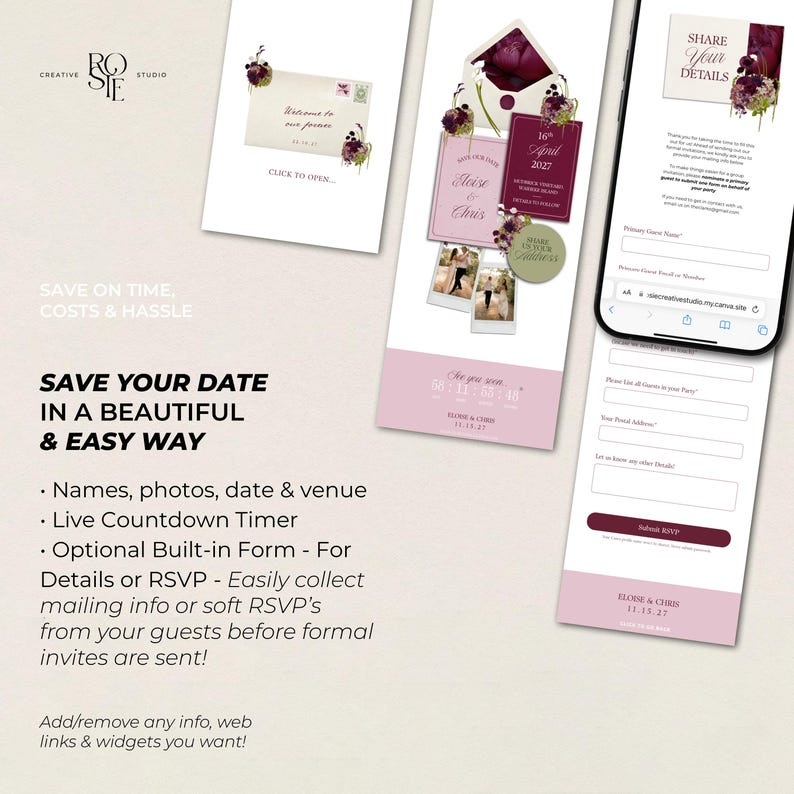
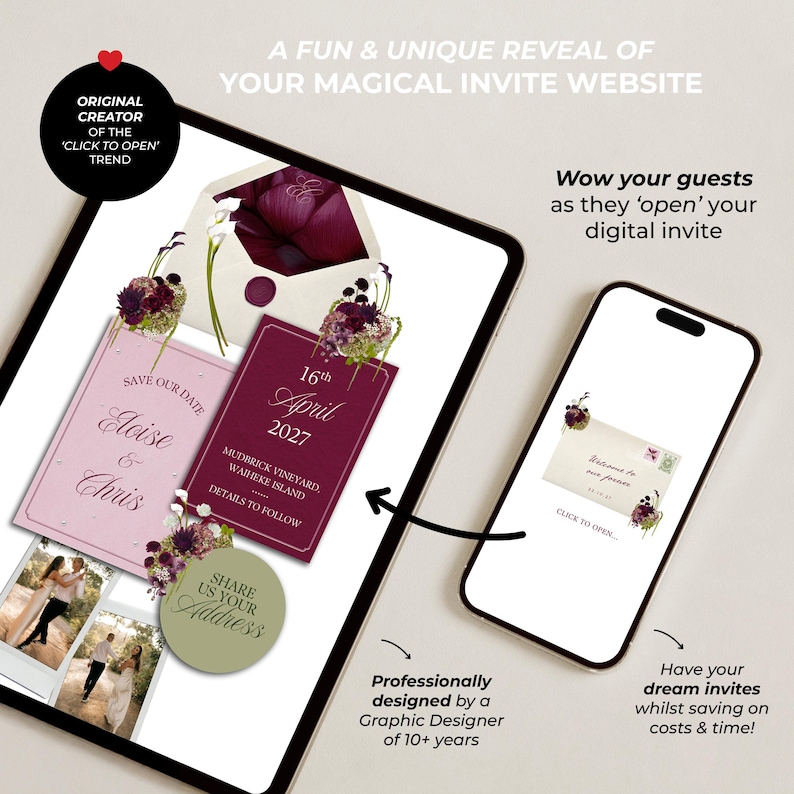
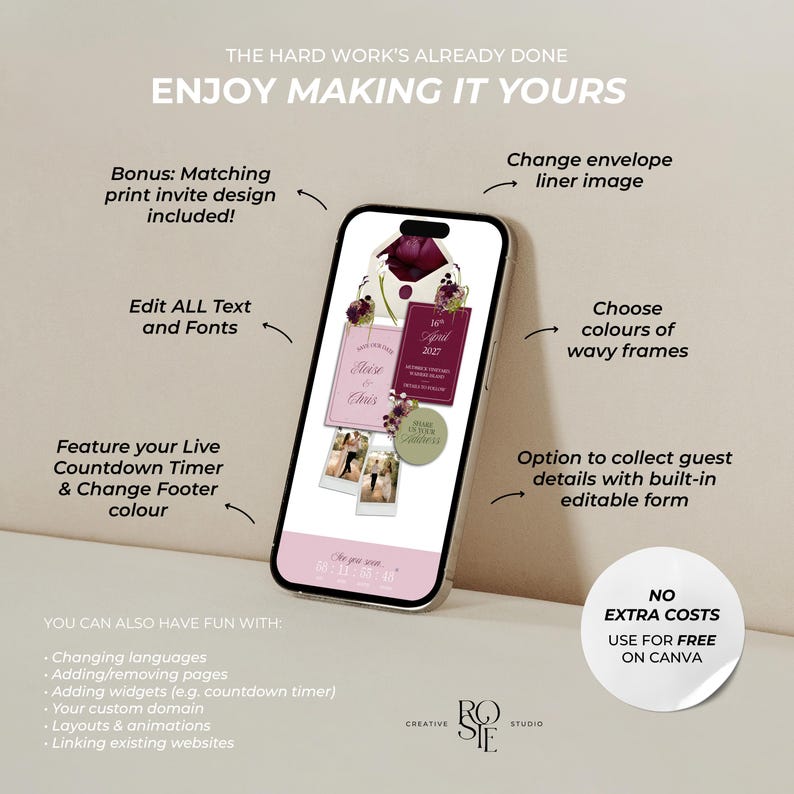
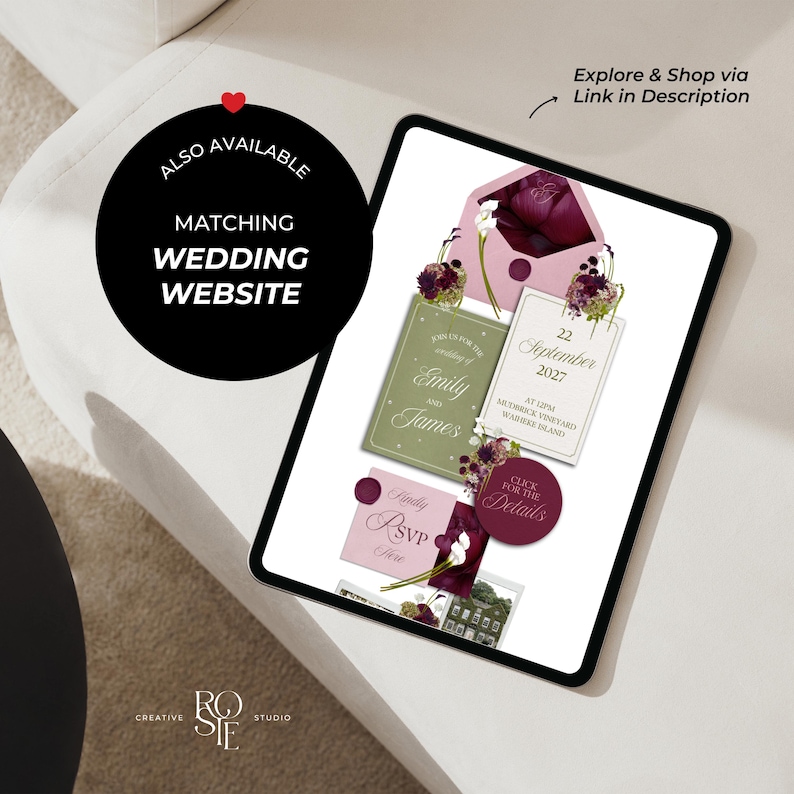
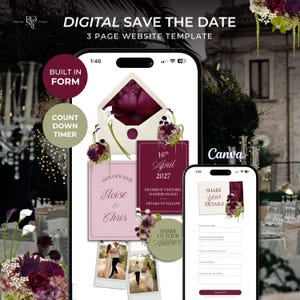
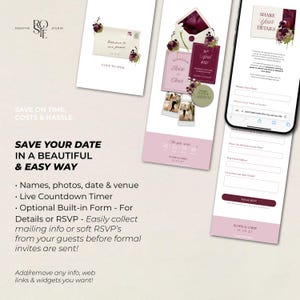
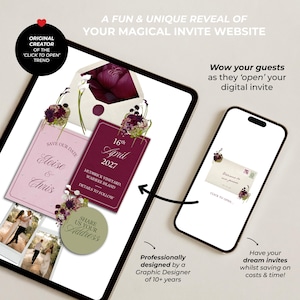
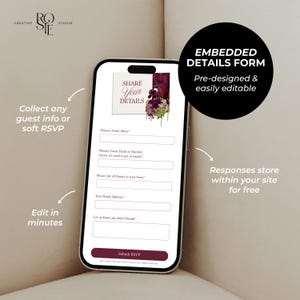
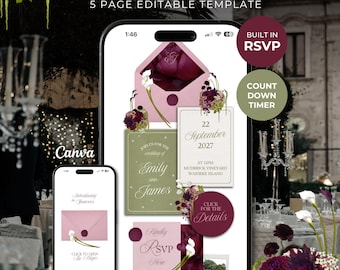
WOW your guests with the unique experience of ‘Opening’ your interactive digital invitation, doubling as a functional Save the Date - including everything you need from your built-in Details/RSVP form, a live countdown timer to your day and all your important details before formal invitations go out!
——————
🪩 WHY RosieCreativeStudio
- Pre-designed with everything you need (just add your info)
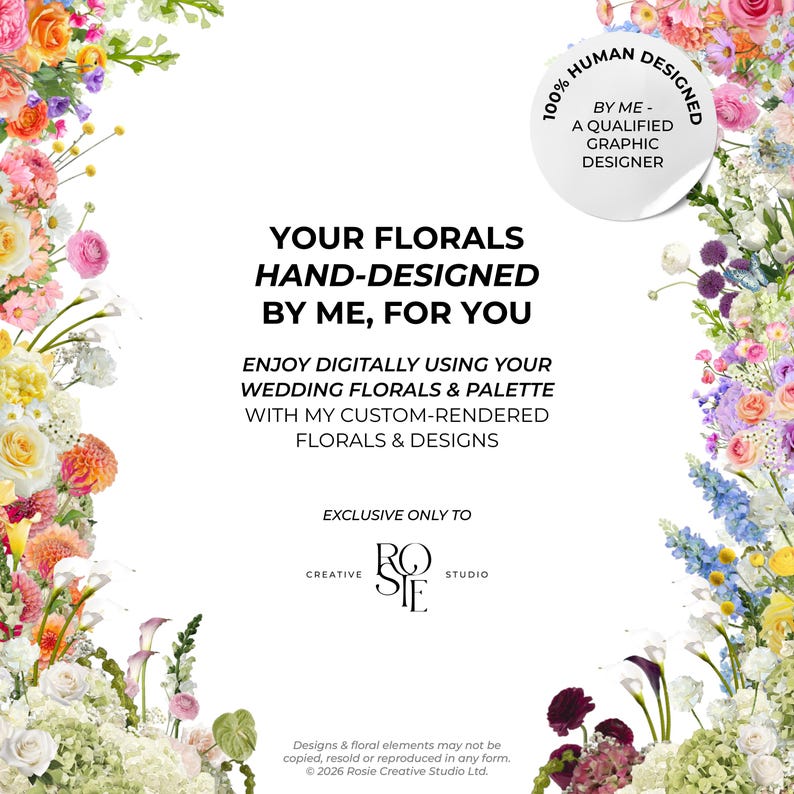
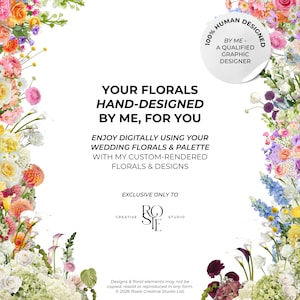
- 100% Human-Made Exclusive Designs & Custom Elements
- Enjoy professional wedding stationery minus the cost & effort
- No Extra Costs (Edit, Publish & Send for free)
- Over 8,500 sales and 700+ 5 star reviews from happy couples!
——————
❤️🔥 WHAT’S INCLUDED:
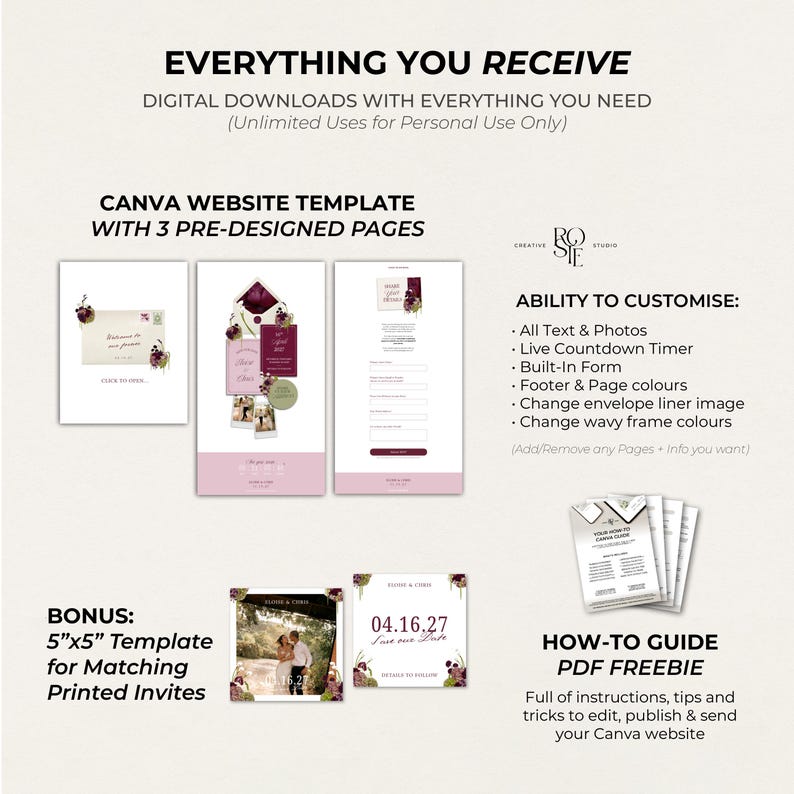
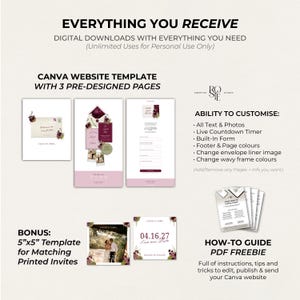
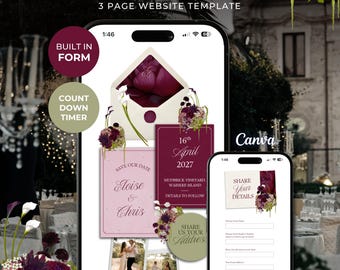
3 Page Pre-Designed Editable Canva Website
- Clickable Digital Invitation Suite Design
- Live Countdown Timer (How to edit yours)
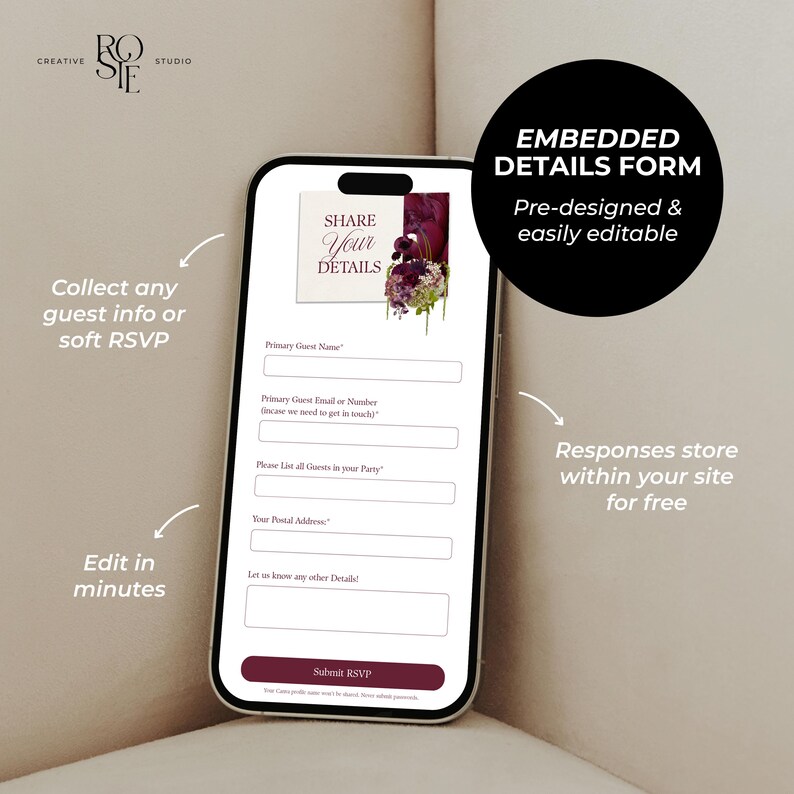
- Editable Details/RSVP Form (Embedded in your site)
——————
✨ WHAT YOU RECEIVE:
Instant Access to your Website
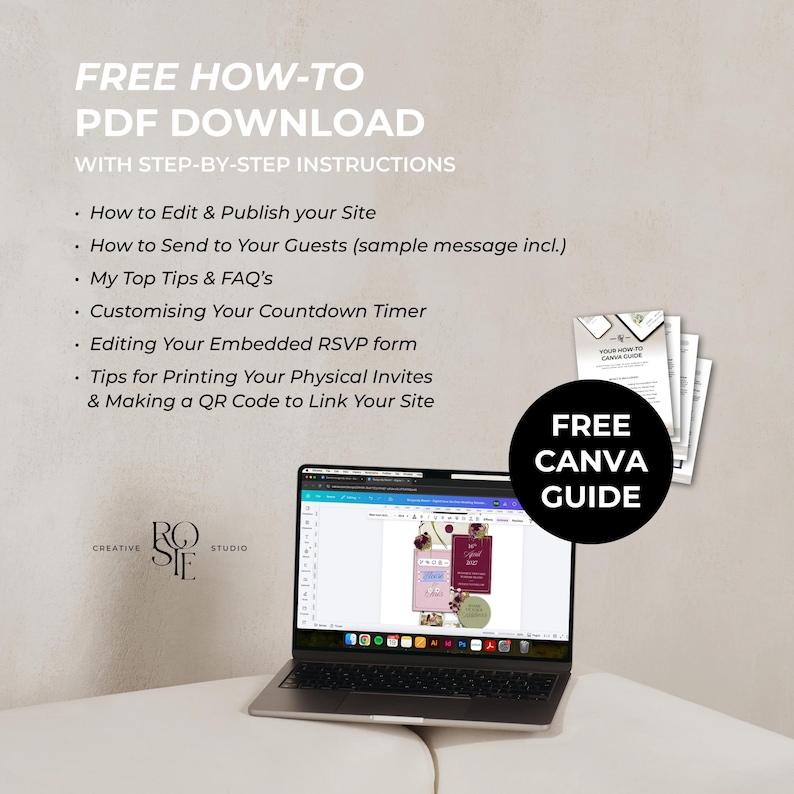
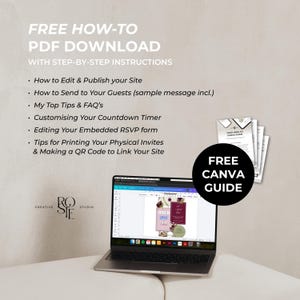
FREEBIE: A Comprehensive How-to Canva Guide, incl:
- How to Edit & Publish your Site
- How to Send to your Site to Guests (with sample message)
- My Top Tips & FAQ’s
- Customising Your Countdown Timer
- Editing Your Embedded RSVP form
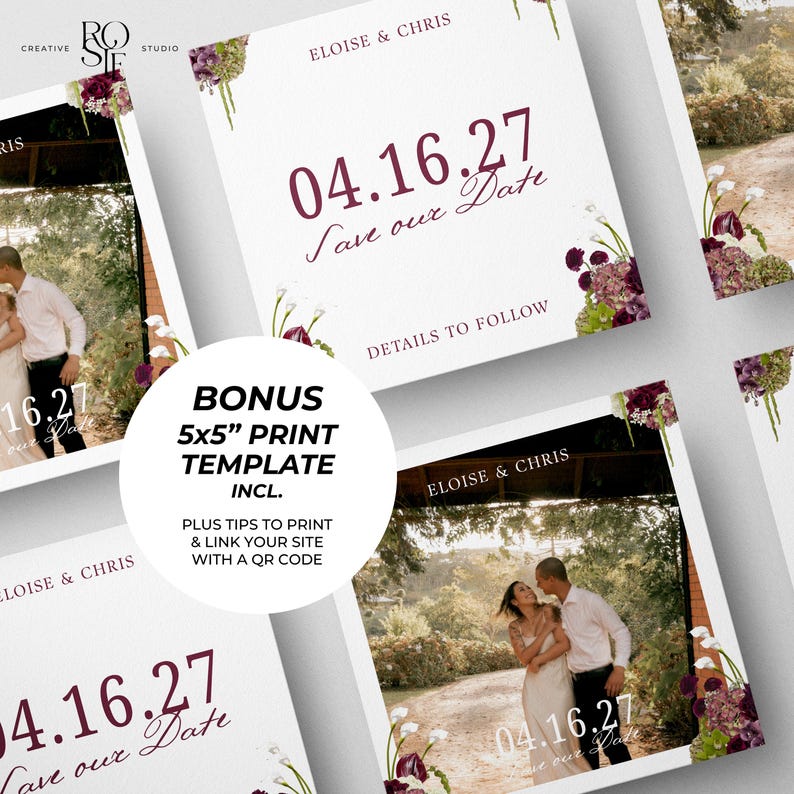
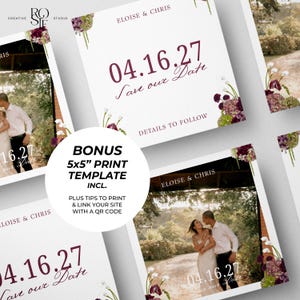
- Tips for Printing Your Matching Physical Invites
——————
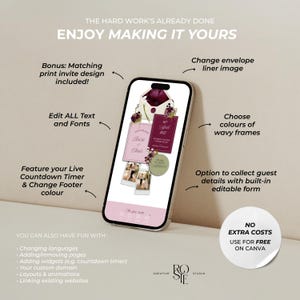
✍🏼 HAVE FUN CUSTOMISING:
- All Text & Photos
- Live Countdown Timer
- Built-in Form (for RSVP or Collecting Details)
- Wavy Frame Colours
- Your Envelope Liner Image
- Footer & Page Colours
- Your Custom Website URL (yourdomain.my.canva.site)
- Add/Remove Elements, Pages and Widgets
*Only assets that can't be directly edited in colour are the custom-rendered florals, envelopes, wax seals and polaroid frames (these are exclusively curated/designed by me, not natively from Canva to edit)
——————
💕 NO EXTRA COSTS AFTER PURCHASE
- Edit & Publish with a FREE Canva account
- Publish with Canva’s Built-in Custom Domain (e.g. yourdomain.my.canva.site)
——————
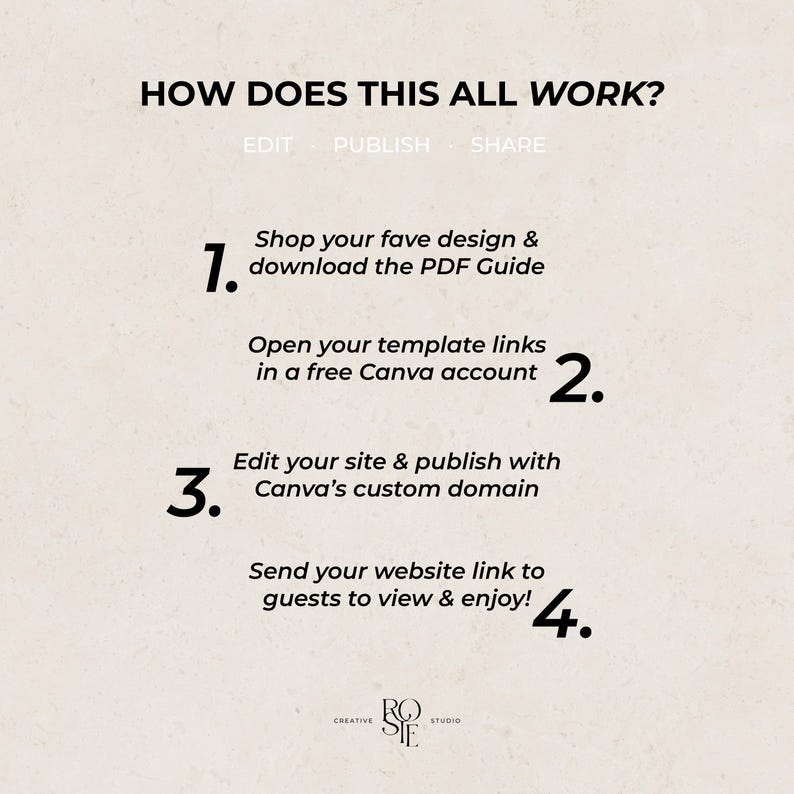
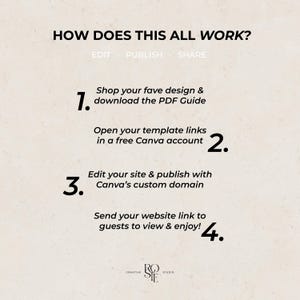
💌 HOW IT WORKS:
1. Shop your fave design & download the PDF Guide
2. Open your template link in a free Canva account
3. Edit your site & publish with Canva's custom domain
4. Send your website link to guests to view & enjoy!
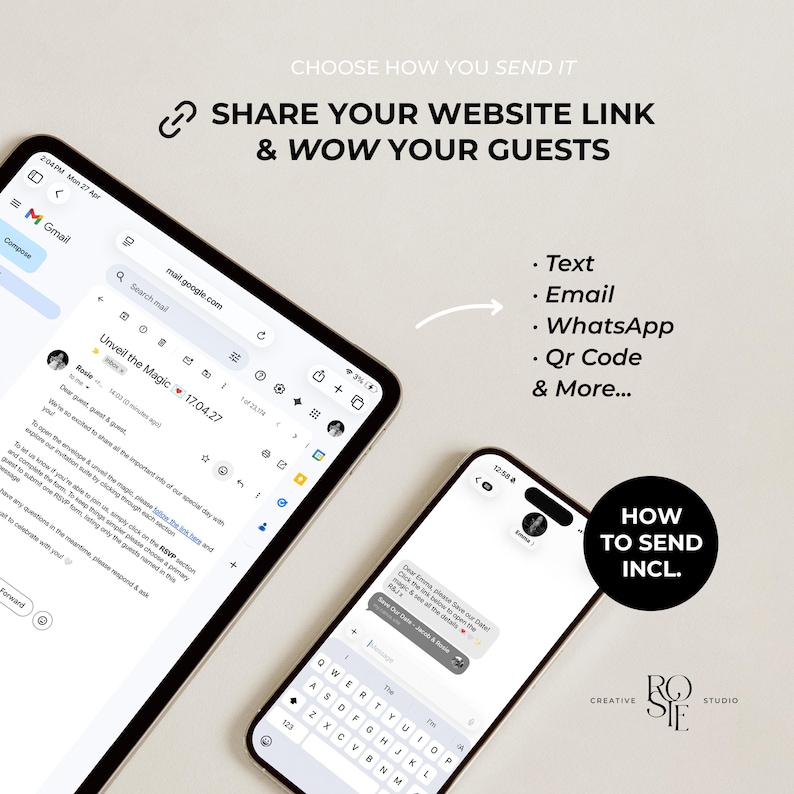
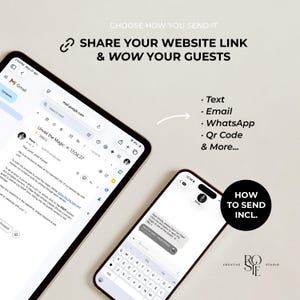
Choose how you send it: (Tips & Sample Message Included)
- Via Text
- Email
- WhatsApp
- QR Code & More…
——————
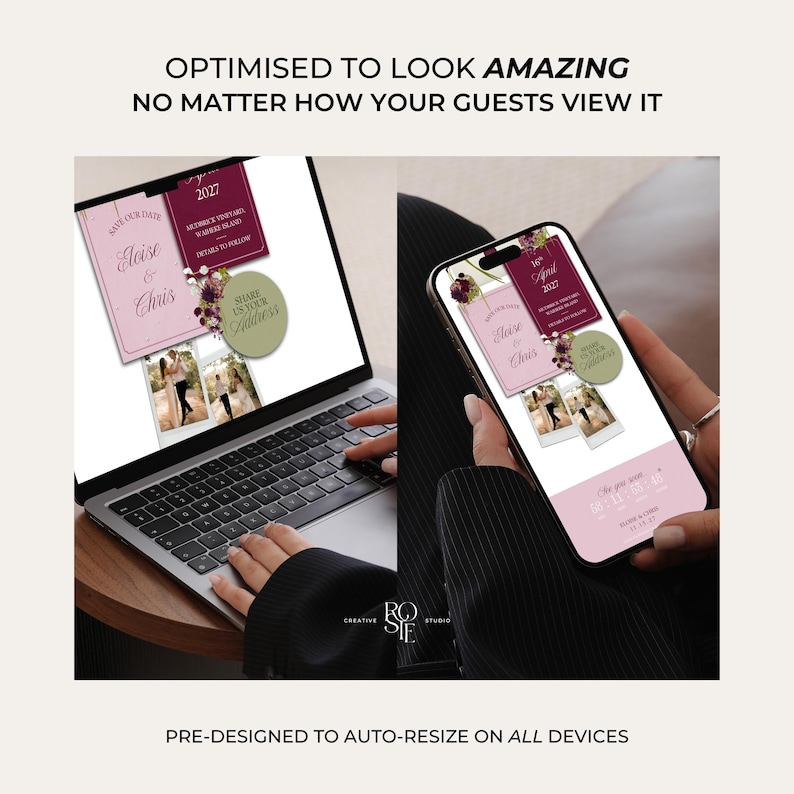
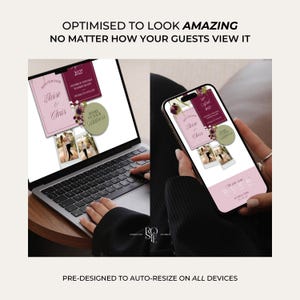
📲 OPTIMISED FOR DESKTOP/MOBILE:
Pre-designed to auto-resize & look amazing no matter how your guests view it
Please Note: Moving elements around may affect the alignment of the website, especially on mobile. To help avoid this, I’ve designed everything to be layout-ready as-is - I’ve also included some helpful tips & tricks to guide you, and I'm only a message away at any point if you need help!
——————
FAQ’s:
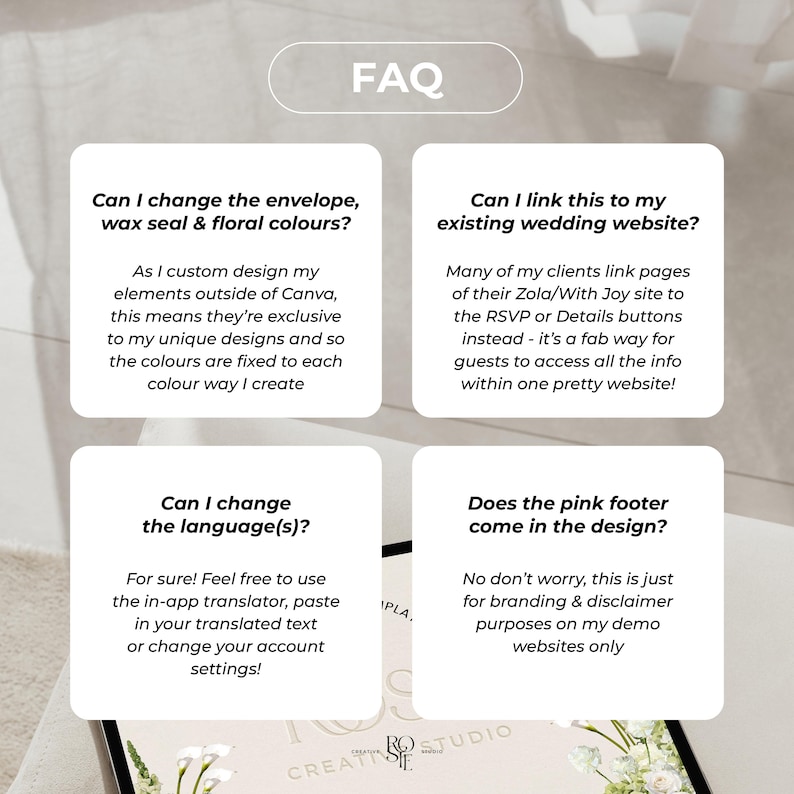
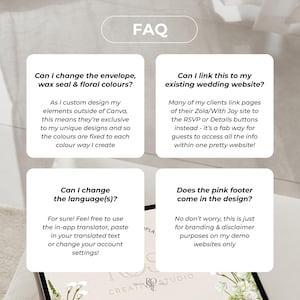
Q: Can I change the envelope, floral and wax seal colours?
A: As I custom design my elements outside of Canva, this means they’re exclusive to my unique designs and so the colours are fixed to each colour way I create. I'm always rapidly expanding my range! Flick me a msg at any point
Q: Can I link this to my existing wedding website?
A: Whilst they'll remain separate platforms as they're not directly compatible to integrate, many of my clients link pages of their Zola/With Joy site to the RSVP or Details pages instead - it’s a fab way for guests to access all the info within one pretty website!
Q: Can I add music?
A: Canva only allows music on their websites via an embedded music player. Just note that it won’t play automatically as most browsers don’t allow auto-playing sound - guests will need to tap play and the widget will stop when other pages are clicked
Q: How do I send my website once published?
A: Simply send your website link via text, email, WhatsApp or QR Code - I’ve included instructions, tips and sample messages you can use to share your website with guests
Q: Can I customise the design to address each of my guests individually?
A: For ultimate ease, it’s typically one website with one link that you then send to all guests to easily view and interact with - this keeps things quick & easy. If you have a smaller guest list and didn't mind spending a bit of time, you could duplicate and tailor each website to have the guest names for each household/couple - Canva allows up to 5 websites published on a free account (so you could make multiple free accounts) or unlimited on a Pro account to create as many sites as needed
Q: Can I add videos instead of photos?
A: Definitely possible, you may just have to play around with the file size, as sometimes Canva can lag in load time and cause buffering when trying to load videos for the first time on new devices. Just something to bear in mind whilst you experiment!
Q: Can I change the language?
A: Yes absolutely! Canva offer a few ways - there’s an in-built translator or you can change the language settings of your account. Otherwise you can copy & paste in your translated text straight into Canva too. You can make duplicates of your websites and publish multiple for different versions to send to different guests as well
Q: I want multiple websites to send to different guests, how can I do this easily?
A: After editing, just click ‘Duplicate’ for your chosen website on the Canva home page, and then you can tweak and publish both to send to your respective guests
——————
Terms of Use:
• This is a digital product – no physical items will be shipped.
• Due to the nature of digital products, refunds or exchanges can't be accepted
• This purchase grants you a single-user license to edit, save, and download your purchased template as many times as needed for personal use.
• Copying, duplicating, or recreating this design or any of my other designs/templates is strictly prohibited
• All templates, designs, and illustrations I have designed are protected under copyright and intended for personal use only. You may not resell, redistribute, or share these files or any elements within them, or use any part of the design commercially in digital or physical products.
• I reserve the right to revoke access to the Canva template if the terms of use are violated
• By purchasing, you acknowledge and agree to these terms
• Any misuse or infringement will be reported to Etsy
My templates are hosted on Canva, a free and easy online platform – I ensure to use free fonts & my own custom graphics to offer unique designs that don't require a paid subscription to Canva
——————
If you have any questions before or after purchasing, please contact me at any time — I'm more than happy to help! 😊
Shop my Full Range of Whimsical Designs:
https://www.etsy.com/shop/RosieCreativeStudio
© 2026 Rosie Creative Studio Ltd.
All designs and templates are for personal use only and may not be resold, copied, or reproduced in any form
⚠️ WARNING: Copying any part of this description, my original designs, concepts, or listing photos violates Etsy policies and will be reported, which may result in shop removal or ban.
--
Wedding Website Invitation | Digital Invitation Wedding Website | DIY Canva Wedding Website | Click to Open Wedding Website | Invitation Wedding Website | Wedding Invitation Website Template | Custom Wedding Website | RSVP Form Google Form | Details Page | Paperless Digital Wedding Invitation Design | Interactive Wedding Website | Canva Digital Invitation | Custom Wedding Invite | E vite | Online Invitation Website | Save the Date | Save the Date Invitation | DIY Save the Date | Save the Date Invite Template | Save the Date Template | Digital Save the Date | Save the Date Website | Collect Guest Info Save the Date for Formal Invitations | Paperless Wedding Invite Design | Wedding Invitation | Wedding Save the Date | Modern Save the Date | Save the Date | Save the Date Invitation | DIY Save the Date | Save the Date Invite Template | Save the Date Template | Digital Save the Date | Save the Date Website | Collect Guest Info Save the Date for Formal Invitations | Paperless Wedding Invite Design | Wedding Invitation | Wedding Save the Date | Modern Save the Date | Simple Save the Date | DIY Editable Canva Website Invite | Wedding Invite | Wedding Template | DIY Bride | Burgundy Wedding Invite | Burgundy Save the Date Wedding Invite | Burgundy Save the Date | Burgundy Green Pink Save the Date | Burgundy Wedding Vibes | Wedding Website Save the Date | Lux Save the Date
Directe download
Je bestanden worden beschikbaar voor download zodra je betaling bevestigd is. Hier vertellen we je hoe dat moet.
Directe downloads kunnen niet geretourneerd, geruild of geannuleerd worden. Neem contact met de verkoper op als er problemen met jouw bestelling zijn.
Etsy's Aankoopbescherming
Shop met vertrouwen op Etsy wetende dat als er iets misgaat met een bestelling, dan helpen we je.
Lees hier de voorwaarden.

Recensies van dit item
Wat kopers zeggen, samengevat door AI: Ziet er geweldig uit Eenvoudig te bewerken Behulpzame verkoper

Zo makkelijk in gebruik! Ik kreeg complimenten nadat ik deze save-the-date kaart naar onze gasten had gestuurd. Zeker een aanrader! 🌸
Super schattig en makkelijk te bewerken
Wat een prachtig ontwerp en heel makkelijk aan te passen! Het maakte het versturen van de save-the-dates zoveel makkelijker, en iedereen vond het geweldig!

Echt geweldig! Ik gebruik dit voor de save-the-dates op mijn bruiloft. De kleuren zijn perfect en de instructies zijn heel makkelijk te begrijpen!

Rappe reacties Staat bekend om snelle reacties op berichten.
Blije recensies Gemiddelde beoordeling is 4,8 of hoger.
Meer uit deze shop
Shop bezoeken-
Digitale download
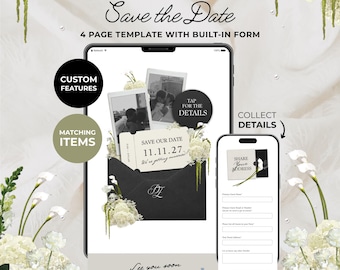
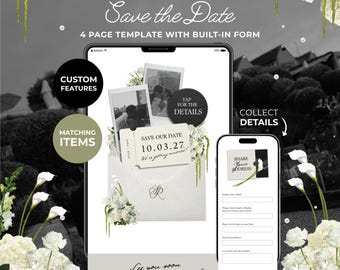
Black, Ivory & Green Floral Save the Date with Built-In Form: Canva Website Template (Digital Download)
Aanbiedingsprijs € 21,81
Oorspronkelijke prijs € 31,16
-
Digitale download
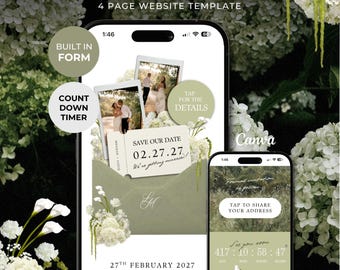
Ivory & Green Floral Save the Date with Built-In Form: Canva Website Template (Digital Download)
Aanbiedingsprijs € 21,81
Oorspronkelijke prijs € 31,16
-
Digitale download
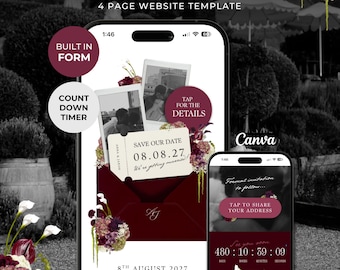
Green Floral Save the Date with Built-In Form: Canva Website Template (Digital Download)
Aanbiedingsprijs € 21,81
Oorspronkelijke prijs € 31,16
-
Digitale download
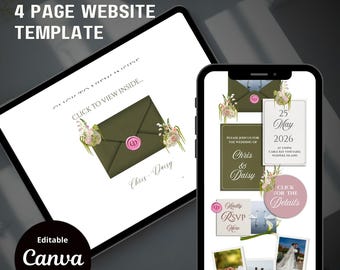
Burgundy Floral Save the Date Website with RSVP/Details: Canva Digital Invitation Template (Digital Download)
Aanbiedingsprijs € 21,81
Oorspronkelijke prijs € 31,16
-
Digitale download
Sage Floral Save the Date-website: digitale Canva-uitnodigingssjabloon (digitale download)
€ 6,52
-
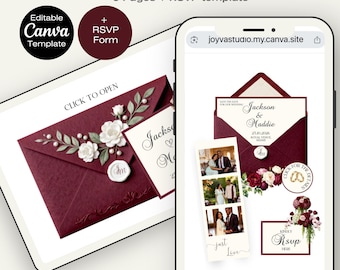
Digitale download
Bourgondische trouwwebsite bloemen - digitale website bewerkbare RSVP bordeaux witte bloemen roze groen uitnodigingcanva sjabloon
Aanbiedingsprijs € 13,83
Oorspronkelijke prijs € 23,05
-
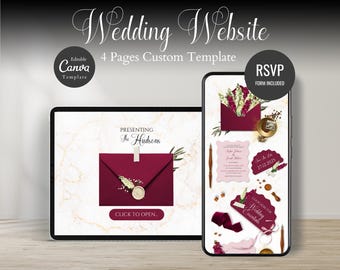
Digitale download
Bourgondische en witte bloemen elegante bruiloft websitesjabloon: digitale uitnodiging en RSVP (directe download)
Aanbiedingsprijs € 9,78
Oorspronkelijke prijs € 19,57
-
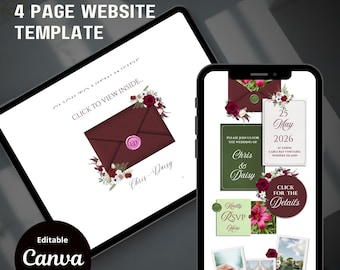
Digitale download
Bourgondische save-the-date-website met RSVP/details: digitale Canva-uitnodigingssjabloon (digitale download)
€ 6,52
-
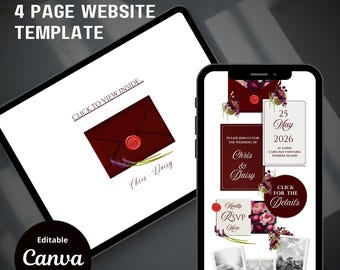
Digitale download
Bourgondische save-the-date-website met RSVP/details: digitale Canva-uitnodigingssjabloon (digitale download)
€ 6,52
-
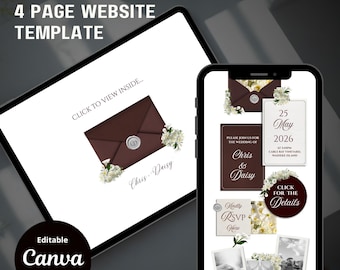
Digitale download
Burgundy Floral Save the Date-website: digitale Canva-uitnodigingssjabloon (digitale download)
€ 6,52
-
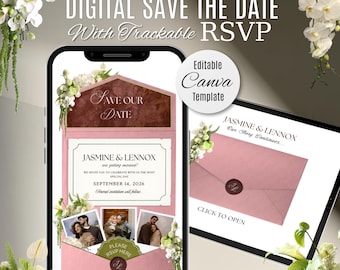
Digitale download
Website met roze en bordeauxrode bloemen bruiloft met bericht: bewerkbare canvassjabloon
€ 27,17
-
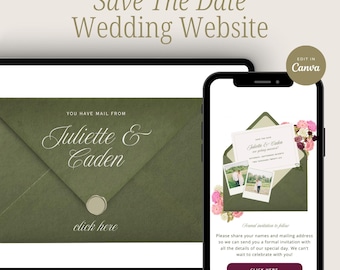
Digitale download
Groene en roze bloemen bewaar deze datum bruiloft uitnodiging websitesjabloon, bewerkbaar canva ontwerp, RSVP-formulier, bruiloft bewaar deze datum, digitaal
€ 19,57
-
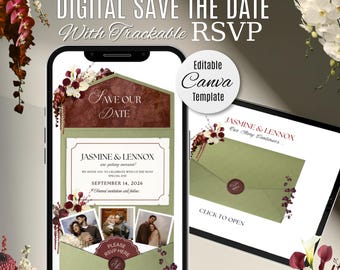
Digitale download
Groene en bordeauxrode bloemen bruiloft save-the-date website met RSVP: bewerkbare canvassjabloon
€ 27,17
-
Digitale download
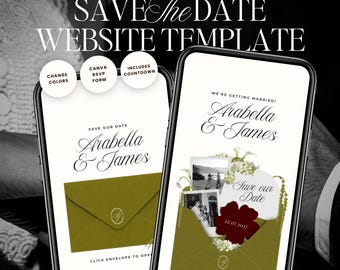
Olive Green & Burgundy Save The Date Wedding Website Template: Classic Floral Envelope Digital Invitation
Aanbiedingsprijs € 12,35
Oorspronkelijke prijs € 20,60
-
Digitale download
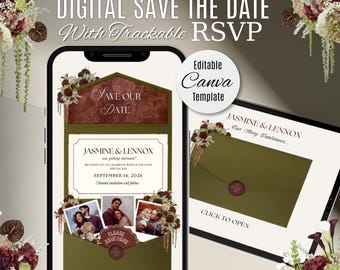
Olijfgroene en bordeauxrode bloemen bruiloft save-the-date website met RSVP: bewerkbare canvassjabloon
€ 27,17
-
Digitale download
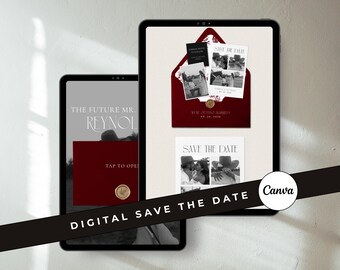
Bourgondische moderne digitale Save the Date-sjabloon: minimalistische bewerkbare Canva Merlot-trouwwebsite nodigt uit (digitale download)
€ 20,64
Populair bij shoppers met een vergelijkbare stijl
-
Personalized Papercut On Your Wedding Day Card Wedding Anniversary Card for Him Her Husband Wife Couples Custom Gifts Anniversary Papercut
€ 11,70
-
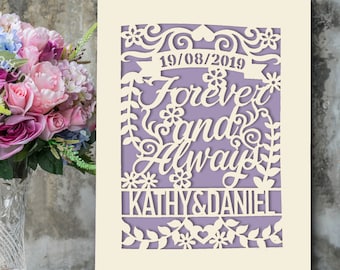
Personalized Wedding Card Laser Cut Wedding Anniversary Card, Congratulations Wedding Greeting Card Forever and Always with Envelopes
€ 9,78
-
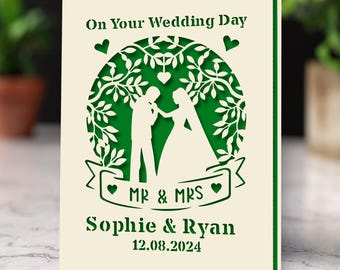
Personalized Wedding Card Gifts Mr and Mrs Gifts GreetingCards Congratulations Wedding Day Cards for Him Her Bride Groom New Couple
€ 9,78
-
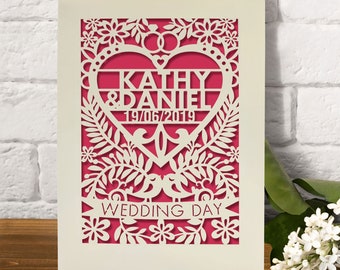
Personalized Wedding Card Custom Wedding Gift With Names And Date Engraved Congratulations Wedding Day for Newlyweds
€ 9,78
-
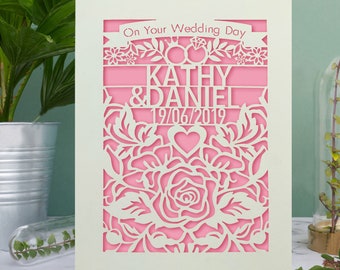
Personalized Wedding Card | Laser Cut Wedding Greeting Card with Any Names and Any Dates with Envelopes | Custom Gift Hand Finished in US
€ 9,78
-
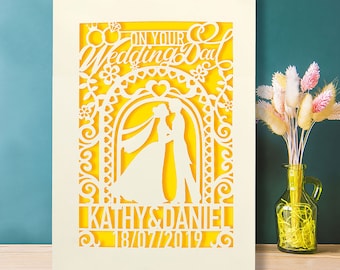
Personalized Wedding Card Laser Cut Wedding Greeting Card | Custom Gift for Bride Groom with Envelope Hand Finished in US 4 Colors
€ 9,78
-
Digitale download
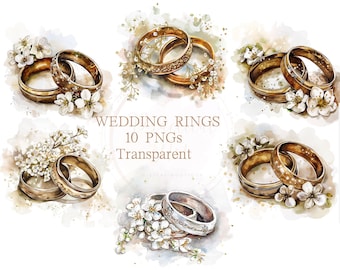
10 Trouwring ClipArt Transparante Aquarel PNG Huwelijk Bruid Bruidegom Grafisch Aanzoek Paar Tekening Vintage Zilver Goud Afbeelding Bloemenkunst
€ 4,24
-
Digitale download
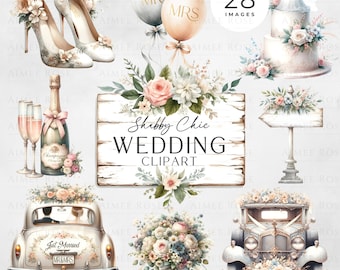
28 bruiloft PNG-afbeeldingen shabby chique stijl | Vintage bloemen | Uitnodigingen, kaarten, planners, sublimatie, bruiloftsdecor
€ 3,38
-
Digitale download
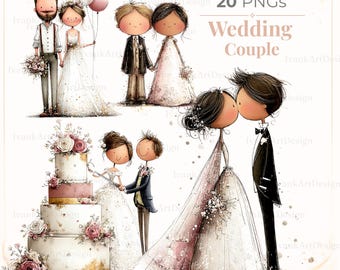
Romantische aquarel bruiloft paar clipart: bruid bruidegom illustratie (digitale download)
Aanbiedingsprijs € 2,10
Oorspronkelijke prijs € 4,66
-
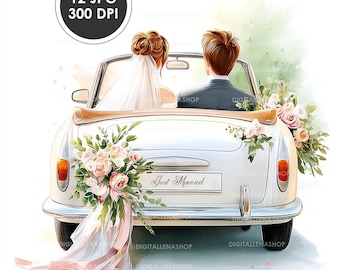
Digitale download
Aquarel trouwauto clipart: bruid en bruidegom, vintage cabriolet (digitale download)
Aanbiedingsprijs € 1,92
Oorspronkelijke prijs € 3,84
-
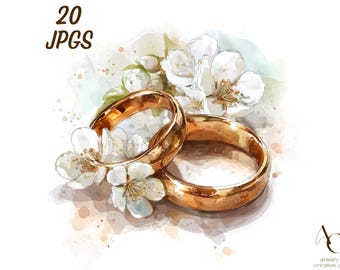
Digitale download
20 trouwring clipart, bruid en bruidegom getrouwd JPG, huwelijksaanzoek paar, verlovingsdag bloemen, bruids goud zilver, aquarel bloem
Aanbiedingsprijs € 3,01
Oorspronkelijke prijs € 4,30
-

Digitale download
Chibi bruidspaar clipart, bruid en bruidegom graphics (digitale jpg download)
Aanbiedingsprijs € 2,18
Oorspronkelijke prijs € 4,36
 Cadeaus voor bruidsmeisjes
 Cadeaus voor bruidsjonkers
 Huwelijkscadeaus
 Verlovingscadeaus


