


AgoraPreço:22,42 €
Preço original: 32,04 €
30% de desconto
A promoção termina dentro de 1 dia
Bright Spring Save the Date Website with RSVP/Details: Canva Digital Invitation Template (Digital Download)
Vendedor estrela
Os Vendedores estrela têm um histórico notável de oferta de uma excelente experiência de cliente: receberam regularmente avaliações de 5 estrelas, enviaram as encomendas atempadamente e responderam rapidamente a todas as mensagens recebidas.
Só pode fazer uma oferta quando compra um único artigo
Vendedor estrela. Este vendedor recebeu regularmente avaliações de 5 estrelas, enviou atempadamente e respondeu rapidamente a todas as mensagens recebidas.
Compre em conjunto com 35% de desconto
 Este anúncio
Bright Spring Save the Date Website with RSVP/Details: Canva Digital Invitation Template (Digital Download)
Preço de promoção 20,83 €
Preço original 32,04 €
Transferência digital
Valor original: 70,61 €
Novo total: 45,91 €
Destaques
Hi! I'm Rosie – I'm a professional Graphic Designer of 10+ years / 2026 Bride offering whimsical, luxurious yet affordable digital & print designs!
🔗 View the Demo (on Desktop/Mobile):
https://rosiecreativestudio.my.canva.site/spring-glow-demo
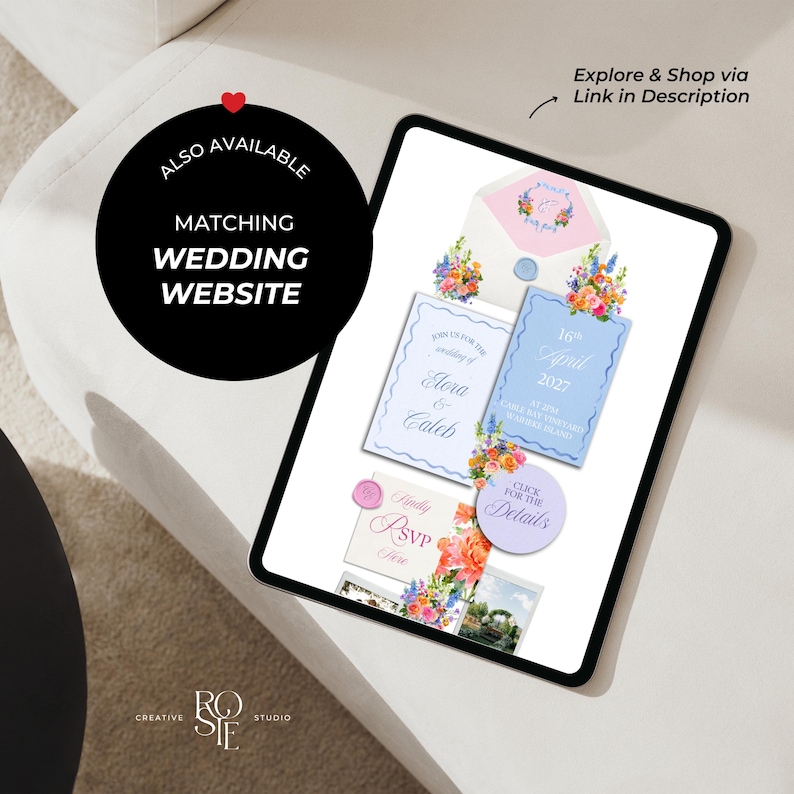
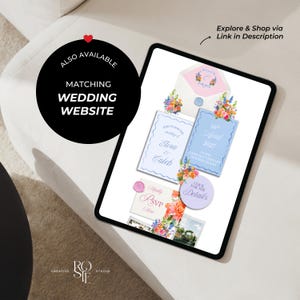
💌 Matching Wedding Website:
https://www.etsy.com/pt/listing/4379655765/bright-spring-theme-wedding-website
—
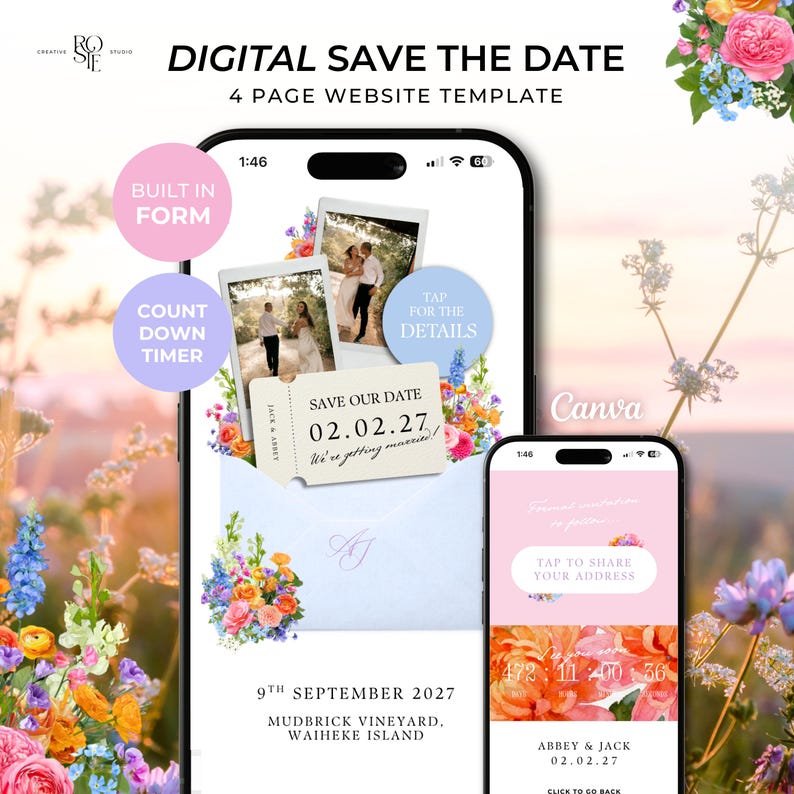
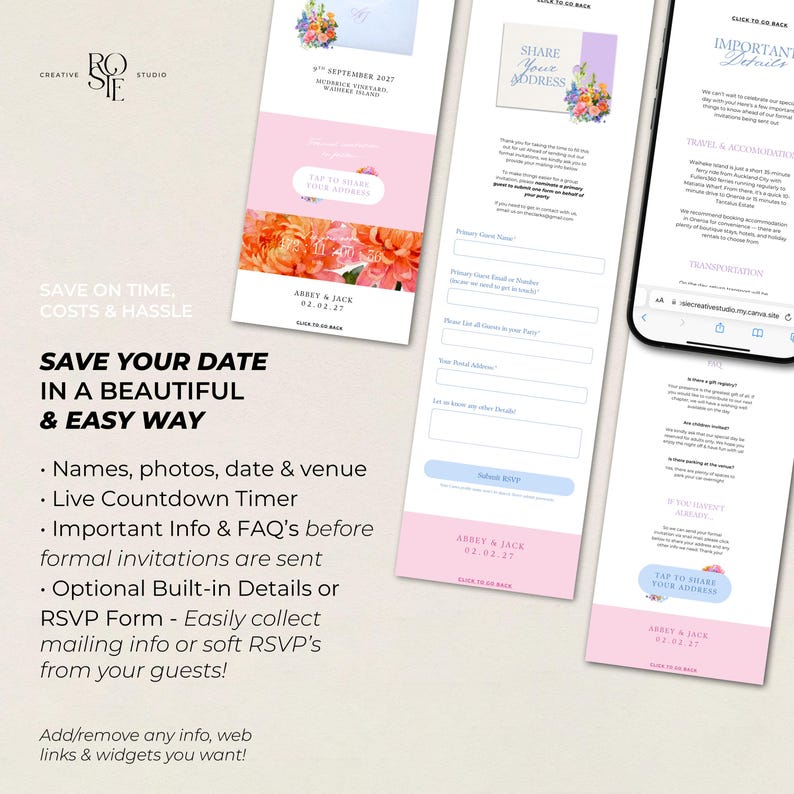
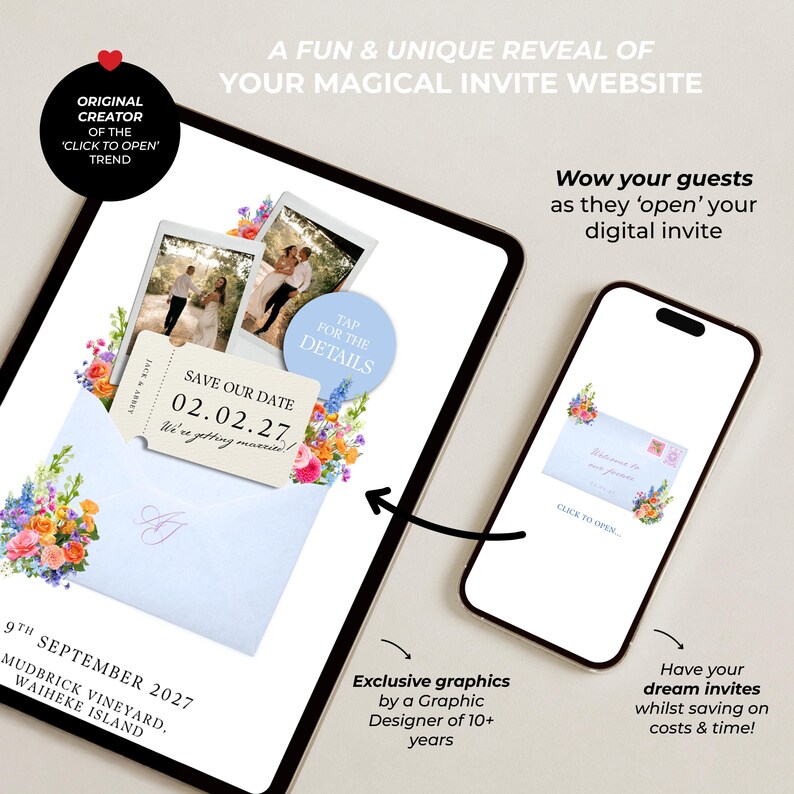
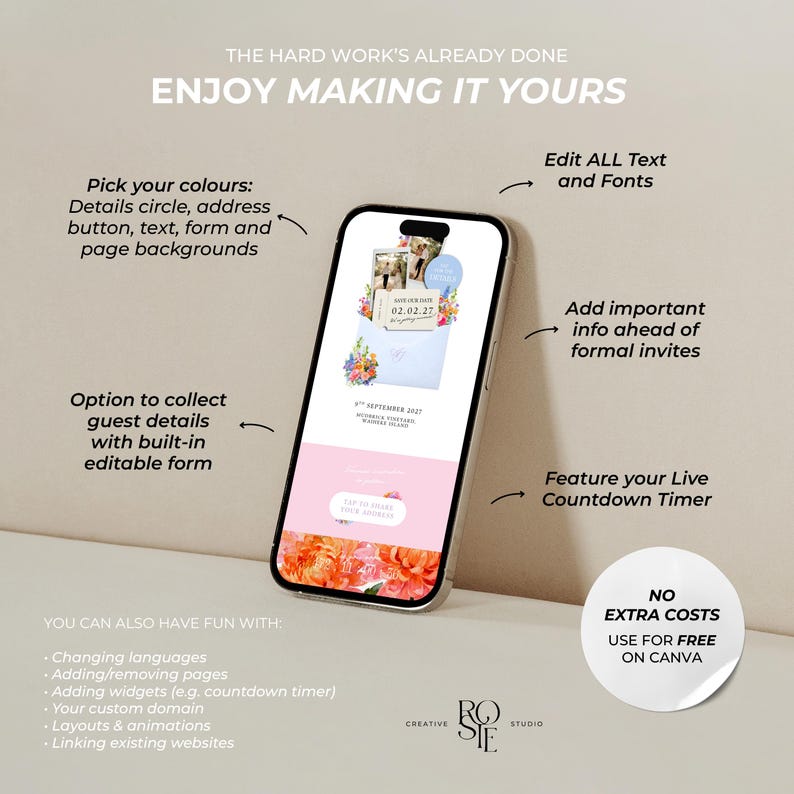
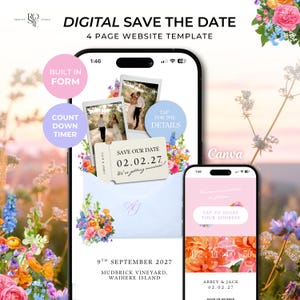
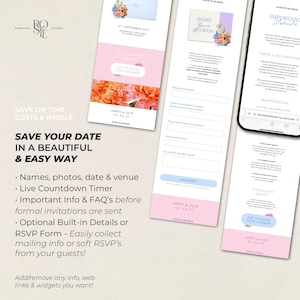
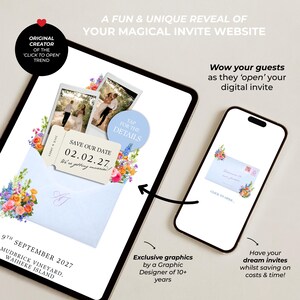
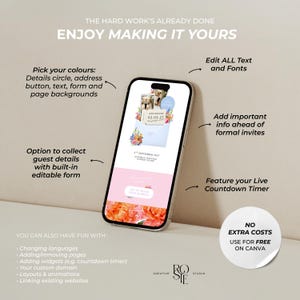
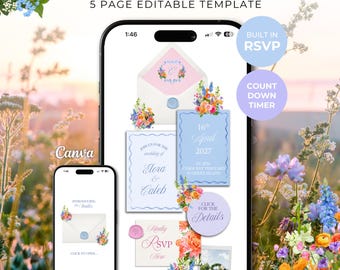
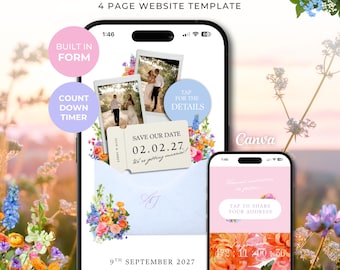
WOW your guests with the unique experience of ‘Opening’ your interactive digital invitation, doubling as a functional Save the Date - including everything you need from your built-in Details/RSVP form, a live countdown timer to your day and all your important details before formal invitations go out!
——————
🪩 WHY RosieCreativeStudio
- Pre-designed with everything you need (just add your info)
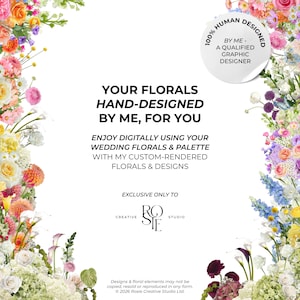
- 100% Human-Made Exclusive Designs & Custom Elements
- Enjoy professional wedding stationery minus the cost & effort
- No Extra Costs (Edit, Publish & Send for free)
- Over 8,500 sales and 700+ 5 star reviews from happy couples!
——————
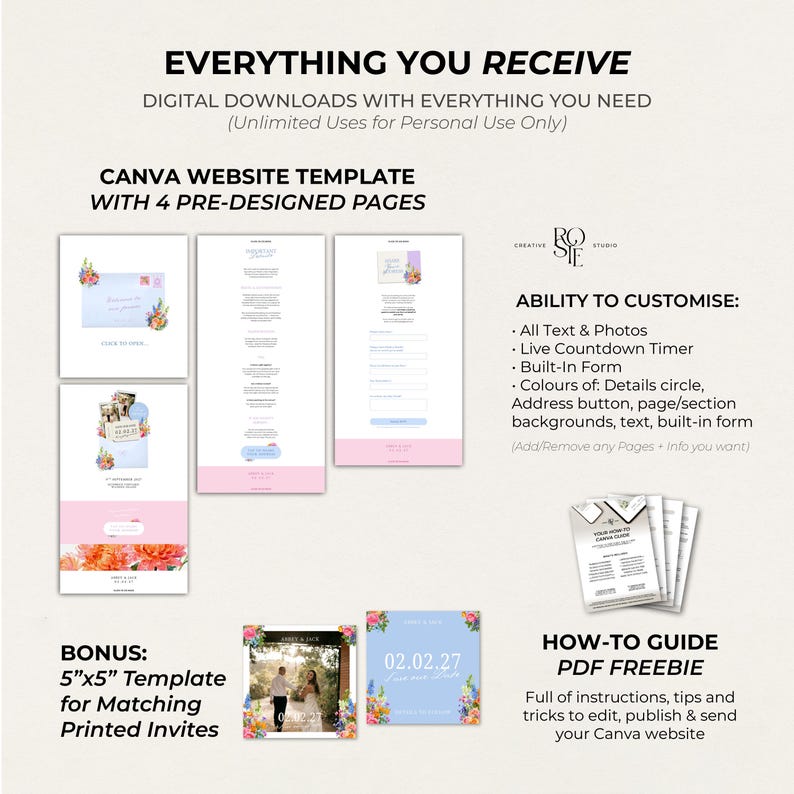
❤️🔥 WHAT’S INCLUDED:
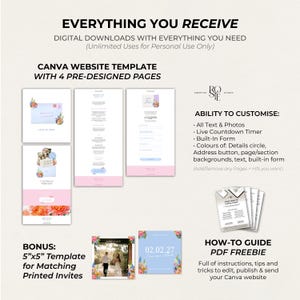
4 Page Pre-Designed Editable Canva Website
- Clickable Digital Invitation Suite Design
- Live Countdown Timer (How to edit yours)
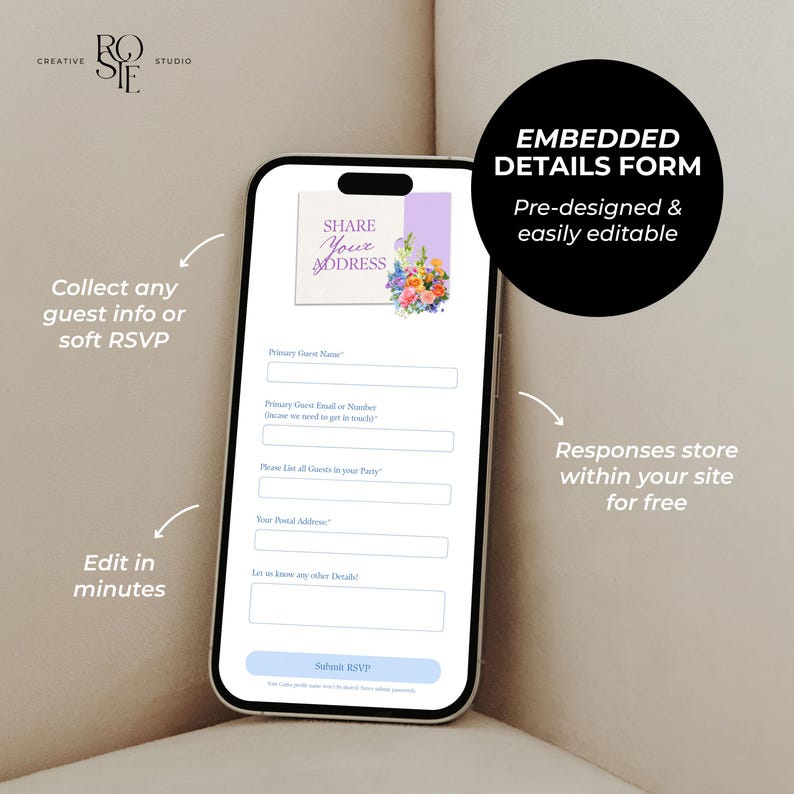
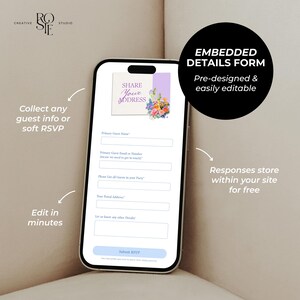
- Editable Details/RSVP Form (Embedded in your site)
- Details Page (Travel/Stay Info, FAQ’S & More)
——————
✨ WHAT YOU RECEIVE:
Instant Access to your Website
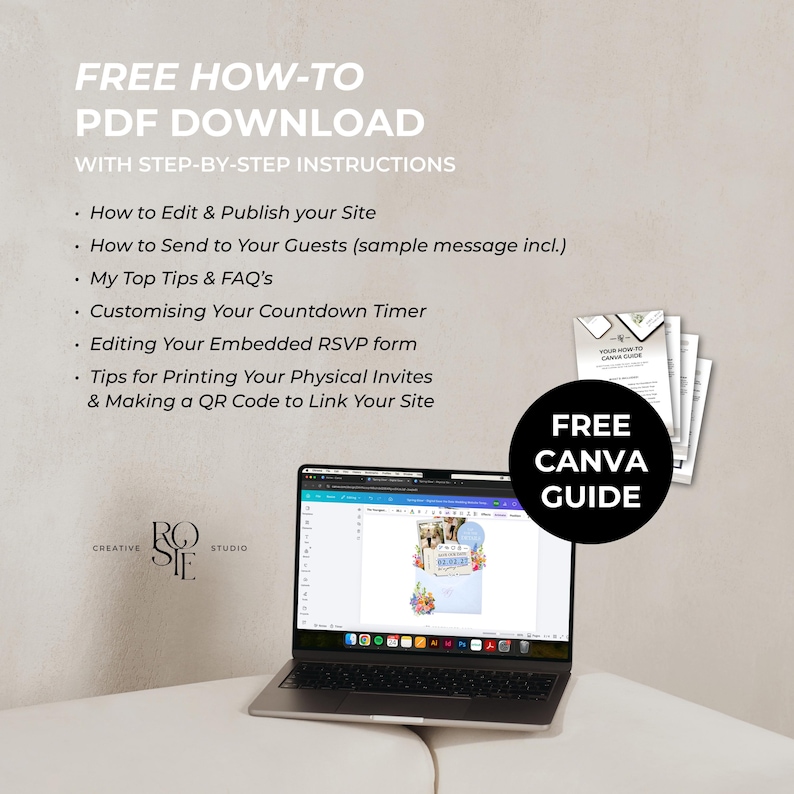
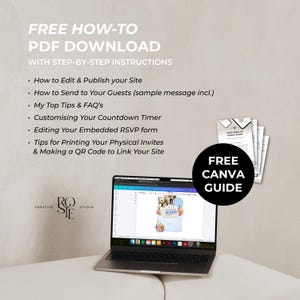
FREEBIE: A Comprehensive How-to Canva Guide, incl:
- How to Edit & Publish your Site
- How to Send to your Site to Guests (with sample message)
- My Top Tips & FAQ’s
- Customising Your Countdown Timer
- Editing Your Embedded RSVP form
——————
✍🏼 HAVE FUN CUSTOMISING:
- All Text & Photos
- Countdown Timer
- Built-in RSVP Form
- Your Details Page
- Your Custom Website URL (yourdomain.my.canva.site)
- Add/Remove Elements, Pages and Widgets
*Only assets that can't be directly edited in colour are the custom-rendered florals, envelopes, RSVP paper slip, wax seals and polaroid frames (these are exclusively curated/designed by me, not natively from Canva to edit)
——————
💕 NO EXTRA COSTS AFTER PURCHASE
- Edit & Publish with a FREE Canva account
- Publish with Canva’s Built-in Custom Domain (e.g. yourdomain.my.canva.site)
——————
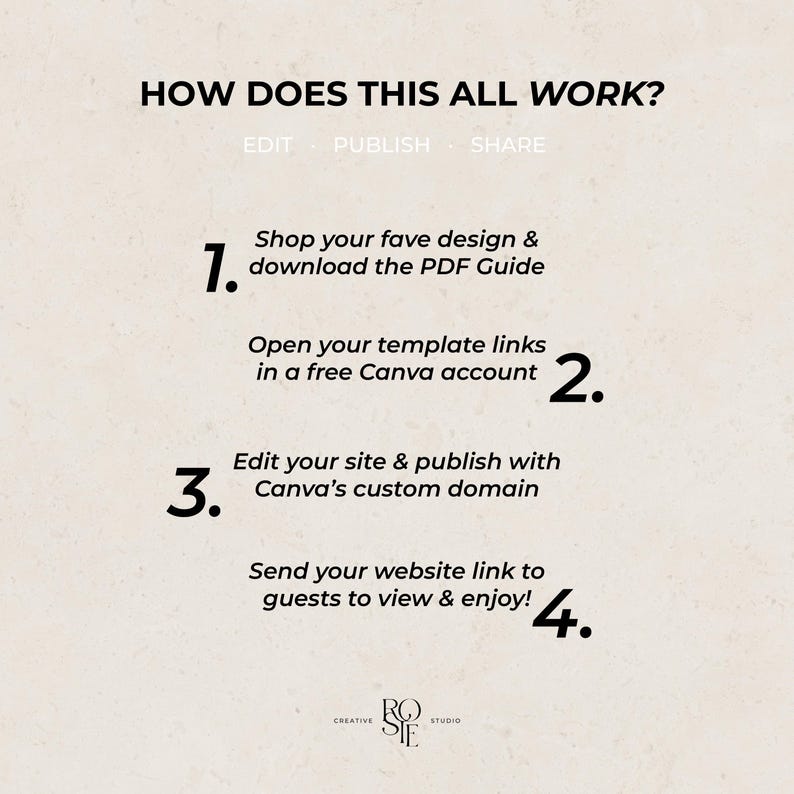
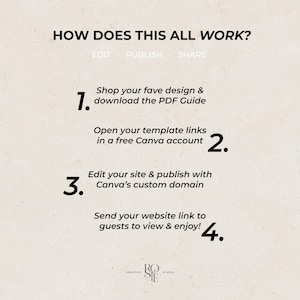
💌 HOW IT WORKS:
1. Shop your fave design & download the PDF Guide
2. Open your template link in a free Canva account
3. Edit your site & publish with Canva's custom domain
4. Send your website link to guests to view & enjoy!
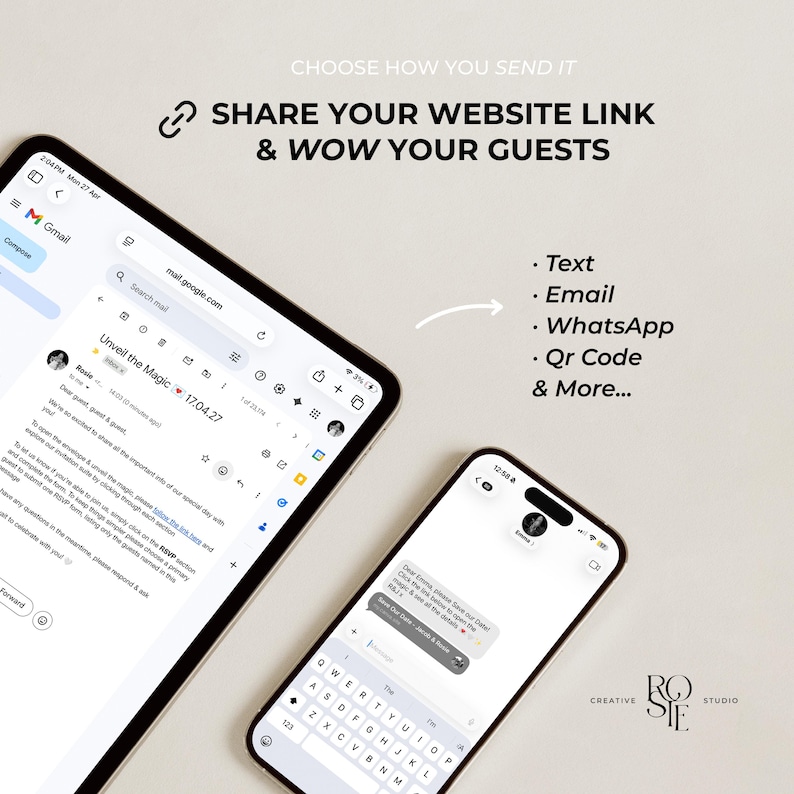
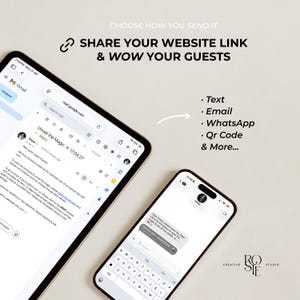
Choose how you send it: (Tips & Sample Message Included)
- Via Text
- Email
- WhatsApp
- QR Code & More…
——————
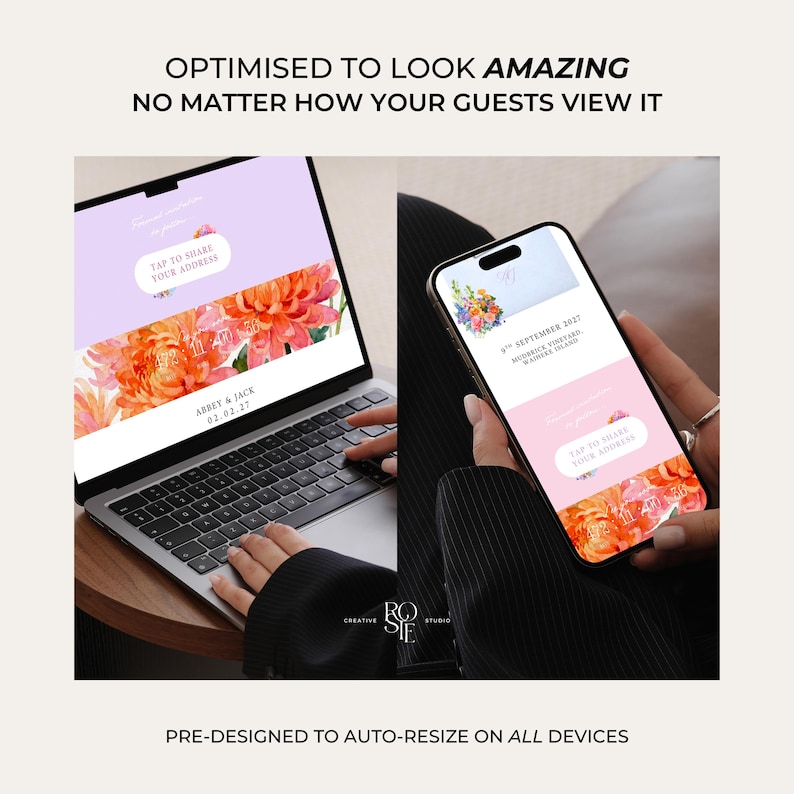
📲 OPTIMISED FOR DESKTOP/MOBILE:
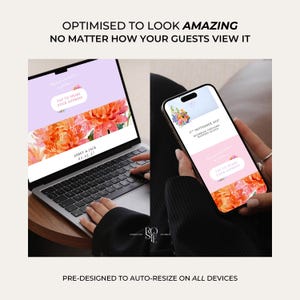
Pre-designed to auto-resize & look amazing no matter how your guests view it
Please Note: Moving elements around may affect the alignment of the website, especially on mobile. To help avoid this, I’ve designed everything to be layout-ready as-is - I’ve also included some helpful tips & tricks to guide you, and I'm only a message away at any point if you need help!
——————
FAQ’s:
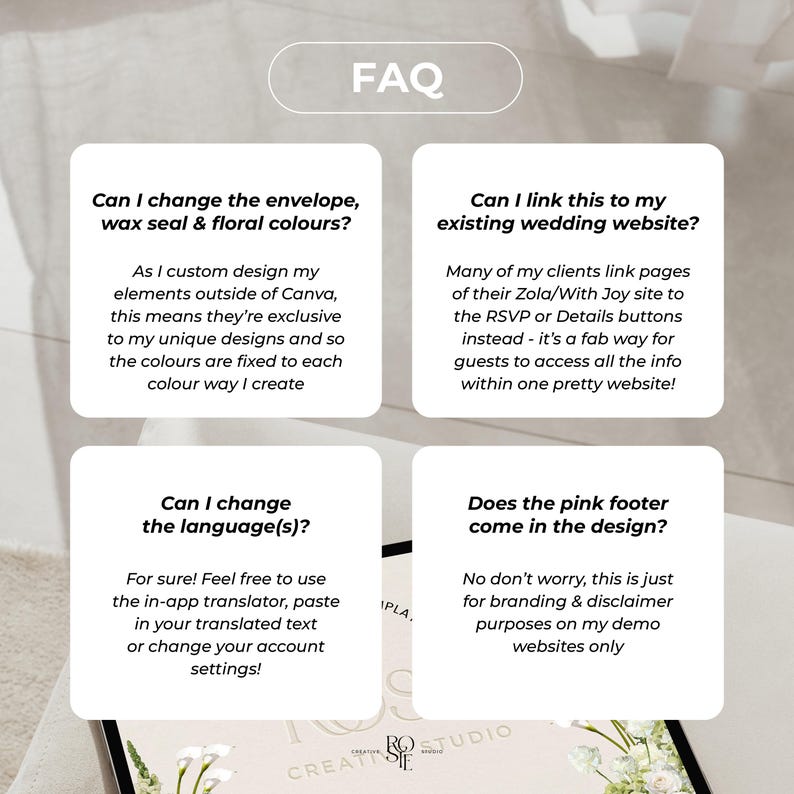
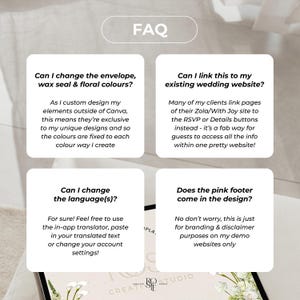
Q: Can I change the envelope, floral and wax seal colours?
A: As I custom design my elements outside of Canva, this means they’re exclusive to my unique designs and so the colours are fixed to each colour way I create. I'm always rapidly expanding my range! Flick me a msg at any point
Q: Can I link this to my existing wedding website?
A: Whilst they'll remain separate platforms as they're not directly compatible to integrate, many of my clients link pages of their Zola/With Joy site to the RSVP or Details pages instead - it’s a fab way for guests to access all the info within one pretty website!
Q: Can I add music?
A: Canva only allows music on their websites via an embedded music player. Just note that it won’t play automatically as most browsers don’t allow auto-playing sound - guests will need to tap play and the widget will stop when other pages are clicked
Q: How do I send my website once published?
A: Simply send your website link via text, email, WhatsApp or QR Code - I’ve included instructions, tips and sample messages you can use to share your website with guests
Q: Can I customise the design to address each of my guests individually?
A: For ultimate ease, it’s typically one website with one link that you then send to all guests to easily view and interact with - this keeps things quick & easy. If you have a smaller guest list and didn't mind spending a bit of time, you could duplicate and tailor each website to have the guest names for each household/couple - Canva allows up to 5 websites published on a free account (so you could make multiple free accounts) or unlimited on a Pro account to create as many sites as needed
Q: Can I add videos instead of photos?
A: Definitely possible, you may just have to play around with the file size, as sometimes Canva can lag in load time and cause buffering when trying to load videos for the first time on new devices. Just something to bear in mind whilst you experiment!
Q: Can I change the language?
A: Yes absolutely! Canva offer a few ways - there’s an in-built translator or you can change the language settings of your account. Otherwise you can copy & paste in your translated text straight into Canva too. You can make duplicates of your websites and publish multiple for different versions to send to different guests as well
Q: I want multiple websites to send to different guests, how can I do this easily?
A: After editing, just click ‘Duplicate’ for your chosen website on the Canva home page, and then you can tweak and publish both to send to your respective guests
——————
Terms of Use:
• This is a digital product – no physical items will be shipped.
• Due to the nature of digital products, refunds or exchanges can't be accepted
• This purchase grants you a single-user license to edit, save, and download your purchased template as many times as needed for personal use.
• Copying, duplicating, or recreating this design or any of my other designs/templates is strictly prohibited
• All templates, designs, and illustrations I have designed are protected under copyright and intended for personal use only. You may not resell, redistribute, or share these files or any elements within them, or use any part of the design commercially in digital or physical products.
• I reserve the right to revoke access to the Canva template if the terms of use are violated
• By purchasing, you acknowledge and agree to these terms
• Any misuse or infringement will be reported to Etsy
My templates are hosted on Canva, a free and easy online platform – I ensure to use free fonts & my own custom graphics to offer unique designs that don't require a paid subscription to Canva
——————
If you have any questions before or after purchasing, please contact me at any time — I'm more than happy to help! 😊
Shop my Full Range of Whimsical Designs:
https://www.etsy.com/shop/RosieCreativeStudio
© 2026 Rosie Creative Studio Ltd.
All designs and templates are for personal use only and may not be resold, copied, or reproduced in any form
⚠️ WARNING: Copying any part of this description, my original designs, concepts, or listing photos violates Etsy policies and will be reported, which may result in shop removal or ban.
--
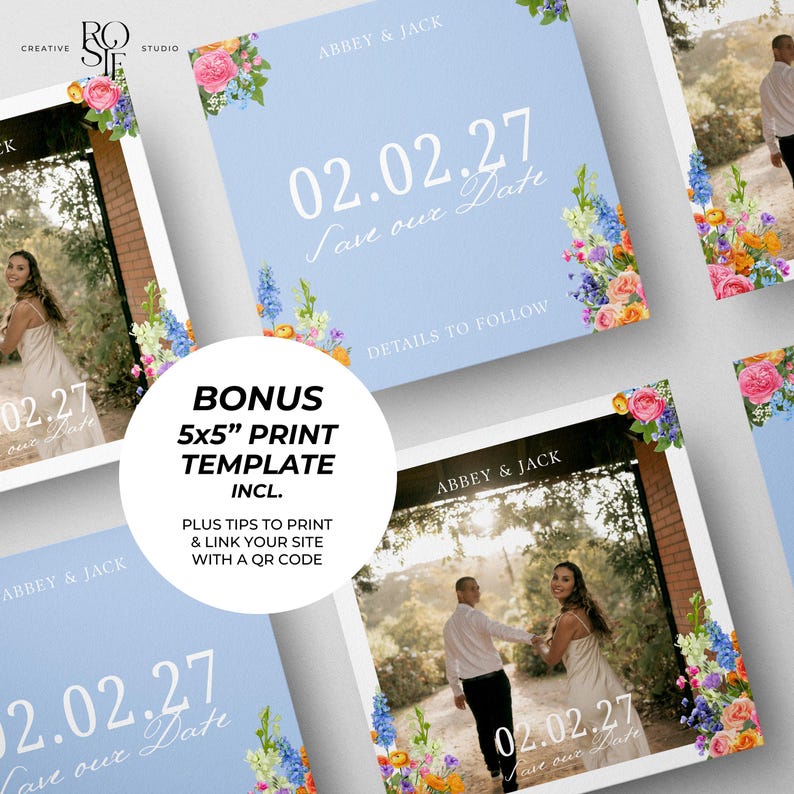
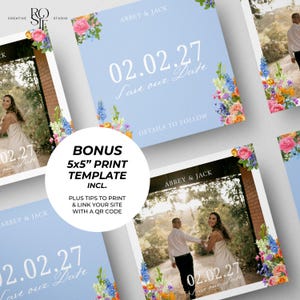
Save the Date | Save the Date Invitation | DIY Save the Date | Save the Date Invite Template | Save the Date Template | Digital Save the Date | Save the Date Website | Collect Guest Info Save the Date for Formal Invitations | Paperless Wedding Invite Design | Wedding Invitation | Wedding Save the Date | Modern Save the Date | Simple Save the Date | DIY Editable Canva Website Invite | Wedding Invite | Wedding Template | DIY Bride | Modern Burgundy Olive Wedding Vibe | Burgundy Olive Save the Date Wedding Invite | Burgundy Green Save the Date | Burgundy Green Floral Save the Date | Dark Green Save the Date | Green and Burgundy Save the Date | Berry Save the Date | Sage Burgundy Save the Date| Digital Save the Date Website | Save the Date Website Two Page Template | Custom RSVP Form or Mailing Address Collection Form for Formal Invitations | Paperless Wedding Invite Design | Matching Printable 5x5" Invitation Template Included | Spring Pastel Floral Wedding | Garden Party Wedding | Wildflower Wedding Florals | Warm Peach Pink Yellow Orange Wedding Theme | DIY Editable Canva Website Template | Free Domain | Instant Download
Transferência imediata
Os seus ficheiros estarão disponíveis para transferência assim que o pagamento for confirmado. Saiba como aqui.
Os artigos de transferência instantânea não são elegíveis para devoluções, trocas ou cancelamentos. Contacte o vendedor acerca de qualquer problema que tenha com a sua encomenda.
Proteção de compras da Etsy
Compre com confiança na Etsy sabendo que, se alguma coisa correr mal com uma encomenda, pode contar com a nossa ajuda em todas as compras elegíveis —
veja os termos do programa

Avaliações para este artigo
O que os compradores dizem, resumido pela IA: Fácil de usar Fácil de editar Instruções claras
Este produto é lindo e fácil de usar. O vendedor incluiu um manual de instruções super fácil de seguir, que tem funcionado perfeitamente para os nossos convites de casamento.
Qualidade incrível, simples e eficaz de usar.
O guia foi extremamente útil e muito fácil de usar.
Ótimo produto e processo fácil

Respostas rápidas Tem um histórico de resposta rápida às mensagens.
Avaliações excelentes A classificação média das avaliações é de 4,8 ou superior.
Mais desta loja
Visitar loja-
Transferência digital
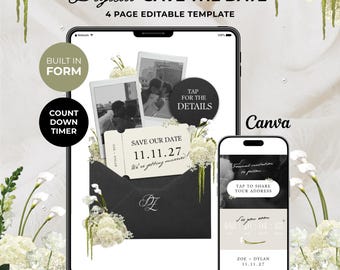
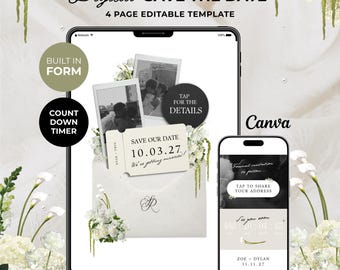
Black, Ivory & Green Save the Date Website: Canva Digital Invitation (Digital Download)
Preço de promoção 22,43 €
Preço original 32,04 €
-
Transferência digital
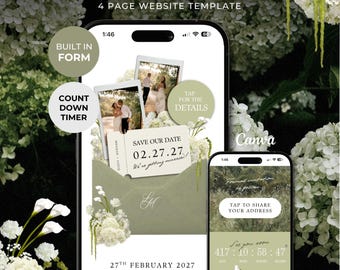
Ivory & Green Floral Save the Date Website: Canva Digital Invitation Template (Digital Download)
Preço de promoção 22,43 €
Preço original 32,04 €
-
Transferência digital
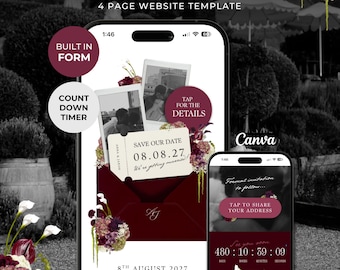
Green Floral Save the Date Website with Details Form: Canva Digital Invitation Template (Digital Download)
Preço de promoção 22,43 €
Preço original 32,04 €
-
Transferência digital
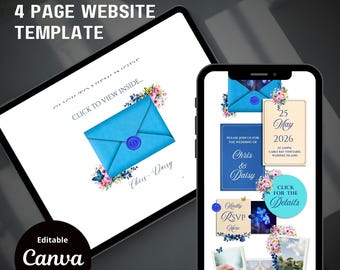
Burgundy Floral Save the Date Website with RSVP/Details: Canva Digital Invitation Template (Digital Download)
Preço de promoção 22,43 €
Preço original 32,04 €
-
Transferência digital
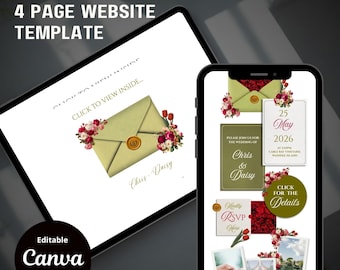
Site de convites "Reserve a Data" com tema floral de primavera, com confirmação de presença e detalhes: Modelo de convite digital Canva (Download digital)
6,65 €
-
Transferência digital
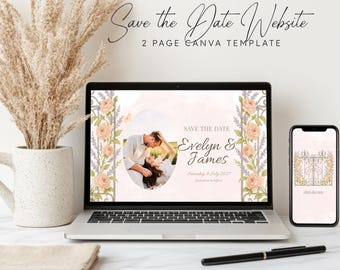
Site de convites Save the Date com tema floral sálvia: Modelo de convite digital Canva (Download digital)
6,65 €
-
Transferência digital
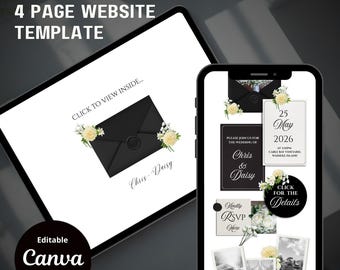
Modelo de site floral para convite de casamento — Site de casamento no Canva com portão interativo, download digital para casamento no jardim
29,95 €
-
Transferência digital
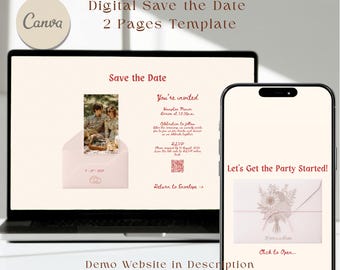
Site de convites Save the Date com tema floral sálvia: Modelo de convite digital Canva (Download digital)
6,65 €
-
Transferência digital
Modelo de site de casamento floral vintage: Reserve a data interativo (Canva DIY, download digital)
15,77 €
-
Transferência digital
Modelo digital de "Reserve a Data", modelo digital de RSVP para site de casamento, convite eletrônico de casamento, modelo editável para casamento no jardim com tema de primavera.
Preço de promoção 7,76 €
Preço original 15,52 €
-
Transferência digital
Modelo de site de casamento "Save the Date" com tema floral, com confirmação de presença e detalhes (download digital em Canva)
Preço de promoção 13,74 €
Preço original 19,63 €
-
Transferência digital
Site de convites de casamento com tema floral: Modelo de convite de casamento Canva (Download digital)
6,65 €
-
Transferência digital
Modelo de site de casamento "Reserve a Data" com estampa floral branca: Confirmação de presença personalizada, convite clássico em envelope (Download digital)
Preço de promoção 8,31 €
Preço original 11,87 €
-
Transferência digital
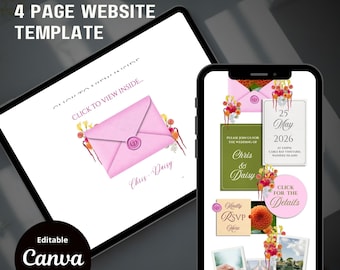
Site para convite "Reserve a Data" em tons de rosa vibrante, laranja e verde: Modelo de convite digital Canva (Download instantâneo)
6,65 €
-
Transferência digital
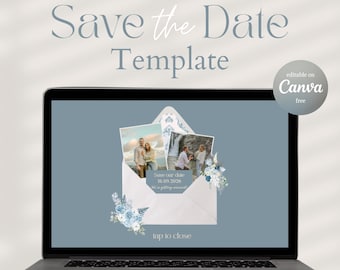
Modelo de site interativo para salvar a data: convite eletrônico moderno para casamento (download digital)
Preço de promoção 5,82 €
Preço original 16,63 €
-
Transferência digital
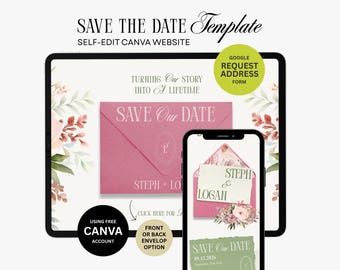
Modelo de site para convite de casamento digital, modelo moderno e editável no Canva - RN02
22,19 €
Compradores com gostos semelhantes adoraram estes artigos
-
Transferência digital
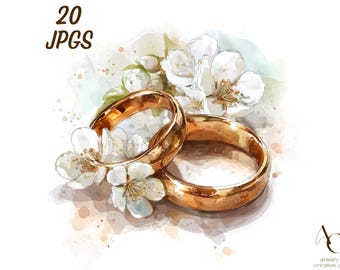
20 imagens de alianças de casamento, Noivos casados em JPG, Pedido de casamento, Noivado com flores, Ouro e prata para noivas, Flores em aquarela
Preço de promoção 3,05 €
Preço original 4,35 €
-
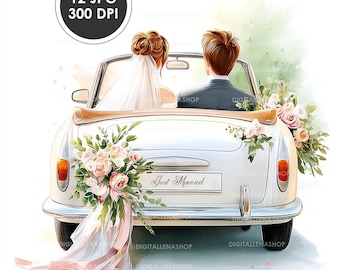
Transferência digital
Clipart de carro de casamento em aquarela: noivos, conversível vintage (download digital)
Preço de promoção 1,96 €
Preço original 3,92 €
-
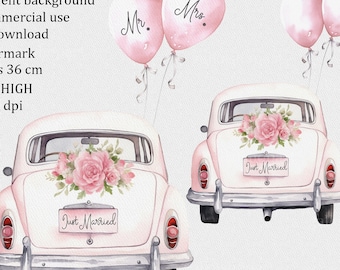
Transferência digital
Carro recém-casado PNG – Clipart de casamento em aquarela com balões Sr. e Sra., sublimação de noiva e design de cartão
3,33 €
-
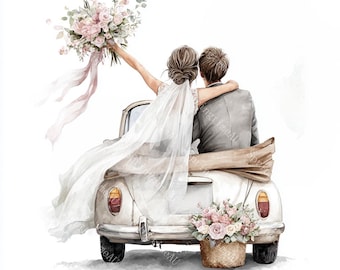
Transferência digital
20 imagens de casal de noivos em carro, recém-casados, convite de casamento, aquarela para imprimir, PNG/JPG de alta qualidade, artesanato em papel, diário de arte
Preço de promoção 2,28 €
Preço original 3,80 €
-
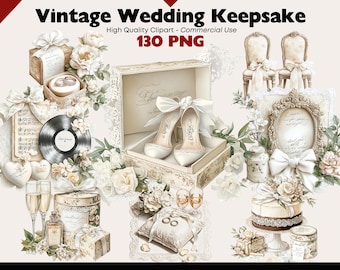
Transferência digital
Pacote de imagens PNG vintage para casamento com lindas lembranças nupciais, perfeitas para convites de casamento, scrapbooking, artesanato em papel e diários.
Preço de promoção 2,78 €
Preço original 9,25 €
-
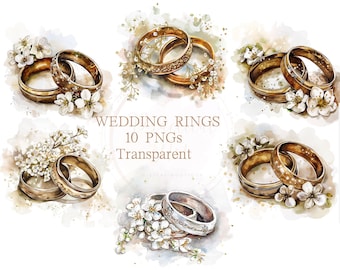
Transferência digital
10 imagens PNG transparentes de alianças de casamento em aquarela, com desenhos de noivas e noivos em estilo vintage, com ilustrações de flores em prata e ouro.
Preço de promoção 1,94 €
Preço original 4,31 €
-
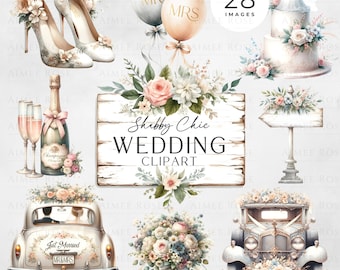
Transferência digital
28 Casamento PNG Clipart Shabby Chic Estilo | Floral vintage | Convites, cartões, planners, sublimação, decoração de casamento
3,46 €
-

Transferência digital
Clipart de casal de noivos em estilo chibi, imagens de noivos (download digital em JPG)
Preço de promoção 2,21 €
Preço original 4,43 €
-
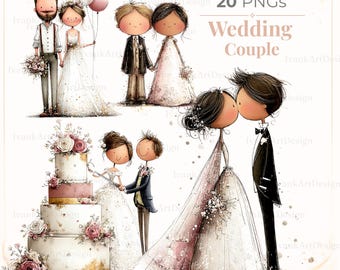
Transferência digital
Ilustração de casal romântico em aquarela: Noivos (Download Digital)
Preço de promoção 2,13 €
Preço original 4,74 €
-
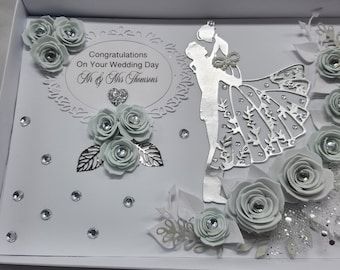
Cartão de casamento personalizado em 3D: caixa de presente artesanal para lembranças
30,03 €
-
![Pode incluir: Duas caixas de presente brancas com laços brancos. Uma caixa contém um cartão com o texto "Parabéns pelo seu dia de casamento, [Name] e [Name] 21 de outubro de 2021".](https://i.etsystatic.com/11376229/r/il/01f8f1/3310222026/il_340x270.3310222026_pbxm.jpg)
3D Wedding Card with Tutu Skirt, Luxury Keepsake in Box
46,55 €
-
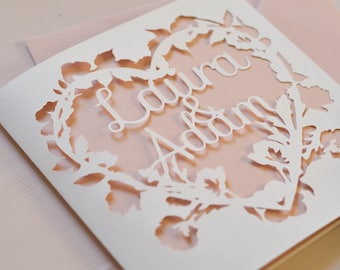
Cartão personalizado com coração floral, cartão recortado em papel, cartão de felicitações com nomes personalizados, cartão para casal, cartão personalizado, presente de casamento/aniversário.
7,43 €
 Presentes para damas de honor
 Presentes para cavalheiros de honra
 Presentes de casamento
 Presentes de noivado


