



Price:€4,52
Punch List Tracker Excel Google Sheets Contractor Closeout Checklist (Digital Download)
Here's what's eligible:
- Your order doesn't match the item description or photos
- Your item arrived damaged
- Your item arrived after the estimated arrival window
- Your item didn't arrive or was lost in the mail
You can only make an offer when buying a single item
🎯 TWO FORMATS INCLUDED — Excel + Google Sheets
✅ .xlsx Excel file (works offline in MS Excel 2016+ or free LibreOffice Calc)
✅ Google Sheets link (inside the ZIP) — works in any browser, free Google account, zero install
Same formulas. Same layout. Pick whichever fits your workflow — or use both.
═══════════════════════════════════════════
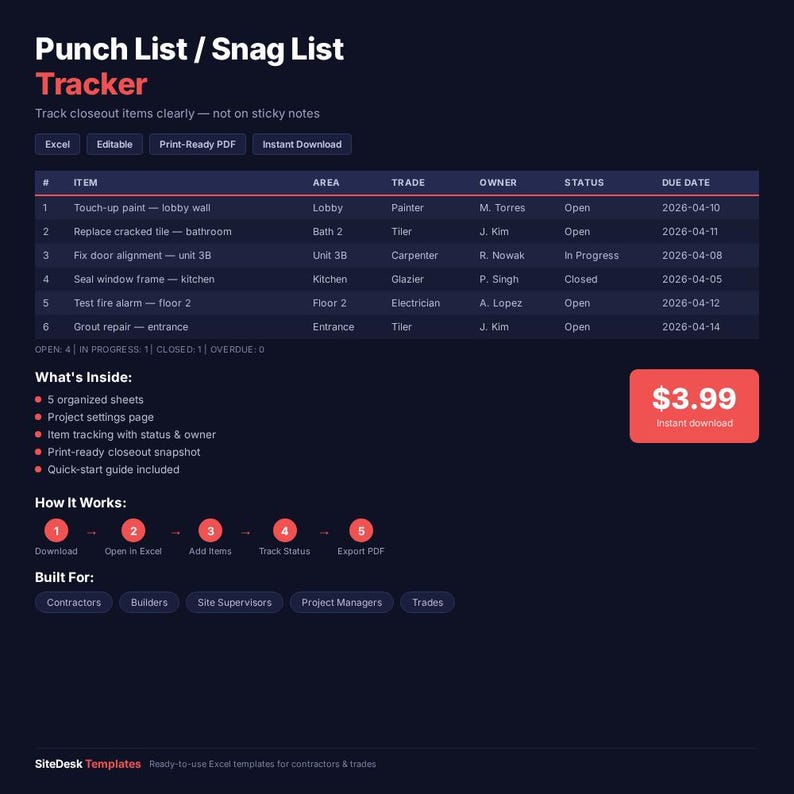
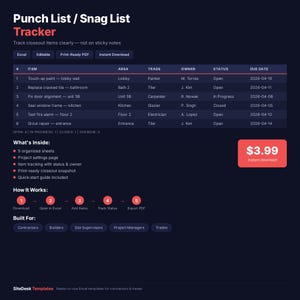
Track punch list or snag list items, due dates, owners, and closeout status with this editable tracker for contractors and builders. Works in Excel AND Google Sheets.
Need a cleaner way to track what is still open, who owns it, and what is overdue at closeout?
This Punch List / Snag List Tracker is built for contractors, builders, site supervisors, and small project teams that need one practical file for issue tracking during handover and closeout.
What you get:
- 1 editable Excel workbook (.xlsx)
- 1 Google Sheets link (force-copy — opens in your Drive)
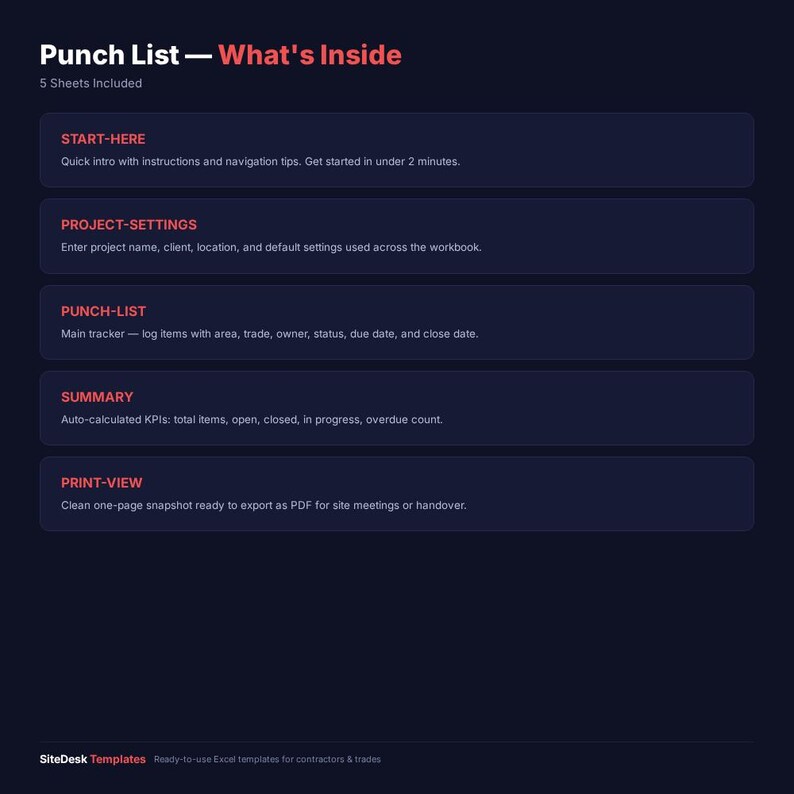
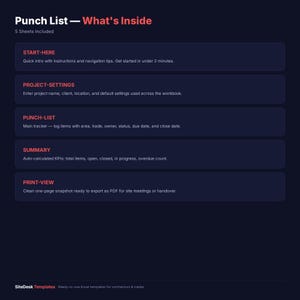
- 5 organized sheets
- 1 quick-start guide
- 1 PDF: "How to use the Google Sheets version"
- 1 print-ready closeout snapshot
Workbook sections:
- START-HERE
- PROJECT-SETTINGS
- PUNCH-LIST
- SUMMARY
- PRINT-VIEW
Best for:
- contractors
- builders
- site supervisors
- project managers
- small teams closing out work
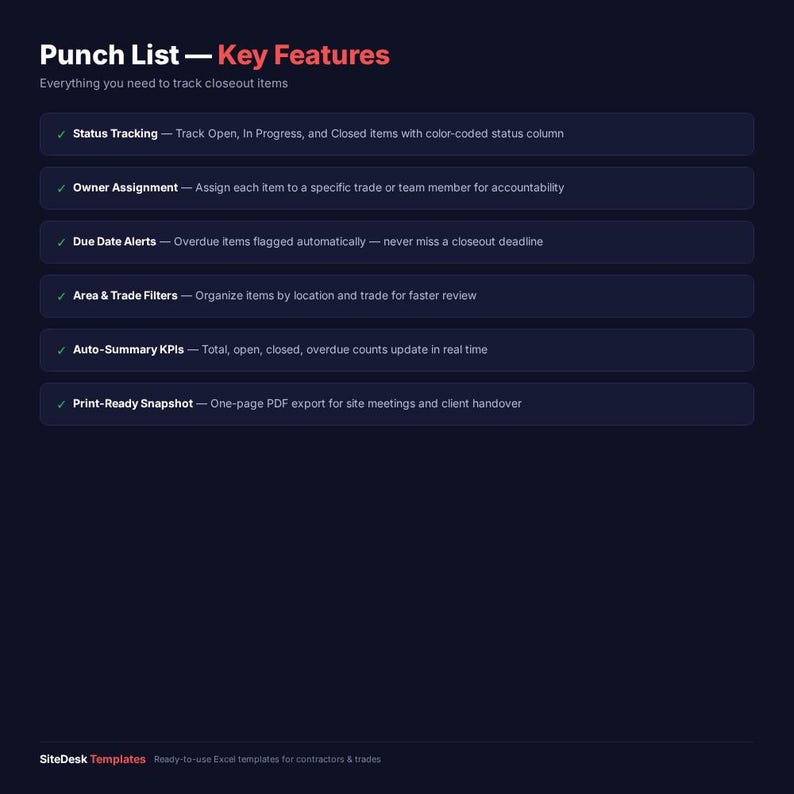
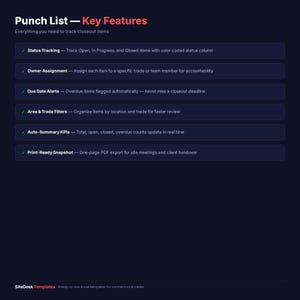
This template helps you:
- log punch list or snag list items clearly
- assign area, trade, owner, and status
- track due date and close date
- see overdue open items fast
- export a clean closeout review page
Please note:
- this is a digital product
- no physical item will be shipped
- this is a practical tracker, not defect management software
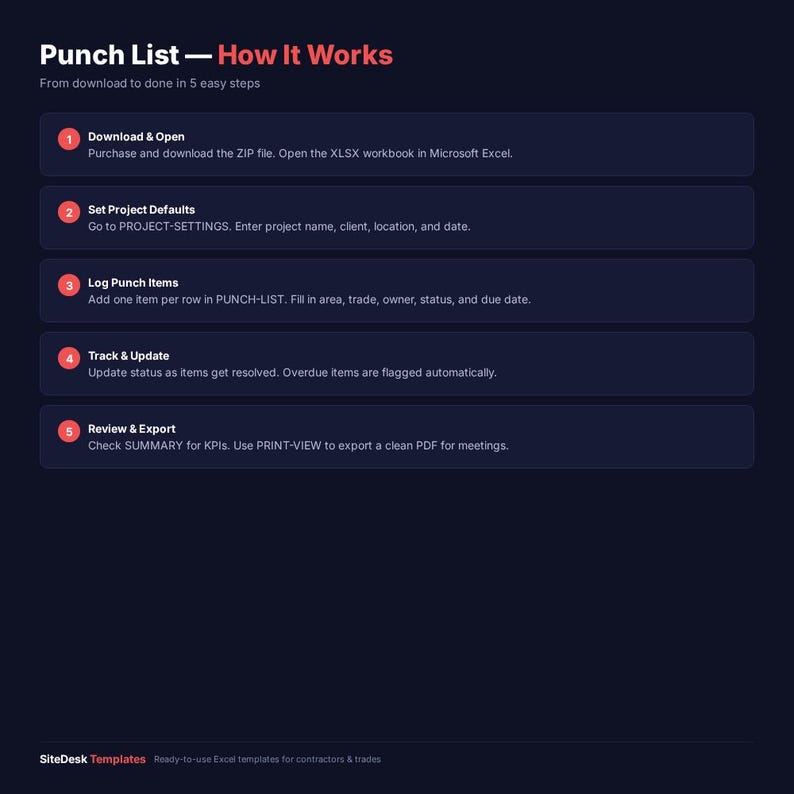
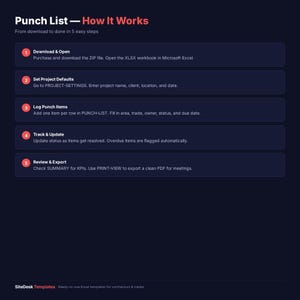
How it works:
1. download the ZIP after purchase
2. open either the .xlsx (Excel) OR the Google Sheets link (GOOGLE-SHEETS-LINK.txt)
3. enter project defaults in PROJECT-SETTINGS
4. add one punch list item per row
5. update status, due date, and close date
6. review SUMMARY and PRINT-VIEW
7. export to PDF if needed
FAQ:
Why include both punch list and snag list wording?
Because buyers in different markets search differently, and the template works for both without needing a philosophical summit.
Does this replace field QA software?
No. It is a practical closeout tracker, not a full inspection platform.
Can I use it outside construction?
Yes, if you need a simple issue list with status, owner, and due-date logic.
Does this work in Google Sheets?
Yes. A Google Sheets version is included in the download pack. Open the link in GOOGLE-SHEETS-LINK.txt, click "Make a copy", done.
Can I edit this in Excel?
Yes. The .xlsx file works in MS Excel 2016+ (Windows/Mac) and free LibreOffice Calc. No special add-ins required.
Is this a physical item?
No. This is an instant digital download — you get the files immediately after purchase.
---
Punch lists live at the end of the job — and so does the bundle that includes them:
→ Contractor Ops Master Pack ($19) — Punch List PLUS 7 other tools: estimate, invoice, change order, daily log, job cost, materials, and client handover. Full job admin library.
Solo price for all 8 would be $31.92 — the bundle saves you 40%. Includes Excel + Google Sheets force-copy links.
Delivery
Instant Download
Your files will be available to download once payment is confirmed. Here's how.
Instant download items don’t accept returns, exchanges or cancellations. Please contact the seller about any problems with your order.
Did you know?
Etsy Purchase Protection
Shop confidently on Etsy knowing if something goes wrong with an order, we've got your back for all eligible purchases —
see program terms
More from this shop
Visit shop-
Digital download
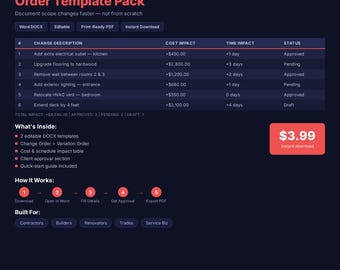
Editable Change Order Variation Template Pack for Contractors (DOCX)
€4,52
-
Digital download
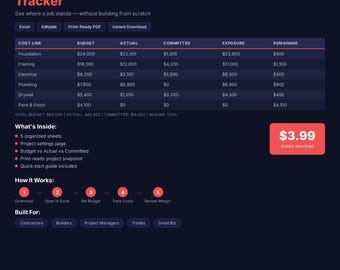
Job Cost Tracker Excel Google Sheets Budget vs Actual Template (Digital Download)
€4,52
-
Digital download
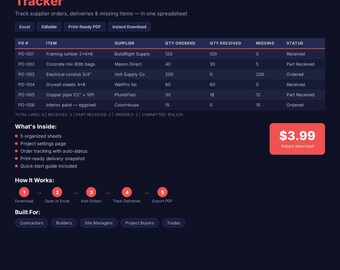
Materials Order Tracker for Contractors (Excel, Google Sheets)
€4,52
-
Digital download
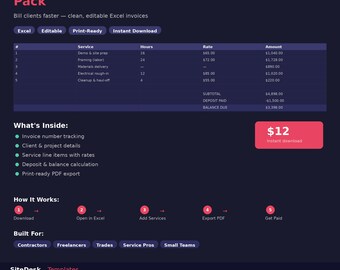
Invoice Template Excel Google Sheets Contractor Invoice Editable Billing Form Small Business Spreadsheet
€4,52
Be the first to leave a review
-
Digital download
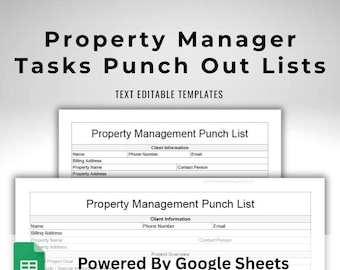
Property Manager Punch Out List - Google Sheets Template - Editable Apartment Maintenance Snag List - Download Printable in US Letter Size
€7,87
-
Digital download
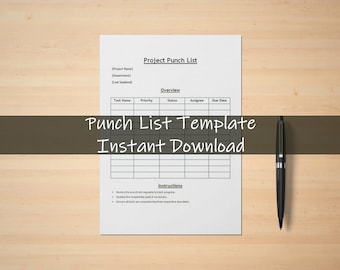
Punch List Template | Project Task Tracker | Work Progress Tracker | Instant Download | Construction Checklist | Construction Management
€3,68
-
Digital download
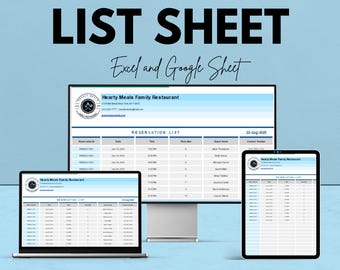
List Template - Excel and Google Sheets | Customizable Checklist & Data Organizer
Sale Price €6,30
Original Price €12,60
-
Digital download
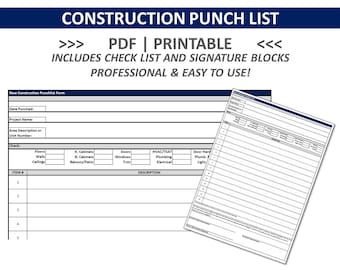
CONSTRUCTION PUNCH LIST | Punchlist | Construction Completion Check List | Real Estate Agent Checklist | Finish Punch Form
€5,60
-
Digital download
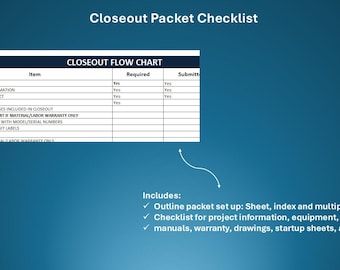
Project Closeout Checklist (Excel) | HVAC O&M, As-Builts, Warranties and Punchlist
€10,18
-
Digital download
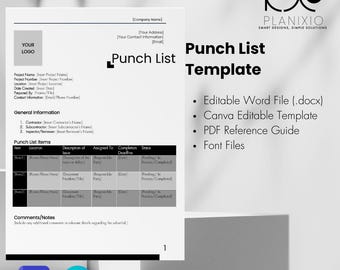
Punch List Template | Editable Construction Checklist: Editable Canva/Word
€11,31
-
Digital download
To do list master task list spreadsheet Excel google sheet organize daily weekly monthly tasks workflow business blogging personal family
€4,02
-
Digital download
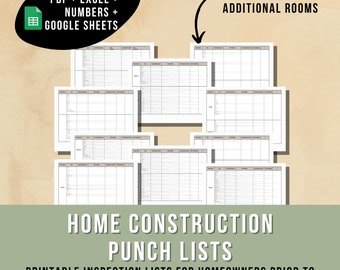
Home Construction Punch List Instant Download Printable snag list New House Construction Checklist, Home building to do list punch sheets
€6,78
-
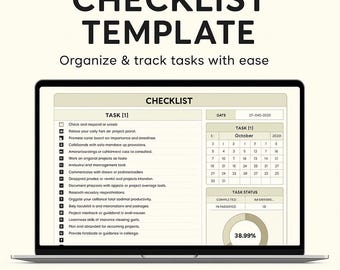
Digital download
Checklist Template | To Do List, Task Tracker, Productivity Planner, Google Sheets & Excel Digital Download, Editable Checklist
Sale Price €2,82
Original Price €5,64
-
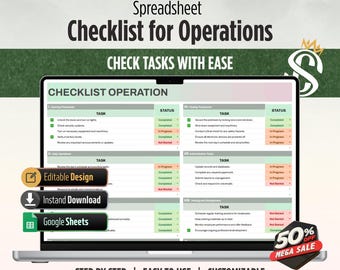
Digital download
Checklist Operation Template | Google Sheets | Task Management for Teams and Individuals | Digital Download
Sale Price €4,07
Original Price €10,18
-
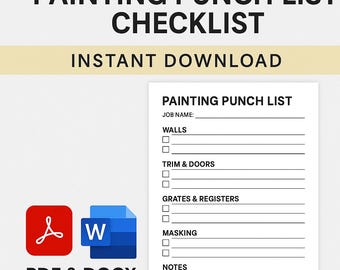
Digital download
Painting Punch List Checklist – Final Walkthrough Form (PDF + DOCX) | Instant Download
€7,36
-
Digital download
Plumbing Punch List – Initial Commissioning Inspection Form | Fillable PDF Checklist for Residential & Commercial Projects
€3,73


