



Price:₪30.54
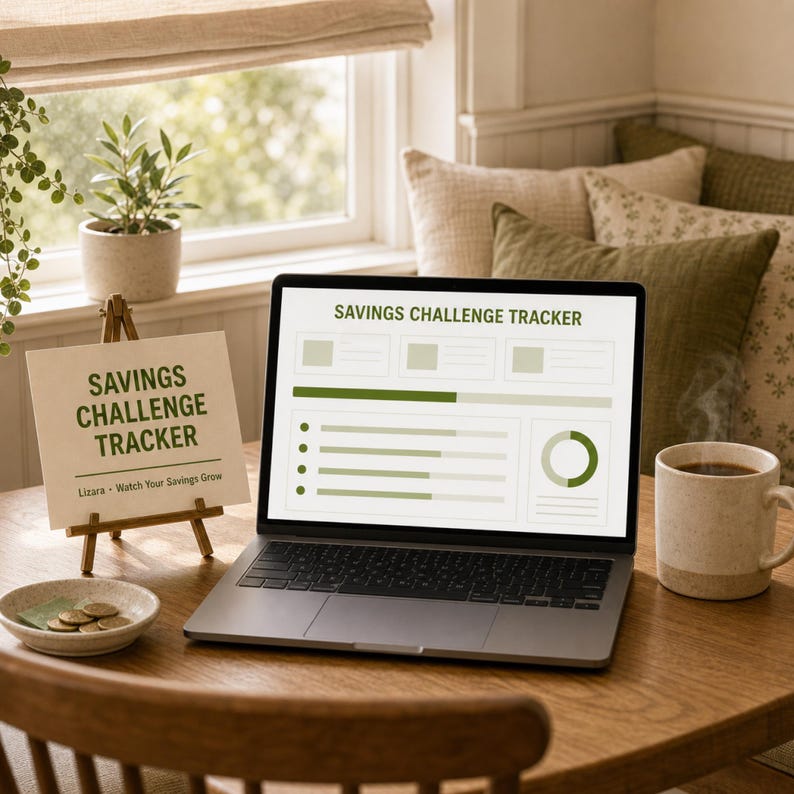
Savings Challenge Tracker Spreadsheet | 52 Week and 100 Envelope Money Saving Challenge for Google Sheets & Excel | Instant Download
Here's what's eligible:
- Your order doesn't match the item description or photos
- Your item arrived damaged
- Your item arrived after the estimated arrival window
- Your item didn't arrive or was lost in the mail
You can only make an offer when buying a single item
Highlights
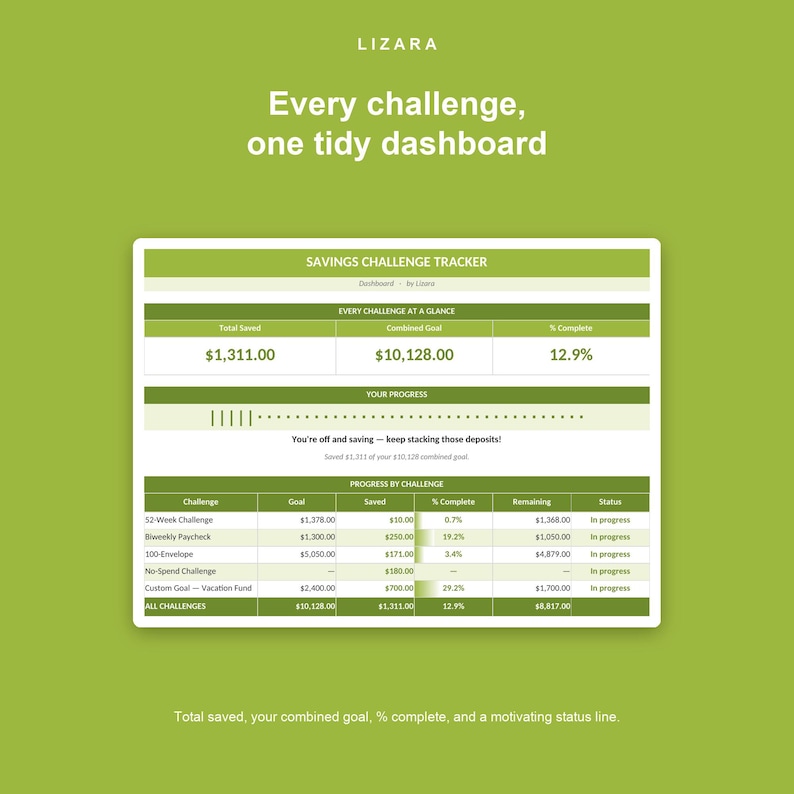
Saving money is so much easier when it feels like a game. The Lizara Savings Challenge Tracker brings five of the most-loved savings challenges into one simple spreadsheet — the 52-week, the biweekly paycheck, the 100-envelope, a no-spend month, and a build-your-own custom goal — and adds them all up on one tidy, auto-calculating Dashboard. Pick one challenge or stack a few, tick off each deposit, and watch every bar fill toward your goal.
Everything calculates itself. You only ever tick a box or type a number — the running totals, percentages, and your grand total all update on their own. It works in both Microsoft Excel and Google Sheets.
★ FIVE CHALLENGES IN ONE
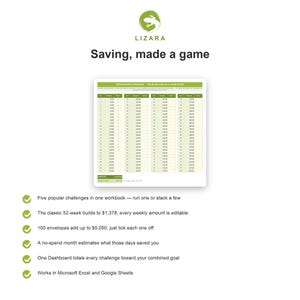
• 52-Week Challenge — the classic: save $1 in week 1, $2 in week 2, all the way to $52, for $1,378 a year. Every weekly amount is yours to change
• Biweekly Paycheck Challenge — set aside a fixed amount from each of your 26 paychecks across the year
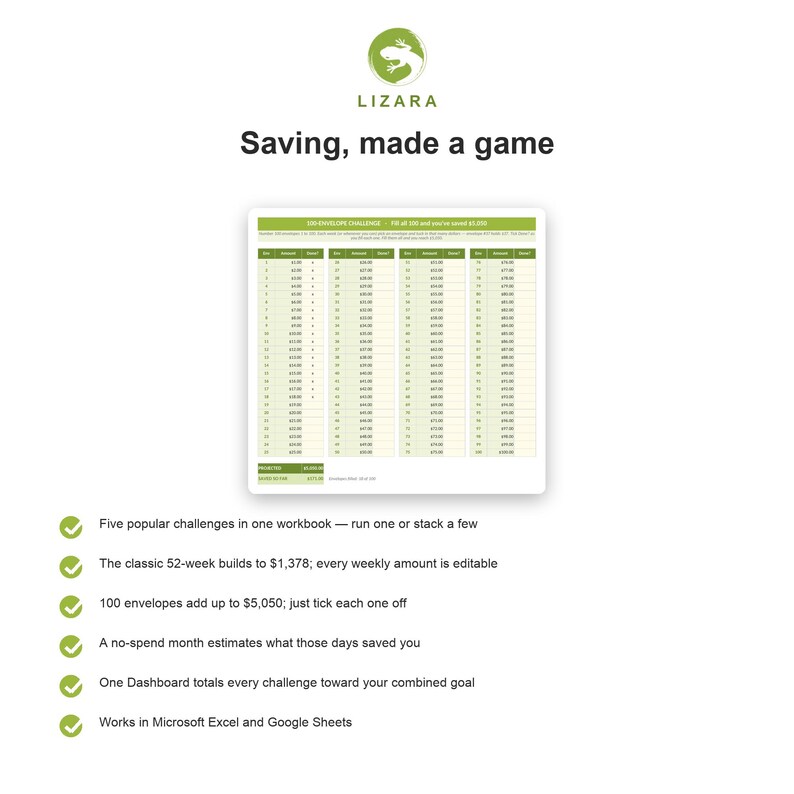
• 100-Envelope Challenge — 100 numbered envelopes (envelope #37 holds $37); fill them all and you reach $5,050
• No-Spend Challenge — mark every no-spend day on a 31-day grid and the sheet estimates what you saved
• Custom Goal Challenge — name your own goal, set the amount and how many times you'll save, and the sheet works out each deposit
★ WHY YOU'LL LOVE IT
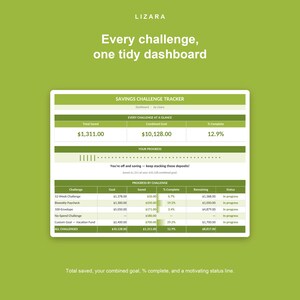
• One Dashboard totals every challenge: total saved, your combined goal, overall % complete, a visual progress bar, and a motivational status line
• Run just one challenge or all five — the Dashboard only counts the ones you're actually saving into
• Change any weekly amount, paycheck deposit, or goal and the totals follow along instantly
• A built-in Savings Log keeps a running balance of every deposit you make
• Pre-filled with realistic example progress so it makes sense the moment you open it
• No formulas to write and nothing to set up — open it and start saving
★ WHAT'S INCLUDED
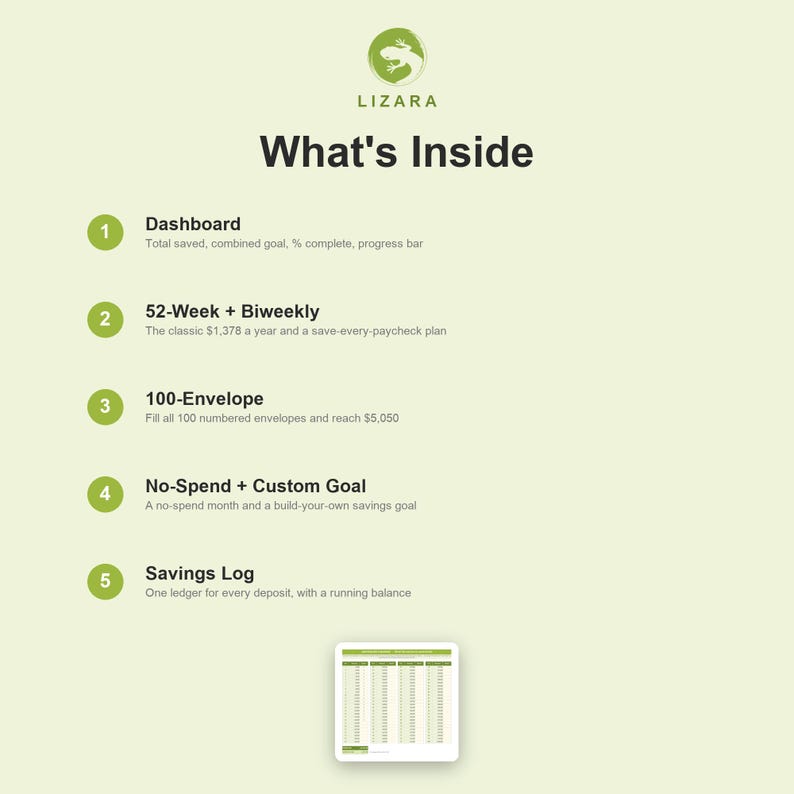
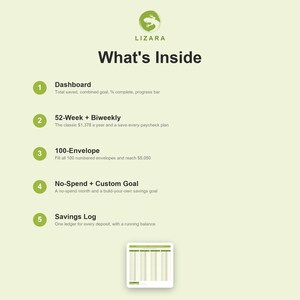
• Dashboard — total saved across every challenge, your combined goal, % complete, a progress bar, and an encouraging status line
• 52-Week Challenge — weekly deposits (classic ascending by default, fully editable), dates, check-offs, and a running total
• Biweekly Paycheck Challenge — 26 paychecks with an editable per-paycheck amount and a running total
• 100-Envelope Challenge — all 100 numbered envelopes in a clean grid; tick each one off and watch the total climb to $5,050
• No-Spend Challenge — a 31-day grid with a day count and an estimated-savings figure you can tune
• Custom Goal Challenge — set a target and the number of deposits, and track your % to goal
• Savings Log — one ledger for every deposit, with a running balance
• A "Start Here" guide built right into the file
★ HOW IT WORKS
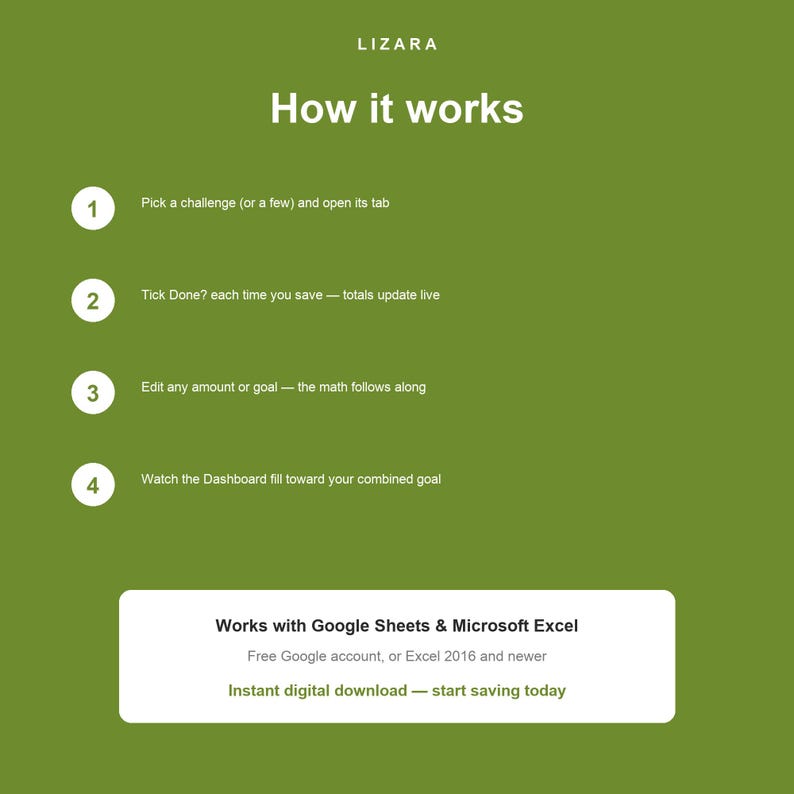
1. Pick the challenge (or challenges) you like and open its tab
2. Each time you save, tick the Done? box on that tab — the running total updates by itself
3. Want to change an amount or a goal? Just type over the cream cell and the totals follow
4. Check the Dashboard any time to see your grand total and how close you are to your combined goal
★ INSTANT DIGITAL DOWNLOAD
This is a digital product — nothing will be shipped. Right after purchase you can instantly download the spreadsheet file (.xlsx).
★ WORKS IN EXCEL AND GOOGLE SHEETS
Use it in Microsoft Excel (desktop, 2016 or newer recommended), or use it free in Google Sheets — just upload the file to Google Drive, open it with Google Sheets, and choose File ▸ Make a copy to get your own editable version. It is not designed for the Excel mobile app or Apple Numbers.
★ A NOTE ON DIGITAL ITEMS
Because this is an instant download, all sales are final and no refunds are offered. But if anything ever looks off with your file, just message us — we'll happily make it right.
★ HOW THIS WAS MADE
Every Lizara template is built using AI-assisted authoring with Anthropic's Claude, then formula-verified, hand-curated, and brand-finished by our family before publishing. We share this openly in the spirit of Etsy's seller policy on AI-assisted listings. The result is the same quality you'd expect from a careful designer — produced more efficiently so we can keep prices accessible for families.
For personal use only. Please don't resell, share, or redistribute the file or its design.
Thank you for supporting our small family business. — The Lizara family
Instant Download
Your files will be available to download once payment is confirmed. Here's how.
Instant download items don’t accept returns, exchanges or cancellations. Please contact the seller about any problems with your order.
Etsy Purchase Protection
Shop confidently on Etsy knowing if something goes wrong with an order, we've got your back for all eligible purchases —
see program terms


More from this shop
Visit shop-

Digital download
Family Budget Bundle Spreadsheet | Complete Money Management System for Google Sheets & Excel | Instant Download
₪122.45
-

Digital download
Annual Budget Spreadsheet | Family Savings Goal Tracker (Digital Download)
₪30.54
-
Digital download
Kids Chore Chart Spreadsheet | Allowance Tracker (Google Sheets, Excel)
₪27.57
-

Digital download
Monthly Meal Planner Spreadsheet | 4-Week Plan, Recipe Library (Digital Download)
₪30.54