


NuPris:154,43 kr
Ursprungligt pris: 309,06 kr
50 % rabatt
Rean slutar 31 augusti
DoorDash Tax Tracker Spreadsheet | Dasher Mileage Log | Deadhead Miles, Peak Pay, Tips, Fast Pay Fees | Excel Google Sheets
Här är vad som är täcks:
- Din beställning överensstämmer inte med artikelns beskrivning eller bilder
- Din artikel levererades skadad
- Din artikel levererades efter beräknat leveransdatum
- Din artikel levererades inte eller försvann i posten
Du kan bara ge ett bud när du köper en artikel
I korthet
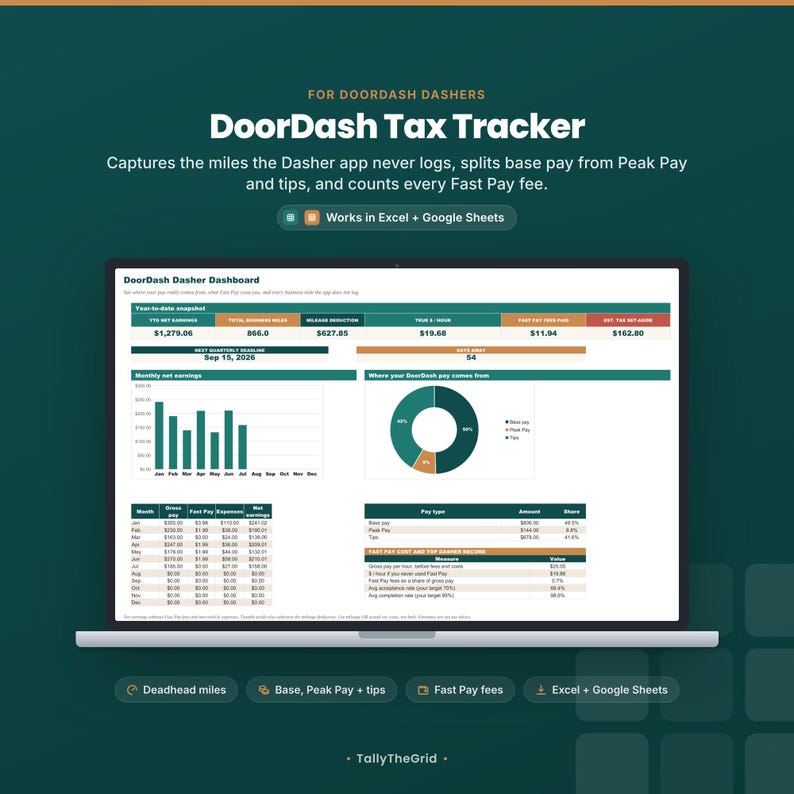
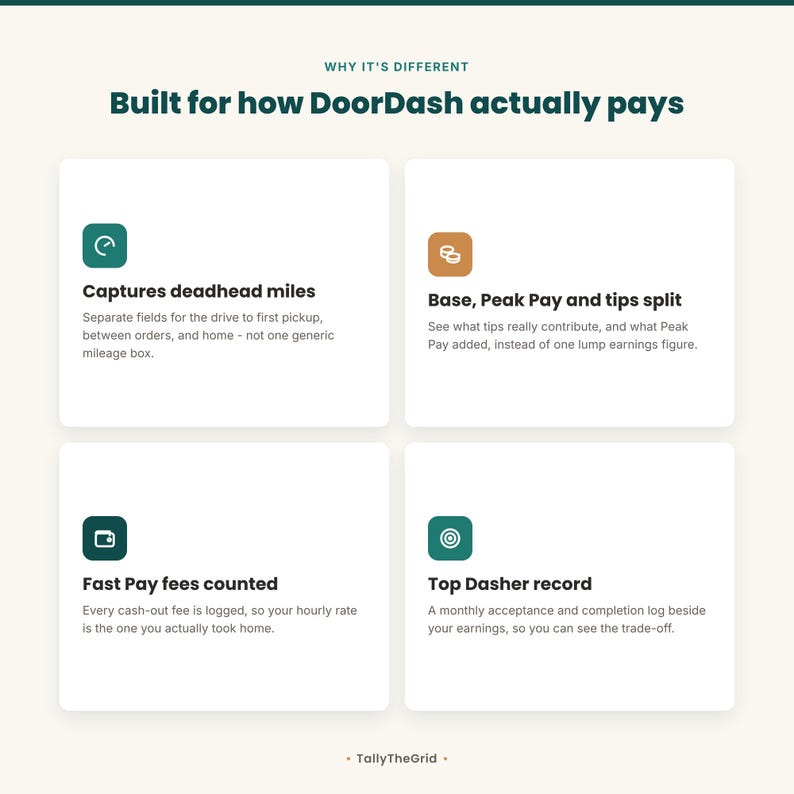
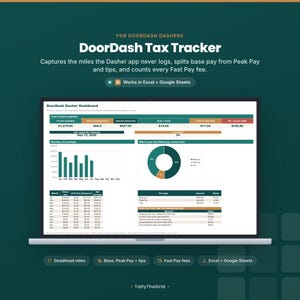
A DoorDash tax tracker built around the one thing the Dasher app does not do for you: log every
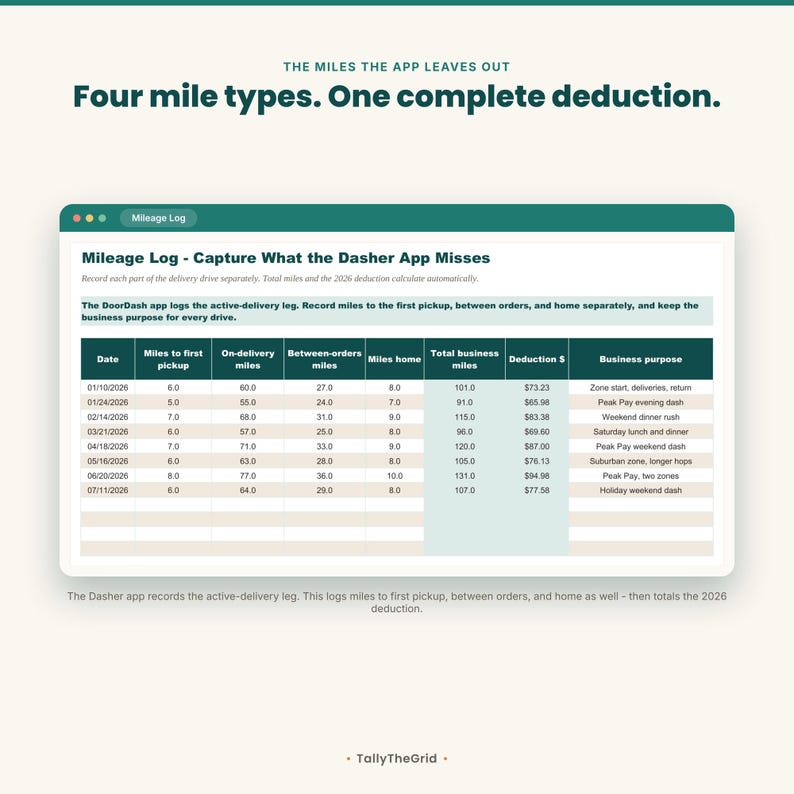
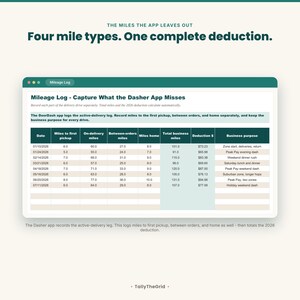
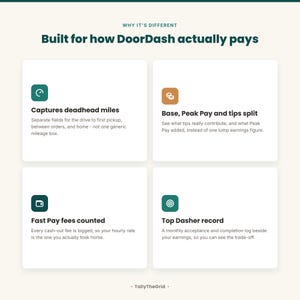
business mile. The app records the active-delivery leg. This gives you separate fields for:
• Miles to your first pickup
• On-delivery miles
• Miles driven between orders, also called deadhead miles
• Miles driven home
Those four fields calculate total business miles and the 2026 mileage deduction automatically. In
the included sample data, 40.5% of the business miles sit outside the active-delivery leg.
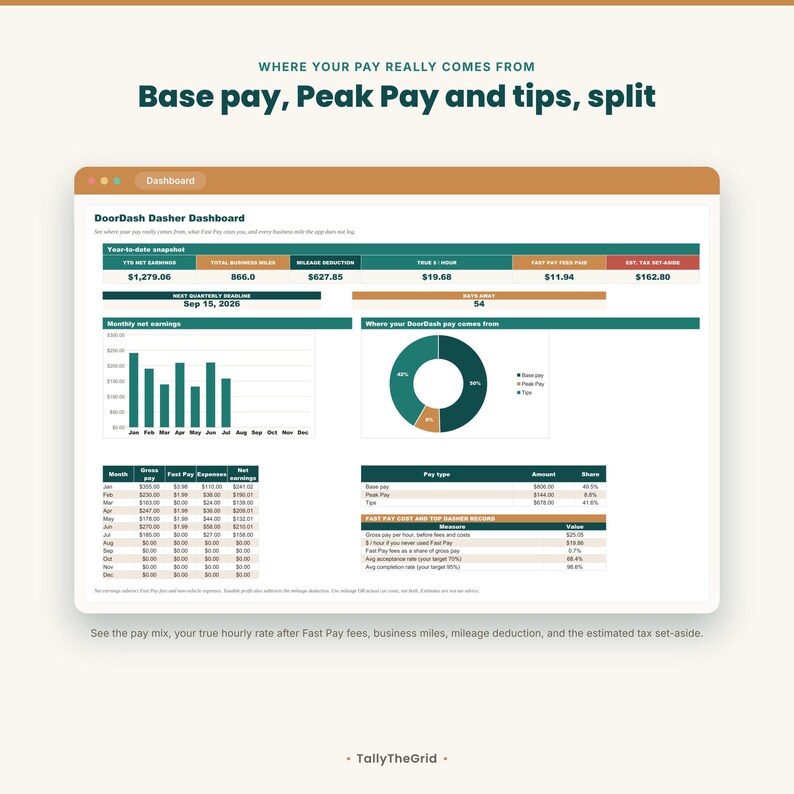
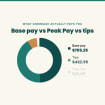
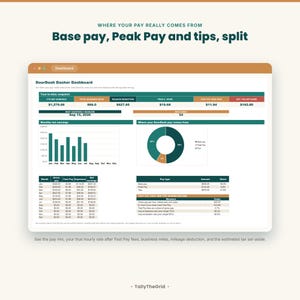
It also breaks down what DoorDash actually pays you. Base pay, Peak Pay, and tips are separate
columns on every dash, so you can see what tips really contribute. Every Fast Pay cash-out fee is
logged too, so the hourly rate you see is the one you actually took home. These are real fields and
formulas in the included Excel and Google Sheets-ready workbook, not marketing mockups.
What you get:
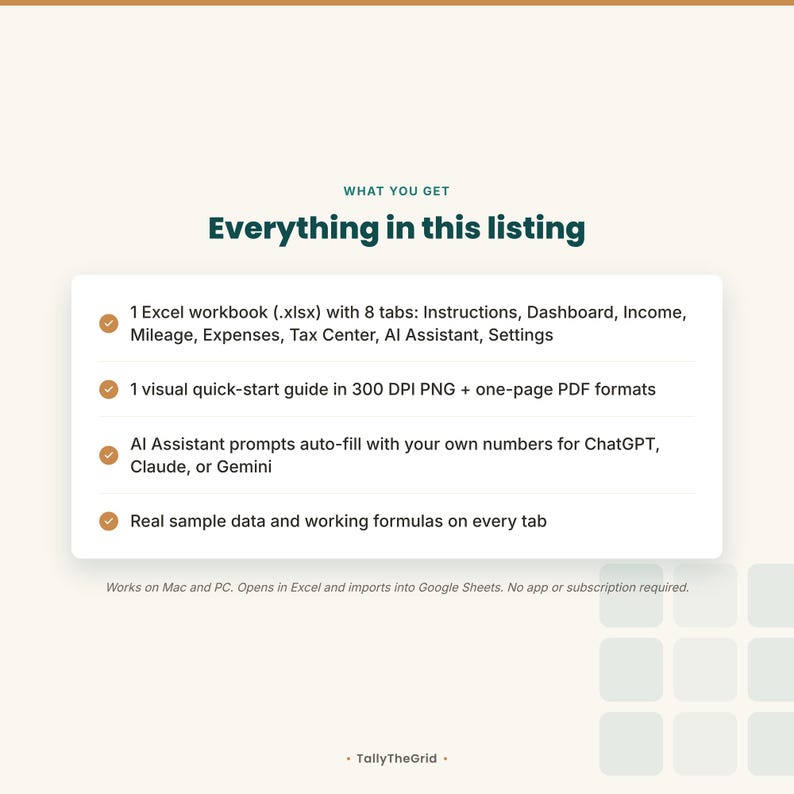
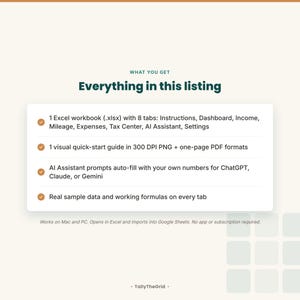
• 1 Excel workbook (.xlsx) with 8 tabs: Instructions, Dashboard, Income Log, Mileage Log,
Expenses, Quarterly Tax Center, AI Assistant, and Settings
• Four-part mileage log for first-pickup, on-delivery, between-order, and home miles, with a
business-purpose column for your own records
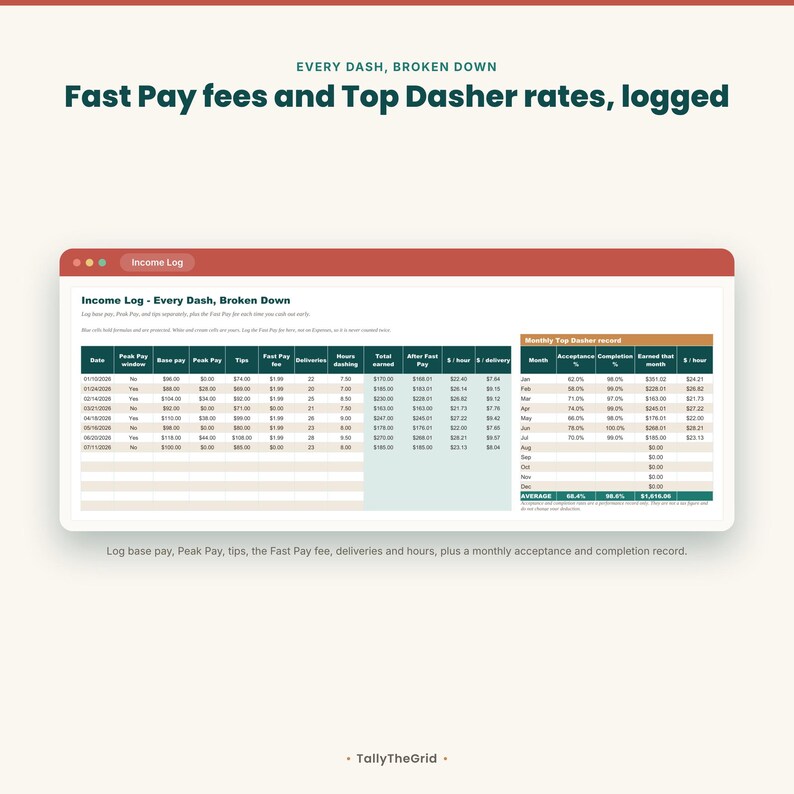
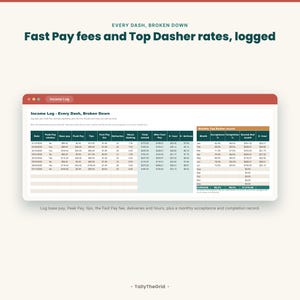
• Income log for base pay, Peak Pay, tips, the Fast Pay fee, deliveries, hours dashing, and a
Peak Pay window marker, with dollars per hour and dollars per delivery calculated for each dash
• Fast Pay fee tracking, including what your hourly rate would have been without the fees
• Monthly Top Dasher record for your acceptance and completion rates beside that month's earnings,
with your own targets set in Settings
• Dashboard with net earnings, total business miles, mileage deduction, true hourly pay, Fast Pay
fees paid, estimated tax set-aside, a base-versus-Peak-Pay-versus-tips breakdown, and charts
• Delivery-specific expense categories including hot bags and insulated bags, phone mount and
accessories, phone or data, drinks and snacks for orders, parking, tolls, car washes, and other
supplies
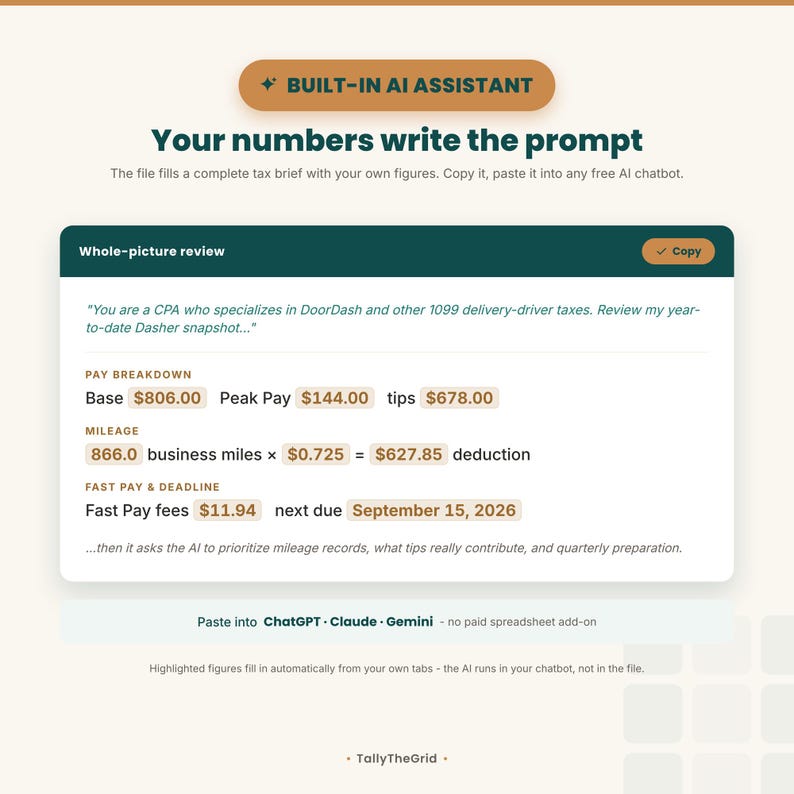
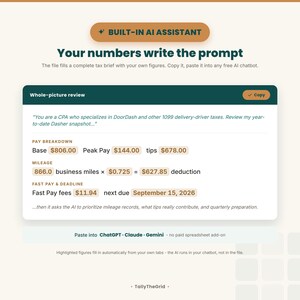
• AI Assistant tab with six copy-paste prompts that auto-fill with your own workbook numbers,
including a pay-mix review and a Fast Pay and Top Dasher trade-off prompt
• 2026 IRS business mileage rate stored in one Settings cell with its dated IRS newsroom source
• Four 2026 estimated-tax deadlines
• Adjustable tax set-aside percentage and quarterly estimates
• Real sample data on every log
• Protected formula cells; unprotect anytime with no password
• 1 visual quick-start guide in 300 DPI PNG and one-page PDF formats
How it works:
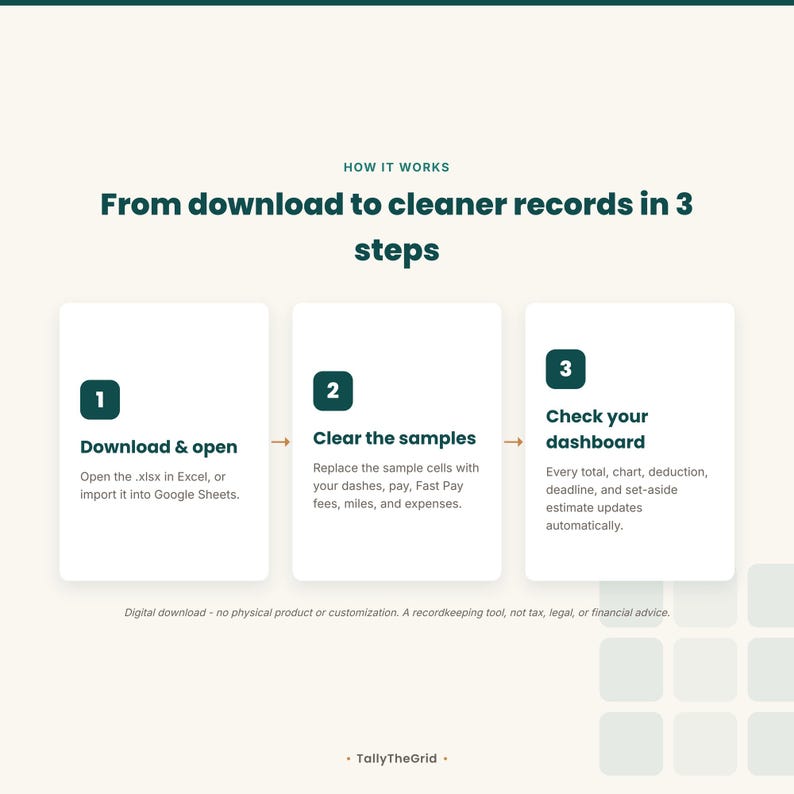
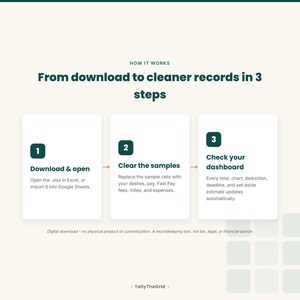
1. Download the zip and open the .xlsx in Excel, or import it into Google Sheets.
2. Clear the sample input cells and enter your own dashes, miles, and non-vehicle expenses.
3. Your totals, charts, pay mix, mileage deduction, taxable-profit estimate, deadlines, and
set-aside estimate update automatically.
4. When you want a second look at your records, copy a prompt from the AI Assistant tab into your
preferred chatbot.
Important mileage-method note: Use either the standard mileage deduction or actual car costs
such as gas, repairs, and depreciation, not both. This tracker's tax estimate uses income minus
Fast Pay fees minus non-vehicle expenses minus the mileage deduction, so it does not double-count
vehicle costs. Fast Pay fees are logged once, on the Income Log, so they are never counted twice.
About the Top Dasher record: the acceptance and completion rates you log are a performance
record, not a tax figure, and they do not change your deduction. The targets in Settings are yours
to set. DoorDash sets its own program requirements and changes them, so check the Dasher app for
the current ones.
AI Assistant privacy: The prompts run only after you copy and paste them into a chatbot such as
ChatGPT, Claude, or Gemini. The spreadsheet does not connect to an AI service, and no workbook data
is sent to us. A chatbot account or its normal usage limits may apply. Each prompt asks for patterns,
questions, and records to review; it does not state a tax or financial conclusion.
Who it is for: DoorDash Dashers who want one self-serve place to track dashes, base pay, Peak
Pay, tips, Fast Pay fees, deadhead miles, expenses, and quarterly tax-planning figures.
Honest limits: This is a ready-made digital template delivered as an instant download. No
physical product ships. It is not customized or personalized. It does not connect to DoorDash, your
bank, or GPS; import dashes automatically; track mileage in the background; verify whether a mile or
expense qualifies; file taxes; calculate a personalized tax liability; or replace contemporaneous
mileage records and receipts. It does not include Red Card purchases, which are DoorDash's funds and
not your expense. It is not tax, legal, or financial advice. Tax rules and eligibility depend on your
situation; confirm filing decisions with current IRS instructions or a qualified tax professional.
DoorDash and Dasher are trademarks of DoorDash, Inc.; this independent product is not affiliated
with, endorsed by, or sponsored by DoorDash. Because it is a digital file, no refunds once
downloaded, per shop policy.
Omedelbar nedladdning
Dina filer kommer att finnas tillgängliga för nedladdning när betalningen har bekräftats. Så här gör du.
Artiklar för omedelbar nedladdning kan inte returernas, bytas eller avbeställas. Kontakta säljaren vid eventuella problem med din beställning.
Etsys köpskydd
Handla tryggt på Etsy med vetskapen om att vi ger dig stöd vid alla berättigade köp om något går fel –
se programvillkor


Mer från denna butik
Besök butik-
Digital nedladdning
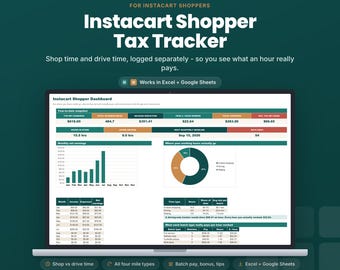
Instacart Shopper Tax Tracker Spreadsheet | Batch Log with Shop vs Drive Time | Dead Miles, Tips | Excel Google Sheets
Reapris 154,53 kr
Ordinarie pris 309,06 kr
-
Digital nedladdning
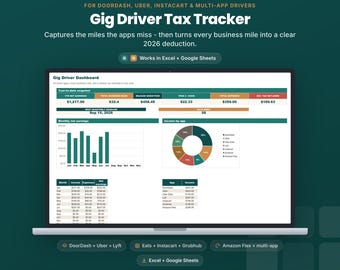
Skattespårning och körjournal för gigförare | 1099 Schedule C-kalkylblad | DoorDash Uber Instacart | Excel Google Sheets
Reapris 154,53 kr
Ordinarie pris 309,06 kr
-
Digital nedladdning
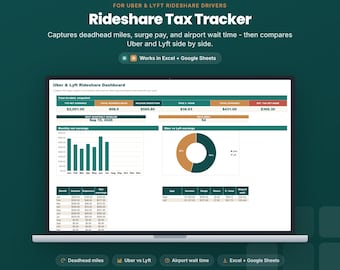
Kalkylblad för skattespårning för Uber Lyft-förare | Körsträckalogg för samåkning | Dödsmil, surge pay, flygplatsvänte | Excel Google Sheets
Reapris 154,53 kr
Ordinarie pris 309,06 kr
-
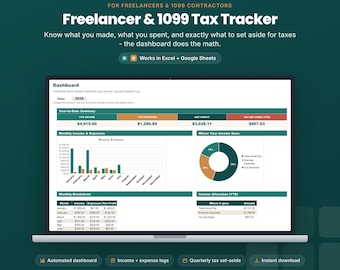
Digital nedladdning
Kalkylblad för inkomstspårning för frilansare | Skatteberäknare 1099 | Bokföring för egenföretagare i Excel och Google Sheets
Reapris 80,33 kr
Ordinarie pris 160,66 kr
Bli först med att lämna en recension
-
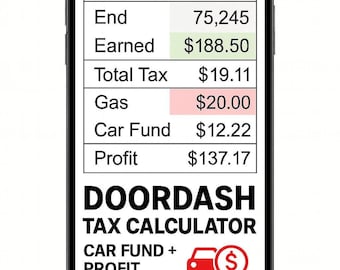
Digital nedladdning
DoorDash Intäkts- och Körsträckaspårare | Automatisk skattberäkning (SE, Federal, State) | Bilfond | Google Sheets-kalkylblad
80,24 kr
-
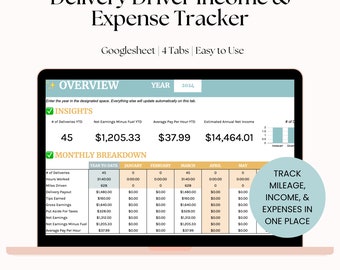
Digital nedladdning
Inkomst- och utgiftsspårning för leveransförare, kalkylblad för körsträcka, Doordash, Instacart, Uber Eats, Grub Hub eller Shipt-förare till exempel
333,89 kr
-
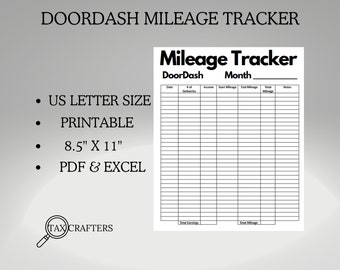
Digital nedladdning
Utskrivbar körsträckare för dörrpanelen, loggboksplanerare, skatter, gig-app, Uber Eats, frakt, vänta, Grubhub, tillbehör till spårning, leveransförare
7,81 kr
-
Digital nedladdning
DoorDash Delivery Driver Tracker Google Sheet, Door Dash Mileage Tracker Spreadsheet Delivery Driver Mileage and Earnings Logs Template
Reapris 64,30 kr
Ordinarie pris 80,43 kr
-
Digital nedladdning
Körsträckalogg - DoorDash Business körsträcka
24,64 kr
-
Digital nedladdning
Intäkts-, körsträcka- och utgiftsspårare (Doordash, UberEats, Grubhub) | Excel + Kalkylark (Digital nedladdning direkt)
61,74 kr
-

Digital nedladdning
Gig Income Tracker: Delivery Driver Mileage & Expense Log (Printable PDF)
Reapris 13,55 kr
Ordinarie pris 24,64 kr
-
Digital nedladdning
DoorDash Inkomst Utgiftskörning Körsträcka Excel Kalkylblad, Matleverans Excel Mall
134,59 kr
-
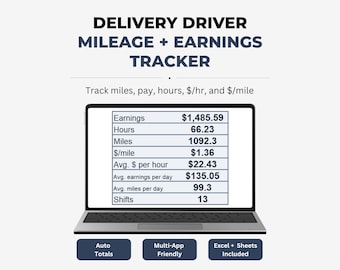
Digital nedladdning
Kalkylblad för körsträcka och intäkter för leveransförare (Google Sheets + Excel) – 2026 års upplaga
Reapris 61,73 kr
Ordinarie pris 123,56 kr
-
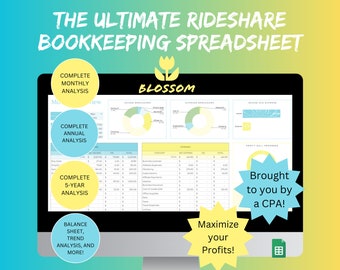
Digital nedladdning
Doordash Tracker / Doordash Logg / Bokföringsmall / Körjournal
49,46 kr
-
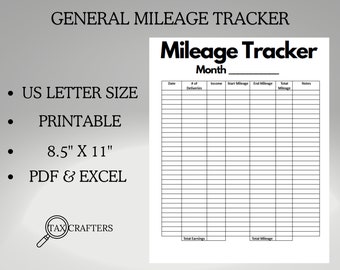
Digital nedladdning
Utskrivbar körsträckare, loggboksplanerare, skatter, gig-app, Uber Eats, frakt, vänta, Grubhub, spårningstillbehör, leveransförare
12,36 kr
-
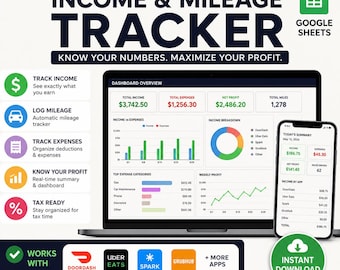
Digital nedladdning
Gig-arbetares inkomst, körsträcka, DoorDash, Uber Sparks, Grubhub, Google Sheets, leveransförare, skatte- och utgiftslogg, allt i ett
Reapris 139,10 kr
Ordinarie pris 185,50 kr
Köpare med liknande smak älskade dessa
-
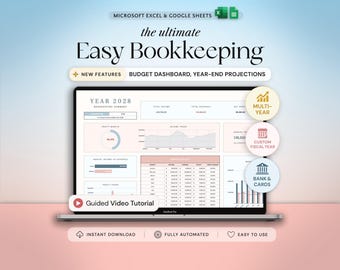
Digital nedladdning
Bokföringsmall för småföretag Bokföringskalkylblad i Excel Utgiftsspårning Försäljningsspårning Redovisningsmall Inkomstspårning
Reapris 122,97 kr
Ordinarie pris 175,70 kr
-
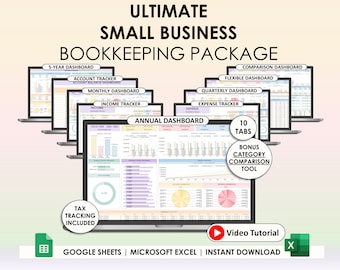
Digital nedladdning
Enkel bokföring för småföretag Vinst och förlust Excel Google Sheets Momsregistrering Redovisningsmall Vinstregistrering Faktura
Reapris 76,06 kr
Ordinarie pris 253,61 kr
-

Digital nedladdning
Small Business Bundle Inventory Tracker Excel Pricing Calculator for Handmade Business Bookkeeping Spreadsheet Client Invoice Google Sheets
Reapris 185,40 kr
Ordinarie pris 370,79 kr
-
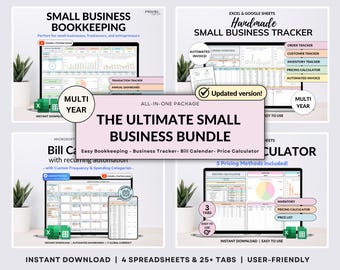
Digital nedladdning
Small Business Bundle Bookkeeping Inventory Tracker Order Tracker Product Handmade Pricing Calculator Smart Bill Calendar Google Sheet Excel
Reapris 179,55 kr
Ordinarie pris 359,11 kr
-
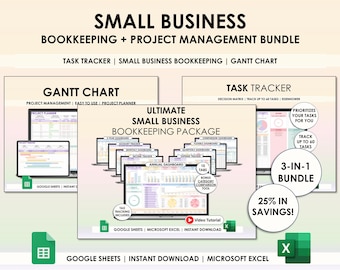
Digital nedladdning
Bokföring för småföretag Kalkylbladsplanerare Google Sheets Excel Projektledning Uppgiftsspårare Gantt-schema Redovisningsmallpaket
Reapris 89,56 kr
Ordinarie pris 298,49 kr
-
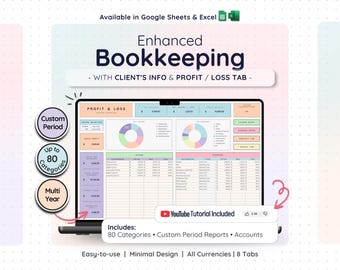
Digital nedladdning
Profit and Loss Easy Bookkeeping Template & Business Spreadsheet with Income and Expense Tracker | Tax Planner and Client Tracker
Reapris 179,79 kr
Ordinarie pris 359,70 kr
-
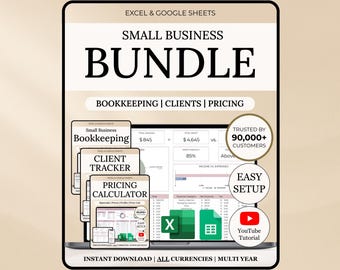
Digital nedladdning
Paket för småföretag Bokföring Kalkylblad Klientspårning CRM Excel-mall Google Sheets Budgetspårning Prissättningskalkylator Frilansare
Reapris 160,47 kr
Ordinarie pris 401,06 kr
-
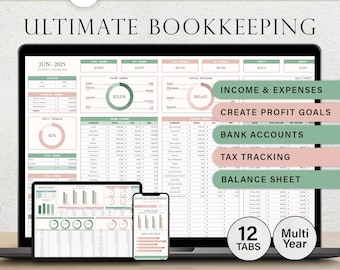
Digital nedladdning
Bokföringskalkylblad Bokföring för småföretag Google Sheets Redovisningsmall Enkel bokföring Inkomst och utgifter Vinst och förlust
Reapris 61,73 kr
Ordinarie pris 123,46 kr
-
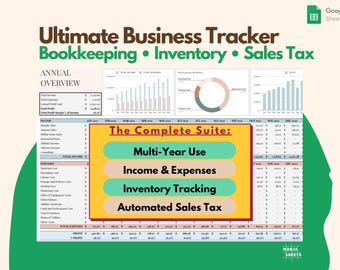
Digital nedladdning
Budgetkalkylblad för småföretag: Inkomst, utgifter, lagerspårning, moms, bokföringsmall (Google Sheets)
Reapris 53,53 kr
Ordinarie pris 97,40 kr
-
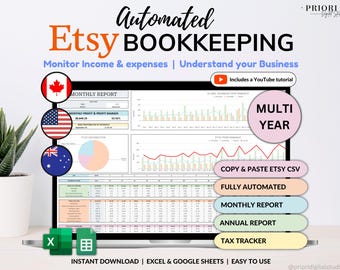
Digital nedladdning
Etsy Säljare Bokföring Kalkylblad Småföretagsplanerare Inkomst Utgift Vinstspårning Google Sheets Excel Redovisningsmall Skattespårning
Reapris 98,75 kr
Ordinarie pris 197,51 kr
-
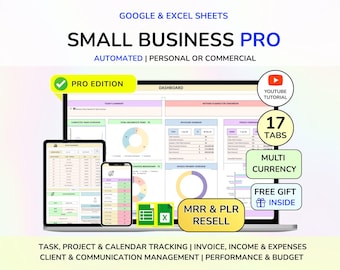
Digital nedladdning
PLR Småföretag Digital produktbokföringsspårare Uppgifts- och fakturaspårare Finansiell planerare Klientspårare Digital nedladdning
Reapris 91,59 kr
Ordinarie pris 183,29 kr
-

Digital nedladdning
Mall för ekonomisk uppföljning för småföretag, Notion, inkomster och utgifter, bokföring, finansiell planerare för Notion
129,99 kr

