







Plus de 20 vues au cours des dernières 24 heures
MaintenantPrix :14,78 CA$
Prix d'origine : 26,87 CA$
45 % de réduction
La promo se termine dans 1 jour
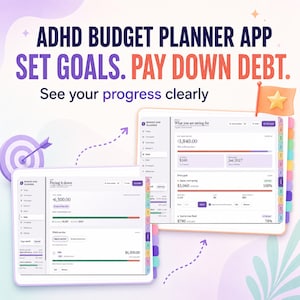
ADHD Budget Planner App | Paycheck Budget, Bill Tracker, Debt Tracker, Spending & Savings | Calm Budget Dashboard, Offline, No Subscription
Vous ne pouvez faire d'offre que lors de l'achat d'un seul article
Principaux détails
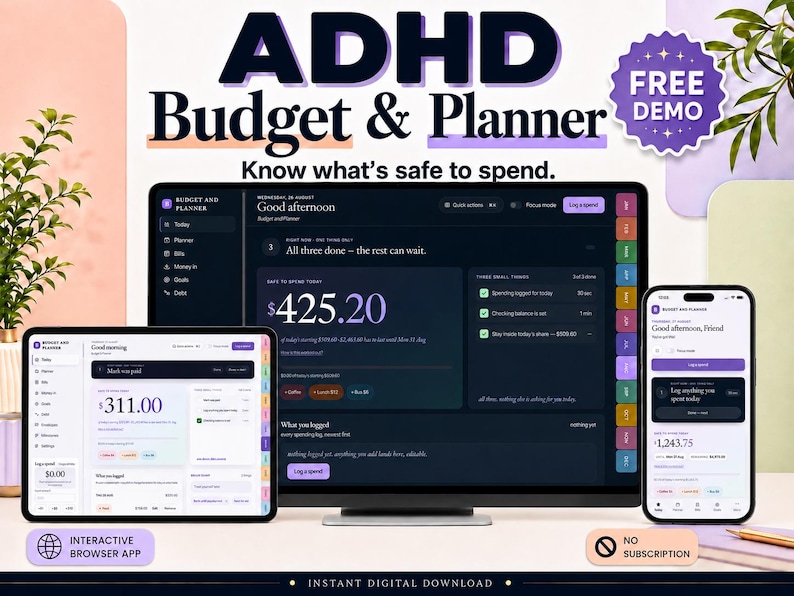
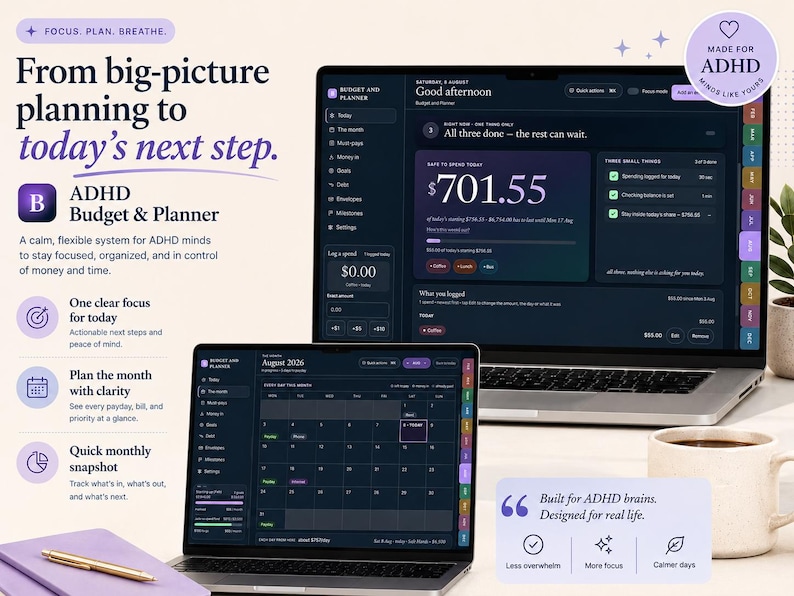
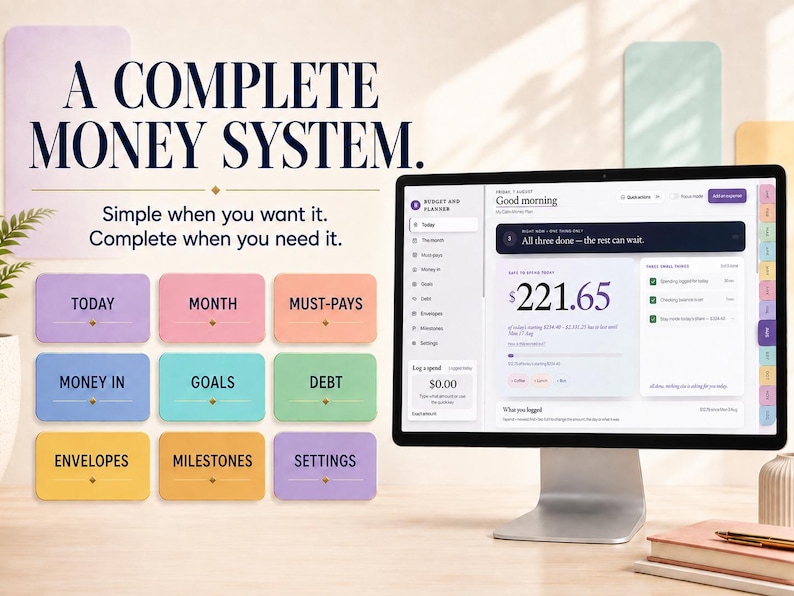
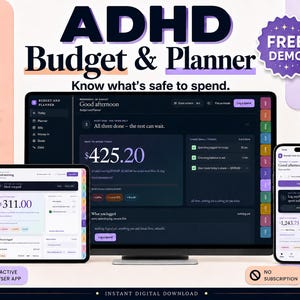
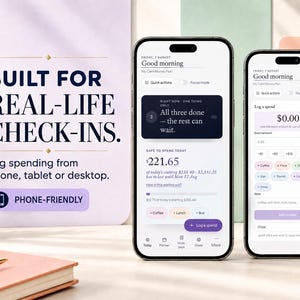
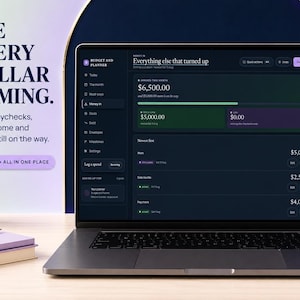
ADHD BUDGET PLANNER APP: a calm budget tracker you open in your browser. One number tells you what's safe to spend today. Bills that come round however they really come round, debt, envelopes, savings goals and a month view. No account, no password, no subscription. Add it to your Home Screen and it works offline like an app.
✨ TRY THE FREE DEMO APP ✨ no account, nothing to install
Open the link below in:
✅ Windows — Chrome / Edge
✅ Android — Chrome
✅ Mac, iPhone & iPad — Safari
🔗 OPEN THE FREE DEMO:
https://thelittlemachines.github.io/adhd-budget-planner-demo/
That's the real app, every screen, no watermark and no time limit. The demo lets you log 40 spends — enough to feel how a real week works. After that it says so in one calm line and everything you typed stays readable.
Two things the demo does not do, because a trial shouldn't: it can't be added to your Home Screen, and it can't link a second device. Both are in the full version.
Use it properly before you spend a penny. If you want what you typed in the demo, tap Download a backup in Settings — the full planner opens that file.
Budgeting tools usually fail the same way: too many boxes, too much setup, and nothing useful on screen until you've filled it all in. This one opens on example numbers so you can poke at it, then takes four small steps to swap in yours.
It's a real app, not a printable and not a Google Sheets template. You open it and type into it. It never connects to your bank — you type the balance from your banking app.
🆕 NEW THIS WEEK
Bills that come round every few months, carried as what they actually cost a month. Bills on two days a month, every two weeks, every week, or just once. A "While you were away" catch-up for when life happens. Recorded debt payments. All free, and already in your planner if you own it.
🎨 BUILT TO BE EASY ON THE EYES
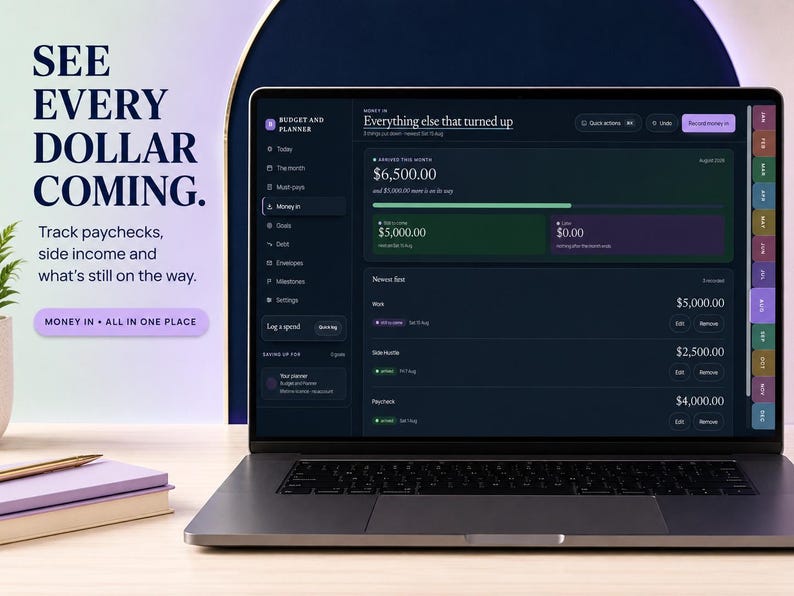
Two coordinated colour themes. Soft Spectrum is bright, airy and pastel. Midnight Spectrum is deep navy and luminous. Same colour meanings in both, so nothing moves when you switch.
Simple or Everything included. Simple keeps the everyday screens close and tucks Money in, Debt, Envelopes and Milestones away. Switch back any time. Nothing is ever deleted.
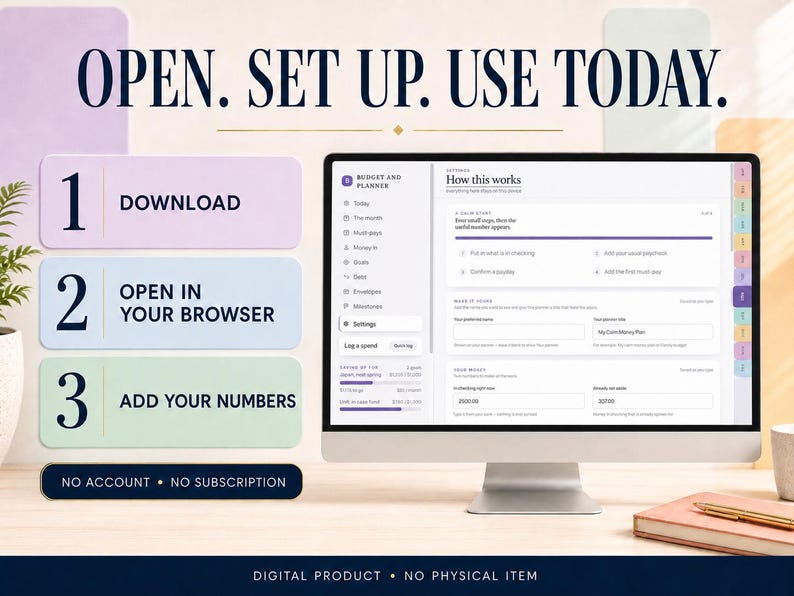
A calm start. It opens on made-up example numbers you can safely explore. When you're ready, one tap starts an empty file and four small steps get you to the useful number.
Make it yours. Put in your name and give the planner your own title, like My calm money plan, so it doesn't feel like someone else's software.
💵 WHAT IT DOES
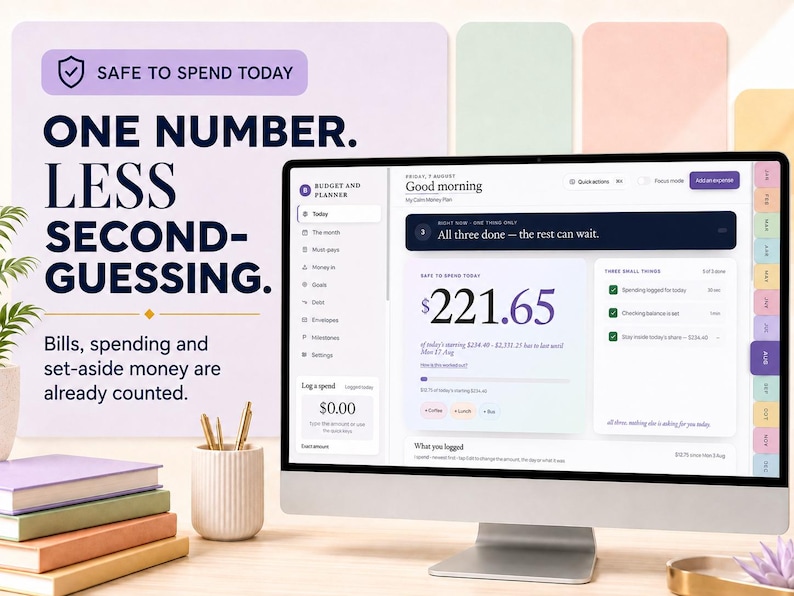
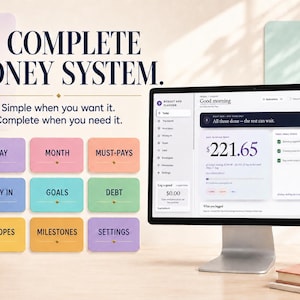
✨ SAFE TO SPEND
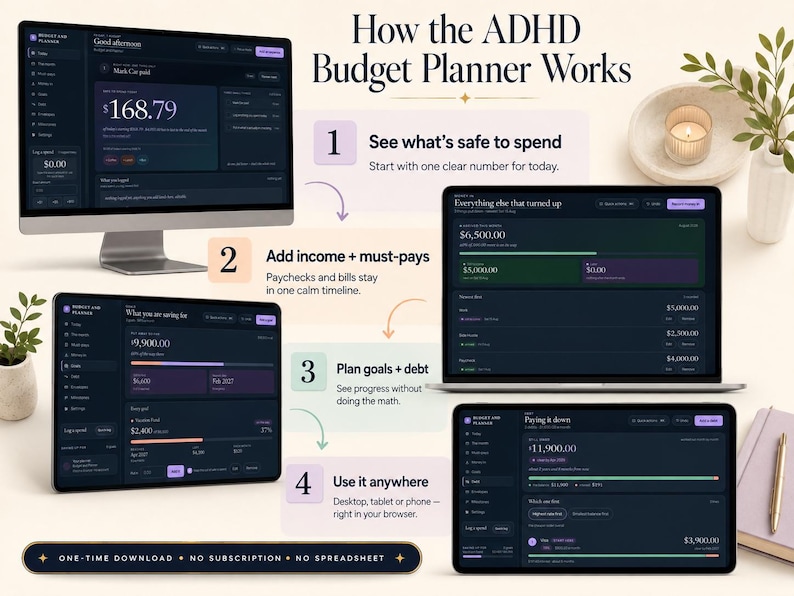
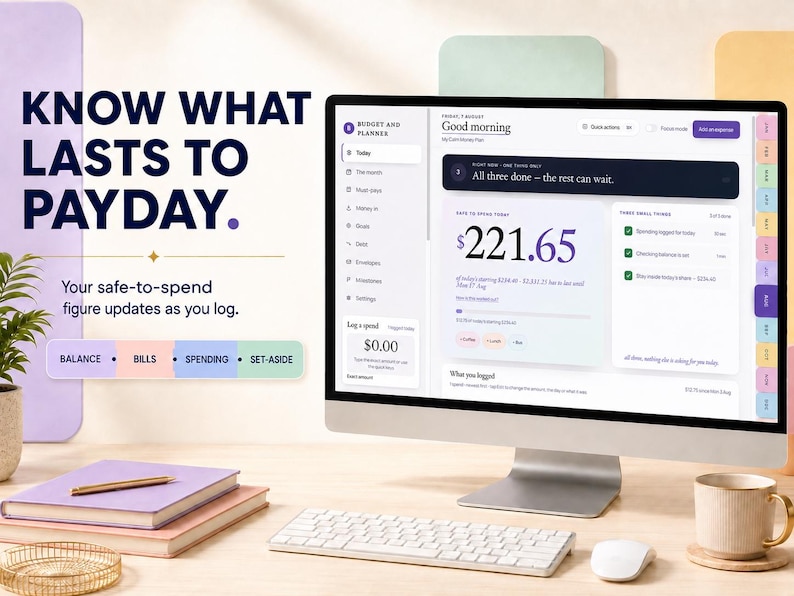
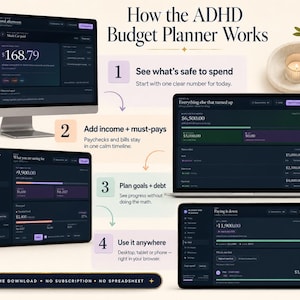
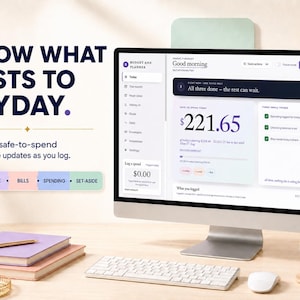
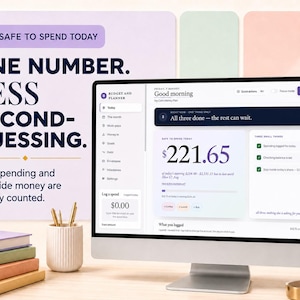
See one simple number showing what you can safely spend today, based on your balance, upcoming bills, money already set aside, and days until your next payday. Tap "How is this worked out?" any time and it shows you every figure that made it.
⚡ RIGHT NOW — ONE THING ONLY
The top of the screen holds a single next step. Do it, tap Done, and the next one appears. Nothing else asks for your attention.
📅 RUN TO PAYDAY
A day-by-day forecast through your next payday, so you can spot early if you're ahead or running short.
⚡ QUICK SPEND LOGGING
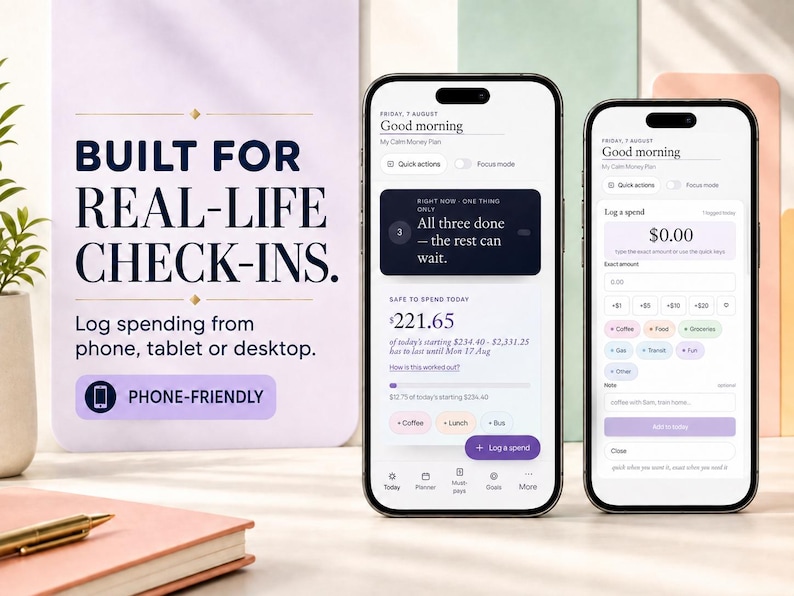
Log spending in seconds with quick-tap amounts or type the exact total. Add a note if you want one. Rename categories to fit your life. Mistyped it? The spend is right there under the big number to edit or delete.
⌨️ QUICK ACTIONS BOX
One box. Type "250 groceries" to log a spend without leaving the screen, or type a screen name to jump there.
🧠 FOCUS MODE
See one thing at a time when the full dashboard feels like too much.
📝 BRAIN DUMP
The one place in the planner with no amount, no category and no date. Type the thing in your head, press Enter, and get on with your day. It never touches your numbers.
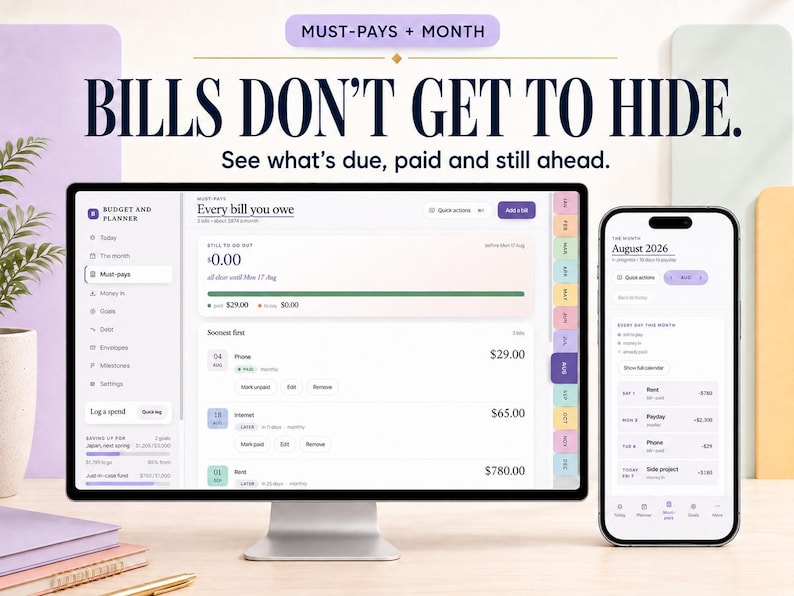
✓ MUST-PAYS
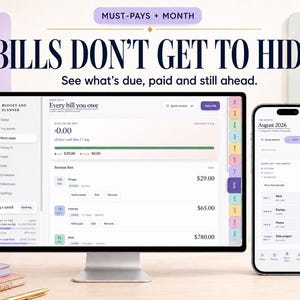
Every bill you owe, soonest first, with what's still to go out and what's already paid.
🔁 BILLS THAT COME ROUND HOWEVER YOURS DO
Not every bill is monthly, and a planner that only does monthly quietly makes you do the maths. Choose how often each one comes round:
Once a month — the usual, on the day you pick
Two days a month — the 1st and the 15th, or any two days you like
Every 2 weeks, or every week
Every few months — 2 to 12 months apart
Just once — a vet bill, a dentist, a one-off repair
Put 31 in for a bill that lands on the last day and it follows whatever length the month is. Whichever you pick, the bill shows on your calendar every time it really falls — twice in a month if that's the truth — each with its own tick-box.
💡 THE BIG ONE THAT COMES TWICE A YEAR
Six months of car insurance. Vitamins every three months. A yearly renewal. They arrive as one lump and wreck a good month.
Tick "Put a bit aside each month" and the planner carries that bill as what it really costs a month. $372 every six months becomes $62 a month, held back from your safe-to-spend so the money is genuinely there when it lands. The month it goes out reads $62, not $372, and the payment shows on its day marked "from what you set aside" — never counted twice.
Or leave the tick off and it lands in one go, like an ordinary bill. Your choice.
👋 WHILE YOU WERE AWAY
Life happens and you stop opening the app. Come back after a week or more and a calm card appears: three quick steps for bills that came due, money that was expected, and what's actually in your account right now. Under a minute and every number is right again.
No lecture, no streak broken, nothing to feel bad about. You can also tap "Or start fresh from today" and give it one number, or dismiss it entirely — it never blocks the app.
💰 MONEY IN
Track paycheques, refunds, gifts, side income, and anything else that turns up.
💳 MORE THAN ONE PAYCHECK
Monthly benefit plus a bi-weekly wage. Two earners paid on different days. Each paycheck keeps its own name, amount and schedule, and the planner counts down to whichever one lands next. You never make a second budget.
📆 PAID EARLY WHEN PAYDAY IS A WEEKEND
Benefits and a lot of employers pay on the Friday before. Tick it once and the planner counts to the day the money really arrives, not the day on paper.
✂️ WHERE EACH PAYCHECK ALREADY GOES
If your bank automatically moves a slice of every paycheck — 10% to savings, 20% somewhere else — say so once. The planner does that maths for you and only counts what actually reaches your spending account. No more doing percentages in your head on payday.
🏦 MORE THAN ONE BANK ACCOUNT
Most people keep one and skip this. If your money lives in more than one place, turn it on: bills and spending can name the account they came from, and Today shows what's safe in each account on its own. Savings accounts are listed, never counted as spendable.
Your bills screen splits too — one line per account under the big "still to go out" number, so you can see at a glance which account is carrying what. The lines always add up to the total exactly.
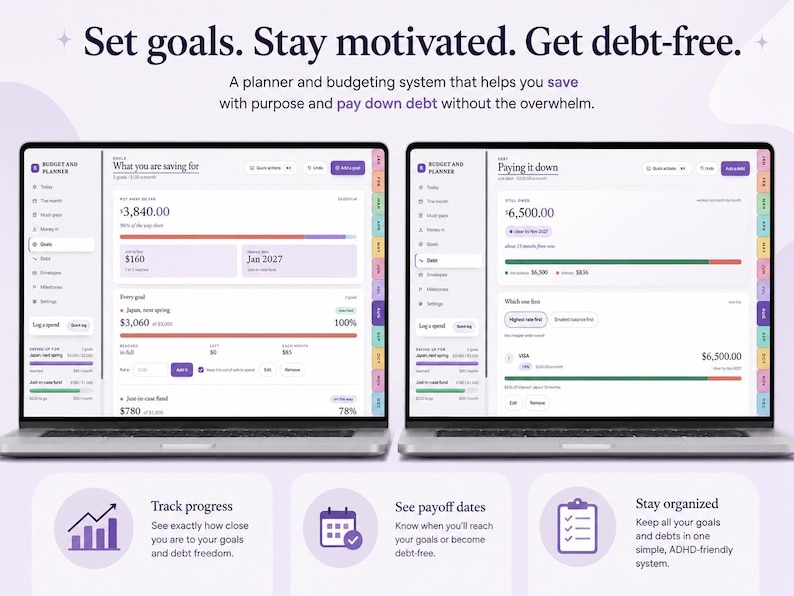
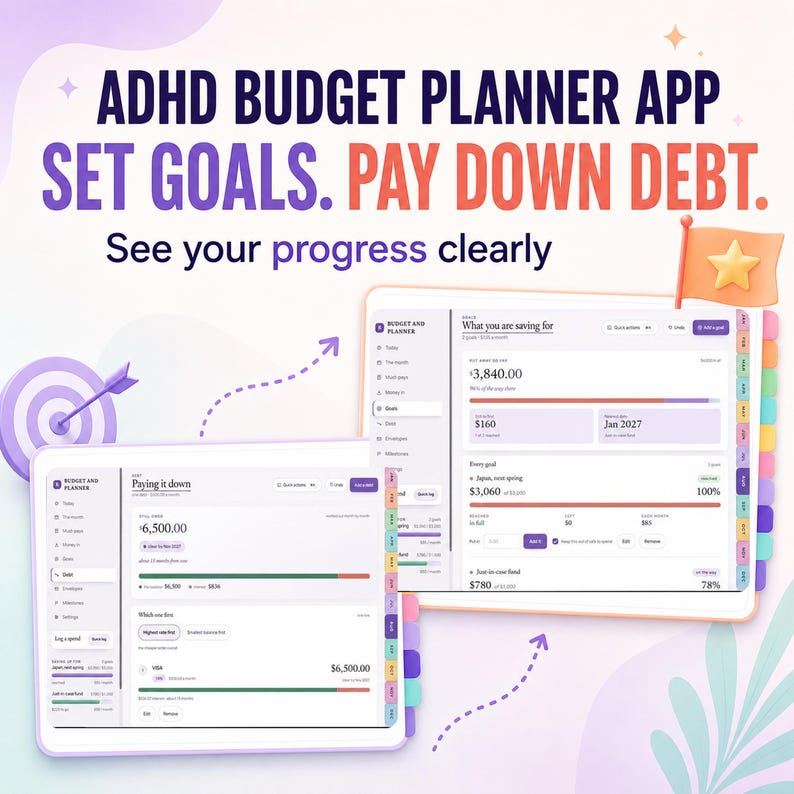
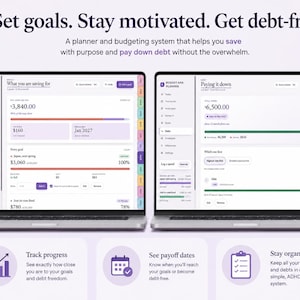
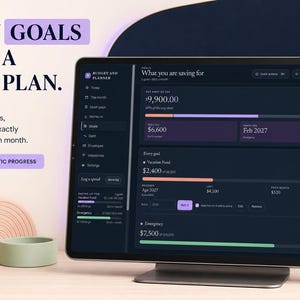
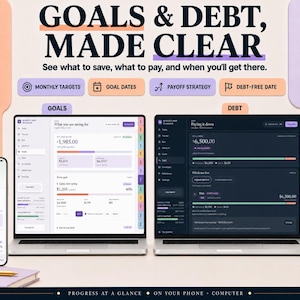
🎯 SAVINGS GOALS
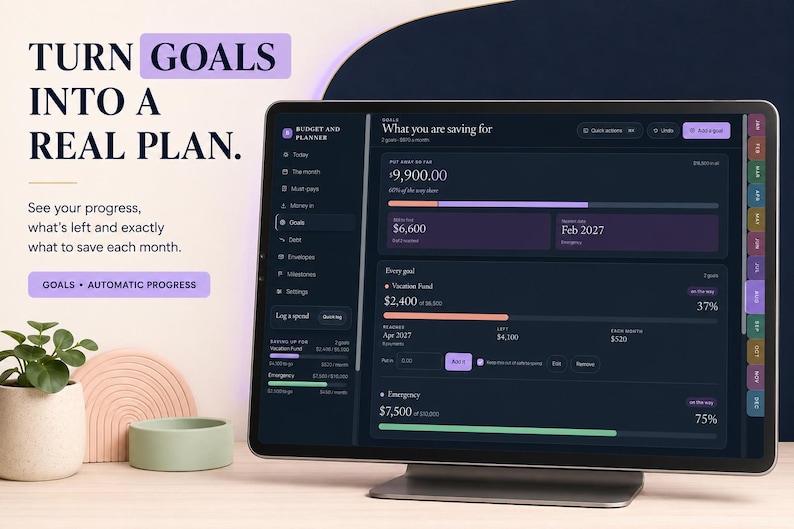
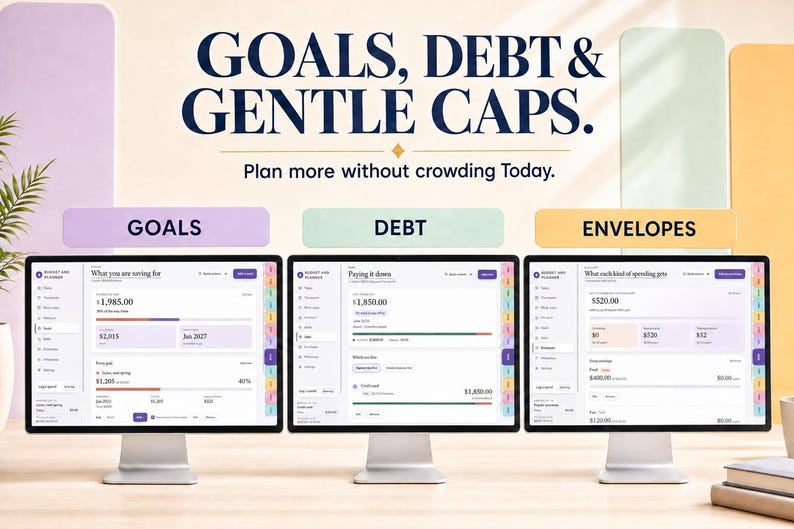
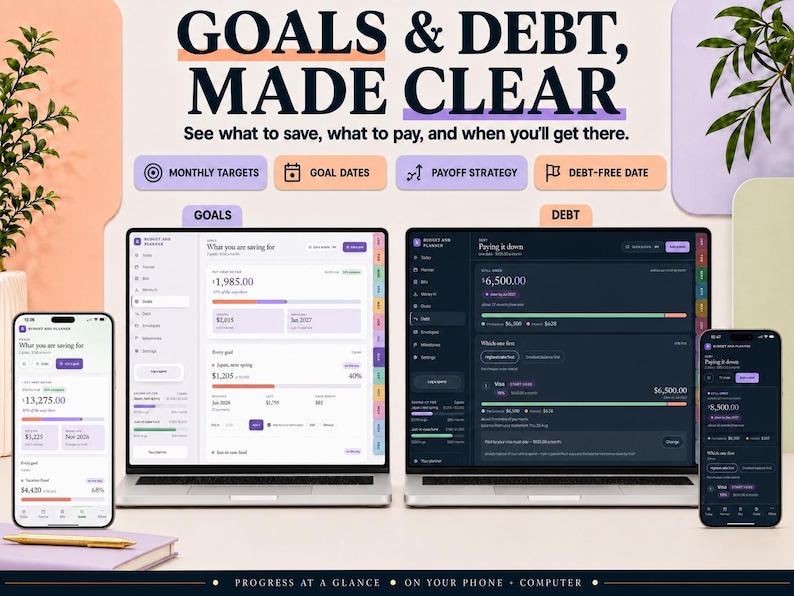
See your progress toward the things you're saving for.
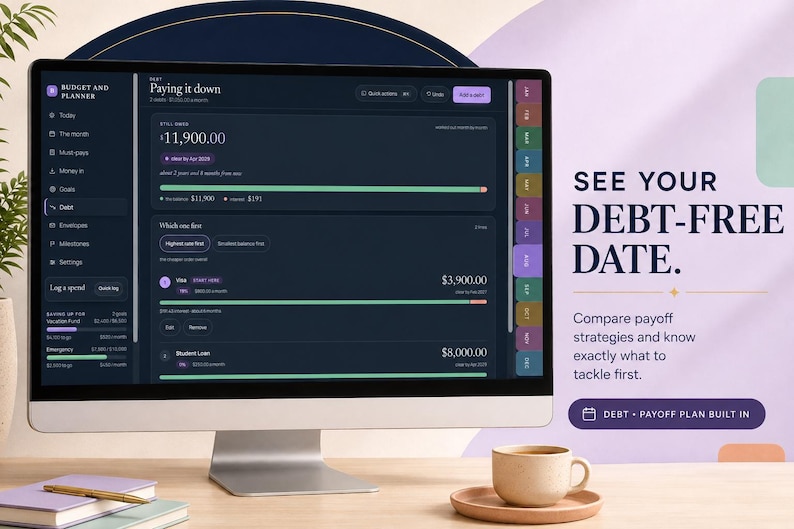
📉 DEBT TRACKER
Track what you owe and choose your payoff order — highest rate first, or smallest balance first.
Found an extra $50 and put it toward a card? Record the payment and watch the balance come down, with a history of every payment you've made. And your minimum can sit on the calendar beside your ordinary bills — tick it off there and the debt balance updates by itself.
💳 CREDIT CARD PAYMENTS, WITHOUT COUNTING TWICE
If you log each card purchase as you go and then pay the card off at the end of the month, most trackers count that money twice. Log the month-end payment as a credit card payment and the planner knows the purchases already accounted for it.
✉️ SPENDING ENVELOPES
Set flexible spending limits by category. Go over? It simply lets you know. No shame. No scary red warnings.
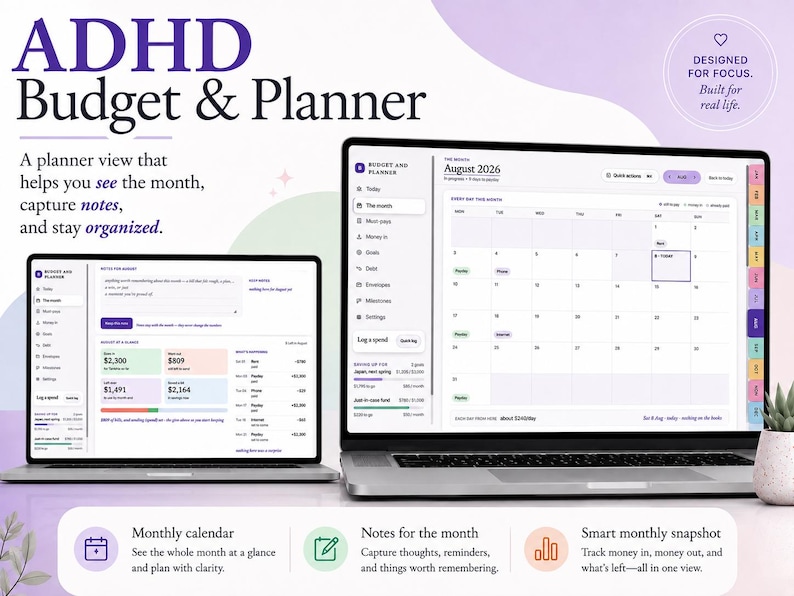
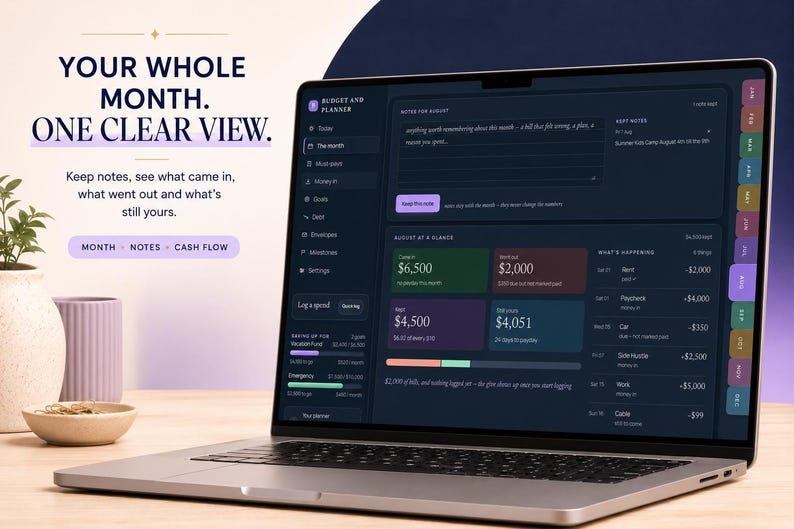
🗓️ YOUR MONTH AT A GLANCE
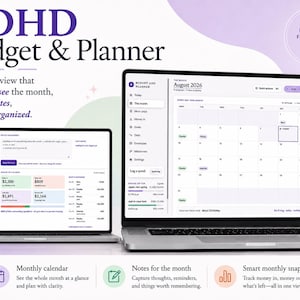
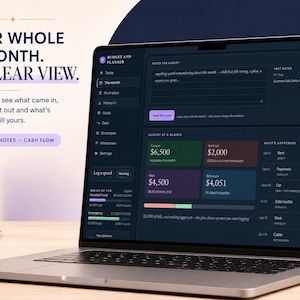
Paydays, bills and spending on one calendar. Tap any day to see what happened on it, plus a simple monthly summary of what came in, what went out, and what you kept.
🏆 MILESTONES
The wins that quietly add up — your first month in the black, a debt paid off, a savings goal reached. No streaks, nothing that can be broken.
📝 NOTES
Add notes to any month without changing your numbers.
🔄 WORKS WITH YOUR PAY SCHEDULE
Weekly, every two weeks, twice monthly, monthly, or irregular income.
💱 YOUR CURRENCY
13 currencies including $, £, €, ¥, kr, zł and ₹.
📱 PHONE AND COMPUTER, IF YOU WANT IT
Your planner saves on the device you're using — that's the default and plenty of people stop there.
If you want the same numbers on your phone and your laptop, link them once: a six-digit code on one device, approved on the other. No email, no password, no account, no bank connection. Your budget is encrypted on your device before any of it leaves, and you can stop syncing or delete the synced copy at any time.
🔐 THREE WAYS TO KEEP YOUR NUMBERS SAFE
A recovery copy — one tap with Face ID, Touch ID or your fingerprint keeps an encrypted copy that can come back on any device, even if this one is wiped. Nothing to write down. (Or use a 20-character key instead if you'd rather.)
Auto-backup — on a computer, pick a file once and every change saves itself into it.
Download a backup — a file you keep, restore any time. Plus export your spending as a CSV for spreadsheets.
📱 WORKS ON YOUR DEVICE
Windows: Chrome, Edge or Firefox
Mac: Safari, Chrome or Firefox
iPhone and iPad: Safari, then Share, then Add to Home Screen so it opens like an app
Android: Chrome, then Menu, then Add to Home screen
Once it's on your Home Screen it opens and works with no internet. No account, no subscription.
📦 WHAT YOU GET, AND HOW
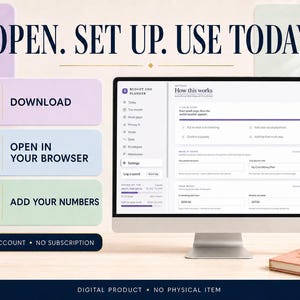
Instant digital download from Etsy: two short PDFs.
START HERE — one page with the big button to your planner, the first-time steps, and how to save it to your phone, tablet or computer.
How-To Guide — a visual walkthrough of every screen, to read whenever you want it.
To use it: open your link in Safari or Chrome (not inside the Etsy app), and on a phone add it to your Home Screen BEFORE you enter your numbers. It then opens offline, like an app.
There is no activation code, no login and nothing to install from a file. Lifetime licence. No physical item ships.
🌱 WHO THIS IS FOR
Made for ADHD and other neurodivergent brains, and honestly good for anyone who finds normal budgeting apps exhausting. It works as an ADHD budget planner, a paycheck budget planner, a monthly budget tracker, a weekly or biweekly budget planner, an income and expense tracker, a bill payment tracker, a debt payoff planner, or just a personal finance tracker you actually keep using.
Good if you've tried a budget spreadsheet and abandoned it three days in, if you budget paycheck to paycheck, if your income is irregular or comes from more than one place, if your bills don't all arrive monthly, if setup screens make you close the tab, or if you want a budget dashboard without a monthly fee and without handing a bank login to an app.
Not a medical or financial product. It's a planner that happens to be designed around how a distractible brain actually uses one.
⚠️ DIGITAL DOWNLOAD, PLEASE READ
Because this is an instant digital download you can keep forever, all sales are final once the files are delivered. That's exactly why the full app is free to try first: open the demo, confirm it works for you and on your device, and buy with confidence.
If anything doesn't open or work as described, message me before leaving feedback and I'll help you get it running. Support is included, and a human answers.
Updates are free and arrive by themselves — the planner updates the next time you open it online.
Téléchargement instantané
Vos fichiers seront prêts à télécharger dès que le paiement est confirmé. Voici comment.
Les retours, échanges ou annulations ne sont pas acceptés pour les téléchargements instantanés. N'hésitez pas à contacter le créateur en cas de problème avec votre commande.
Protection sur les achats d'Etsy
Achetez en toute confiance sur Etsy : si un problème survient, nous vous aidons, et ce pour toutes les commandes éligibles —
Voir les conditions d'utilisation du programme

Avis sur cet article
Ce qu'en disent les acheteurs, résumé par IA: Je l'aime beaucoup Utilisation facile Créateur serviable

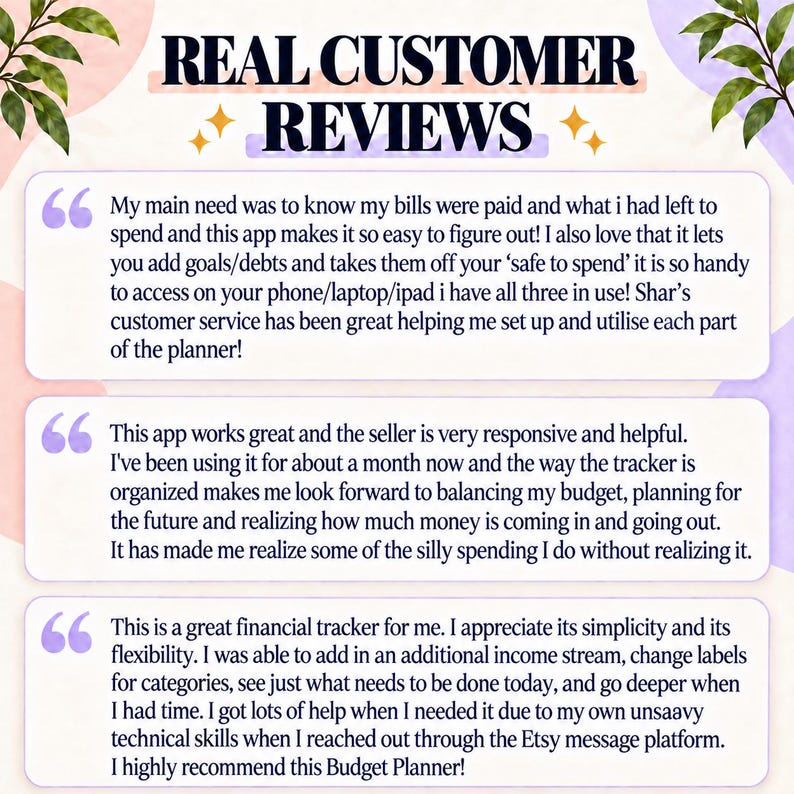
Cette application web est tout simplement géniale pour garder le cap sur nos finances. J'ai trouvé très pratique l'utilisation du démo avant l'achat, de façon à voir si l'utilisation peut correspondre à ma situation. La vendeuse offre un service hors-pair et est totalement ouverte aux suggestions d'améliorations. Je lui ai soumis une question/suggestions avant l'achat et elle l'a pris en compte pour sa prochaine mise à jour. J'ai donc fait l'achat du produit et en entrant mes données, je lui ai fait une 2e suggestion qu'elle a également prise en compte dans sa mise à jour. Vraiment, le service est excellent!! Je recommande vivement!
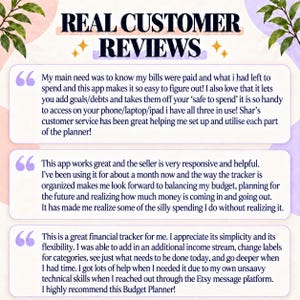
Mon achat Etsy préféré de tous les temps ! Quand je dis que j’ai tout essayé pour gérer mes factures mensuelles, je le pense vraiment ! Alors, en voyant cette application, je n’étais pas très optimiste ! Mon principal besoin était de savoir que mes factures étaient payées et ce qu’il me restait à dépenser, et cette application simplifie tellement les choses ! J’adore aussi la possibilité d’ajouter des objectifs/dettes et de les retirer de mon budget « à dépenser ». C’est tellement pratique d’y accéder sur son téléphone, son ordinateur portable ou son iPad ; j’utilise les trois ! Le service client de Shar a été formidable : elle m’a aidée à configurer et à utiliser chaque fonctionnalité de l’application. Je suis extrêmement reconnaissante de sa patience ! Rien n'est comparable à cette application pour gérer son budget et planifier ses finances ! Je suis tellement contente de l'avoir découverte ! Merci !
Cette application fonctionne à merveille et le vendeur est très réactif et serviable. Je l'utilise depuis environ un mois et la façon dont le suivi est organisé me motive à équilibrer mon budget, à planifier l'avenir et à visualiser mes entrées et sorties d'argent. Elle m'a permis de prendre conscience de certaines dépenses superflues que je faisais sans m'en rendre compte.

Ce planificateur budgétaire est indispensable. Bien plus facile à utiliser que certaines applications de budget à zéro dollar ou axées sur la liberté financière que j'ai pu utiliser par le passé.
Photos provenant des avis

Autres articles de cette boutique
Visiter la boutique-
Téléchargement numérique
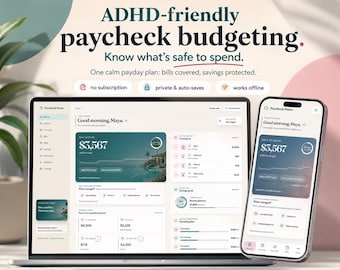
Application de gestion budgétaire pour les personnes atteintes de TDAH : argent à dépenser, factures, enveloppes et méthode « boule de neige » pour le remboursement des dettes
Prix réduit 10,93 CA$
Prix d'origine 19,87 CA$
-
Téléchargement numérique
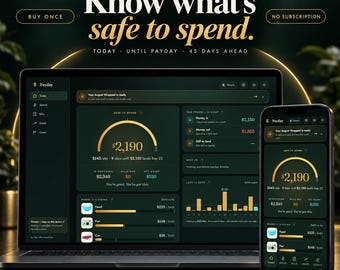
Suivi budgétaire avant paie, Suivi des finances, Objectifs d'épargne pour le remboursement des dettes (Téléchargement numérique)
Prix réduit 10,93 CA$
Prix d'origine 19,87 CA$
-
Téléchargement numérique
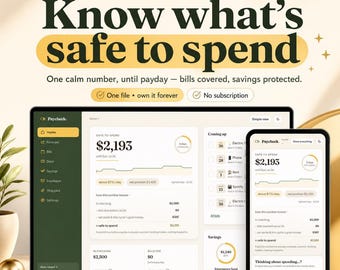
Planificateur de budget salarial, application de tableau de bord bihebdomadaire, suivi des factures (téléchargement numérique)
Prix réduit 9,28 CA$
Prix d'origine 16,87 CA$
-
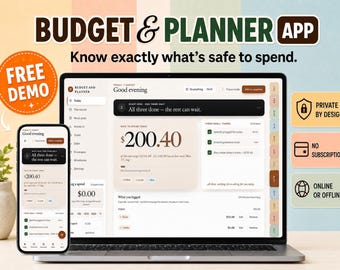
Téléchargement numérique
Application de gestion budgétaire pour TDAH | Suivi de paie serein, gestion des factures et des dettes (Téléchargement numérique)
Prix réduit 13,13 CA$
Prix d'origine 23,87 CA$
-
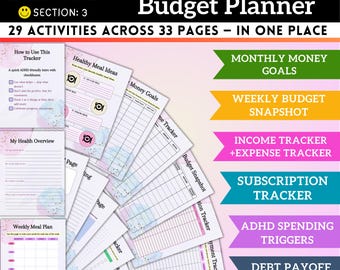
Téléchargement numérique
Planificateur de budget pour le TDAH : Suivi mensuel des factures, des dépenses et des revenus
16,08 CA$
-
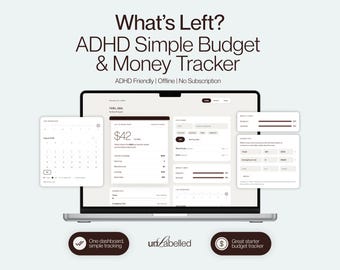
Téléchargement numérique
Application web de suivi budgétaire pour les personnes atteintes de TDAH | Un seul chiffre indique votre budget du jour | Adaptée aux personnes atteintes de TDAH, fonctionne hors ligne | Planificateur budgétaire pour débutants
Prix réduit 8,75 CA$
Prix d'origine 11,66 CA$
-
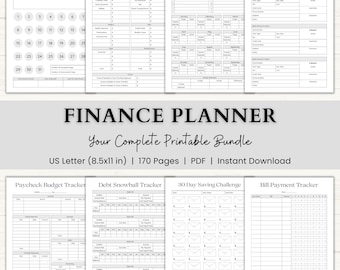
Téléchargement numérique
Finance Planner Printable | Adhd Budget Binder | Income & Spending Tracker | Savings Challenge | Paycheck Budget Tracker | PDF | Gray
Prix réduit 10,53 CA$
Prix d'origine 17,55 CA$
-
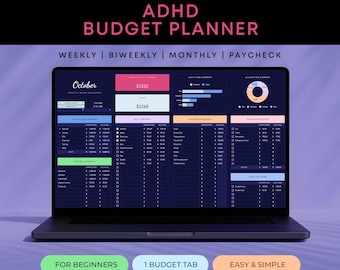
Téléchargement numérique
Planificateur de budget pour le TDAH Feuilles de calcul Google Suivi des dettes, des factures et des économies Mode sombre Compatible avec le TDAH
Prix réduit 1,77 CA$
Prix d'origine 5,08 CA$
-
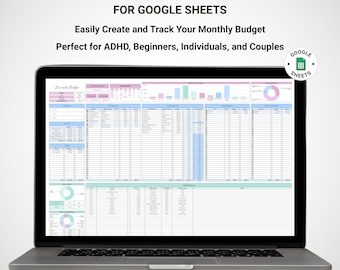
Téléchargement numérique
Feuille de calcul de suivi budgétaire simple, suivi des dépenses mensuelles, finances personnelles, planificateur budgétaire numérique TDAH
8,76 CA$
-
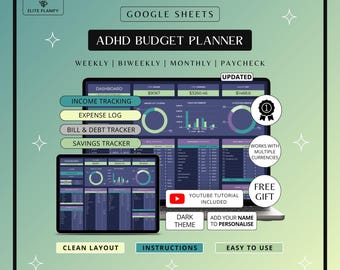
Téléchargement numérique
ADHD Budget Planner Google Sheets | Debt, Bills & Savings Tracker Dark Mode | ADHD Friendly
Prix réduit 1,50 CA$
Prix d'origine 3,03 CA$
-
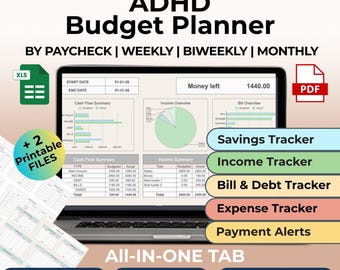
Téléchargement numérique
Planificateur budgétaire TDAH Google Sheets+ Imprimables Suivi de factures mensuelles, Budget de paie hebdomadaire, Suivi des dépenses et des revenus, Planificateur financier
3,02 CA$
-
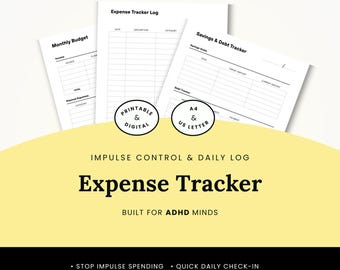
Téléchargement numérique
Ensemble de planification budgétaire pour TDAH, cahier d'exercices financiers (PDF), suivi des dépenses impulsives, organisateur d'abonnements et de factures, notes imprimables GoodNotes
14,94 CA$
-
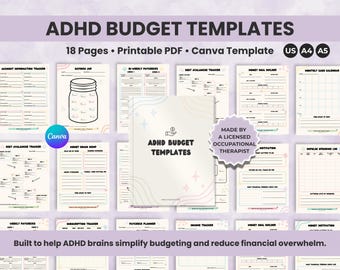
Téléchargement numérique
Modèles de budget pour le TDAH | Planificateur de chèques de paie mensuel et bihebdomadaire | Suivi des dépenses, des économies, des dettes et des abonnements (imprimables et modifiables)
Prix réduit 8,03 CA$
Prix d'origine 16,08 CA$
-
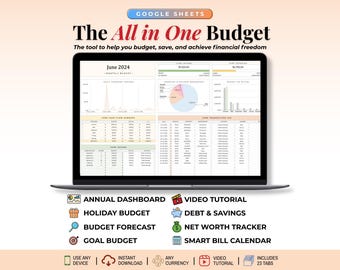
Téléchargement numérique
Ultimate Ongoing All-in-One Budget Spreadsheet, ADHD-friendly Google Sheets Template, Bills, Savings, Debt and Loan Tracker, Bill Calendar
Prix réduit 12,01 CA$
Prix d'origine 26,70 CA$
-
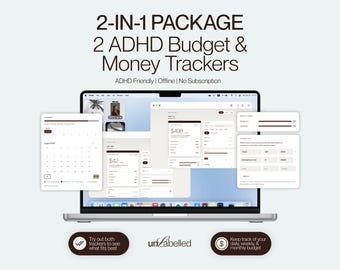
Téléchargement numérique
Deux outils simples de suivi budgétaire en un | Application web de budget quotidien + Application web de budget hebdomadaire | Adapté aux personnes atteintes de TDAH, fonctionne hors ligne
Prix réduit 11,02 CA$
Prix d'origine 14,69 CA$
-
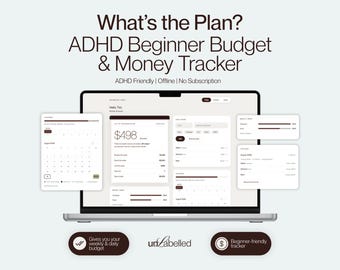
Téléchargement numérique
What's the Plan, application web simple de suivi budgétaire et financier | Définissez votre budget quotidien ou hebdomadaire | Adaptée aux personnes atteintes de TDAH, fonctionne hors ligne | Idéale pour les débutants en gestion budgétaire
Prix réduit 4,20 CA$
Prix d'origine 5,60 CA$
Ces articles ont plu à des acheteurs aux goûts similaires
-
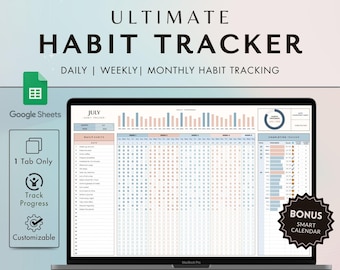
Téléchargement numérique
Google Sheets Habit Tracker: Daily, Weekly, Monthly Planner (Digital Download)
2,91 CA$
-
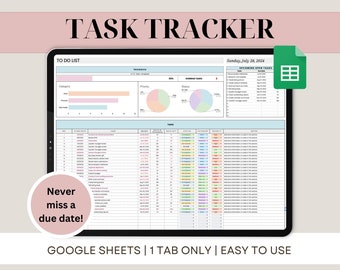
Téléchargement numérique
Suivi des tâches Feuille de calcul Feuilles Google Modèle de liste de tâches Tableau de bord de gestion des tâches Planificateur quotidien hebdomadaire hebdomadaire et mensuel Organisateur de productivité
Prix réduit 1,81 CA$
Prix d'origine 3,63 CA$
-
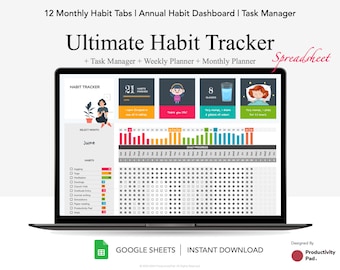
Téléchargement numérique
Feuille de calcul Habit Tracker Google Sheets | Agenda hebdomadaire, mensuel et annuel | humeur, eau, suivi du sommeil | Liste de tâches | Gestionnaire des tâches
Prix réduit 8,40 CA$
Prix d'origine 16,80 CA$
-
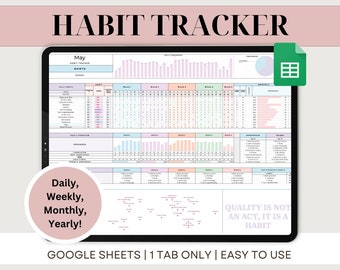
Téléchargement numérique
Feuille de calcul Google Sheets pour suivre les habitudes
Prix réduit 1,81 CA$
Prix d'origine 3,63 CA$
-
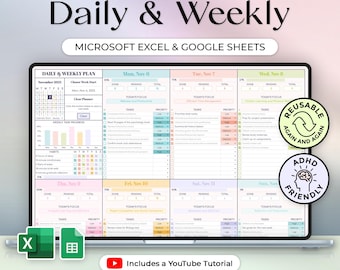
Téléchargement numérique
Planification quotidienne et hebdomadaire + bouton Effacer - Agenda TDAH - Modèle Excel et Google Sheets - Thème pastel - Téléchargement instantané
8,78 CA$
-
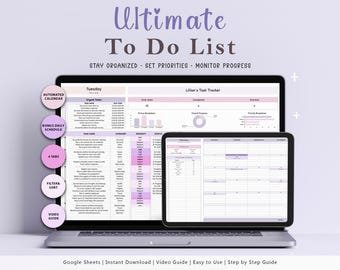
Téléchargement numérique
Liste de tâches Google Sheets : suivi des tâches, programme quotidien (planificateur numérique)
1,80 CA$
-
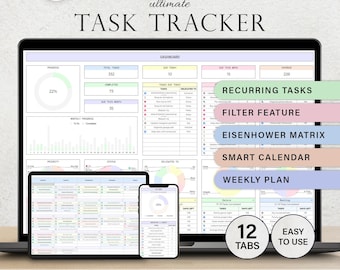
Téléchargement numérique
Suivi des tâches Modèle de liste de tâches Feuille de calcul des tâches quotidiennes Tâches récurrentes Planificateur de productivité Liste des tâches Gestion de projet Feuilles Google
Prix réduit 3,64 CA$
Prix d'origine 7,28 CA$
-
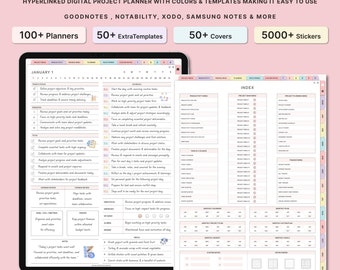
Téléchargement numérique
Planificateur de productivité numérique, Planificateur de projet, iPad GoodNotes, Suivi de projet, Gestion de projet, Calendrier de travail, Entreprise, Projet étudiant
Prix réduit 1,45 CA$
Prix d'origine 5,79 CA$
-

Téléchargement numérique
Adhd Planner Adult, Adhd Planner Printable, ADHD Cleaning Planner, adhd digital download, adhd daily planner editable, adhd life planner PDF
Prix réduit 3,76 CA$
Prix d'origine 12,52 CA$
-
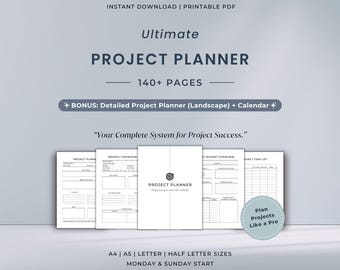
Téléchargement numérique
Ensemble imprimable de l'agenda de projet ultime | Système de gestion de projet tout-en-un | Plan de travail pour les entreprises
Prix réduit 7,24 CA$
Prix d'origine 12,07 CA$
-
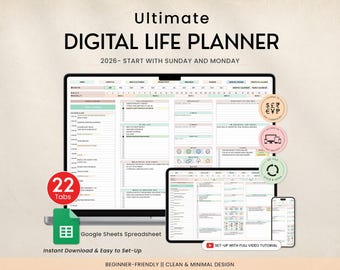
Téléchargement numérique
Planificateur de vie numérique, feuille de calcul, modèle de suivi du budget, liste des tâches, habitude, objectif de productivité, agenda quotidien, calendrier numérique 2025, 2026
Prix réduit 3,76 CA$
Prix d'origine 12,52 CA$
-
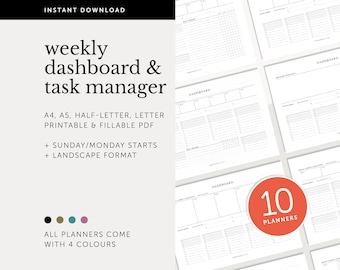
Téléchargement numérique
Ensemble de tableaux de bord, aperçu du projet, planificateur de productivité, gestionnaire de tâches, liste de tâches, planificateur hebdomadaire remplissable et imprimable, A4/A5/Letter/Half
28,66 CA$


