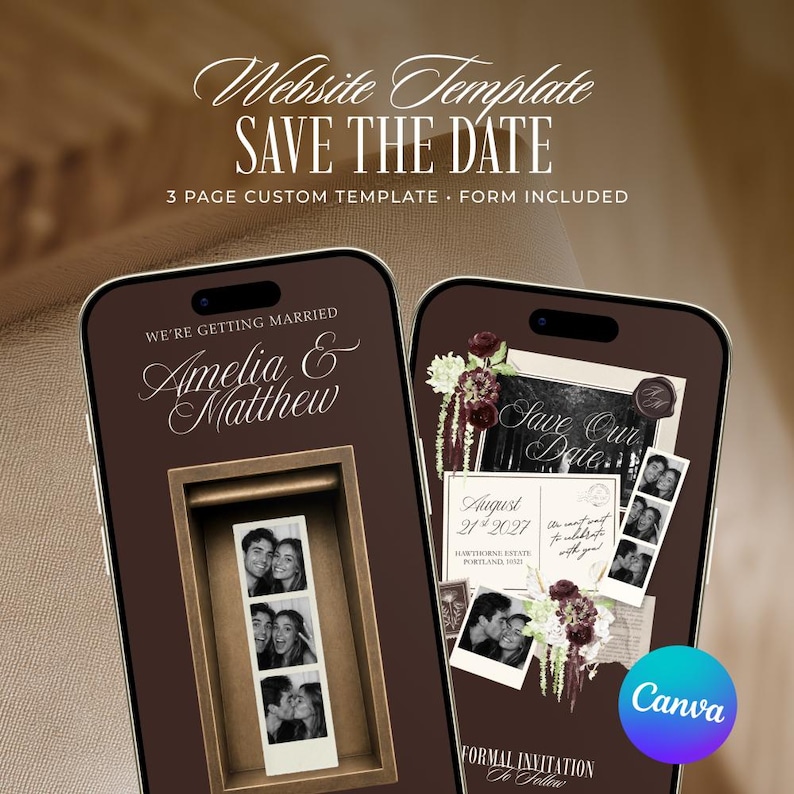




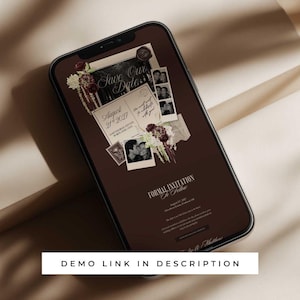
Photo Booth Save the Date Website Template, Editable Brown Old Money Wedding Invitation (Digital Download)
Se ha visto 7 veces en las últimas 24 horas
AhoraPrecio:MX$244.49
Precio original: MX$407.32
-40 %
La oferta termina el 29 noviembre
Vendedor estrella
Los vendedores estrella tienen un excelente historial probado de experiencia de cliente: reciben reseñas de 5 estrellas de cada pedido, envían con puntualidad y responden rápido a los mensajes que reciben.
Solo puedes hacer una oferta por compras de un único artículo
Vendedor estrella. Este vendedor recibió sistemáticamente reseñas de 5 estrellas, envió los pedidos de manera puntual y respondió rápidamente a los mensajes que recibió.
Puntos destacables
Photo Booth Save the Date Wedding Website Template Canva | Brown Digital Photobooth Save the Date Website | Built-in Mailing Address Form | Editable Digital DIY Canva Wedding Save the Date Website | Brown Old Money Theme | Google Form and Canva Form Included | Instant Digital Download
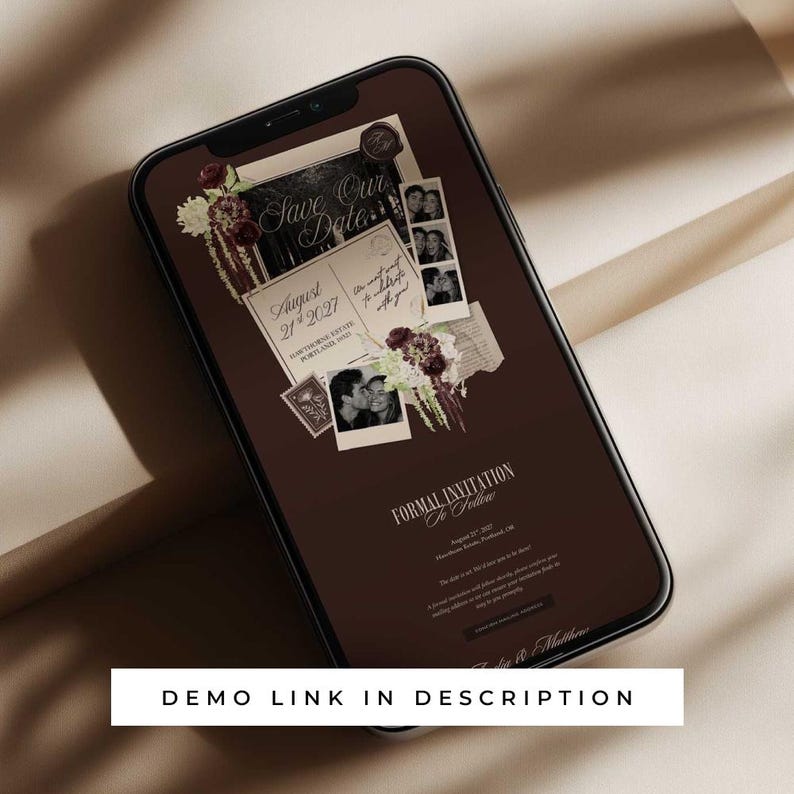
🔗 DEMO LINK: https://oakwellstudio.my.canva.site/brown-background-photo-booth-save-the-date
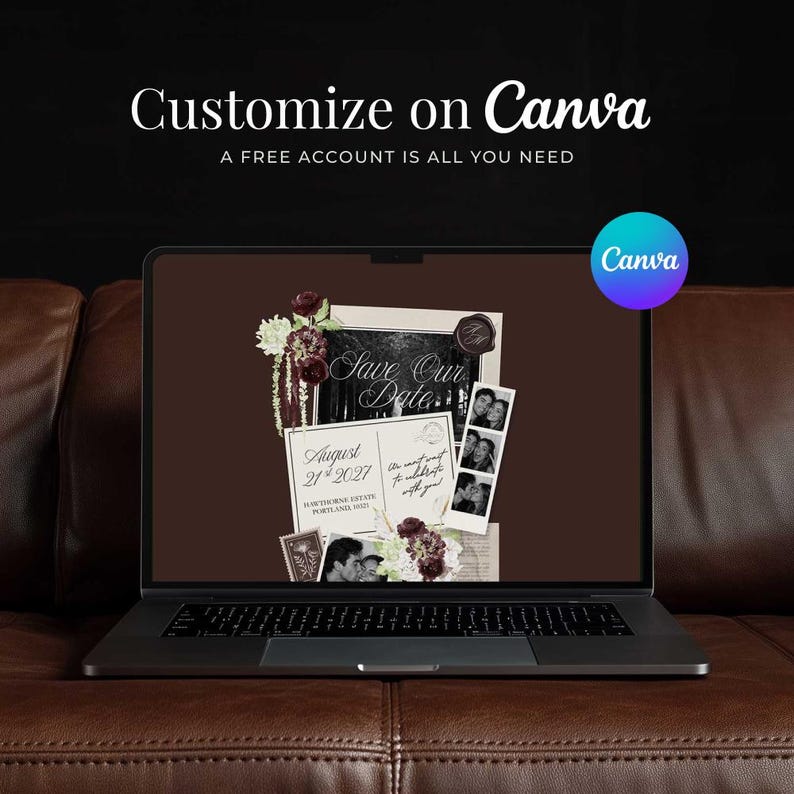
Create a beautiful, personalised photo booth save the date website in minutes with our editable Canva wedding website template. Perfect for couples who want a stylish and stress-free way to share their big day’s details with their guests.
Designed with simplicity and elegance in mind, our DIY save the date website template helps you organise everything in one place, from your event details to gathering addresses to send the formal invitation.
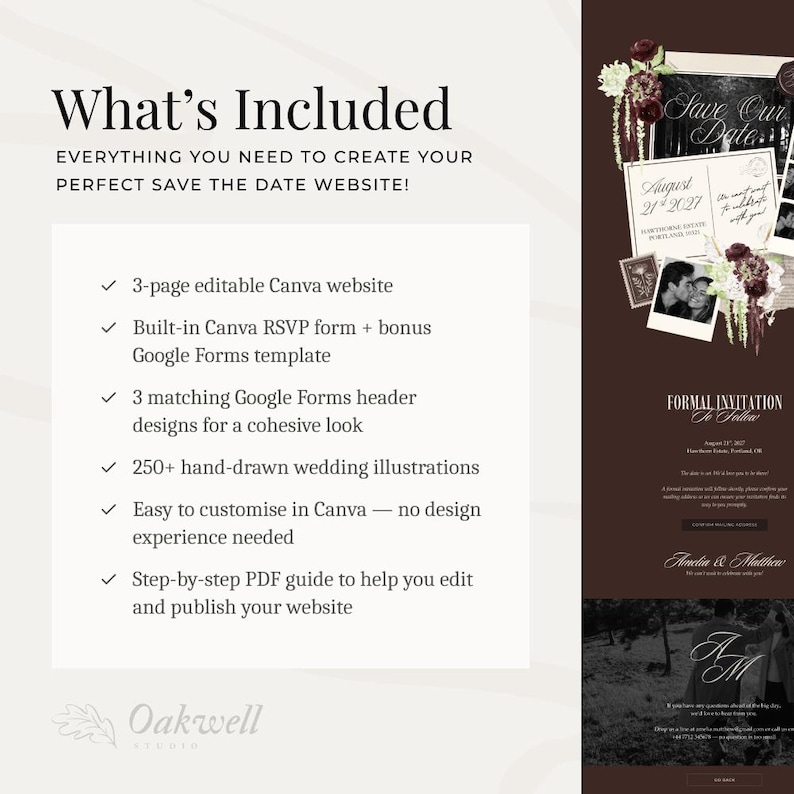
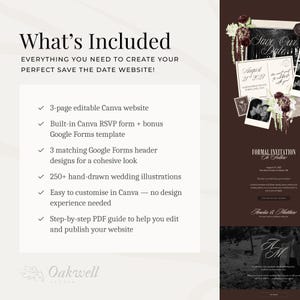
💌 WHAT’S INCLUDED
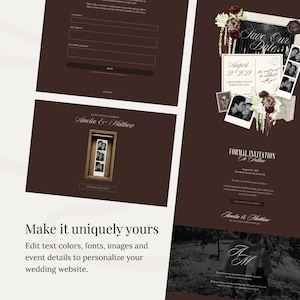
✔ Editable 3 Page Canva Photo Booth Save the Date Website Template
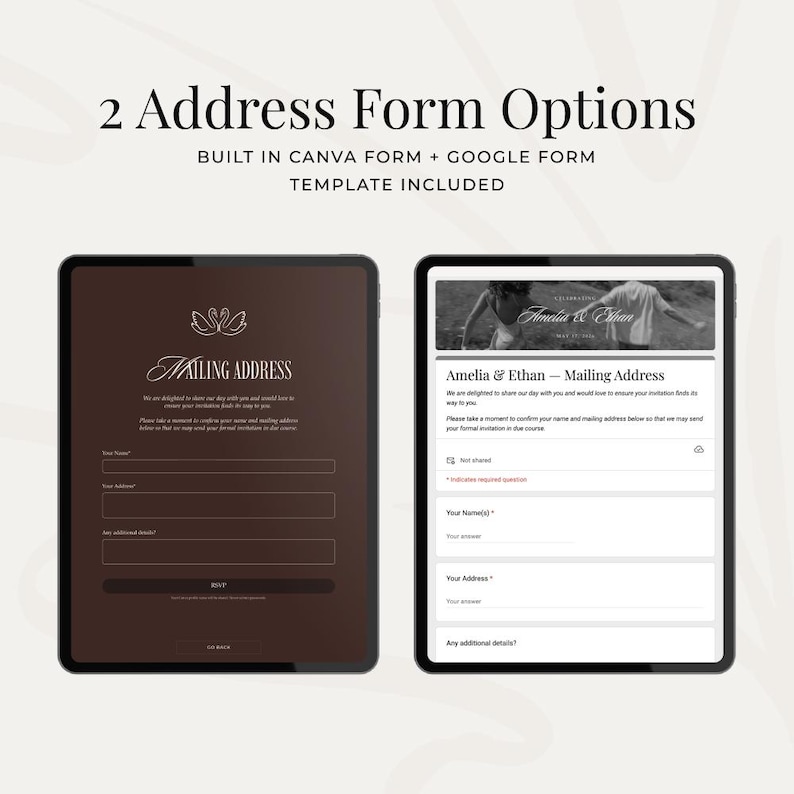
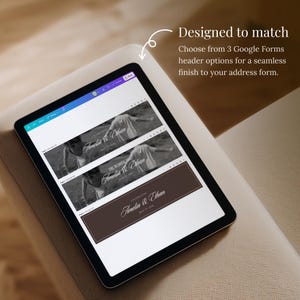
✔ Google Forms Mail Address Template
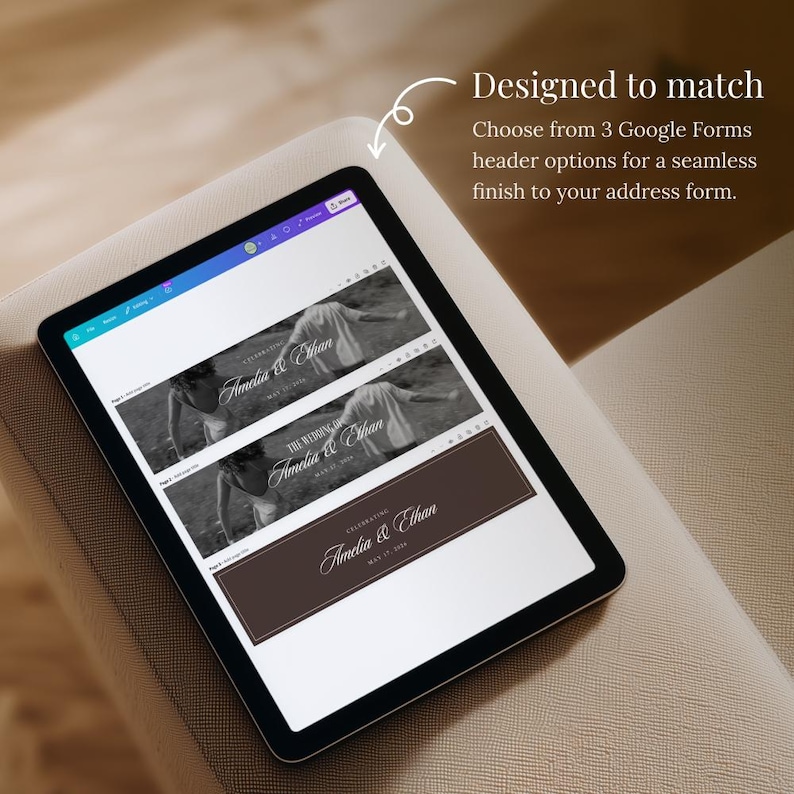
✔ Google Forms Banner Image Templates (3x Options)
✔ Step-by-Step PDF User Guide
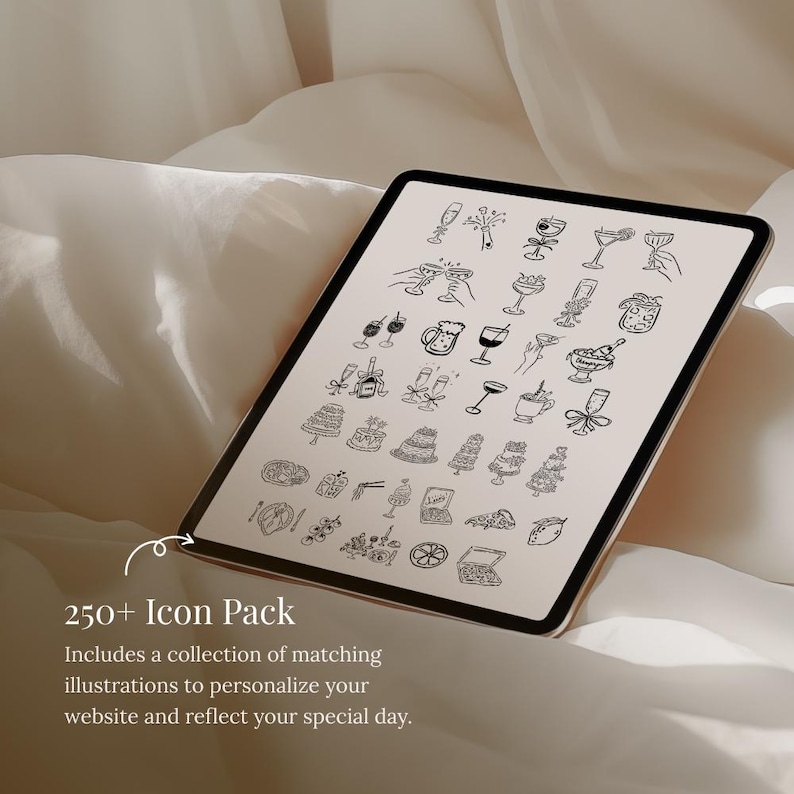
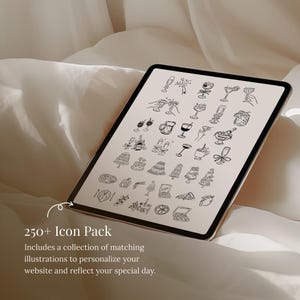
✔ 250+ Illustration Icon Pack
✔ Instant Access after Purchase
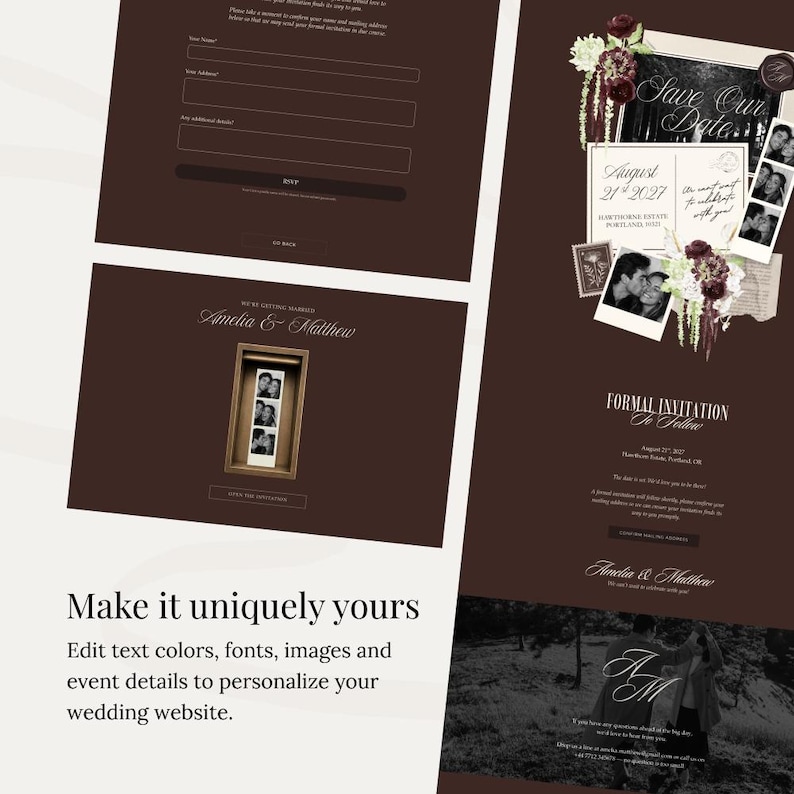
💍 SAVE THE DATE PAGES
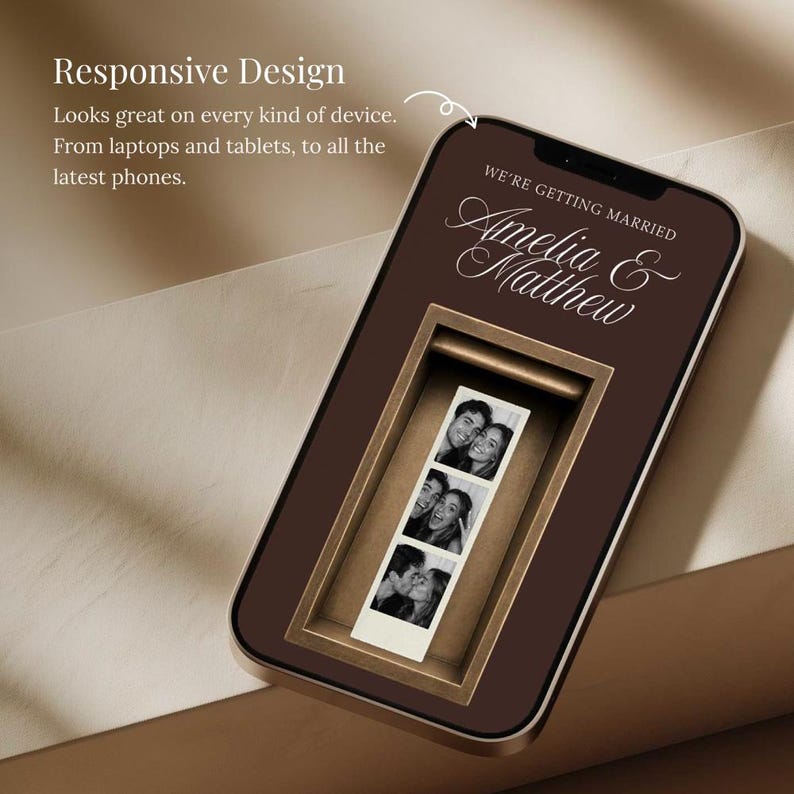
1. Front Page (Photo Booth Strip)
2. Homepage (Event Info)
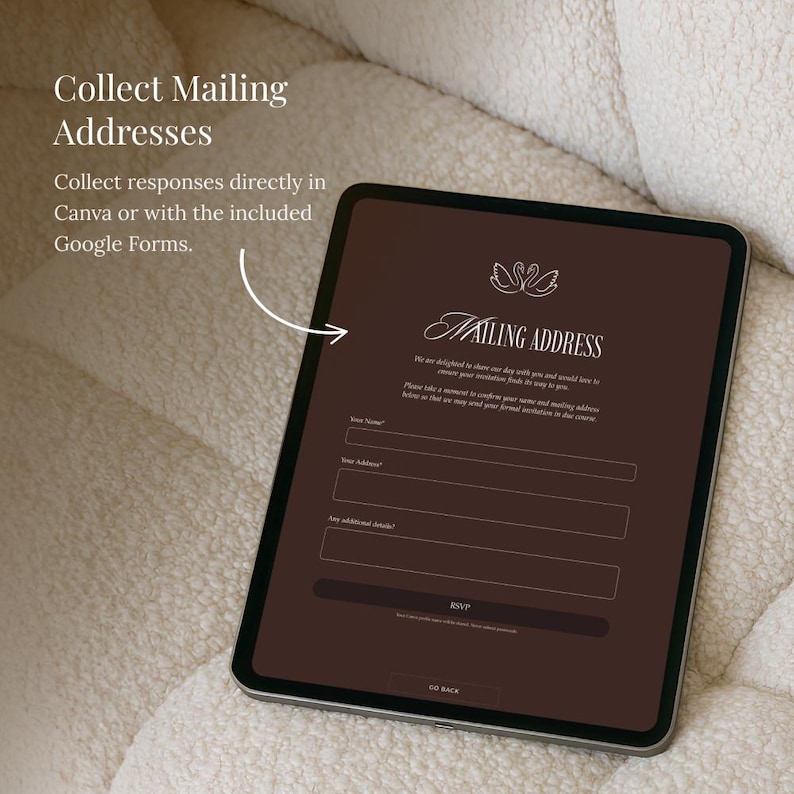
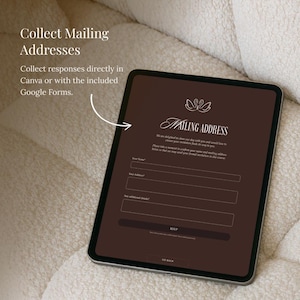
3. Mail Address Form Page*
*This is an optional built-in Canva form. You can use your own form provider and remove this page.
🎨 EDITING YOUR SAVE THE DATE WEBSITE
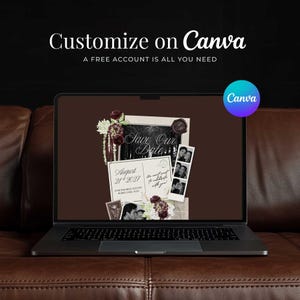
- Works with a FREE Canva account (no pro subscription required)
- Use a laptop or desktop computer for the easiest editing experience. Canva has a mobile app but it can be a little trickier to use.
- You can edit all the fonts and written text as well as rearrange and animate all elements
- Easily upload your own photos and drag and drop them into the design
❗️Please note that some of the elements (including the photo booth strip) cannot be recolored.
💻 PUBLISHING THE WEBSITE
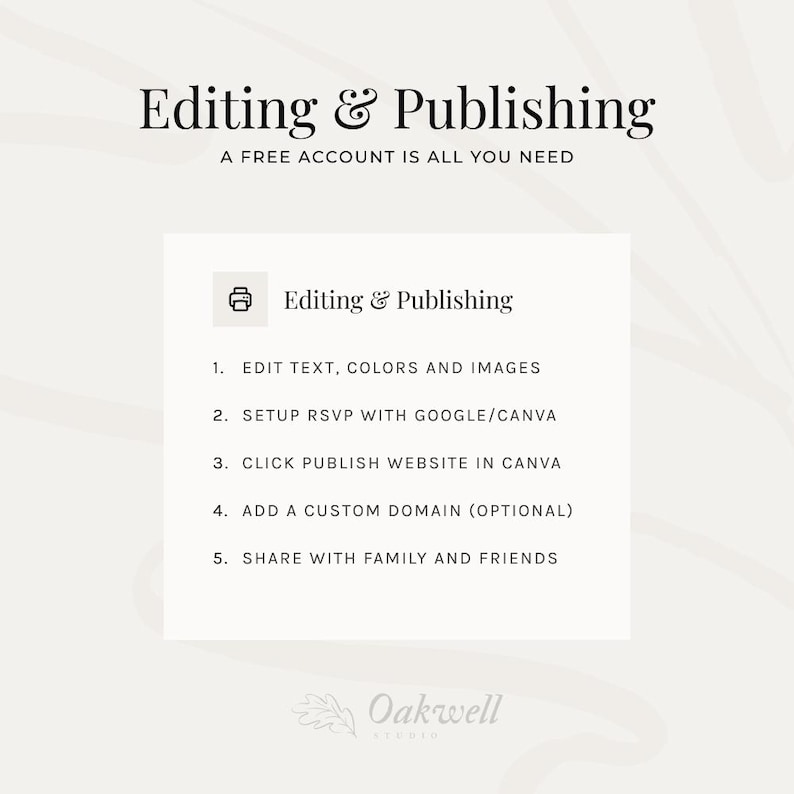
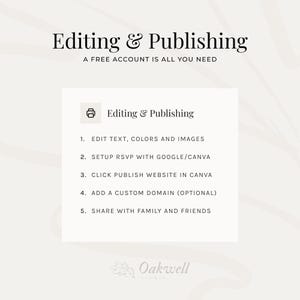
- Publish your finished save the date website directly through Canva in just a few click
- Use a free Canva website link (eg. yourname.my.canva.site) or connect your own custom wedding website domain
- Fully editable even after publishing - update your details, info, or links
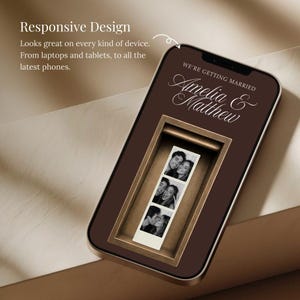
- Uses responsive design that automatically resizes for different screen sizes. This cannot be manually changed.
✨ HOW IT WORKS ✨
We recommend against checking out as guest or using Apple ID as it can be more difficult to locate the files to download compared to creating an account.
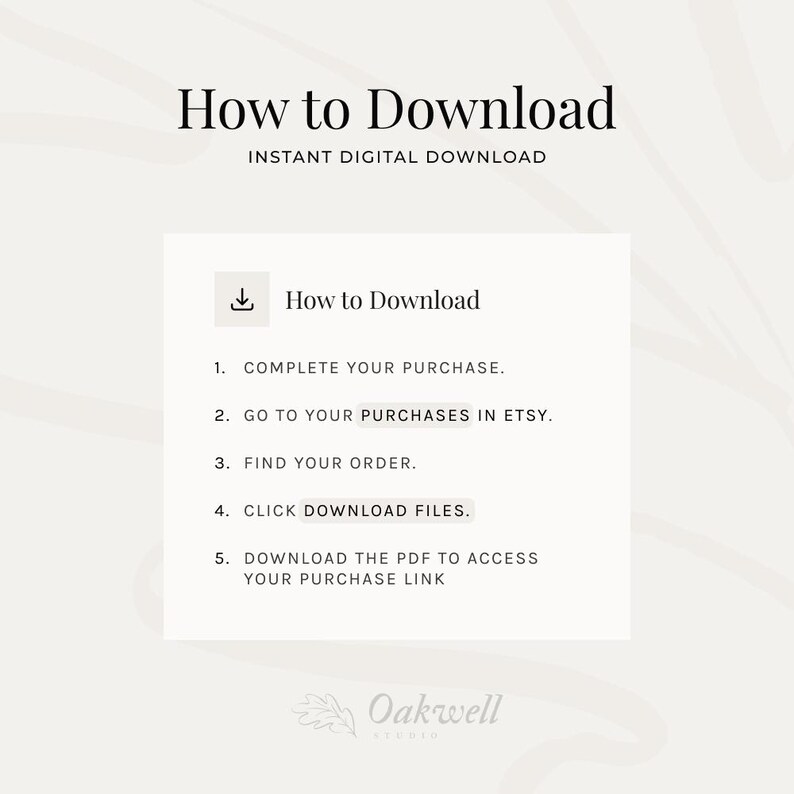
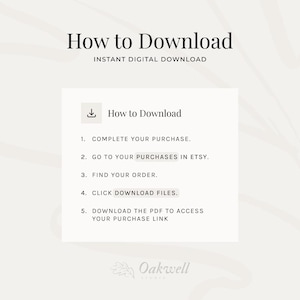
1️⃣ Purchase - Once complete, you'll receive a PDF file which includes a link to edit the design(s)
2️⃣ Open in Canva - You will need to create a free Canva account if you don’t already have one.
3️⃣ Customize your design - Personalise with own images, text, fonts and colors.
4️⃣ Publish your website and share the link with your guests
IMPORTANT: No physical product will be shipped - this is a digital download.
💌 Got questions? Send us a message - we're always happy to help!
❓FAQs
Do I need Canva Pro to use this template?
No - a free Canva account is all you need to edit and publish your website. You may choose to connect a paid-for custom domain if you do not want to use the free Canva domain.
Is there an Forms feature included?
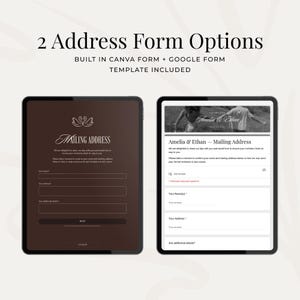
We have included both a pre-made Canva Form and a Google Form RSVP option for you to choose from. The purchase also includes three Canva designs for the Google Form header image.
Can I customise the template?
Yes - you can edit the text, fonts, some colours, images and layout. You’re free to personalise it to match your wedding style.
Can I remove or add sections?
Of course. You can delete, copy or rearrange any section depending on what you want to have in your save the date website.
How do I access my template after purchase?
Once you’ve purchased, you’ll receive a downloadable PDF with a direct link to your Canva wedding website template, along with our instruction guide to get started.
Can I use the template more than once?
You can reuse the template for your own personal event(s). It is not licensed for client work or commercial use.
What if I need help editing?
If you get stuck, feel free to reach out. Basic guidance is included and I’m happy to point you in the right direction.
Can I get a refund?
As this is a digital product, refunds or exchanges aren’t available. If there is an issue with the template you have purchased, please get in touch.
❗️TERMS AND CONDITIONS
1. No physical product will be shipped - this is a digital download.
2. No refunds or exchanges - all sales are final and cannot be refunded or exchanged.
3. Personal use licence - your purchase gives you a non-transferable, single-user licence for personal use only. You may edit, save, and download the template as needed for your own wedding or celebration. Commercial use or client work is not permitted.
4. No sharing or redistribution - you may not share, sell, distribute, sublicense, or give access to this template (or any included files) to others, whether for free or for profit.
5. Platform compatibility - this template is designed for use in Canva only and is not compatible with other website or wedding platforms.
6. Third-party services - any external tools (such as RSVP forms, maps or links) are provided by third-party services. Their availability and functionality are outside our control.
7. Support - support is limited to accessing the template and basic editing guidance. We do not provide custom edits.
8. Agreement to terms - by purchasing this product, you agree to these terms and acknowledge that any misuse or infringement may be reported.
Descarga inmediata
Los archivos estarán disponibles para descargar una vez que se confirme el pago. Sigue estas instrucciones.
No se admiten cambios, devoluciones ni cancelaciones de los artículos de descarga inmediata. Ponte en contacto con el vendedor si tienes algún problema con tu pedido.
Protección de compras de Etsy
Compra con confianza en Etsy sabiendo que estamos a tu lado si surge un problema con un pedido que reúne los requisitos.
Consulta las condiciones del programa

Valora este artículo antes que nadie

Respuestas rápidas Tiene un historial de respuestas rápidas a los mensajes.
Buenas reseñas La valoración media de las reseñas es 4,8 o más alta.
Más artículos de esta tienda
Visitar tienda-
Descarga digital
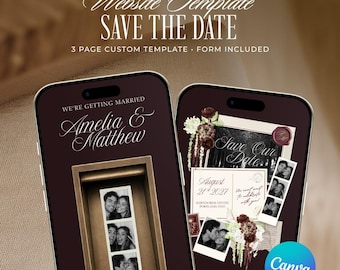
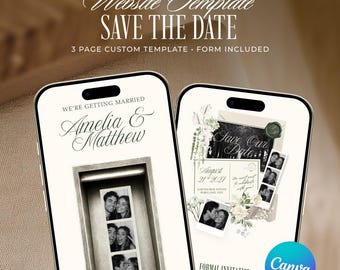
Burgundy Photo Booth Save the Date Website Template, Editable Old Money Wedding Invitation (Digital Download)
Precio en oferta MX$244.49
Precio original MX$407.32
-
Descarga digital
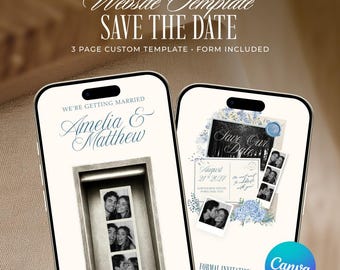
Photo Booth Save the Date Website Template, Editable Green Old Money Wedding Invitation (Digital Download)
Precio en oferta MX$244.49
Precio original MX$407.32
-
Descarga digital
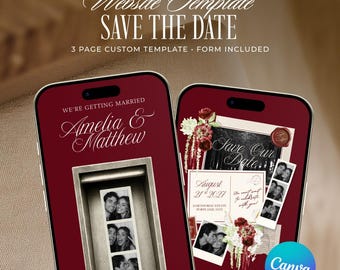
Photo Booth Save the Date Website Template, Editable Blue Old Money Wedding Invitation (Digital Download)
Precio en oferta MX$244.49
Precio original MX$407.32
-
Descarga digital
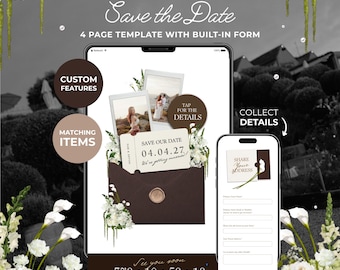
Red Photo Booth Save the Date Website Template, Editable Old Money Wedding Invitation (Digital Download)
Precio en oferta MX$244.49
Precio original MX$407.32
-
Descarga digital
Chocolate Brown & Ivory Floral Save the Date with Built-In Form: Canva Website Template (Digital Download)
Precio en oferta MX$399.05
Precio original MX$613.85
-

Descarga digital
Old Money Save The Date Wedding Website Template: Classic Burgundy Digital Invitation
Precio en oferta MX$256.65
Precio original MX$427.82
-
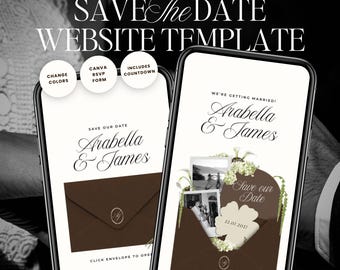
Descarga digital
Brown & Ivory Save The Date Wedding Website Template: Classic Floral Envelope Digital Invitation
Precio en oferta MX$256.65
Precio original MX$427.82
-
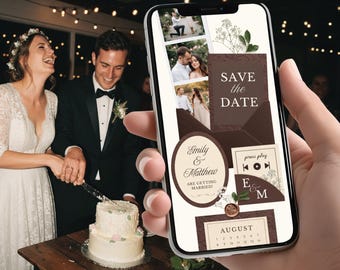
Descarga digital
Plantilla elegante marrón para guardar la fecha de la boda con confirmación de asistencia editable en Canva. Sitio web digital para guardar la fecha de la boda en otoño.
Precio en oferta MX$320.03
Precio original MX$640.05
-

Descarga digital
Plantilla digital Canva para sitio web "Reserva la fecha" elegante en burdeos y rojo - Descarga digital
MX$482.75
-
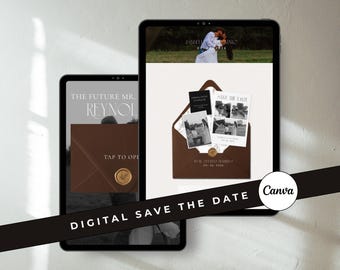
Descarga digital
Plantilla digital para guardar la fecha en color chocolate: plantilla para sitio web de bodas, plantilla de invitación de boda en Canva (descarga digital)
MX$428.99
-

Descarga digital
Save The Date Wedding Website Canva Template: Timeless, Old Money, Burgundy, Classic Website, Digital Invitation
Precio en oferta MX$256.65
Precio original MX$427.82
-

Descarga digital
Plantilla web para anunciar la fecha de tu boda en color burdeos: Plantilla de invitación de Canva (descarga digital)
Precio en oferta MX$252.95
Precio original MX$361.42
-

Descarga digital
Plantilla digital para guardar la fecha / Plantilla editable para sitio web de bodas personalizado / Tarjeta imprimible para guardar la fecha / con código QR opcional
MX$338.63
-

Descarga digital
Elegante plantilla para sitio web de bodas con invitación "Save the Date" en color burdeos: RSVP personalizada, invitación clásica (descarga digital)
MX$241.66
-

Descarga digital
Plantilla digital para guardar la fecha, plantilla digital para confirmación de asistencia a la página web de la boda, invitación electrónica de boda, boda con estética de clase alta, plantilla editable.
Precio en oferta MX$157.93
Precio original MX$316.05
-
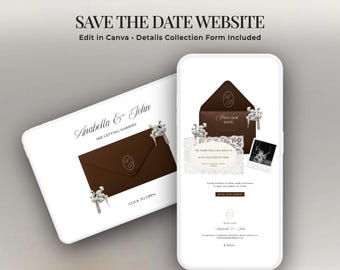
Descarga digital
Plantilla de sitio web para guardar la fecha, diseño digital, sobre marrón (Canva, compatible con dispositivos móviles, recopilación de direcciones)
Precio en oferta MX$214.88
Precio original MX$307.13
A los compradores con gustos similares les han gustado estos artículos
-

Letrero de bienvenida de encaje personalizado para bodas • Letrero moderno de encaje para bodas • Pancarta de boda • Decoración de boda personalizada • Letrero para fiesta de compromiso
Precio en oferta MX$330.07
Precio original MX$507.72
-
Manta personalizada para bodas, regalo personalizado para parejas, manta para el Sr. y la Sra., manta con la fecha de la boda, regalo para la despedida de soltera, regalo para el Día de la Madre.
Precio en oferta MX$629.75
Precio original MX$1,259.51
-

Conjunto de sudaderas personalizadas para parejas: Sudadera a juego con el nombre de la esposa y el esposo grabado a medida, pantalones deportivos con el nombre personalizado, conjunto para la luna de miel en el aeropuerto.
Precio en oferta MX$291.90
Precio original MX$486.43
-
Letrero de bienvenida de boda de encaje de tul transparente, pancarta de bienvenida de encaje romántica personalizada, letrero de boda bohemio para la decoración de la ceremonia de boda al aire libre
Precio en oferta MX$368.04
Precio original MX$1,051.54
-
Letrero impreso "A un día de distancia", Letrero de bienvenida para la cena de ensayo la noche anterior
Precio en oferta MX$291.90
Precio original MX$583.99
-
Servilletas de boda con nombre personalizado, servilletas para cena de ensayo, servilletas personalizadas para compromiso, servilletas de cóctel de aniversario, decoración para fiesta de boda
Precio en oferta MX$9.74
Precio original MX$21.61
-

Servilletas personalizadas para bodas, aniversarios y compromisos / Servilletas personalizadas con monograma para cócteles, bebidas, almuerzos y cenas
Precio en oferta MX$487.02
Precio original MX$541.15
-
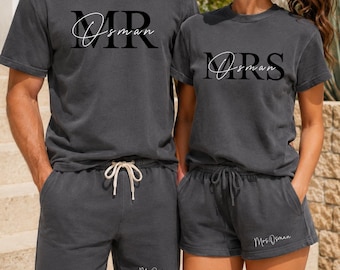
Conjunto de camisa y pantalón corto a juego para el Sr. y la Sra., camisas personalizadas para esposo/esposa, atuendo personalizado para parejas, regalos de boda, regalo de aniversario para parejas
Precio en oferta MX$662.08
Precio original MX$1,103.33
-

Servilletas de boda personalizadas con texto. Servilletas de la noche anterior. Servilletas personalizadas para la cena de ensayo. Regalos para despedidas de soltera y compromisos.
Precio en oferta MX$110.02
Precio original MX$157.15
-

Letrero de bienvenida de boda personalizado / Banner vertical de tela para boda / Fondo con nombres y fechas personalizados / Decoración rústica para ceremonias al aire libre
Precio en oferta MX$110.02
Precio original MX$157.15
-

Camino de mesa de boda de encaje transparente personalizado, cartel personalizado para la mesa principal de la recepción de los novios, decoración para la mesa de los novios
Precio en oferta MX$170.39
Precio original MX$486.82
-

Vasos personalizados esmerilados para bodas, recuerdos de recepción irrompibles, vasos con monograma personalizado.
Precio en oferta MX$626.36
Precio original MX$1,252.73
 Regalos para damas de honor
 Regalos para padrinos de boda
 Regalos de boda
 Regalos de compromiso


