




Price:£8.28
Home Renovation Budget Tracker, Excel Spreadsheet Template, Contractor Quote Comparison, House Remodel Cost Planner
You can only make an offer when buying a single item.
Highlights
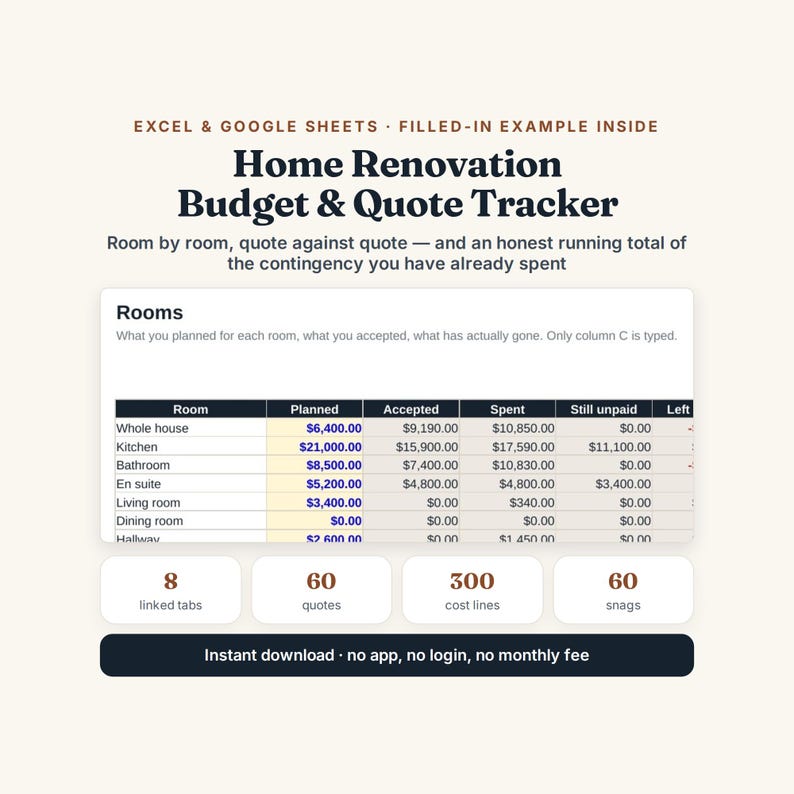
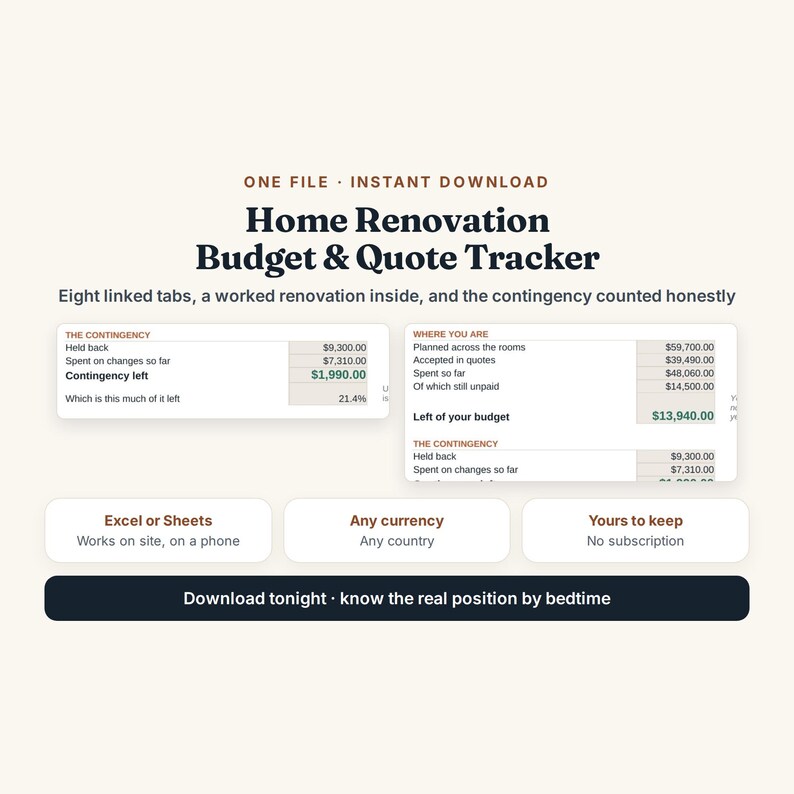
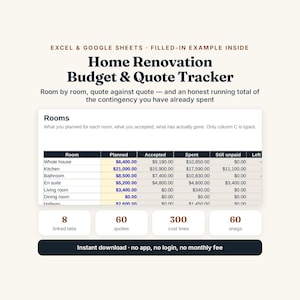
HOME RENOVATION BUDGET AND QUOTE TRACKER - Excel and Google Sheets, 8 linked tabs, with a whole worked renovation already inside.
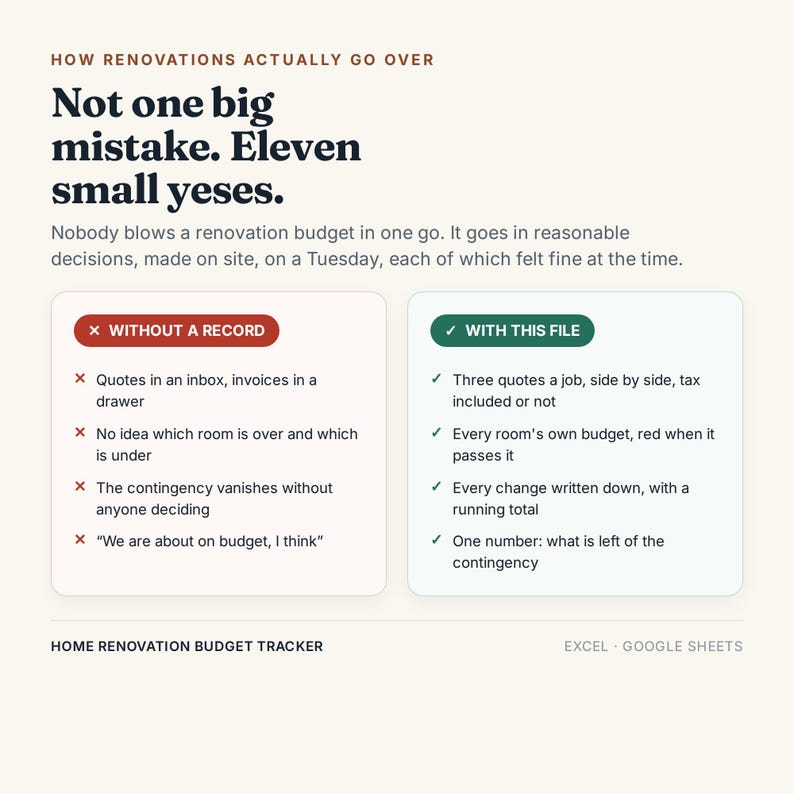
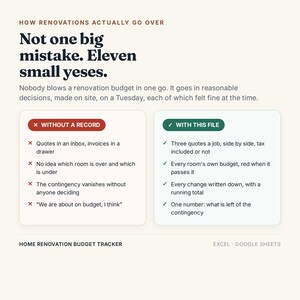
Nobody blows a renovation budget in one go. It goes in reasonable decisions, made on site, on a Tuesday - the joists were rotten, the tile was discontinued, the worktop upgrade was only two thousand and you will look at it every day for twenty years.
Every one of those is defensible. The total of them is what puts a renovation eight thousand over, and there is normally no page anywhere that adds them up. This file is that page.
--------------------------------------
THREE THINGS THIS DOES THAT MOST DO NOT
--------------------------------------
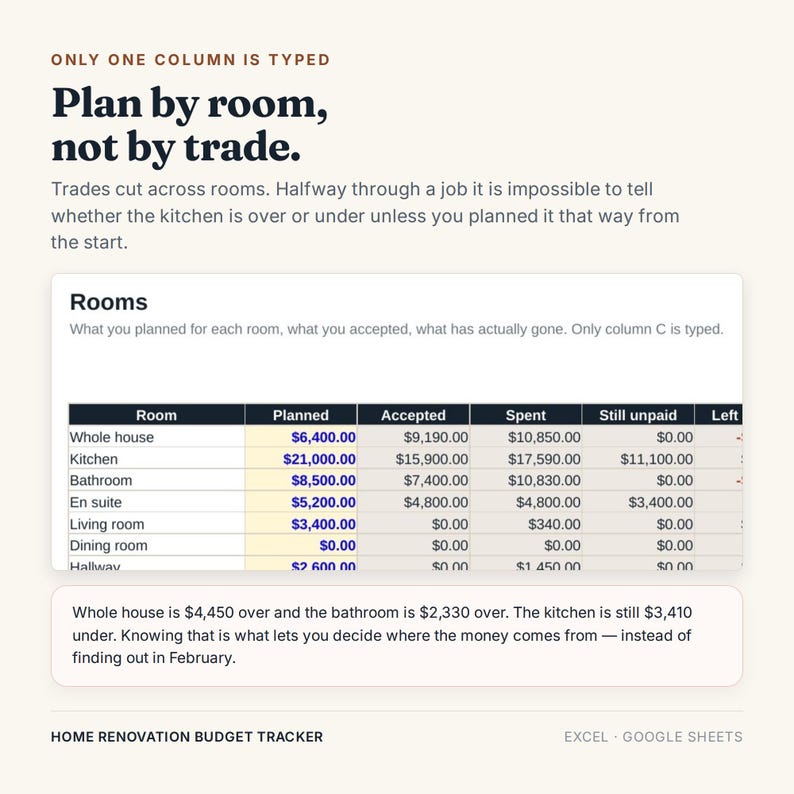
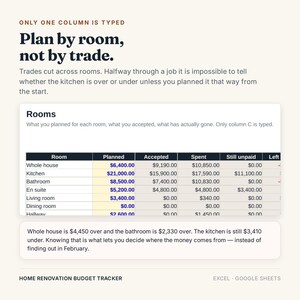
1. IT PLANS BY ROOM, NOT BY TRADE.
Quotes arrive by trade, but trades cut across rooms. Halfway through, with most of the money gone, there is no way to answer the only question that matters - is the kitchen over or under? - unless the budget was split by room at the start.
2. IT KEEPS A RUNNING TOTAL OF THE CHANGES.
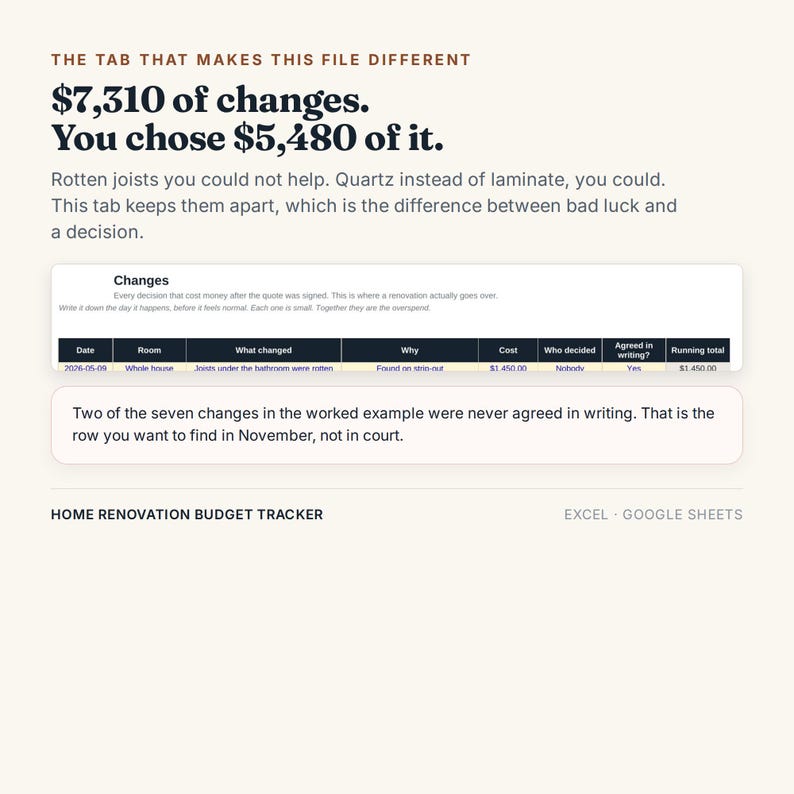
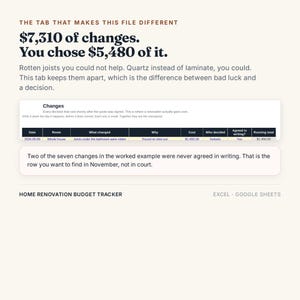
Every decision made after the quote was signed, with two columns that matter: who decided (the house, or you), and whether it was agreed in writing. In the worked example that is $7,310 of changes, of which you chose $5,480.
3. IT COUNTS THE CONTINGENCY DOWN, IN PUBLIC.
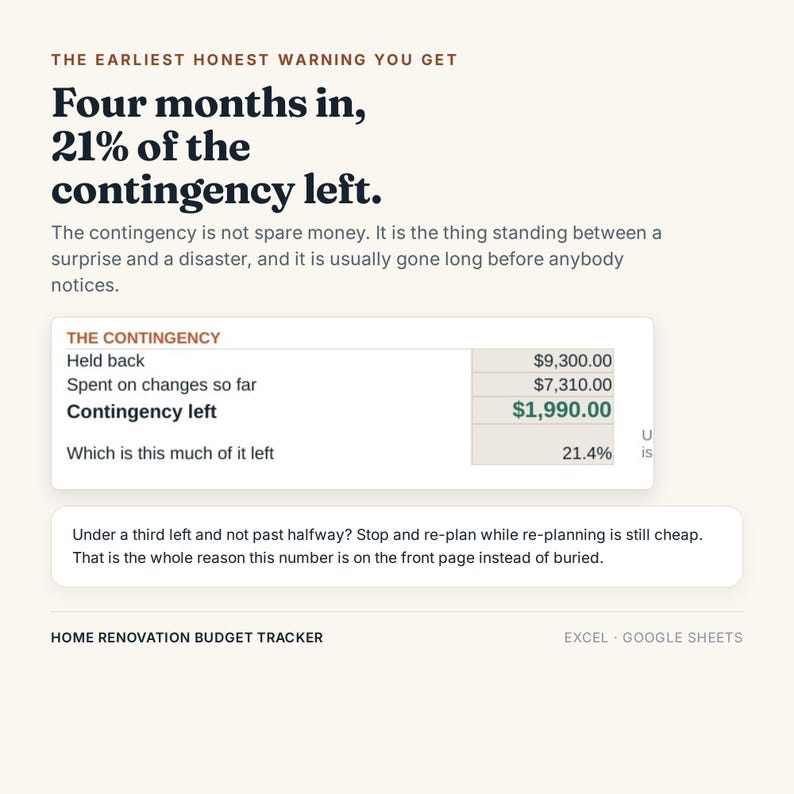
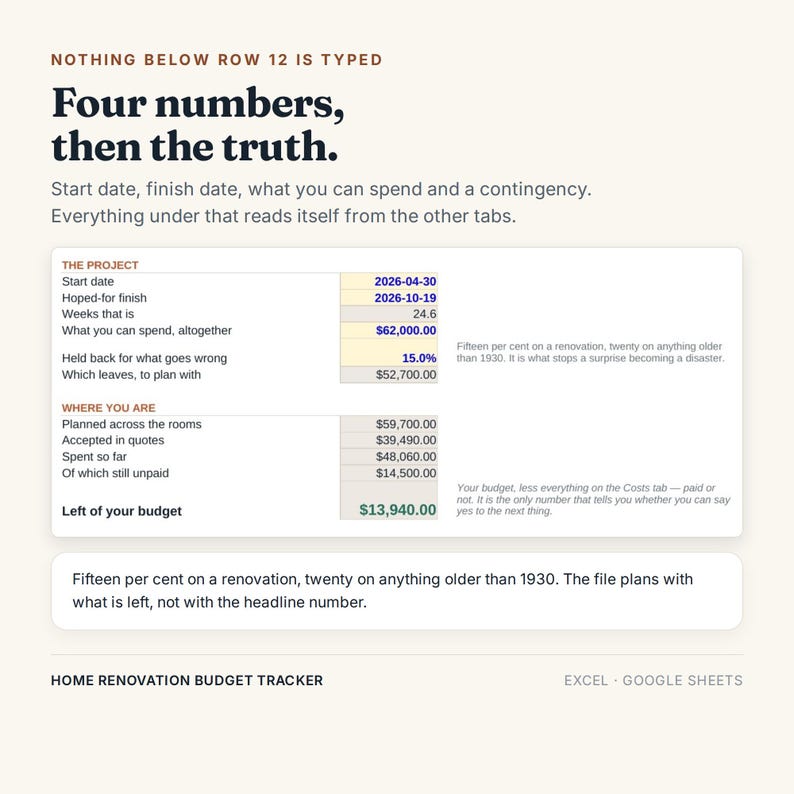
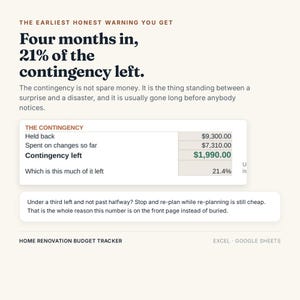
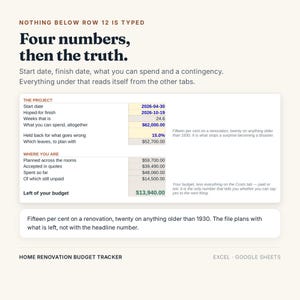
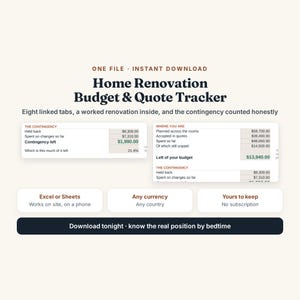
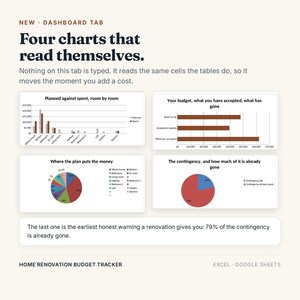
Fifteen per cent held back, and a live figure for what is left of it. Under a third left and not past halfway through the work? Stop and re-plan, while re-planning is still cheap. That is the earliest honest warning a renovation gives you.
--------------------------------------
WHAT IS IN THE FILE
--------------------------------------
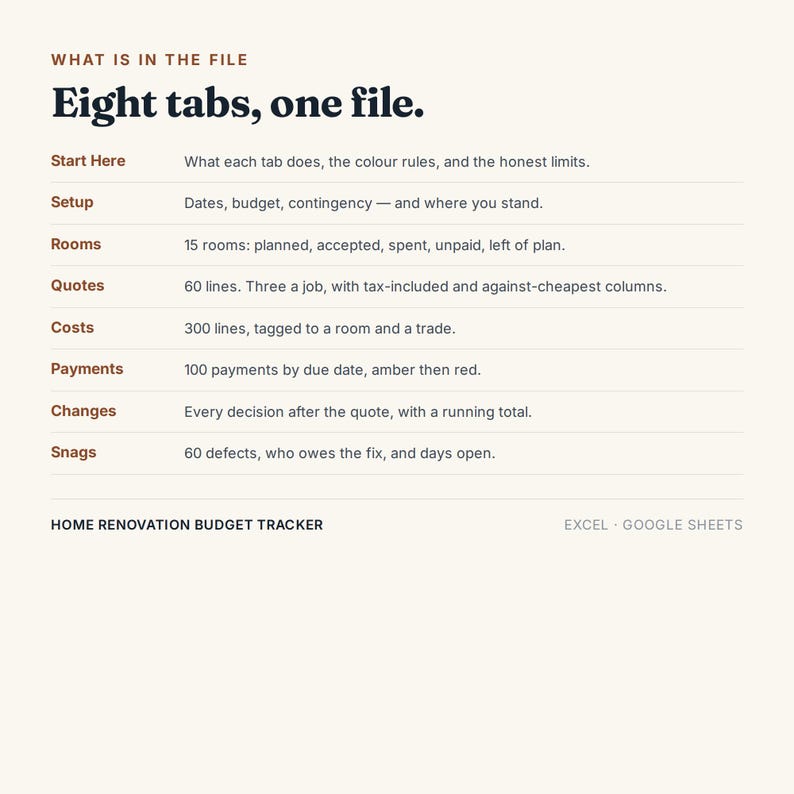
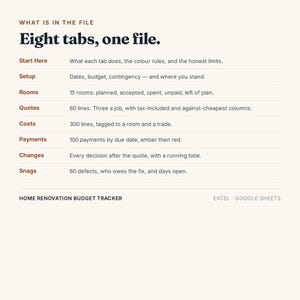
1. START HERE - what each tab does, the colour rules, and the honest limits, written out.
2. SETUP - four cells: start date, hoped-for finish, what you can spend, and a contingency. Everything below reads itself: planned, accepted, spent, still unpaid, what is left, and how much contingency remains.
3. ROOMS - 15 rooms. Planned, accepted, spent, still unpaid, and what is left of each room's money. Only one column is typed. Any room past its budget goes red.
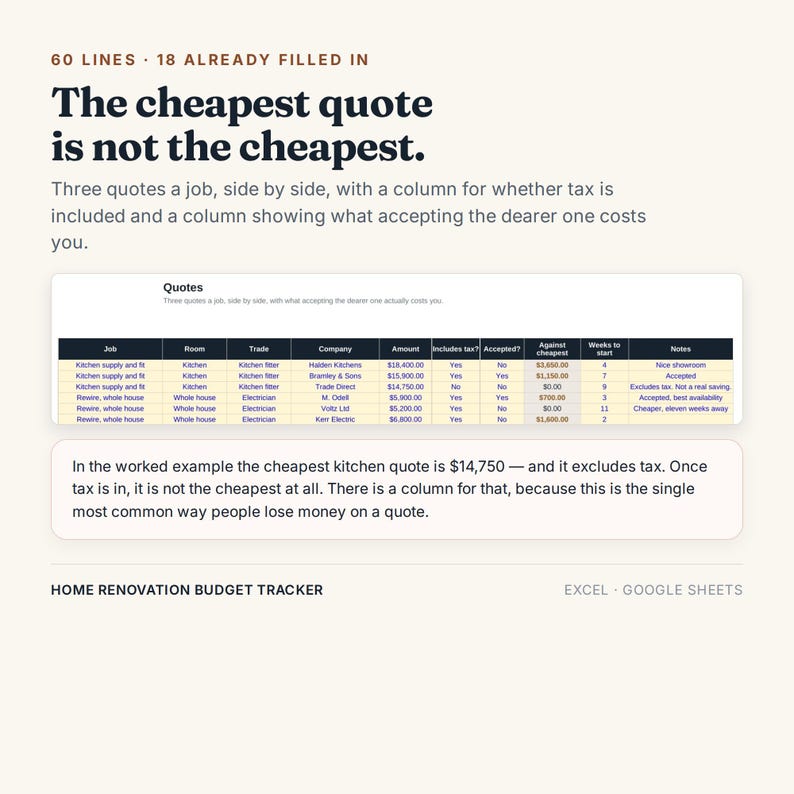
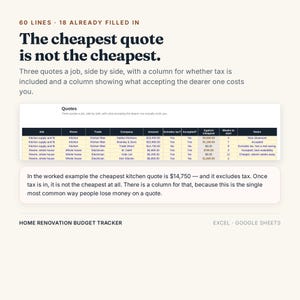
4. QUOTES - 60 lines. Three quotes a job, side by side, with a column for whether tax is included and a column showing what accepting the dearer one costs you. Plus weeks-to-start, because availability is worth money.
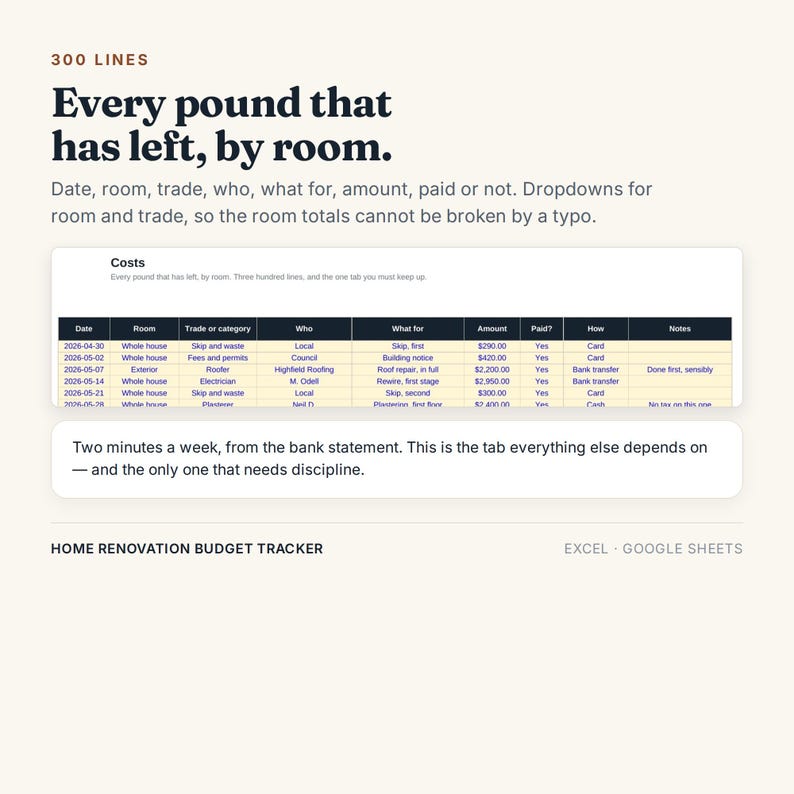
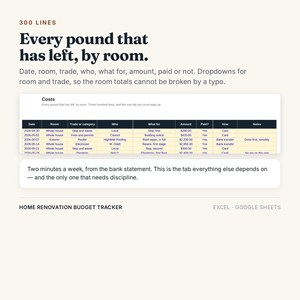
5. COSTS - 300 lines. Every payment that has left, tagged to a room and a trade, with dropdowns so a typo cannot break the totals.
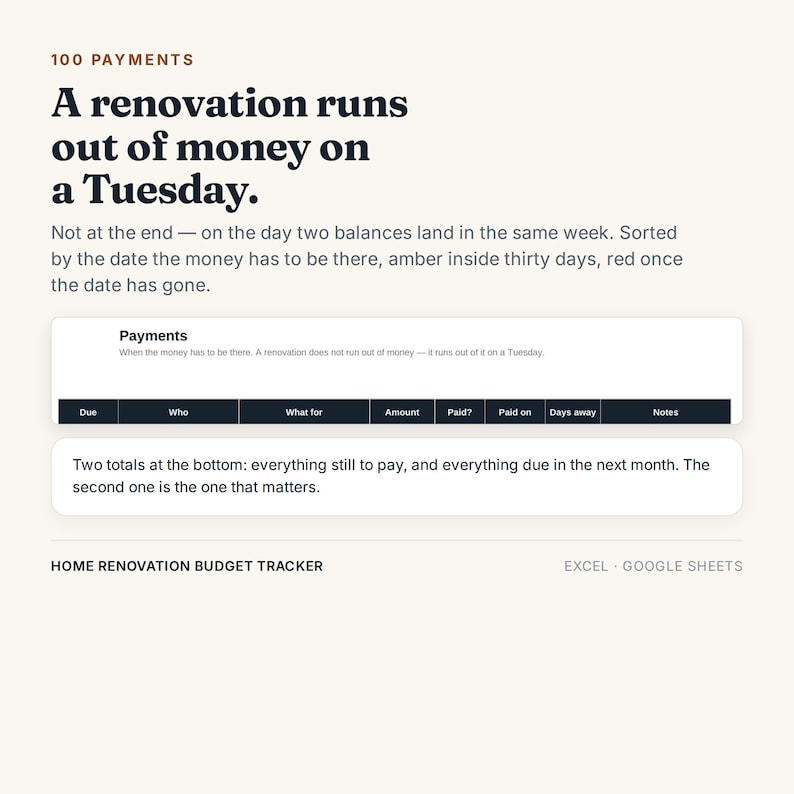
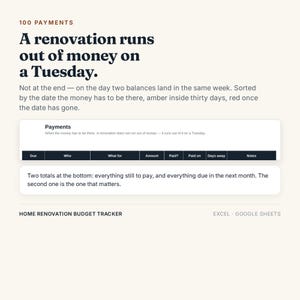
6. PAYMENTS - 100 payments sorted by the date the money has to be there. Amber inside 30 days, red once the date has gone. Two totals: still to pay, and due this month.
7. CHANGES - 40 lines. What changed, why, what it cost, who decided, whether it was agreed in writing, and a running total.
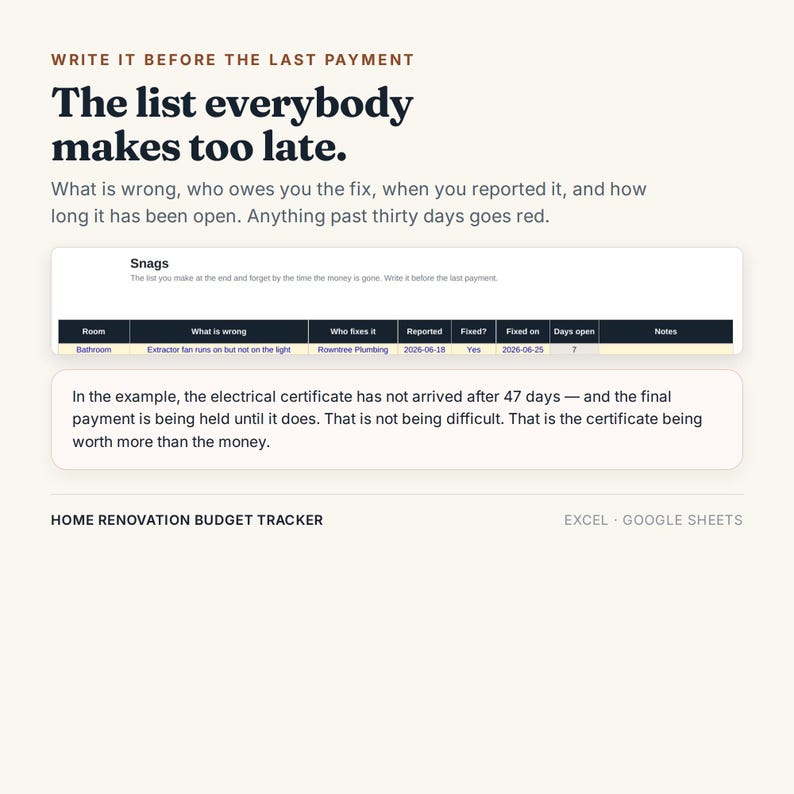
8. SNAGS - 60 defects. What is wrong, who owes you the fix, when you reported it, and how many days it has been open. Past 30 days goes red.
--------------------------------------
THE EXAMPLE IS ALREADY IN IT
--------------------------------------
18 quotes, 21 payments out, 7 changes and 7 snags - about four months into a six-month job.
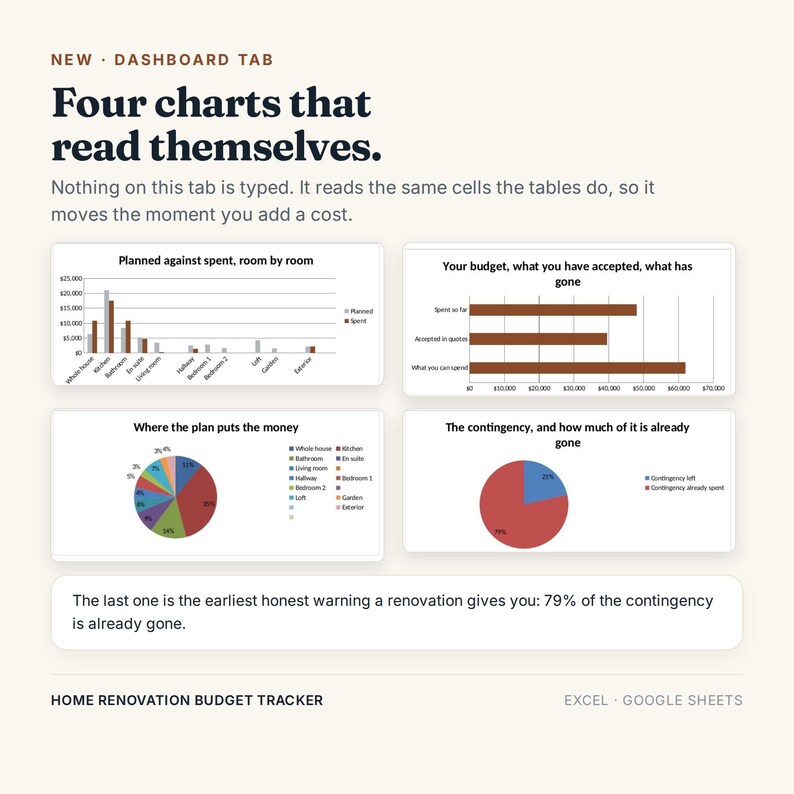
Two rooms are over. The contingency is down to 21%. The electrical certificate has been outstanding for 47 days and the final payment is being held until it arrives. Two changes were never agreed in writing.
All of that is on purpose. It is easier to learn a file that has a problem in it than one that pretends everything is fine.
--------------------------------------
THE CHEAPEST QUOTE IS OFTEN NOT THE CHEAPEST
--------------------------------------
In the worked example the cheapest kitchen quote is $14,750 against $15,900 - but it excludes tax and the other one includes it. Once tax is in, it is not cheaper at all.
There is a column for that, because it is the single most common way people lose money at the quote stage, and it takes one column to prevent.
--------------------------------------
WHO IT IS FOR
--------------------------------------
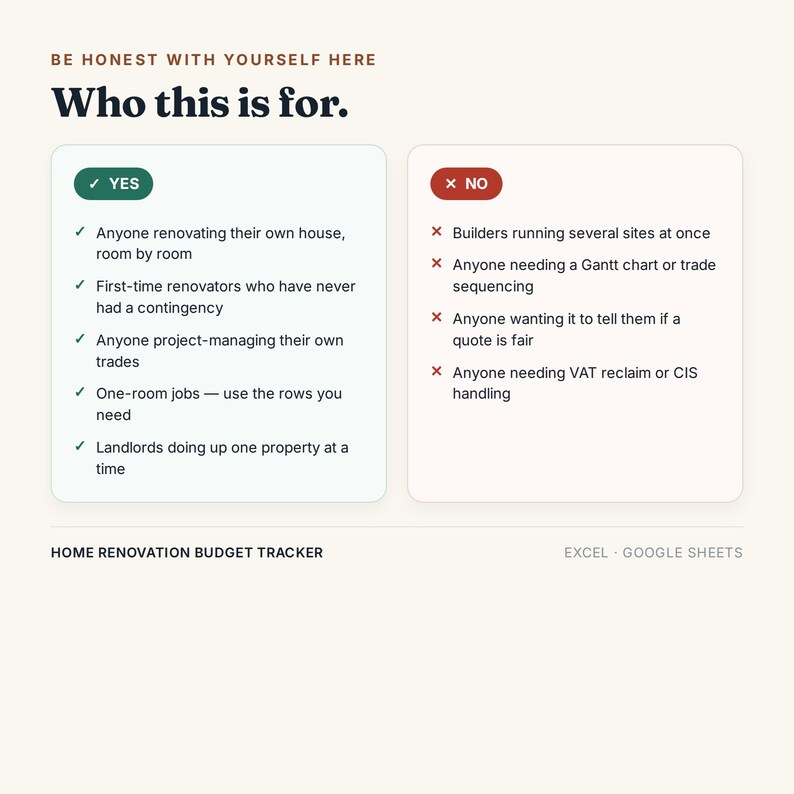
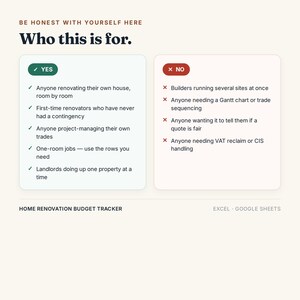
- Anyone renovating their own house, room by room
- First-time renovators who have never had a contingency before
- Anyone project-managing their own trades
- One-room jobs - use the rows you need, leave the rest blank
- Landlords doing up one property at a time
--------------------------------------
TWO COPIES IN THE DOWNLOAD
One workbook has the worked example filled in, so you can see what every column expects before you touch anything. The second is the same file completely blank — same tabs, same formulas, same charts — ready for your own numbers from the first row. Start on whichever suits you.
HONEST LIMITS - PLEASE READ BEFORE BUYING
--------------------------------------
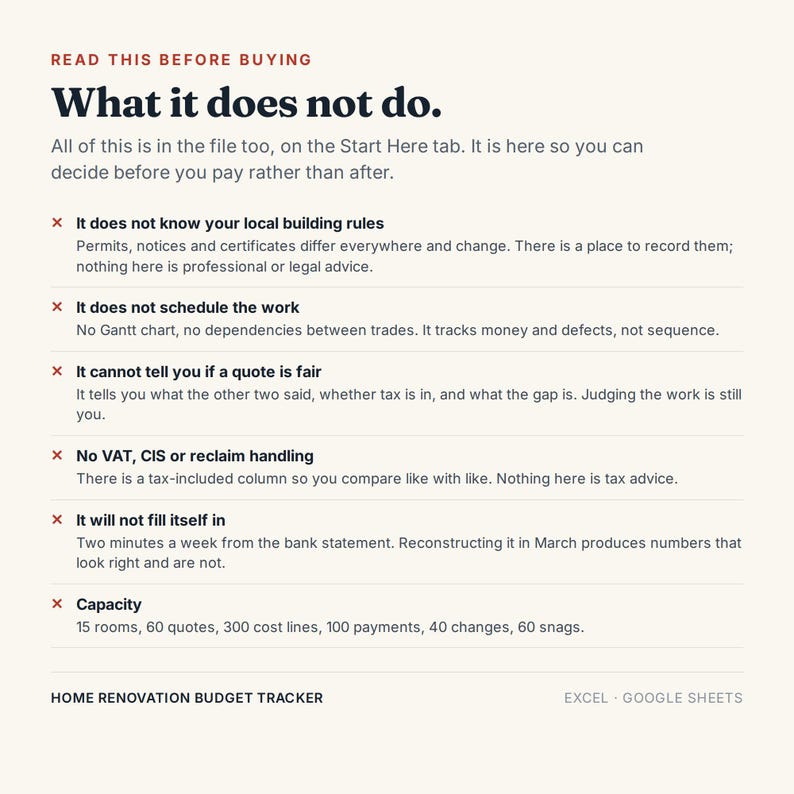
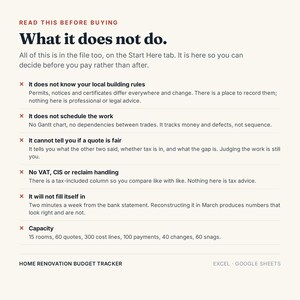
- It does not know your local building rules. Permits, notices and certificates differ everywhere and change. There is a place to record them; nothing here is professional or legal advice.
- It does not schedule the work. No Gantt chart, no dependencies between trades.
- It cannot tell you if a quote is fair. It tells you what the other two said, whether tax is in, and what the gap is. Judging the work is still you.
- No VAT, CIS or reclaim handling. There is a tax-included column so you compare like with like. Nothing here is tax advice.
- It will not fill itself in. Two minutes a week from the bank statement.
- Capacity: 15 rooms, 60 quotes, 300 cost lines, 100 payments, 40 changes, 60 snags.
--------------------------------------
WHAT YOU GET
--------------------------------------
- Home_Renovation_Budget_Tracker.xlsx
- A written Start Here guide (PDF) explaining the order to do things in, why the tax column matters, and what to do when a number looks wrong
Instant download. Nothing arrives in the post.
--------------------------------------
WORKS WITH
--------------------------------------
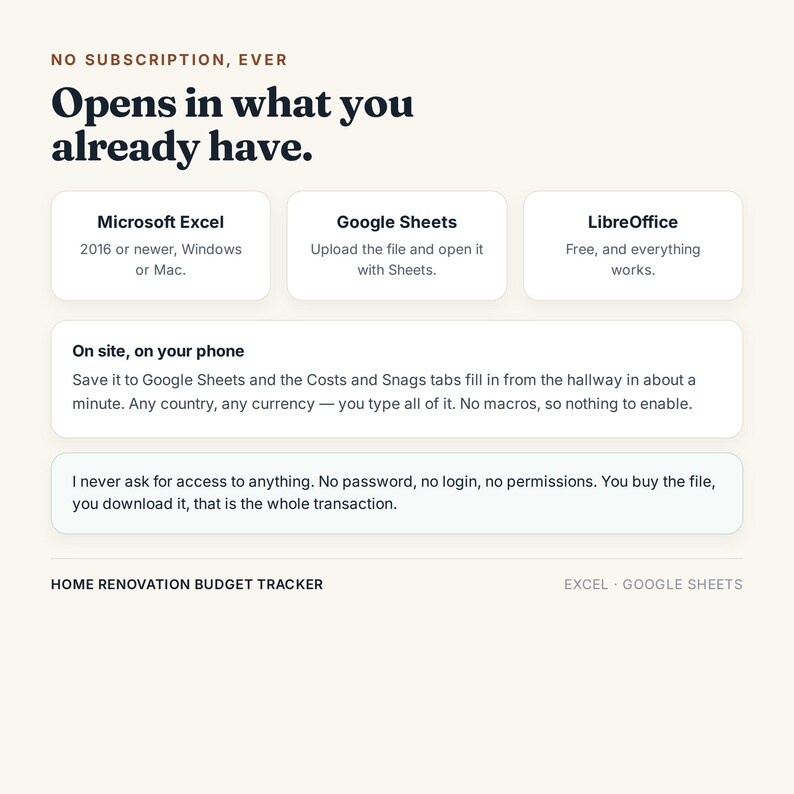
- Microsoft Excel 2016 or newer, Windows or Mac
- Google Sheets - upload the file and open it with Sheets. The Costs and Snags tabs fill in from the hallway on a phone.
- LibreOffice, which is free
No macros, so there is nothing to enable. Any country, any currency - you type all of it.
--------------------------------------
ABOUT ACCESS
--------------------------------------
I never ask for access to anything. No password, no manager invite, no app permissions. You buy the file, you download it, that is the whole transaction.
--------------------------------------
TERMS
--------------------------------------
For your own project. Please do not resell or redistribute the file.
Because it is a digital download, it cannot be returned - which is exactly why the honest limits are written above rather than hidden. If something in the file does not work, message me and I will fix it.
Questions before you buy are welcome.
Instant Download
Your files will be available to download once payment is confirmed. Here's how.
Instant download items don’t accept returns, exchanges or cancellations. Please contact the seller about any problems with your order.
Etsy Purchase Protection
Shop confidently on Etsy knowing if something goes wrong with an order, we've got your back for all eligible purchases —
see programme terms

Be the first to review this item
More from this shop
Visit shop-
Digital download
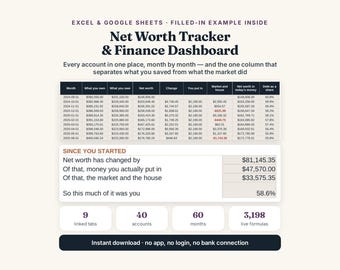
Net Worth Tracker Spreadsheet: Excel & Google Sheets Finance Dashboard
£8.28
-
Digital download
Workout Tracker Excel Google Sheets, Fitness Planner, Habit Log
£8.28
-
Digital download
Wedding Budget Guest List Planner, Excel Google Sheets Template (Digital Download)
£8.28
-
Digital download
Meal Planner Spreadsheet: Grocery Budget Tracker (Excel, Google Sheets)
£8.28


