



Prezzo:9,92 €
Inventory and Purchase Order Tracker, Excel Google Sheets, Stock Reorder Point and Supplier Lead Time, Stock Valuation (Digital Download)
Puoi fare un'offerta solo acquistando un singolo articolo
Punti salienti
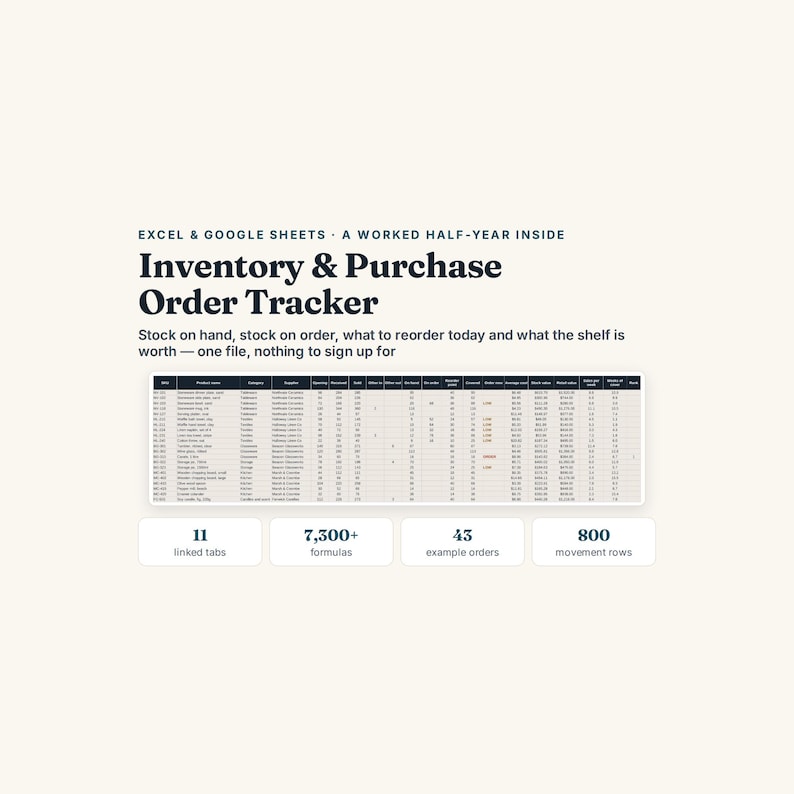
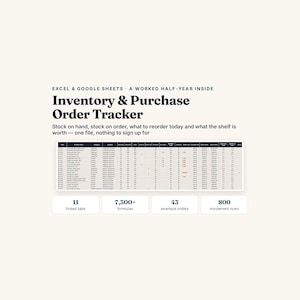
INVENTORY AND PURCHASE ORDER TRACKER — Excel and Google Sheets, with a worked half-year inside
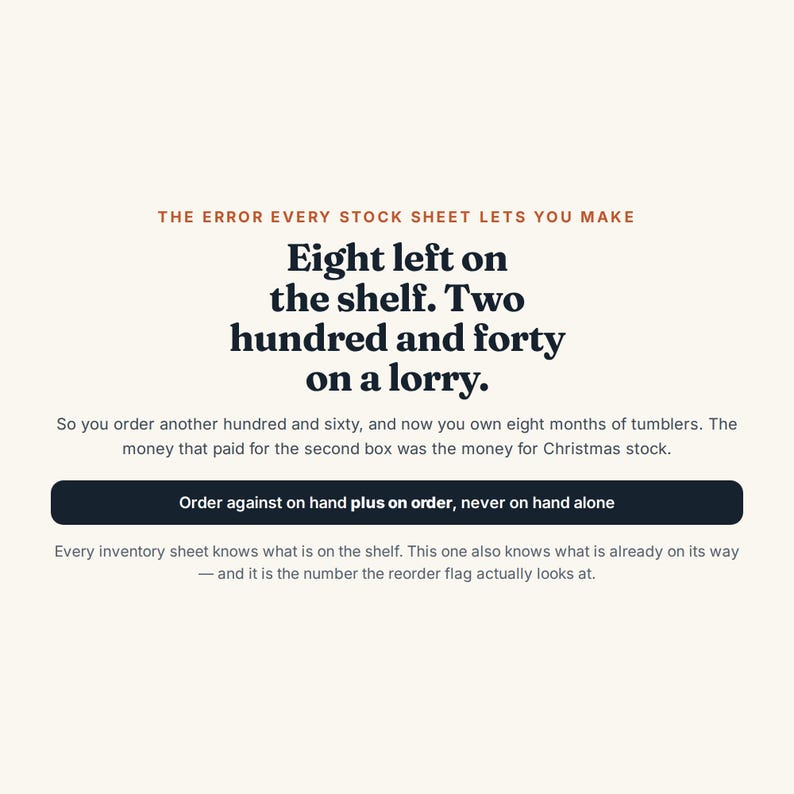
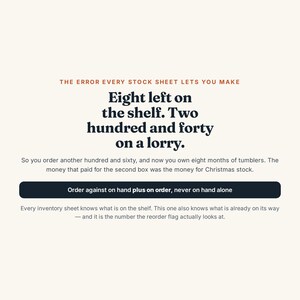
Eight tumblers left on the shelf. You sell twelve a week. So you order a hundred and sixty more.
Two hundred and forty were already on a lorry, ordered three weeks ago, arriving Tuesday. You now own four hundred tumblers, about eight months of them, and the money that paid for the second box was the money you were going to spend on Christmas stock.
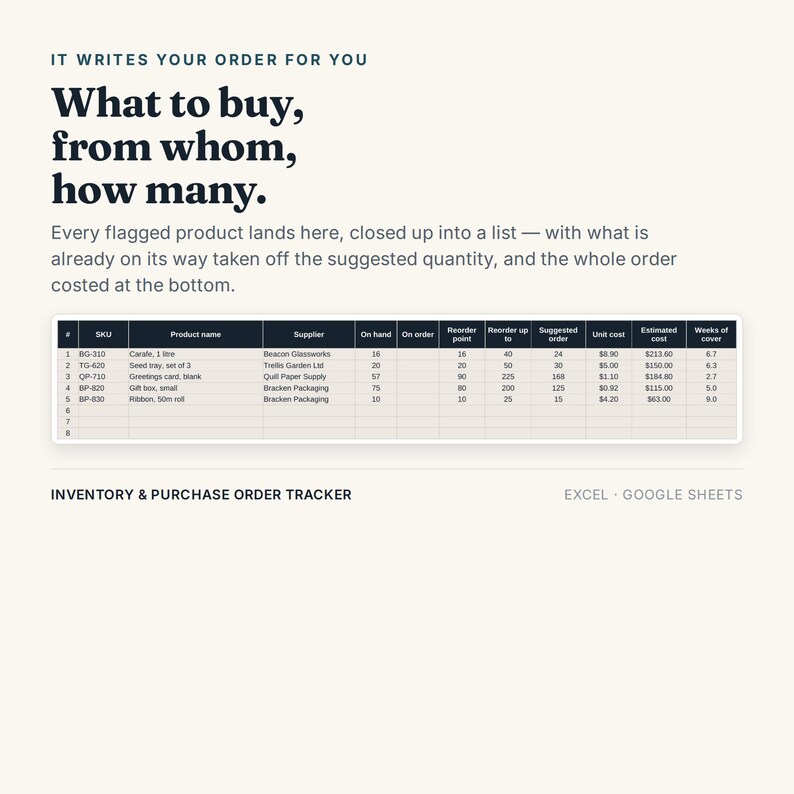
Every inventory spreadsheet knows what is on the shelf. This one also knows what is already on its way — and that is the number it reorders against.
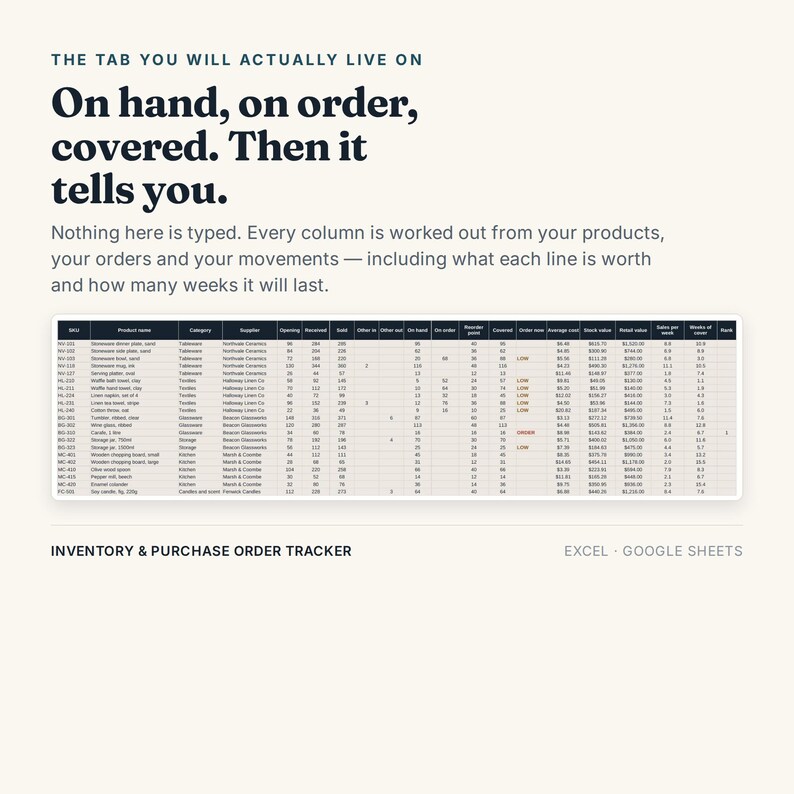
COVERED, NOT ON HAND
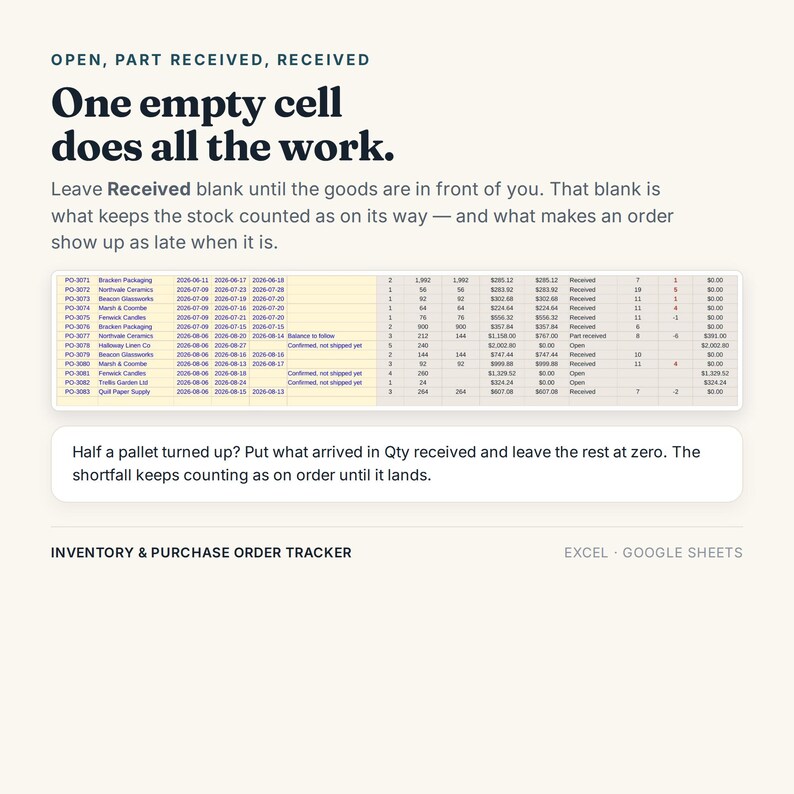
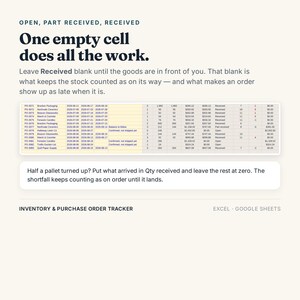
On hand plus on order. It costs you nothing to keep: an order you have raised sits on the Purchase Orders tab with the Received cell empty, and that empty cell does all the work. The moment the goods are in front of you, you fill it in and the stock moves from on order to on hand.
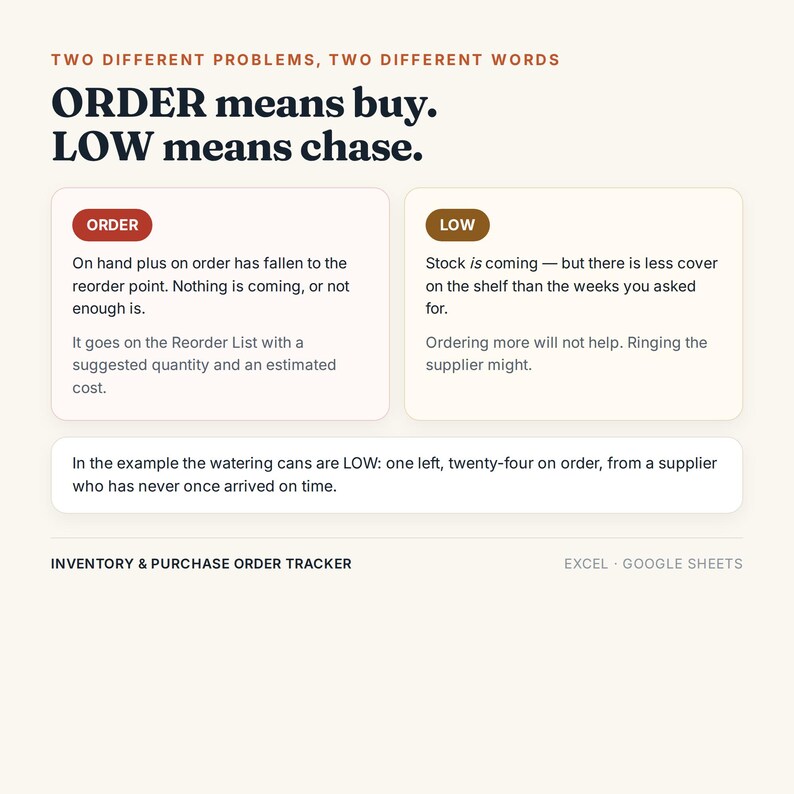
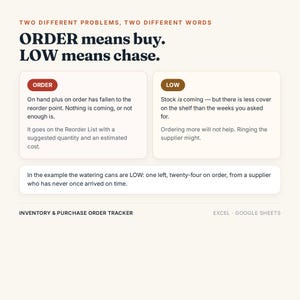
TWO WORDS, TWO DIFFERENT PROBLEMS
ORDER — covered has fallen to the reorder point. Nothing is coming, or not enough is. It lands on the Reorder List with a suggested quantity and a costed line.
LOW — stock is coming, but there is less cover on the shelf than the number of weeks you asked for. Ordering more will not help. Ringing the supplier might.
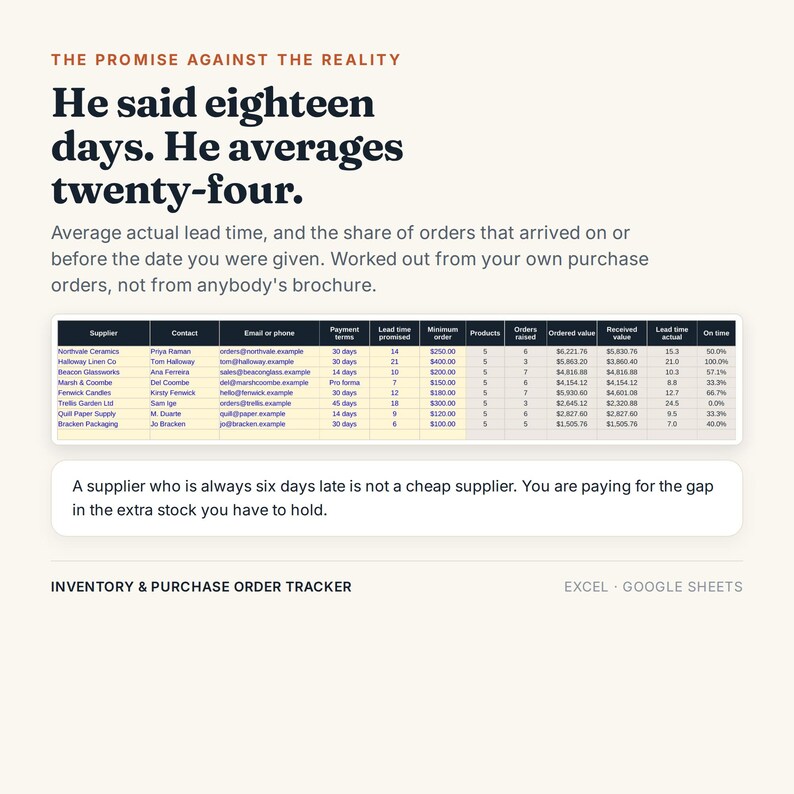
In the worked example the watering cans are LOW: one left, twenty-four on order, from a supplier who has never once arrived on time.
THE ELEVEN TABS
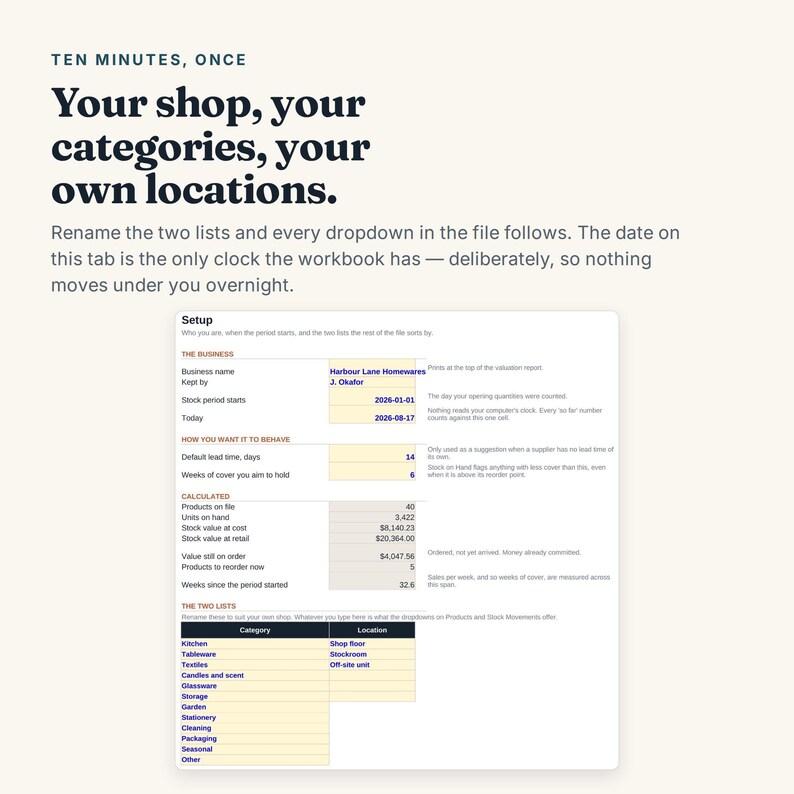
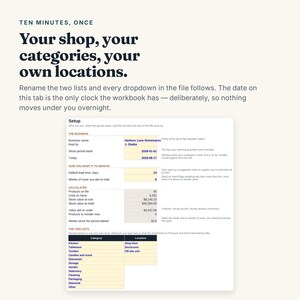
Setup — your name, the day you counted your opening stock, your categories and your locations. Rename them and every dropdown follows.
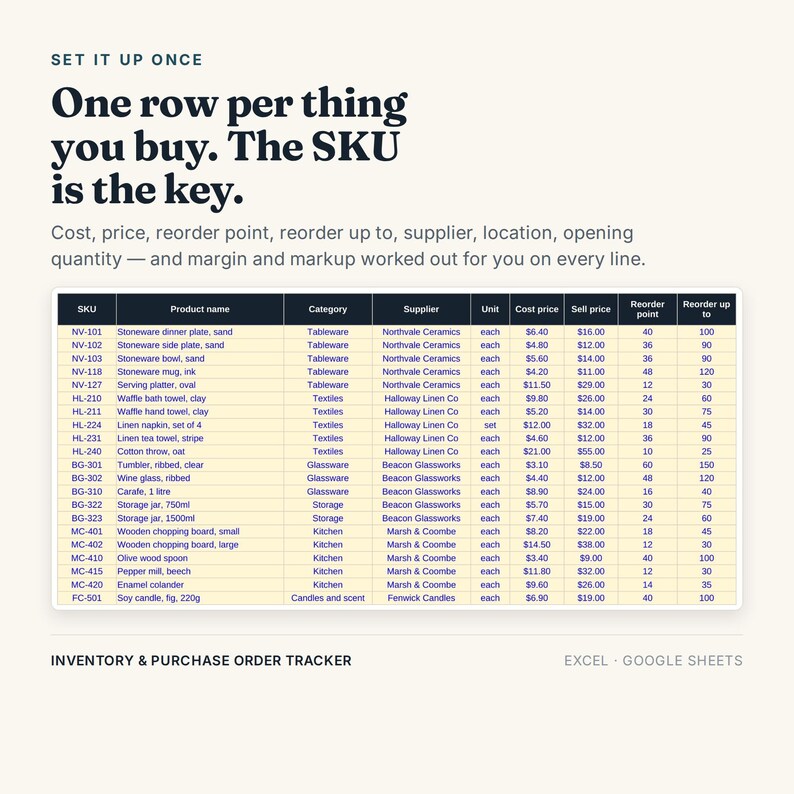
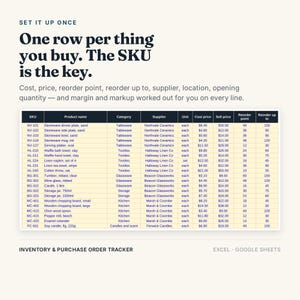
Products — one row per thing you buy. Cost, price, reorder point, reorder up to, supplier, location, opening quantity. Margin and markup worked out on every line.
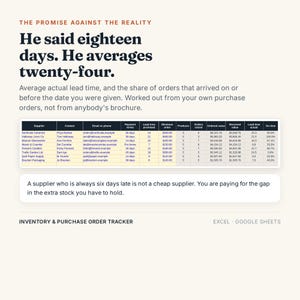
Suppliers — payment terms, promised lead time, minimum order — and then the average lead time they actually managed and the share of orders that arrived on time.
Purchase Orders — 80 orders. Status, value ordered, value received, days late, value still to arrive.
PO Lines — 300 lines. Qty received is the only column you come back and change.
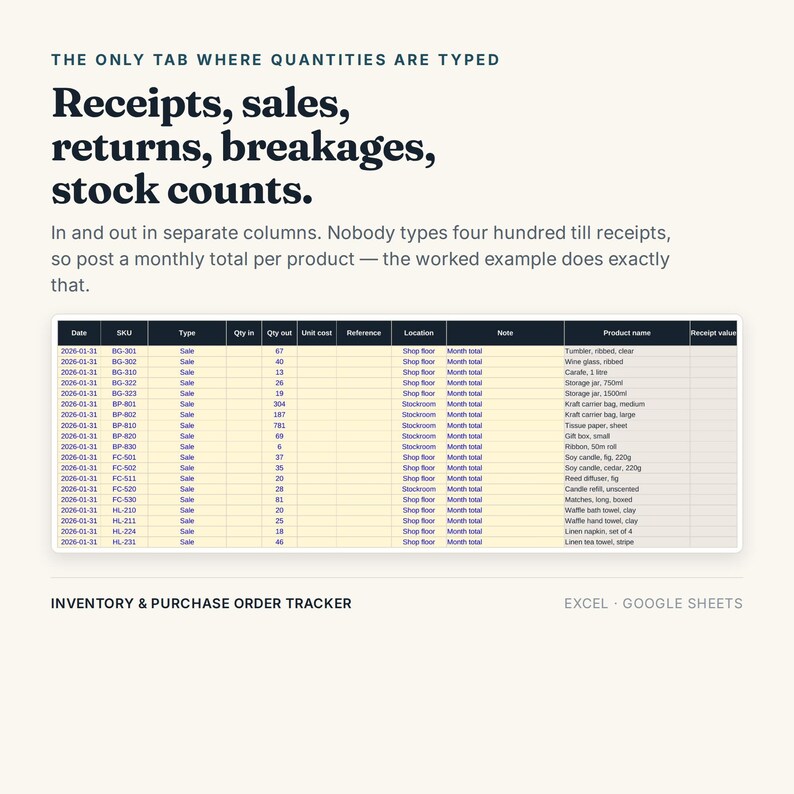
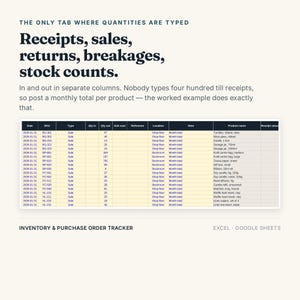
Stock Movements — 800 rows. Receipts, sales, customer returns, returns to supplier, stock count adjustments, damage and loss.
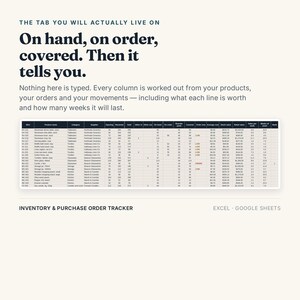
Stock on Hand — nothing typed. On hand, on order, covered, average cost, stock value, retail value, sales per week and weeks of cover, one line per product.
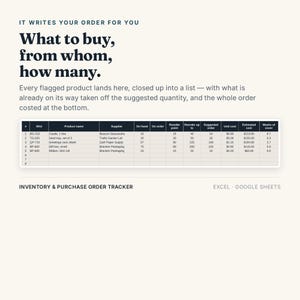
Reorder List — the flagged products, closed up into the order you are about to place, with what is already coming taken off the quantity.
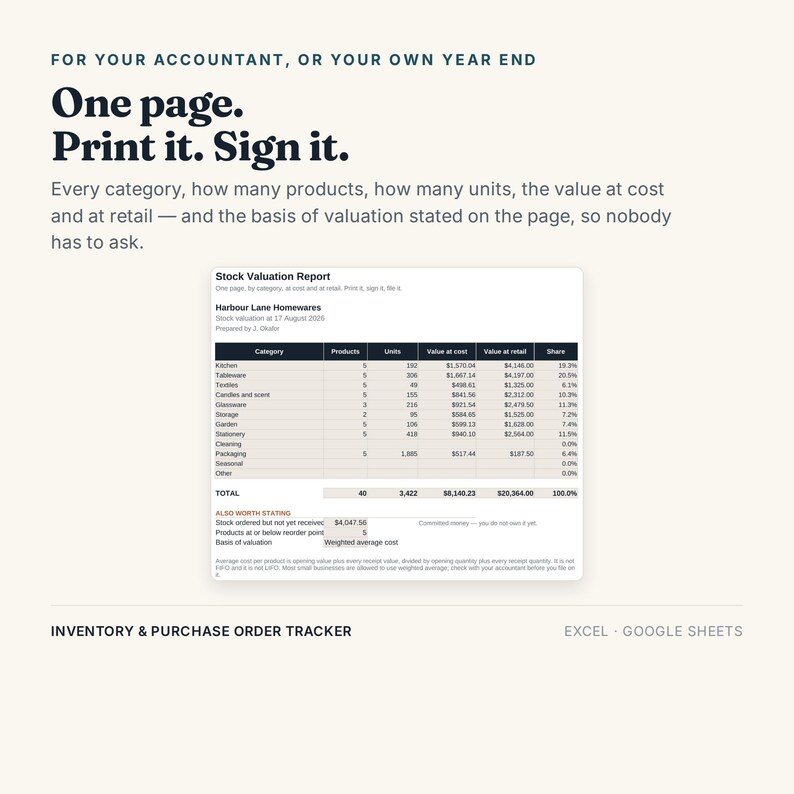
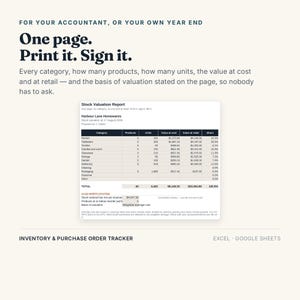
Valuation Report — a printable page by category, at cost and at retail, with the basis of valuation stated on it.
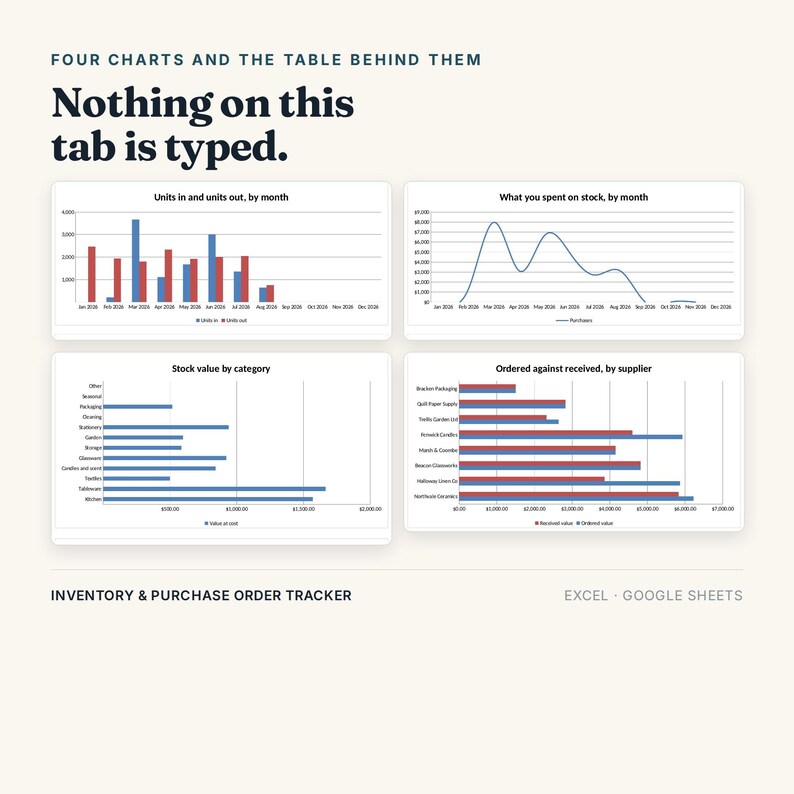
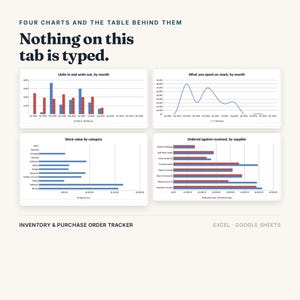
Dashboard — four charts and the month-by-month table behind them.
Start Here — the guide, inside the workbook as well as in the PDF.
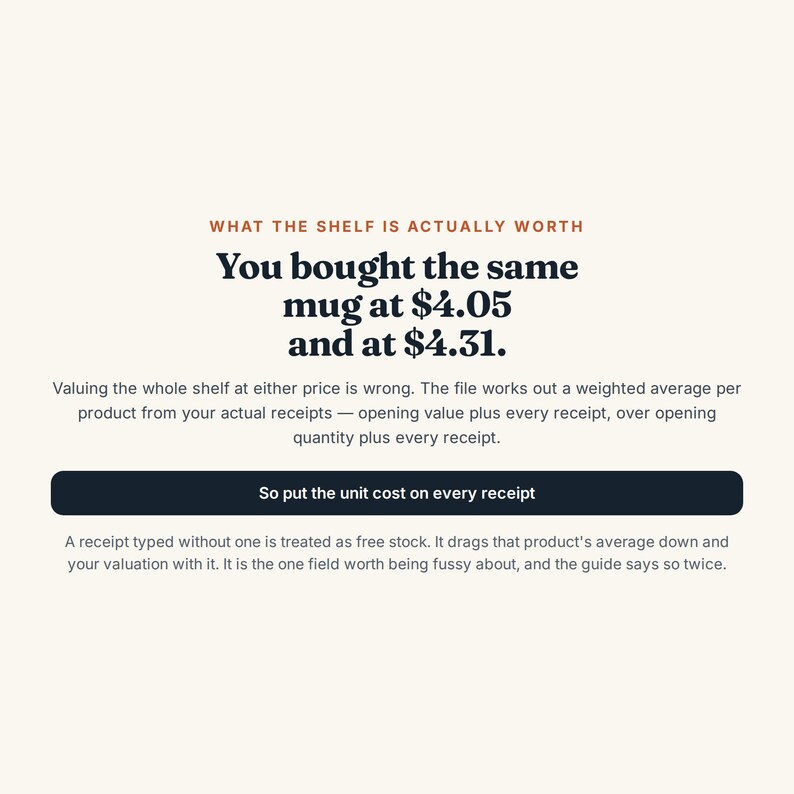
WHAT THE SHELF IS ACTUALLY WORTH
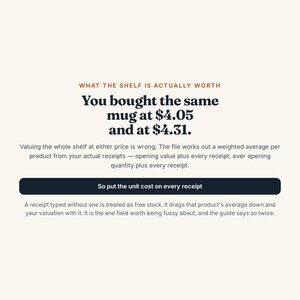
You bought the same mug at $4.05 in January and $4.31 in June. Valuing the whole shelf at either price is wrong. The file works out a weighted average per product from your own receipts — opening value plus every receipt value, over opening quantity plus every receipt quantity.
Which is why the unit cost on a receipt is not optional. A receipt typed without one is treated as free stock: it drags that product's average down and your valuation with it, and nothing warns you. It is the one field in the file worth being fussy about, and the guide says so twice.
THE EXAMPLE WAS NOT TYPED BY HAND
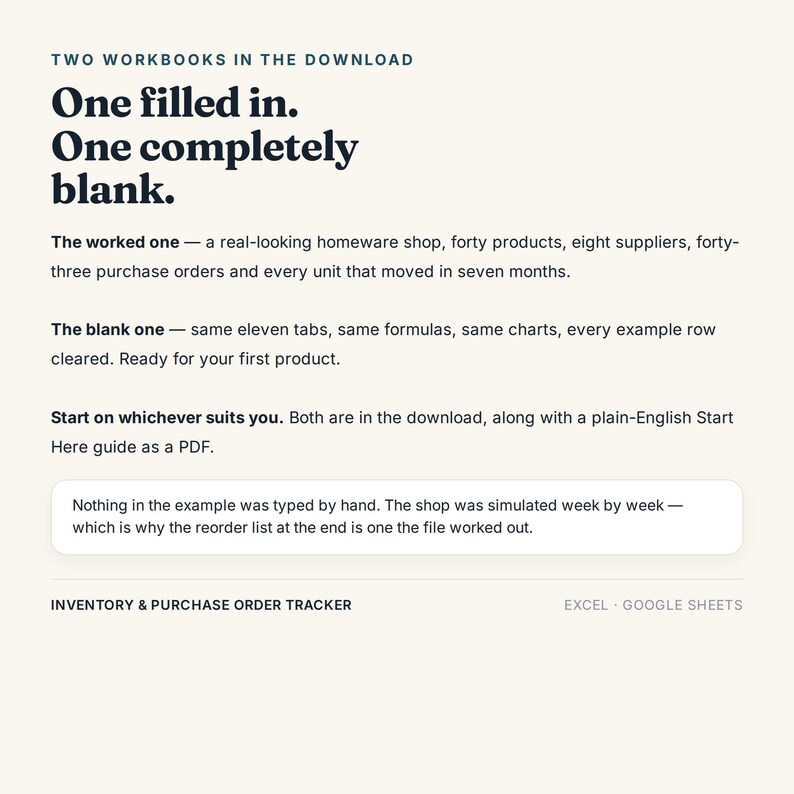
There is a real-looking homeware shop in the file — forty products, eight suppliers, forty-three purchase orders and every unit that moved between January and August. None of it was invented. The shop was simulated week by week: orders got raised because stock actually fell to its reorder point, they arrived a lead time later, and sales were capped by what was on the shelf.
That is why it hangs together, and why the reorder list at the end is a list the file worked out rather than one somebody typed to look convincing.
TWO COPIES IN THE DOWNLOAD
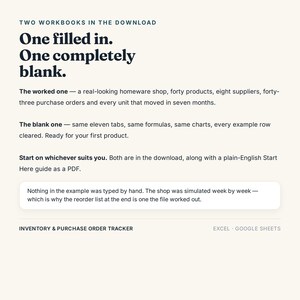
One workbook has the half-year filled in, so you can see what every column expects before you touch anything. The second is the same file completely blank: same eleven tabs, same 7,300 formulas, same charts, categories still there, ready for your own first product. Start on whichever suits you.
WORKS WITH
Microsoft Excel 2016 or newer, Windows or Mac. Google Sheets — upload and open with Sheets; every formula works, the dropdowns look a little different, the print settings do not carry across. LibreOffice. No macros, no add-ons, no login.
HONEST LIMITS — please read before buying
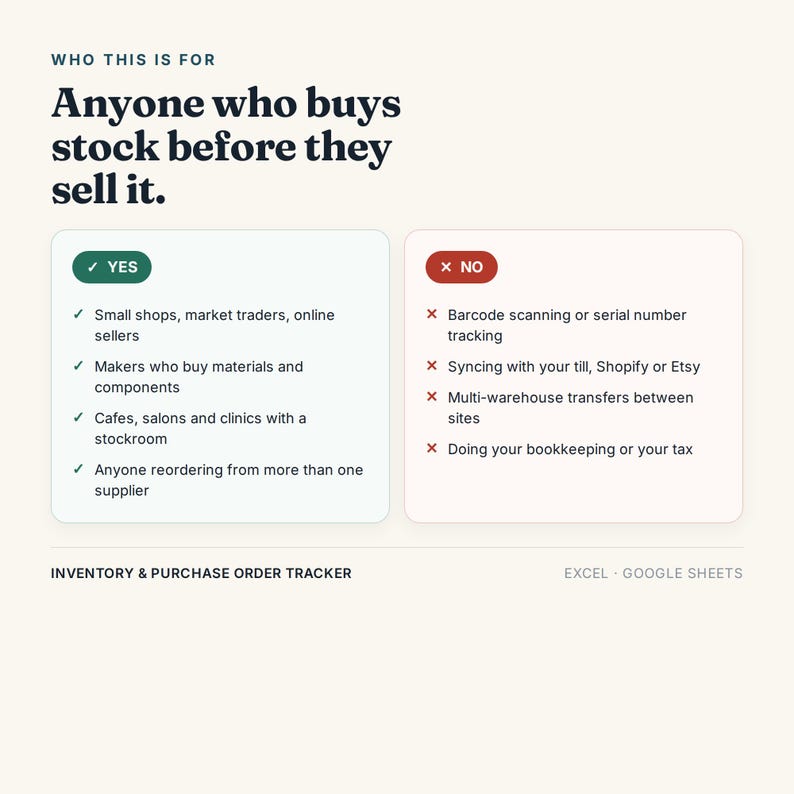
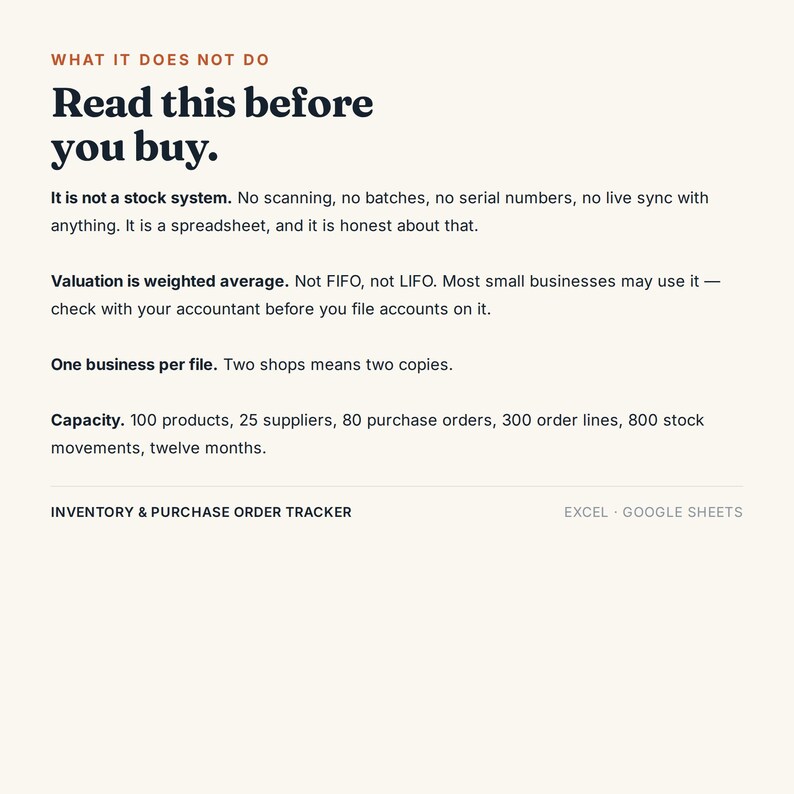
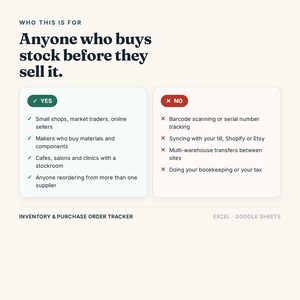
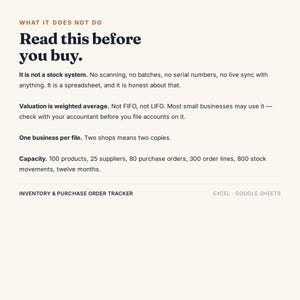
- It is not a stock system. No barcode scanning, no batch or serial numbers, no multi-warehouse transfers, and it does not talk to your till, your Shopify or your Etsy shop.
- It is not accounting. It values stock and tells you what to order. It does not do your books or your tax.
- Valuation is weighted average, not FIFO and not LIFO. Most small businesses may use it; check with your accountant before you file accounts on it.
- One business per file. Two shops means two copies.
- It does not read your computer's clock. Every "so far" number counts from one date on the Setup tab. That is deliberate: a file that changes under you every morning is a file you stop trusting.
- Capacity: 100 products, 25 suppliers, 80 purchase orders, 300 order lines, 800 stock movements, 12 months.
WHAT ARRIVES
Two .xlsx workbooks and a plain-English Start Here guide as a PDF. Instant download — no app, no login, no monthly fee.
I never ask for shop access. No password, no manager invite, no app permissions. You download a file; that is the whole transaction.
Licence: for your own business. Reselling or redistributing the file is not allowed.
Something wrong with it? Message me through Etsy and I will fix the file.
Download istantaneo
I tuoi file saranno disponibili per il download una volta confermato il pagamento. Ecco come.
Gli articoli con download istantaneo non accettano resi, cambi o annullamenti. In caso di qualsiasi problema relativo all'ordine, contatta il venditore.
Protezione degli acquisti di Etsy
Acquista con sicurezza su Etsy sapendo che in caso di problemi con un ordine proteggeremo tutti i tuoi acquisti idonei.
vedi termini programma

Scrivi la prima recensione di questo articolo
Altro da questo negozio
Visita negozio-
Download digitale
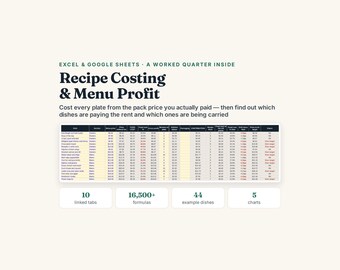
Recipe Costing Spreadsheet, Excel Google Sheets, Restaurant Food Cost Calculator, Menu Engineering and Plate Cost Tracker (Digital Download)
9,92 €
-
Download digitale
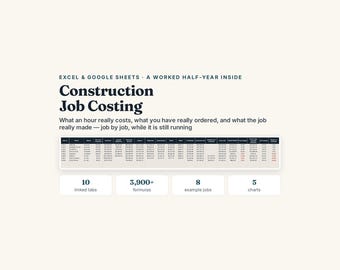
Construction Job Costing Spreadsheet, Excel Google Sheets, Builder True Labour Rate and Committed Cost, Job Profit (Digital Download)
9,92 €
-
Download digitale
Foglio di calcolo per il tesoriere del club e dell'associazione genitori-insegnanti, file Excel e Fogli Google, riconciliazione bancaria e rendiconto di bilancio (download digitale)
9,92 €
-
Download digitale
Strumento di monitoraggio dei costi di possesso dell'auto, costo reale per miglio (Excel, Fogli Google)
9,92 €
