

Cleaning Business CRM Spreadsheet, Client Tracker, Payment and Appointment Manager (Google Sheets & Excel)
Prijs:€ 9,46
Ontworpen door Jon
De volgende situaties komen in aanmerking:
- Je bestelling komt niet overeen met de beschrijving of de foto's van het item
- Je item is beschadigd aangekomen.
- Je item is aangekomen na het tijdvak voor verwachte levering
- Je item is niet aangekomen of zoekgeraakt in de post.
Je kunt alleen een bod doen als je een enkel item koopt
Hoogtepunten
Works in Google Sheets AND Excel 2019+ · Instant download · Google account required for the Sheets version
Right now your business lives in three places: your phone contacts, a paper calendar, and your head.
The door code for the blue house. Which client is biweekly and which is every four weeks. Who paid half in cash and still owes you the rest. And the one you haven't heard from since March — a good client, a good house, and she just quietly stopped, and nobody called her.
That last one is the expensive one. A weekly client is worth thousands of dollars a year. Losing one without noticing costs more than everything else on this list combined.
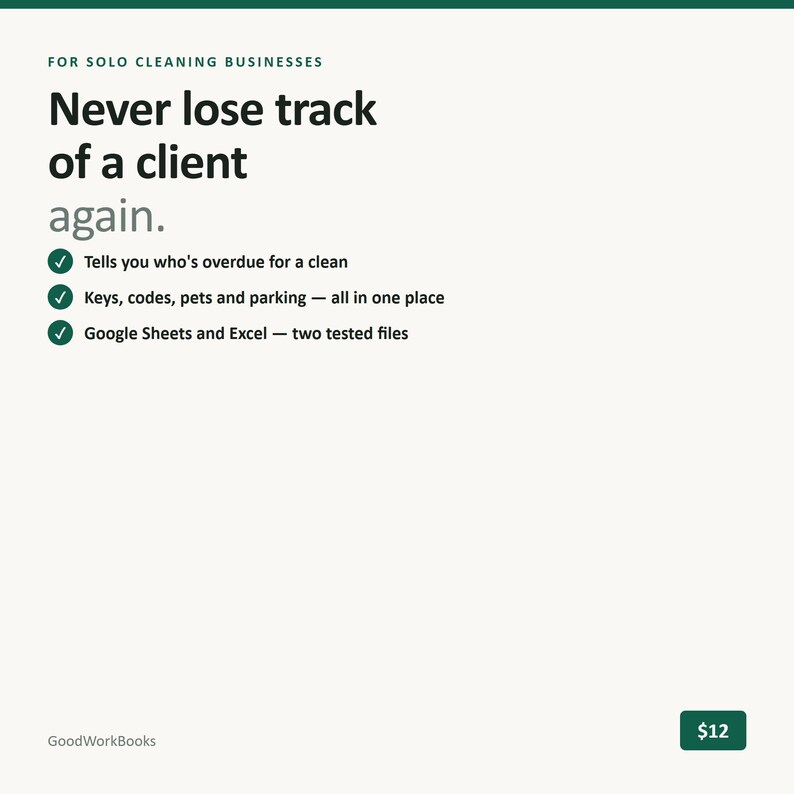
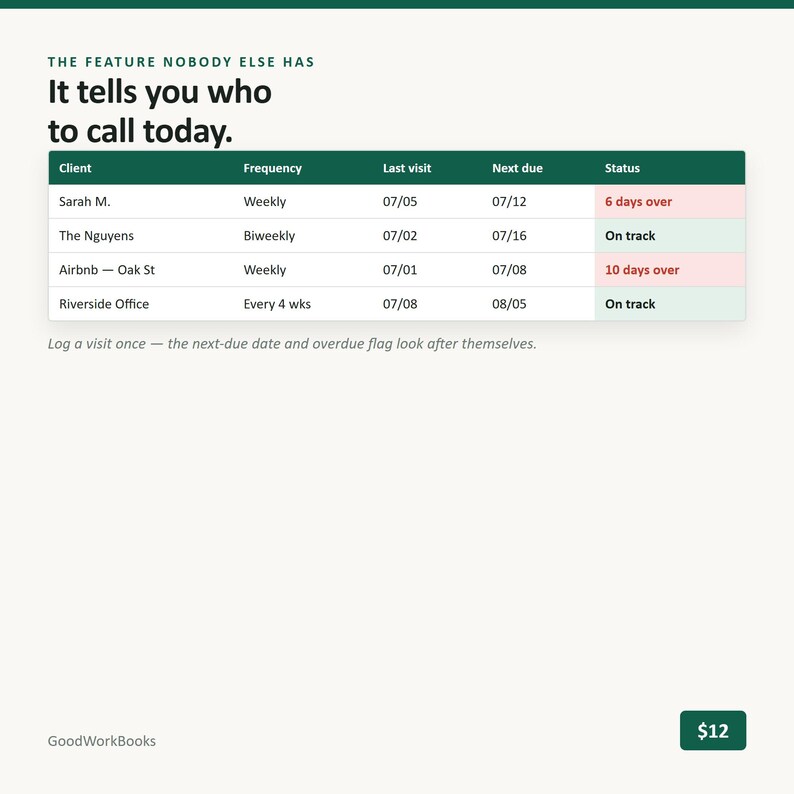
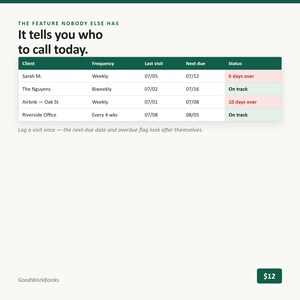
This spreadsheet holds all of it in one place, and it tells you who's overdue for a clean before you'd have thought to wonder.
WHAT'S INSIDE — 6 tabs
1. Start Here — making your copy, what the orange cells mean, how the overdue flags work in one short paragraph, how to add rows safely, and the questions people ask first.
2. Settings — service types, client statuses (Active / Paused / Former), and the frequency table that drives everything: Weekly = 7 days, Biweekly = 14, Every 4 Weeks = 28, Monthly = 30, One-time = never flagged. Plus your grace days, so a client isn't shouting "overdue" the morning after they were due. Defaults fit most cleaning businesses; change them if yours is different.
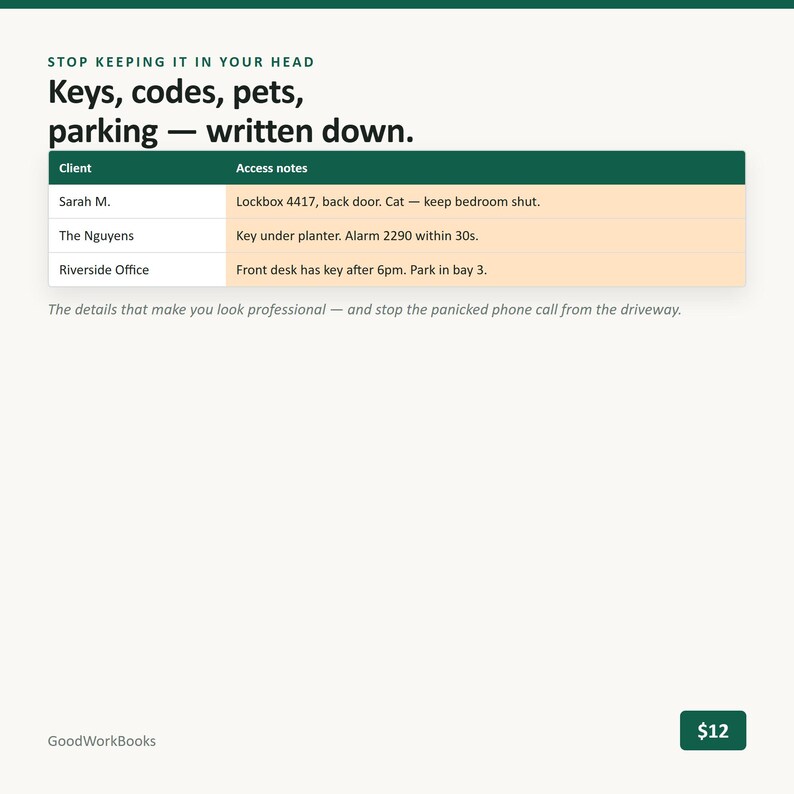
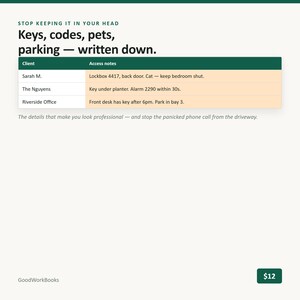
3. Clients — 150 rows, one per client. Name, phone, email, address, and an access notes field for the keys, door codes, alarm codes, dogs, and where to park — the things you currently keep in your head and can't hand to anyone. Then service type, frequency, rate, preferred day, status and start date. Four columns fill themselves in: last visit, next due date, days overdue, and that client's annual value. Overdue rows turn red. Due-this-week rows turn amber.
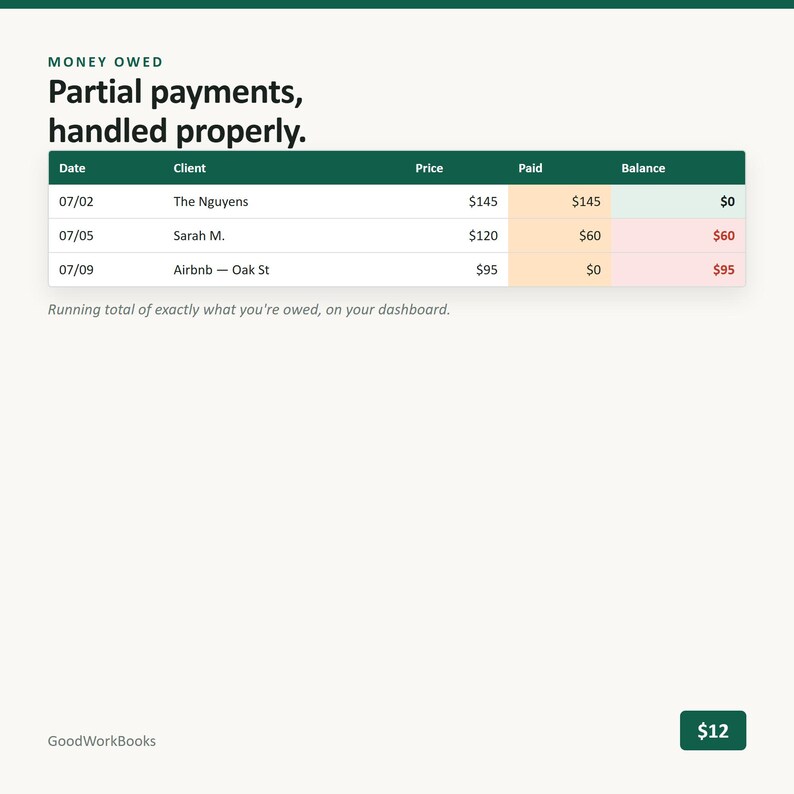
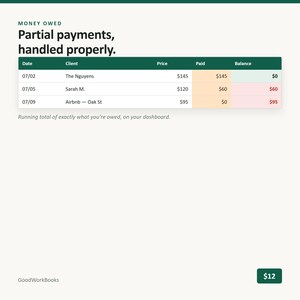
4. Visit Log — 1,000 rows and the only place you have to type. Date, client (dropdown), service, price, Paid / Unpaid / Partial, amount paid, notes. The balance calculates per row, so a client who paid $60 of $90 shows a $30 balance instead of being wrong in one direction or the other. Everything else in the workbook — last visits, next due dates, revenue, unpaid totals — comes from this one log.
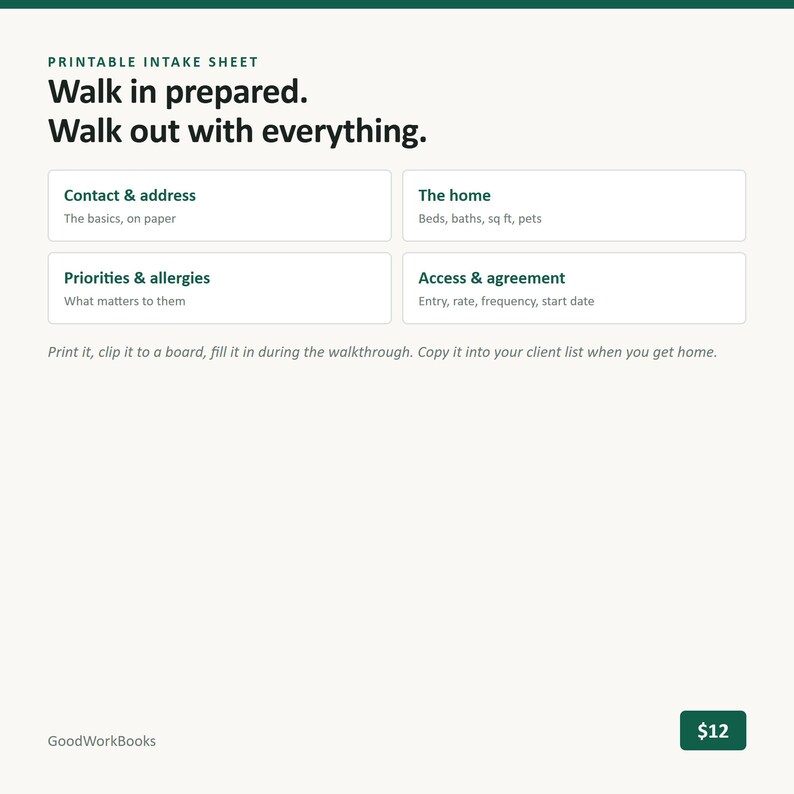
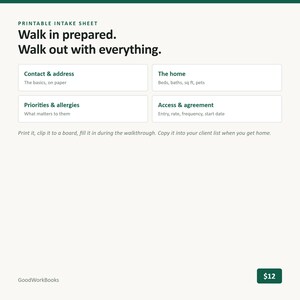
5. Intake Sheet — a printable one-page form for the walkthrough. Contact details, beds/baths/square footage/pets, cleaning priorities, product preferences and allergies, access details, agreed rate and frequency, start date. Take it on the clipboard, look professional, copy it into a Clients row when you get home.
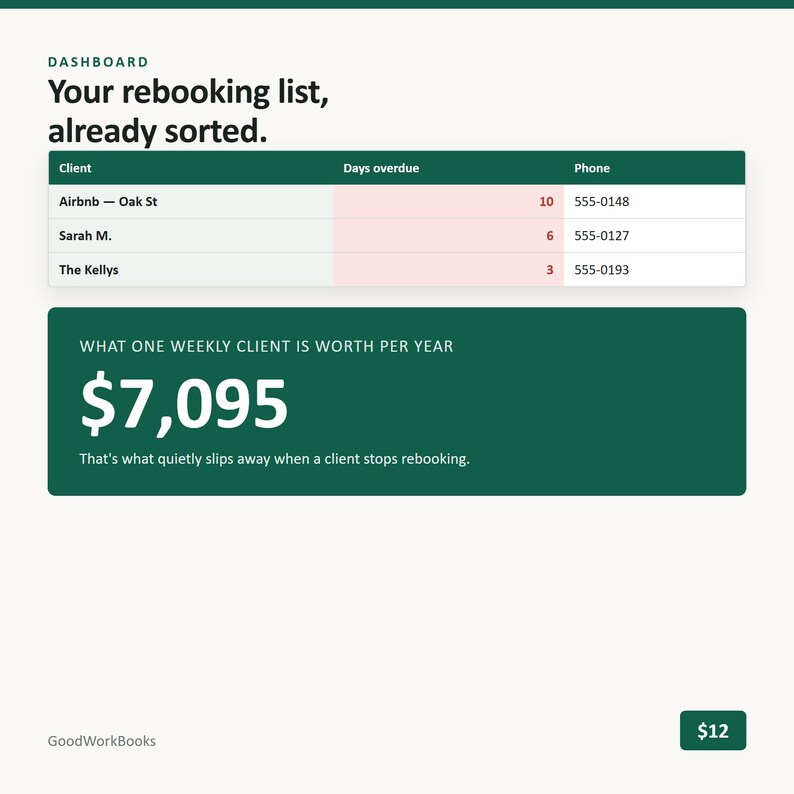
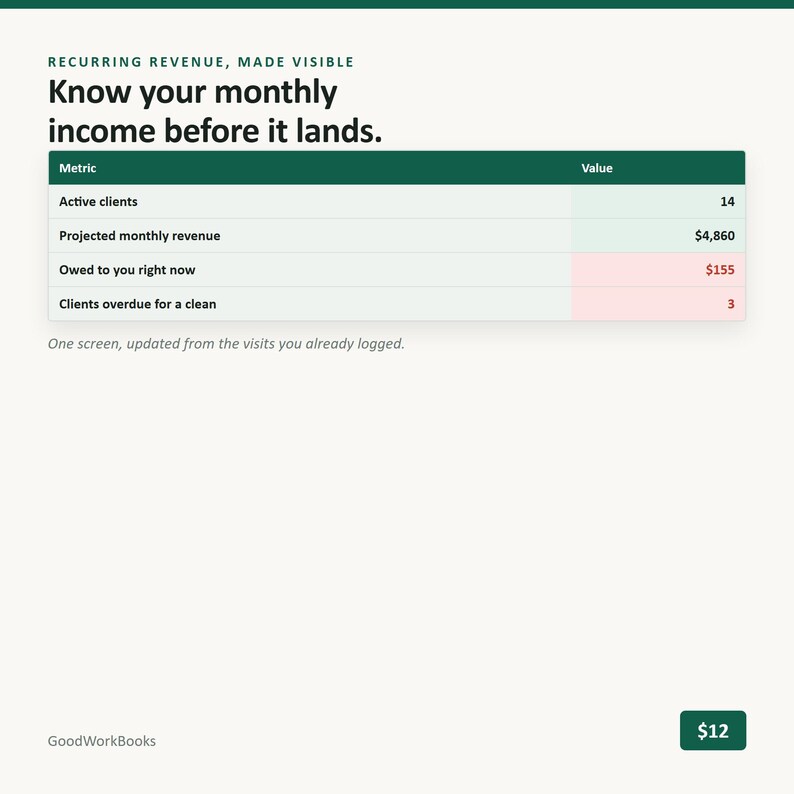
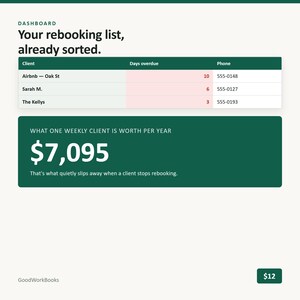
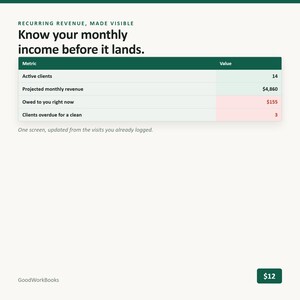
6. Dashboard — active client count, projected monthly recurring revenue, total unpaid across everyone, visits and revenue this month, your top 10 clients by revenue, and the one that earns its keep: an ordered call list of everyone overdue for a clean, with their phone numbers, longest overdue first. There's a line on it that shows what one weekly client at your average rate is worth per year, so you can see exactly what two phone calls are worth.
WHY THIS ONE IS DIFFERENT
It's built for one person. Most "cleaning CRMs" on here are half employee tabs — attendance, staff schedules, timesheets, payroll. If you're a solo cleaner, that's a workbook where most of the pages are about a business you don't have. There isn't a single employee tab in this one.
It flags clients who've gone quiet. This is the thing almost nothing else does, free or paid. Rebooking an existing client is the cheapest revenue in your business, and a spreadsheet that just records history won't tell you who's slipping. This one puts them at the top of a call list.
Partial payments are handled properly. Price, amount paid, and a real running balance per client. Most trackers give you a Paid/Unpaid checkbox and leave the arithmetic to you.
Access notes are a real field. Keys, codes, alarms, pets, parking. Generic client trackers don't have anywhere to put this, so it stays in your head.
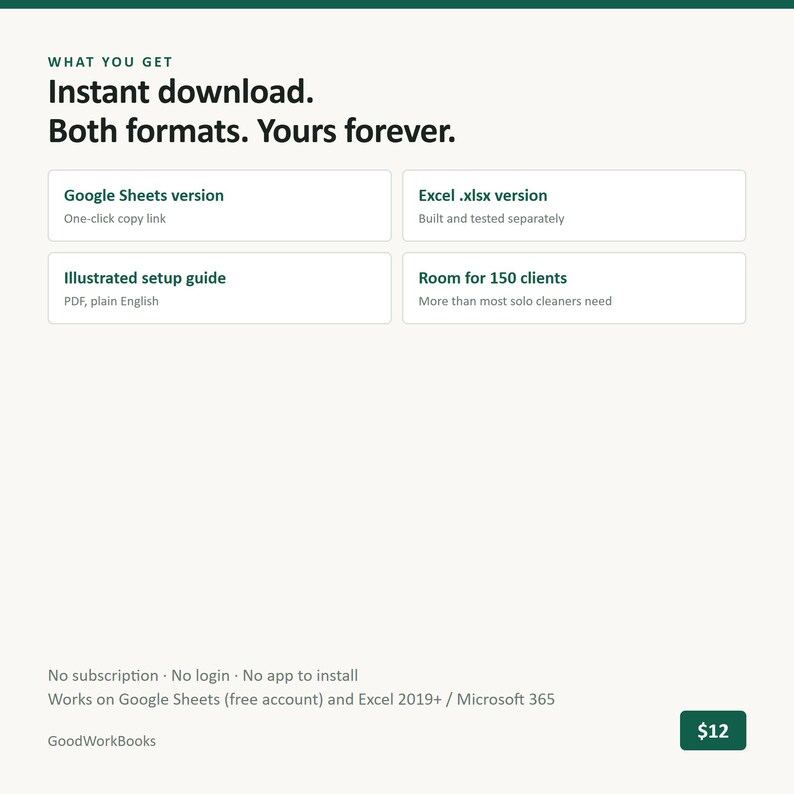
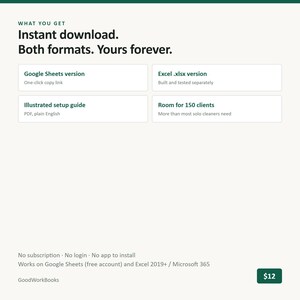
Both formats, both actually checked. A native Excel .xlsx and a Google Sheets version, each opened and clicked through in its own program before it's sold.
Delivered as actual files. Not a PDF containing a link to another PDF containing a link. Direct download, plus a one-click copy link for Sheets.
WHAT THIS IS NOT
- It's a spreadsheet template, not software and not an app. No login, no account, no monthly fee.
- It doesn't text or email your clients, send appointment reminders, or sync with Google Calendar. It tells you who to call; you call them.
- It doesn't take payments or connect to Square, Stripe, Venmo or your bank. You record what came in.
- No employee, payroll, timesheet or attendance tabs. That's deliberate.
- It's a CRM and payment tracker, not a bookkeeping system — there's no expense tracking, mileage log or profit-and-loss here. That's the Bookkeeping workbook (or the Starter Kit, which has both).
- 150 client rows and 1,000 visit rows as delivered. That's years of work for a solo cleaner, but if you're bigger than that, email me before you buy.
- Tested in Google Sheets and Excel 2019 or newer (including Microsoft 365). Not tested in Apple Numbers, LibreOffice, or Excel 2016 and older.
- Log a visit from your phone easily enough; set it up and read the dashboard on a computer.
HOW IT WORKS
1. Buy, then open your download in a web browser — downloads don't work inside the Etsy app. Files are ready as soon as payment clears.
2. Google Sheets: open the template link and choose File → Make a copy. Excel: open the .xlsx and click Enable Editing.
3. Ten minutes: skim Settings, then put your clients in. From then on it's one row per job, and the flags and dashboard keep themselves current.
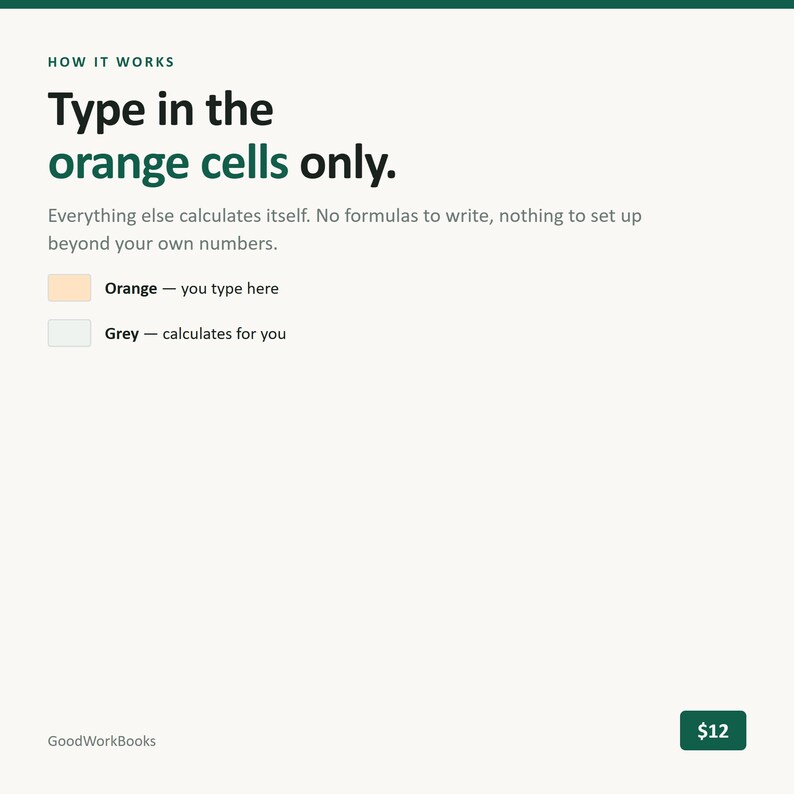
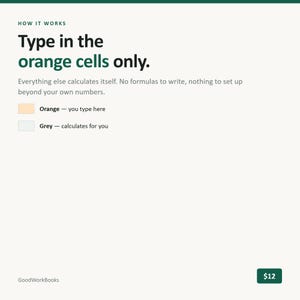
Type only in the orange cells. Everything else is a formula. Nothing is locked, so you can customize freely — and if you break something, re-copy a fresh file from your link any time. Your link doesn't expire.
GET ALL FOUR TOOLS
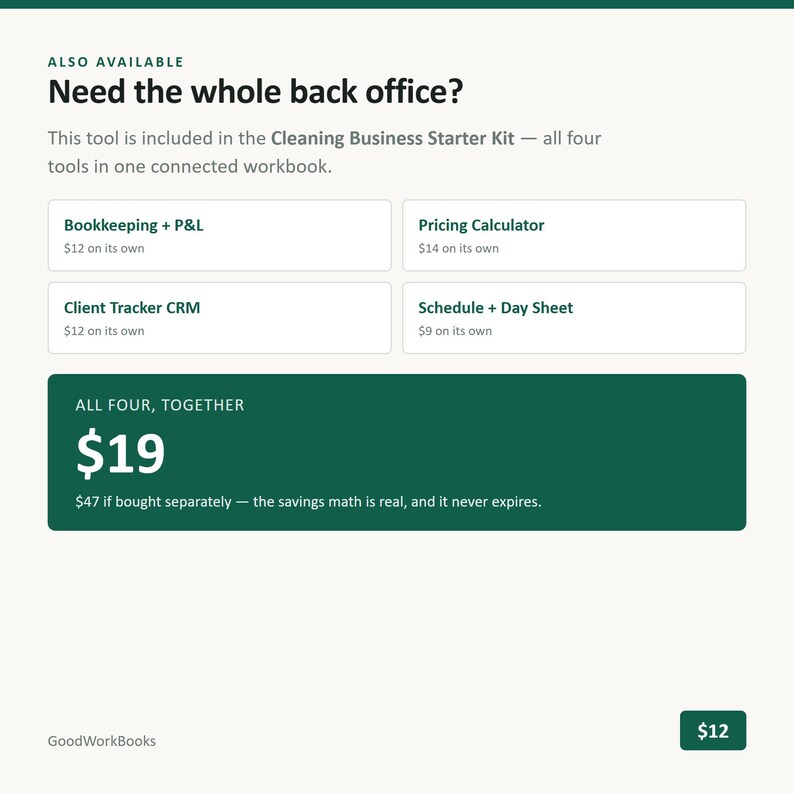
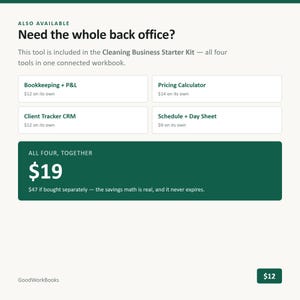
This tool is also included in the $19 Cleaning Business Starter Kit — all 4 tools, $47 separately.
SUPPORT
Message me on Etsy or email goodworkbookshq [!at] gmail.com. I answer within 24 hours, every message, and I'd much rather fix something for you than have you sit there stuck.
These workbooks are hand-designed and formula-tested by me; AI tools assisted in building and checking the spreadsheet files.
Directe download
Je bestanden worden beschikbaar voor download zodra je betaling bevestigd is. Hier vertellen we je hoe dat moet.
Directe downloads kunnen niet geretourneerd, geruild of geannuleerd worden. Neem contact met de verkoper op als er problemen met jouw bestelling zijn.
Etsy's Aankoopbescherming
Shop met vertrouwen op Etsy wetende dat als er iets misgaat met een bestelling, dan helpen we je.
Lees hier de voorwaarden.

Meer uit deze shop
Shop bezoeken-
![Mystery Logic Grid Puzzle Book PDF, 45 Printable Whodunit Cases with Full Solutions, Murder at the Manor [Instant Download]](https://i.etsystatic.com/67775199/r/il/959a87/8538700280/il_340x270.8538700280_rtow.jpg)
Digitale download
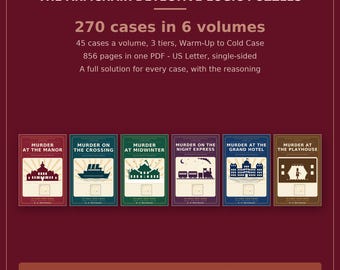
Mystery Logic Grid Puzzle Book PDF, 45 Printable Whodunit Cases with Full Solutions, Murder at the Manor [Instant Download]
€ 10,18
-
Digitale download
Bundel met logische rasterpuzzels voor de doe-het-zelver van je fauteuil, 270 printbare casussen (PDF-download)
€ 30,76
-
![Mysterieus logisch puzzelboek (PDF), 45 printbare moordzaken in een hotel aan zee, Moord in het Grand Hotel [PDF]](https://i.etsystatic.com/67775199/r/il/b5a061/8538748388/il_340x270.8538748388_5rw0.jpg)
Digitale download
Mysterieus logisch puzzelboek (PDF), 45 printbare moordzaken in een hotel aan zee, Moord in het Grand Hotel [PDF]
€ 10,18
-
Digitale download
Calculator voor offertes voor commerciële schoonmaakdiensten, sjabloon voor schoonmaakprijsberekeningen (Google Sheets & Excel)
€ 14,98
Laat als eerste een recensie achter
-
Digitale download
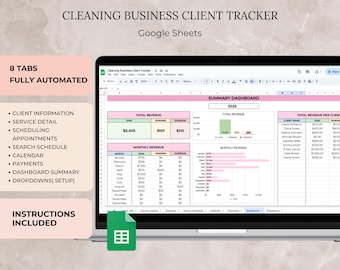
Cleaning Business Client Tracker Google Spreadsheet Template, Cleaning Services Appointment Tracker Clients Payments Tracker Spreadsheet CRM
Aanbiedingsprijs € 5,85
Oorspronkelijke prijs € 7,30
-
Digitale download
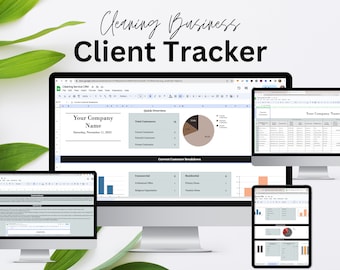
CRM-sjabloon Google Spreadsheets Bedrijfssjablonen voor schoonmaak CRM-spreadsheetsjabloon Schoonmaakservice Client Tracker CRM-dashboard voor kleine bedrijven
€ 19,09
-
Digitale download
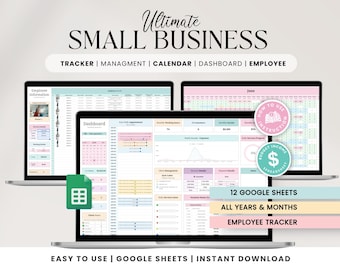
Small Business Tracker: CRM-dashboard voor klantbeheer (Google Spreadsheets)
Aanbiedingsprijs € 12,70
Oorspronkelijke prijs € 16,94
-
Digitale download
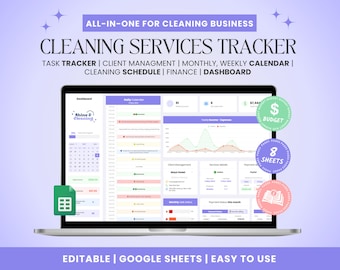
Business-CRM opruimen: Google Spreadsheets-sjabloon voor client- en taaktracker
Aanbiedingsprijs € 10,89
Oorspronkelijke prijs € 14,52
-
Digitale download
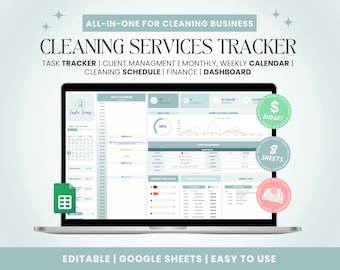
Business-CRM opruimen: Google Spreadsheets-sjabloon voor client- en taaktracker
Aanbiedingsprijs € 10,89
Oorspronkelijke prijs € 14,52
-
Digitale download
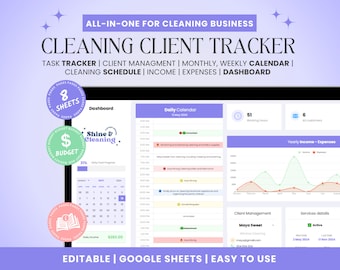
Business-CRM opruimen: Google-spreadsheet voor klanten- en takentracker
Aanbiedingsprijs € 10,89
Oorspronkelijke prijs € 14,52
-
Digitale download
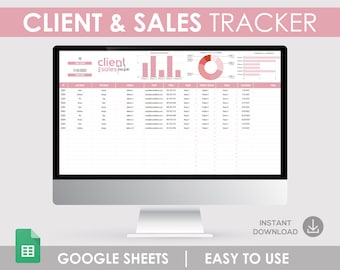
Google Spreadsheets CRM-sjabloon, klant- en verkooptracker (digitale download)
€ 4,48
-
Digitale download
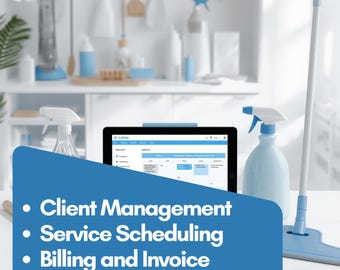
Pakket voor schoonmaakbedrijven: budgettering, taakplanner, klantenbeheer, planningskalender, facturering, sjablonen voor apparatuur (Excel, Google Sheets)
€ 13,42
-
Digitale download
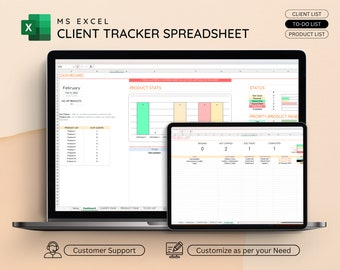
Client Tracker Excel Sheet, CRM-sjabloon, Client Database Spreadsheet, Lead Tracker, Small Business Planner
Aanbiedingsprijs € 3,27
Oorspronkelijke prijs € 5,94
-
Digitale download
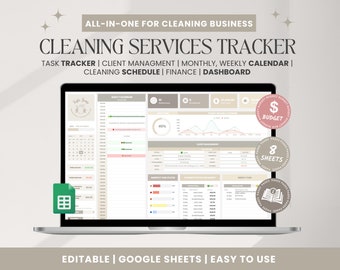
Schoonmaakbedrijf CRM: Google Spreadsheets-sjabloon voor client- en taaktracker (digitale download)
Aanbiedingsprijs € 10,89
Oorspronkelijke prijs € 14,52
-
Digitale download
Spreadsheet klantentracker, sjabloon voor kleine bedrijven, klantenplanner, klantenlijst Google Spreadsheets, klant-CRM, klantbeheer
€ 3,43
-
Digitale download
Excel CRM-systeem | Klanten- en leadbeheer | Verkooppijplijn volgen | MKB
Aanbiedingsprijs € 10,05
Oorspronkelijke prijs € 16,75
Populair bij shoppers met een vergelijkbare stijl
-

Digitale download
Afdrukbaar winst- en verliesformulier | Sjabloon voor winst- en verliesrekening | Winst- en verliessjabloon voor kleine bedrijven | Formulier resultatenrekening
€ 3,36
-
Digitale download
Sjabloon voor winst en verlies voor kleine bedrijven: Excel-spreadsheets en Google Spreadsheets | Resultatenrekening | 100% bewerkbaar | 8 kleuren | Meerdere valuta's
€ 2,24
-
Digitale download
Spreadsheet voor de boekhouding van kleine bedrijven, Google Sheets inkomsten- en uitgaventracker met bonustips voor gewoontes
Aanbiedingsprijs € 1,85
Oorspronkelijke prijs € 3,35
-
Digitale download
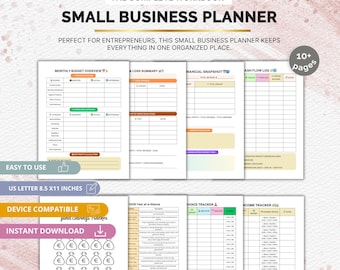
PDF financiële planner voor kleine bedrijven: afdrukbare inkomsten-uitgaventracker
€ 4,85
-
Digitale download
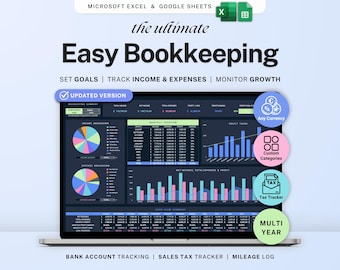
Small business bookkeeping Google Sheets Dark Mode Income Expense Tracker Freelancer Tax Planner Profit Loss Spreadsheet 1099 Mileage Log
Aanbiedingsprijs € 7,85
Oorspronkelijke prijs € 15,71
-
Digitale download
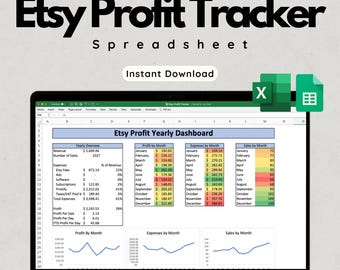
Etsy Profit Tracker-spreadsheet - Microsoft Excel en Google Spreadsheets - Print on Demand POD Finance Tracker, prijscalculator, kleine bedrijven
Aanbiedingsprijs € 2,67
Oorspronkelijke prijs € 4,46
-
Digitale download
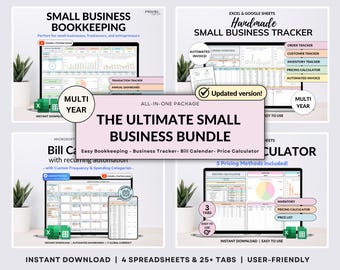
Small Business Bundle Bookkeeping Inventory Tracker Order Tracker Product Handmade Pricing Calculator Smart Bill Calendar Google Sheet Excel
Aanbiedingsprijs € 15,77
Oorspronkelijke prijs € 31,54
-
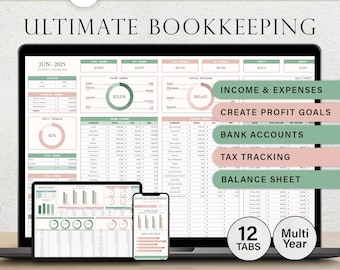
Digitale download
Boekhoudspreadsheet voor kleine bedrijven, boekhouding in Google Sheets, boekhoudsjabloon, eenvoudige boekhouding, inkomsten en uitgaven, winst en verlies.
Aanbiedingsprijs € 5,61
Oorspronkelijke prijs € 11,22
-
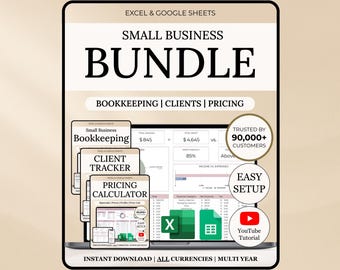
Digitale download
Bundel voor kleine bedrijven Boekhoudspreadsheet Clienttracker CRM Excel-sjabloon Google Spreadsheets Budgettracker Prijscalculator Freelancer
Aanbiedingsprijs € 14,58
Oorspronkelijke prijs € 36,43
-
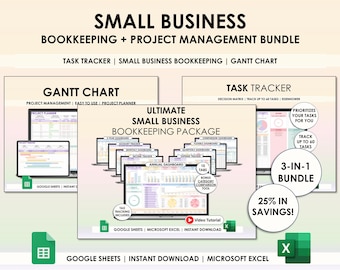
Digitale download
Spreadsheetplanner kleine bedrijven Google Spreadsheets Excel Projectbeheer Taaktracker Gantt-diagram Boekhoudsjabloonbundel
Aanbiedingsprijs € 10,49
Oorspronkelijke prijs € 26,22
-
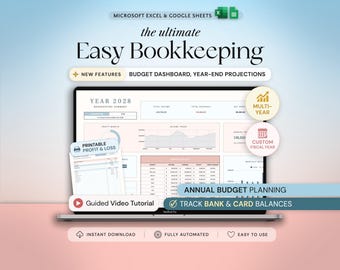
Digitale download
Small Business Bookkeeping Template Excel Bookkeeping Spreadsheet Business Expense Tracker Sales Tracker Accounting Template Income Tracker
Aanbiedingsprijs € 11,17
Oorspronkelijke prijs € 15,96
-
Digitale download
Small Business Bundle Inventory Tracker Excel Pricing Calculator for Handmade Business Bookkeeping Spreadsheet Client Invoice Google Sheets
Aanbiedingsprijs € 16,84
Oorspronkelijke prijs € 33,68


