



Homeschool Transcript and GPA Tracker Google Sheets
Precio:MX$252.01
Estos son los casos aptos:
- Tu pedido no coincide con la descripción o las fotos del artículo
- Tu artículo llegó dañado
- Tu artículo llegó después de la fecha de llegada estimada.
- Tu artículo no llegó o se perdió en tránsito
Solo puedes hacer una oferta por compras de un único artículo
Puntos destacables
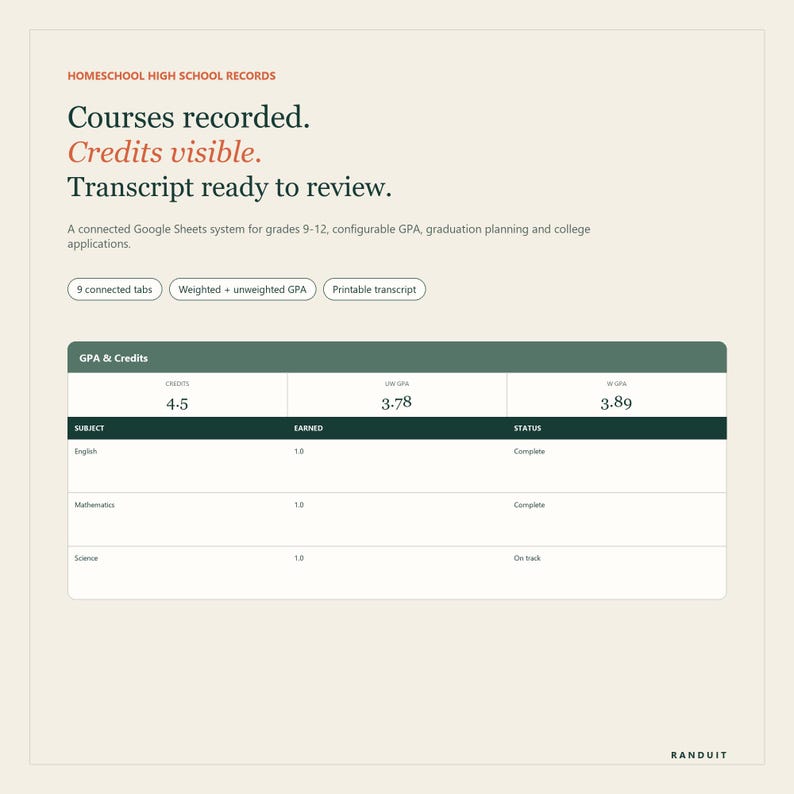
Create a clear homeschool transcript while tracking credits, weighted GPA, graduation progress and college applications in Google Sheets.
AT A GLANCE
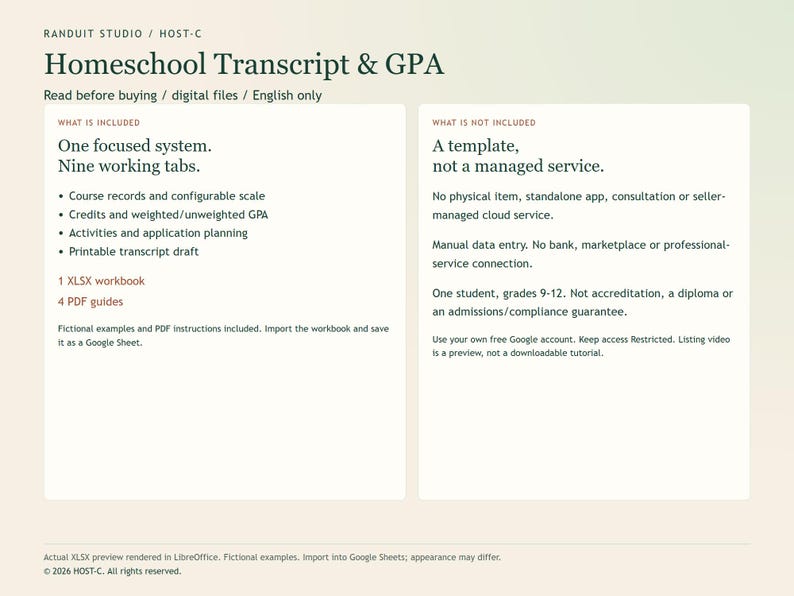
English only. Instant digital download: 1 Google Sheets-ready XLSX workbook with 9 tabs + 4 PDF guides. Import the XLSX into Google Sheets and save a private Google Sheets copy. A free Google account is recommended.
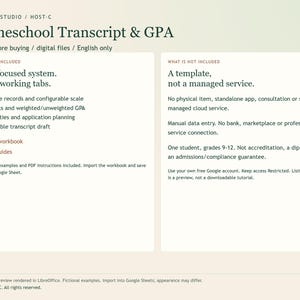
Digital files only: no physical item, standalone app, consultation or seller-managed cloud service.
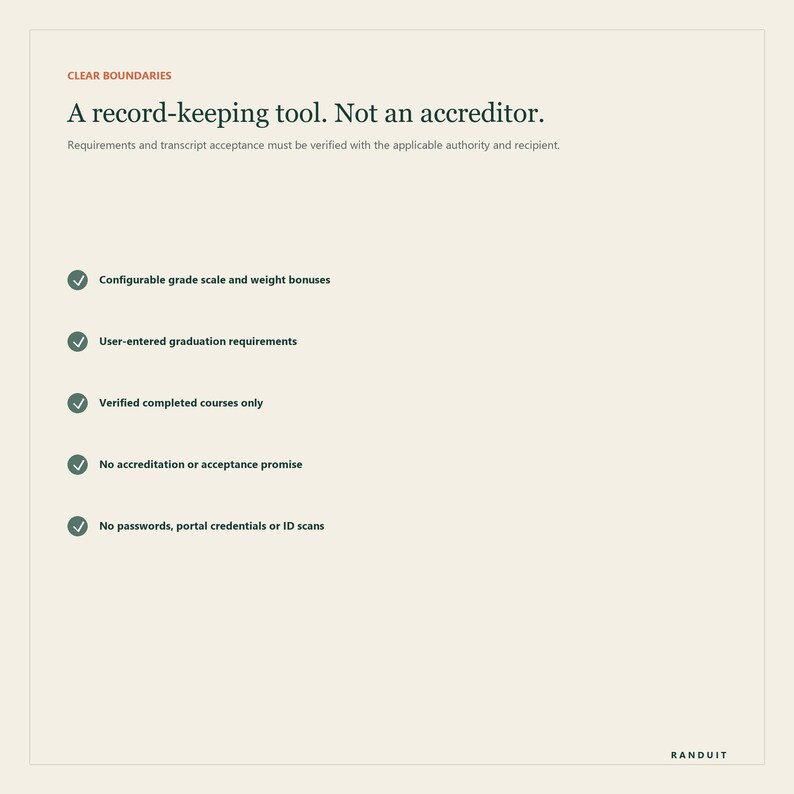
One student, grades 9-12. Not accreditation, a diploma or an admissions/compliance guarantee.
HOW TO START
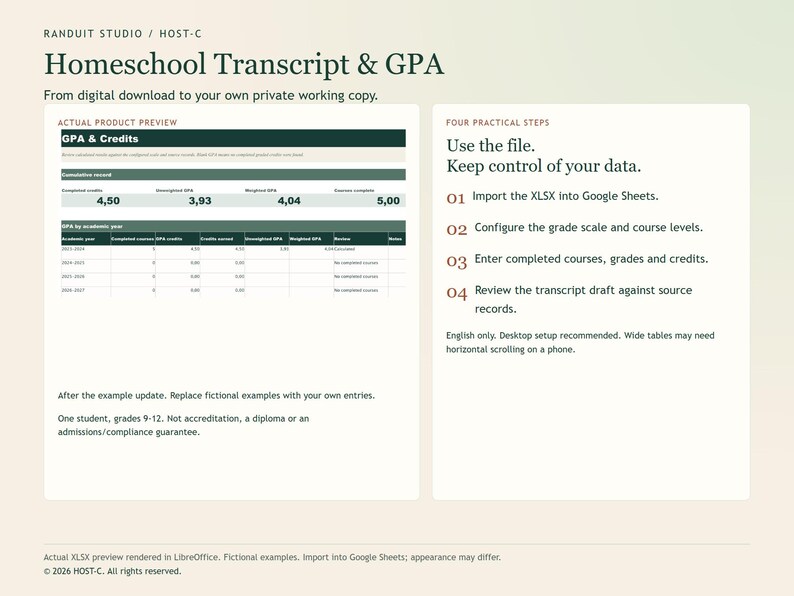
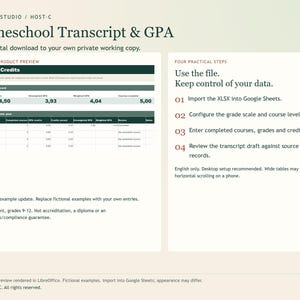
1. Import the XLSX into Google Sheets.
2. Configure the grade scale and course levels.
3. Enter completed courses, grades and credits.
4. Review the transcript draft against source records.
Keep Google Drive General access set to Restricted and invite only authorized people. Desktop setup is recommended; wide tables can require horizontal scrolling on a phone.
WATCH THE PRODUCT PREVIEW
The listing video shows actual workbook previews with fictional data: Update a fictional final grade. The configured GPA recalculates. Previews are rendered in LibreOffice from copies of the delivered XLSX, not recorded in Google Sheets. Appearance may differ after import.
Turn scattered high-school records into one clear, connected system. Homeschool Transcript & College Prep System is a Google Sheets-ready workbook for families who need to organize grades 9-12 courses, calculate weighted and unweighted GPA from a configurable scale, monitor credits, keep optional attendance records and prepare a clean transcript draft for review.
It is designed for the important work between keeping records and sending applications: one source table for courses, transparent calculations you can inspect, visible credit gaps and a separate application tracker with deadlines and next actions.
WHAT YOU RECEIVE
- Google Sheets-ready XLSX workbook with 9 connected tabs
- Configurable letter-grade scale and course-level weight bonuses
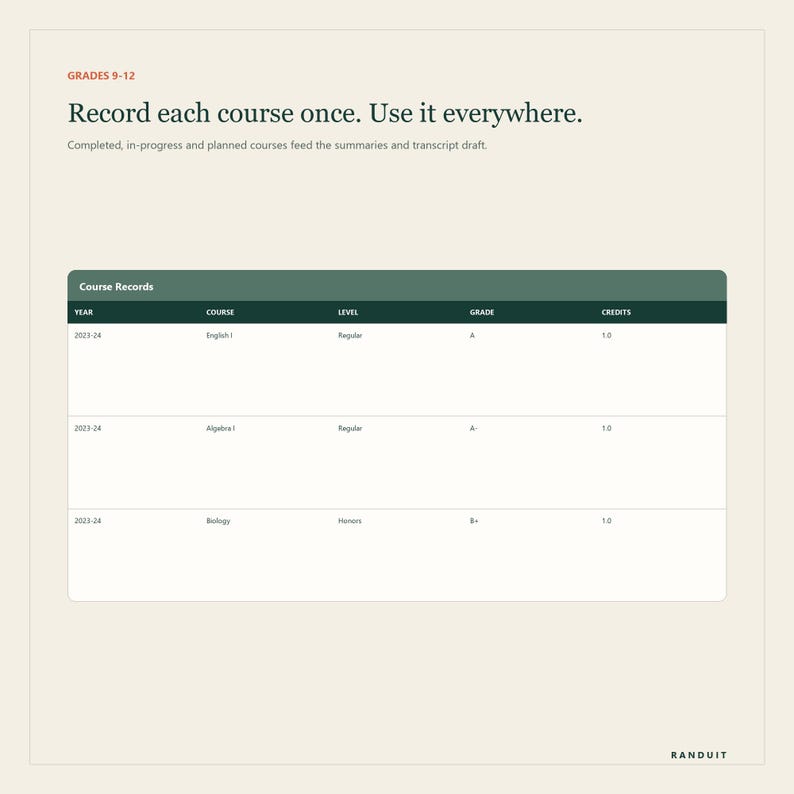
- Course Records table for completed, in-progress and planned courses
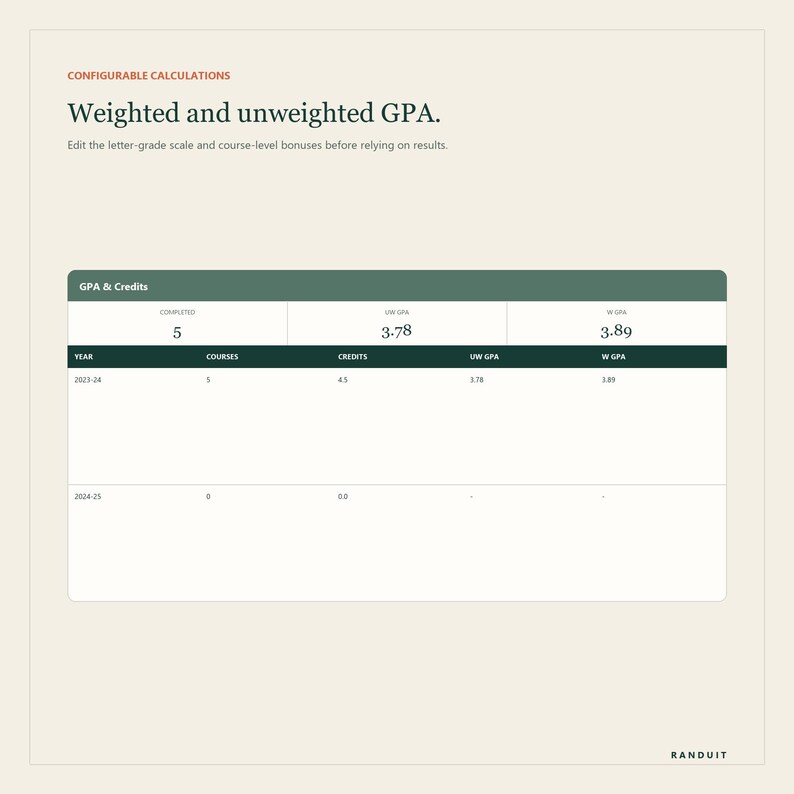
- Automatic cumulative and academic-year GPA calculations
- Weighted and unweighted GPA shown separately
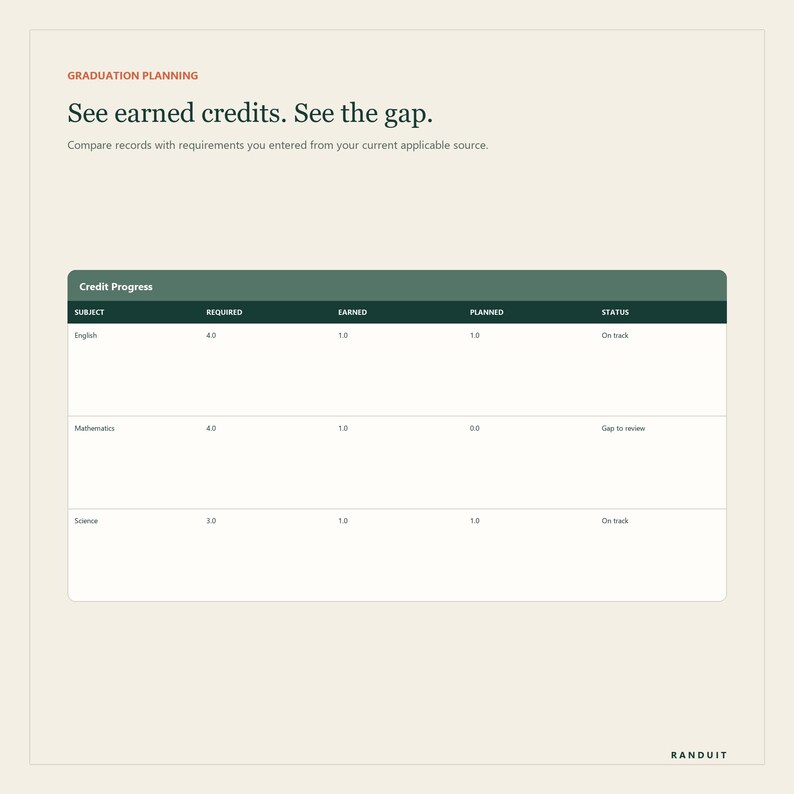
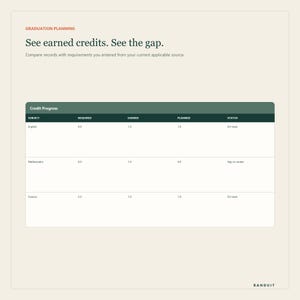
- Earned, planned and remaining credit view by subject area
- Optional attendance and instructional-hours log
- Activities, service, work, leadership and awards organizer
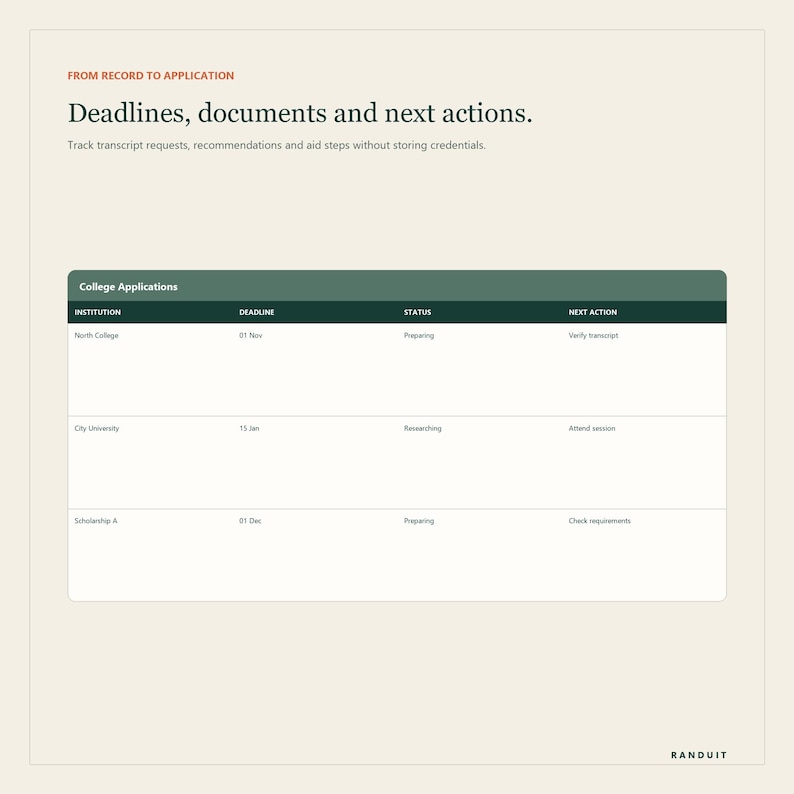
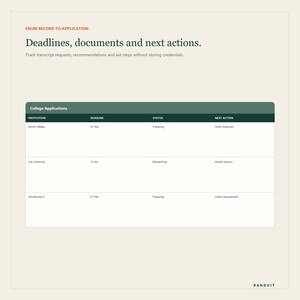
- College application, transcript request and recommendation tracker
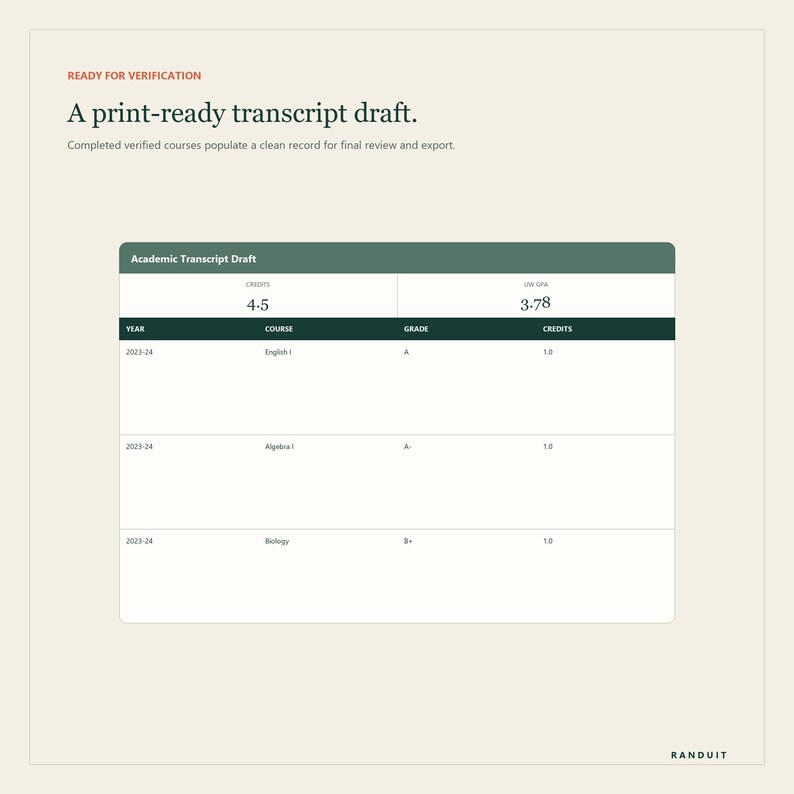
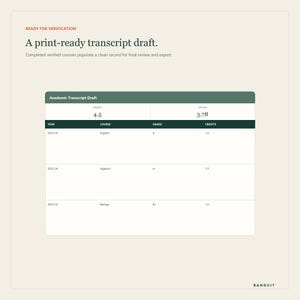
- Print-ready transcript draft populated from completed verified courses
- Fictional example records that show the complete workflow
- Four PDF guides: Quick Start, Transcript Review Checklist, College Application Weekly Check-In, and Google Sheets Privacy & Scope
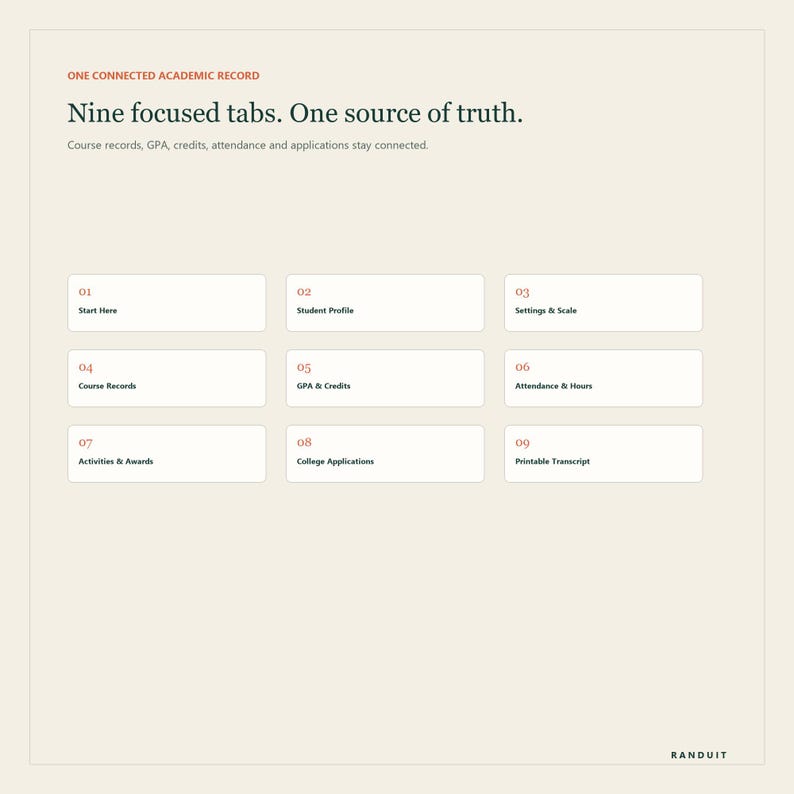
THE NINE TABS
1. Start Here - setup sequence, workflow and important product boundaries.
2. Student Profile - student, homeschool/program and transcript-facing information.
3. Settings & Scale - editable letter-grade points, course-level bonuses and user-entered graduation requirements.
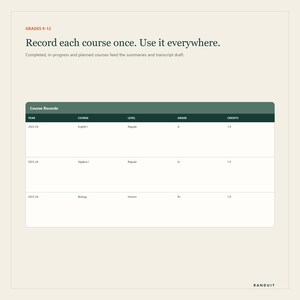
4. Course Records - the central table for course title, year, term, subject, provider, level, status, final grade and credits.
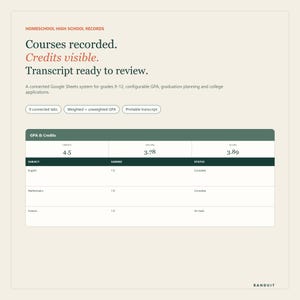
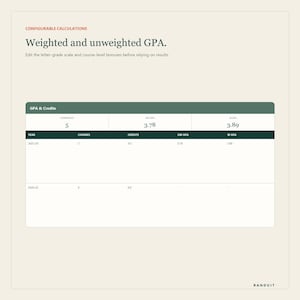
5. GPA & Credits - cumulative and yearly GPA plus subject-area credit progress.
6. Attendance & Hours - an optional daily record when your program requires attendance days or instructional hours.
7. Activities & Awards - activities, service, work, leadership, certifications, projects and awards.
8. College Applications - institutions, deadlines, status, transcript requests, recommendations, aid steps and next actions.
9. Printable Transcript - a clean draft generated from completed courses marked for inclusion.
HOW GPA CALCULATION WORKS
The workbook includes an editable example grading scale and editable course-level bonuses. For a completed course, the selected final letter grade is matched to the unweighted point value. The selected course level supplies the configured bonus. Each value is multiplied by GPA credits, then the workbook calculates separate weighted and unweighted averages.
The included scale and bonuses are examples, not universal rules. Review and replace them before relying on any result. If a grade or level is not mapped, the workbook displays a check message rather than silently guessing.
HOW THE TRANSCRIPT DRAFT WORKS
Enter each course once in Course Records. Only courses with status Complete and Include on transcript set to Yes populate the Printable Transcript tab. The draft shows academic year, grade level, term, course title, course level, final grade and credits, followed by total earned credits and GPA results.
Before sending or exporting, compare every line with the source records and verify whether the recipient requires a particular format, signature, seal, school profile, course description, delivery method or supporting document.
WHAT YOU ENTER MANUALLY
- Student and homeschool/program details
- The grading scale and course-level bonus rules you actually use
- Applicable graduation credit requirements and their current source
- Course names, grades, credits and supporting source labels
- Attendance or hours only when relevant
- Application deadlines and document statuses from official institution instructions
IMPORTANT SCOPE
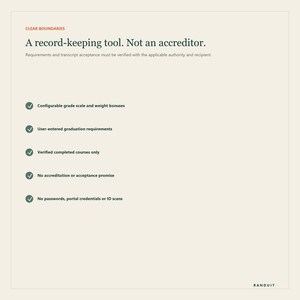
This is a record-keeping, calculation and planning template. It is not a school, diploma program, accreditation service, counselor, admissions service or legal-advice product. It does not certify graduation, establish compliance, verify course rigor or guarantee that a transcript will be accepted.
Requirements for homeschooling, credits, grading, attendance, signatures and transcript submission vary by location, program and recipient. The buyer is responsible for checking current requirements with the applicable authority, umbrella school, program and target institution.
PRIVACY
Keep Google Drive General access set to Restricted. Do not store passwords, portal credentials, government identifiers, financial-aid identifiers, payment information or identity-document scans. Maintain supporting academic records separately and share only with people who need access.
COMPATIBILITY AND DELIVERY
- Instant digital download; no physical item is shipped
- Designed for Google Sheets; a free Google account is recommended
- Delivered as XLSX plus four PDF guides
- Modern Microsoft Excel can open the workbook, but layout and formula behavior should be checked after import
- Google Sheets features, fonts, print layout and mobile display can vary by device
- Workbook and guides are in English
PERSONAL-USE LICENSE
One purchase is for one household/student record. Files may not be resold, redistributed, shared as a template, sublicensed or used to create a competing product.
FREQUENTLY ASKED QUESTIONS
Does it create an official transcript?
It creates a structured transcript draft from the records you enter. The responsible parent or administrator must verify the information and add any recipient-specific elements before issue.
Does it know my state's homeschool requirements?
No. Requirements change and vary by location and program. You enter the requirements from your current applicable source, and the workbook compares them with your course records.
Can I change the GPA scale?
Yes. Letter-grade points and course-level bonuses are editable. The calculations use your configured values.
Does it support weighted and unweighted GPA?
Yes. They are calculated and displayed separately.
Can I track several students in one workbook?
This version is intentionally designed for one student so the transcript and summaries stay clear. Make a separate private copy for each additional student.
Can I use it only for college applications?
Yes. The College Applications tab can track deadlines, transcript requests, recommendation status, aid steps, scholarship deadlines and next actions.
© 2026 HOST-C. All rights reserved. Personal-use license only.
Descarga inmediata
Los archivos estarán disponibles para descargar una vez que se confirme el pago. Sigue estas instrucciones.
No se admiten cambios, devoluciones ni cancelaciones de los artículos de descarga inmediata. Ponte en contacto con el vendedor si tienes algún problema con tu pedido.
Protección de compras de Etsy
Compra con confianza en Etsy sabiendo que estamos a tu lado si surge un problema con un pedido que reúne los requisitos.
Consulta las condiciones del programa


Más artículos de esta tienda
Visitar tienda-
Descarga digital
IEP and 504 Parent Tracker Google Sheets
MX$252.01
-

Descarga digital
Hojas de cálculo de Google para la organización de la limpieza del hogar de los padres y de los hermanos
MX$252.01
-
Descarga digital
Plantillas de códigos QR editables: Menú, cartel de Wi-Fi y tarjeta de visita (EN/RO)
MX$173.95
-
Descarga digital
Hoja de cálculo de Google para la planificación del alta hospitalaria y la atención familiar
MX$252.01
Escribe la primera reseña
-
Descarga digital
Plantilla imprimible para expediente académico de educación en casa / Hojas de cálculo editables de Google
MX$337.12
-
Descarga digital
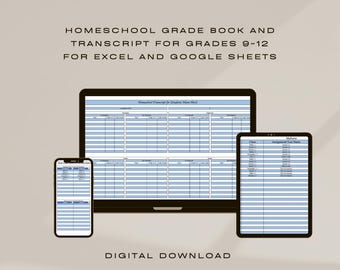
Libro de calificaciones y expediente académico digital para educación en el hogar de 9.º a 12.º grado en Excel y Google Sheets
MX$224.74
-
Descarga digital
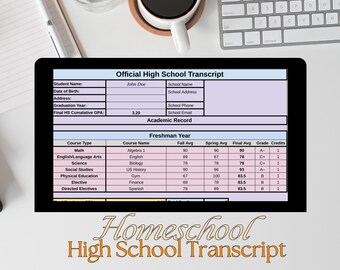
Transcripción de la escuela en casa, plantilla de graduación de la escuela secundaria, planificador de educación en casa, boleta de calificaciones personalizable, hojas de cálculo de Google para rellenar e imprimir
MX$314.45
-
Descarga digital
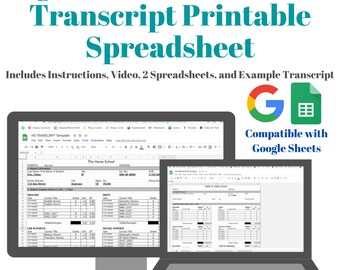
Transcripción de la escuela secundaria en casa / Hojas de cálculo de Google editables e imprimibles
MX$337.12
-

Descarga digital
Plantilla editable para expediente académico de bachillerato, Google Sheets (descarga instantánea)
MX$269.69
-
Descarga digital
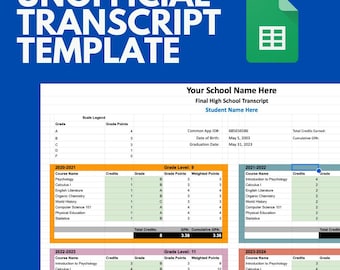
Plantilla oficial de expediente académico para educación en el hogar de la escuela secundaria profesional / Créditos de transferencia de doble titulación (Google Sheets, no oficial)
MX$337.12
-

Descarga digital
Plantilla editable para expediente académico de bachillerato, Google Sheets (descarga digital)
MX$337.12
-
Descarga digital
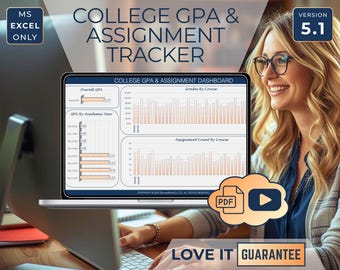
College GPA Tracker Spreadsheet Excel, Assignment & Grade Calculator, College Study Planner, Course Assignment Planner, Academic Organizer
MX$808.88
-

Descarga digital
Plantillas de libro de calificaciones, informes de progreso y expediente académico para educación en casa / Hoja de cálculo de Excel / Descarga instantánea
MX$168.36
-

Descarga digital
Planificador académico definitivo: Calculadora de promedio, seguimiento de tareas (descarga digital)
MX$337.12
-

Descarga digital
Homeschool Planner Gradebook Excel Template: All Grades, High School Transcript (Digital Download)
MX$561.67
-
Descarga digital
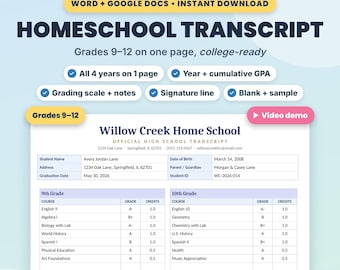
Plantilla de expediente académico para educación en el hogar con promedio de calificaciones y créditos, editable en Word y Google Docs.
Precio en oferta MX$134.65
Precio original MX$179.60
A los compradores con gustos similares les han gustado estos artículos
-
Descarga digital
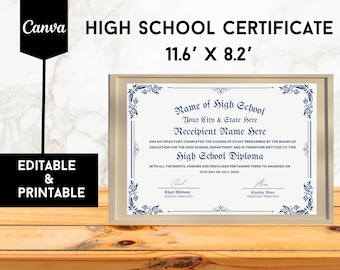
Plantilla de diploma de secundaria imprimible: Certificado editable (descarga digital)
Precio en oferta MX$33.52
Precio original MX$67.23
-

Descarga digital
Plantilla de diploma de escuela secundaria imprimible, Diploma de escuela en casa, Diploma de escuela secundaria, Plantilla de réplica de diploma, Descarga instantánea
MX$89.90
-

Descarga digital
Plantilla de diploma de secundaria, diploma imprimible y editable para educación en casa, diploma personalizable, diploma de equivalencia general, diploma de graduación
Precio en oferta MX$179.79
Precio original MX$224.74
-

Descarga digital
Diploma preescolar editable con foto, certificado de graduación, letrero escolar personalizado, letrero imprimible de 8x10, plantilla de grado de PreK, Corjl
MX$89.70
-

Descarga digital
Diploma de escuela secundaria, Diploma de educación en el hogar, Plantilla editable, Certificado imprimible, Diploma con sello, Diploma de réplica, Plantilla Canva
MX$89.90
-

Descarga digital
Plantilla editable de diploma de secundaria – Certificado de graduación imprimible – Compatible con Canva – Descarga instantánea
MX$63.52
-

Descarga digital
Diploma de bachillerato 2025, Diploma de educación en casa editable, Plantilla de diploma imprimible, Diploma personalizable, Diploma de equivalencia general
Precio en oferta MX$179.79
Precio original MX$224.74
-

Descarga digital
Plantilla imprimible para diploma GED, certificado de título universitario, diploma de equivalencia escolar, réplica de diploma editable en Canva, certificado de diploma.
Precio en oferta MX$24.22
Precio original MX$60.41
-

Descarga digital
Plantilla de diploma de posgrado en arte, diploma de artista maestro, certificado de Canva imprimible, diploma de escuela en casa imprimible, premio de la Academia de Arte
Precio en oferta MX$71.62
Precio original MX$95.49
-
Descarga digital
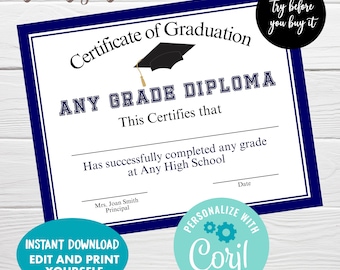
Editable Certificate of Graduation, Instant Download, Any Grade Graduation Diploma, Achievement Certificate Template
MX$179.80
-

Descarga digital
Diploma de escuela secundaria, plantilla de diploma, diploma de educación en el hogar editable en Canva, plantilla de diploma de graduación, diploma de escuela secundaria falso imprimible
Precio en oferta MX$111.79
Precio original MX$223.78
-

Descarga digital
Paquete de figuras de la línea de tiempo de la historia mundial / Imprimible para educación en casa (PDF)
MX$494.44


