

Precio:8,81 €
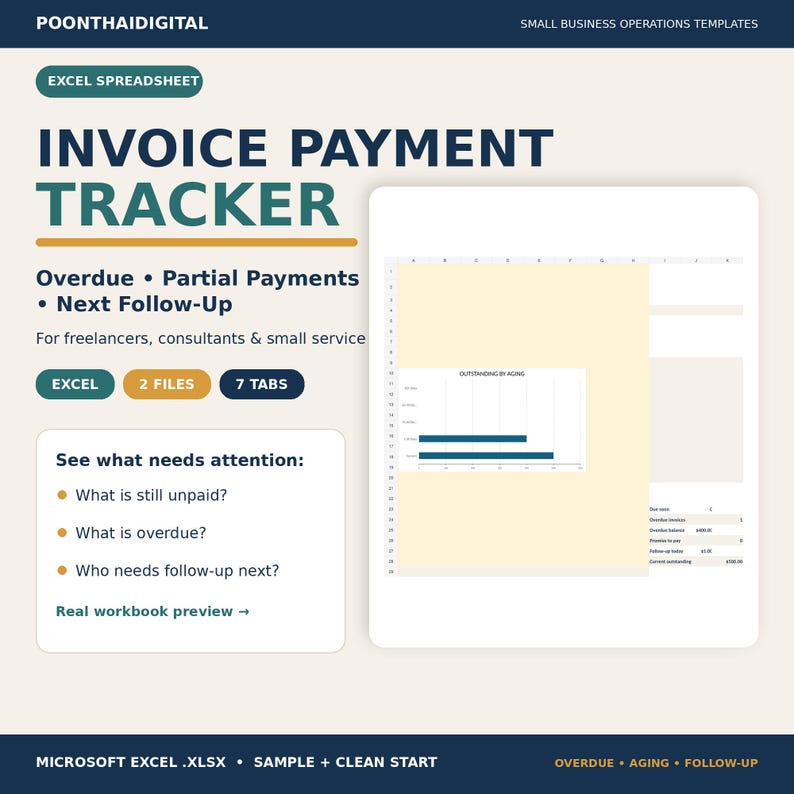
Invoice Payment Tracker Excel | Accounts Receivable Aging & Follow-Up Spreadsheet for Small Business
Estos son los casos aptos:
- Tu pedido no coincide con la descripción o las fotos del artículo
- Tu artículo llegó dañado
- Tu artículo llegó después de la fecha de llegada estimada.
- Tu artículo no llegó o se perdió en tránsito
Solo puedes hacer una oferta por compras de un único artículo
Puntos destacables
Keep invoices, payments, overdue balances, and follow-up actions in one practical Excel workflow.
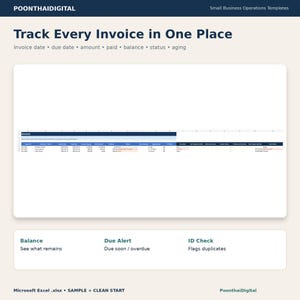
This Invoice Payment Tracker is an Excel spreadsheet for freelancers, consultants, independent service providers, and small service businesses that need a clearer way to monitor accounts receivable, partial payments, overdue invoices, aging, and the next follow-up action.
WHAT YOU RECEIVE
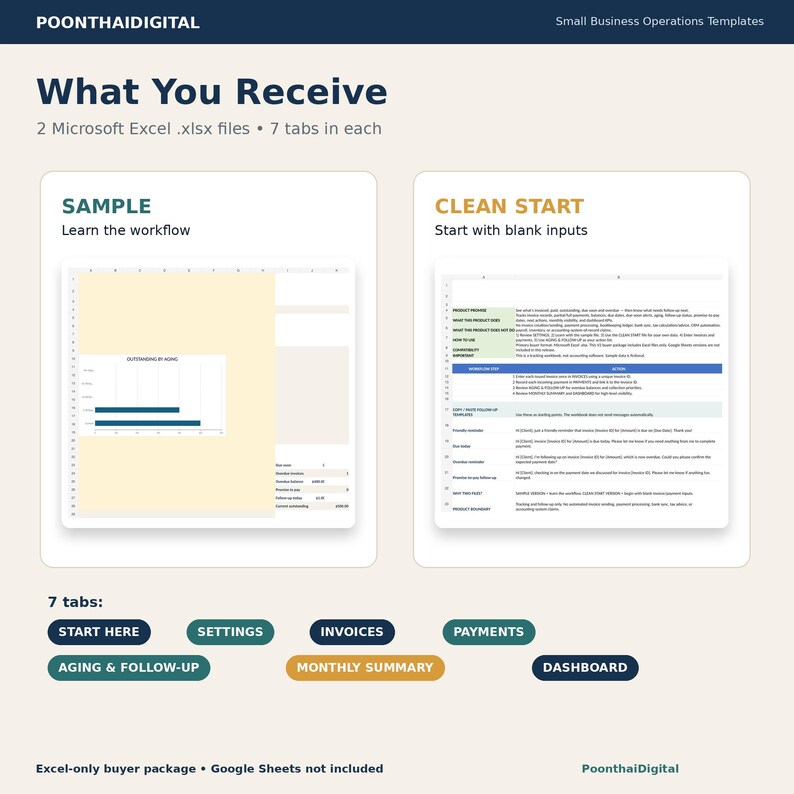
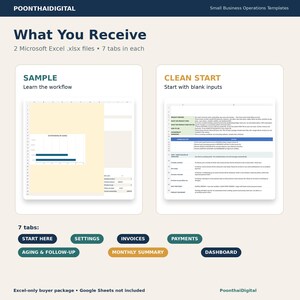
You receive 2 Microsoft Excel .xlsx files:
• SAMPLE — fictional example data so you can see how the workflow works
• CLEAN START — blank working file for your own invoice and payment records
Both files contain the same 7 tabs:
1. START HERE
2. SETTINGS
3. INVOICES
4. PAYMENTS
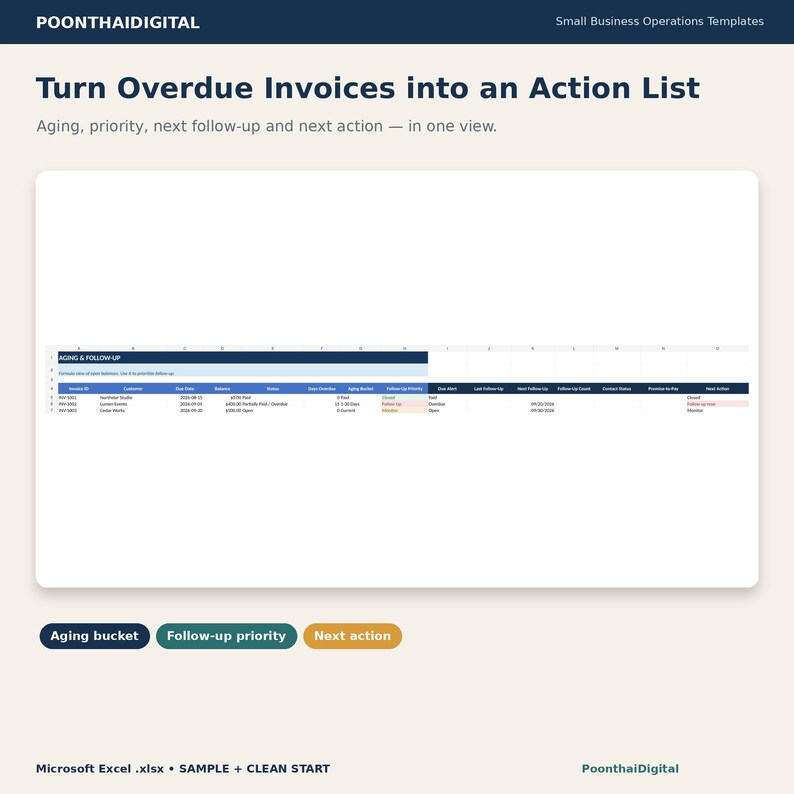
5. AGING & FOLLOW-UP
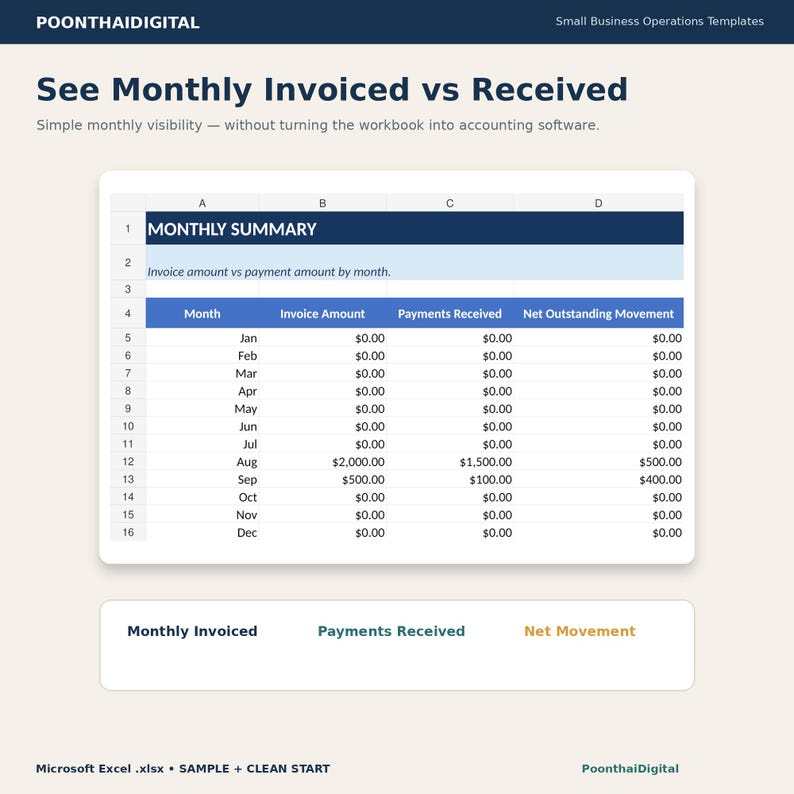
6. MONTHLY SUMMARY
7. DASHBOARD
WHAT THIS EXCEL TRACKER HELPS YOU DO
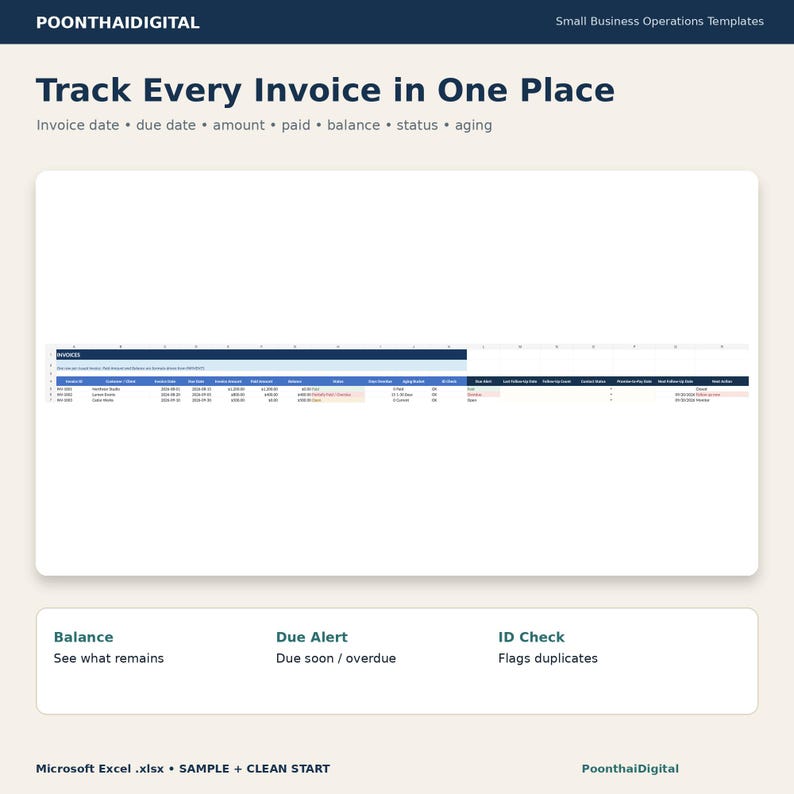
• Record invoice IDs, clients, invoice dates, due dates, and invoice amounts
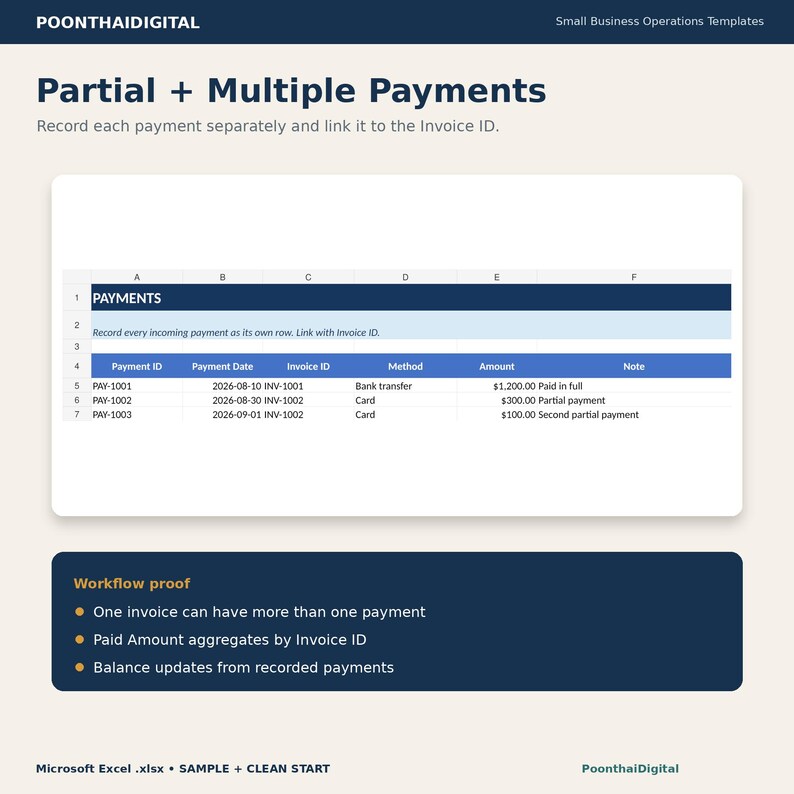
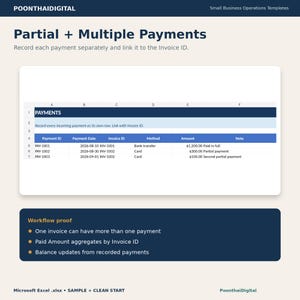
• Log payments separately by Invoice ID
• Track partial and full payments
• Calculate remaining balances
• See Open, Paid, Partially Paid, and Overdue status
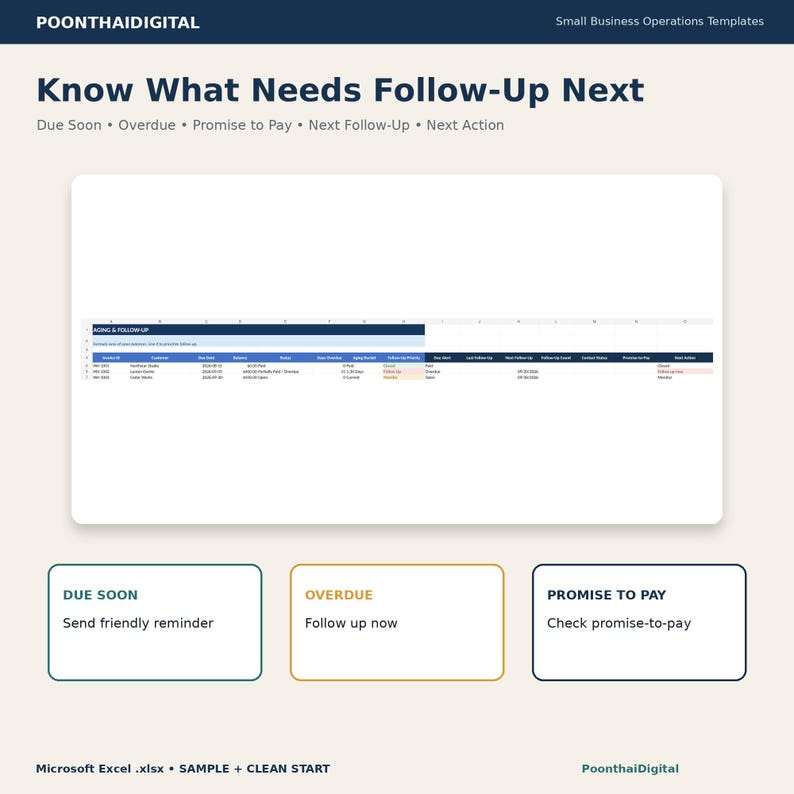
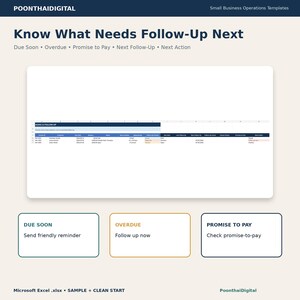
• See Due Soon, Due Today, and Overdue alerts
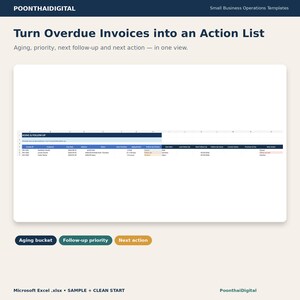
• Calculate days overdue and aging buckets
• Flag duplicate Invoice IDs
• Track last follow-up date and follow-up count
• Record contact status
• Record a promise-to-pay date
• Calculate the next follow-up date based on workbook logic
• Show next-action guidance
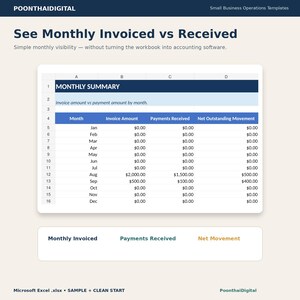
• Review monthly invoiced amounts and payments received
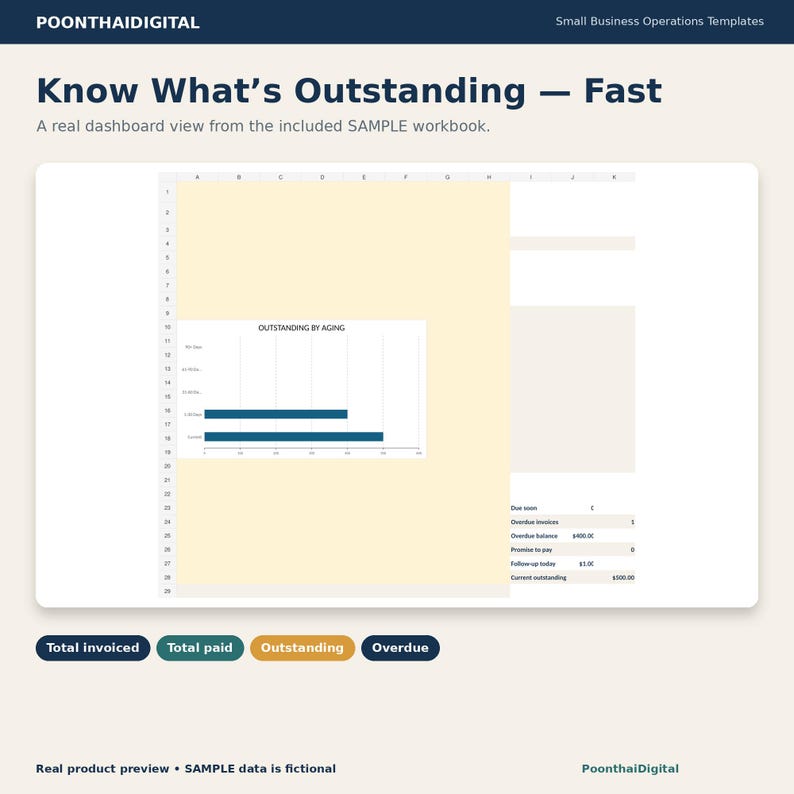
• Review dashboard KPIs for outstanding and overdue balances
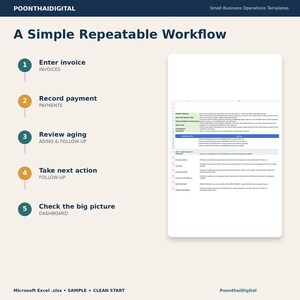
FOLLOW-UP WORKFLOW
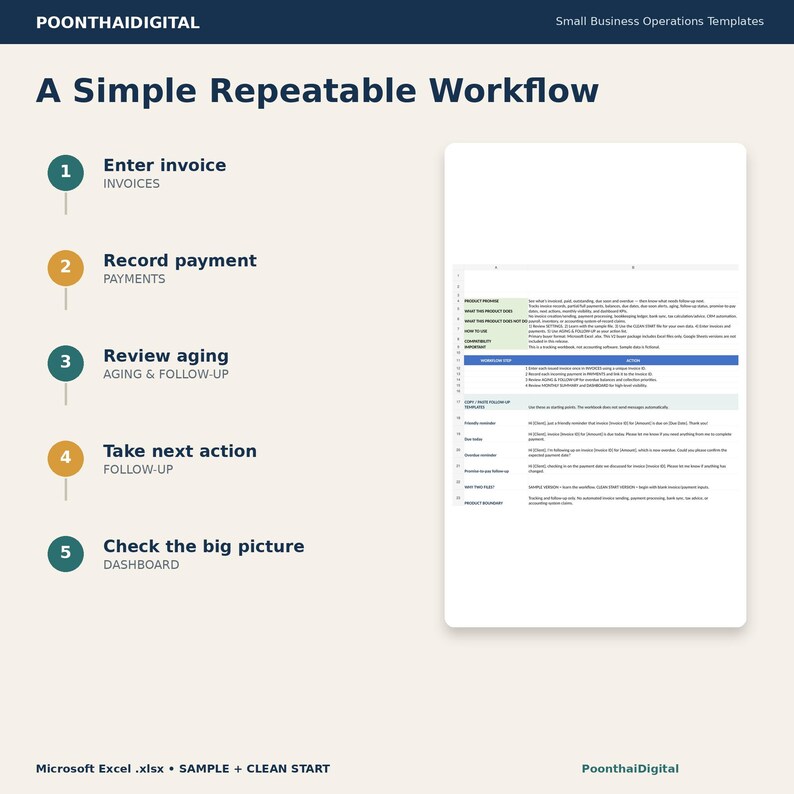
The workbook is designed to help you move from:
Invoice
→ Payment record
→ Remaining balance
→ Aging
→ Follow-up status
→ Promise-to-pay where applicable
→ Next follow-up date
→ Next action
→ Dashboard review
PARTIAL AND MULTIPLE PAYMENTS
Payments are recorded in a separate PAYMENTS tab and linked to the invoice by Invoice ID.
This lets the workbook total multiple payment records against the same invoice and calculate the remaining balance.
WHO THIS IS FOR
Designed for:
• Freelancers
• Consultants
• Independent service providers
• Small service businesses
• Solopreneurs
• Client-based businesses that invoice customers and manually track payments
MICROSOFT EXCEL COMPATIBILITY
Primary buyer format:
Microsoft Excel .xlsx
This V2 buyer package includes Excel files only.
Google Sheets files are not included in this release.
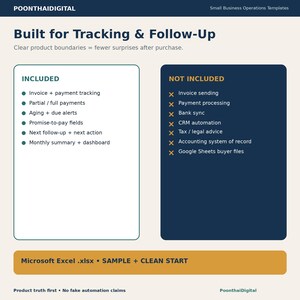
IMPORTANT PRODUCT BOUNDARIES
This is an operational tracking workbook.
It does not:
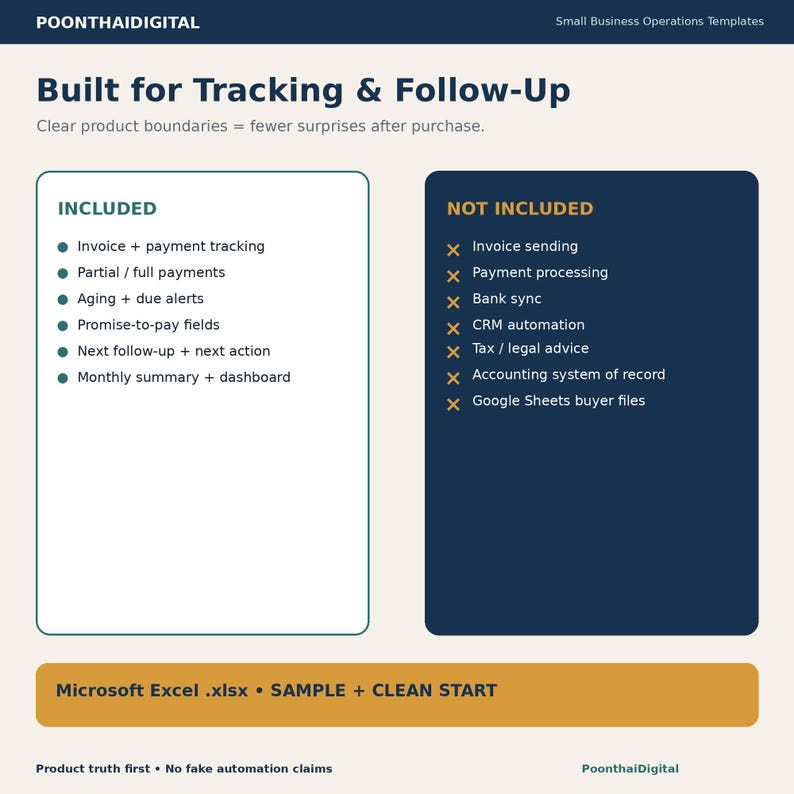
• Send invoices
• Send payment reminders automatically
• Process payments
• Connect to bank feeds
• Replace accounting or bookkeeping software
• Provide tax, legal, accounting, or collections advice
• Provide CRM automation
• Guarantee faster payment or collections results
Manual invoice and payment entry is required.
For best results, keep Invoice IDs consistent so payments link to the correct invoice.
DIGITAL PRODUCT
This is a digital product.
No physical item will be shipped.
Use the SAMPLE file first to understand the workflow, then keep the CLEAN START file as your working copy.
Descarga inmediata
Los archivos estarán disponibles para descargar una vez que se confirme el pago. Sigue estas instrucciones.
No se admiten cambios, devoluciones ni cancelaciones de los artículos de descarga inmediata. Ponte en contacto con el vendedor si tienes algún problema con tu pedido.
Protección de compras de Etsy
Compra con confianza en Etsy sabiendo que estamos a tu lado si surge un problema con un pedido que reúne los requisitos.
Consulta las condiciones del programa


