


NowPrice:₹ 1,612
Original Price: ₹ 2,149
25% off
Sale ends on 31 October
Interactive Spirit Board Stream Overlay, Horror Chat Widget (Digital Download)

Designed by Kacey
You can only make an offer when buying a single item.
Highlights
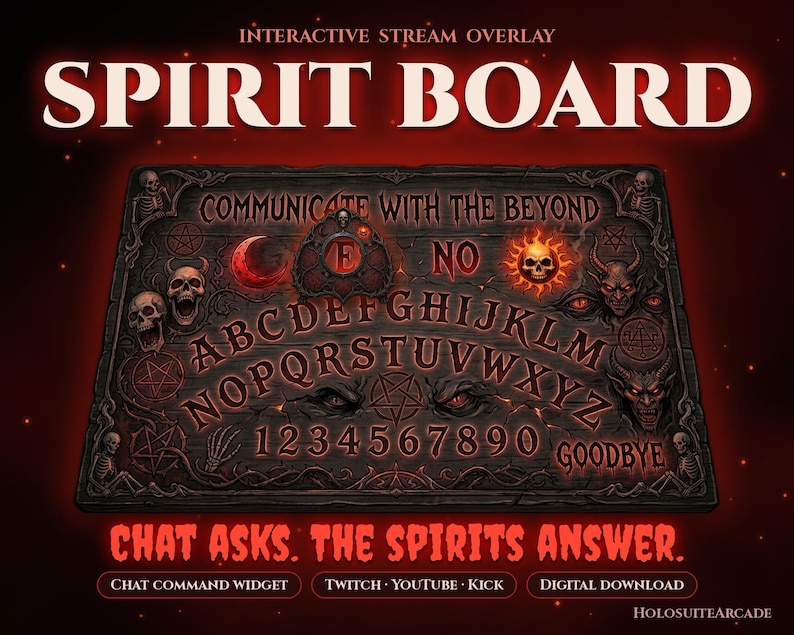
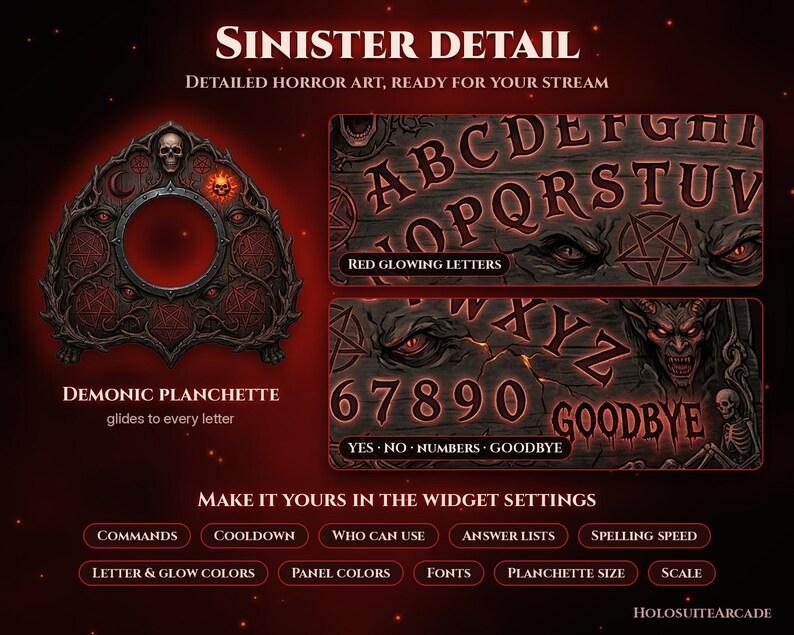
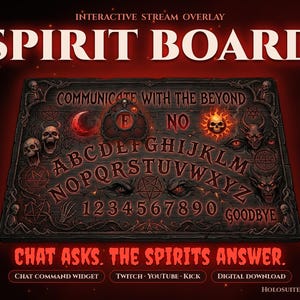
Evil Ouija Twitch overlay: an interactive spirit board stream widget for StreamElements. Chat types !ouija and a demonic planchette spells the answer live!
Bring a real séance to your horror stream. This blood-red spirit board lets your viewers ask the spirits anything, and your whole chat watches the answer appear letter by letter. Perfect for horror games, Halloween and spooky season streams, paranormal content and late-night chat hangouts.
🔮 WHAT IT DOES
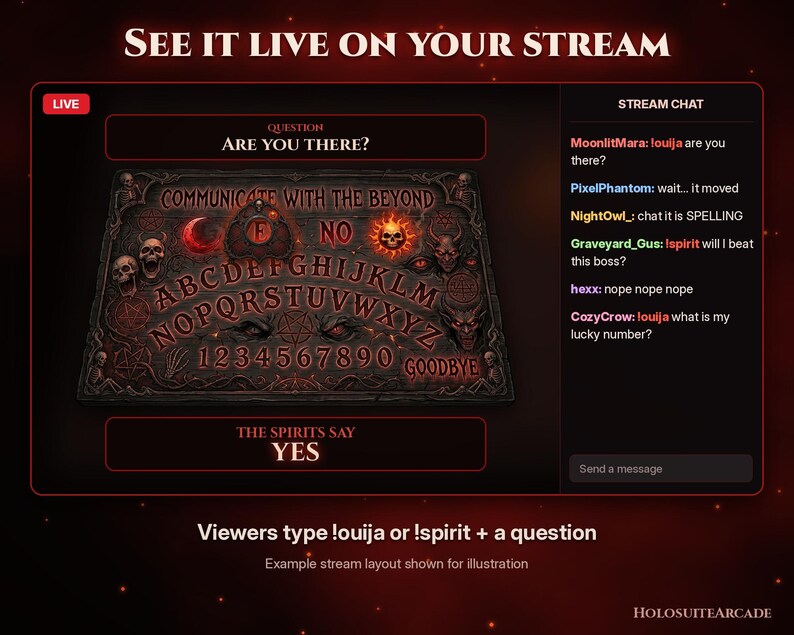
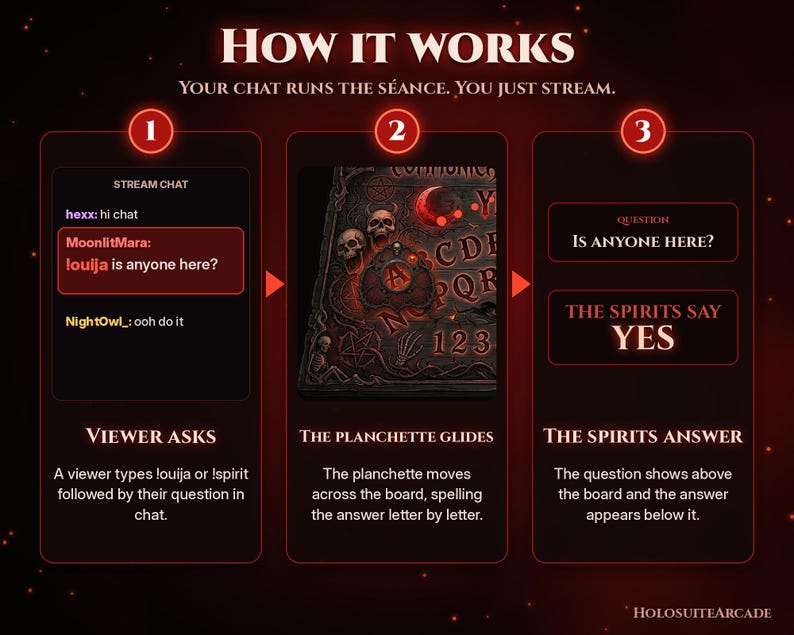
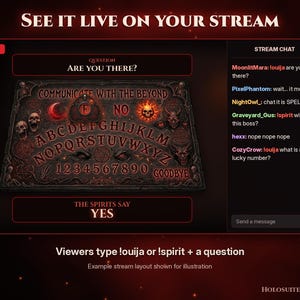
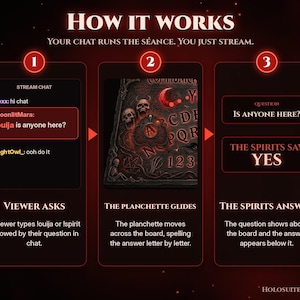
• A viewer types !ouija <question> or !spirit <question> in chat
• Their question appears in a panel above the board
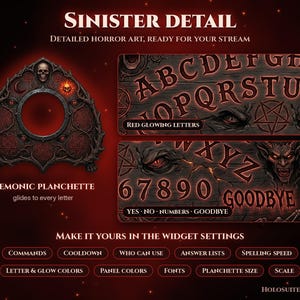
• The demonic planchette glides across the glowing red letters, spelling out the answer letter by letter: YES, NO, GOODBYE, numbers or words
• The answer panel below reveals "The spirits say..." with the final answer
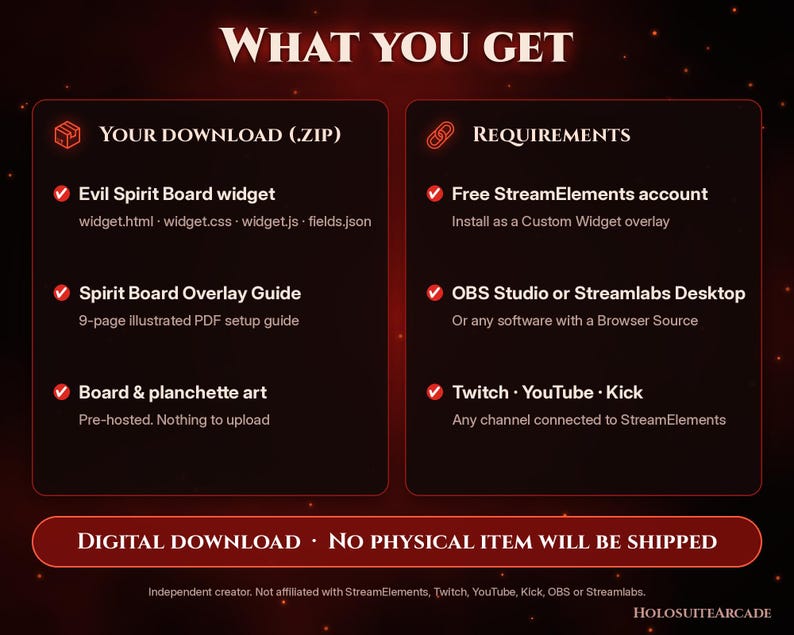
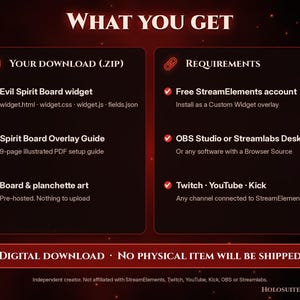
📦 WHAT'S INCLUDED (1 ZIP file)
• Evil Spirit Board StreamElements Custom Widget (4 copy-paste files: HTML, CSS, JS, Fields)
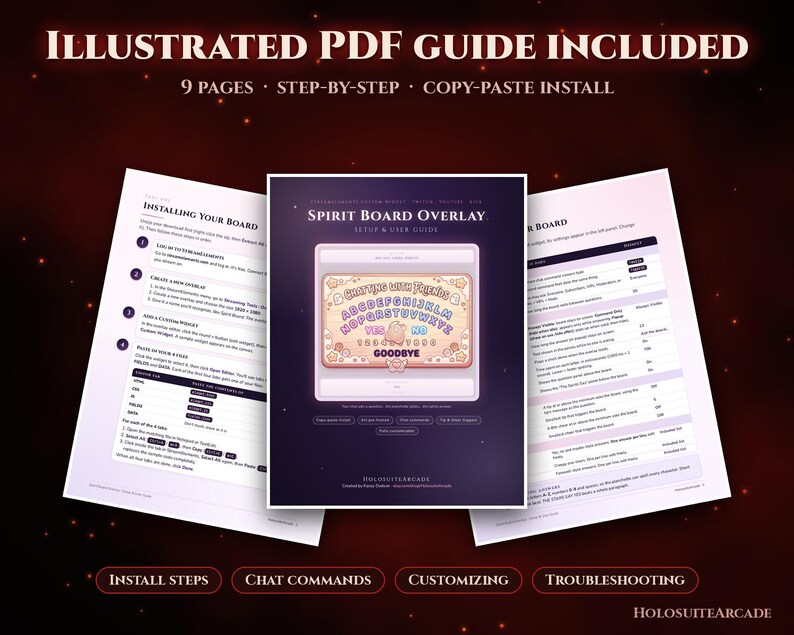
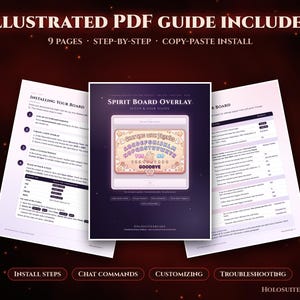
• 9-page illustrated PDF setup guide
• Board and planchette art are pre-hosted, nothing to upload
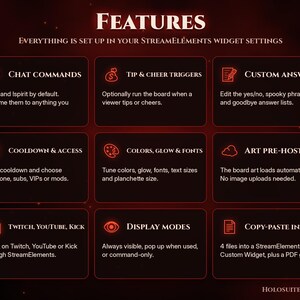
✨ FEATURES
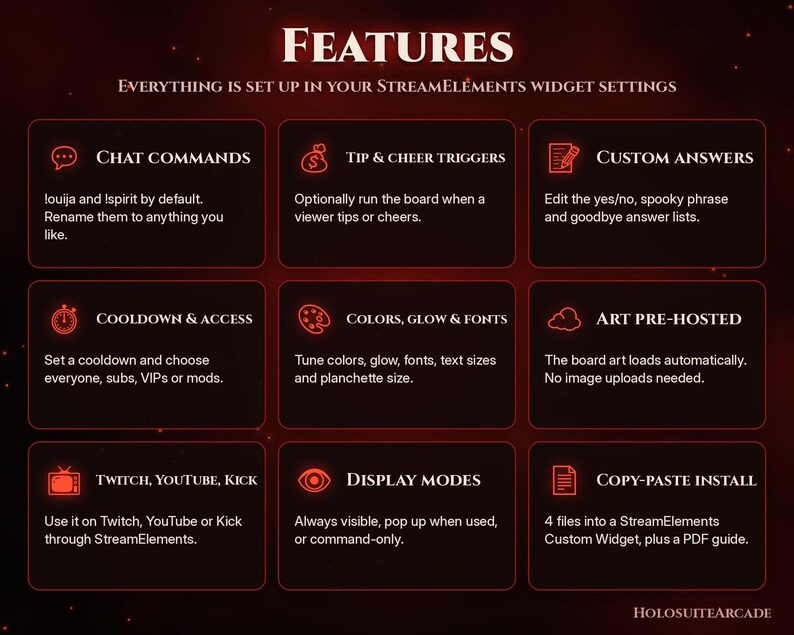
• Chat commands: !ouija and !spirit by default, rename them to anything you like
• Optional triggers on tips and cheers (bits)
• Custom answer list: choose the YES, NO, GOODBYE, number and word answers the spirits give
• Cooldown so chat can't spam the board
• Change colors, glow, fonts and planchette size in the StreamElements settings
• Art is pre-hosted, so there are no images to upload
• Silent by design: no sound effects to clash with your stream audio
• Copy-paste install, no coding needed
🖥️ COMPATIBILITY & REQUIREMENTS
• A free StreamElements account (the widget runs as a StreamElements Custom Widget)
• OBS Studio, Streamlabs Desktop, or any streaming software with a Browser Source
• Works for Twitch, YouTube and Kick channels connected to StreamElements
• A computer to copy and paste the files (no coding knowledge needed)
🛠️ HOW TO INSTALL (quick summary)
1. Download and unzip your files.
2. In StreamElements, create a Custom Widget in an overlay.
3. Copy-paste the 4 files (HTML, CSS, JS, Fields) into the widget editor and save.
4. Add the overlay URL to OBS / Streamlabs as a Browser Source.
5. Type !ouija are you there? in your chat to test it.
The included 9-page illustrated PDF guide walks you through every step with screenshots.
📜 LICENSE
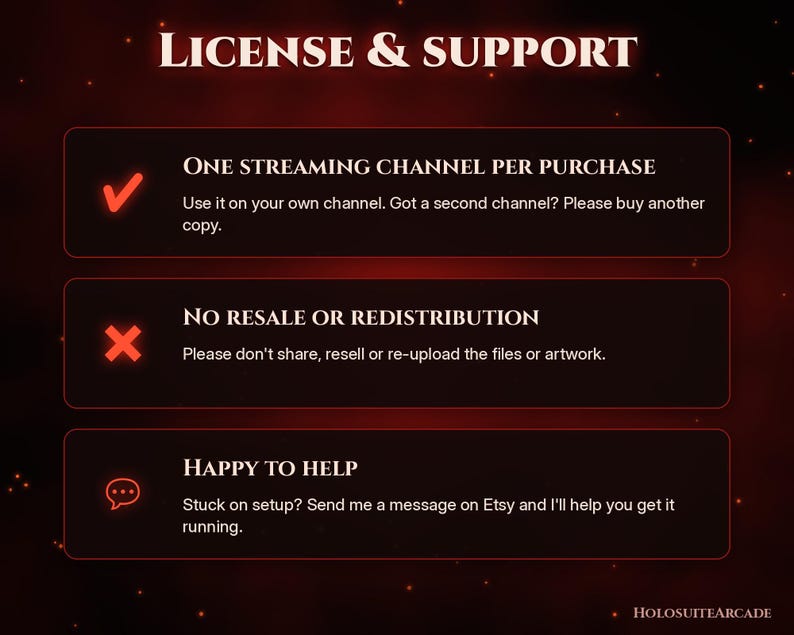
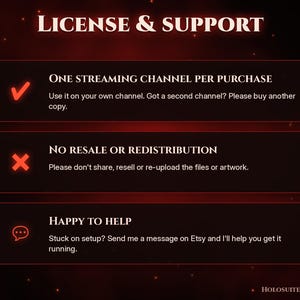
• One streaming channel per purchase.
• For your own stream only. Please don't resell, share, redistribute or re-upload the files or artwork.
• Running more than one channel? Just purchase one copy per channel.
💾 DIGITAL DOWNLOAD
This is a digital download. No physical item will be shipped. Your files are available to download from Etsy right after purchase.
Due to the digital nature, all sales are final, but message me if anything doesn't work and I'll help!
💬 SUPPORT
Questions or stuck on setup? Send me a message here on Etsy and I'll help you get it running.
HolosuiteArcade is an independent creator. This product is not affiliated with or endorsed by StreamElements, Twitch, YouTube, Kick, OBS or Streamlabs.
Instant Download
Your files will be available to download once payment is confirmed. Here's how.
Instant download items don’t accept returns, exchanges or cancellations. Please contact the seller about any problems with your order.
Etsy Purchase Protection
Shop confidently on Etsy knowing if something goes wrong with an order, we've got your back for all eligible purchases —
see programme terms

Be the first to review this item
More from this shop
Visit shop-
Digital download
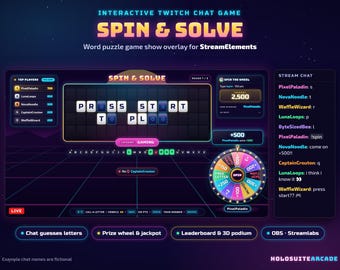
Twitch Overlay Chat Game, Interactive Word Game Show for StreamElements, Prize Wheel, Leaderboard, Channel Points, OBS Streamlabs Widget
Sale Price ₹ 1,433
Original Price ₹ 2,388
-
Digital download
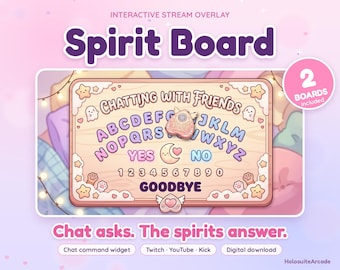
Kawaii Twitch Overlay, Pastel Spirit Board Stream Widget (Digital Download)
Sale Price ₹ 2,149
Original Price ₹ 2,866
-
Digital download
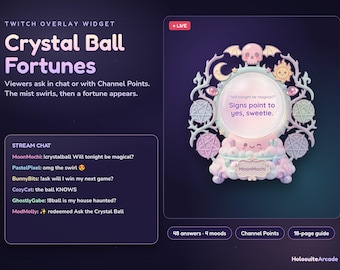
Crystal Ball Twitch Overlay, Interactive Chat Fortune Teller Widget for StreamElements, Channel Points, Pastel Oracle, OBS Streamlabs
Sale Price ₹ 1,611
Original Price ₹ 2,148


