

Middle School MakeCode Beginner Technology Mega Bundle | micro:bit Coding Lessons, Activities, Projects and Sub Plans
価格:¥4,963
Rebecca による
対象となる場合はこちらです:
- ご注文の品が商品説明や商品写真と一致していない場合
- ご注文の品が破損して届いた場合。
- 商品が到着予定期間より後に届いた場合
- ご注文の品が届かなかった、または配送中に紛失した場合
単品の購入の場合のみ価格を提案できます
ハイライト
DIGITAL DOWNLOAD — NO PHYSICAL ITEM WILL BE SHIPPED
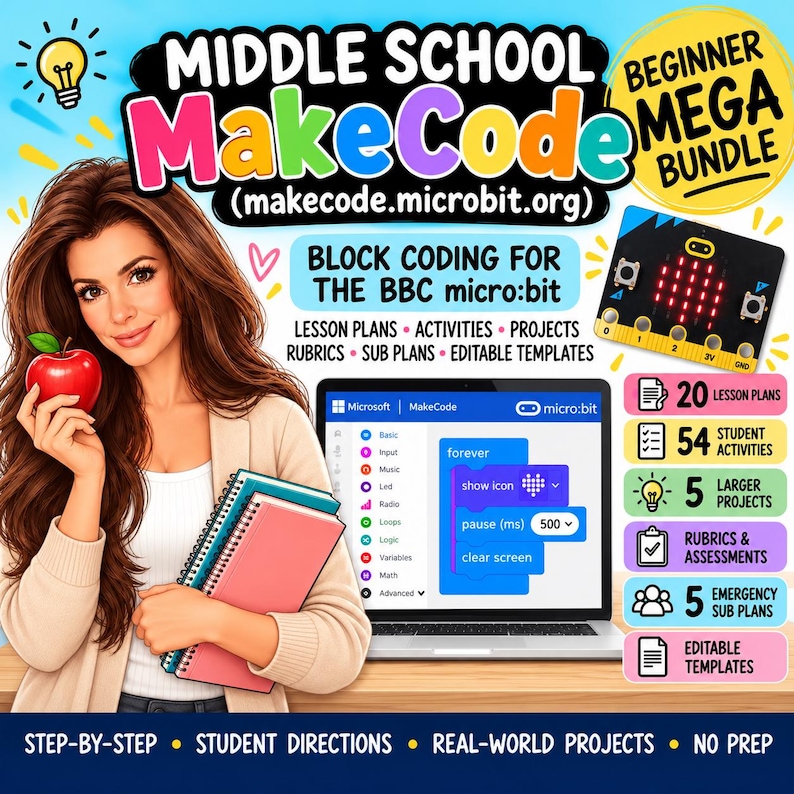
The Middle School MakeCode Beginner Technology Mega Bundle is a complete introductory coding resource designed for students in Grades 6–8 who are new to Microsoft MakeCode and the BBC micro:bit.
Created by a teacher with 16+ years of classroom experience, this bundle combines ready-to-use lesson plans, student activities, projects, rubrics, emergency sub plans, and editable teacher tools to make beginner coding instruction easier to organize, teach, and assess.
Students begin with the MakeCode editor and simulator, then build confidence with LEDs, buttons, variables, loops, conditionals, sensors, sound, games, debugging, and beginner micro:bit projects.
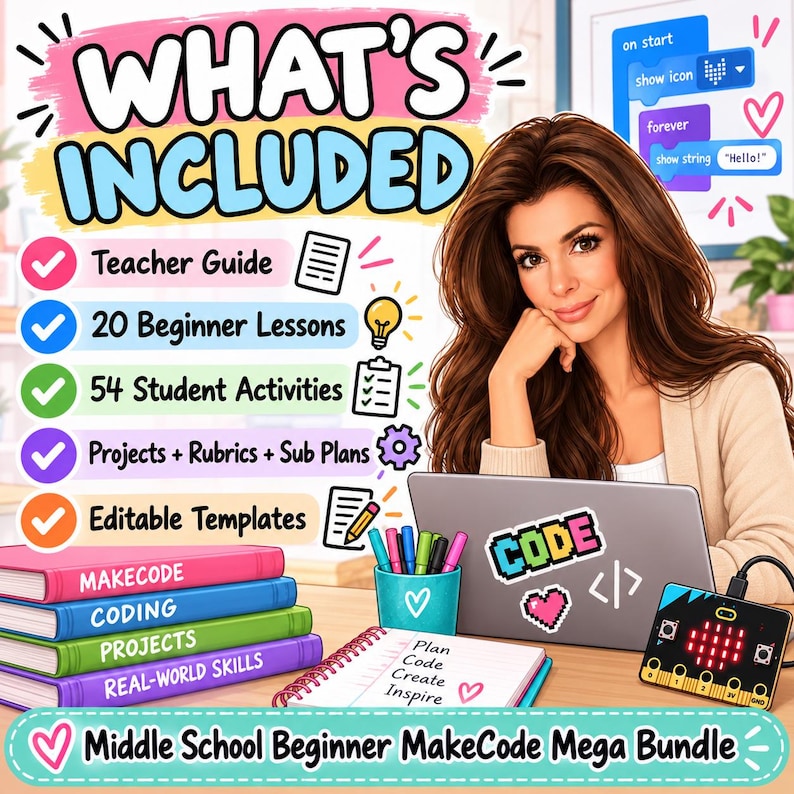
WHAT’S INCLUDED
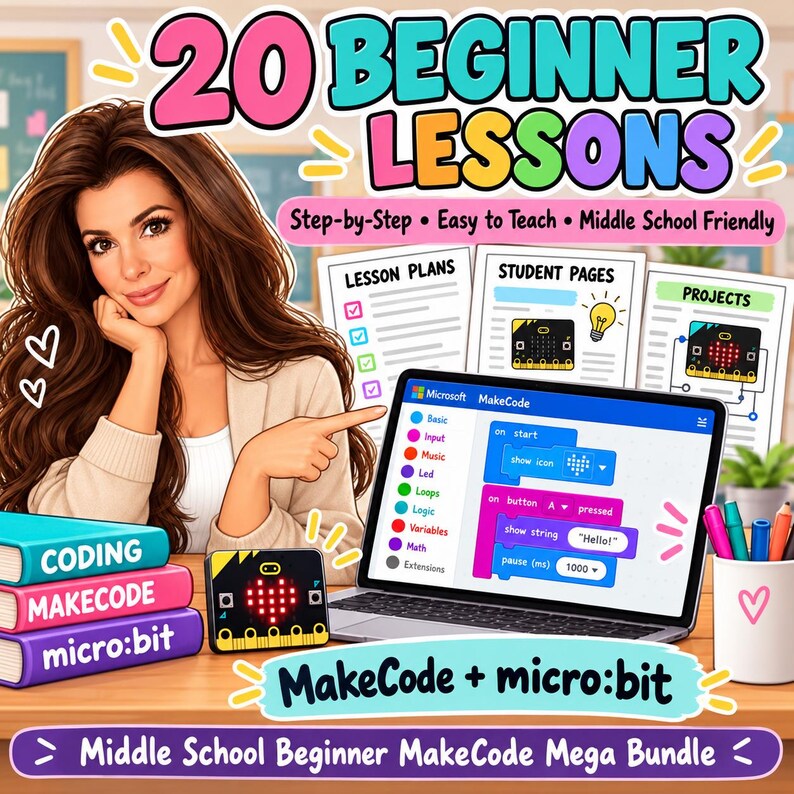
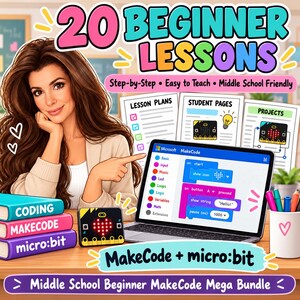
- 20 Beginner MakeCode Lesson Plans
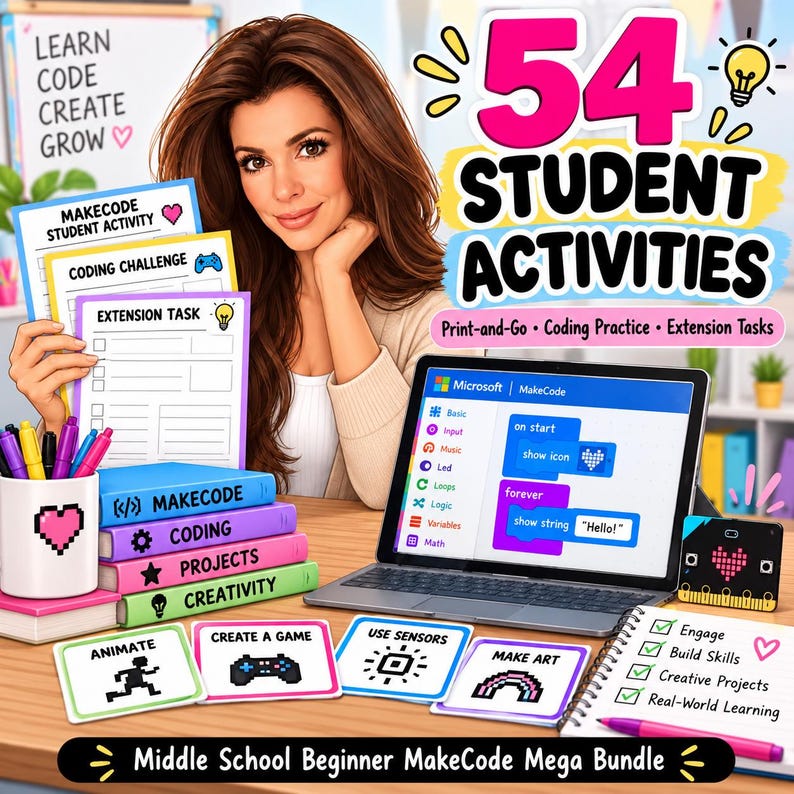
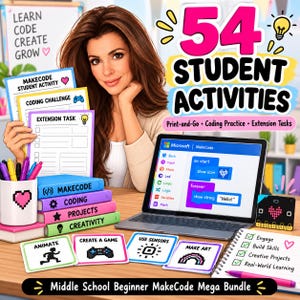
- 54 Printable Student Activities
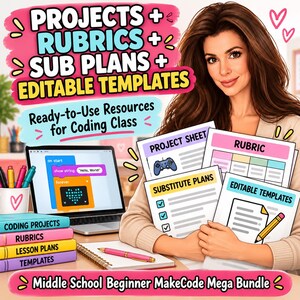
- 5 Larger Beginner Coding Projects
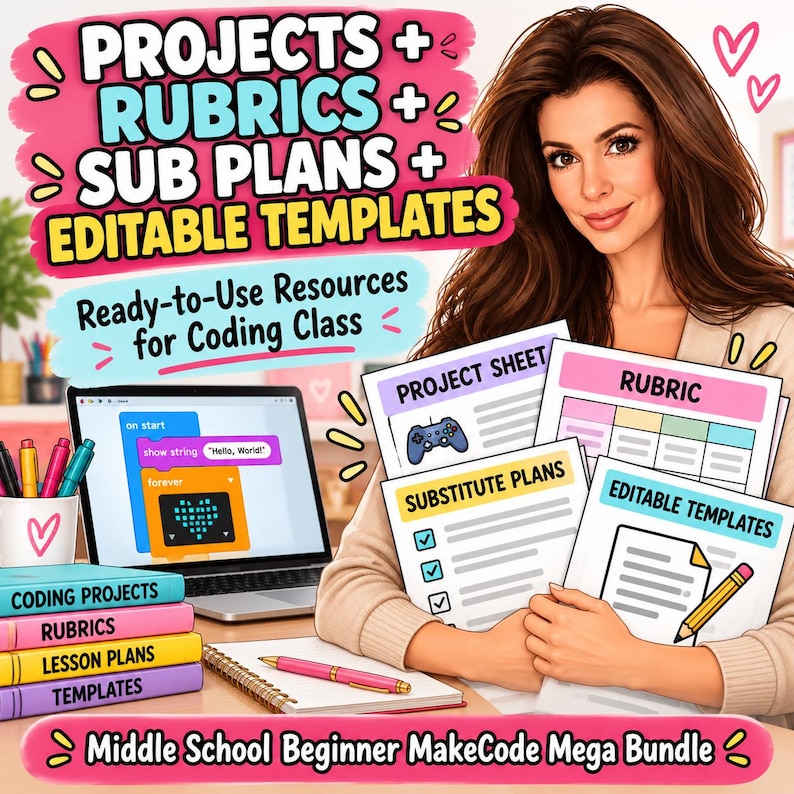
- Project Rubrics
- 5 Emergency Technology Sub Plans
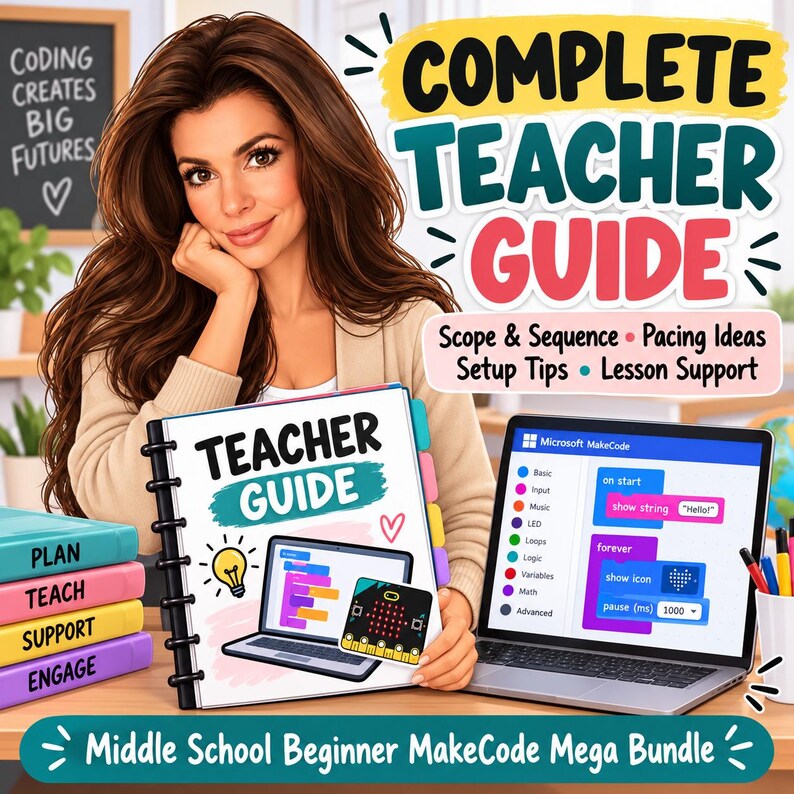
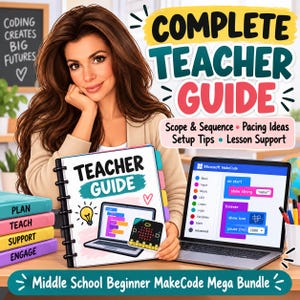
- Complete Teacher Guide
- Editable Teacher Templates
- Start Here / Buyer Guide
- Complete Digital ZIP Bundle
STUDENTS WILL LEARN
- MakeCode editor basics
- Simulator use
- BBC micro:bit basics
- LED display coding
- Buttons and events
- Algorithms
- Sequencing
- Random values
- Variables
- Loops
- Conditionals
- If/Then logic
- Accelerometer input
- Shake and tilt events
- Light sensing
- Temperature sensing
- Step counting
- Scorekeeping
- Beginner game design
- Reaction-time coding
- Sound and music
- Touch pins
- Simple circuits
- Debugging
- Testing and revising
- Problem-solving
- Computational thinking
20 BEGINNER LESSONS INCLUDE
- Meet MakeCode and the micro:bit
- LED Display Basics
- Buttons and Events
- Algorithms and Sequences
- Randomness and Digital Dice
- Variables: Storing Information
- Loops and LED Animation
- Conditionals: If This, Then That
- Shake, Tilt, and Motion
- Light Sensor Night-Light
- Temperature Data
- Make a Step Counter
- Scorekeeping and Mini Games
- Reaction Time Challenge
- Sound and Music
- Touch Pins and Simple Circuits
- Digital Badge Design Challenge
- Build a Beginner Game
- Debugging Lab
- Beginner MakeCode Capstone
54 PRINTABLE STUDENT ACTIVITIES
Students receive a wide variety of printable practice, planning, data, debugging, and reflection pages.
Activities include:
- MakeCode Editor Scavenger Hunt
- Simulator vs. Hardware Sort
- micro:bit Parts Labeling
- LED Grid Design
- Button and Event Practice
- Algorithm Sequencing
- Random Number Practice
- Variable Trace Tables
- Loop Practice
- If/Then Scenarios
- Accelerometer Activities
- Light Level Data Tables
- Temperature Data Tables
- Step Counter Planning
- Game Design Planning
- Reaction Time Data
- Sound Pattern Planning
- Pin Safety Checklists
- Digital Badge Planning
- Debugging Challenges
- Troubleshooting Flowcharts
- Peer Feedback
- Capstone Planning
- Final Coding Reflection
- And more
5 LARGER CODING PROJECTS
Students apply their skills through meaningful beginner projects:
- Interactive Digital Badge
- Sensor-Based Classroom Tool
- Beginner micro:bit Game
- Reaction Time Challenge
- Beginner MakeCode Capstone
Project rubrics are included for easier assessment.
5 EMERGENCY TECHNOLOGY SUB PLANS
The bundle also includes five meaningful backup lessons that can be completed without MakeCode access or micro:bit hardware.
Topics include:
- Algorithms and Sequencing
- Variables and Conditions
- Sensors and Inputs
- Debugging
- Designing a micro:bit Solution
These are great for unexpected absences, device issues, internet problems, or days when hardware is unavailable.
EDITABLE TEACHER TEMPLATES INCLUDE
- Weekly MakeCode Lesson Plan
- Beginner Unit Pacing Guide
- Student Skill Tracker
- micro:bit Kit Checkout
- Project Progress Tracker
- Debugging Conference Notes
- Sensor Project Planner
- Game Project Planner
- Family Communication Log
- Technology Lab Checklist
PERFECT FOR
- Middle school technology teachers
- Computer science teachers
- STEM teachers
- Coding teachers
- Makerspaces
- Robotics and coding clubs
- Gifted and enrichment programs
- Library media specialists
- Homeschool technology instruction
- First-year technology teachers
- Teachers introducing micro:bit for the first time
- Substitute teachers
GRADE LEVEL
Designed for Grades 6–8 and intended for beginner students with little or no prior MakeCode or micro:bit experience.
This bundle focuses on foundational block coding and beginner micro:bit skills. More advanced topics such as radio communication, serial data, deeper data logging, functions, extensions, JavaScript/Python, complex hardware, and multi-device projects are intentionally saved for the future Advanced MakeCode Mega Bundle.
PLEASE NOTE
This is an original TeacherSurvivalByB educational resource designed for use alongside Microsoft MakeCode and the BBC micro:bit.
Microsoft MakeCode and micro:bit are not affiliated with or responsible for this product. This resource does not reproduce official tutorials, proprietary lesson text, project solutions, or copyrighted instructional materials.
Access to physical micro:bits is helpful for some lessons, but many activities can first be completed using the MakeCode simulator.
FILE INFORMATION
This is an instant digital download. No physical product will be mailed.
Your purchase includes 4 organized PDF files plus a complete ZIP bundle containing all materials and editable teacher templates.
Because this is a digital product, returns, exchanges, and cancellations are not accepted. If you experience difficulty accessing your files, please contact me through Etsy.
TeacherSurvivalByB — real-world teacher tools for real classroom life.
即時ダウンロード可能商品
お支払い確認後、ファイルがダウンロードできるようになります。 ダウンロード方法はこちらから。
即時ダウンロード可能商品では返品、交換およびキャンセルを受け付けておりません。ご注文に関する問題については、セラーにお問い合わせください。
Etsy 購入保護
Etsy で安心してショッピングをしましょう。何か問題が起きた場合でも、対象となる購入について Etsy がサポートします。
プログラムの規約を見る


このショップの他の商品
ショップを見る-
ダウンロード商品
Technology Mega Bundle for Elementary Students Using Scratch | Coding Lessons, Activities, Projects and Sub Plans
¥4,963
-
ダウンロード商品
Technology Mega Bundle for Elementary Students Using CodeMonkey | Coding Lessons, Activities, Projects and Sub Plans
¥4,963
-
ダウンロード商品
Technology Mega Bundle for Elementary Students Using Tynker | Coding Lessons, Activities, Projects and Sub Plans
¥4,963
-
ダウンロード商品
Middle School MakeCode Intermediate Technology Mega Bundle | micro:bit Coding Lessons, Activities, Projects and Sub Plans
¥4,963
一番最初のレビューを残しませんか
免責事項: すべてのキッズ関連商品は成人の監督が必要です。小さな部品を含む商品は誤飲や誤嚥防止のため、3 歳未満のお子さまのご利用には適しません。正確なラベルや注意書きと共に商品を出品することを含め、セラーは適用される法律や規則を遵守する責任があります。Etsy ではセラーの商品情報の正確性、ラベルやコンテンツおよび商品に関して一切責任を負いません。ご了承ください。商品をご使用、ご利用になる前に商品記載のラベル、注意書き、指示、そのほかの情報をご確認ください。ご質問はセラーにメッセージで問い合わせましょう。詳細は Etsy の 利用規約 をご確認ください。


