

Middle School MakeCode Intermediate Technology Mega Bundle | micro:bit Coding Lessons, Activities, Projects and Sub Plans
Precio:MX$669.78
Estos son los casos aptos:
- Tu pedido no coincide con la descripción o las fotos del artículo
- Tu artículo llegó dañado
- Tu artículo llegó después de la fecha de llegada estimada.
- Tu artículo no llegó o se perdió en tránsito
Solo puedes hacer una oferta por compras de un único artículo
Puntos destacables
DIGITAL DOWNLOAD — NO PHYSICAL ITEM WILL BE SHIPPED
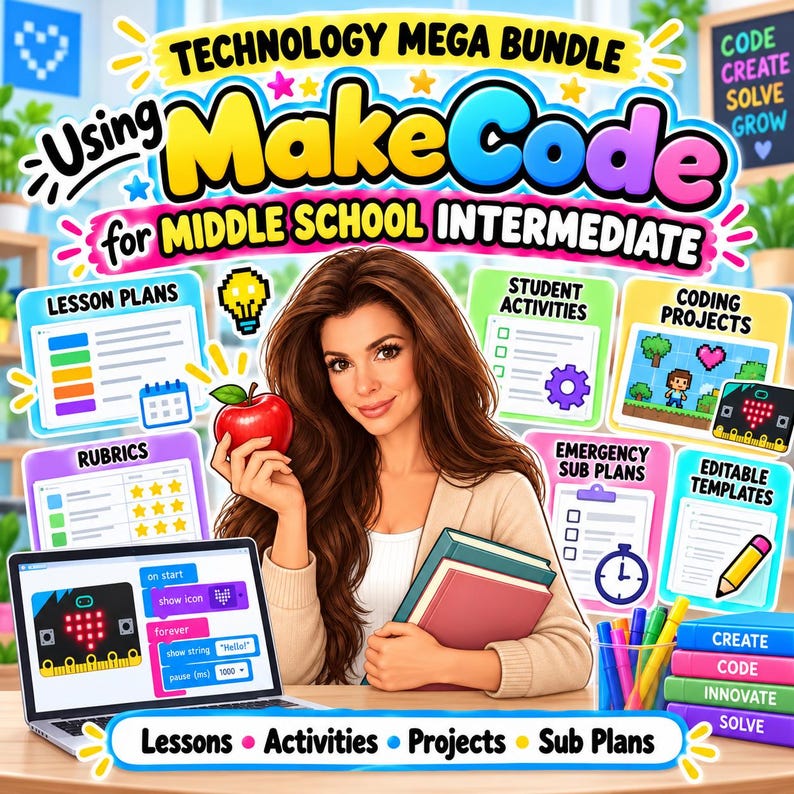
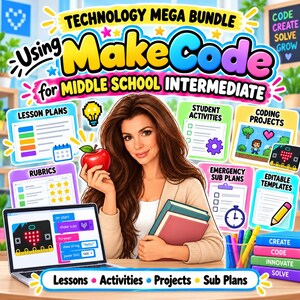
The Middle School MakeCode Intermediate Technology Mega Bundle is a complete coding resource designed for Grades 6–8 students who are ready to move beyond beginner MakeCode and micro:bit skills.
Created by a teacher with 16+ years of classroom experience, this bundle includes ready-to-use lesson plans, printable student activities, intermediate coding projects, rubrics, emergency sub plans, and editable teacher tools to make technology instruction easier to plan, teach, and assess.
This intermediate bundle is ideal for students who already understand basic events, variables, loops, conditionals, inputs, outputs, sensors, and simple games and are ready for more advanced problem-solving and project design.
WHAT’S INCLUDED
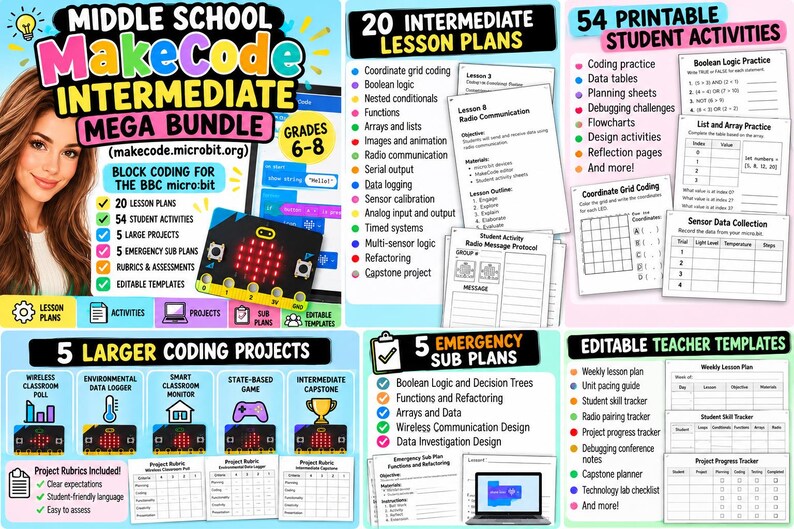
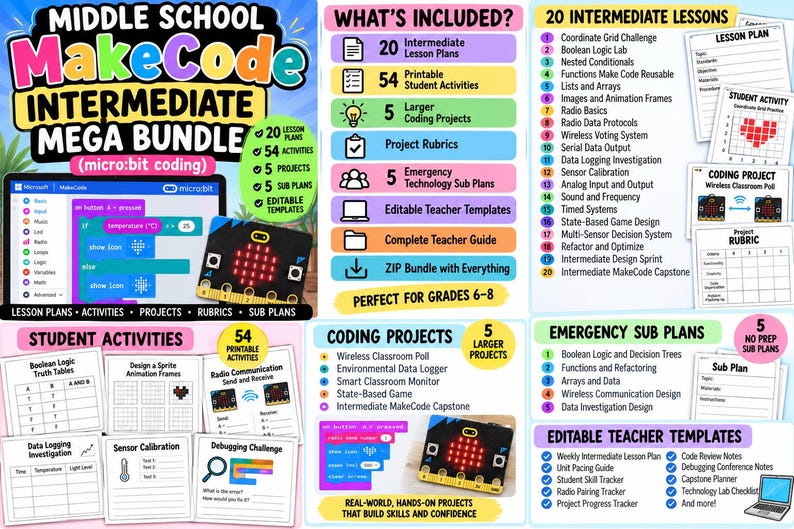
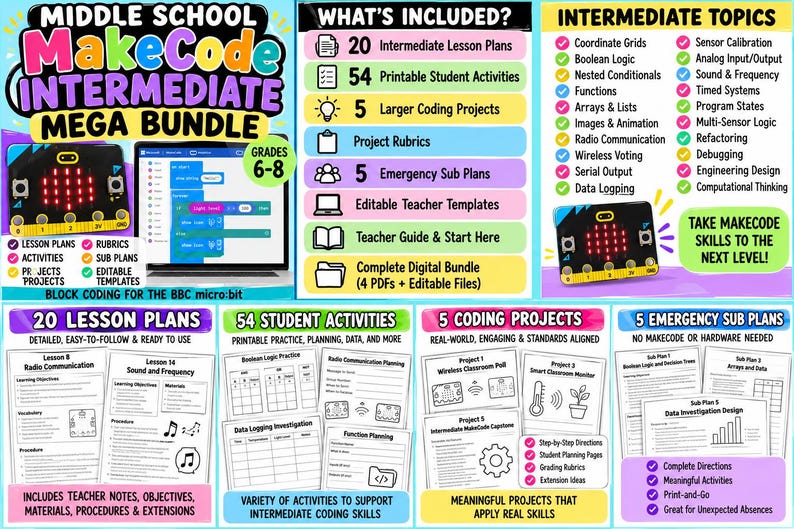
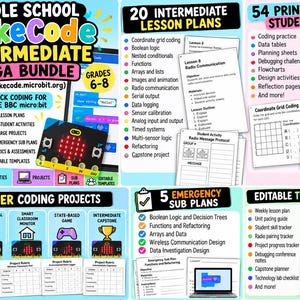
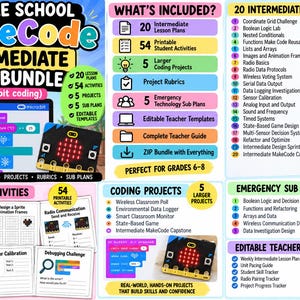
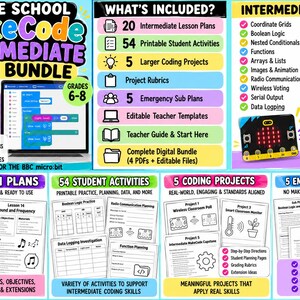
- 20 Intermediate MakeCode Lesson Plans
- 54 Printable Student Activities
- 5 Larger Intermediate Coding Projects
- Project Rubrics
- 5 Emergency Technology Sub Plans
- Complete Teacher Guide
- Editable Teacher Templates
- Start Here / Buyer Guide
- Complete Digital ZIP Bundle
STUDENTS WILL PRACTICE
- Coordinate grid coding
- Boolean logic
- AND, OR, and NOT
- Nested conditionals
- Decision trees
- Functions
- Reusable code
- Arrays and lists
- Indexing
- Images and animation frames
- Radio communication
- Sending and receiving data
- Wireless systems
- Radio message protocols
- Wireless voting
- Serial output
- Sensor data
- Data logging
- Sensor calibration
- Thresholds
- Analog input and output concepts
- Sound and frequency
- Timed systems
- Program states
- Multi-sensor logic
- Refactoring
- Code optimization
- Debugging
- Peer code review
- Engineering design
- Computational thinking
20 INTERMEDIATE LESSONS INCLUDE
- Coordinate Grid Challenge
- Boolean Logic Lab
- Nested Conditionals
- Functions Make Code Reusable
- Lists and Arrays
- Images and Animation Frames
- Radio Basics
- Radio Data Protocols
- Wireless Voting System
- Serial Data Output
- Data Logging Investigation
- Sensor Calibration
- Analog Input and Output
- Sound and Frequency
- Timed Systems
- State-Based Game Design
- Multi-Sensor Decision System
- Refactor and Optimize
- Intermediate Design Sprint
- Intermediate MakeCode Capstone
54 PRINTABLE STUDENT ACTIVITIES
Students receive original print-and-go activities that support both coding practice and deeper computational thinking.
Activities include:
- Coordinate Grid Practice
- Boolean Vocabulary
- Truth Tables
- AND/OR/NOT Scenarios
- Nested Conditional Flowcharts
- Decision Tree Debugging
- Function Practice
- Refactoring Activities
- Array Vocabulary
- Array Index Practice
- List Trace Tables
- Animation Frame Planning
- Radio Vocabulary
- Radio Group Planning
- Send vs. Receive Activities
- Wireless Voting Flowcharts
- Serial Output Planning
- Sensor Data Tables
- Data Logging Investigation Sheets
- Calibration Tables
- Threshold Selection
- Analog vs. Digital Activities
- Frequency and Pitch Tables
- Timed System Planning
- State Diagrams
- Multi-Sensor Logic
- Code Quality Checklists
- Variable Naming Practice
- Debugging Challenges
- Radio Troubleshooting
- Data Troubleshooting
- Peer Code Review
- Design Sprint Planning
- Capstone Planning
- Final Intermediate Reflection
- And more
5 LARGER INTERMEDIATE PROJECTS
Students apply their skills through meaningful project-based learning.
Projects include:
- Wireless Classroom Poll
- Environmental Data Logger
- Smart Classroom Monitor
- State-Based Game
- Intermediate MakeCode Capstone
Each project includes a rubric for easier assessment.
5 EMERGENCY TECHNOLOGY SUB PLANS
The bundle includes five meaningful backup lessons that can be completed without student MakeCode access or micro:bit hardware.
Topics include:
- Boolean Logic and Decision Trees
- Functions and Refactoring
- Arrays and Data
- Wireless Communication Design
- Data Investigation Design
These are ideal for unexpected absences, hardware issues, internet problems, or days when students cannot access their devices.
EDITABLE TEACHER TEMPLATES INCLUDE
- Weekly Intermediate Lesson Plan
- Intermediate Unit Pacing Guide
- Student Skill Tracker
- Radio Pairing Tracker
- Data Investigation Planner
- Project Progress Tracker
- Code Review Notes
- Debugging Conference Notes
- Capstone Architecture Planner
- Technology Lab Checklist
PERFECT FOR
- Middle school technology teachers
- Computer science teachers
- STEM teachers
- Coding teachers
- Makerspaces
- Robotics and coding clubs
- Gifted and enrichment programs
- Library media specialists
- Homeschool technology instruction
- Teachers continuing after a beginner micro:bit unit
- Project-based technology classes
- Substitute teachers
GRADE LEVEL
Designed for Grades 6–8.
Students should already have a basic understanding of MakeCode and micro:bit concepts such as:
- Events
- Variables
- Loops
- If/Else Logic
- Inputs and Outputs
- Basic Sensors
- Simple Games
- Simulator Use
This resource is intentionally positioned between the Beginner and future Advanced MakeCode bundles.
PLEASE NOTE
Some intermediate lessons use features that may require specific hardware or setup.
For example:
- Radio activities are best with multiple micro:bits.
- Some data logging features require micro:bit V2 hardware.
- Serial and sensor activities may require compatible devices or classroom setup.
Teachers can still introduce many concepts through the MakeCode simulator and the included printable activities.
This is an original TeacherSurvivalByB educational resource designed for use alongside Microsoft MakeCode and the BBC micro:bit.
Microsoft MakeCode and micro:bit are not affiliated with or responsible for this product. This bundle does not reproduce official tutorials, proprietary lesson text, or copyrighted project solutions.
FILE INFORMATION
This is an instant digital download. No physical item will be mailed.
Your purchase includes 4 organized PDF files plus a complete ZIP bundle containing all materials and editable teacher templates.
Because this is a digital product, returns, exchanges, and cancellations are not accepted. If you experience difficulty accessing your files, please contact me through Etsy.
TeacherSurvivalByB — real-world teacher tools for real classroom life.
Descarga inmediata
Los archivos estarán disponibles para descargar una vez que se confirme el pago. Sigue estas instrucciones.
No se admiten cambios, devoluciones ni cancelaciones de los artículos de descarga inmediata. Ponte en contacto con el vendedor si tienes algún problema con tu pedido.
Protección de compras de Etsy
Compra con confianza en Etsy sabiendo que estamos a tu lado si surge un problema con un pedido que reúne los requisitos.
Consulta las condiciones del programa

Más artículos de esta tienda
Visitar tienda-
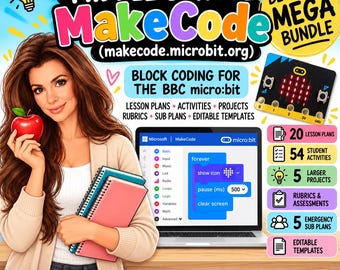
Descarga digital
Middle School MakeCode Beginner Technology Mega Bundle | micro:bit Coding Lessons, Activities, Projects and Sub Plans
MX$669.78
-
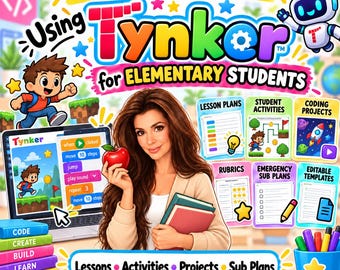
Descarga digital
Technology Mega Bundle for Elementary Students Using Tynker | Coding Lessons, Activities, Projects and Sub Plans
MX$669.78
-
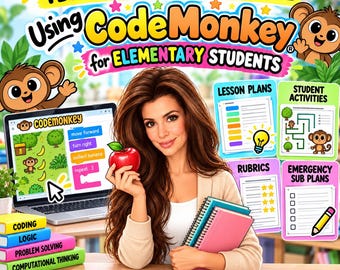
Descarga digital
Technology Mega Bundle for Elementary Students Using CodeMonkey | Coding Lessons, Activities, Projects and Sub Plans
MX$669.78
-
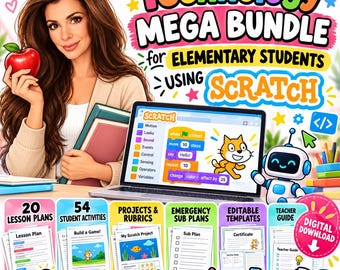
Descarga digital
Technology Mega Bundle for Elementary Students Using Scratch | Coding Lessons, Activities, Projects and Sub Plans
MX$669.78
Escribe la primera reseña
Descargo de responsabilidad: Se requiere la supervisión de un adulto, como ocurre con todos los productos para niños. Los artículos que contienen piezas pequeñas pueden representar un peligro de asfixia y se recomienda su uso a partir de los 3 años de edad. Los vendedores tienen la responsabilidad de seguir todas las leyes y regulaciones aplicables, como la inclusión de etiquetas y avisos precisos en los anuncios. Etsy no asume responsabilidad alguna en cuanto a la precisión, el etiquetado o el contenido de los anuncios y los productos de los vendedores. Lee siempre las etiquetas, los avisos, las instrucciones y cualquier otra información que se suministre junto con el producto antes de usarlo. Si tienes alguna pregunta, envíale un mensaje al vendedor. Consulta las condiciones de uso para obtener más información.


