

Therapist Caseload Tracker Spreadsheet | Insurance Authorization & No-Show Fee Tracker | Private Practice Excel and Google Sheets
Item highlights
Seller's description
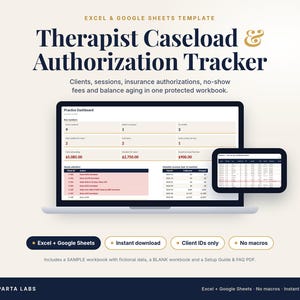
Keep your whole caseload in one spreadsheet: who is active, whose insurance authorization is running low or ending soon, who owes you money, and which waitlist clients haven't heard from you in a while.
The Therapist Caseload Tracker is a protected, formula-driven workbook for solo therapists and counselors in private practice. It works in Excel and Google Sheets, uses client ID codes only (no names, no clinical notes), and has no macros or add-ons.
WHAT IT DOES
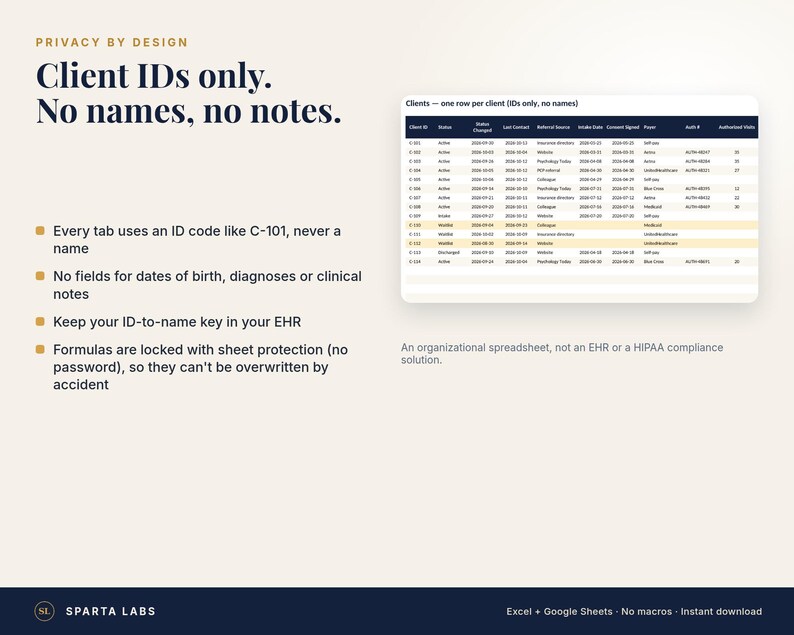
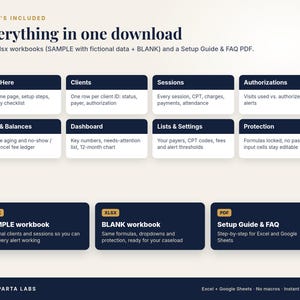
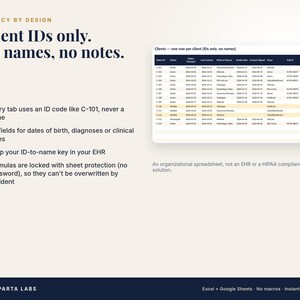
• Clients tab: one row per client ID (room for 200). Status (Waitlist, Intake, Active, Discharged), last contact, referral source, intake and consent dates, payer, authorization number, authorized visits, authorization dates, card on file, and no-show policy signed.
• Sessions tab: one row per session (room for 1,000). Date, client ID (dropdown), session type, length, CPT code, amount charged, amount paid, payment method, attendance (Attended, Late cancel <24h, No-show), fee charged and fee collected.
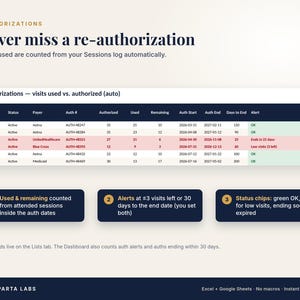
• Authorizations tab: fills in automatically. Visits used (attended sessions dated inside the authorization), visits remaining, days to the end date, and a status of OK, Low visits, Ends in N days or EXPIRED. Alerts trigger at 3 visits left or 30 days to the end date by default; you can change both.
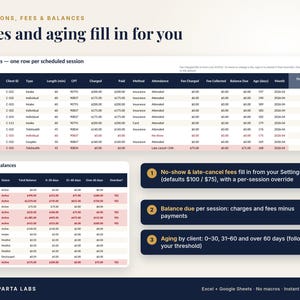
• Fees & Balances tab: balance per client with aging (0-30, 31-60 and over 60 days by default, based on a threshold you set) and an Overdue flag, plus a ledger of no-show and late-cancel fees. Fee amounts fill in from your Settings (defaults: $75 late cancel, $100 no-show), with an optional override on any session.
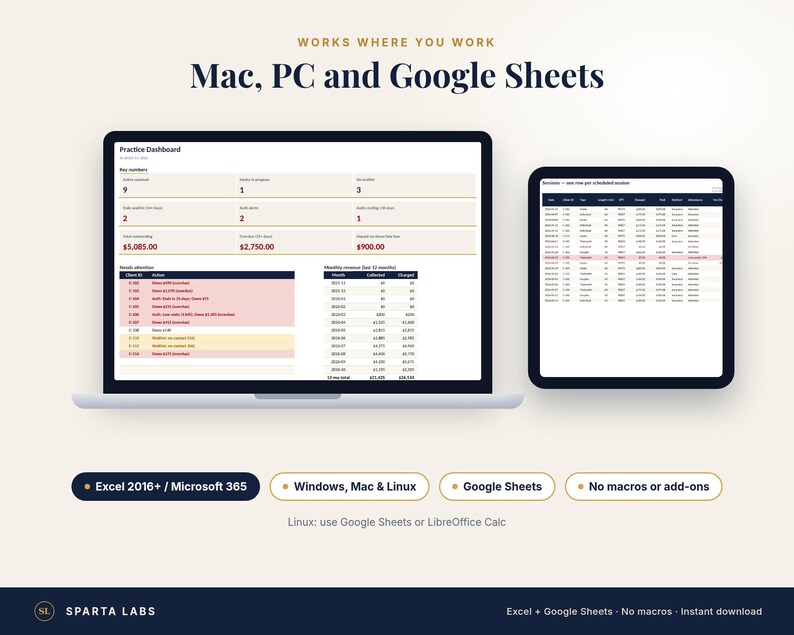
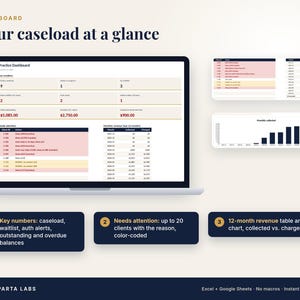
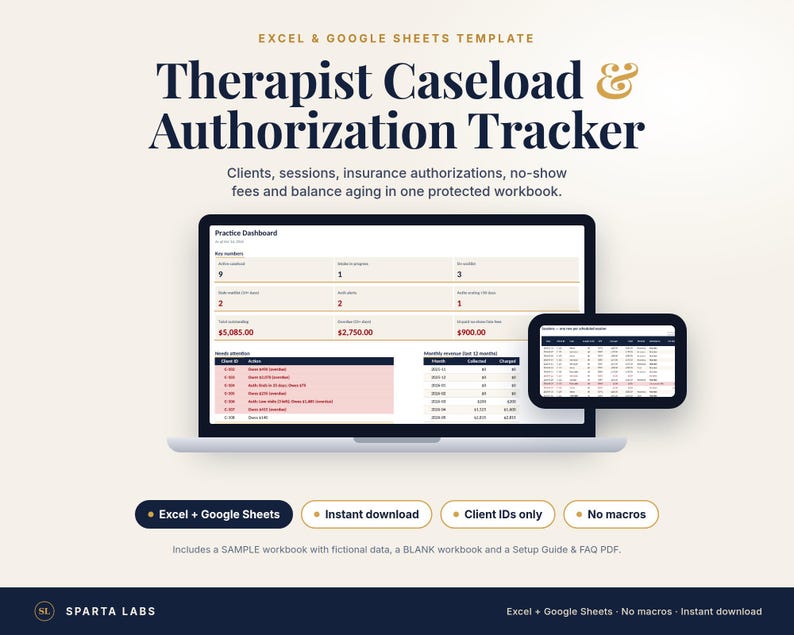
• Dashboard: active caseload, intakes in progress, waitlist, stale waitlist (14+ days without contact by default), authorization alerts, authorizations ending within 30 days, total outstanding, overdue balance and unpaid fees. A color-coded "Needs attention" list of up to 20 clients with the reason, plus a 12-month table and chart of collected vs. charged.
• Lists & Settings: edit your payers, session types, CPT codes, fees and alert thresholds.
• Every tab is protected with no password, so formulas can't be overwritten by accident. Input cells stay editable.
WHAT YOU GET
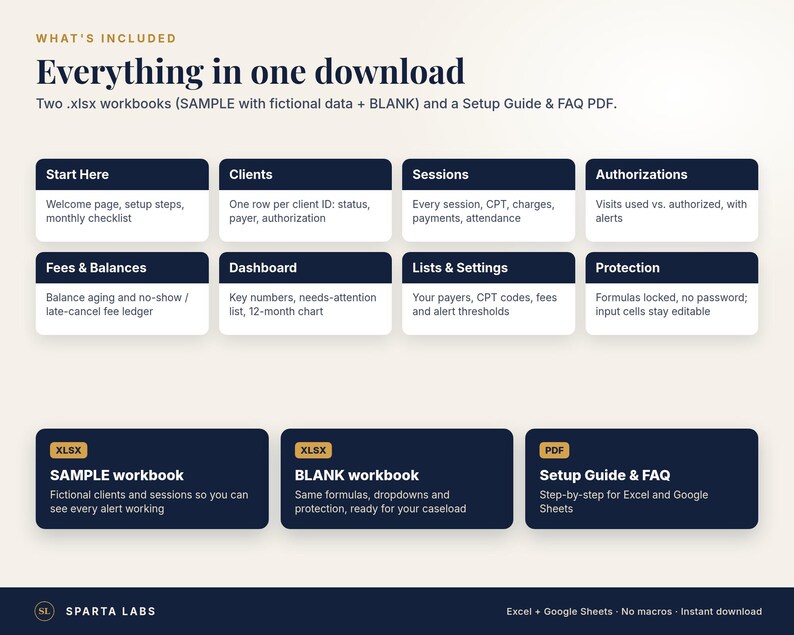
1. A zip file with: a SAMPLE workbook (.xlsx) filled with fictional clients and sessions so you can see every alert working; a BLANK workbook (.xlsx), the same workbook empty and ready for your caseload; and the Setup Guide & FAQ (PDF).
2. The Setup Guide & FAQ as a separate PDF.
3. A one-page Start Here PDF: how to unzip and open the files.
Etsy can't deliver .xlsx files directly, so the workbooks come inside a zip file.
HOW IT WORKS IN EXCEL AND GOOGLE SHEETS
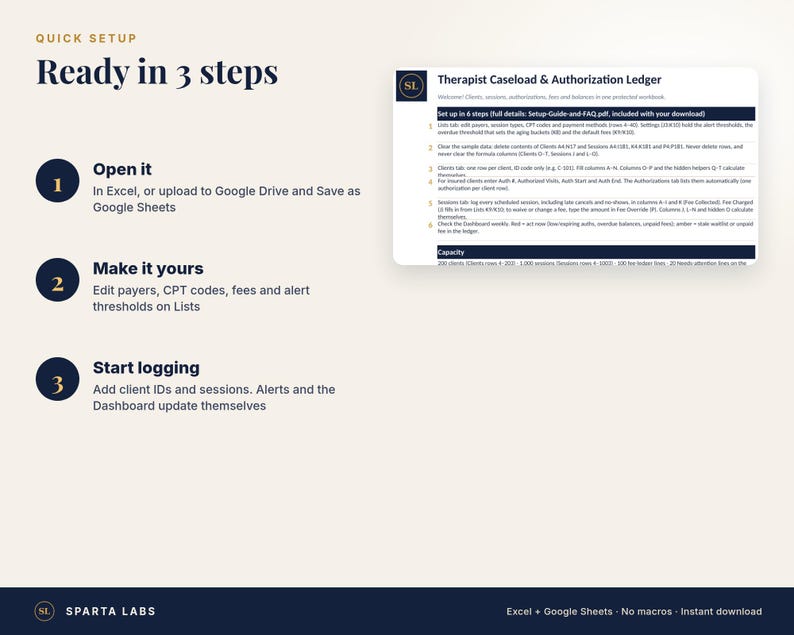
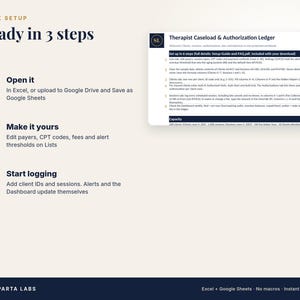
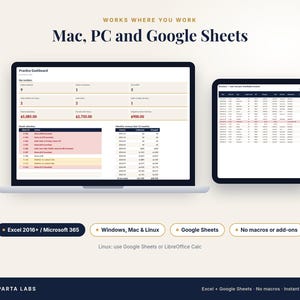
• Excel 2016 or later / Microsoft 365 (Windows and Mac): unzip the download, open the BLANK workbook and click Enable Editing. There are no macros, so you are never asked to enable them.
• Google Sheets: unzip, upload the .xlsx to Google Drive, open it and choose File > Save as Google Sheets. Formulas, dropdowns and color alerts carry over. Excel's sheet protection does not, and the setup guide shows how to re-protect the formula columns.
• Linux: use Google Sheets or LibreOffice Calc.
• Apple Numbers: formulas calculate, but color alerts and some dropdowns may not import. Use Excel or Google Sheets for the full experience.
WHO IT'S FOR
Solo therapists and counselors (for example LPC, LCSW, LMFT or psychologists) who bill clients or insurance and want a simple, private place to track caseload logistics, authorizations and balances. It is designed for one clinician; a group practice with several clinicians is better served by a practice-management system.
GOOD TO KNOW
• It tracks one active authorization per client row. For a second concurrent authorization, use a second ID (for example C-101-B).
• The Dashboard groups revenue by session date, not by the date a payment arrived.
• Day counts use today's date and update automatically.
PRIVACY
Client ID codes only. There are no fields for names, dates of birth, diagnoses or clinical notes, so please don't add them. This is an organizational spreadsheet, not an EHR, billing service or HIPAA compliance solution.
NOT INCLUDED
Clinical notes or documentation, claim submission, an EHR, macros, or legal, billing, tax or clinical advice.
INSTANT DOWNLOAD
Your files are available on your Etsy Downloads page as soon as your payment clears. Nothing physical ships.
LICENSE
One license per buyer, for use in your own practice. Please don't resell, share or redistribute the files. Need copies for more than one clinician? Message us before you buy.
DESIGN NOTE
Designed by Sparta Labs. AI tools were used to help build and document this template. All sample data is fictional.
QUESTIONS?
Message us through Etsy. Please never send client information.
If something goes wrong with an order, we've got your back for all eligible purchases. View programme terms
Price:NZ$50.65
You can only make an offer when buying a single item.
Delivery
Instant download
Your files will be available to download once payment is confirmed. Here's how.
Instant download items don't accept returns, exchanges or cancellations. Please contact the seller about any problems with your order.
Seller's description
Specifications
Keep your whole caseload in one spreadsheet: who is active, whose insurance authorization is running low or ending soon, who owes you money, and which waitlist clients haven't heard from you in a while.
The Therapist Caseload Tracker is a protected, formula-driven workbook for solo therapists and counselors in private practice. It works in Excel and Google Sheets, uses client ID codes only (no names, no clinical notes), and has no macros or add-ons.
WHAT IT DOES
• Clients tab: one row per client ID (room for 200). Status (Waitlist, Intake, Active, Discharged), last contact, referral source, intake and consent dates, payer, authorization number, authorized visits, authorization dates, card on file, and no-show policy signed.
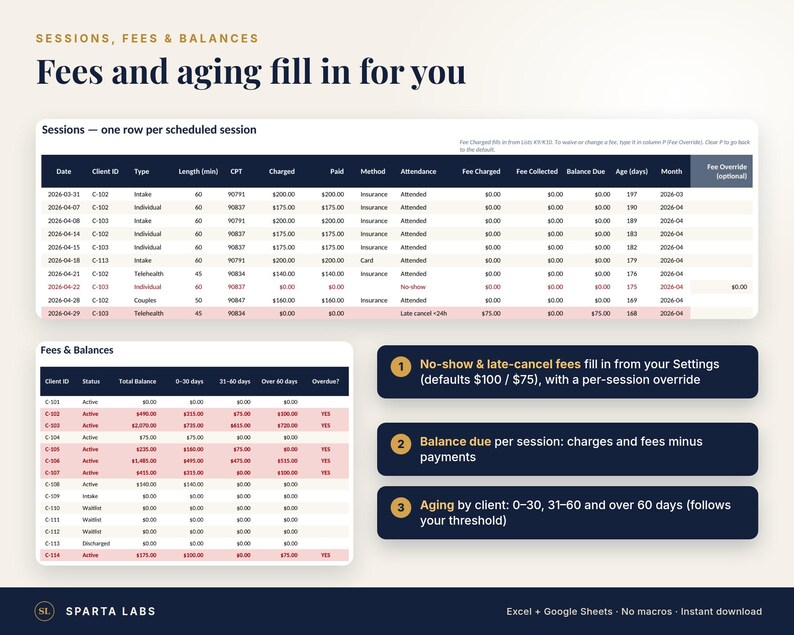
• Sessions tab: one row per session (room for 1,000). Date, client ID (dropdown), session type, length, CPT code, amount charged, amount paid, payment method, attendance (Attended, Late cancel <24h, No-show), fee charged and fee collected.
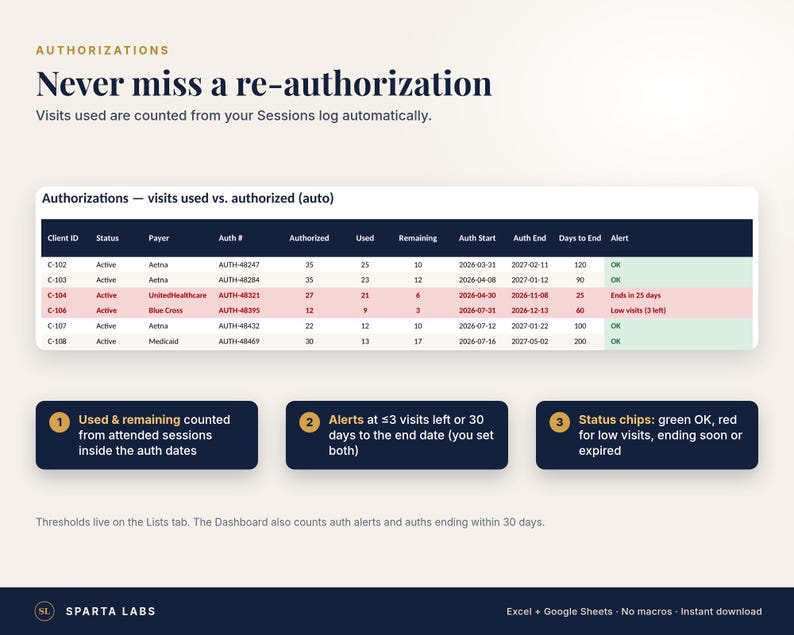
• Authorizations tab: fills in automatically. Visits used (attended sessions dated inside the authorization), visits remaining, days to the end date, and a status of OK, Low visits, Ends in N days or EXPIRED. Alerts trigger at 3 visits left or 30 days to the end date by default; you can change both.
• Fees & Balances tab: balance per client with aging (0-30, 31-60 and over 60 days by default, based on a threshold you set) and an Overdue flag, plus a ledger of no-show and late-cancel fees. Fee amounts fill in from your Settings (defaults: $75 late cancel, $100 no-show), with an optional override on any session.
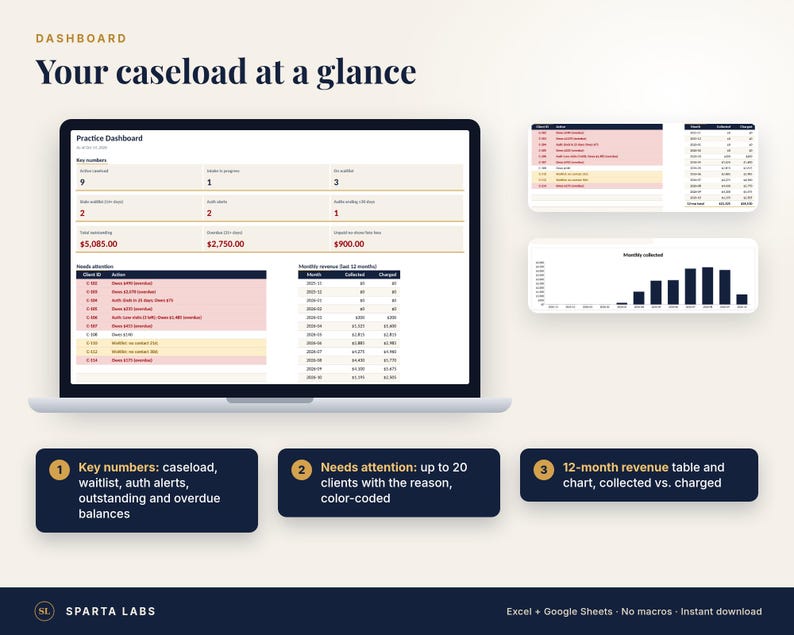
• Dashboard: active caseload, intakes in progress, waitlist, stale waitlist (14+ days without contact by default), authorization alerts, authorizations ending within 30 days, total outstanding, overdue balance and unpaid fees. A color-coded "Needs attention" list of up to 20 clients with the reason, plus a 12-month table and chart of collected vs. charged.
• Lists & Settings: edit your payers, session types, CPT codes, fees and alert thresholds.
• Every tab is protected with no password, so formulas can't be overwritten by accident. Input cells stay editable.
WHAT YOU GET
1. A zip file with: a SAMPLE workbook (.xlsx) filled with fictional clients and sessions so you can see every alert working; a BLANK workbook (.xlsx), the same workbook empty and ready for your caseload; and the Setup Guide & FAQ (PDF).
2. The Setup Guide & FAQ as a separate PDF.
3. A one-page Start Here PDF: how to unzip and open the files.
Etsy can't deliver .xlsx files directly, so the workbooks come inside a zip file.
HOW IT WORKS IN EXCEL AND GOOGLE SHEETS
• Excel 2016 or later / Microsoft 365 (Windows and Mac): unzip the download, open the BLANK workbook and click Enable Editing. There are no macros, so you are never asked to enable them.
• Google Sheets: unzip, upload the .xlsx to Google Drive, open it and choose File > Save as Google Sheets. Formulas, dropdowns and color alerts carry over. Excel's sheet protection does not, and the setup guide shows how to re-protect the formula columns.
• Linux: use Google Sheets or LibreOffice Calc.
• Apple Numbers: formulas calculate, but color alerts and some dropdowns may not import. Use Excel or Google Sheets for the full experience.
WHO IT'S FOR
Solo therapists and counselors (for example LPC, LCSW, LMFT or psychologists) who bill clients or insurance and want a simple, private place to track caseload logistics, authorizations and balances. It is designed for one clinician; a group practice with several clinicians is better served by a practice-management system.
GOOD TO KNOW
• It tracks one active authorization per client row. For a second concurrent authorization, use a second ID (for example C-101-B).
• The Dashboard groups revenue by session date, not by the date a payment arrived.
• Day counts use today's date and update automatically.
PRIVACY
Client ID codes only. There are no fields for names, dates of birth, diagnoses or clinical notes, so please don't add them. This is an organizational spreadsheet, not an EHR, billing service or HIPAA compliance solution.
NOT INCLUDED
Clinical notes or documentation, claim submission, an EHR, macros, or legal, billing, tax or clinical advice.
INSTANT DOWNLOAD
Your files are available on your Etsy Downloads page as soon as your payment clears. Nothing physical ships.
LICENSE
One license per buyer, for use in your own practice. Please don't resell, share or redistribute the files. Need copies for more than one clinician? Message us before you buy.
DESIGN NOTE
Designed by Sparta Labs. AI tools were used to help build and document this template. All sample data is fictional.
QUESTIONS?
Message us through Etsy. Please never send client information.
-
Designed by
-
Item typeDigital download
-
Digital file type(s)2 PDF, 1 ZIP
If something goes wrong with an order, we've got your back on all eligible purchases. View programme terms
Meet your seller

More from this shop
-
Digital download
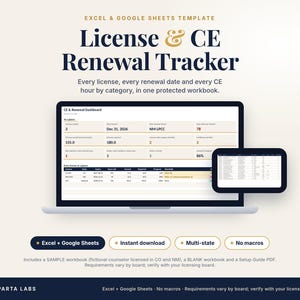
Multi-State License and CE Renewal Tracker for Therapists (Excel and Google Sheets)
NZ$18.99
-
Digital download
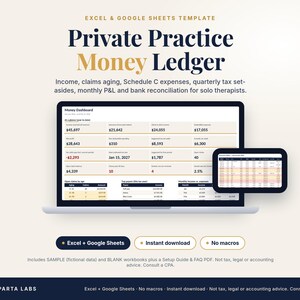
Therapist Practice Money Ledger | Income, Claims, Expenses, Taxes (Excel/Google Sheets)
NZ$50.65
-
Digital download
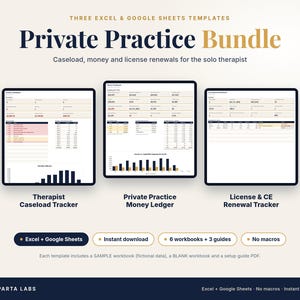
Private Practice Bundle for Therapists | Caseload, Money, License Trackers (Excel/Google Sheets)
NZ$82.29
-
Digital download
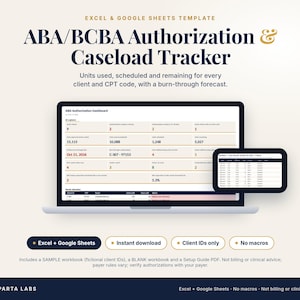
ABA Authorization Tracker | BCBA Caseload Spreadsheet | Units by cpt Code, Burn-Down and RBT Supervision Check | Excel & Google Sheets
NZ$29.54
-
Digital download
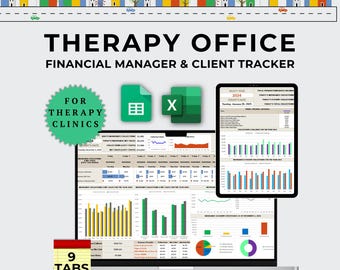
Therapy Practice Spreadsheet, Therapist Billing and Client Tracker, Insurance Claims and AR Aging, Private Practice Excel & Google Sheets
Sale Price NZ$31.91
Original Price NZ$58.04
-
Digital download
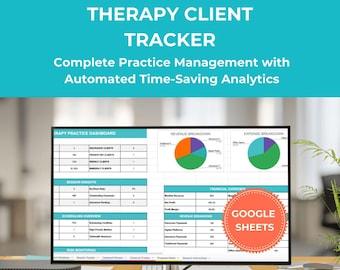
Therapy Client Tracker: Caseload Spreadsheet for Practice Management (Google Sheets)
Sale Price NZ$37.05
Original Price NZ$46.32
-
Digital download
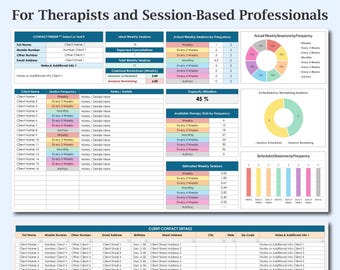
Therapist Sessions Log & Tracker Template, Psychotherapy Schedule, Excel Google Sheets, Therapy Client Tracker, Therapist Caseload Tracker
Sale Price NZ$11.82
Original Price NZ$23.63
-
Digital download
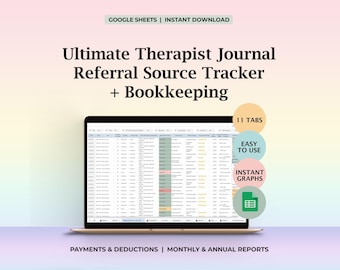
Therapist Client Tracker Caseload Log Referral Source Bookkeeping Therapy Notes Appointment Journal Schedule Organizer Google Sheet Template
Sale Price NZ$47.27
Original Price NZ$59.09
-
Digital download
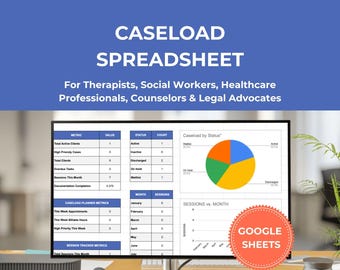
Caseload Spreadsheet for Therapists, Social Workers, and Healthcare Professionals | Client Management System Google Sheets Template
Sale Price NZ$38.74
Original Price NZ$48.42
-
Digital download
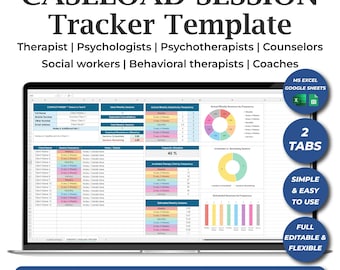
Excel Therapist Caseload Tracker Template, Therapy Client Tracker, Google Sheets Therapist Caseload, Therapist Schedule, Client Planner
Sale Price NZ$11.82
Original Price NZ$23.63
-
Digital download
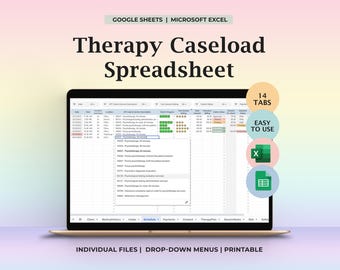
Therapy Caseload Planner, Psychology Planner, Therapy Template, Treatment Planner, Psychotherapist, Case Management, Therapist Journal
Sale Price NZ$47.27
Original Price NZ$59.09
-
Digital download
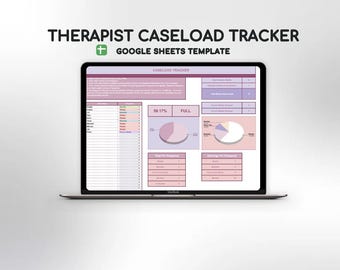
Therapist Caseload Tracker | Session Management Tool | Small Business Template | Counselor Planner, Psychotherapy Schedule Google Sheets
NZ$21.08
-
Digital download
Therapist Client Tracker, Bookkeeping for Therapist, Psychotherapist Tool, Appointment Journal, Therapy Notes, Therapist Schedule, Caseload
Sale Price NZ$37.13
Original Price NZ$46.43
-
Digital download
Therapist Caseload Tracker Template, Caseload Tracker Spreadsheet for Therapists, Therapist Caseload Planner & Tracker, Excel Google Sheets
Sale Price NZ$14.18
Original Price NZ$23.63
-
Digital download
Therapist Caseload Tracker | Bundle for Private Practice | Session Management Tool | Therapist Template | Counselor Organization
NZ$33.74
-
Digital download
Clinical Supervision & Licensing Hours Tracker, Excel 365, Licensure LCSW Hours Log Digital, Internship Hours, Mental Health Counseling
Sale Price NZ$10.65
Original Price NZ$21.27
Shoppers with similar taste loved these
-
Digital download
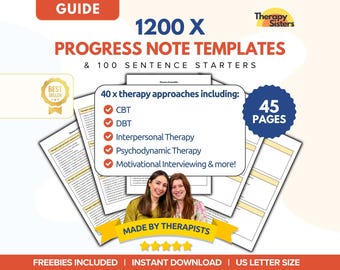
Therapy Progress Note Template | Therapy Documents Note Sentence Starters Therapy Intervention Counselor Cheat Sheet Counselor Template HIPA
Sale Price NZ$27.96
Original Price NZ$50.81
-
Digital download
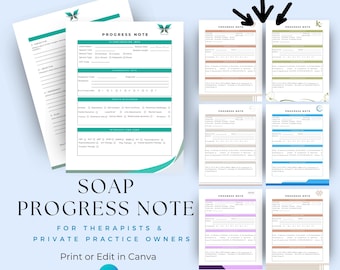
Clinical SOAP Progress Note | Private Practice Therapist Forms | Client Intake Documentation - PN001
NZ$4.36
-

Digital download
Therapy Interventions Progress Notes | Documentation Tools for Counselors, Therapists, Social Workers
Sale Price NZ$37.82
Original Price NZ$94.54
-
Digital download
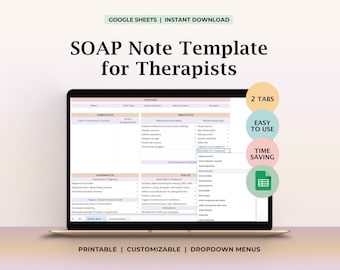
SOAP Note template, Therapy Notes, Therapist templates, Psychology therapy plan, Psychotherapist, Therapist Planner,Mental health counseling
Sale Price NZ$10.97
Original Price NZ$13.73
-
Digital download
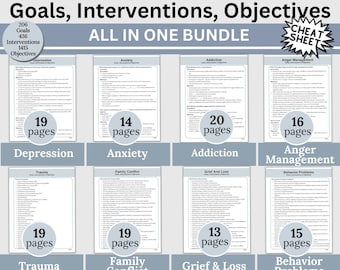
Therapy Treatment Planning Cheat Sheet: Goals, Interventions, Objectives (Digital Download)
NZ$59.37
-

Digital download
SMART Goals Therapy Guide: Treatment Planning Objectives
Sale Price NZ$42.55
Original Price NZ$106.36
-

Digital download
SOAP Notes Therapy Template, SOAP notes, SOAP therapy note, soap note, therapy note builder, soap notes counseling, therapy note spreadsheet
NZ$15.06
-
Digital download
Therapy Caseload Tracker, Caseload planner, Caseload tracker, Caseload management, Caseload Organizer, Therapist Caseload, Therapy Caseload
NZ$15.06
-
Digital download
Therapist Bookkeeping, Client Tracker Therapy, Therapist Tracking, Schedule Book Keeping Therapist, Therapie Tools, Therapy Session Data
NZ$33.13
-
Digital download
LPC NCE Exam, NCE Study Planner Log, nce counselor exam, lpc, lpc counselor, therapists lpc, lpc school, school lpc, lmhc, nce study guide,
NZ$15.06
-
Digital download
CEU Tracker for Therapists, Social Work CEU, CEU Template, Continuing Education Log, lcsw, lmft, lpc lmhc, ceu spreadsheet template, ceu log
NZ$15.06
-
Digital download
Custom Clinical Hours Tracker, Supervision Log - Healthcare Worker Gift
NZ$42.20


