


Expense Tracker Spreadsheet Google Sheets & Excel | Spending Log, Monthly Report, Subscription Tracker
Price:£8.35
Here's what's eligible:
- Your order doesn't match the item description or photos
- Your item arrived damaged
- Your item arrived after the estimated arrival window
- Your item didn't arrive or was lost in the mail
You can only make an offer when buying a single item.
Highlights
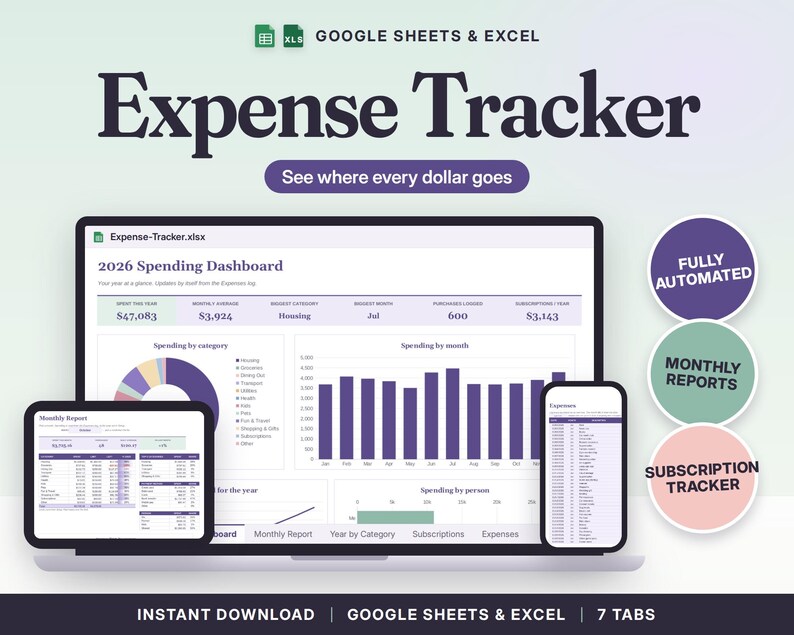
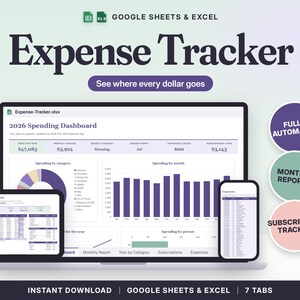
Expense Tracker Spreadsheet for Google Sheets and Excel: write down what you spend, and see where the money went, month by month and for the whole year.
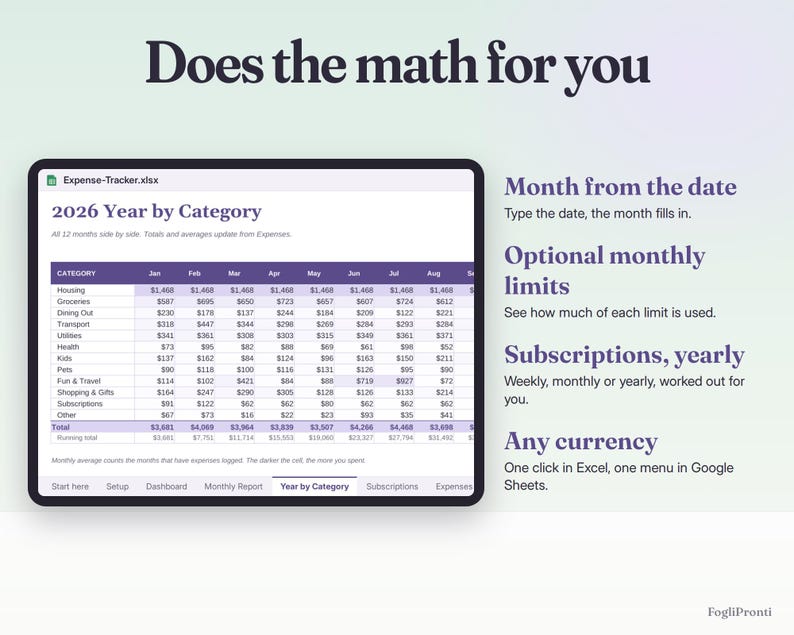
I have ADHD, and I never knew where the money went until I wrote it down. You add each purchase as one row (date, what it was, category, how you paid, who paid, amount) and the sheet does the rest: a report for any month you pick, a table of all 12 months by category, a list of your subscriptions with what they really cost per year, and a dashboard with charts. If you already know what you want to spend, add an optional monthly limit to any category and the report shows how much of it is used.
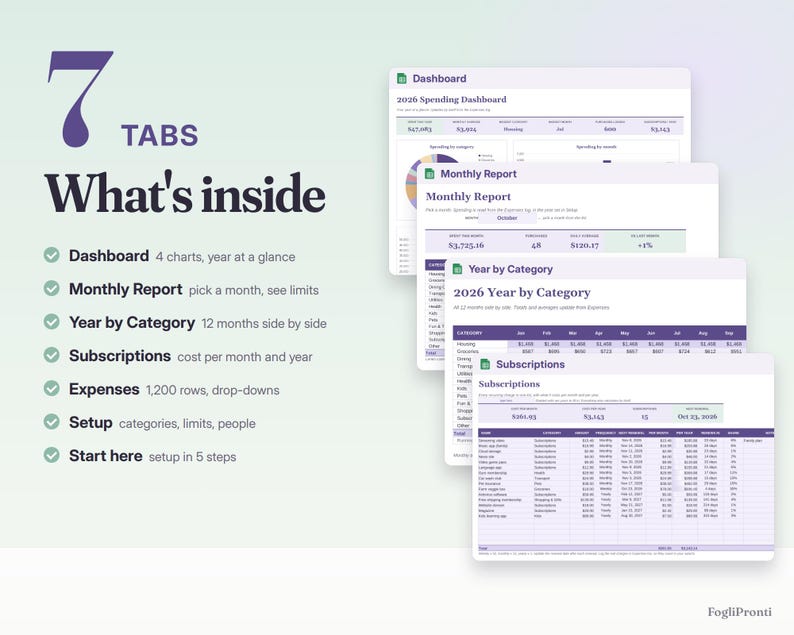
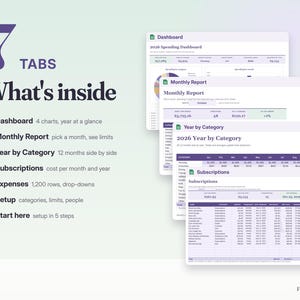
WHAT'S INSIDE (7 tabs)
• Start here: setup in 5 steps, how to open it in Google Sheets
• Setup: currency ($, €, £, CA$, A$), year (2026, 2027 or 2028), 12 categories you can rename, an optional monthly limit for each, a list of payment methods and a list of people (for example Me, Partner, Kids)
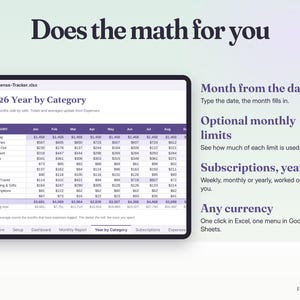
• Expenses: 1,200 rows with date, description, category, payment method, who and amount, all picked from drop-downs; the month fills in from the date
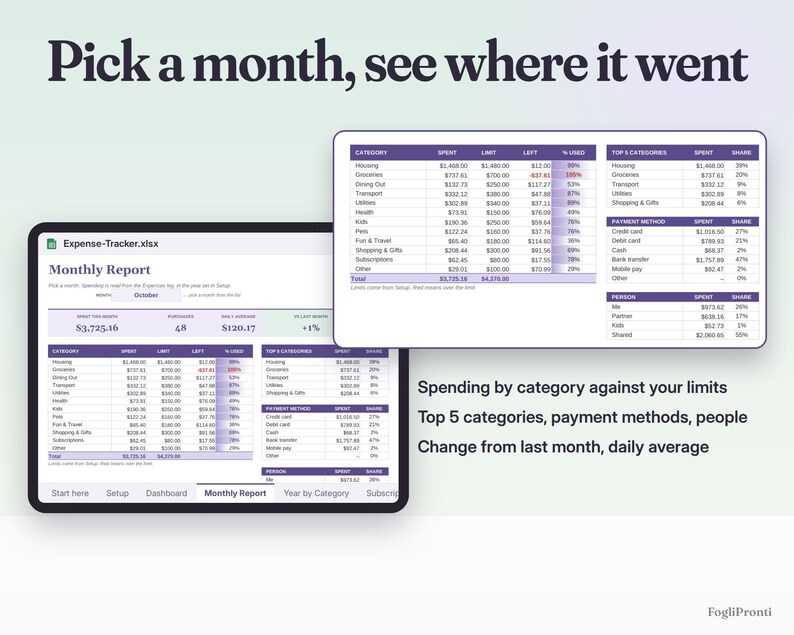
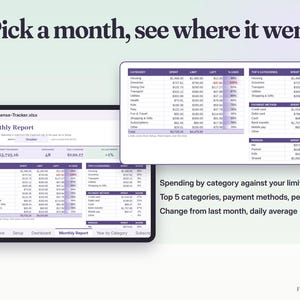
• Monthly Report: pick a month from a drop-down and see spending by category against your limits, the top 5 categories, spending by payment method and by person, the daily average and the change from last month
• Year by Category: 12 months x 12 categories with totals, monthly averages and the share of the year
• Subscriptions: up to 20 recurring charges (weekly, monthly or yearly) with the cost per month and per year, the renewal date and the days left
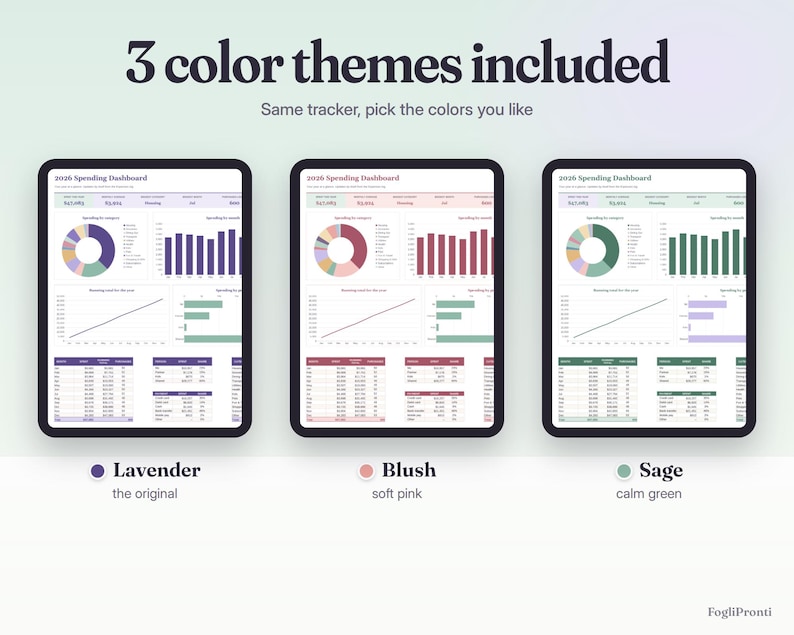
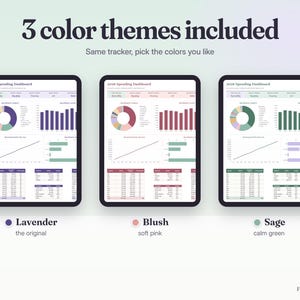
• Dashboard: spent this year, monthly average, biggest category and month, subscriptions per year, and four charts: spending by category (donut), spending by month, running total for the year, spending by person
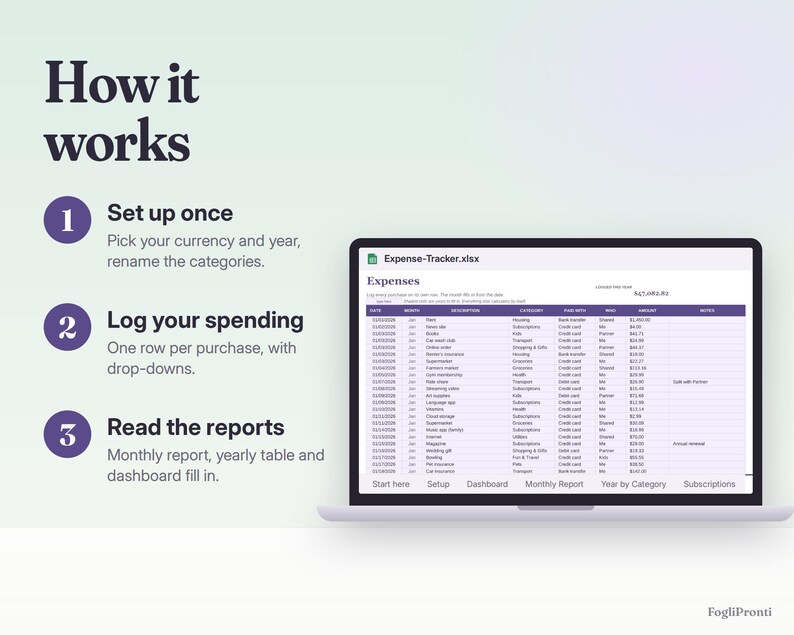
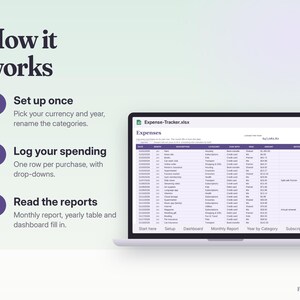
HOW IT WORKS
1. In Setup, choose your currency and year and rename the categories to match your life.
2. Log purchases in Expenses whenever you like, daily or once a week from your bank app.
3. Open the Monthly Report, the Year by Category table or the Dashboard. Everything updates by itself.
COLORS AND FILES
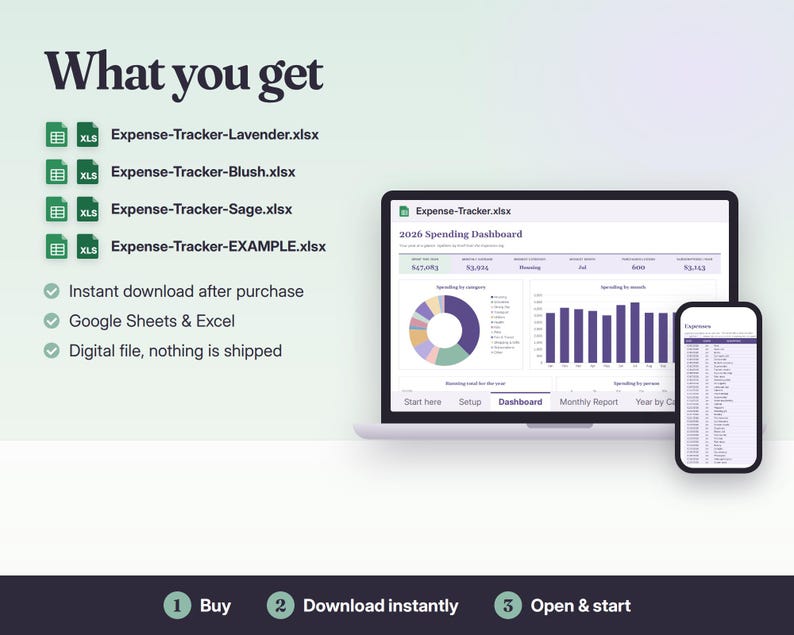
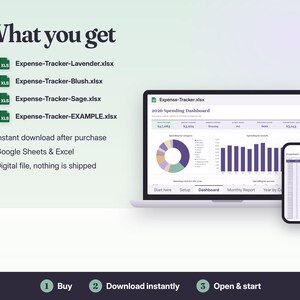
You get 4 files: the same tracker in 3 color themes (Lavender, Blush, Sage), ready to use and empty, plus one EXAMPLE file filled with a year of sample household expenses so you can see every feature at work.
COMPATIBILITY
• .xlsx for Microsoft Excel 2016 or newer (Windows, Mac, Excel online) and Google Sheets (free Google account: upload and open, steps in the file); also opens in LibreOffice
• No macros, no add-ons, no subscription
• Formulas are locked so you can't break them by accident; your cells are shaded
PLEASE NOTE
Digital download: nothing is shipped. The photos show the example file. For personal budgeting, not financial advice. For personal use, please don't resell or share the file.
Made with the help of AI tools and checked by hand.
Instant Download
Your files will be available to download once payment is confirmed. Here's how.
Instant download items don’t accept returns, exchanges or cancellations. Please contact the seller about any problems with your order.
Etsy Purchase Protection
Shop confidently on Etsy knowing if something goes wrong with an order, we've got your back for all eligible purchases —
see programme terms

More from this shop
Visit shop-
Digital download
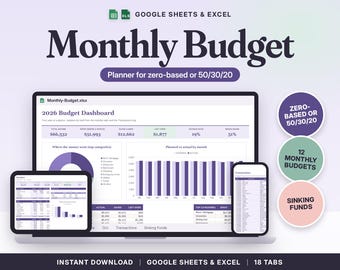
Budget Spreadsheet Google Sheets & Excel | Monthly Budget Planner, Zero Based Budget, 50/30/20 Template
£10.46
-
Digital download
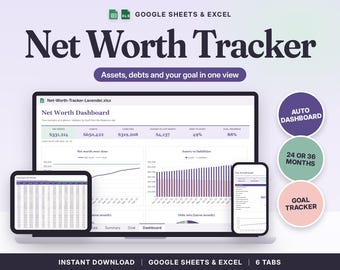
Net Worth Tracker Spreadsheet Google Sheets & Excel | Assets and Debt Tracker, Monthly Net Worth Dashboard, Goal Planner
£8.35
-
Digital download
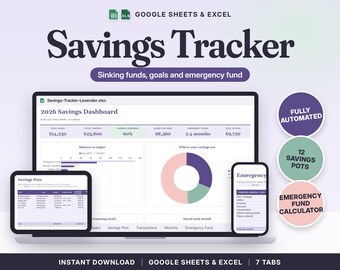
Savings Tracker Spreadsheet Google Sheets & Excel | Sinking Funds, Savings Goals, Emergency Fund Tracker
£8.35
-
Digital download
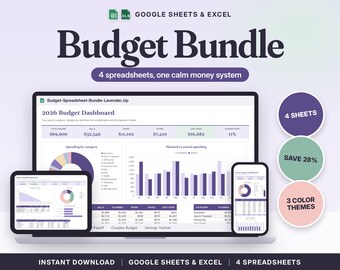
Budget Spreadsheet Bundle Google Sheets & Excel | Budget by Paycheck, Debt Payoff Tracker, Couples Budget, Savings Tracker
£21.02