



Arkusz kalkulacyjny do śledzenia rachunków, Arkusze Google, Excel | Kalendarz rachunków, Miesięczny organizator rachunków, Lista kontrolna płatności rachunków, Śledzenie subskrypcji
Najważniejsze informacje o produkcie
Jeśli coś pójdzie nie tak z zamówieniem, możesz na nas liczyć w przypadku wszystkich kwalifikujących się zakupów. Zobacz warunki programu
TerazCena:30,42 zł
Pierwotna cena: 60,87 zł
50% rabatu
Promocja kończy się 23 listopada
Możesz złożyć propozycję ceny tylko przy zakupie pojedynczego produktu
Dostawa
Pobranie natychmiastowe
Pliki będą dostępne do pobrania po potwierdzeniu płatności. Procedura.
W przypadku pobrań natychmiastowych zwroty, wymiany i anulowania nie są akceptowane. Skontaktuj się ze sprzedawcą w razie problemów z zamówieniem.
Opis sprzedawcy
Specyfikacja techniczna
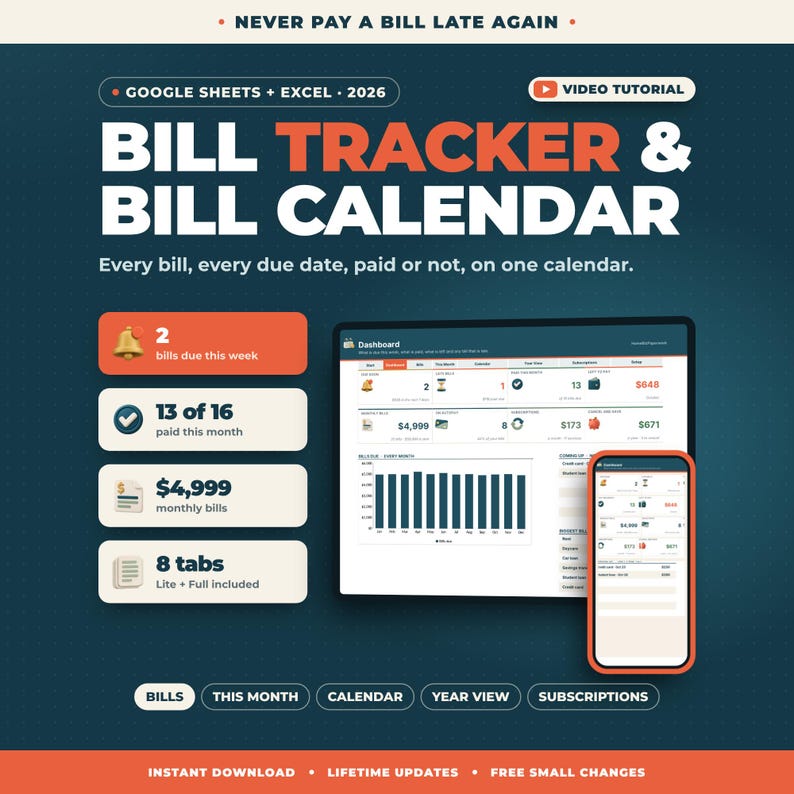
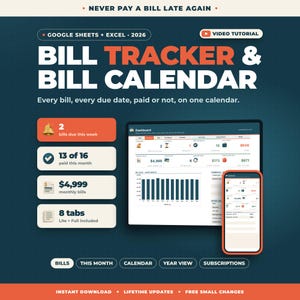
Dowiedz się, co jest należne, co zostało zapłacone i co jest zaległe w każdym miesiącu.
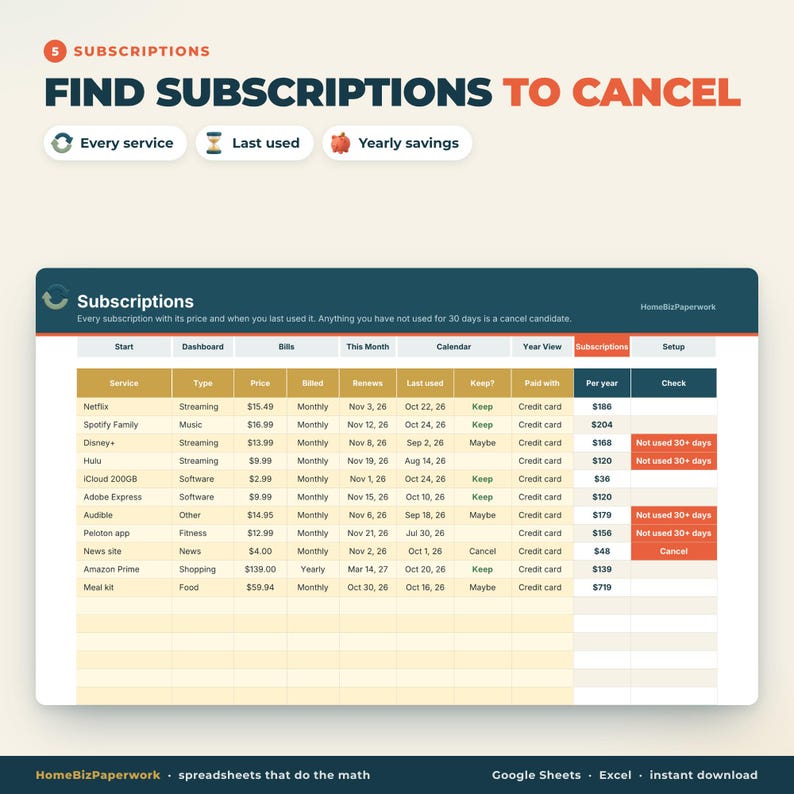
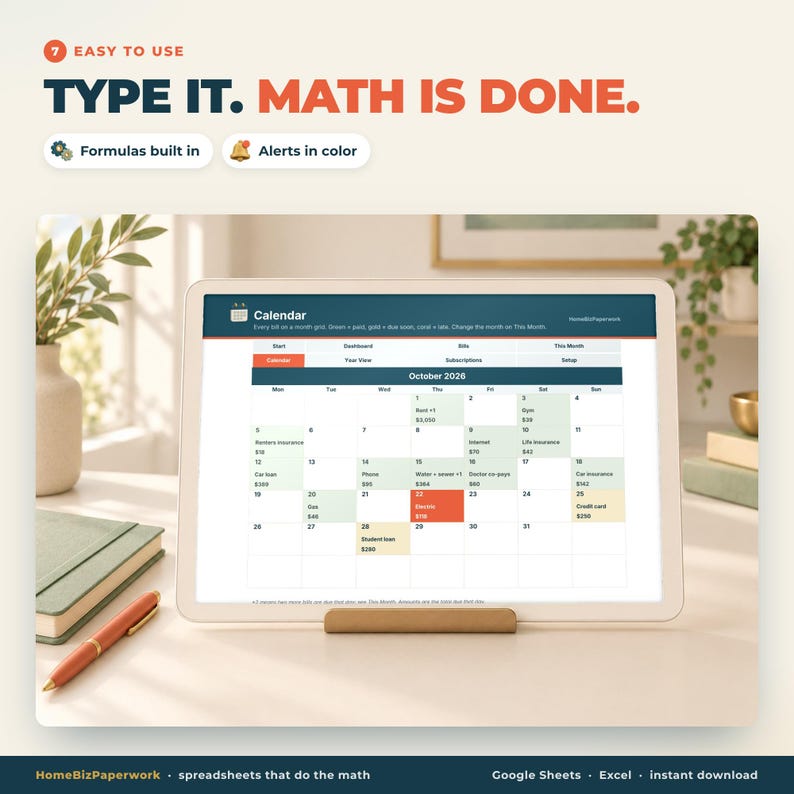
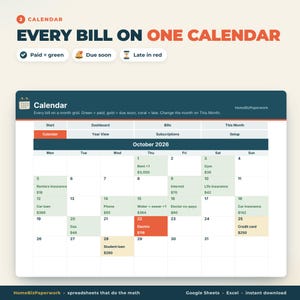
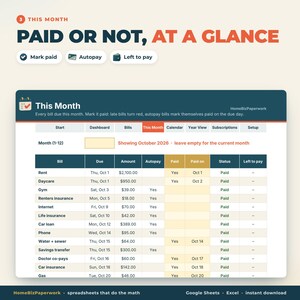
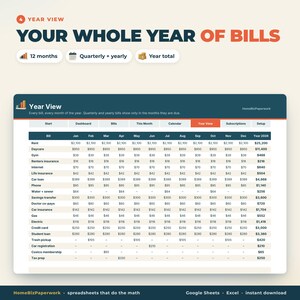
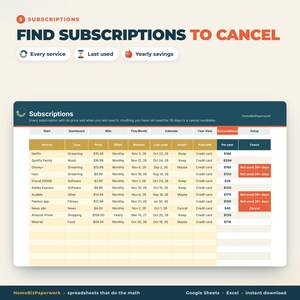
Ten moduł śledzenia rachunków i kalendarz rachunków to gotowy do użycia arkusz kalkulacyjny dla Arkuszy Google i Excela. Wypisz każdy rachunek raz, podając datę płatności, kwotę, częstotliwość i informację, czy jest on automatycznie opłacany. Ten miesiąc pokazuje wszystkie rachunki do zapłaty z datą płatności: opłacony, opłacony i pozostały do zapłaty: rachunki z opóźnieniem są czerwone, a rachunki z automatycznym opłacaniem oznaczane są jako opłacone w dniu płatności. Kalendarz wyświetla każdy rachunek w kolorowej siatce miesięcznej, Widok roczny pokazuje wszystkie 12 miesięcy, a Subskrypcje wyszukują usługi, z których nie korzystałeś przez 30 dni. Wpisz dane w żółte pola; wszystkie pozostałe zostaną obliczone za Ciebie.
▶ SAMOUCZEK WIDEO: zobacz każdą zakładkę w około minutę: youtu.be/gZatsfhASS0
━━━━━━━━━━━━━━━━━━
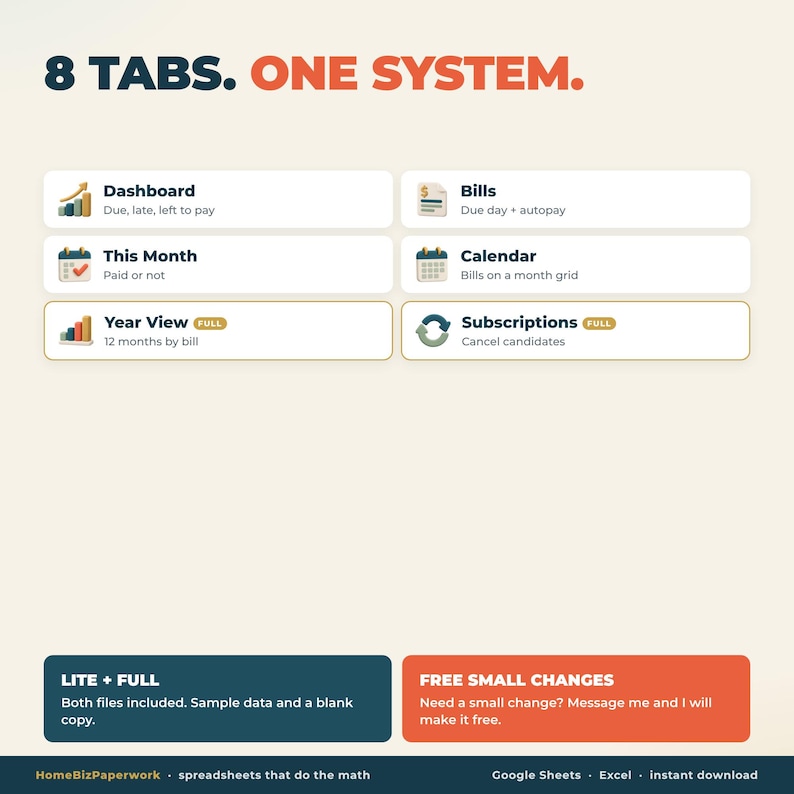
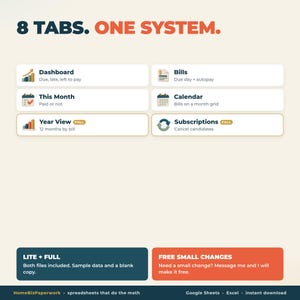
CO W ŚRODKU (WERSJA PEŁNA, 8 ZAKŁADEK)
━━━━━━━━━━━━━━━━━━
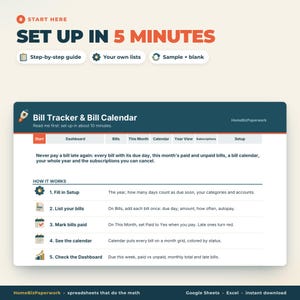
• Zacznij tutaj: krótki przewodnik konfiguracji
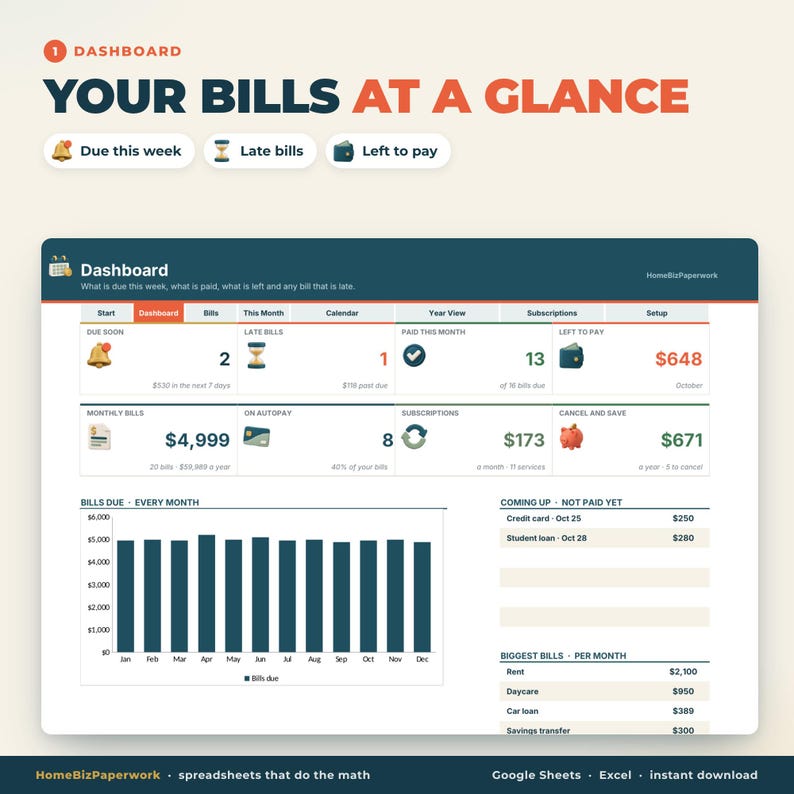
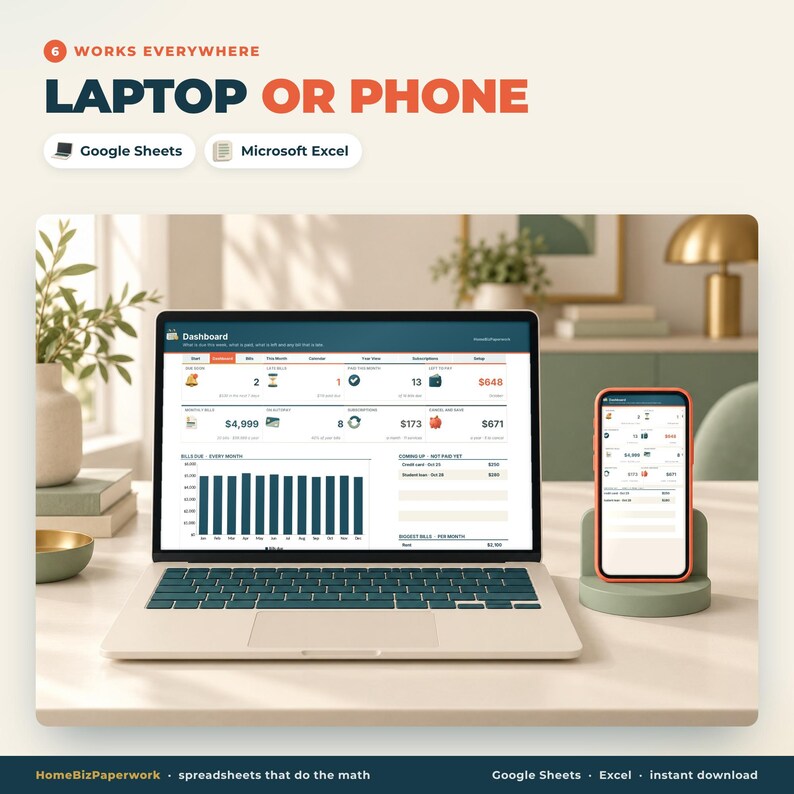
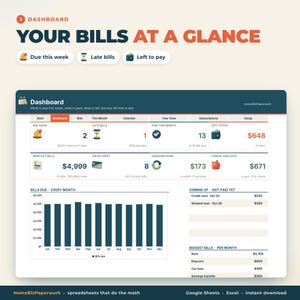
• Panel: wkrótce do zapłaty, zaległe rachunki, zapłacone w tym miesiącu, do zapłaty, rachunki miesięczne, automatyczna płatność, subskrypcje, anuluj i zapisz, wykresy
• Rachunki: do 60 rachunków z kategorią, terminem płatności, kwotą, miesięcznym, kwartalnym lub rocznym, płatnością automatyczną i kontem
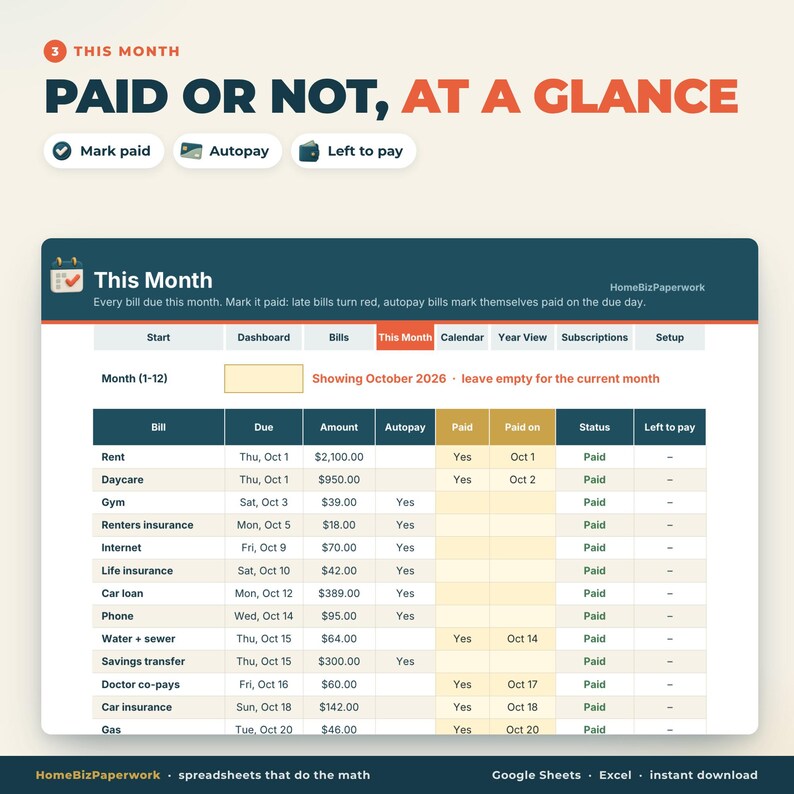
• Ten miesiąc: każdy rachunek należny w tym miesiącu, z informacją o tym, czy został opłacony, kiedy został opłacony, jaki jest jego status (zapłacony, należny wkrótce, spóźniony) i czy pozostał do zapłaty
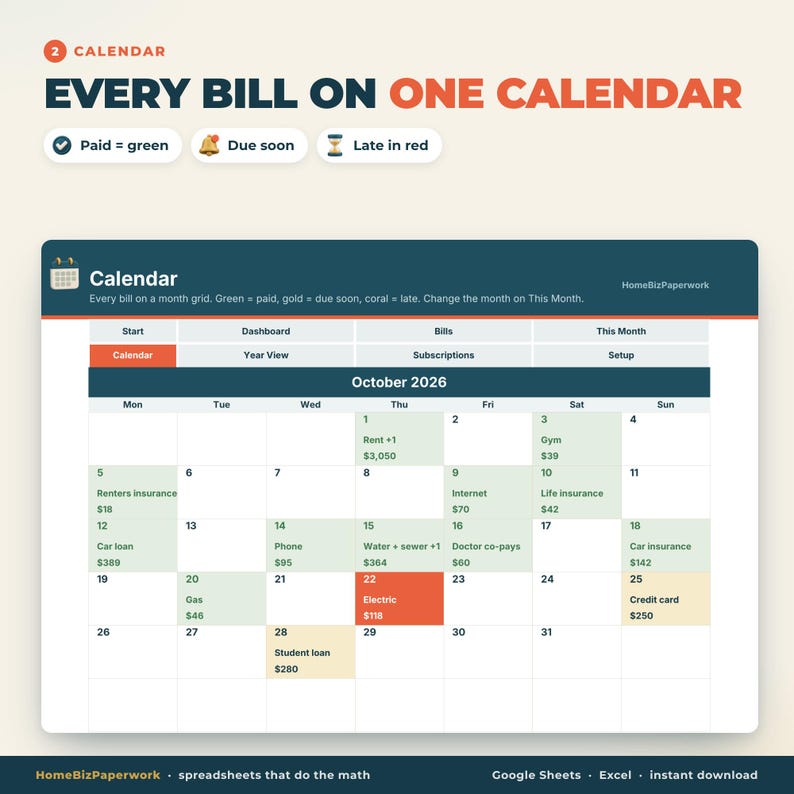
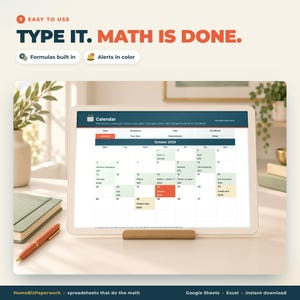
• Kalendarz: Twoje rachunki w siatce miesięcznej, oznaczone kolorami jako opłacone, terminowe i nieterminowe
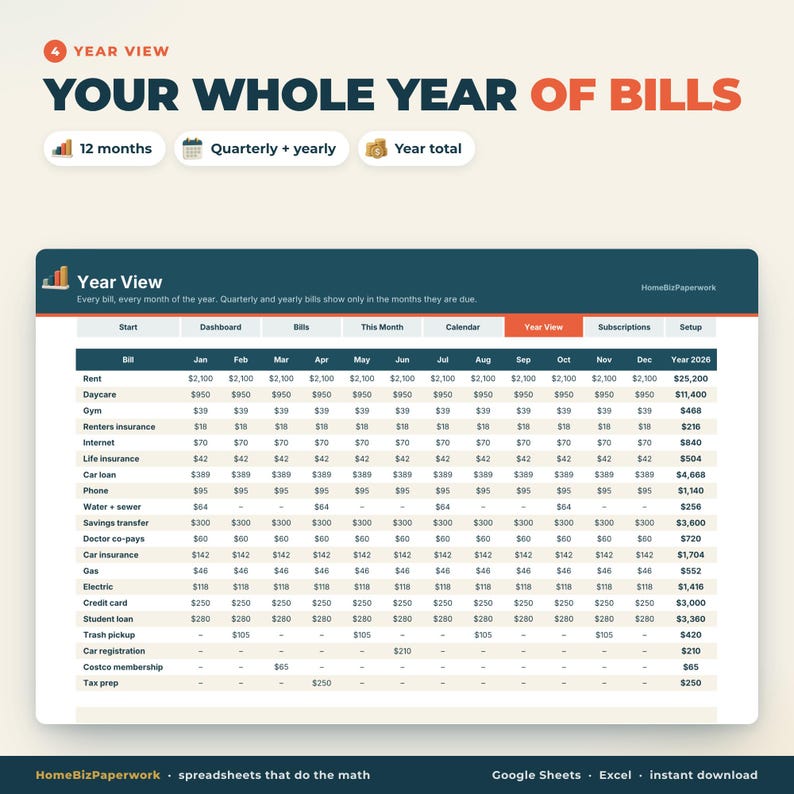
• Widok roczny: każdy rachunek, każdy miesiąc w roku, z miesięcznymi i rocznymi sumami
• Subskrypcje: każda subskrypcja z ceną, datą odnowienia, ostatnio użytymi i kandydatami do anulowania
• Konfiguracja: rok, terminy płatności, kategorie rachunków, konta i typy subskrypcji
Pasek kart znajdujący się u góry każdej strony umożliwia przechodzenie między kartami jednym kliknięciem.
━━━━━━━━━━━━━━━━━━
OTRZYMASZ 4 PLIKI
━━━━━━━━━━━━━━━━━━
• Pełna wersja z przykładowymi danymi (zobacz działanie)
• Pełna wersja, pusta
• Wersja Lite (6 zakładek: Zacznij tutaj, Panel, Rachunki, Ten miesiąc, Kalendarz, Konfiguracja) z przykładowymi danymi
• Wersja Lite, pusta
━━━━━━━━━━━━━━━━━━
JAK TO DZIAŁA
━━━━━━━━━━━━━━━━━━
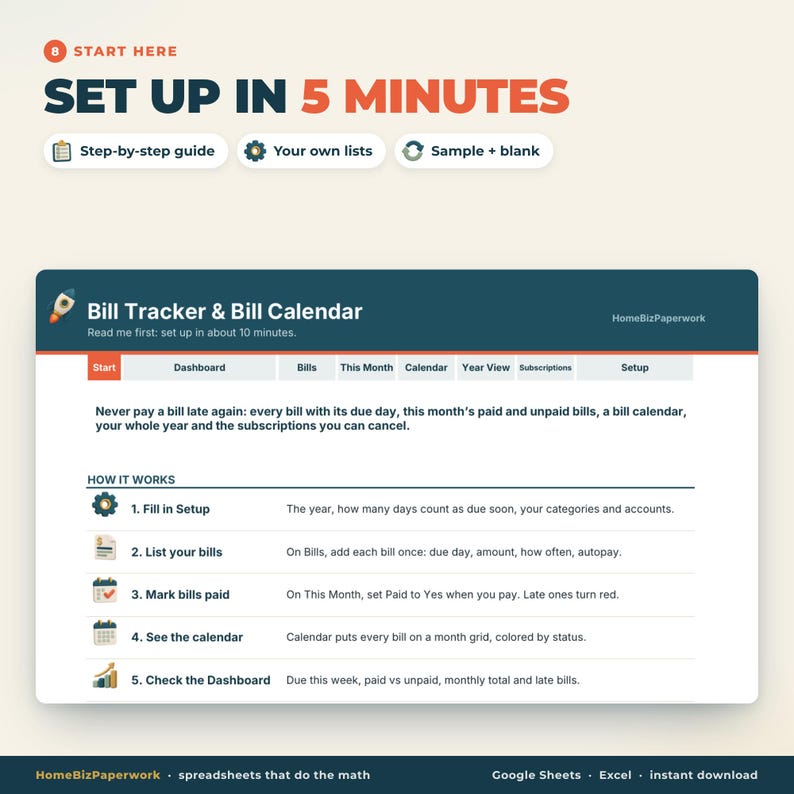
1. Po zakupie pobierz pliki .xlsx.
2. Arkusze Google: prześlij na Dysk Google, otwórz, następnie Plik > Zapisz jako Arkusze Google.
Excel: otwórz plik i kliknij Włącz edycję.
3. Wypełnij formularz konfiguracji (zajmie to około 2 minuty), wypisz swoje rachunki, a następnie zaznacz je jako opłacone w tym miesiącu.
Działa w Arkuszach Google (bezpłatnie) i Microsoft Excel (wersja na komputery i Microsoft 365). Nie działa w Apple Numbers.
━━━━━━━━━━━━━━━━━━
AKTUALIZACJE DOŻYWOTNIE + DARMOWE MAŁE ZMIANY
━━━━━━━━━━━━━━━━━━
Każde ulepszenie, które wprowadzę, otrzymasz bezpłatnie: wystarczy, że ponownie pobierzesz pliki ze swoich zakupów w serwisie Etsy.
Potrzebujesz jednej drobnej zmiany? Dodatkowa kolumna, Twoja waluta, więcej wierszy, zmiana nazwy kategorii. Napisz do mnie po zakupie, a zrobię to za darmo. Odpowiem w ciągu 24 godzin.
━━━━━━━━━━━━━━━━━━
UWAGA
━━━━━━━━━━━━━━━━━━
• Jest to wersja cyfrowa do pobrania. Produkt fizyczny nie będzie wysyłany.
• Działa w dowolnym roku: zmień rok w konfiguracji.
• Ze względu na cyfrową naturę produktu nie przyjmuję zwrotów, ale jeśli masz jakiś problem, napisz do mnie, a chętnie pomogę.
Zaprojektowane przez Albinę z HomeBizPaperwork. Zbudowane z pomocą narzędzi AI i moich własnych skryptów, a następnie sprawdzane w Arkuszach Google przed każdym wydaniem.
-
Zaprojektowane przez
-
Rodzaj produktuProdukt cyfrowy do pobrania
-
Typ(y) plików cyfrowych4 pliki
Jeśli coś pójdzie nie tak z zamówieniem, możesz na nas liczyć w przypadku wszystkich kwalifikujących się zakupów. Zobacz warunki programu
Poznaj sprzedawcę


Więcej produktów z tego sklepu
-

Produkt cyfrowy do pobrania
Arkusz kalkulacyjny do śledzenia dywidend, Arkusze Google, Excel | Śledzenie portfela akcji, Kalendarz dywidend, Śledzenie inwestycji, Cel dochodu pasywnego
Cena w promocji 30,42 zł
Pierwotna cena 60,87 zł
-
Produkt cyfrowy do pobrania
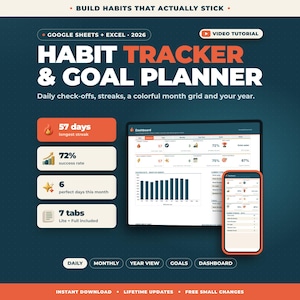
Śledzenie nawyków w Arkuszach Google w programie Excel | Codzienny rejestr nawyków 2026, Rejestr serii, Miesięczna siatka nawyków, Planer celów, Rejestr rutyny
Cena w promocji 30,42 zł
Pierwotna cena 60,87 zł
-

Produkt cyfrowy do pobrania
Arkusz kalkulacyjny budżetu podróży Google Sheets Excel | Planer podróży, budżet wakacyjny, trasa, lista rzeczy do spakowania, śledzenie wydatków w dowolnej walucie
Cena w promocji 30,42 zł
Pierwotna cena 60,87 zł
-
Produkt cyfrowy do pobrania
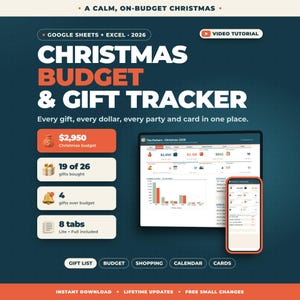
Planer budżetu świątecznego w Arkuszach Google Excel | Śledzenie prezentów, Arkusz kalkulacyjny budżetu świątecznego, Lista prezentów świątecznych, Lista kartek, Planer świąteczny
Cena w promocji 30,42 zł
Pierwotna cena 60,87 zł
-
Produkt cyfrowy do pobrania
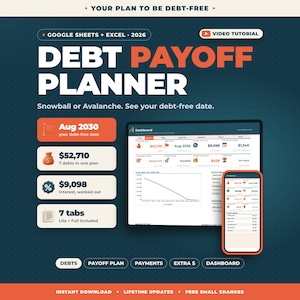
Arkusz kalkulacyjny „Kula śnieżna długu” w Arkuszach Google Excel | Śledzenie spłaty długu, Metoda lawinowa, Kalkulator daty zwolnienia z długu, Planer spłat
Cena w promocji 30,42 zł
Pierwotna cena 60,87 zł
-
Produkt cyfrowy do pobrania
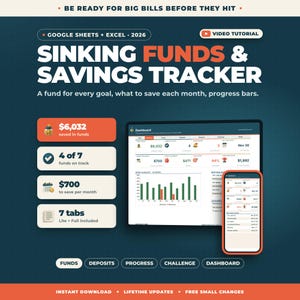
Śledzenie funduszy amortyzacyjnych w Arkuszach Google w programie Excel | Śledzenie celów oszczędnościowych, 52-tygodniowe wyzwanie oszczędzania, wyzwanie 100 kopert, budżet
Cena w promocji 30,42 zł
Pierwotna cena 60,87 zł


