


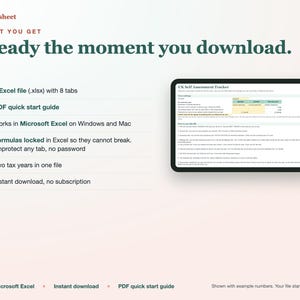
UK Self Assessment Tracker Spreadsheet, Sole Trader Income and Expenses, SA103S Boxes, Mileage, Tax and Class 4 Estimate
価格:¥1,489
対象となる場合はこちらです:
- ご注文の品が商品説明や商品写真と一致していない場合
- ご注文の品が破損して届いた場合。
- 商品が到着予定期間より後に届いた場合
- ご注文の品が届かなかった、または配送中に紛失した場合
単品の購入の場合のみ価格を提案できます
ハイライト
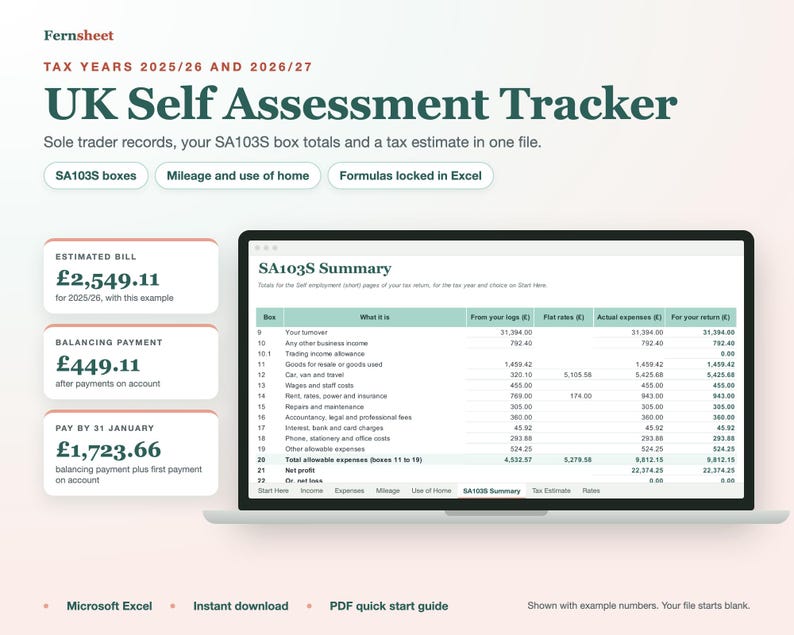
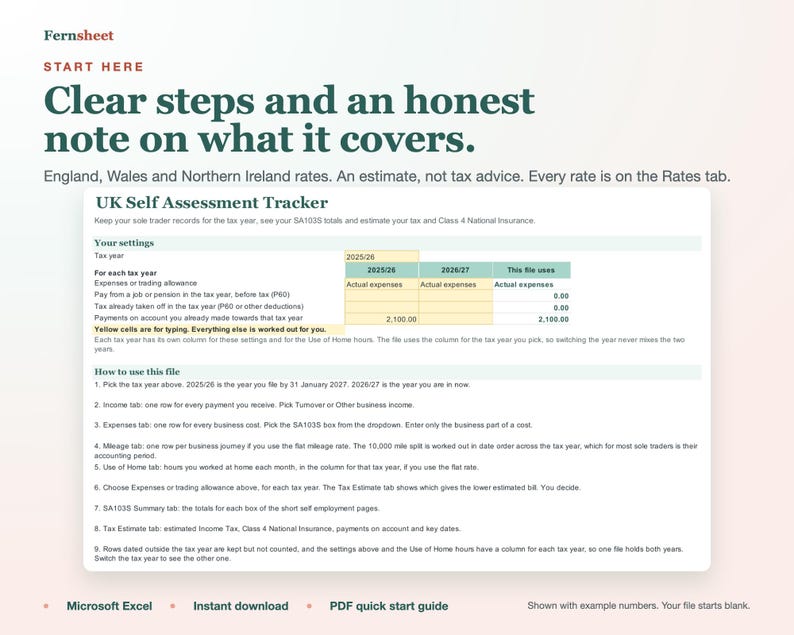
Keep your sole trader records in one simple spreadsheet and see your Self Assessment numbers add up as you go. Built for the UK tax year (6 April to 5 April), in pounds, with dates as dd/mm/yyyy.
WHY THIS ONE
Formulas locked in Excel, so a stray keystroke cannot wipe a total. Unprotect any tab, no password.
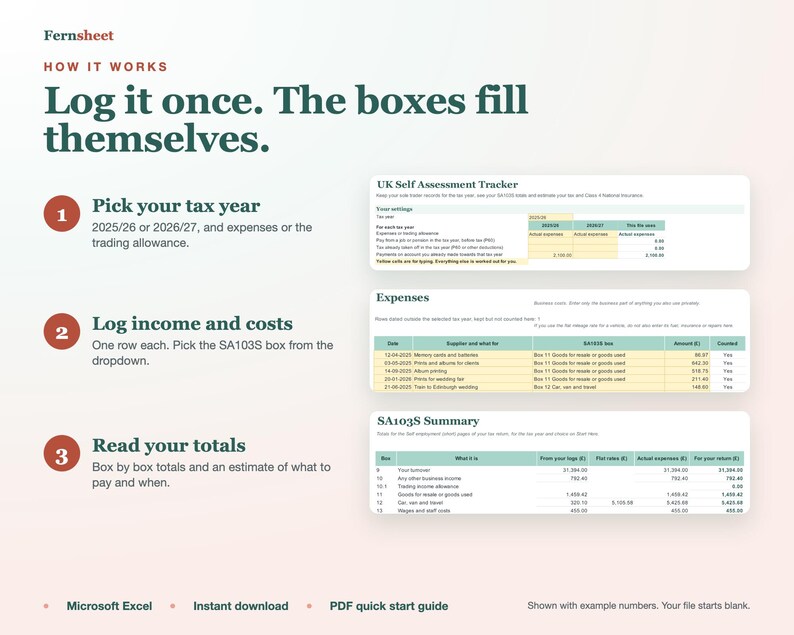
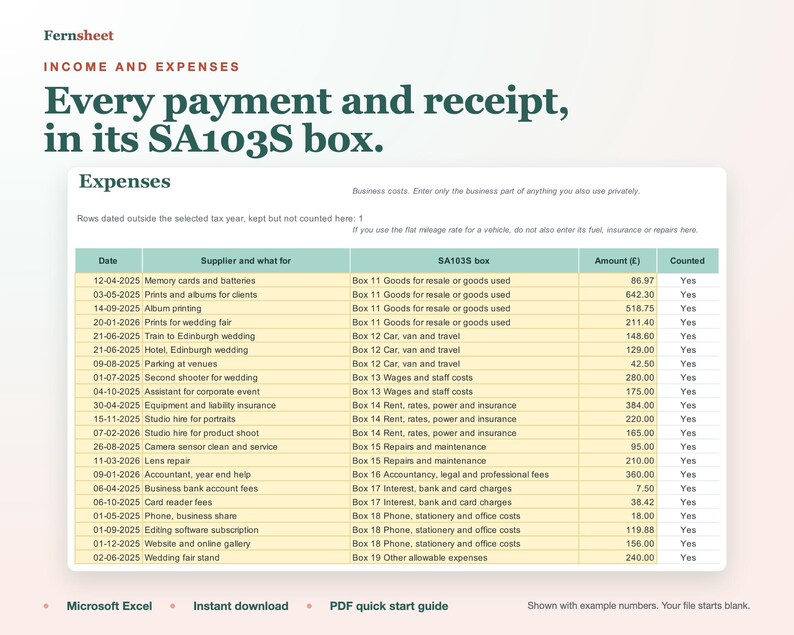
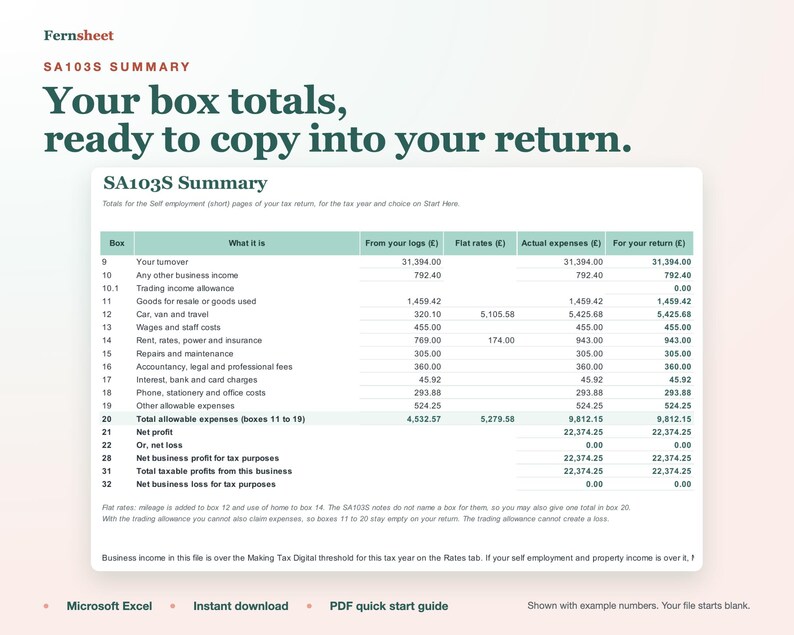
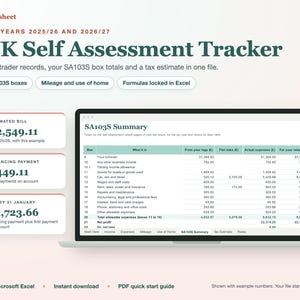
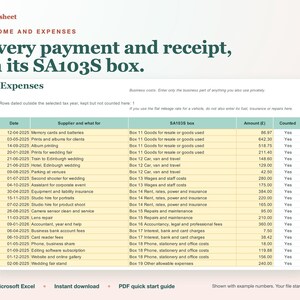
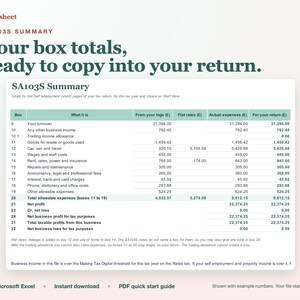
Every expense goes to its SA103S box, and the summary gives box by box totals.
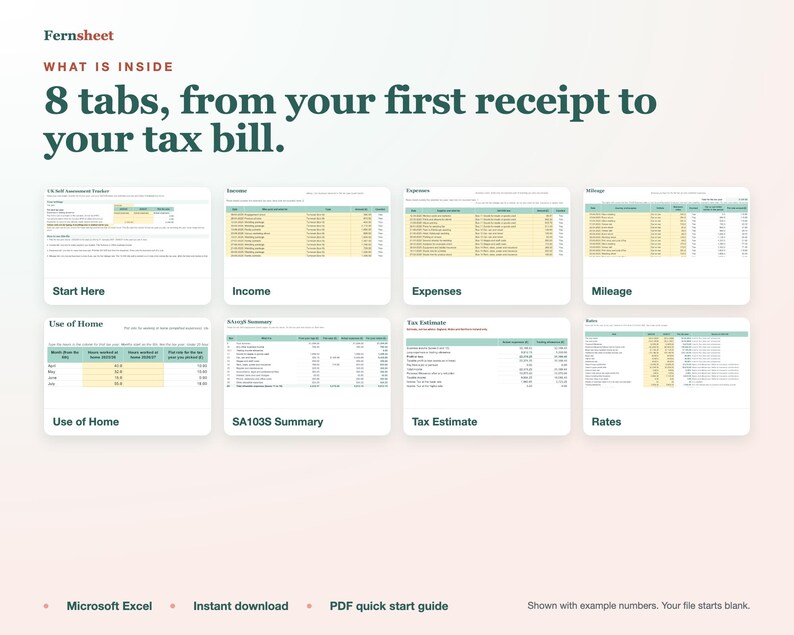
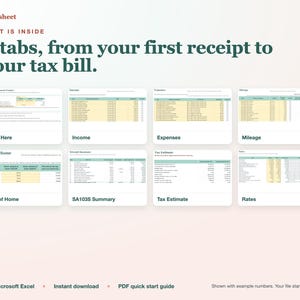
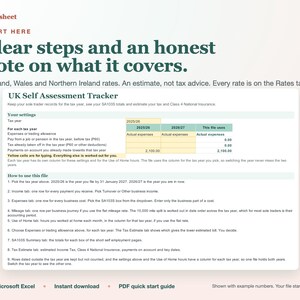
8 tabs, each with one clear job, and a Start Here tab that walks you through.
Tested before release against an independent calculation, including unusual entries.
TWO TAX YEARS IN ONE FILE
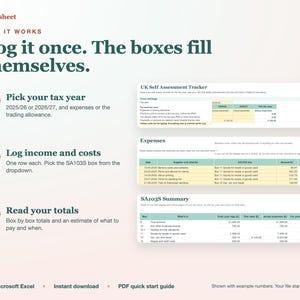
2025/26, the year you file by 31 January 2027, and 2026/27, the year you are in now. Pick the year and every total follows. Rows from the other year are kept, not counted, and your settings and use of home hours have a column for each year, so switching the year never mixes the two.
WHAT IS INSIDE
Income log: turnover and other business income.
Expenses log: pick the SA103S box (11 to 19) from a dropdown.
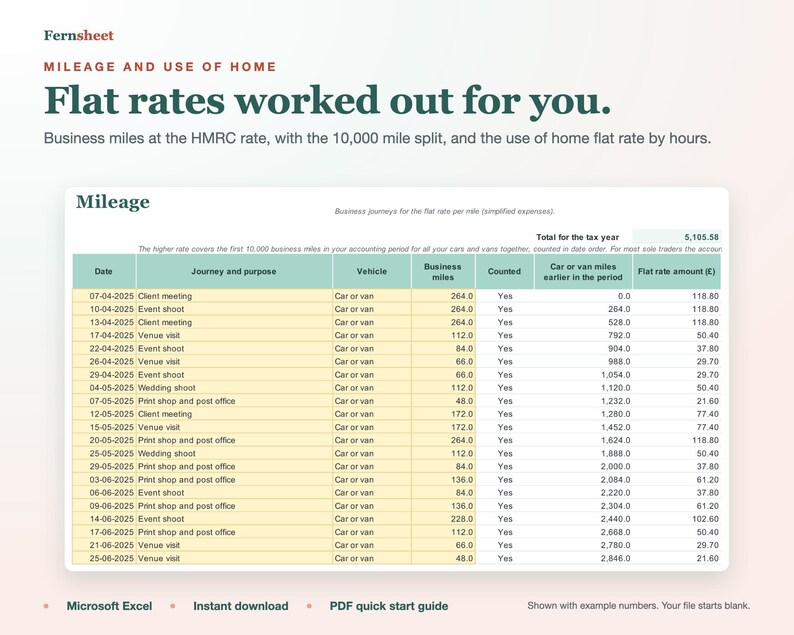
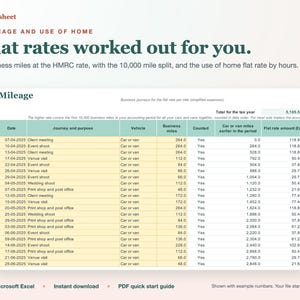
Mileage log: the flat rate per mile, with the 10,000 mile split worked out in date order across the tax year (for most sole traders, their accounting period).
Use of home: the monthly flat rate from the hours you work at home.
SA103S summary: your totals for each box of the short self employment pages.
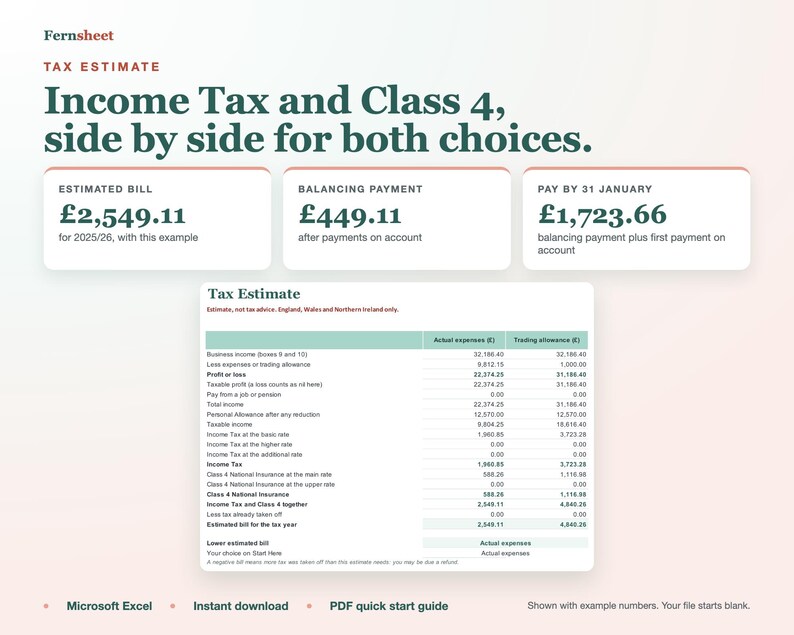
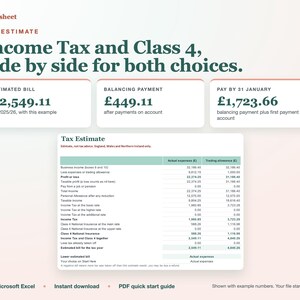
Expenses or trading allowance: both shown side by side with the estimated bill for each. You choose.
Tax estimate: Income Tax and Class 4 National Insurance for England, Wales and Northern Ireland.
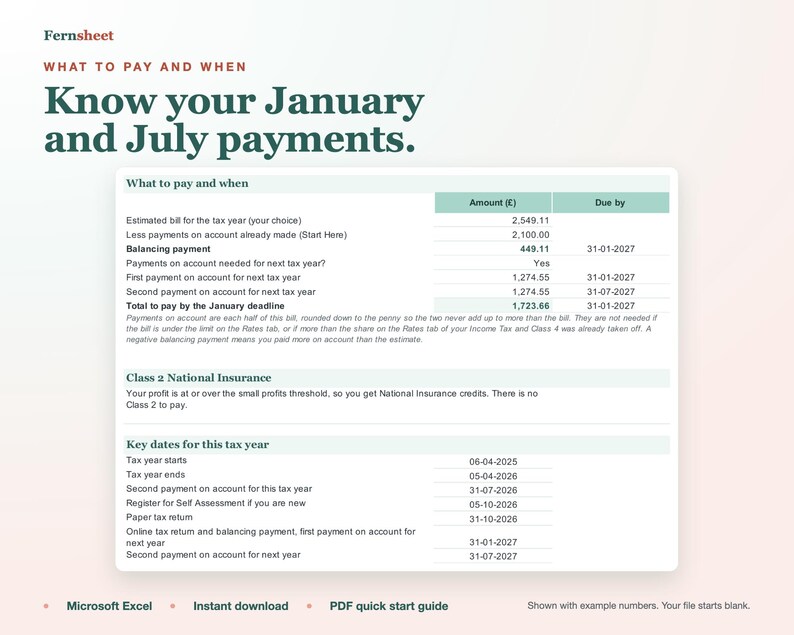
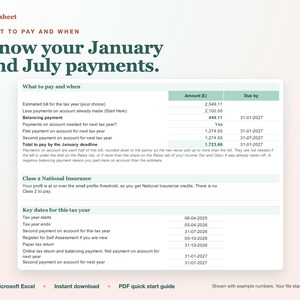
Payments on account: whether they apply, how much, and when they are due.
Key dates: 31 January, 31 July and the 5 October registration date.
Rates tab: every rate with the tax year it applies to, so you can check it and change it.
EASY TO USE
Yellow cells are for typing. Everything else updates by itself.
Every dropdown and number cell stops a wrong entry when you type, with a plain message, and the file flags pasted rows it cannot count. Pasted negative amounts are counted as refunds and shown so you can check them.
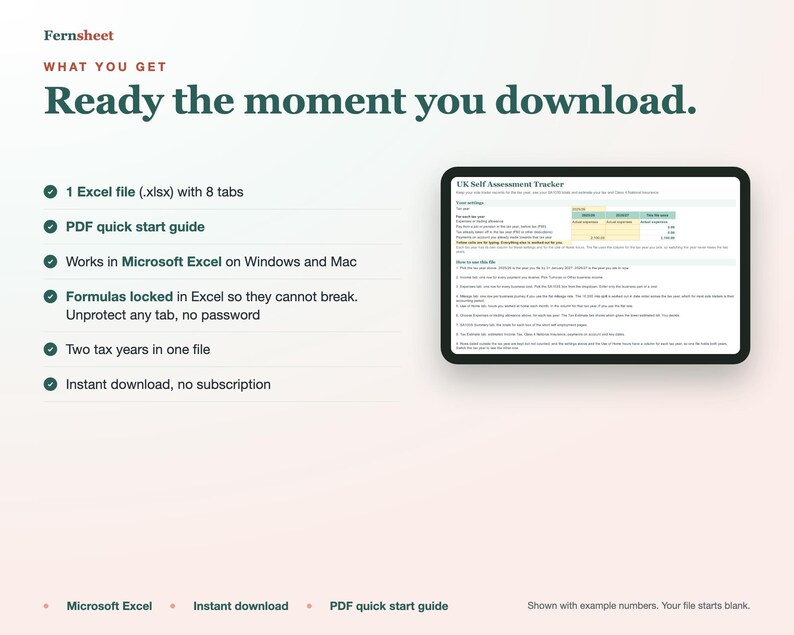
In Excel, formulas are protected so you cannot break them by accident (you can unprotect any tab, no password).
A Start Here tab explains every step.
WHAT YOU GET
1 Excel file (.xlsx) with 8 tabs.
1 PDF quick start guide.
This is a digital download. Nothing will be shipped.
PLEASE NOTE
This is a record keeping and estimating spreadsheet. It does not send anything to HMRC and it is not Making Tax Digital software.
If your self employment and property income for 2024/25 was over £50,000, Making Tax Digital for Income Tax applies to you from 6 April 2026.
For 2026/27 you then need compatible software, which this file is not, but it can still help you check your figures.
The file shows when your income for a tax year is over that year's threshold.
The tax figures are an estimate, not tax advice. Scotland has its own Income Tax bands, so the Income Tax estimate is for England, Wales and Northern Ireland.
You need Microsoft Excel on Windows or Mac.
Because this is a digital file, we cannot offer returns, but if anything does not work as described, send us a message on Etsy and we will fix it.
This template was designed by us with the help of digital tools, including AI assistance.
即時ダウンロード可能商品
お支払い確認後、ファイルがダウンロードできるようになります。 ダウンロード方法はこちらから。
即時ダウンロード可能商品では返品、交換およびキャンセルを受け付けておりません。ご注文に関する問題については、セラーにお問い合わせください。
Etsy 購入保護
Etsy で安心してショッピングをしましょう。何か問題が起きた場合でも、対象となる購入について Etsy がサポートします。
プログラムの規約を見る

このショップの他の商品
ショップを見る-
ダウンロード商品
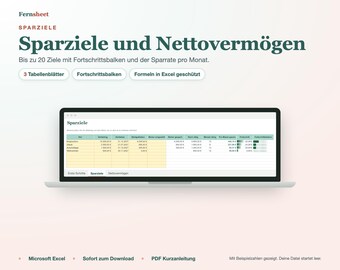
Sparziele und Nettovermögen Excel Vorlage, Sparplaner mit Fortschrittsbalken, Rücklagen planen, Vermögen Monat für Monat
¥827
-
ダウンロード商品
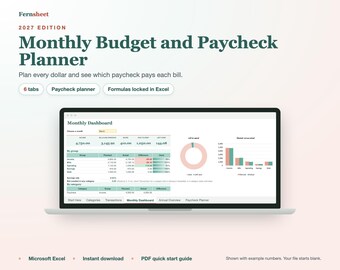
2027 Monthly Budget Spreadsheet and Paycheck Planner, Excel Budget Template, Bill Planner, Expense Tracker, Budget Dashboard
¥1,158
-
ダウンロード商品
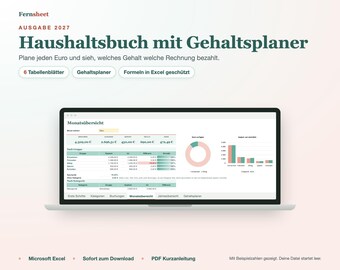
Haushaltsbuch 2027 mit Gehaltsplaner, Excel Vorlage, Budgetplaner, Einnahmen und Ausgaben, Monatsübersicht, Haushaltsplaner Deutsch
¥827
-
ダウンロード商品
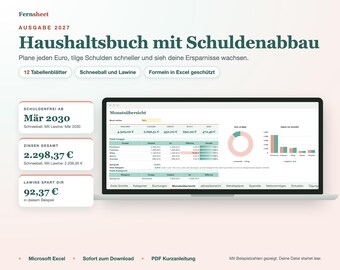
Haushaltsbuch 2027 Excel Vorlage mit Schuldenabbau, Budgetplaner, Gehaltsplaner, Sparziele, Nettovermögen, Haushaltsplaner Deutsch
¥1,820


