


Social Media Daily Homework Notion Planner, Daily Routine Tracker with Time Slots, Content Posting Checklist Template 2026-2027
Precio:MX$425.16
Estos son los casos aptos:
- Tu pedido no coincide con la descripción o las fotos del artículo
- Tu artículo llegó dañado
- Tu artículo llegó después de la fecha de llegada estimada.
- Tu artículo no llegó o se perdió en tránsito
Solo puedes hacer una oferta por compras de un único artículo
Puntos destacables
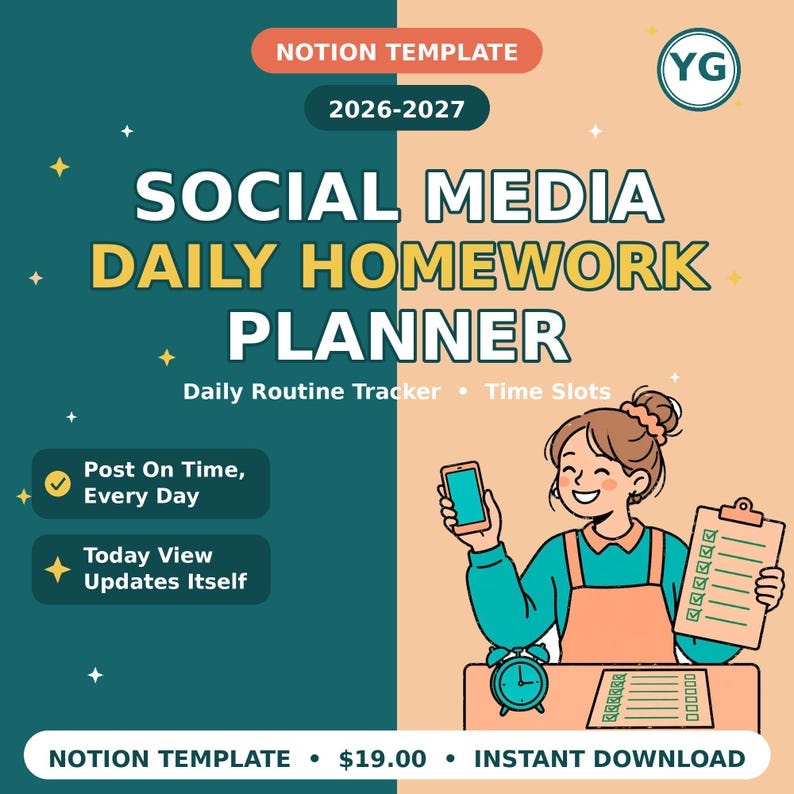
Social Media Daily Homework Notion Planner 2026-2027 — Daily Routine Tracker with Time Slots, Content Posting Checklist Template
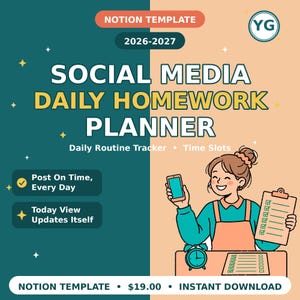
A Notion template — a daily planner and routine planner in one — for sellers and creators who post every day. One page holds your whole day: every post, its platform, and its time slot. Tick Done as each post goes live, and check the Today view each evening to see what is done and what is still pending.
PERFECT FOR: Sellers and creators who post on social media every day and want a business planner for their posting routine — every post, its platform, and its time slot in one place.
WHAT YOU GET
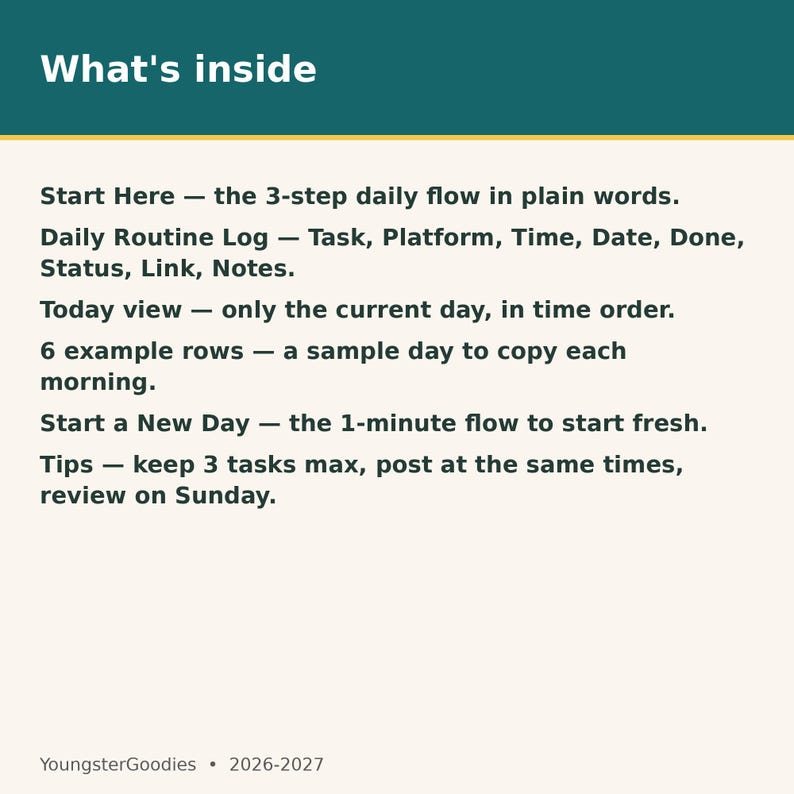
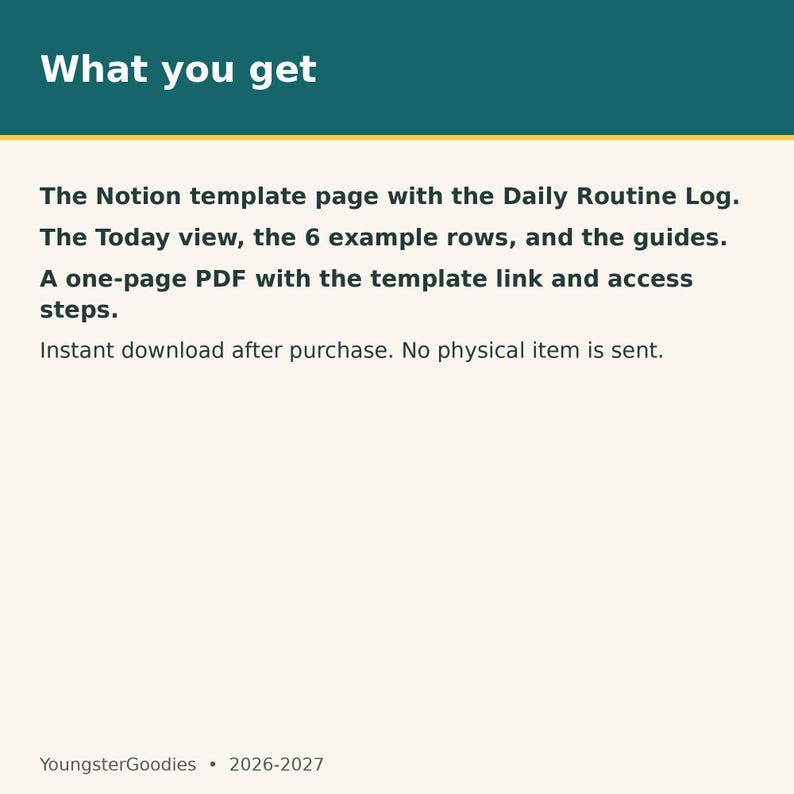
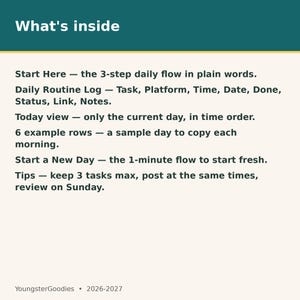
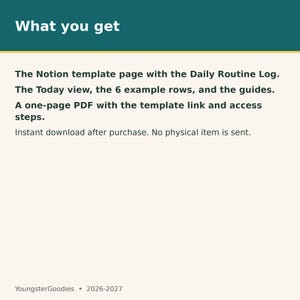
- A Notion template page that works as your daily Notion dashboard: "Social Media Daily Homework Planner"
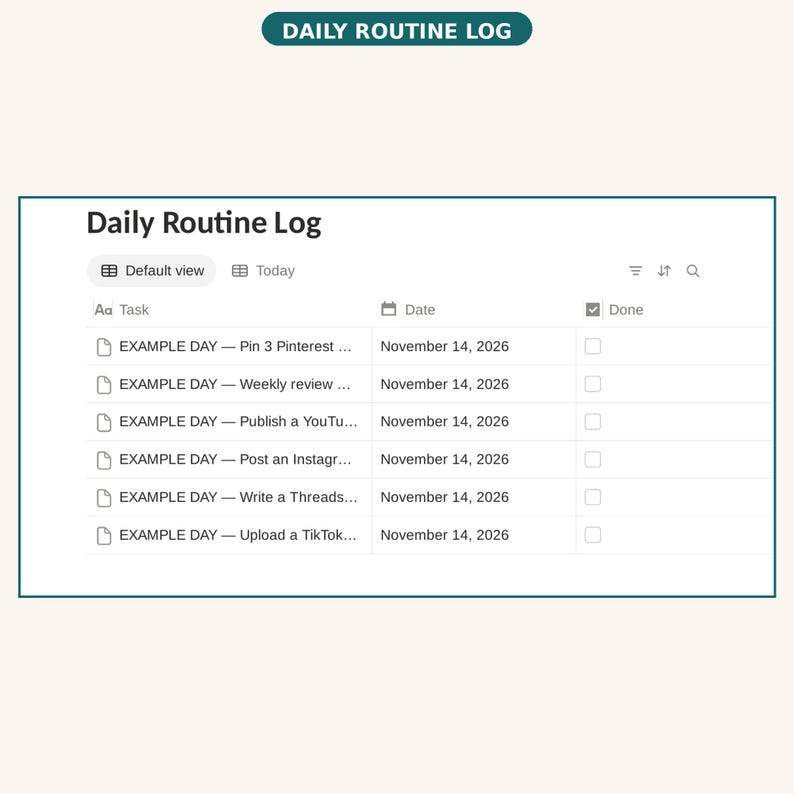
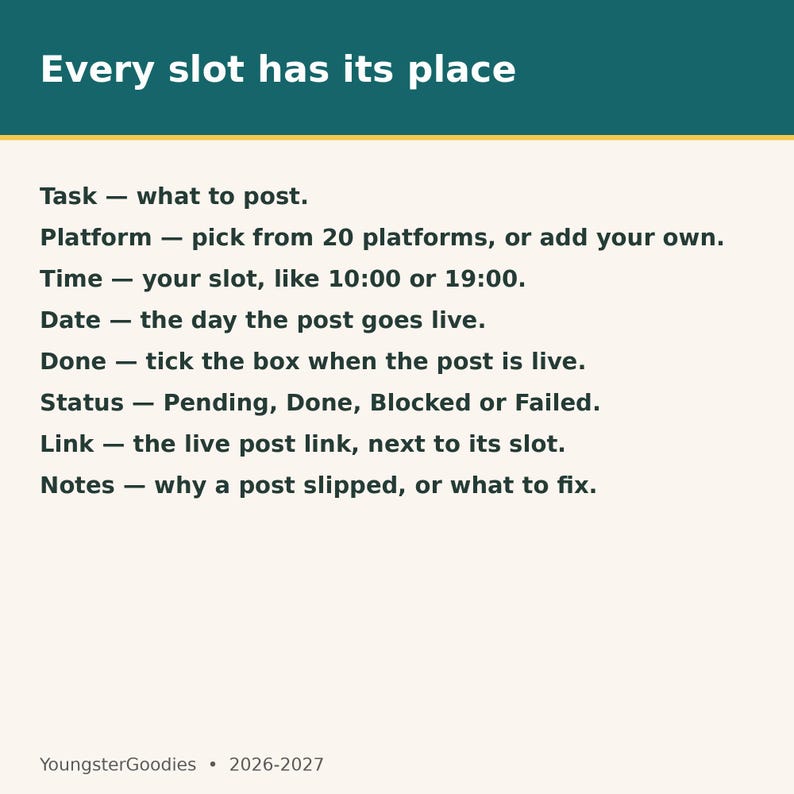
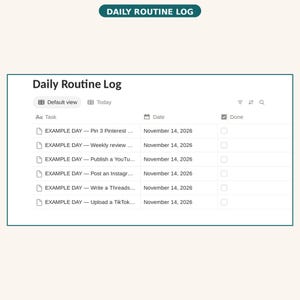
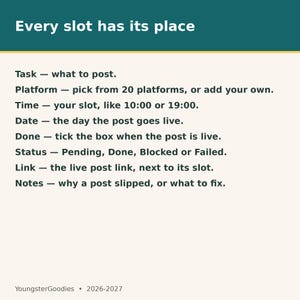
- A Daily Routine Log database with Task, Platform, Time, Date, Done, Status, Link, and Notes
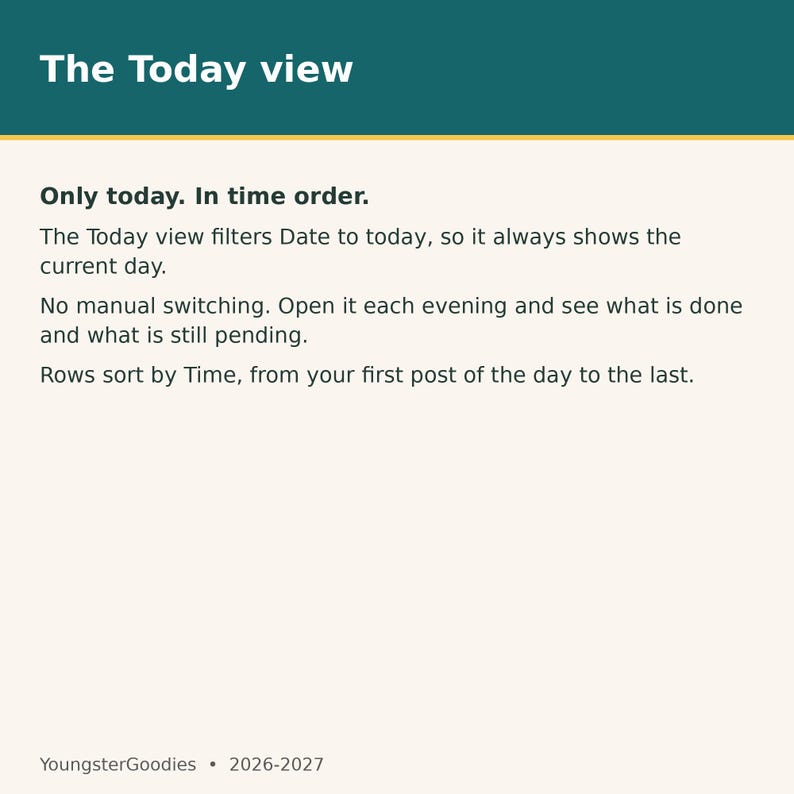
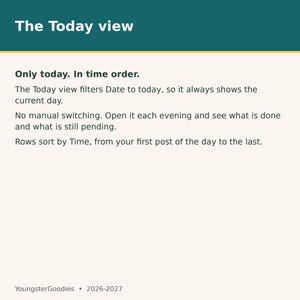
- A Today view that shows only the current day, in time order
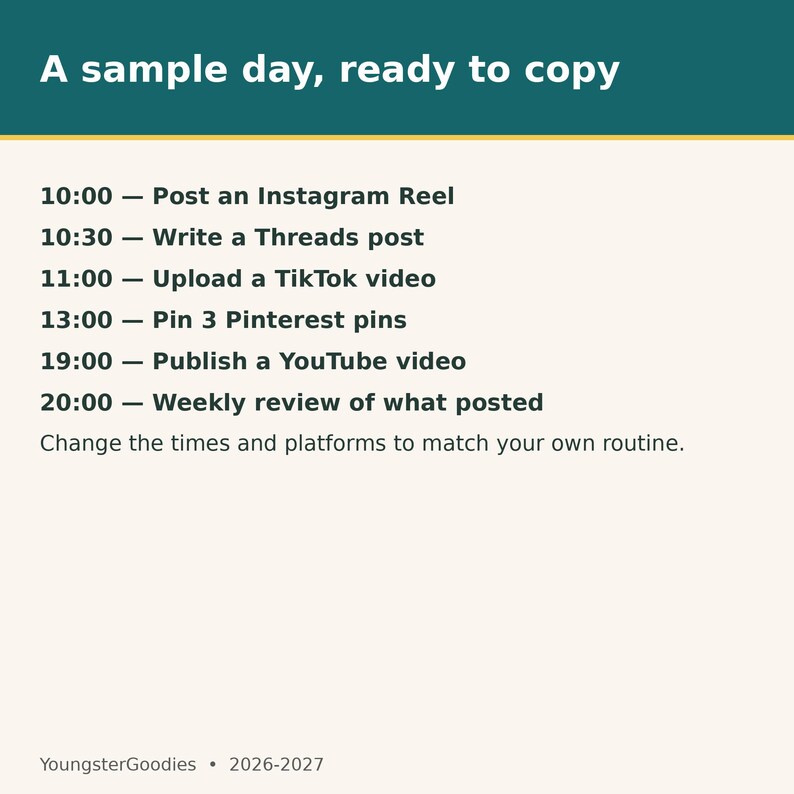
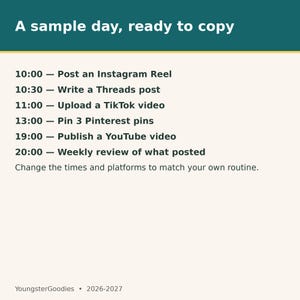
- 6 example rows for a sample day: Instagram Reel 10:00, Threads post 10:30, TikTok video 11:00, Pinterest pins 13:00, YouTube video 19:00, weekly review 20:00
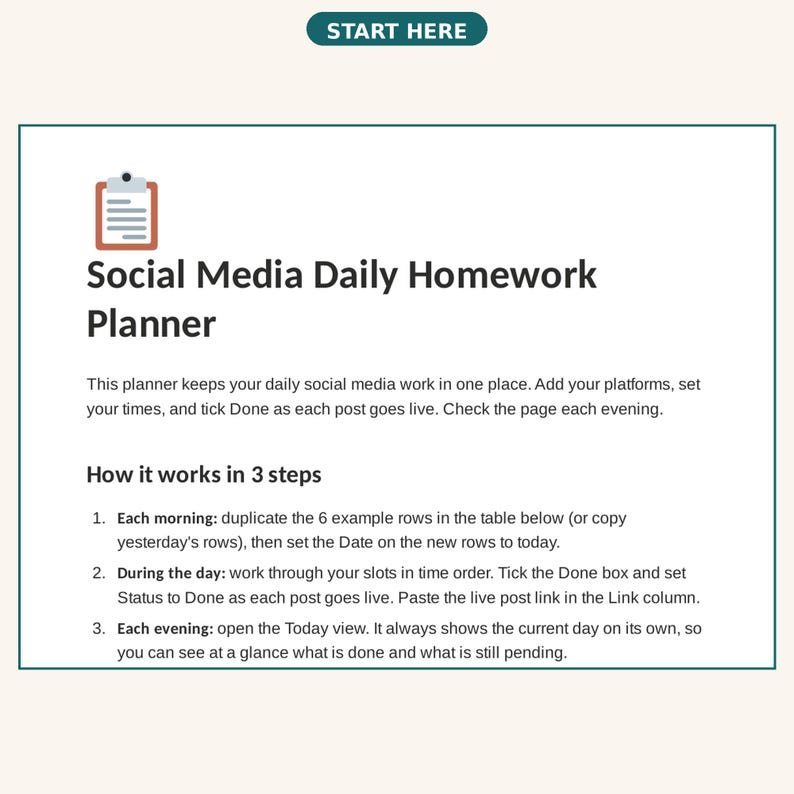
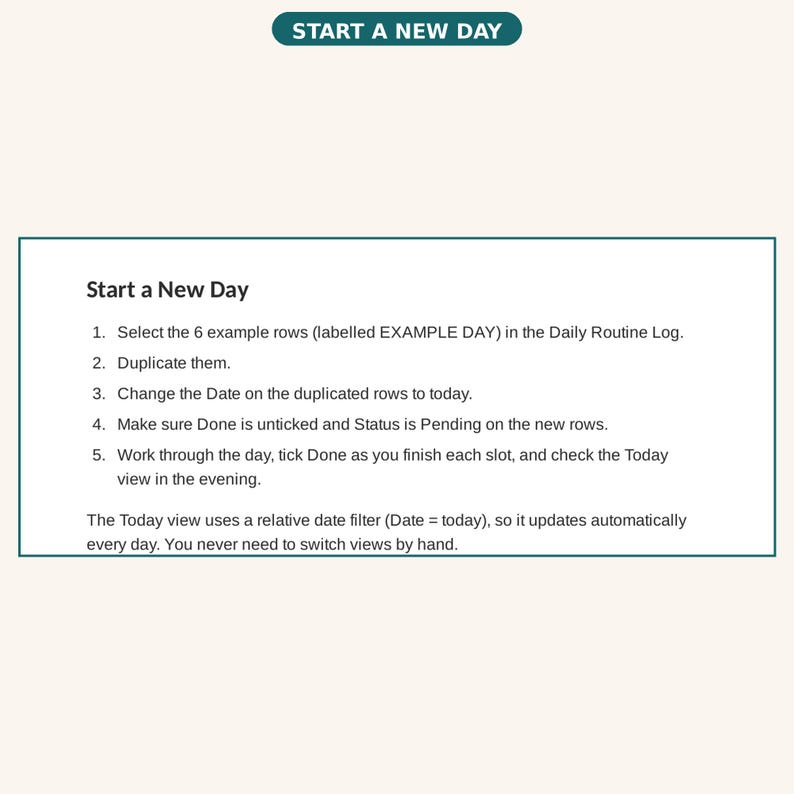
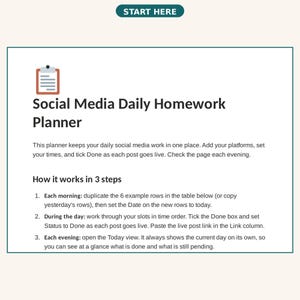
- A Start Here guide and a Start a New Day section with the 1-minute daily flow
- A one-page PDF (instant digital download) with the template link and short access steps
BENEFITS
- One page holds the whole day: every post, its platform, and its time slot — simple time blocking for your posting day.
- The Today view shows only today's rows, in time order, so you see what is next without scrolling.
- The Done checkbox and Status column show what is posted, what is still pending, and what is blocked.
- The Link column keeps each live post link next to its slot, so nothing gets lost.
- The example day gives you 6 ready rows to copy each morning: Instagram Reel, Threads post, TikTok video, Pinterest pins, YouTube video, and a weekly review.
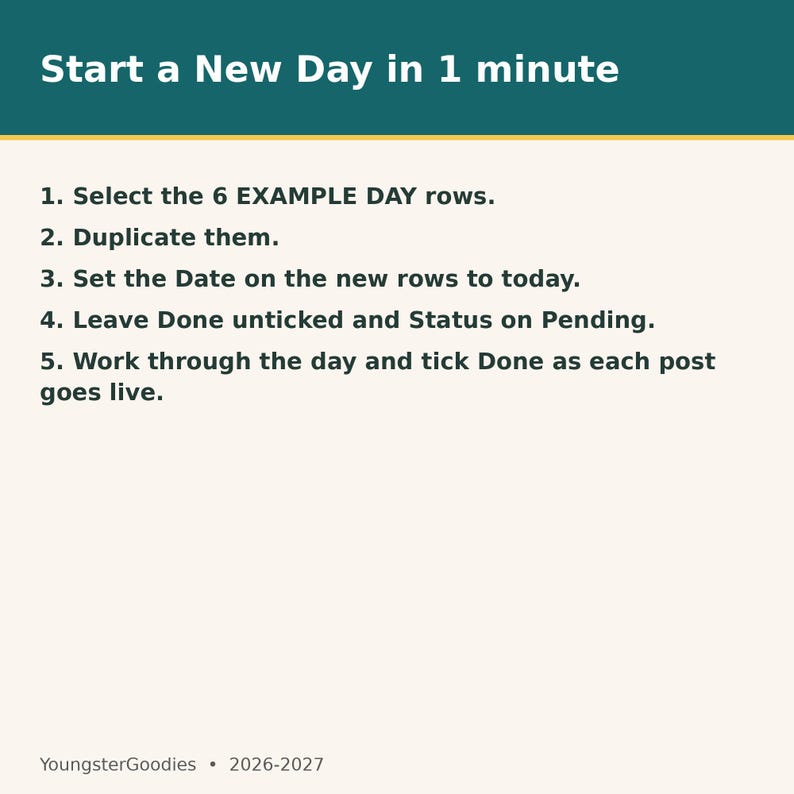
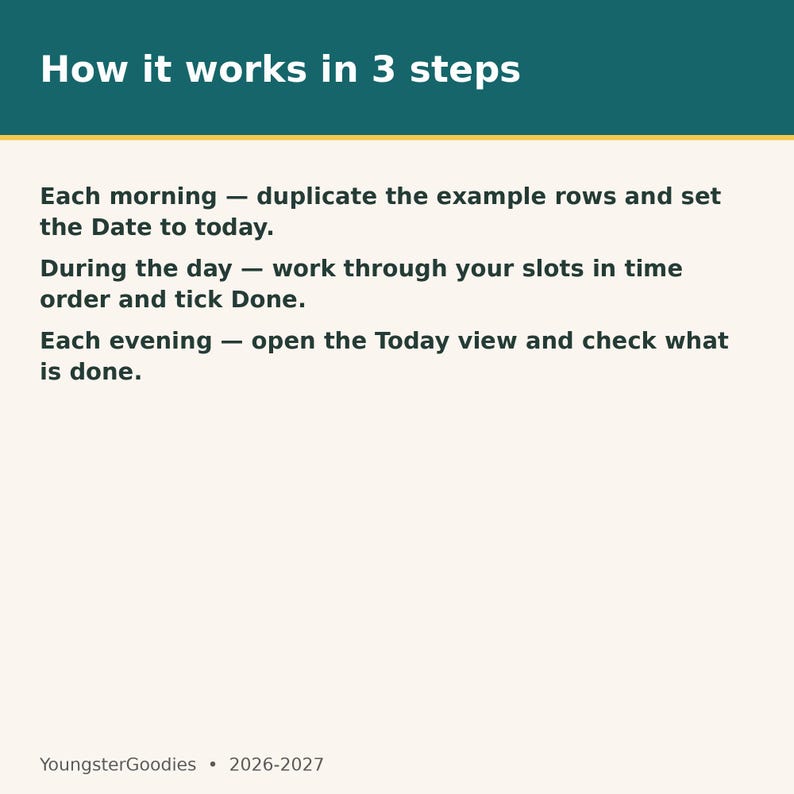
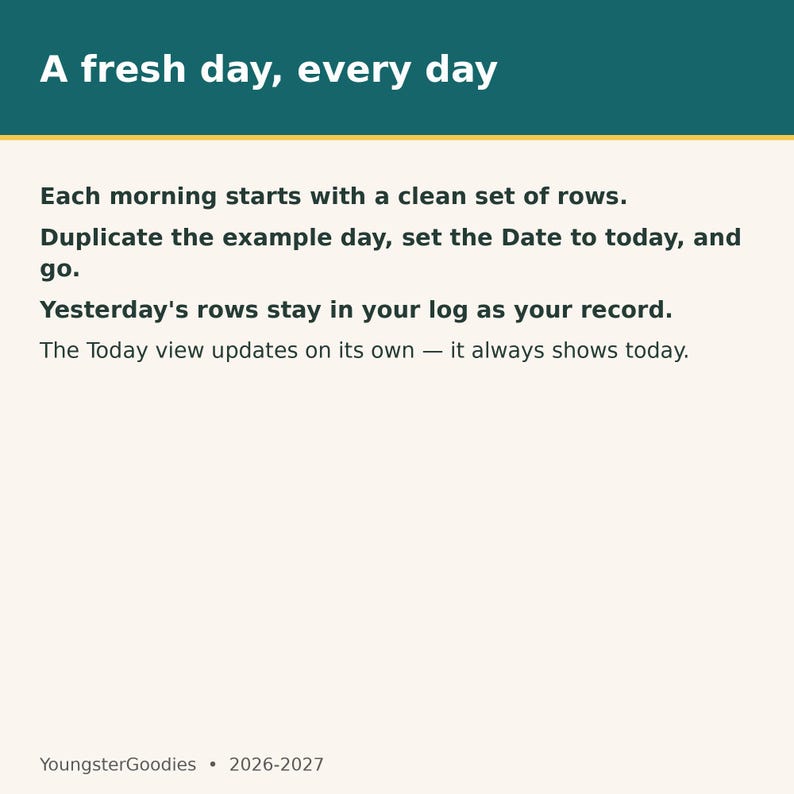
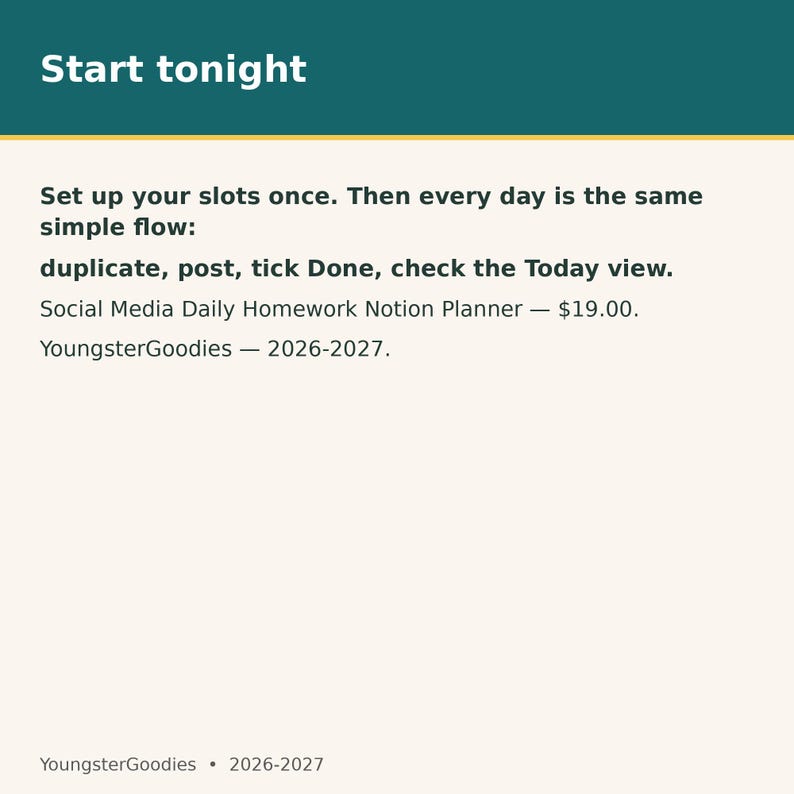
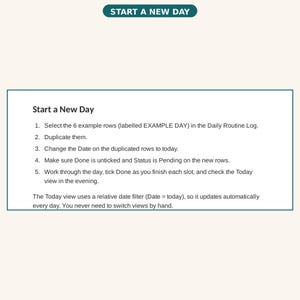
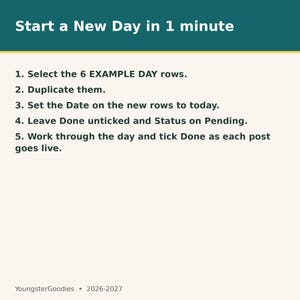
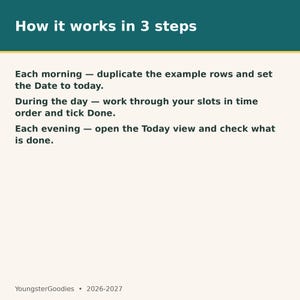
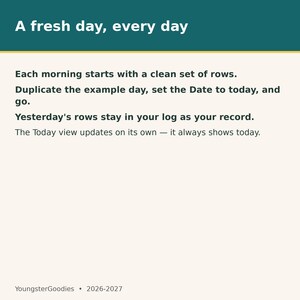
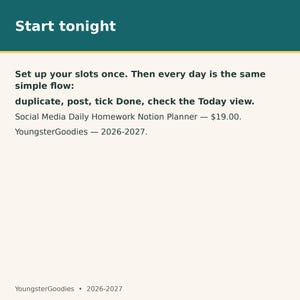
- The Start a New Day flow takes about 1 minute: duplicate the rows, set the Date to today, and work through the day. Each morning starts with a fresh day, and the Today view updates on its own.
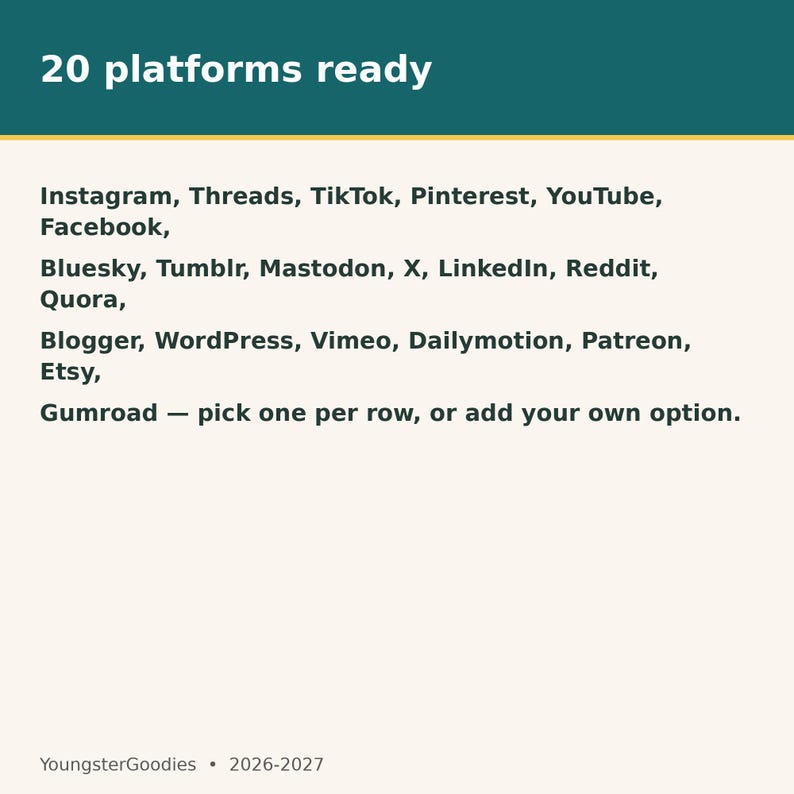
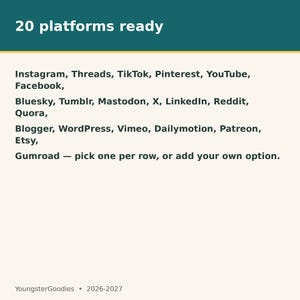
- Works for any mix of platforms: 20 platform options are already in the list, and you can add your own.
- No setup beyond duplicating the template into your own Notion workspace.
- Undated — start any day of 2026-2027; the Today view always shows the current day, so this undated planner works all year.
- The weekly review row gives the week a short check-in, so the template works as a weekly planner as well as a daily one.
HOW IT WORKS
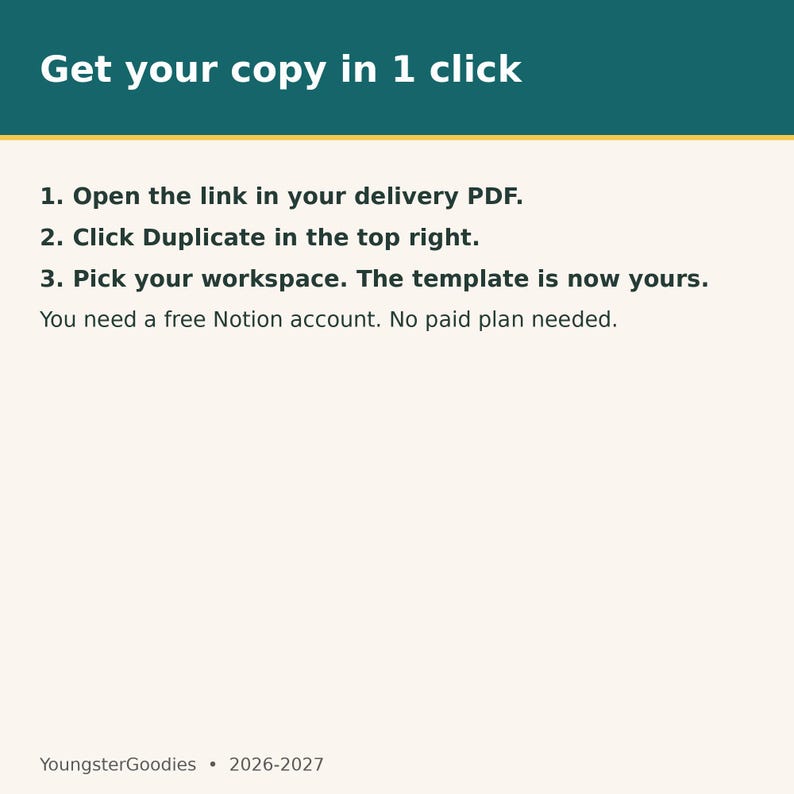
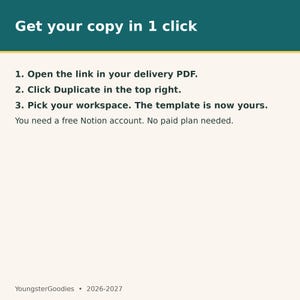
1. Open the PDF you receive after purchase and click the template link.
2. Click Duplicate in the top right to copy the template into your own Notion workspace.
3. Each morning, duplicate the 6 example rows and set the Date on the new rows to today.
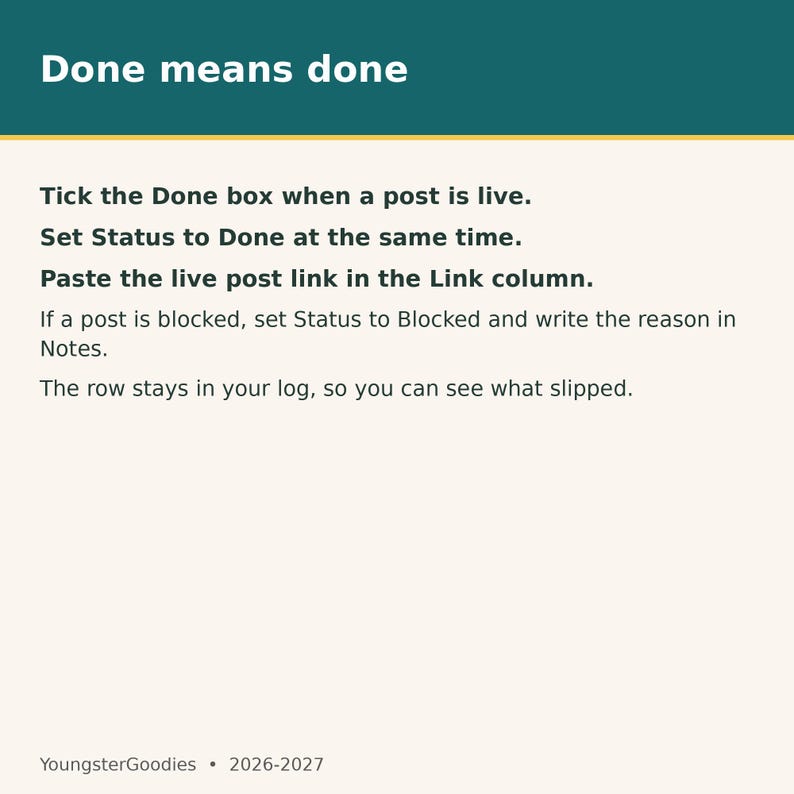
4. During the day, tick Done and set Status to Done as each post goes live, and paste the live link in the Link column.
5. Each evening, open the Today view to check what is done and what is still pending.
HOW TO ACCESS YOUR TEMPLATE:
1. After checkout, Etsy gives you a PDF to download right away. The PDF contains your template link.
2. Open the link and click Duplicate to copy the template into your own Notion workspace.
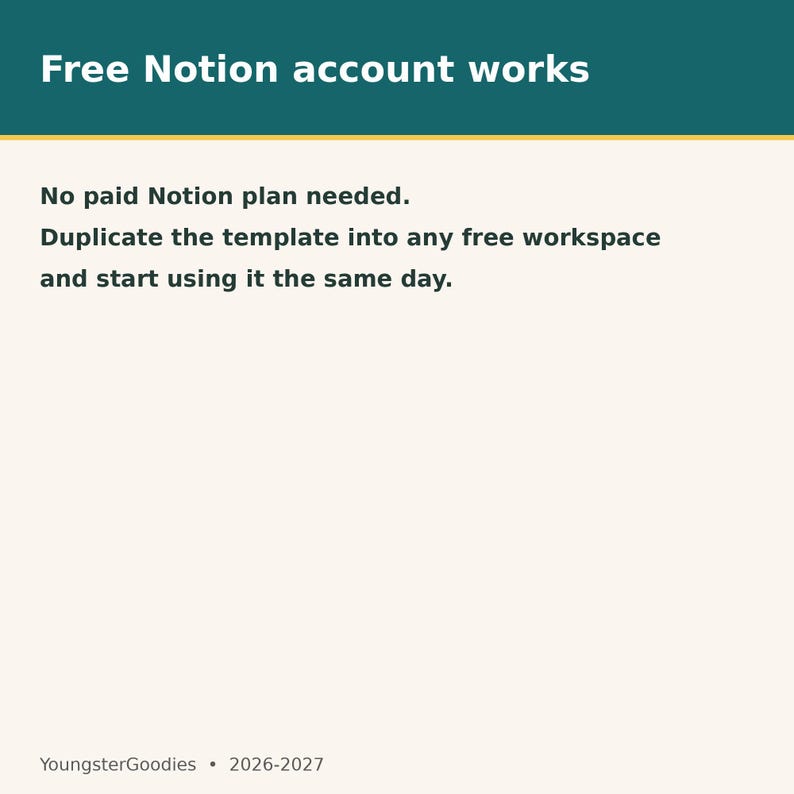
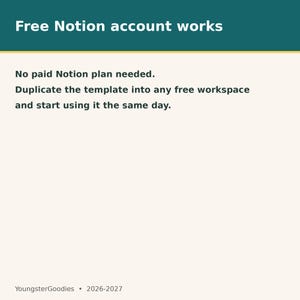
3. A free Notion account works — no paid plan needed.
4. Use a desktop or laptop for the best experience.
FAQS
1. What do I get after I buy?
You get a PDF with the link to the Notion template page and short steps to duplicate it into your own Notion workspace.
2. How do I start a fresh day?
Each morning, duplicate the 6 example rows, set the Date on the new rows to today, and leave Done unticked and Status on Pending.
3. Does the Today view update on its own?
Yes. The Today view filters Date to today, so it always shows the current day with no manual switching.
4. Can I change the times and platforms?
Yes. Edit the Time text and pick any platform from the list, or add your own platform option. Add or remove rows to fit your day.
5. What does the Done checkbox do?
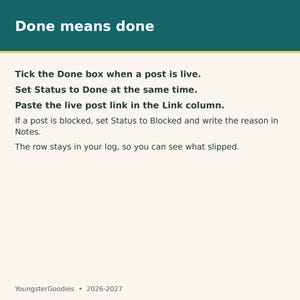
Tick it when a post is live. Set Status to Done at the same time, and paste the live post link in the Link column.
6. What if a post is blocked?
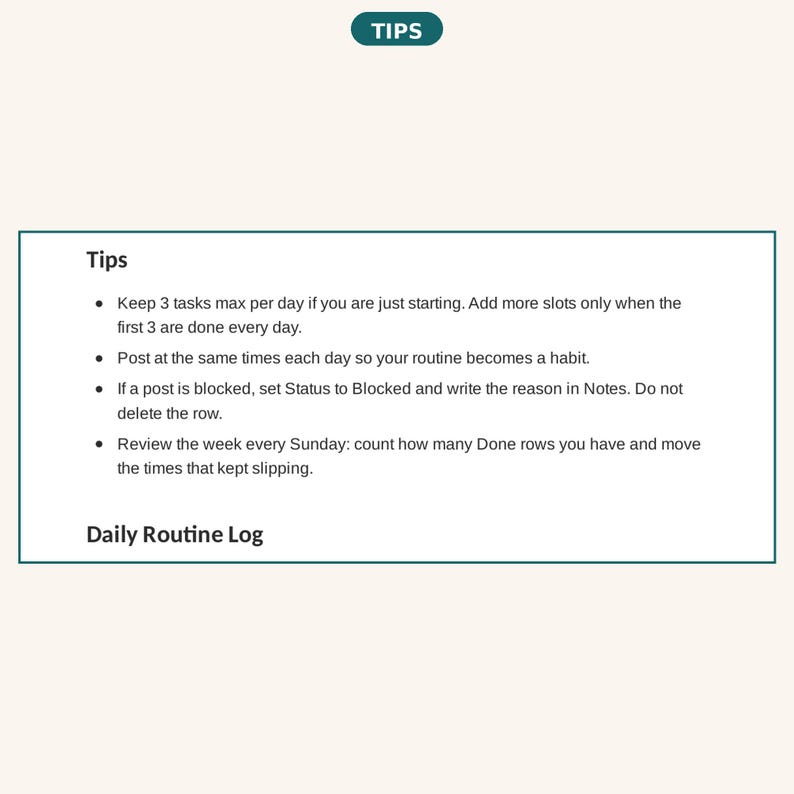
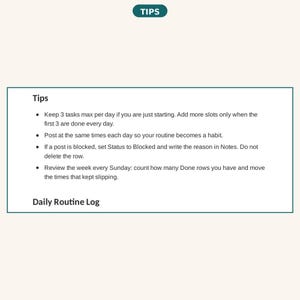
Set Status to Blocked and write the reason in Notes. The row stays in your log so you can see what slipped.
7. Do I need a paid Notion plan?
No. This Notion planner works in a free Notion account.
8. Can I use this on my phone?
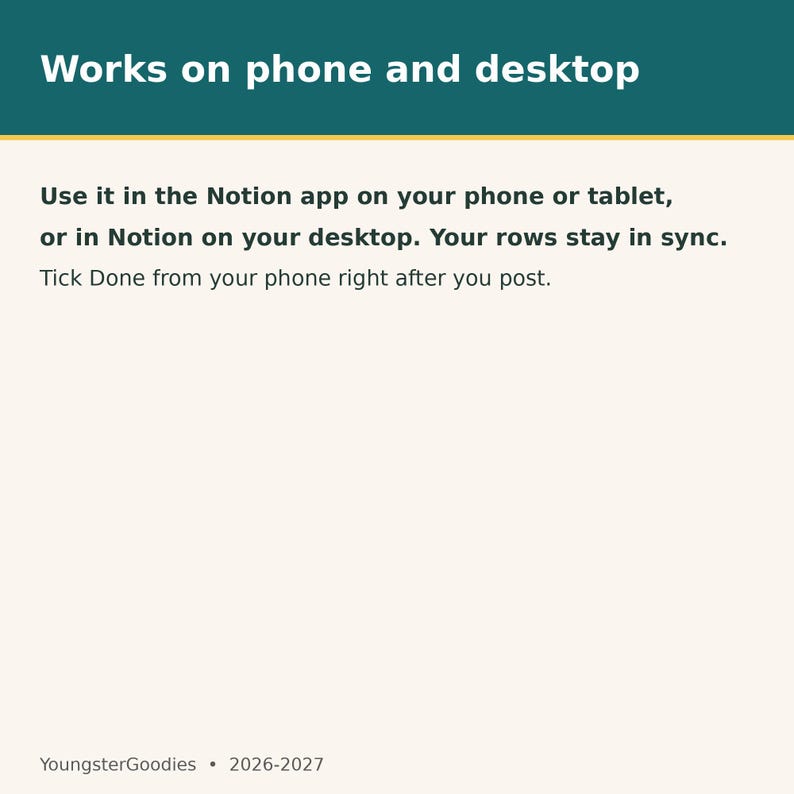
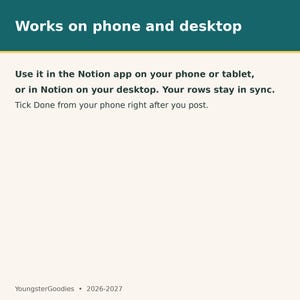
Yes. It works in the Notion app on phone and tablet as well as on desktop.
9. How is this different from a printable planner?
This is a live Notion template — a digital planner, not a PDF. You tick boxes, filter by today, and reuse the same page every day instead of printing new sheets.
10. Can I share the template with my team?
The purchase is for one buyer. Each person who uses it needs their own copy. Do not pass the duplicate link to others.
YOU MAY ALSO LIKE:
- The Complete ADHD Collection — all 10 planners in one bundle: https://www.etsy.com/mx/listing/4597975731/coleccion-completa-para-el-tdah-de
- ADHD Cleaning & Daily Routine Planner Printable 2026-2027: https://www.etsy.com/mx/listing/4612611659/planificador-imprimible-de-limpieza-y
- ADHD Winter Routine Planner Printable 2026-2027: https://www.etsy.com/mx/listing/4613768187/adhd-winter-routine-planner-printable
PLEASE NOTE:
- This is a digital download — no physical item is shipped.
- For personal use only. Do not share, resell, or give away the file.
- Because this is a digital download, returns and refunds are not possible once the file is downloaded. If anything is wrong with your file, message me and I will make it right.
- Questions? Message me any time — I reply as soon as I can.
With an AI generator
Descarga inmediata
Los archivos estarán disponibles para descargar una vez que se confirme el pago. Sigue estas instrucciones.
No se admiten cambios, devoluciones ni cancelaciones de los artículos de descarga inmediata. Ponte en contacto con el vendedor si tienes algún problema con tu pedido.
Protección de compras de Etsy
Compra con confianza en Etsy sabiendo que estamos a tu lado si surge un problema con un pedido que reúne los requisitos.
Consulta las condiciones del programa


Más artículos de esta tienda
Visitar tienda-
Descarga digital
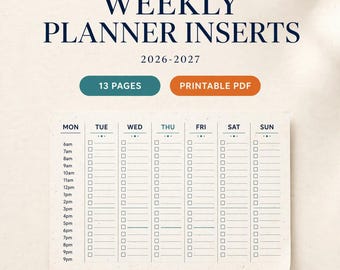
Insertos para planificador semanal 2026-2027 imprimibles, PDF semanal de 13 páginas sin fecha, páginas de planificador de 7 días, insertos organizadores semanales, descarga instantánea
MX$110.73
-

Descarga digital
Planificador de tesis sobre TDAH imprimible, cuaderno de trabajo para la redacción de tesis doctorales para estudiantes de posgrado, organizador de capítulos, organizador de investigación en PDF
MX$134.26
-
Descarga digital
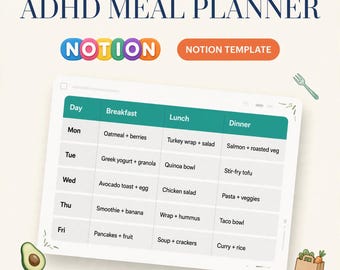
Plantilla de Notion para planificar comidas para personas con TDAH, plantilla de planificación de comidas para personas con TDAH, plan de comidas semanal, lista de compras, recetas sencillas, comidas bajas en calorías.
MX$313.28
-
Descarga digital
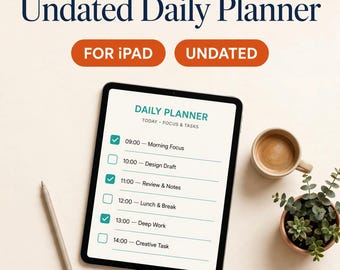
Agenda diaria sin fecha para iPad, páginas diarias de GoodNotes, agenda digital imprimible, PDF de 9 páginas
MX$334.49
Escribe la primera reseña
A los compradores con gustos similares les han gustado estos artículos
-

Descarga digital
50 portadas virales estéticas para carruseles de Instagram para creadores digitales. Plantillas editables de Canva para coaches. Carrusel viral de TikTok con diseños acogedores.
Precio en oferta MX$37.47
Precio original MX$124.97
-

Descarga digital
100 plantillas de carrusel neutras para Instagram, vendedores de productos digitales, plantillas editables de Canva, coaches, creadores, asistentes virtuales y carruseles acogedores para TikTok.
Precio en oferta MX$46.91
Precio original MX$156.24
-

Descarga digital
Más de 400 plantillas de carrusel sin rostro para Instagram: MRR PLR Canva Social Media Kit, Social Media Manager, Digital Products, Personalize In Canva
MX$218.56
-

Descarga digital
Plantillas acogedoras para carruseles de Instagram: editables en Canva, producto digital con derechos de reventa (PLR).
MX$402.79
-

Descarga digital
Más de 400 plantillas de carrusel de Instagram sin rostro / Kit estético para redes sociales en Canva / Diapositivas para TikTok e Instagram / Producto digital PLR MRR
Precio en oferta MX$54.97
Precio original MX$183.45
-

Descarga digital
Paquete de plantillas de carruseles para Instagram / PLR listo para usar + MRR / Carrusel estético para marketing digital / Plantillas editables para redes sociales
Precio en oferta MX$152.78
Precio original MX$509.27
-

Descarga digital
50 plantillas de publicaciones de Instagram llamativas y llamativas Canva
Precio en oferta MX$141.82
Precio original MX$283.64
-

Descarga digital
Plantillas para redes sociales - Instagram Reels - Plantillas de Canva para coaches - Marketing en redes sociales - Plantillas para publicaciones de Instagram con formato vertical
Precio en oferta MX$134.07
Precio original MX$223.57
-

Descarga digital
Portada e historia de reel atrevidas, comercio electrónico, gestor de proyectos, gestor de redes sociales, blogueros, negocios, plantillas de Canva para portadas de reel de Instagram en rosa divertido.
Precio en oferta MX$100.70
Precio original MX$402.79
-

Descarga digital
Plantillas llamativas para portadas e historias de Instagram / Conjunto de 15 / Plantilla Canva y archivo PSD de Photoshop / DESCARGA INSTANTÁNEA
MX$105.32
-

Descarga digital
Plantillas de Canva para redes sociales femeninas, publicaciones de Instagram y portadas de Reels (descarga digital)
MX$491.79
-

Descarga digital
Plantilla de Instagram Canva, Plantilla de gestor de redes sociales, Branding en redes sociales, Marketing en redes sociales, Plantilla de Canva, Coach de redes sociales
Precio en oferta MX$184.46
Precio original MX$368.93


