




Precio:MX$71.31
Dog Lightroom Presets: Mobile & Desktop Filters (XMP, DNG)
Solo puedes hacer una oferta por compras de un único artículo
Puntos destacables
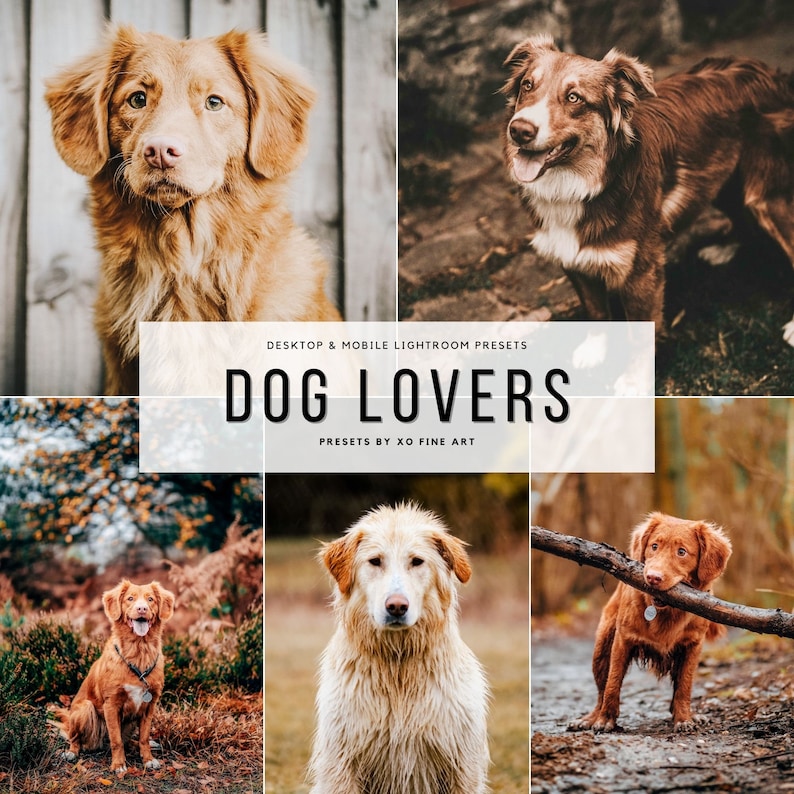
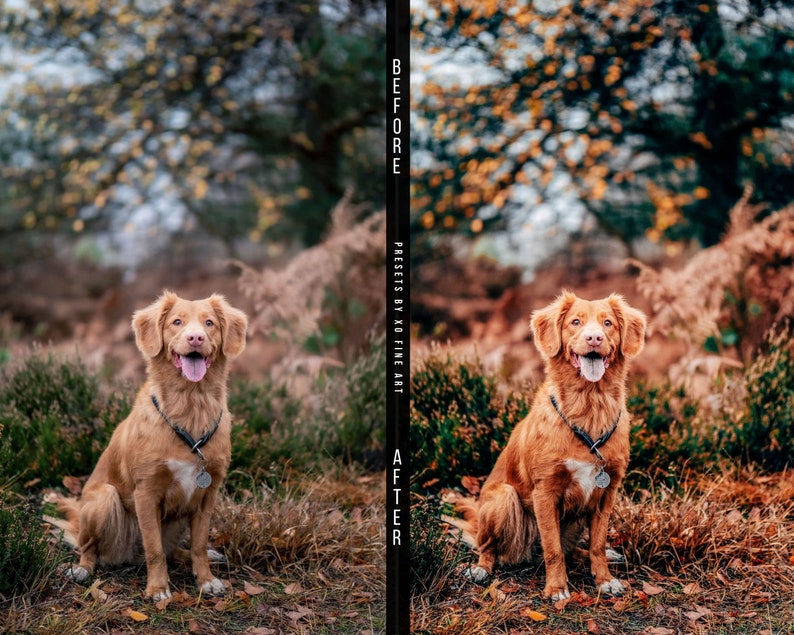
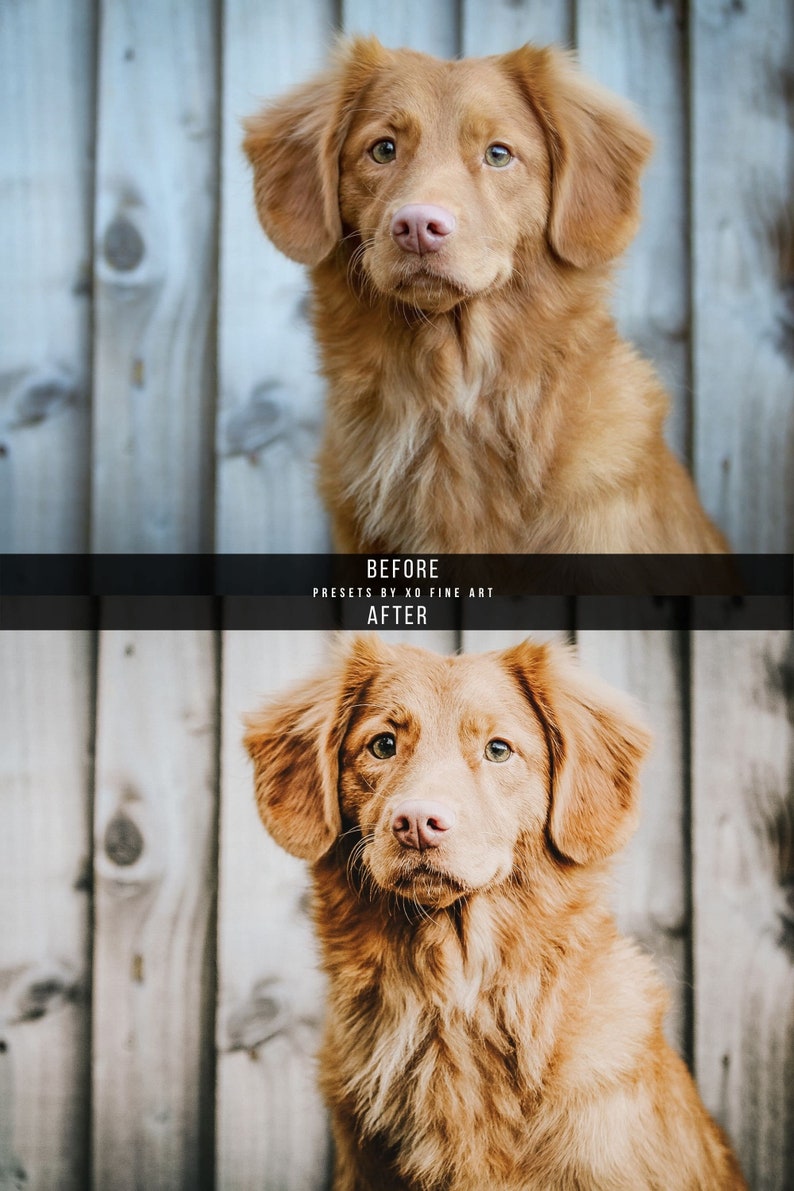
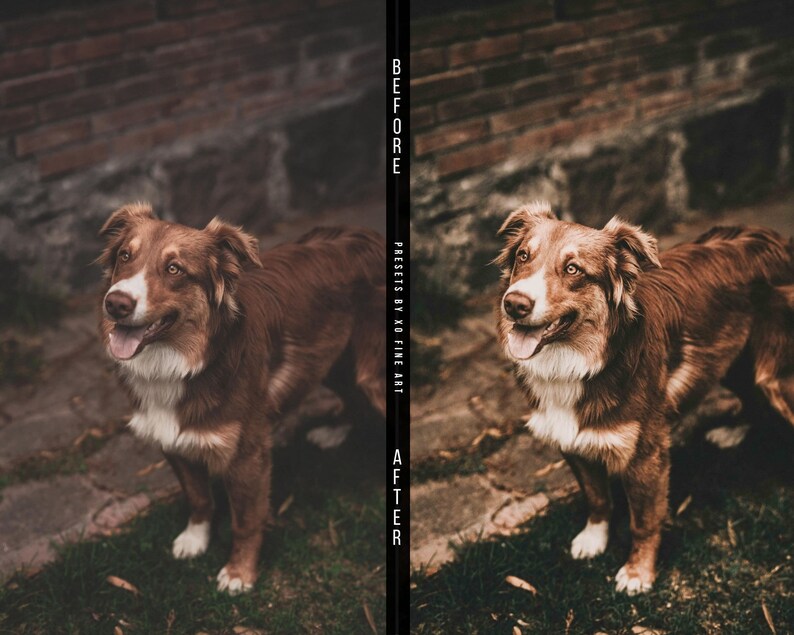
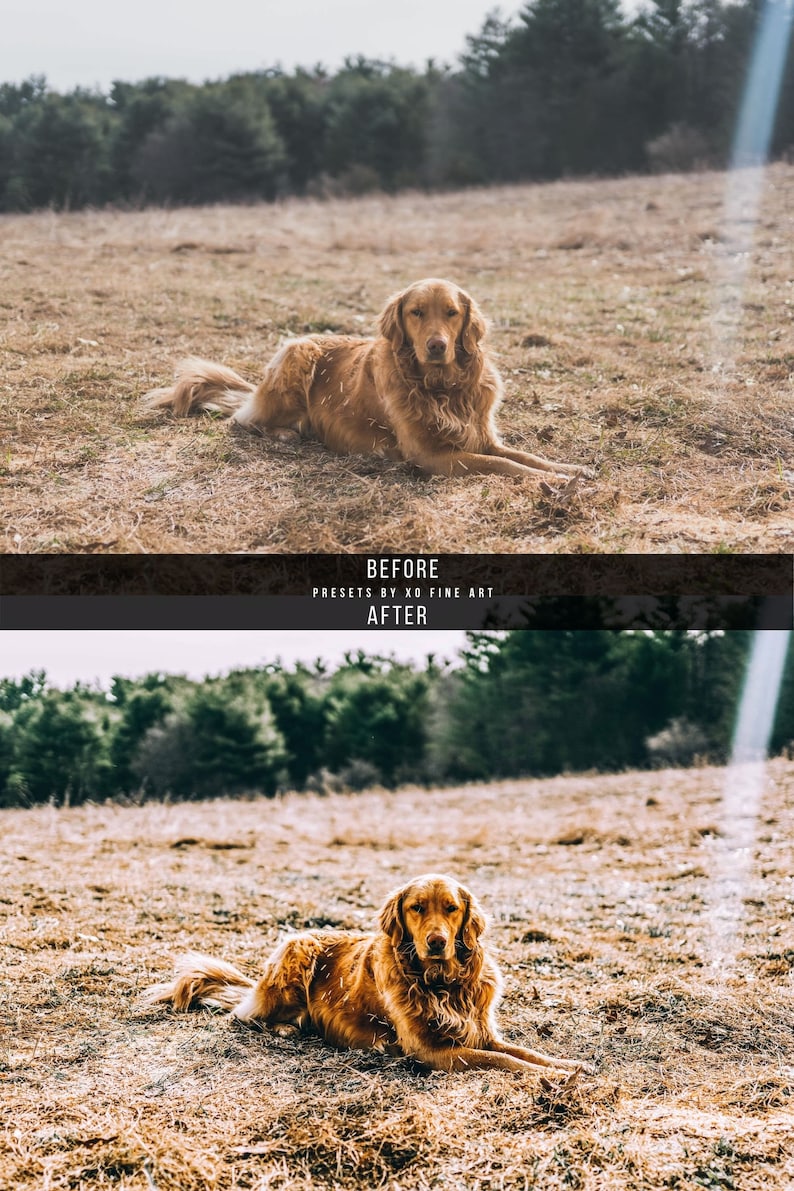
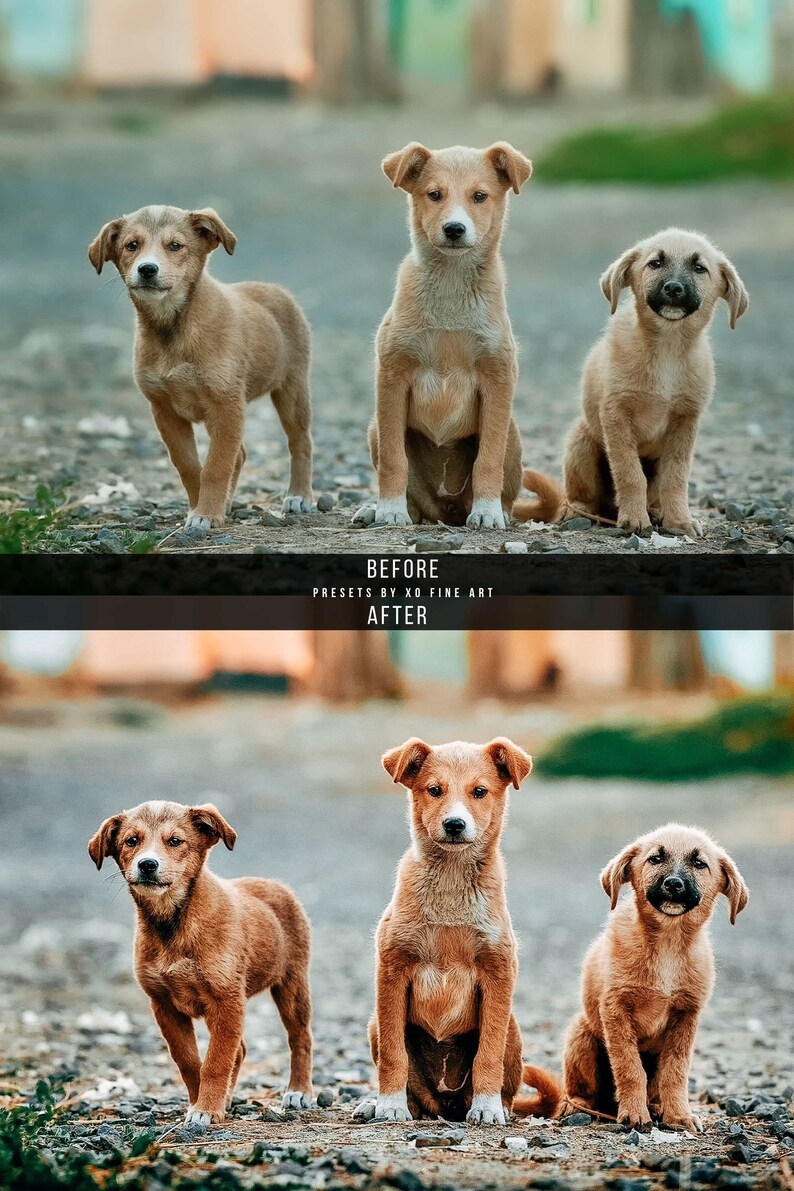
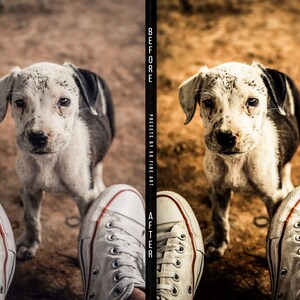
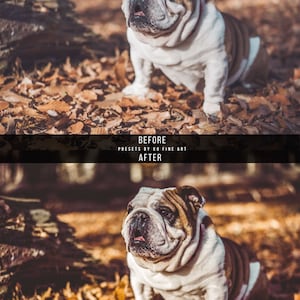
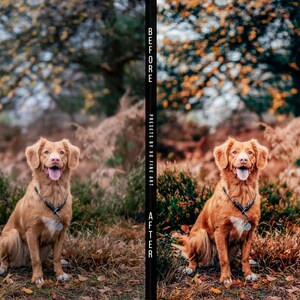
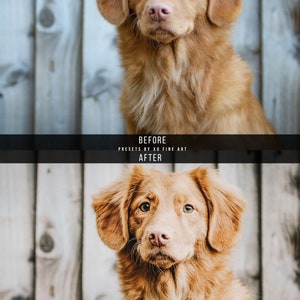
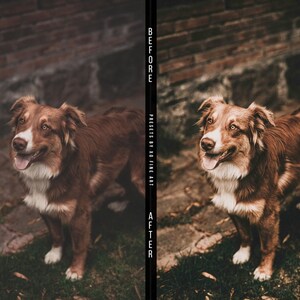
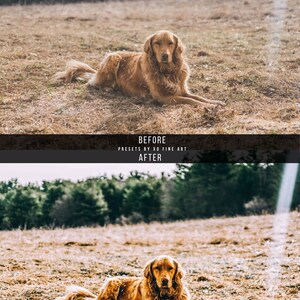
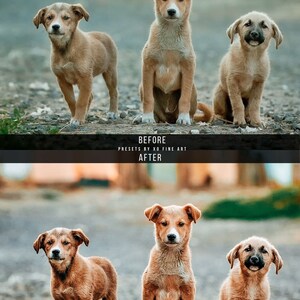
Best Dog Presets For Lightroom Mobile & Desktop | Set of 7 Pets, Puppy, Cats Instagram photo filters | Animal photography | XMP , DNG
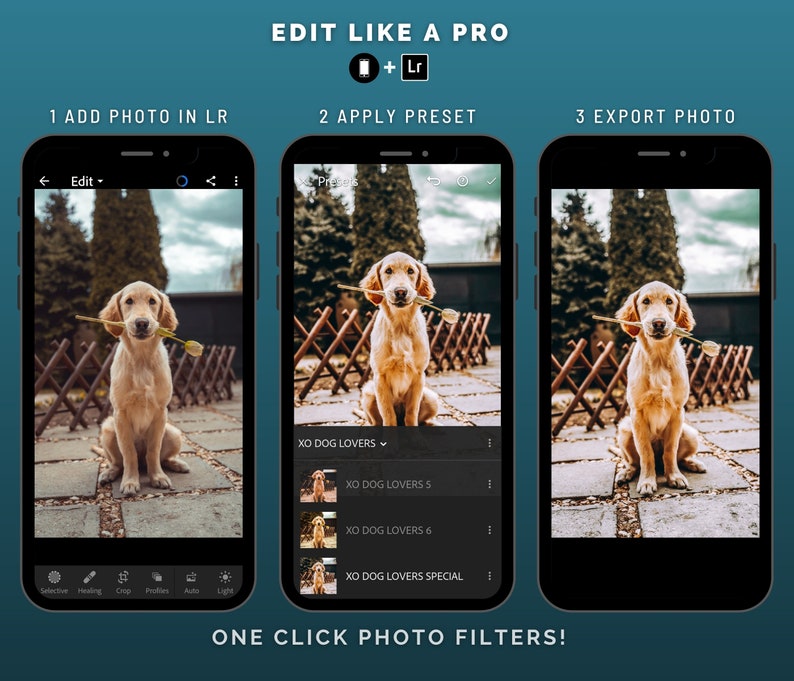
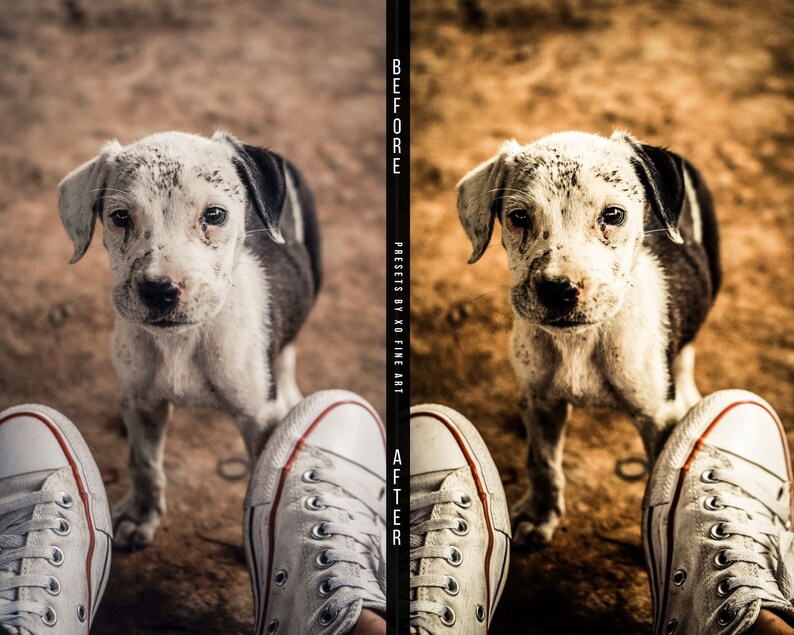
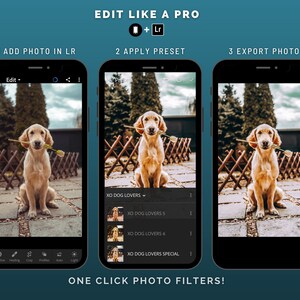
It has never been easier to edit your photos with just one-click, than with our professional DOG Lightroom Presets.
👉For more PETS PRESETS please check this link:
https://www.etsy.com/shop/XoFineArt?ref=seller-platform-mcnav§ion_id=32491984
👉For STORE link click here:
https://www.etsy.com/shop/XoFineArt?ref=seller-platform-mcnav
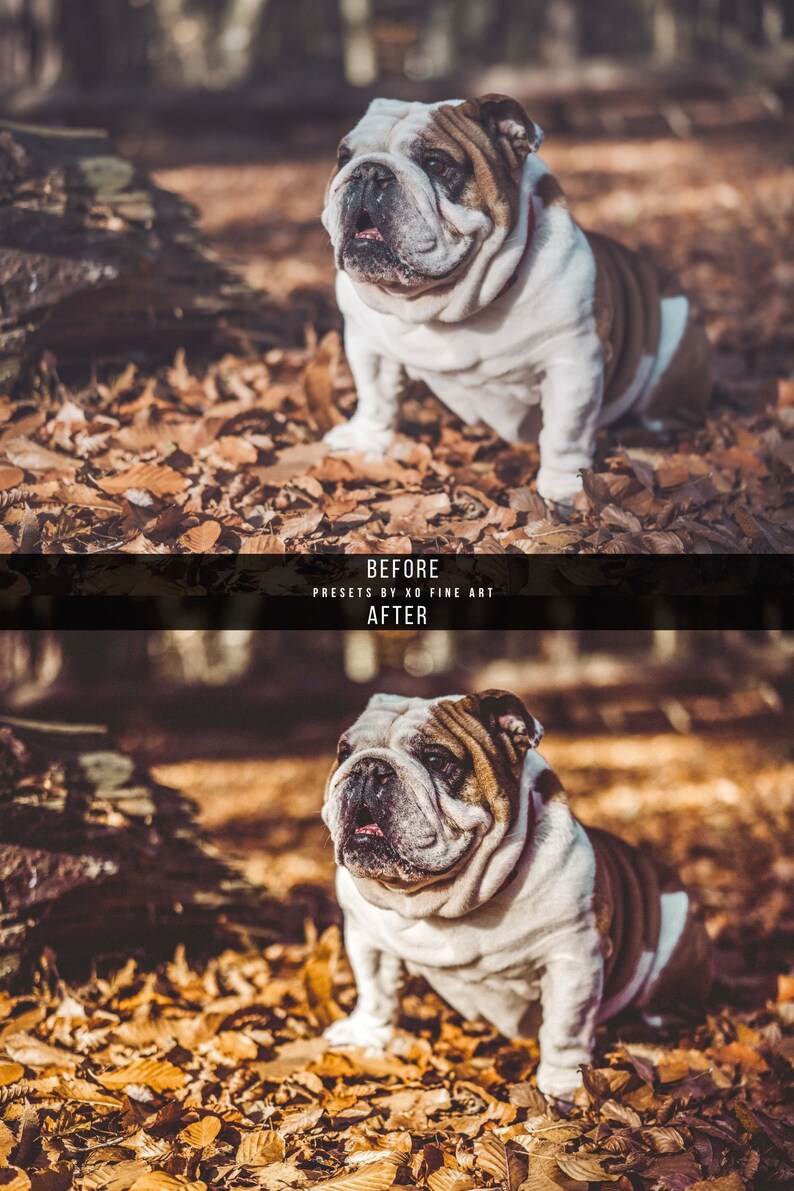
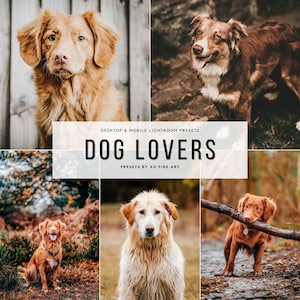
The XO DOG LOVERS Preset Bundle is a collection of 7 Lightroom Presets and was created specifically for Pet Photography to save your time editing and instantly enhance your photos and will help your furry friends look their best in any photo!
This Lightroom Presets are great for bloggers, influencers, photographers, and all who wish to take their photos, blog, and Instagram feed to the next level.
Keep in mind that all presets work differently with each photo depending on several factors such as lighting, white balance, tone, etc.
All presets are pre-tested on at least 200 pictures before they arrive in the shop. Use this product as a base foundation for your images with one click and it is recommended to fine-tune each image just a bit to make it perfect. (exposure, white balance, saturation, contrast)
👉ABOUT
• Adobe Lightroom Presets mobile & desktop
• Enhances your photos like filters do but without losing quality
• A bundle of 7 Lightroom presets
• 7 Mobile Lightroom Presets DNG files
• 7 Desktop Lightroom Presets XMP files
• The Files are compatible with Lightroom CC Classic (starting version 7.3) and Photoshop CC - Just XMP files. We DO NOT support older LRTEMPLATE files
• Step-by-step PDF guide.
• Digital file, instant download
• You will receive a download link from Etsy after purchase
• If you have any questions about how to install your presets or any other question please contact us.
• If your Mobile Device gives you trouble downloading send me a message and I can email your files over and can you save them directly to your camera roll and import them in one step.
👉HOW TO UNZIP / INSTALL ON IPHONE
- Make sure your iOS is updated to version 11 or later
- You will receive a download link via email (in the rare case you don't receive the link contact us and we will send them to you right away). To download just copy the link and paste it in your browser. Opening the link by clicking on it may not always work
- Download the .ZIP file with .DNG files inside
- Your files will open via the "Files Application"
- Click "Access File Content" button in the right bottom corner to find the .DNG files
- Find the .DNG files (Adobe RAW Image)
- Open it with Lightroom CC app
- Scroll right until you see Lightroom CC
- Click the three dots
- Select "Create Preset"
- Name the preset and click the check-mark to save it (save it in "User Presets: Preset Group")
- To apply the preset open a photo and select the preset icon
👉HOW TO UNZIP / INSTALL ON ANDROID
- Make sure your mobile device has Android 8 or later installed
- You will receive a download link via email (in the rare case you don't receive the link contact us and we will send them to you right away). To download just copy the link and paste it in your browser. Opening the link by clicking on it may not always work
- Press Download Now
- Download .ZIP file with .DNG files inside and press to open it
- Press Extract button (if you don't have this option, just open the .ZIP file you downloaded)
- Select all .DNG files and press Share
- Find your Adobe Lightroom CC app and select it
- If you don't have the option to open .DNG files directly with Adobe Lightroom just save .DNG files to your mobile, open Adobe Lightroom and add them like a regular photo and continue
- Open Lightroom and find your .DNG files
- Choose a .DNG file and click on the three dots in the right corner and choose "Create Preset"
- Name your preset
- Find "Presets" section in the main Lightroom menu and then find your preset in the "User Presets" section
- To apply the preset open a photo and select the preset icon
👉HOW TO INSTALL DESKTOP PRESETS
- After download save the preset archive on a handy location, like Desktop
- Unzip all the files into a folder (ex. XO DOG LOVERS - Desktop Presets)
- This folder should have all the .XMP files that represents the preset files
- Open Lightroom
- Go To: Edit - Preferences - Presets
- Click On "Show Lightroom Develop Presets"
- In the window that appears, enter the Settings subfolder
- Copy the unzipped folder 'XO DOG LOVERS - Desktop Presets' in the Settings subfolder
- Restart Lightroom
© 2020 Xo Fine Art, All Rights Reserved
TERMS OF USE: BY PURCHASING THIS ITEM, YOU ARE AUTOMATICALLY AGREEING TO THE TERMS OF USE INCLUDED IN THE DOWNLOAD FILE: Included but not limited to: Do not share the files, or sell them in any form. Derivative works are also prohibited.
Keywords:
Mobile Preset, Instagram Preset, Lightroom CC, Presets, Mobile Filter, Influencer Presets, iPhone Presets, Blogger Presets, Photo Presets, Lightroom presets, Lightroom Mobile, Dog Preset, Puppy Preset, Cat Preset, Animal Preset, Pets Presets, dog lovers preset,
Descarga inmediata
Los archivos estarán disponibles para descargar una vez que se confirme el pago. Sigue estas instrucciones.
No se admiten cambios, devoluciones ni cancelaciones de los artículos de descarga inmediata. Ponte en contacto con el vendedor si tienes algún problema con tu pedido.
Protección de compras de Etsy
Compra con confianza en Etsy sabiendo que estamos a tu lado si surge un problema con un pedido que reúne los requisitos.
Consulta las condiciones del programa

Reseñas de este artículo

Me encanta 🖤
¡Me encantan los presets! Gracias por el manual sobre cómo descargarlos y agregarlos a LR también

¡Enamorado de todos los presets!

¡Es increíble en mis fotos!
Fotos de las reseñas

Más artículos de esta tienda
Visitar tienda-
Descarga digital
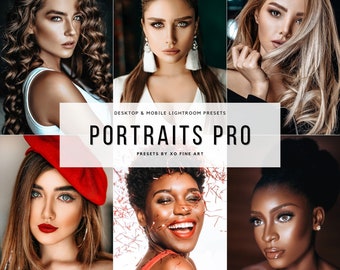
Conjunto de 14 ajustes preestablecidos de Lightroom para retratos / Belleza y selfies, filtros para móviles y computadoras de escritorio
MX$71.31
-
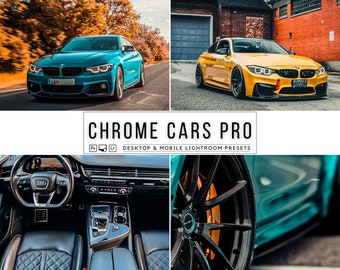
Descarga digital
Chrome Cars Lightroom Presets: Mobile & Desktop, 17 Pro Filters (Digital Download)
MX$71.31
-
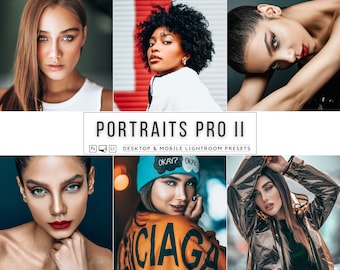
Descarga digital
Portrait Lightroom Presets: Mobile & Desktop Filters (Digital Download)
MX$71.31
-

Descarga digital
Ajustes preestablecidos de Lightroom para diseño de interiores: 13 filtros luminosos para el hogar y el sector inmobiliario / Edición móvil/de escritorio
MX$71.31
-
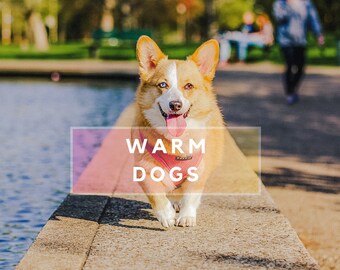
Descarga digital
Ajustes preestablecidos de Lightroom para perros / Filtros móviles y de escritorio de un solo clic para fotografía de mascotas
MX$402.89
-
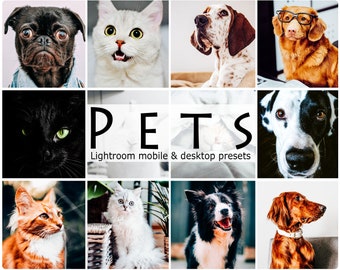
Descarga digital
Ajustes preestablecidos de Lightroom para mascotas: filtros para dispositivos móviles y de escritorio (DNG, XMP)
MX$84.41
-

Descarga digital
Ajustes preestablecidos de Lightroom para fotografía de mascotas: Amigos peludos (móvil y escritorio) (DNG + XMP)
Precio en oferta MX$118.64
Precio original MX$148.25
-
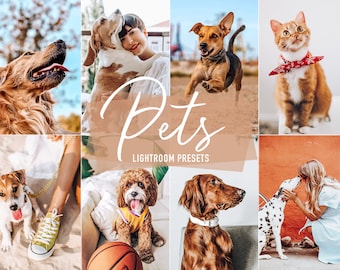
Descarga digital
Ajustes preestablecidos de Lightroom para mascotas (móvil y escritorio), filtros para fotos de perros y gatos (descarga digital)
Precio en oferta MX$86.91
Precio original MX$144.71
-
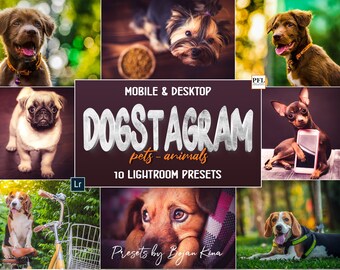
Descarga digital
Presets de Lightroom para fotografía de perros, móvil y escritorio (10)
MX$77.70
-
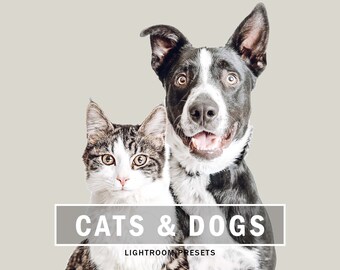
Descarga digital
10 Presets de Lightroom móviles y de escritorio, Presets de gatos y perros, Presets profesionales de un solo clic para influencers, bloggers y fotógrafos.
MX$74.22
-
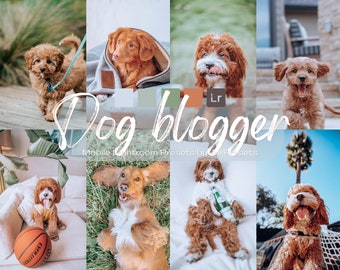
Descarga digital
5 ajustes preestablecidos de Lightroom móvil para Dog Blogger
MX$63.43
-
Descarga digital
PREAJUSTES DE LIGHTROOM PARA PERROS, Ajustes preestablecidos de mascotas, Ajustes preestablecidos de animales de gatos, Filtros preestablecidos de Instagram para perros, Edición de fotos de cachorros, Ajustes preestablecidos de escritorio móviles brillantes
MX$212.05
-

Descarga digital
5 ajustes preestablecidos de amor con mascotas para Lightroom Mobile, filtro de edición de fotos de perros y gatos para Instagram, ajuste preestablecido de animales para blogueros, bloguero de perros, estilo de vida
MX$98.53
-
Descarga digital
PREAJUSTES DE LIGHTROOM DOG, Ajustes preestablecidos de Lightroom para mascotas, Ajustes preestablecidos de animales, Ajustes preestablecidos de perros, Ajustes preestablecidos móviles de escritorio para cachorros, Filtros de ajustes preestablecidos de Blogger de Instagram
MX$127.23
-
Descarga digital
Ajustes preestablecidos de Lightroom para perros / Filtros de brillo natural (móvil y ordenador)
MX$106.02
-
Descarga digital
10 ajustes preestablecidos de Lightroom Pet Love para dispositivos móviles y de escritorio | Filtros para mascotas | Animales Perro Gato Mascotas | Instagram, Influencer, Blogger Preset
MX$80.88
Descargo de responsabilidad: Etsy no asume responsabilidad alguna en cuanto a la precisión, el etiquetado o el contenido de los anuncios y los productos de los vendedores. Los artículos eléctricos o electrónicos pueden representar un peligro de incendio o electrocución. Es posible que los artículos vintage, hechos a mano, remanufacturados, eléctricos o electrónicos modificados no cumplan con las normas de seguridad en vigor y no funcionen de una forma segura. Inspecciona el artículo meticulosamente antes de usarlo y envíale un mensaje al vendedor si tienes dudas sobre el producto. No uses artículos vintage electrónicos o eléctricos si no se puede verificar que funcionan de forma segura. Para reducir el peligro de incendio, nunca dejes artículos vintage electrónicos o eléctricos enchufados sin supervisión. Consulta las condiciones de uso para obtener más información.


