


Middle School MakeCode Mega Bundle | micro:bit Coding Lessons, Activities, Projects (Digital Download)
Prezzo:34,13 €
Ecco cosa è idoneo:
- L'ordine non corrisponde alla descrizione o alle foto dell'articolo
- L'articolo è arrivato danneggiato
- Il tuo articolo è arrivato dopo l'intervallo di date stimato per l'arrivo.
- L'articolo non è arrivato o è stato perso nella posta
Puoi fare un'offerta solo acquistando un singolo articolo
Punti salienti
DIGITAL DOWNLOAD — NO PHYSICAL ITEM WILL BE SHIPPED
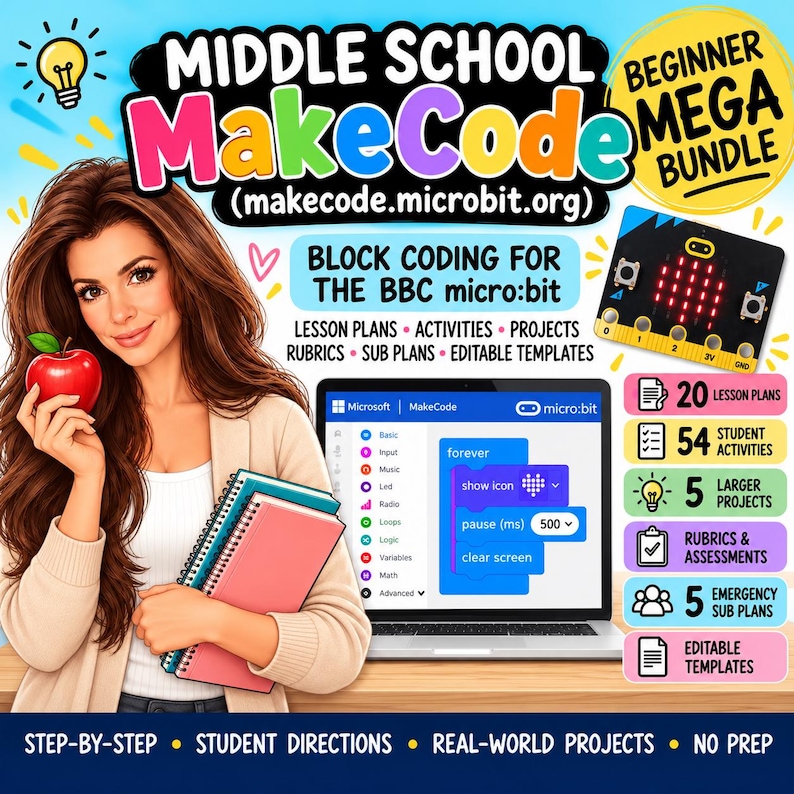
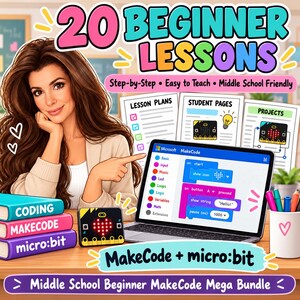
The Middle School MakeCode Beginner Technology Mega Bundle is a complete introductory coding resource designed for students in Grades 6–8 who are new to Microsoft MakeCode and the BBC micro:bit.
Created by a teacher with 16+ years of classroom experience, this bundle combines ready-to-use lesson plans, student activities, projects, rubrics, emergency sub plans, and editable teacher tools to make beginner coding instruction easier to organize, teach, and assess.
Students begin with the MakeCode editor and simulator, then build confidence with LEDs, buttons, variables, loops, conditionals, sensors, sound, games, debugging, and beginner micro:bit projects.
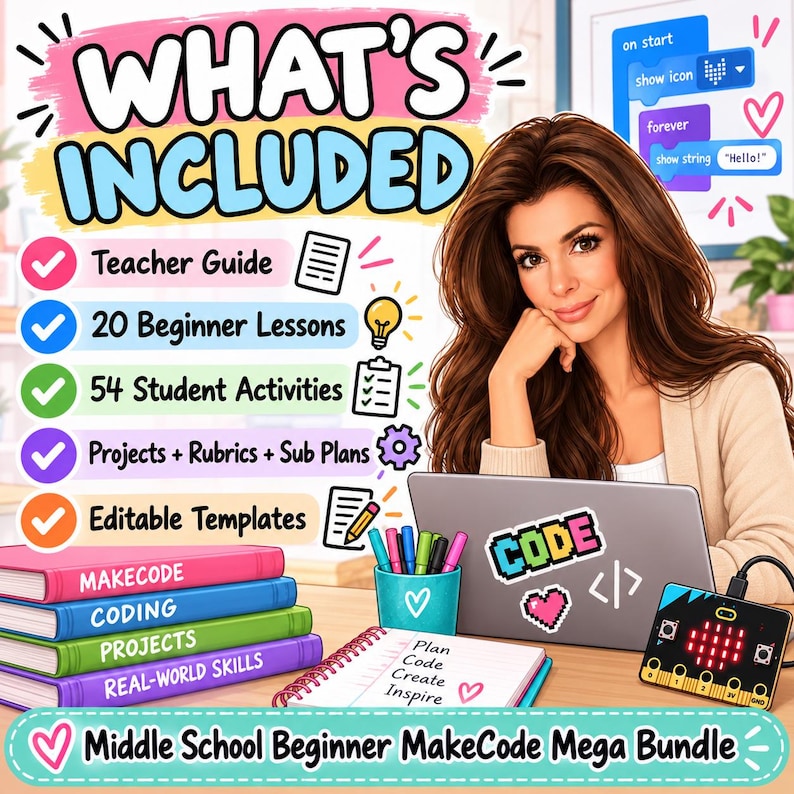
WHAT’S INCLUDED
- 20 Beginner MakeCode Lesson Plans
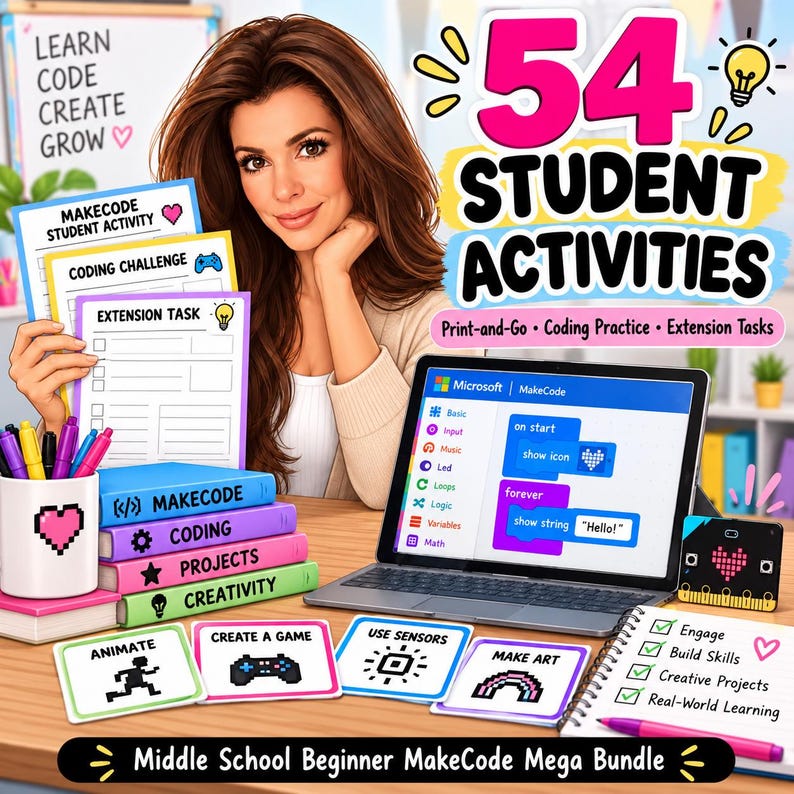
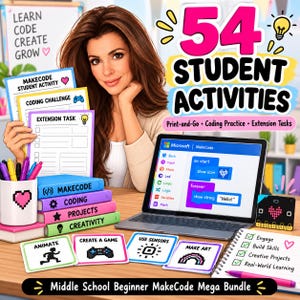
- 54 Printable Student Activities
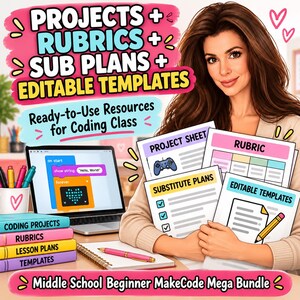
- 5 Larger Beginner Coding Projects
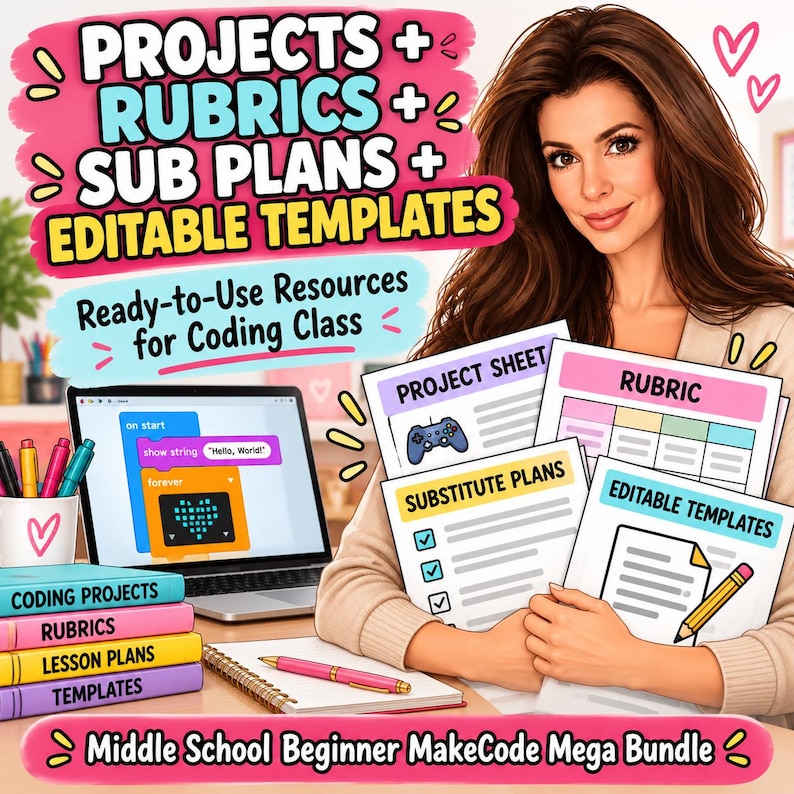
- Project Rubrics
- 5 Emergency Technology Sub Plans
- Complete Teacher Guide
- Editable Teacher Templates
- Start Here / Buyer Guide
- Complete Digital ZIP Bundle
STUDENTS WILL LEARN
- MakeCode editor basics
- Simulator use
- BBC micro:bit basics
- LED display coding
- Buttons and events
- Algorithms
- Sequencing
- Random values
- Variables
- Loops
- Conditionals
- If/Then logic
- Accelerometer input
- Shake and tilt events
- Light sensing
- Temperature sensing
- Step counting
- Scorekeeping
- Beginner game design
- Reaction-time coding
- Sound and music
- Touch pins
- Simple circuits
- Debugging
- Testing and revising
- Problem-solving
- Computational thinking
20 BEGINNER LESSONS INCLUDE
- Meet MakeCode and the micro:bit
- LED Display Basics
- Buttons and Events
- Algorithms and Sequences
- Randomness and Digital Dice
- Variables: Storing Information
- Loops and LED Animation
- Conditionals: If This, Then That
- Shake, Tilt, and Motion
- Light Sensor Night-Light
- Temperature Data
- Make a Step Counter
- Scorekeeping and Mini Games
- Reaction Time Challenge
- Sound and Music
- Touch Pins and Simple Circuits
- Digital Badge Design Challenge
- Build a Beginner Game
- Debugging Lab
- Beginner MakeCode Capstone
54 PRINTABLE STUDENT ACTIVITIES
Students receive a wide variety of printable practice, planning, data, debugging, and reflection pages.
Activities include:
- MakeCode Editor Scavenger Hunt
- Simulator vs. Hardware Sort
- micro:bit Parts Labeling
- LED Grid Design
- Button and Event Practice
- Algorithm Sequencing
- Random Number Practice
- Variable Trace Tables
- Loop Practice
- If/Then Scenarios
- Accelerometer Activities
- Light Level Data Tables
- Temperature Data Tables
- Step Counter Planning
- Game Design Planning
- Reaction Time Data
- Sound Pattern Planning
- Pin Safety Checklists
- Digital Badge Planning
- Debugging Challenges
- Troubleshooting Flowcharts
- Peer Feedback
- Capstone Planning
- Final Coding Reflection
- And more
5 LARGER CODING PROJECTS
Students apply their skills through meaningful beginner projects:
- Interactive Digital Badge
- Sensor-Based Classroom Tool
- Beginner micro:bit Game
- Reaction Time Challenge
- Beginner MakeCode Capstone
Project rubrics are included for easier assessment.
5 EMERGENCY TECHNOLOGY SUB PLANS
The bundle also includes five meaningful backup lessons that can be completed without MakeCode access or micro:bit hardware.
Topics include:
- Algorithms and Sequencing
- Variables and Conditions
- Sensors and Inputs
- Debugging
- Designing a micro:bit Solution
These are great for unexpected absences, device issues, internet problems, or days when hardware is unavailable.
EDITABLE TEACHER TEMPLATES INCLUDE
- Weekly MakeCode Lesson Plan
- Beginner Unit Pacing Guide
- Student Skill Tracker
- micro:bit Kit Checkout
- Project Progress Tracker
- Debugging Conference Notes
- Sensor Project Planner
- Game Project Planner
- Family Communication Log
- Technology Lab Checklist
PERFECT FOR
- Middle school technology teachers
- Computer science teachers
- STEM teachers
- Coding teachers
- Makerspaces
- Robotics and coding clubs
- Gifted and enrichment programs
- Library media specialists
- Homeschool technology instruction
- First-year technology teachers
- Teachers introducing micro:bit for the first time
- Substitute teachers
GRADE LEVEL
Designed for Grades 6–8 and intended for beginner students with little or no prior MakeCode or micro:bit experience.
This bundle focuses on foundational block coding and beginner micro:bit skills. More advanced topics such as radio communication, serial data, deeper data logging, functions, extensions, JavaScript/Python, complex hardware, and multi-device projects are intentionally saved for the future Advanced MakeCode Mega Bundle.
PLEASE NOTE
This is an original TeacherSurvivalByB educational resource designed for use alongside Microsoft MakeCode and the BBC micro:bit.
Microsoft MakeCode and micro:bit are not affiliated with or responsible for this product. This resource does not reproduce official tutorials, proprietary lesson text, project solutions, or copyrighted instructional materials.
Access to physical micro:bits is helpful for some lessons, but many activities can first be completed using the MakeCode simulator.
FILE INFORMATION
This is an instant digital download. No physical product will be mailed.
Your purchase includes 4 organized PDF files plus a complete ZIP bundle containing all materials and editable teacher templates.
Because this is a digital product, returns, exchanges, and cancellations are not accepted. If you experience difficulty accessing your files, please contact me through Etsy.
TeacherSurvivalByB — real-world teacher tools for real classroom life.
Download istantaneo
I tuoi file saranno disponibili per il download una volta confermato il pagamento. Ecco come.
Gli articoli con download istantaneo non accettano resi, cambi o annullamenti. In caso di qualsiasi problema relativo all'ordine, contatta il venditore.
Protezione degli acquisti di Etsy
Acquista con sicurezza su Etsy sapendo che in caso di problemi con un ordine proteggeremo tutti i tuoi acquisti idonei.
vedi termini programma


Altro da questo negozio
Visita negozio-
Download digitale
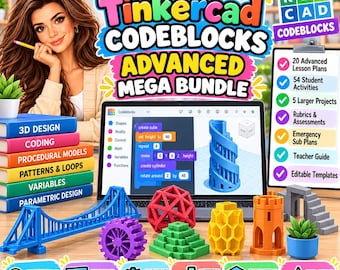
Intermediate MakeCode Mega Bundle | Middle School Coding Lessons, Projects, Sub Plans (Digital Download)
34,13 €
-
Download digitale
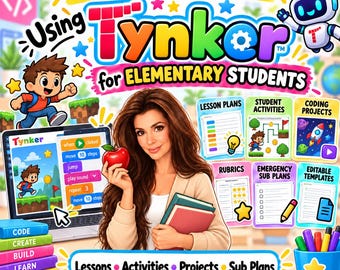
Middle School Tinkercad Codeblocks Advanced Bundle | Procedural 3D Design, Coding Lessons (Digital Download)
34,13 €
-
Download digitale
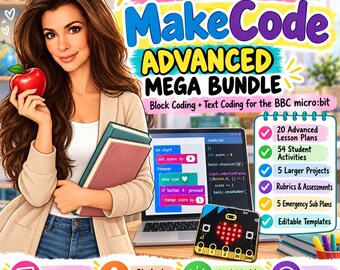
Elementary Tynker Coding Bundle | Lessons, Activities, Projects, Sub Plans (Digital Download)
34,13 €
-
Download digitale
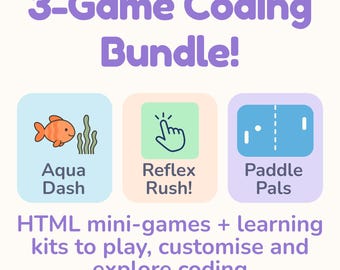
Middle School MakeCode Advanced Mega Bundle | micro:bit Coding Lessons, Projects (Digital Download)
34,13 €
Lascia la prima recensione
-
Download digitale
Kit di programmazione per principianti - Pacchetto di 3 minigiochi HTML / Codice modificabile + guide di apprendimento / Download digitale STEM divertente
7,54 €
-

Download digitale
Schede di programmazione sui dinosauri Attività di programmazione per bambini Coding unplugged
Prezzo scontato 2,22 €
Prezzo originale 3,42 €
-
Download digitale
Codifica delle funzioni del vocabolario con i puzzle
2,24 €
-
Download digitale
Pacchetto di attività di programmazione con frecce: puzzle di logica e dettato grafico per la scuola dell'infanzia
Prezzo scontato 2,22 €
Prezzo originale 3,42 €
-
Download digitale
Schede di programmazione per la scuola dell'infanzia: attività logiche STEM per i più piccoli (download in PDF)
3,93 €
-
Download digitale
Coding per bambini: algoritmi semplici e divertimento con la codifica per principianti / Kit di programmazione per la scuola domestica, set STEM per la classe, stimolatore cerebrale per la scuola materna
Prezzo scontato 3,64 €
Prezzo originale 4,54 €
-
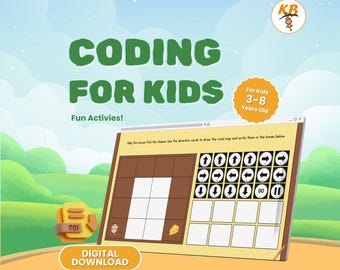
Download digitale
Attività di codifica per bambini dai 3 agli 8 anni / Concetti di algoritmo e direzione per la scuola materna / Schede di lavoro digitali divertenti in formato PDF
Prezzo scontato 2,50 €
Prezzo originale 4,55 €
-
Download digitale
Programmazione per bambini senza computer / Attività di programmazione senza schermo / Programma STEM per l'homeschooling stampabile / Download digitale
14,79 €
-
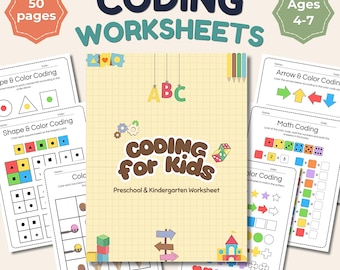
Download digitale
Schede di programmazione per bambini, attività STEM per la scuola materna, programmazione senza computer stampabile, giochi di logica per l'asilo, download digitale
Prezzo scontato 5,06 €
Prezzo originale 6,32 €
-
Download digitale
CodeBlocks Parte 1: Benvenuti a Codeville (Scratch Coding per bambini)
1,50 €
-
Download digitale
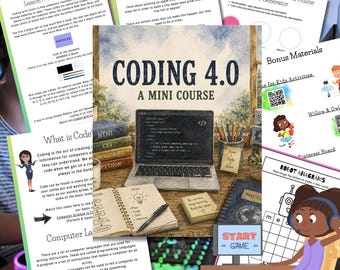
Mini corso di programmazione per bambini 4.0 con lezioni, attività e sicurezza online
Prezzo scontato 8,53 €
Prezzo originale 11,38 €
-
Download digitale
Diario di programmazione stampabile per bambini: attività STEM e intelligenza artificiale (download digitale)
3,41 €
Dichiarazione di non responsabilità: Come per tutti i prodotti per bambini, è richiesta la supervisione di un adulto. I prodotti che contengono piccole parti possono creare un rischio di soffocamento, e non devono quindi essere usati da bambini di età inferiore ai 3 anni. I venditori sono responsabili per le leggi e i regolamenti di seguito, inclusa la pubblicazione di articoli che riportino in modo accurato la denominazione e le avvertenze. Etsy non si assume alcuna responsabilità per l'accuratezza, la denominazione e i contenuti delle inserzioni e dei prodotti dei venditori. Prima dell'uso si leggano sempre le etichette, gli avvisi, e altre informazioni fornite con il prodotto. Per eventuali domande, invia un messaggio al venditore. Vedi le Condizioni d'uso di Etsy per maggiori informazioni.
Gli acquirenti con gusti simili hanno apprezzato questi articoli
-
Download digitale
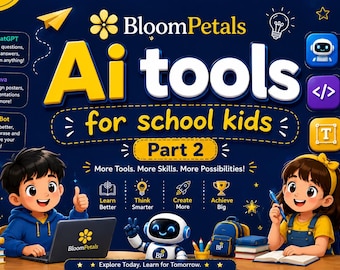
Strumenti di intelligenza artificiale per ragazzi dai 7 ai 15 anni / Libro educativo STEM / PDF stampabile / Download immediato
2,03 €
-

Download digitale
Pacchetto didattico sull'IA per bambini / 5 libri, 2 quaderni di esercizi, errori comuni nell'IA, schede didattiche (download digitale)
14,79 €
-
Download digitale
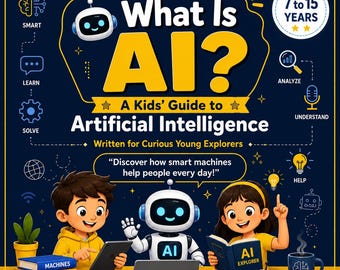
Cos'è l'IA? Una guida all'intelligenza artificiale per bambini / Libro di apprendimento STEM / IA per bambini dai 7 ai 15 anni / Quaderno di attività didattiche / Stampabile
2,03 €
-
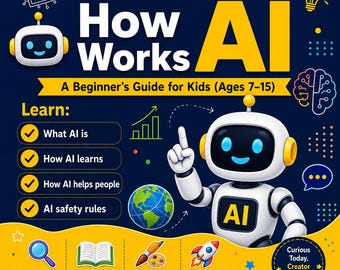
Download digitale
Come funziona l'IA per i bambini / Libro didattico sull'IA per ragazzi dai 7 ai 15 anni / Quaderno di esercizi didattici di 25 pagine / PDF stampabile / Risorsa per l'apprendimento STEM
1,79 €
-
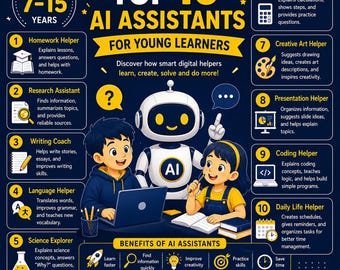
Download digitale
I 10 migliori assistenti IA per giovani studenti / Guida all'apprendimento dell'IA per bambini dai 7 ai 15 anni / Quaderno di lavoro sulla tecnologia educativa / Download digitale in PDF /
1,81 €
-
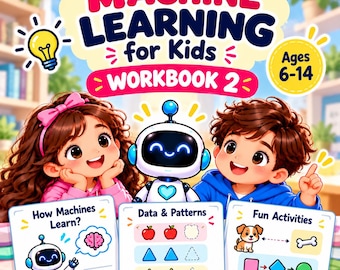
Download digitale
Pacchetto di schede didattiche sull'intelligenza artificiale per bambini / 20 attività stampabili, crea un robot (download digitale)
4,54 €
-
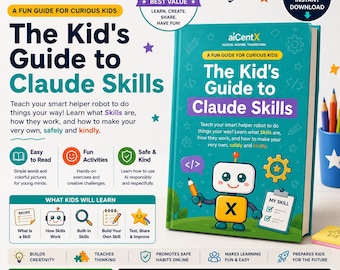
Download digitale
Guida alle competenze di intelligenza artificiale di Claude per bambini / Introduzione divertente e colorata all'intelligenza artificiale con sicurezza ed etica / I bambini imparano l'IA / Libro sull'IA stampabile
Prezzo scontato 2,84 €
Prezzo originale 5,68 €
-
Download digitale
Schede di ripasso per la terza elementare: istruzione parentale / Natale, matematica, comprensione della lettura, grammatica, scrittura, materiali stampabili per dicembre
7,97 €
-
Download digitale
Schede di esercizi di matematica e lettura per la terza elementare, ideali per la pratica quotidiana, l'istruzione domiciliare e il ripasso estivo (PDF stampabile)
29,59 €
-
Download digitale
Mega quaderno di lavoro per la terza elementare / Oltre 3000 pagine di attività stampabili (PDF)
9,06 €
-
Download digitale
Schede didattiche stampabili sulle monete, download immediato, impara a riconoscere le monete, conta i soldi, ritorno a scuola, attività di scrittura, scuola dell'infanzia, prima elementare, seconda elementare
4,55 €
-
Download digitale
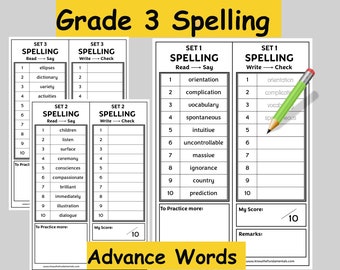
Parole di ortografia per la terza elementare, scheda di lavoro di inglese per la terza elementare, attività mattutine per la scuola a casa, stampabile - parole a vista incluse
Prezzo scontato 4,13 €
Prezzo originale 4,86 €


