

Middle School MakeCode Mega Bundle | micro:bit Coding Lessons, Activities, Projects (Digital Download)
Prijs:EUR 33.76
De volgende situaties komen in aanmerking:
- Je bestelling komt niet overeen met de beschrijving of de foto's van het item
- Je item is beschadigd aangekomen.
- Je item is aangekomen na het tijdvak voor verwachte levering
- Je item is niet aangekomen of zoekgeraakt in de post.
Je kunt alleen een bod doen als je een enkel item koopt
Hoogtepunten
DIGITAL DOWNLOAD — NO PHYSICAL ITEM WILL BE SHIPPED
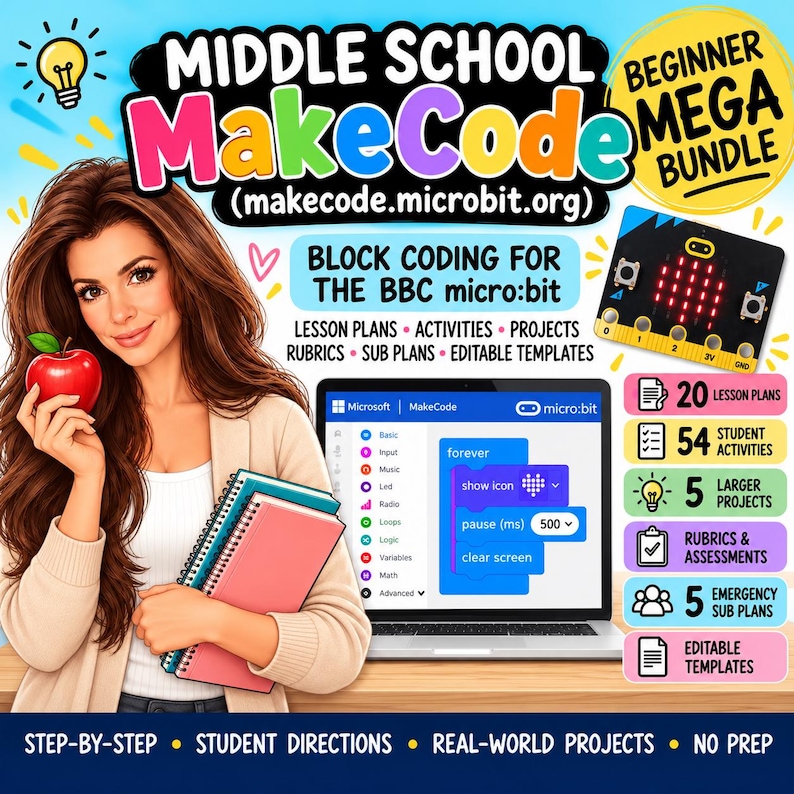
The Middle School MakeCode Beginner Technology Mega Bundle is a complete introductory coding resource designed for students in Grades 6–8 who are new to Microsoft MakeCode and the BBC micro:bit.
Created by a teacher with 16+ years of classroom experience, this bundle combines ready-to-use lesson plans, student activities, projects, rubrics, emergency sub plans, and editable teacher tools to make beginner coding instruction easier to organize, teach, and assess.
Students begin with the MakeCode editor and simulator, then build confidence with LEDs, buttons, variables, loops, conditionals, sensors, sound, games, debugging, and beginner micro:bit projects.
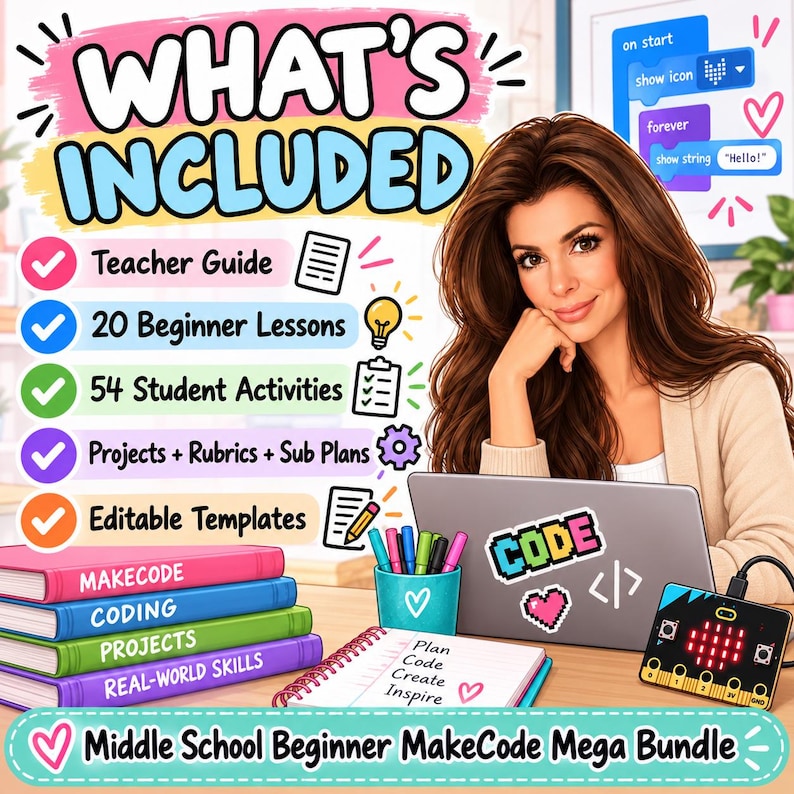
WHAT’S INCLUDED
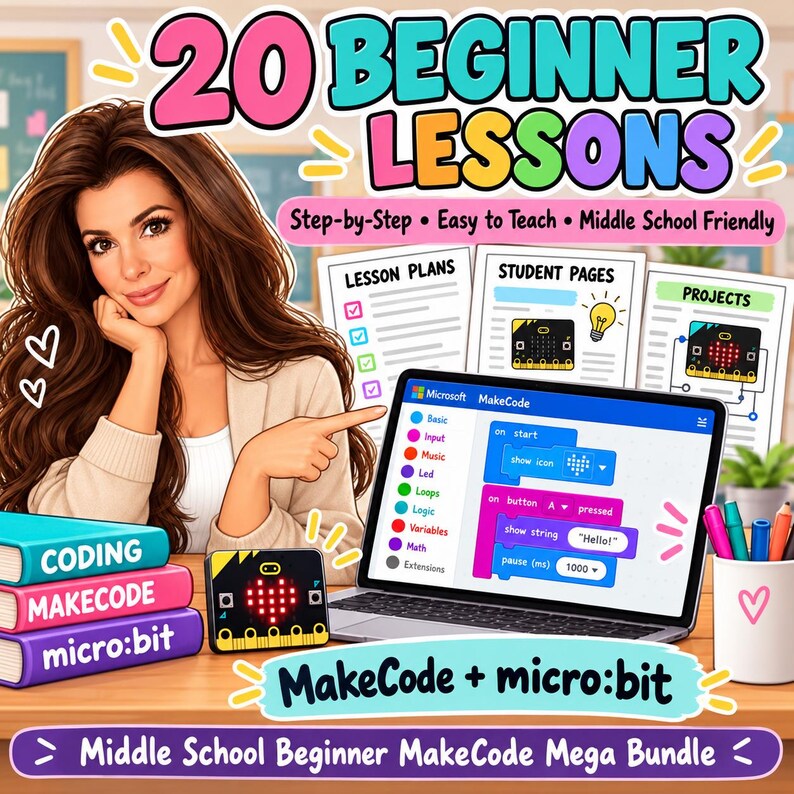
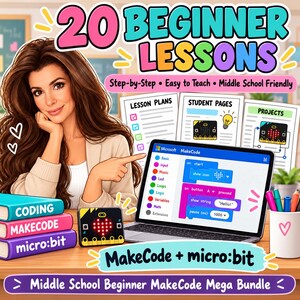
- 20 Beginner MakeCode Lesson Plans
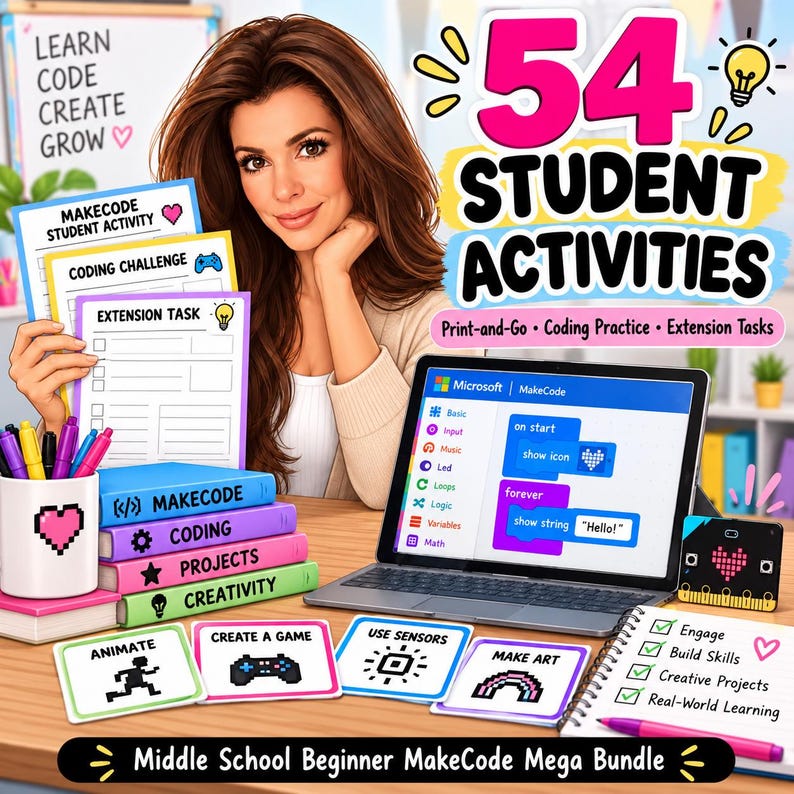
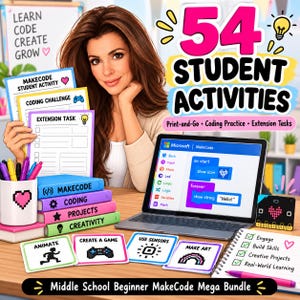
- 54 Printable Student Activities
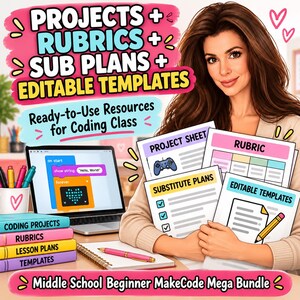
- 5 Larger Beginner Coding Projects
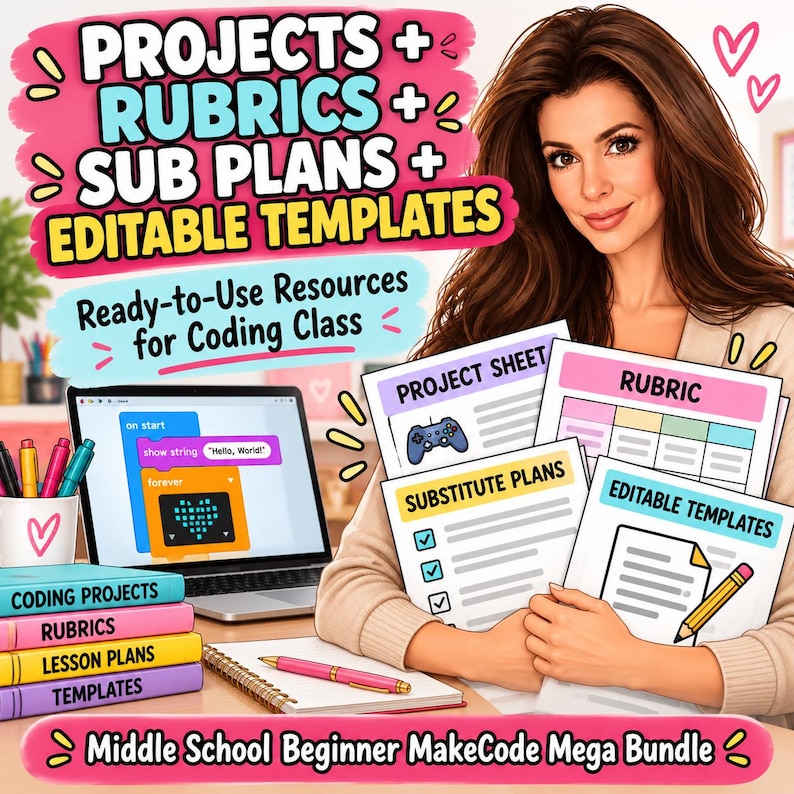
- Project Rubrics
- 5 Emergency Technology Sub Plans
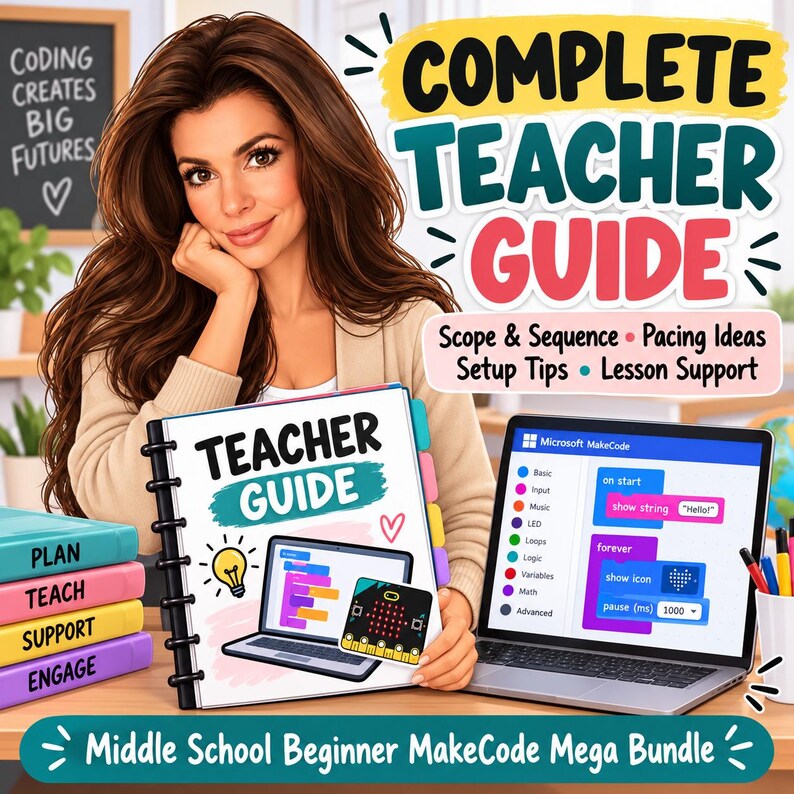
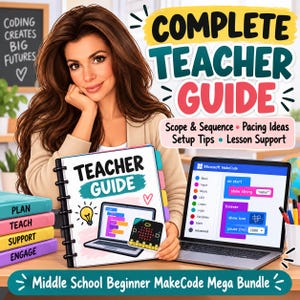
- Complete Teacher Guide
- Editable Teacher Templates
- Start Here / Buyer Guide
- Complete Digital ZIP Bundle
STUDENTS WILL LEARN
- MakeCode editor basics
- Simulator use
- BBC micro:bit basics
- LED display coding
- Buttons and events
- Algorithms
- Sequencing
- Random values
- Variables
- Loops
- Conditionals
- If/Then logic
- Accelerometer input
- Shake and tilt events
- Light sensing
- Temperature sensing
- Step counting
- Scorekeeping
- Beginner game design
- Reaction-time coding
- Sound and music
- Touch pins
- Simple circuits
- Debugging
- Testing and revising
- Problem-solving
- Computational thinking
20 BEGINNER LESSONS INCLUDE
- Meet MakeCode and the micro:bit
- LED Display Basics
- Buttons and Events
- Algorithms and Sequences
- Randomness and Digital Dice
- Variables: Storing Information
- Loops and LED Animation
- Conditionals: If This, Then That
- Shake, Tilt, and Motion
- Light Sensor Night-Light
- Temperature Data
- Make a Step Counter
- Scorekeeping and Mini Games
- Reaction Time Challenge
- Sound and Music
- Touch Pins and Simple Circuits
- Digital Badge Design Challenge
- Build a Beginner Game
- Debugging Lab
- Beginner MakeCode Capstone
54 PRINTABLE STUDENT ACTIVITIES
Students receive a wide variety of printable practice, planning, data, debugging, and reflection pages.
Activities include:
- MakeCode Editor Scavenger Hunt
- Simulator vs. Hardware Sort
- micro:bit Parts Labeling
- LED Grid Design
- Button and Event Practice
- Algorithm Sequencing
- Random Number Practice
- Variable Trace Tables
- Loop Practice
- If/Then Scenarios
- Accelerometer Activities
- Light Level Data Tables
- Temperature Data Tables
- Step Counter Planning
- Game Design Planning
- Reaction Time Data
- Sound Pattern Planning
- Pin Safety Checklists
- Digital Badge Planning
- Debugging Challenges
- Troubleshooting Flowcharts
- Peer Feedback
- Capstone Planning
- Final Coding Reflection
- And more
5 LARGER CODING PROJECTS
Students apply their skills through meaningful beginner projects:
- Interactive Digital Badge
- Sensor-Based Classroom Tool
- Beginner micro:bit Game
- Reaction Time Challenge
- Beginner MakeCode Capstone
Project rubrics are included for easier assessment.
5 EMERGENCY TECHNOLOGY SUB PLANS
The bundle also includes five meaningful backup lessons that can be completed without MakeCode access or micro:bit hardware.
Topics include:
- Algorithms and Sequencing
- Variables and Conditions
- Sensors and Inputs
- Debugging
- Designing a micro:bit Solution
These are great for unexpected absences, device issues, internet problems, or days when hardware is unavailable.
EDITABLE TEACHER TEMPLATES INCLUDE
- Weekly MakeCode Lesson Plan
- Beginner Unit Pacing Guide
- Student Skill Tracker
- micro:bit Kit Checkout
- Project Progress Tracker
- Debugging Conference Notes
- Sensor Project Planner
- Game Project Planner
- Family Communication Log
- Technology Lab Checklist
PERFECT FOR
- Middle school technology teachers
- Computer science teachers
- STEM teachers
- Coding teachers
- Makerspaces
- Robotics and coding clubs
- Gifted and enrichment programs
- Library media specialists
- Homeschool technology instruction
- First-year technology teachers
- Teachers introducing micro:bit for the first time
- Substitute teachers
GRADE LEVEL
Designed for Grades 6–8 and intended for beginner students with little or no prior MakeCode or micro:bit experience.
This bundle focuses on foundational block coding and beginner micro:bit skills. More advanced topics such as radio communication, serial data, deeper data logging, functions, extensions, JavaScript/Python, complex hardware, and multi-device projects are intentionally saved for the future Advanced MakeCode Mega Bundle.
PLEASE NOTE
This is an original TeacherSurvivalByB educational resource designed for use alongside Microsoft MakeCode and the BBC micro:bit.
Microsoft MakeCode and micro:bit are not affiliated with or responsible for this product. This resource does not reproduce official tutorials, proprietary lesson text, project solutions, or copyrighted instructional materials.
Access to physical micro:bits is helpful for some lessons, but many activities can first be completed using the MakeCode simulator.
FILE INFORMATION
This is an instant digital download. No physical product will be mailed.
Your purchase includes 4 organized PDF files plus a complete ZIP bundle containing all materials and editable teacher templates.
Because this is a digital product, returns, exchanges, and cancellations are not accepted. If you experience difficulty accessing your files, please contact me through Etsy.
TeacherSurvivalByB — real-world teacher tools for real classroom life.
Directe download
Je bestanden worden beschikbaar voor download zodra je betaling bevestigd is. Hier vertellen we je hoe dat moet.
Directe downloads kunnen niet geretourneerd, geruild of geannuleerd worden. Neem contact met de verkoper op als er problemen met jouw bestelling zijn.
Etsy's Aankoopbescherming
Shop met vertrouwen op Etsy wetende dat als er iets misgaat met een bestelling, dan helpen we je.
Lees hier de voorwaarden.


Meer uit deze shop
Shop bezoeken-
Digitale download
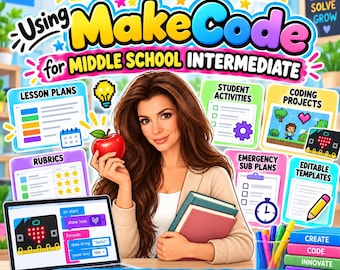
Intermediate MakeCode Mega Bundle | Middle School Coding Lessons, Projects, Sub Plans (Digital Download)
EUR 33.76
-
Digitale download
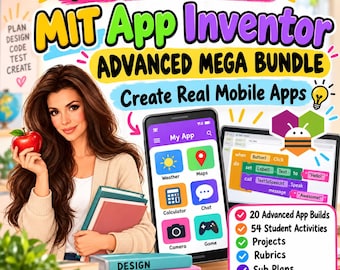
Middle School MIT App Inventor Advanced Bundle | 20 App Projects, Coding Activities (Digital Download)
EUR 33.76
-
Digitale download
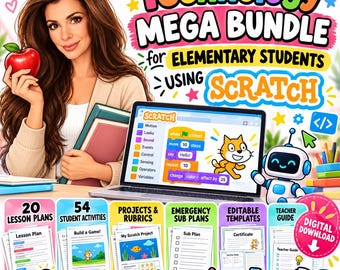
Elementary Scratch Coding Bundle | Lessons, Activities, Projects (Digital Download)
EUR 33.76
-
Digitale download
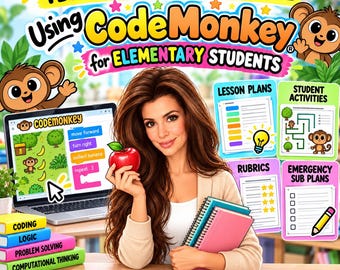
Elementary CodeMonkey Mega Bundle | Coding Lessons, Activities, Projects (Digital Download)
EUR 33.76
Laat als eerste een recensie achter
-
Digitale download
Codeerkit voor beginners: bundel met 3 HTML-minigames | Bewerkbare code + leergidsen | Leuke digitale STEM-download
EUR 7.48
-

Digitale download
Werkbladen codering dinosaurussen Coderen voor kinderen Unplugged-coderen
Aanbiedingsprijs EUR 2.20
Oorspronkelijke prijs EUR 3.38
-
Digitale download
Woordenschatfuncties coderen met puzzels
EUR 2.21
-
Digitale download
Activiteitenpakket Pijlencodering: logische puzzels en grafisch dicteren voor de kleuterschool
Aanbiedingsprijs EUR 2.20
Oorspronkelijke prijs EUR 3.38
-
Digitale download
Werkbladen voor programmeren in de kleuterklas: Logische activiteiten voor jonge kinderen (PDF-download)
EUR 3.88
-
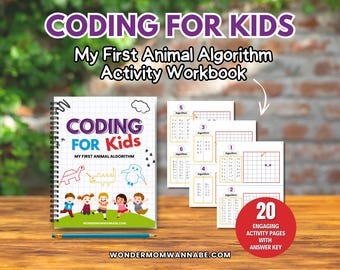
Digitale download
Coderen voor kinderen: eenvoudige algoritmen en programmeerplezier voor beginners | Codekit voor thuisonderwijs, STEM-set klaslokaal, Brain Booster voor kleuters
Aanbiedingsprijs EUR 3.59
Oorspronkelijke prijs EUR 4.49
-
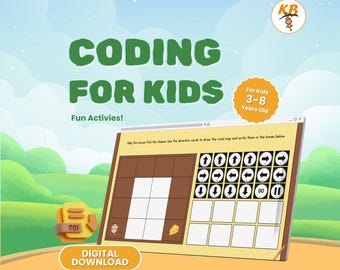
Digitale download
Codeeractiviteit voor kinderen van 3-8 jaar | Voorschoolse algoritmen en richtingsconcepten | Leuke digitale pdf-werkbladen
EUR 4.50
-
Digitale download
Programmeren voor kinderen zonder computers | Schermvrije programmeeractiviteiten | Afdrukbaar STEM-thuisonderwijsprogramma | Digitale download
EUR 14.62
-
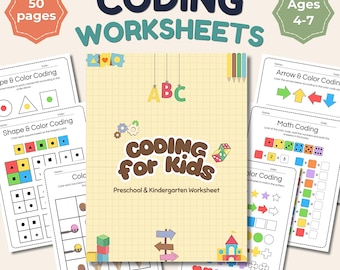
Digitale download
Werkbladen voor programmeren voor kinderen, STEM-activiteiten voor kleuters, printbare programmeeroefeningen zonder computer, logische spelletjes voor de kleuterklas, digitale download
Aanbiedingsprijs EUR 5.00
Oorspronkelijke prijs EUR 6.25
-
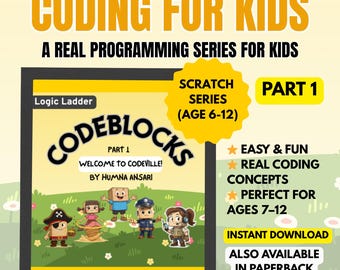
Digitale download
CodeBlocks, deel 1: welkom bij Codeville (scratchcodering voor kinderen)
EUR 1.49
-
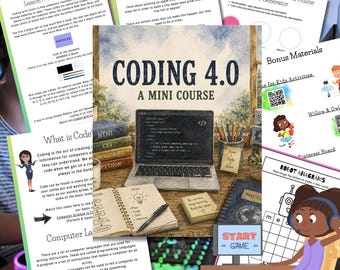
Digitale download
Minicursus programmeren voor kinderen 4.0 met lessen, activiteiten en internetveiligheid
Aanbiedingsprijs EUR 8.44
Oorspronkelijke prijs EUR 11.25
-
Digitale download
Coderingsdagboek afdrukbare items voor kinderen: STEM- en AI-activiteiten (digitale download)
EUR 3.37
Disclaimer: Zoals bij alle kinderproducten is toezicht door een volwassene vereist. Producten die kleine onderdelen bevatten, kunnen verstikkingsgevaar opleveren en mogen niet worden gebruikt door kinderen jonger dan 3 jaar. Verkopers zijn verantwoordelijk voor het naleven van de toepasselijke wet- en regelgeving, met inbegrip van het plaatsen van artikelen met een nauwkeurige etikettering en waarschuwingen. Etsy neemt geen verantwoordelijkheid voor de correctheid, de labeling of de inhoud van de listings en producten van verkopers. Lees voor je een product gebruikt altijd de labels, waarschuwingen, aanwijzingen en andere informatie over het product. Als je vragen hebt, stuur je een bericht naar de verkoper. Bekijk Etsy's Gebruiksvoorwaarden voor meer informatie.
Populair bij shoppers met een vergelijkbare stijl
-
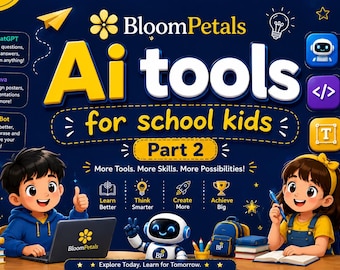
Digitale download
AI-tools voor kinderen van 7-15 jaar | Educatief STEM-boek | Afdrukbare pdf | Direct downloaden
EUR 2.02
-

Digitale download
AI-leerpakket voor kinderen | 5 boeken, 2 werkboeken, AI-fouten, flashcards (digitale download)
EUR 14.62
-
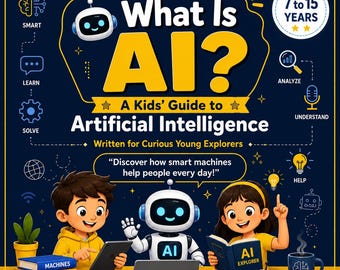
Digitale download
Wat is AI? Een kindergids voor kunstmatige intelligentie | STEM-leerboek | AI voor kinderen van 7-15 jaar | Educatief activiteitenwerkboek | Afdrukbaar
EUR 2.02
-
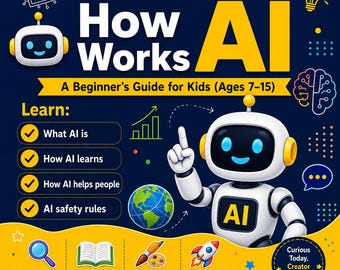
Digitale download
Hoe AI werkt voor kinderen | AI-leerboek voor kinderen van 7-15 jaar | Educatief werkboek van 25 pagina's | Afdrukbare pdf | Leermiddel stam
EUR 1.78
-
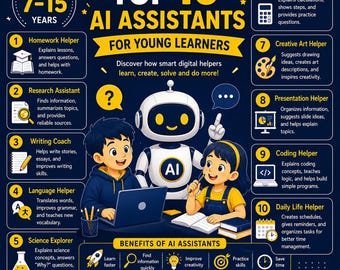
Digitale download
Top 10 AI-assistenten voor jonge leerlingen | AI-leergids voor kinderen van 7-15 jaar | Werkboek onderwijstechnologie | Digitale pdf-download |
EUR 1.80
-
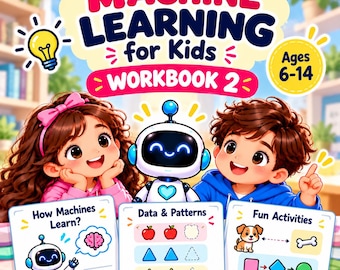
Digitale download
AI-werkbladenpakket voor kinderen | 20 printbare activiteiten, bouw een robot (digitale download)
EUR 4.49
-
Digitale download
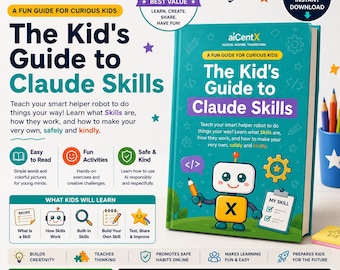
Claude AI-vaardighedengids voor kinderen | Leuke en kleurrijke introductie tot kunstmatige intelligentie met aandacht voor veiligheid en ethiek | Kinderen leren AI | Printbaar AI-boek
Aanbiedingsprijs EUR 3.37
Oorspronkelijke prijs EUR 5.62
-
Digitale download
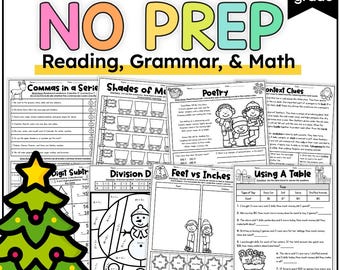
Revisiewerkbladen 3e leerjaar thuisonderwijs | Kerst wiskunde, begrijpend lezen, grammatica, printables schrijven voor december
EUR 7.88
-
Digitale download
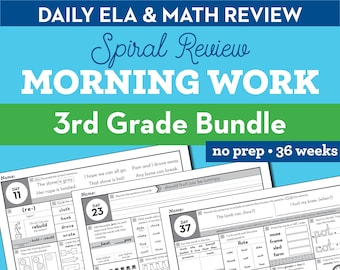
Wiskunde- en leeswerkbladen 3e leerjaar voor dagelijkse praktijk, thuisonderwijs en zomerrecensie (afdrukbare pdf)
EUR 29.27
-
Digitale download
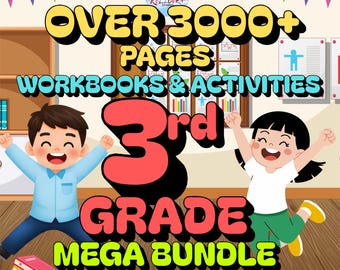
Mega-werkboek 3e leerjaar | Meer dan 3000 pagina's afdrukbare activiteiten (pdf)
EUR 8.93
-
Digitale download
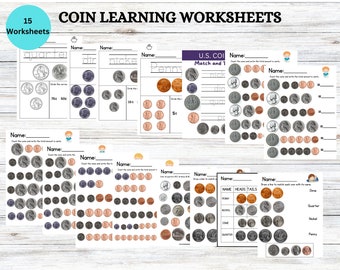
Directe download afdrukbare muntwerkbladen, munten leren, geld tellen, terug naar school, schrijfactiviteit, kleuterschool, 1e graad, 2e graad
EUR 4.50
-
Digitale download
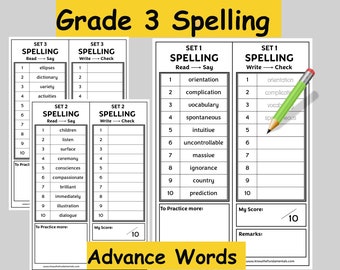
Spellingwoorden van groep 3 Engels werkblad van leerjaar 3 Ochtendwerk van groep 3 Homeschool-curriculum afdrukbaar - inclusief zichtwoorden
Aanbiedingsprijs EUR 4.06
Oorspronkelijke prijs EUR 4.78


