
All items
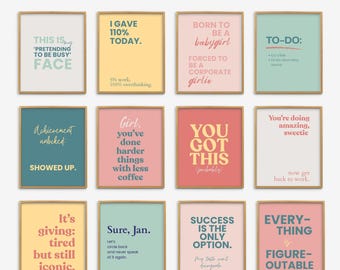
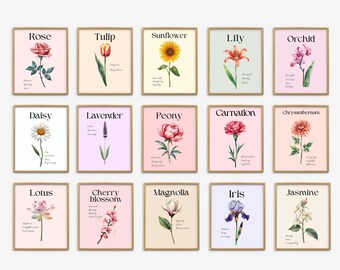
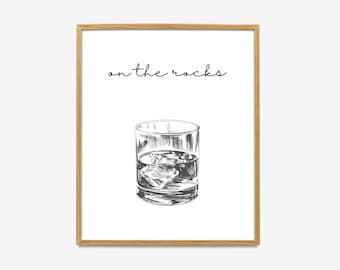
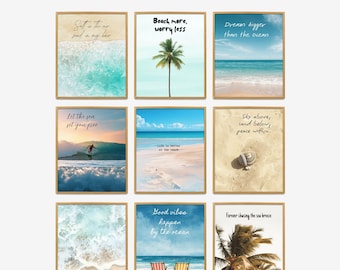
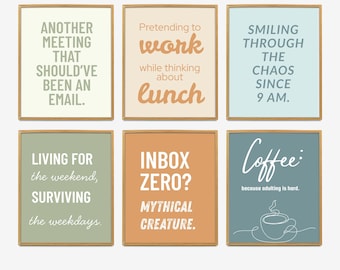
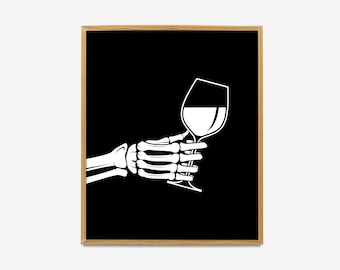

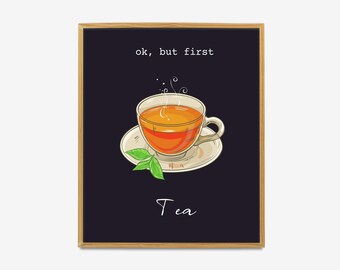
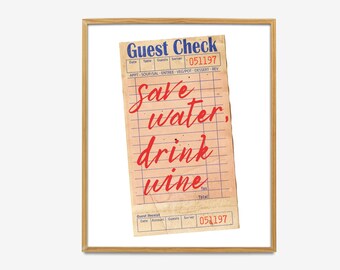
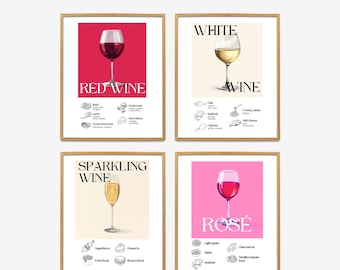
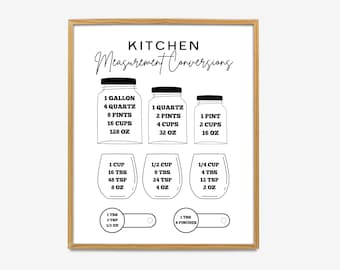

Announcement

Reviews
-

-
-
Bridget on 08 Jan, 2024
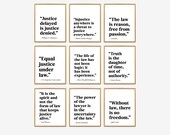
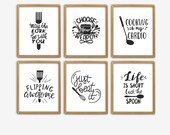
5 out of 5 starsThese were so cute and easy to print. I love decorating when it doesn’t break the bank.
-
-



About AposhStudio
Shop policies
Digital downloads
Payment options
Returns & exchanges
Cancellations
Cancellations: not accepted
Please contact the seller if you have any problems with your order.
More information
Frequently asked questions
How to download your items / INSTANT DOWNLOAD?
After checkout and payment has cleared, you can download your file(s).
Steps to easily re-download the file(s) associated
1. Go to the top right corner of your etsy page and click on "You".
2. Select "Purchases & Reviews" from the dropdown menu.
3. Find your purchase & click the blue button to "Download Files".
(NOTE: This must be done on a computer, NOT a mobile phone or iPad)
Here are instructions for how to do download:
https://www.etsy.com/help/article/3949
Where to print the PRINTABLE / INSTANT DOWNLOAD digital files
• Print your purchased design onto your own printer. I recommend using regular to heavy white card stock
• Have it printed by a local photo center like Staples, Kinkos, Walgreens, Costco, Target or Walmart or local print shop.
Please keep in mind that colors can print slightly different than what you see on the screen. The variation depends on the printer and printing technique used.
We are not responsible for the quality of your final print. The print quality will depend on the type of paper and printer.
My printer says the resolution is too low...
All files sold are High Resolution, saved to 300dpi, and are very high quality files. If your print is printing blurry/small, you may not be printing the file, but the preview picture of the file. Please be sure you are actually downloading the file and not just clicking, dragging and saving the preview photo.
Simply save/download the file to your computer (click on attachment{s} to open, right click, save as), USB flash drive or disk. From there you can print to your home computer (small files), upload to an online printing vendor or take into a printing vendor to have printed for you.
Please keep in mind that cell phone and iPad providers tend to condense/reduce attachments/files sizes. Saving the file to a computer is recommended.
Can you send me a proof before I decide to buy a custom print?
When you purchase a personalized DIGITAL FILE item, you are not only purchasing the file, but my design time, as well. I require the purchase of an item prior to beginning any work.