
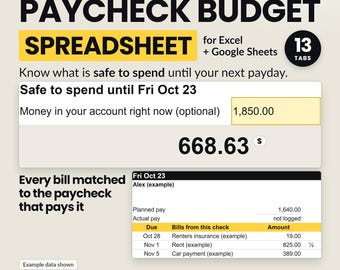
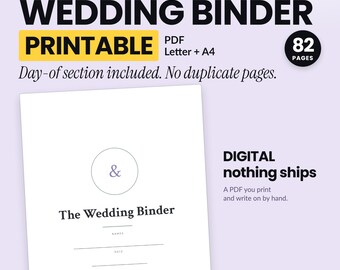
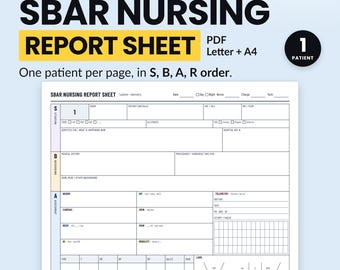
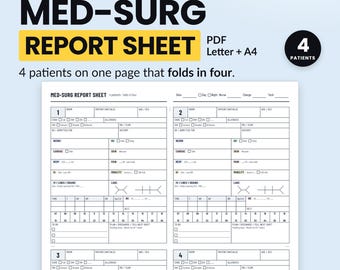
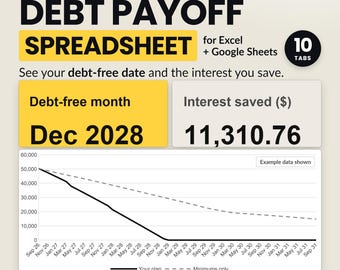

Clear money tools that actually work
Todos los artículos
Mensaje de la tienda
Última actualización: 5 oct 2026
Presentación ClearColumnPrints
Ventas
0
En Etsy desde 2026
-
-
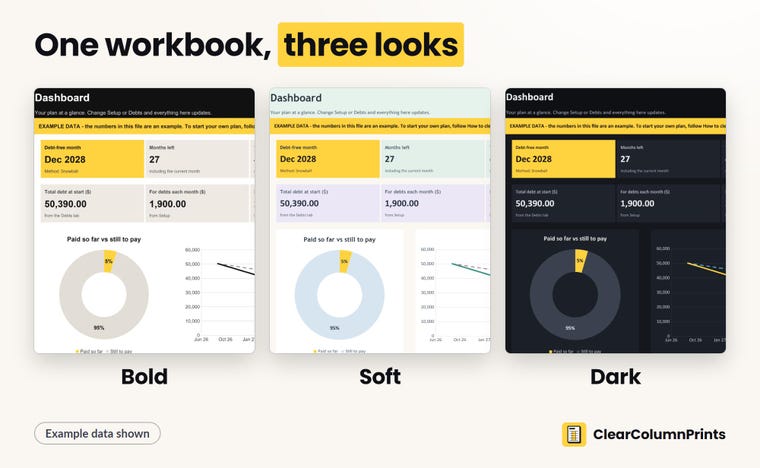 One workbook, three looks: Bold, Soft and Dark. Same formulas and the same example in each.
 -
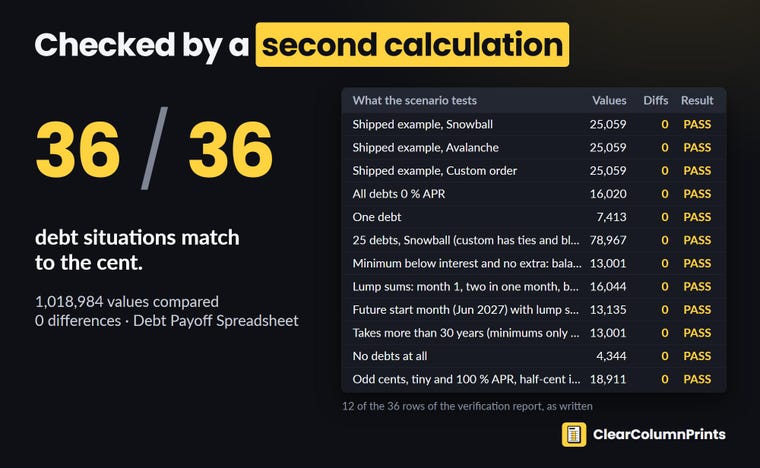 A separate calculation redoes 36 debt situations, 0% APR and extra payments included.
 -
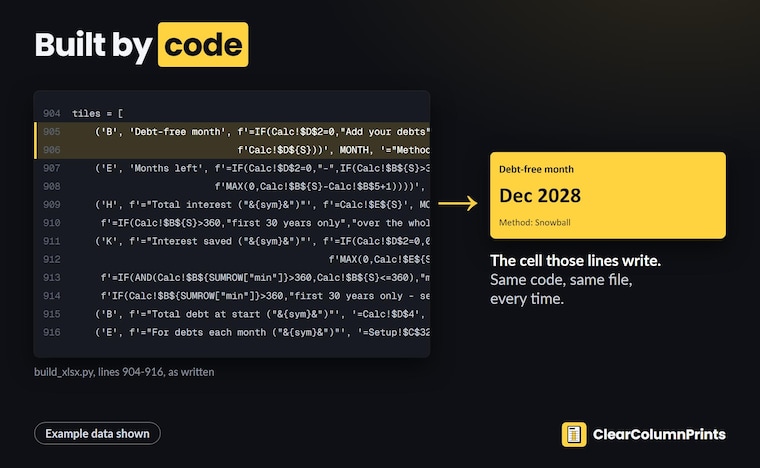 Every file is built by code, not by hand: the same code gives the same file every time.
 -
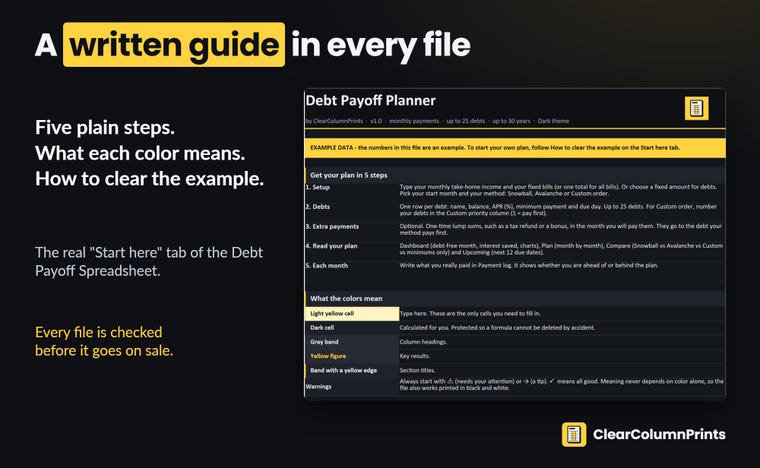 Plain written steps come inside every file: five steps, the color key, how to clear the example.
 -
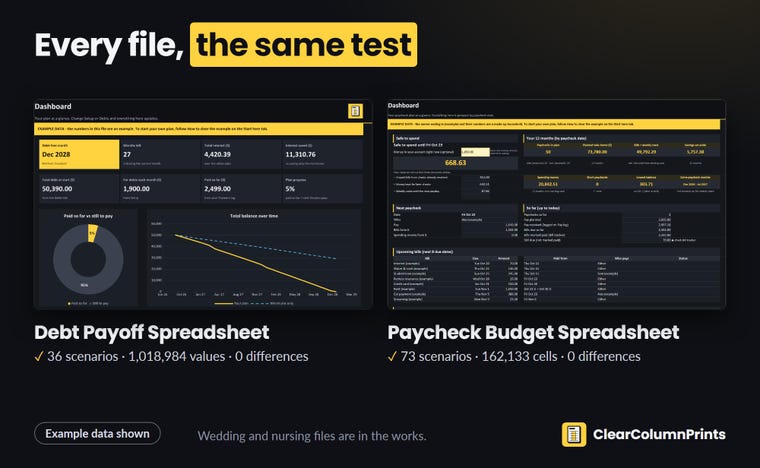 Debt Payoff and Paycheck Budget passed the same test. Wedding and nursing files are next.
Descripción del vídeo de presentación de la tienda
Políticas de la tienda
Última actualización: 5 oct 2026
Descargas digitales
Artículos digitales de descarga instantánea
Los archivos estarán disponibles para descargar una vez que se confirme el pago. Sigue estas instrucciones.
Opciones de pago
Opciones seguras
Acepta saldo y tarjetas regalo de Etsy
Etsy mantiene protegida tu información de pago. Las tiendas de Etsy nunca reciben los datos de tu tarjeta de crédito.
Cambios y devoluciones
Consulta los detalles del artículo para ver la política de cambios y devoluciones.
Cancelaciones
Cancelaciones: no se aceptan
Ponte en contacto con el vendedor si tienes algún problema con tu pedido.
Condiciones y derecho de desistimiento
Más información
Última actualización:
5 oct 2026
Preguntas frecuentes
What do I get after I buy?
An instant download. Spreadsheets come as .xlsx files in three color themes (Bold, Soft and Dark) with a START-HERE PDF that links to your own Google Sheets copy; printables come as PDF files. Each listing lists its files. Nothing is shipped.
Does it work in Google Sheets, Excel, Mac or iPad?
Our spreadsheets are made for Excel 2016 or newer (Windows, Mac, iPad and the web) and for Google Sheets through the copy link in the PDF. They use only functions both support, and no macros. Each listing says where that file was tested. They are not made for Apple Numbers or LibreOffice.
Custom and personalized orders
Click "Enable Editing". Until then you see the example but cannot type and nothing recalculates.
I see "####" in a cell.
The column is too narrow for the number: widen it a little and the value appears.
Can I change it to fit my life?
Yes. Type in the light-yellow cells and use the rows you need. In the Excel files the formulas are protected without a password so they are not deleted by accident, and you can unprotect a tab any time. Google Sheets does not keep that protection, so in your copy type only in the light-yellow cells.
Which currency does it use?
Our spreadsheets show US dollars by default and let you pick another currency symbol. Use one currency per file.
Is this financial advice?
No. It is a planning tool that does the math for the numbers you enter.
Did you use AI to make it?
Yes, we design and build our files with the help of AI tools. Every formula is checked against a separate calculation before a file goes on sale, and a person reviews it.