
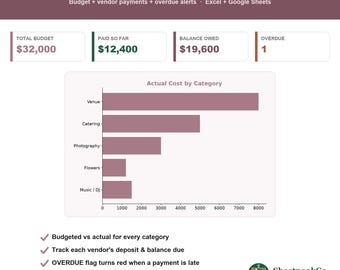
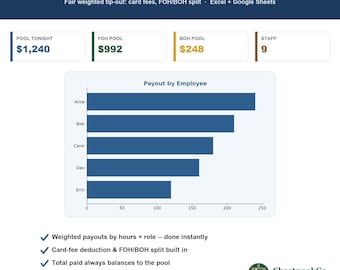
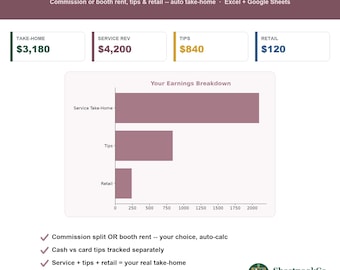
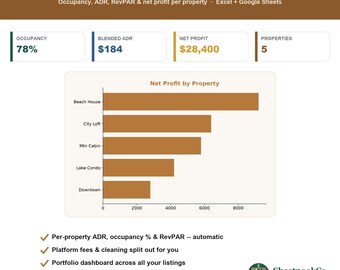
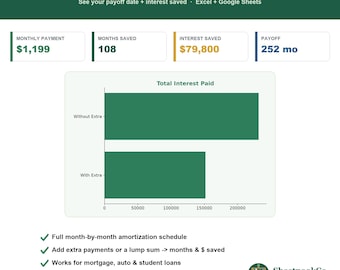
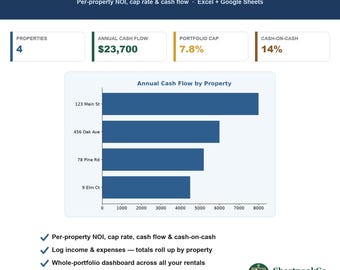
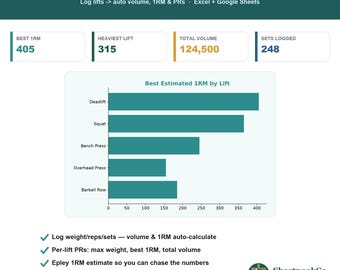
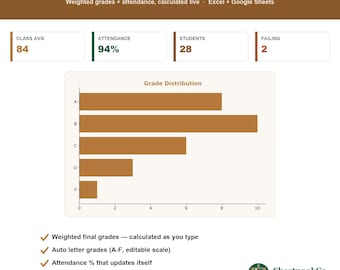

Un angolo accogliente per i tuoi numeri: modelli di foglio di calcolo che fanno i calcoli per te, in Excel e Fogli Google.
A cozy corner for your numbers: spreadsheet templates that do the math for you, in Excel and Google Sheets.
Ciao, sono Paul, la persona dietro SheetnookCo.
In fondo, sono una persona che ama i fogli di calcolo. Sono quel tipo di amica che, quando qualcuno dice "Non ho idea di dove vadano a finire i miei soldi" o "Non riesco a tenere traccia dei miei ordini", apre silenziosamente un foglio bianco e inizia a creare qualcosa. Col tempo mi sono resa conto che i piccoli strumenti che creavo per aiutare le persone intorno a me erano esattamente ciò che molti altri cercavano, così ho aperto questo spazio su Etsy.
Ciò che mi spinge è una frustrazione latente: uno strumento non dovrebbe farti faticare per usarlo. Fogli di calcolo che si bloccano al primo tocco, app che ti fanno pagare mensilmente per calcoli che un foglio di calcolo fa gratis, "modelli" che in realtà sono solo griglie vuote senza alcuna funzionalità. SheetnookCo è la mia risposta a tutto questo. Ogni modello è progettato in modo che tu inserisca i tuoi numeri e il resto lo faccia automaticamente. I totali, i calcoli e la dashboard che ti mostra la situazione finale avvengono in modo indipendente. Nessuna formula da scrivere, nessun abbonamento, nessuna curva di apprendimento.
In realtà, si tratta di qualcosa di più profondo dei semplici fogli di calcolo. Sono un po' ossessionato dall'eliminare gli ostacoli dalla vita di tutti i giorni: le decine di piccole attività ripetitive e leggermente fastidiose che silenziosamente ci rubano tempo e attenzione. Un buon modello è un tassello importante in questo senso. Trasforma un compito che di solito ci spaventa in un'abitudine di trenta secondi, così la quotidianità scorre più agevolmente e ci permette di riappropriarci della nostra serata.
Ecco come li creo. Costruisco e testo ogni modello a mano. Prima di metterlo in vendita, lo provo personalmente. Inserisco dati reali, verifico che ogni formula sia corretta e mi assicuro che si comporti allo stesso modo sia in Microsoft Excel che in Fogli Google, in modo che non siate mai vincolati a una sola applicazione. Se un numero è anche solo leggermente diverso, non viene incluso. Questa è la promessa: apritelo, compilatelo e fidatevi del risultato.
Grazie mille per essere passato a trovarmi nel mio piccolo angolo. Spero che questi consigli ti risparmino lo stesso mal di testa che hanno risparmiato a me, e se mai avessi bisogno di una mano, non esitare a contattarmi.
Paolo
Hi, I'm Paul, the person behind SheetnookCo.
I'm a spreadsheet person at heart. I'm the friend who, when someone says "I have no idea where my money's going" or "I can't keep track of my orders," quietly opens a blank sheet and starts building. Over time I realized the little tools I was making to help the people around me were exactly what a lot of other folks were hunting for too, so I opened this corner of Etsy.
What drives me is a quiet frustration: a tool shouldn't make you work for it. Spreadsheets that break the second you touch a cell, apps that charge you every month for math a spreadsheet does for free, "templates" that are really just empty grids with no brains behind them. SheetnookCo is my answer to that. Every template is built so you type in your numbers and it does the rest. The totals, the math, and the dashboard that finally shows you where things stand all happen on their own. No formulas to write, no subscription, no learning curve.
Really, this is about something bigger than spreadsheets. I'm a little obsessed with taking the friction out of everyday life: the dozens of small, repetitive, mildly annoying tasks that quietly eat your time and attention. A good template is one piece of that. It takes a chore you'd usually dread and turns it into a thirty-second habit, so the everyday stuff runs smoother and you get your evening back.
Here's how I make them. I build and test every template by hand. Before anything goes in the shop, I sit down and actually use it. I feed it real numbers, check that every formula adds up, and make sure it behaves the same in both Microsoft Excel and Google Sheets so you're never locked into one app. If a number is even slightly off, it doesn't get listed. That's the whole promise: open it, fill it in, and trust the answer.
Thanks so much for stopping by my little nook. I hope these save you the headache they've saved me, and if you ever need a hand, I'm only a message away.
Paul