



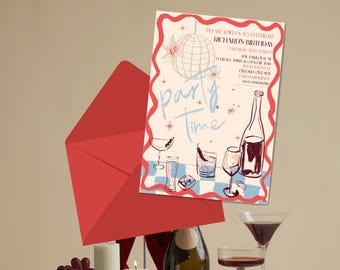
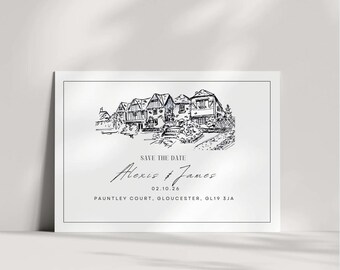
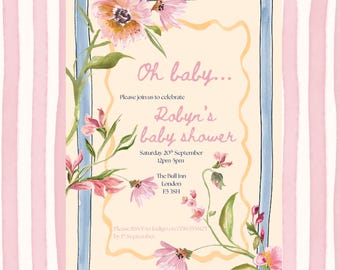
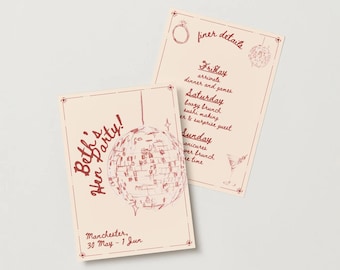
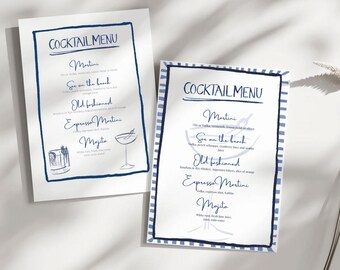



Bringing a handmade feel to every special occasion
All items
Reviews
5.0
(7)
Average item review
We calculate this number using a recency-weighted average of all ratings, with a rating's value decreasing by half each year to best reflect the current experience.
Loading
-

Natasha on 14 Aug, 2025
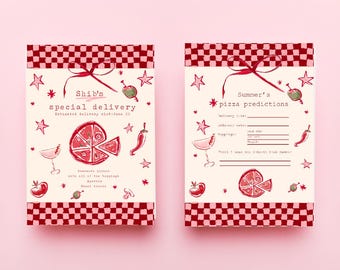
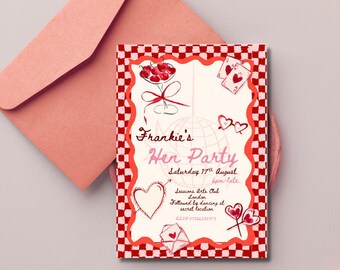
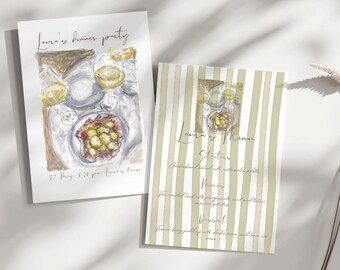
5 out of 5 starsThis beautiful template made organising my 30th birthday so much easier! It was so easy to download & edit, such a lovely design.
-
S on 07 Aug, 2025
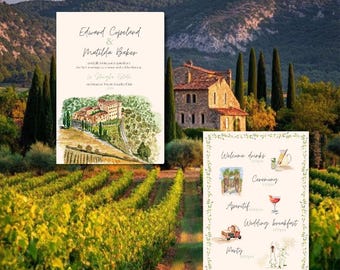
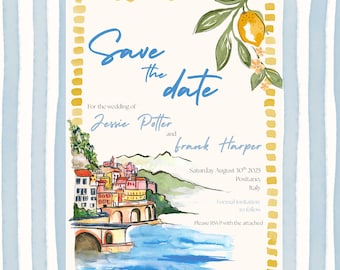
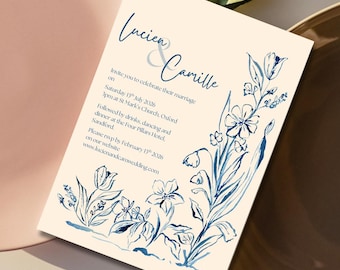
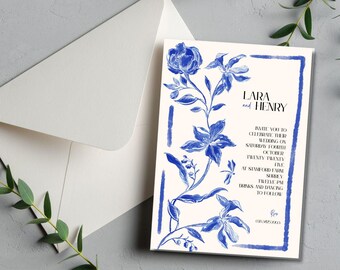
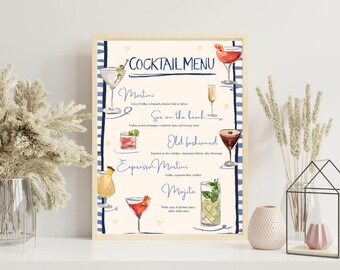
5 out of 5 starsIn love with this hand painted design that I will be using for my wedding. Very easy to edit on Canva and Daisy was super helpful too when I had questions.

Daisy and Joanna responded on 07 Aug, 2025
Thank you Sara - we cant wait to see it at your wedding!
-
Gini on 22 Jun, 2025
5 out of 5 starsBeautiful, hight quality & super easy to use!
Daisy and Joanna responded on 22 Jun, 2025
Thanks Gini, we’re so glad you loved it!
-
James on 17 May, 2025
5 out of 5 starsI was really impressed with the quality of this template and it was a lot easier than I expected to customise the invite (I am not very creative!!). Thanks for a great product made the process stress-free for me and received several compliments from my guests.
Daisy and Joanna responded on 27 May, 2025
Thanks for taking the time to leave a review James - your support means a lot to us! We're so glad you liked the invite and that it was easy for you to use. Best wishes, Daisy and Jo xx
-
georgia on 13 May, 2025
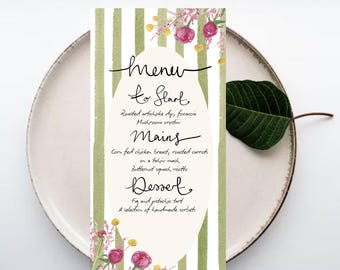
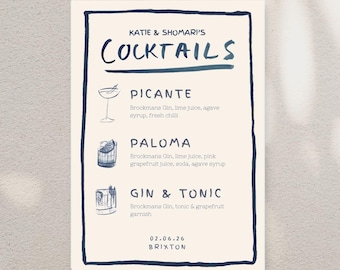
5 out of 5 starsReally pretty menu with a hand painted design. I’m rubbish with tech but I had no problems downloading this and editing the text to suit me then printing off at home. Great value.
Daisy and Joanna responded on 27 May, 2025
Thank you Georgia - we're glad you found it easy to use!
-
Siobhan on 12 May, 2025
5 out of 5 starsElegant, unique design that perfectly captures the tone we are going for with our wedding! We’ve received so many compliments from our guests and we have been really impressed with how they turned out. Super easy process- would highly recommend.
Daisy and Joanna responded on 27 May, 2025
Thank you Siobhan - it means so much to us that we could do something for your special day!
-
Richard on 16 Apr, 2025
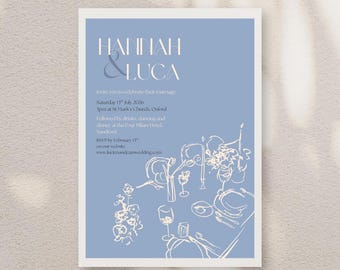
5 out of 5 starsPerfect invitation that met all my requirements. Definitely recommend this product!
Daisy and Joanna responded on 27 May, 2025
Thank you Richard - we're so glad you liked it! Daisy and Jo
About StudioDeuxDesign
Sales
23
On Etsy since 2025
Shop members
-

Joanna
Owner, Maker, Designer
I'm a designer who works within the fashion industry, with a keen eye for colour. I enjoy working with various tools to create designs; from inks to pastels to gouache, I love combining them on the computer, to make an exciting design.
-

Daisy
Owner, Maker
I'm an artist and art teacher from London, never without a sketchbook in hand. I love documenting life through doodles, capturing moments in a loose, colorful style. Watercolor is my favorite medium, bringing a fluid, expressive touch to my work.
Shop policies
Last updated on
Accepted payment methods
Accepts Etsy Gift Cards and Etsy Credits
Returns & exchanges
See item details for return and exchange eligibility.
More information
Last updated on
17 Dec, 2025
Frequently asked questions
How do I receive my invitation template?
After purchasing, you'll receive a PDF file with a link to access your template on Canva. Simply click the link, log into your Canva account (free or Pro), and start customizing your invitation.
Can I request a custom design?
Yes! We would love to illustrate a custom design with you for your special event. Please email daisyandjo@studiodeuxdesigns.com for more information on this.
Do I need a Canva Pro account to use the template?
No, all my templates work with Canva’s free account, so you don’t need a Pro subscription to edit them.
How do I use the template?
The file you purchase will come with written instructions on the PDF, but here is an overview:
1. Purchase your chosen listing(s).
2. Download the PDF and access your templates via the provided links.
3. Log in to Canva, customize your design, and save your changes. Then, download your finished invitation!
4. Edit and save your progress anytime.
5. Print at home or take it to a print shop.
What can I edit on the templates?
Canva allows you to edit many of the features of your template, such as:
• Change all text content.
• Adjust font size, style, and color
• Alter background colors.
• Upload your own images.
Where can I print the images?
This is a digital template, which means you will need to do your own printing. Here is what we recommend:
LOCAL PRINT SHOPS: Choose a nearby shop or use national chains like FedEx, Office Depot, etc. For full coverage, select the PDF option with "Show Bleed" when downloading your template.
• PRINT AT HOME: Download the PDF, choose "Save Paper" and "Show Trim Marks" for easy printing. Use heavy card stock for a premium feel—100lb to 130lb is recommended.
• Envelope suggestions: A7 (5.25x7.25”) for 5x7" invitations and A1 (3 5/8 x 5 1/8”) for 3.5x5" RSVP cards.
What is your returns policy?
All products are digital, so we can't accept returns or offer refunds. All sales are final. However, if you run into any issues, please reach out, and we will do our very best to help!
What are your terms of use?
• Templates are for personal use only and can not be used for republication, redistribution or resale in any form. You can't use the template to create a product for sale or for your business.
• Repurposing the template for projects other than the advertised use is not allowed.
• Purchasing a template does not give the buyer copyright to the original design, files or artwork.
• This product is do-it-yourself. Editing, customisation, size changes by Studio Deux is not included.
• Templates are live and can be edited for 1 year from the date of purchase. Downloaded files are yours forever.