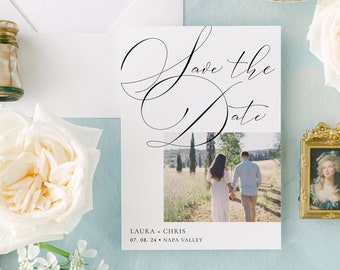
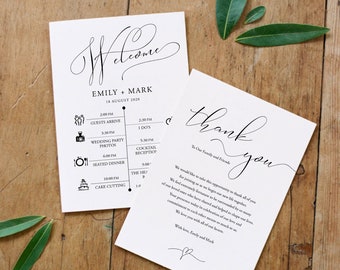
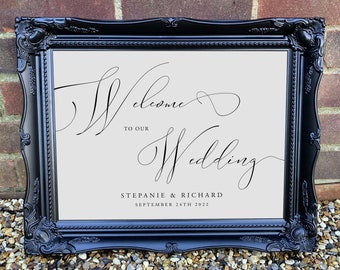
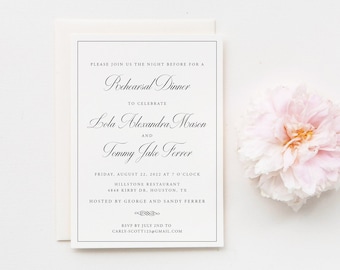
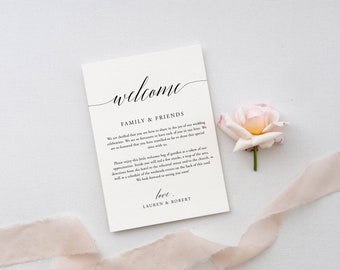
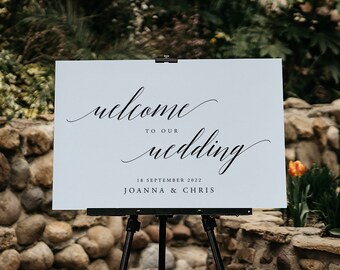
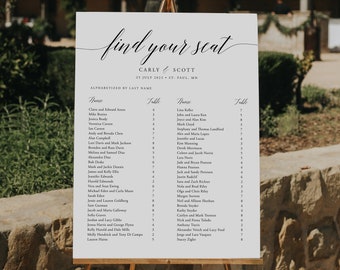
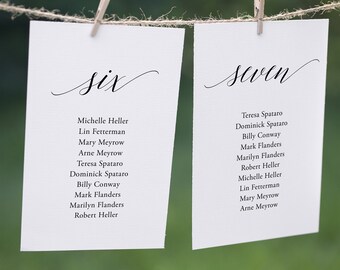



Welcome!
Wszystkie produkty
Ogłoszenie
Data ostatniej aktualizacji 22 maj 2022
Opinie
5.0
(31)
Średnia opinia o produkcie
Przy obliczaniu tej wartości wykorzystujemy średnią ocenę z wszystkich ocen, biorąc pod uwagę to, kiedy zamieszczono opinię – co roku wartość oceny zmniejsza się o połowę, tak aby jak najlepiej oddać aktualne doświadczenia zakupowe.
Ładowanie
-

-

Christine w dniu 10 wrz 2024
5 na 5 gwiazdekReally user-friendly. Classic and traditional!
Ładowanie -

-
-

Kupujący z Etsy w dniu 14 sie 2024
5 na 5 gwiazdekEverything went well when I was using the file, and the finished product was beautiful!
Ładowanie -

-
Shelbie w dniu 28 kwi 2024
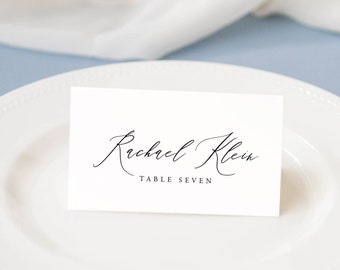
5 na 5 gwiazdekSeller was super helpful in making a seating chart template that matched the template I purchased for the name cards! She was very responsive & kind!
Ładowanie -
Shelbie w dniu 26 kwi 2024
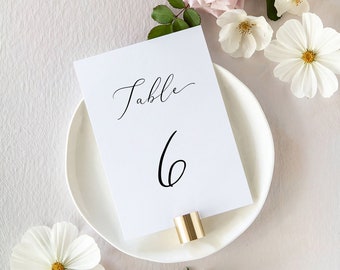
5 na 5 gwiazdekThis template is super easy to use & the font is beautiful. I even messaged the seller to inquire about the same style for a seating chart & she custom made one for me! Seller is super kind & very communicative.
Ładowanie -

-

Alana w dniu 20 wrz 2023
5 na 5 gwiazdekLoved the font and came out beautiful on the card stock
Ładowanie
Informacje o sklepie WeddingPapersDIY
Transakcje
461
Na Etsy od 2022

Regulamin sklepu
Data ostatniej aktualizacji
Akceptowane metody płatności
Akceptuje karty podarunkowe Etsy i bony Etsy
Zwroty i wymiany produktów
Sprawdź szczegóły produktu, aby dowiedzieć się, czy kwalifikuje się on do zwrotu lub wymiany.
Więcej informacji
Data ostatniej aktualizacji
17 gru 2025
Często zadawane pytania
How can I edit my templates?
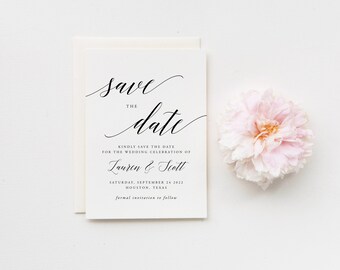
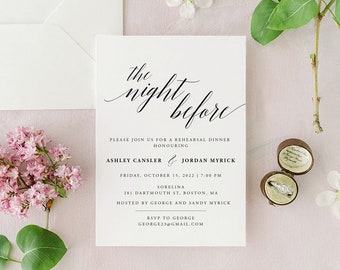
I have created all of my templates on the website Templett.com. They are an online design and editing platform where you can fully customize your templates. Whenever you purchase an item, Templett sends you an access link within 5 minutes. You can then edit, save and download your templates in multiple formats and get them printed.
*Note that Templett.com will send you the email to the one used to register in Etsy
What can be edited?
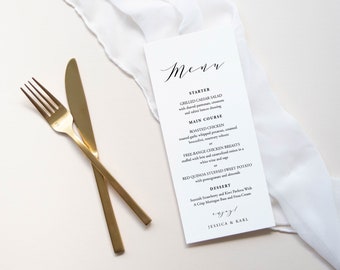
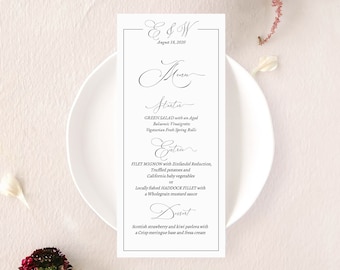
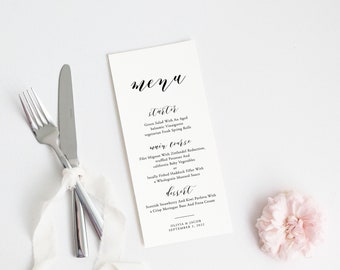
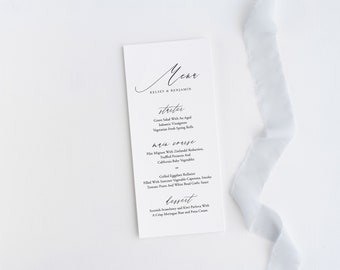
• You can edit font's color, size, and placement
• You can add text boxes and modify the wording
• You can scale artworks up and down and move it around
• You can change the background's color
• You can upload your own image
• You can add a backside, second page
What can't be edited?
• The colors of any watercolor artworks like wreaths, greenery, etc.
• The size and orientation of your template. However, If you need a different size, message me and I'll change it for you!
Can I add my own images?
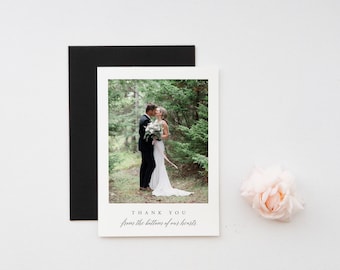
Yes! You can upload your own images or artwork to your templates. You can upload the following formats JPEG, PNG, and SVG files.
The max file size for image uploads is 5MB. Please be sure any images you upload are smaller than that.
How to upload images?
1. Click "elements" on the panel on the left side of the design area.
2. Click the upload area to select the image/artwork files from your computer.