
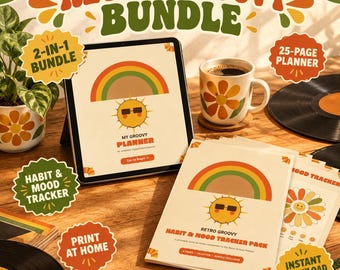
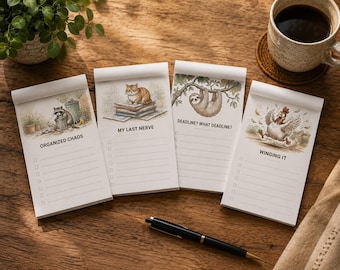

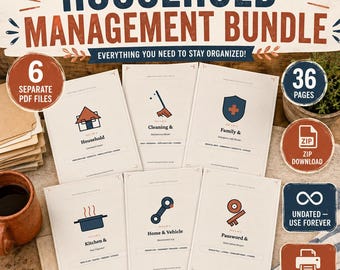
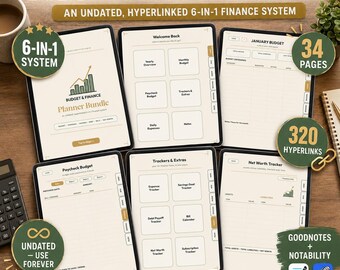
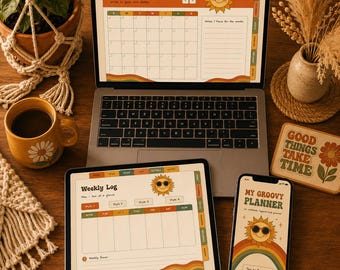
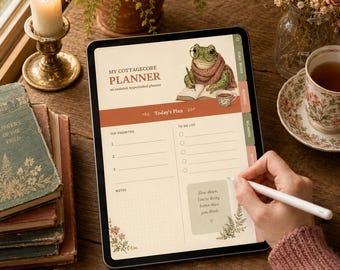
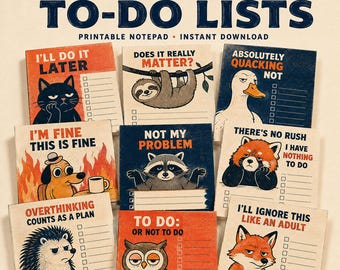


Printable notepads, planners, stream overlays, wedding templates & wall art — thoughtfully designed digital downloads.
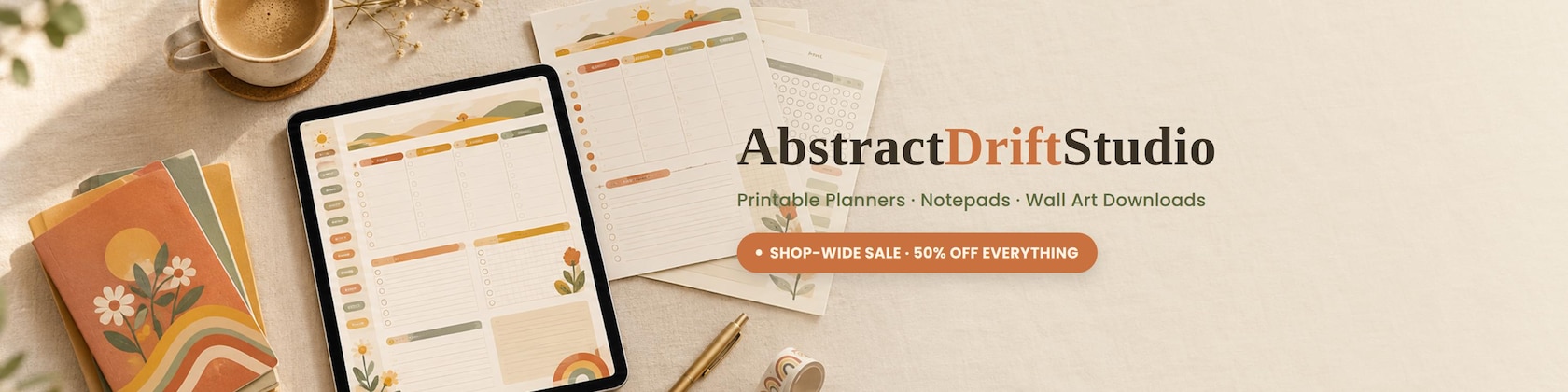
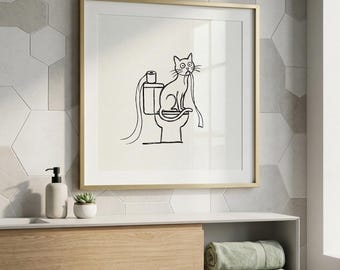
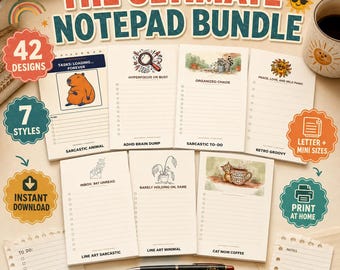
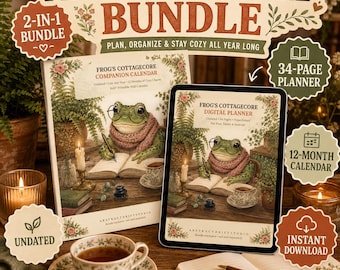
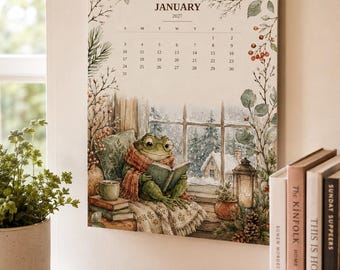
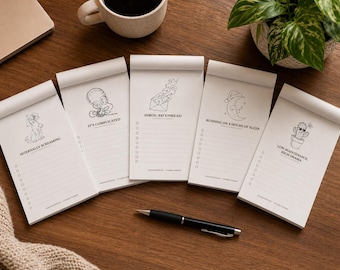
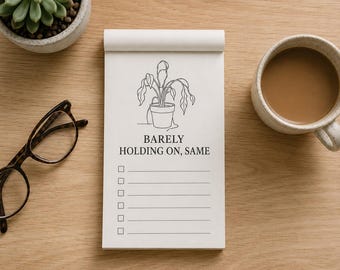
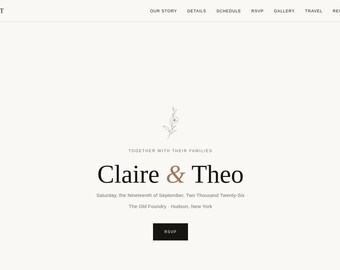
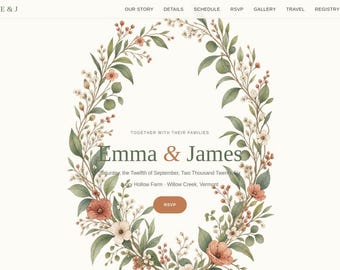
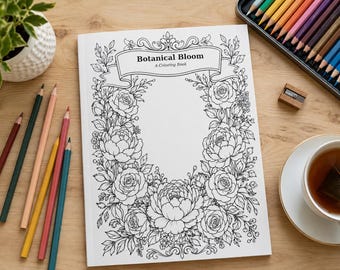
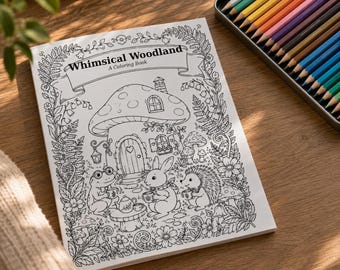
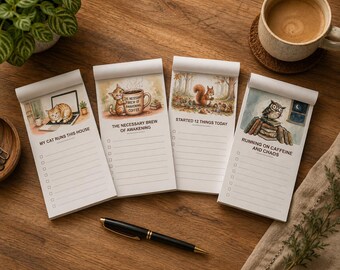
AbstractDriftStudio started with a simple idea: everyday printables and digital tools shouldn't be complicated to make, buy, or use. What began as one small line of modern abstract wall art has grown into a full studio of things I genuinely love making: playful notepads and digital planners to help you get organized, clean stream overlays and alert packs for creators going live, whimsical coloring books and calendars full of cottagecore charm, a handful of nursery signs and bathroom prints for your walls, and — most recently — fully coded wedding website templates for couples who want something as considered as their invitations.
Everything in my shop is a printable digital download (or, for the wedding templates, a ready-to-launch coded file), which means no waiting for shipping, no risk of damage in transit, and no extra printing costs unless you want them. You get instant access to high-resolution, print-ready files — a notepad or planner you can print today, a wall art print sized for a 5x7 frame or a large statement piece, or a full coded website ready to personalize.
Each product — whether it's a single wall art print, a notepad doodle, a set of stream overlays, or a coded wedding site — goes through the same careful process, built and tested by hand rather than mass-generated, because I'd rather make fewer things well than flood the shop with generic templates.
My goal is simple: make well-made printables and digital tools accessible to everyone, without the wait or the price tag of custom work. Thank you for stopping by — I hope you find something in here (a notepad, a print, or a whole wedding website) that feels like it was made for you.
FREQUENTLY ASKED QUESTIONS
How do digital downloads work?
As soon as your payment goes through, Etsy emails you a download link, and your files also sit under "Purchases and Reviews" in your Etsy account. Nothing is mailed — everything is ready to download instantly, any time of day.
What file formats do I get?
Most listings include high-resolution JPEG and PDF files sized for common frame and paper sizes. Coloring books and calendars are delivered as print-ready PDFs. The wedding website templates include HTML, CSS, and JS files plus a plain-English setup guide — no coding experience needed.
How do I print a digital download at home or at a print shop?
Print at home on any inkjet or laser printer, or take the file as-is to a local print shop, pharmacy kiosk, or online printing service like Walgreens, Costco, or Printful. For the best result, print on matte or lightly textured cardstock and choose "actual size" or "100%" in your print settings — not "fit to page" — so nothing gets stretched or cropped.
Can I resize the file, or get a size that's not listed?
The files are formatted for the sizes shown in the listing, but most photo printing services let you crop to a different ratio at checkout. If you need a custom size on the wall art prints, message me before purchasing and I'll see what's possible.
What's your refund policy on digital downloads?
Because these are instant-download files, I can't accept returns or exchanges once a listing has been purchased and downloaded. If a file is missing, corrupted, or doesn't match the listing description, message me and I'll make it right.
What does "custom order" mean for the wedding website templates, and how long does it take?
The templates are sold as coded files you personalize yourself — I'm not building each couple a site from scratch. You'll get the full HTML/CSS/JS plus a step-by-step guide to swap in your names, photos, and details, then deploy it free on a host like Netlify or GitHub Pages. If you'd rather I personalize it for you as a custom order, message me first — turnaround is typically 5-7 business days depending on current order volume.
Do I need to know how to code to use the wedding website template?
No. Everything is clearly commented and organized into labeled sections and image folders, and the setup guide walks you through find-and-replace-style edits. If you can use Canva or edit a Word document, you can personalize this template.