

Featured items
All items

























Reviews
-

-

C on 14 Sept, 2025
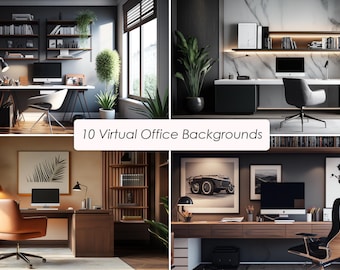
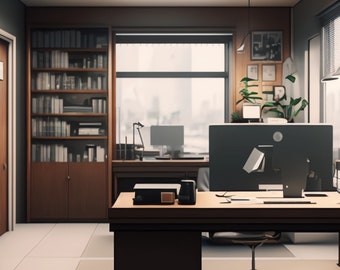
5 out of 5 starsVery nice image. Delivered immediately. Would definitely shop here again.
-

-

-

Denise on 17 Mar, 2025
5 out of 5 starsVery nice photo for download. Nice change from what my work offers.
-
-

Kristina on 09 Feb, 2025
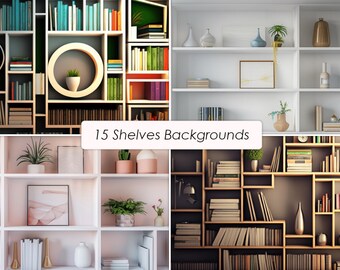
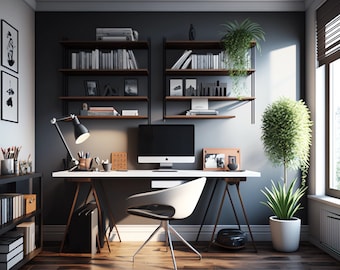
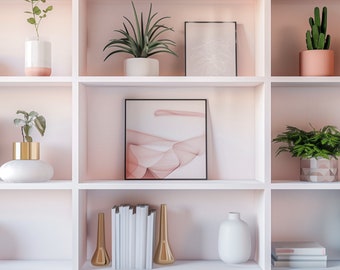
5 out of 5 starsJust a perfect background and super easy to download. Fast and done!
-
Lisa on 07 Feb, 2025
5 out of 5 starsBeautiful background, perfect for multiple media platforms such as TEAMS and Zoom. Easy to download and use!
-

-



About BetterBackground
Shop policies
Accepted payment methods
Returns & exchanges
More information
Frequently asked questions
Where can I download my purchase?
1. Go to Your Account
2. Click on Purchases and Reviews
3. Navigate to your order and select "Download Files"
Or follow the link:
https://www.etsy.com/your/purchases
There also should be an email download notification
How to set up the background on Zoom?
1. Position your camera against a plain background, such as a wall or curtain.
2. Click on Settings in the top right corner
3. Navigate to Background & Effects
4. Click the “+” icon to upload your new Zoom Background!